

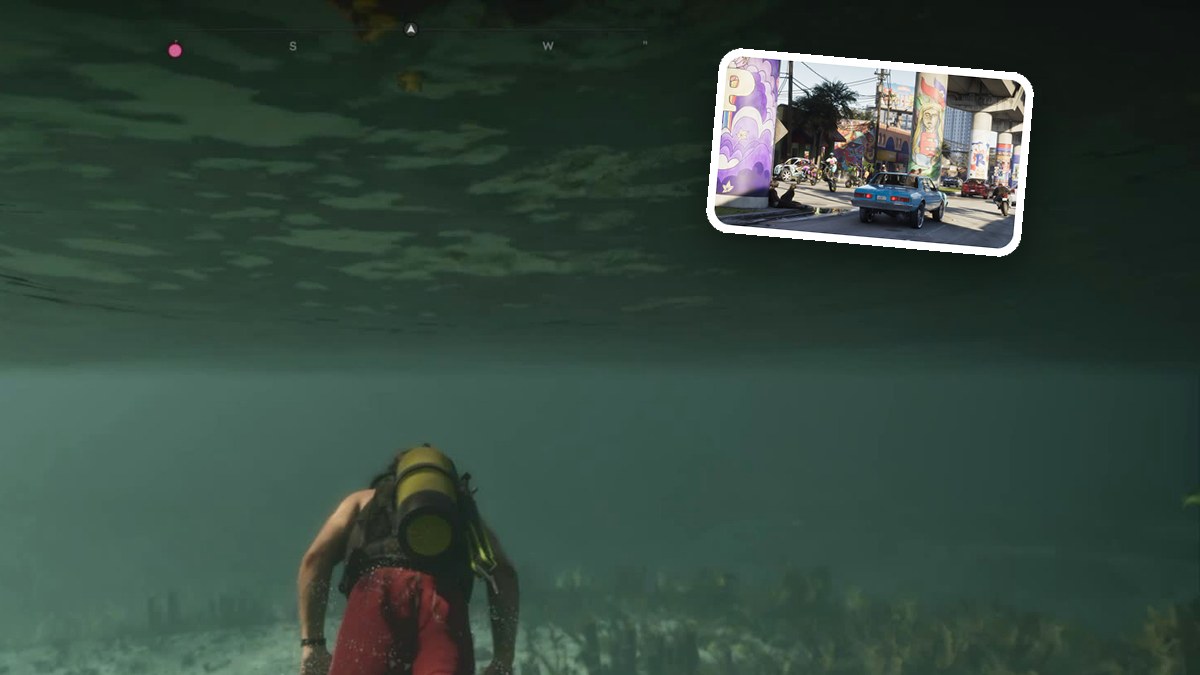
Start with settings, then browse on-foot and combat guides, vehicle controls, swimming and diving, and phone and side activities. The sections follow that order so you can find the basics for what you want to do.
These PS5 button values match what appeared on our screen.
Aim buttonL2Control landing gearL3View loadoutL1Crouch buttonOGrab promptR2Water strafing and backward swimmingL2Increase swimming speedL3Take off and climbR2Zoom while viewing photoR2Aim metal detectorL2 OR R2Aim pressure washerL2Aim near pool tableL2Begin pressure washingR2Dance buttonR2Dive underwaterR1Drive screwsR2Equip a weaponL1Equip metal detectorL1Grab enemy from behindR2Lock camera onto target vehicleR3Lock camera onto targetR3Look at bearsR3Open loadout wheelL1Open weapon wheelL1Pick up pool cueL1Pour fuelR1Pull cue stick backR2Roll paint onto wallR2Shoot cue ballR2Take gas canL1Throw gas canR2
Settings and First Steps
- Does GTA 6 Have a First-Person Mode? All You Need to Know!
Learn how to enter first-person view while standing still and check its limits for movement, driving, and aiming. - GTA 6 Beginner Settings: First-Launch Setup, Controls, and Gameplay
Adjust text, subtitles, display calibration, controls, gameplay assists, HUD, and audio before you start playing. - GTA 6 Beginner Tips: 14 Things to Do in Your First Hours in the Keys
Get starting tips for manual saves, cash storage, vehicle storage, stealth, and managing your criminal profile. - How to Make GTA 6 Aiming Easier With “Lock-on” and “Shooting Assist”
Adjust targeting, Aim Assist Strength, and Shooting Assist, then check damage-reduction settings and their gameplay warnings. - How to Make GTA 6 Easier With Just 2 Settings
Enable Accessible Combat and Reduced Vehicle Damage to lower enemy health and reduce damage to your character and vehicle. - How to Save Your Game Manually in GTA 6
Use the pause menu to save your progress in an empty slot or overwrite an existing file. - How to Turn Off Screen Narration in GTA 6
Find Screen Narration in Audio settings and learn how to enable it for text in most menus and UI.
On Foot, Combat and Focus
- GTA 6 Stamina and Focus Buffs: Coffee Location and How to Get
Find the coffee machine beside Lucia, pour a mug, and drink until notifications confirm your Stamina and Focus buffs are active. - How to Change Clothes at Jason’s House in GTA 6
Find the bedroom wardrobe and use the outfit menu to equip Big Shots Workwear. - How to Equip a Weapon While Driving in GTA 6
Open the weapon wheel from behind the wheel and select the firearm you want to use. - How to Grab Guards Quietly in GTA 6
Follow the PlayStation controls for crouching, approaching guards from behind, grabbing them, and completing a quiet chokehold. - How to Punch an NPC Without Talking to Them or Pushing Them in GTA 6
Use the default PS5 melee controls to holster your weapon, lock onto an NPC, and punch or kick. - How to Punch in GTA 6
Learn when to press Square and how to keep punching during a fight. - How to Remove Your Cap and Put on Glasses in GTA 6
Use the Items wheel to change owned accessories and lower your character’s recognition. - How to Set up Focus in GTA 6: Combat Highlights and Clearer Vehicle Trails
Check how to activate Focus and adjust its combat highlights and vehicle trails. - How to Use Binoculars in GTA 6
Select binoculars from your equipment wheel, equip them, and look at distant targets with the PlayStation controls. - How to Use Focus to Follow Vehicle Trails in GTA 6
Put away your weapon and click both thumbsticks while driving to reveal vehicle trails during a chase. - How to Use Focus to Spot Packages in GTA 6
Activate sonar pulses, follow the pink marker, and position your boat alongside a package for collection. - Why Is There Still a Hanger Icon on My Wanted Meter After I Bought New Clothes in GTA 6?
Find out what OUTFIT KNOWN means and which Big Shots outfit marking indicates it can clear outfit heat.
Cars, Trucks and Planes
- Hotwire a Car: Steal the Phoenix First Part in GTA 6
Use the right analog stick to fill the ignition gauge and start the Phoenix. - How to Change Radio Stations and Turn On the Radio in GTA 6
Open the radio controls while driving, browse stations, and choose your soundtrack from the station menu. - How to Close Your Car’s Hood in GTA 6
Find the CLOSE prompt at the engine bay and press Triangle to shut the hood. - How to Open and Close Your Truck’s Tailgate in GTA 6
Use the OPEN and CLOSE prompts behind Jason’s Ganado pickup to lower or latch the tailgate. - How to Take off in Brian’s Dodo in GTA 6
Accelerate through the water channel, steer with the rudder, and pull back once you have enough speed to lift off.
Swimming and Diving
- GTA 6 Donnie’s Sunken Boat: Location, Dive Steps, and Compartment Access
Locate floating debris off Corsair Key, dive to the wreck, and learn how to reach its compartment. - How to Dive, Surface, and Swim Faster in GTA 6
Use the PlayStation controls to change depth, increase swimming speed, and move underwater with scuba gear. - How to Get and Use the Arras Bullhead Speargun in GTA 6
Learn where to get the speargun and how to equip, aim, and fire it underwater. - Where to Get Scuba Gear in GTA 6
Find and equip scuba gear on Kenton’s boat, then use the PlayStation controls to swim faster, dive, and surface.
Phone, People and Side Activities
- Day Release: Dance With Jason at NINE1NINE in GTA 6
Follow Jason onto the dance floor at NINE1NINE and press R2 when the dance prompt appears. - GTA 6 Street Trash III Dezombifier Perks: Cards, Bonuses, and Controls
Compare perk card bonuses and learn how to select, skip, or redraw cards in the level-up menu. - GTA 6 WhatUp Messages: App Access, Donnie’s Chat, and Location Cards
Open Donnie’s chat to read task instructions and select location cards for the fishing spot and trailer drop-off. - How to Build Your Relationship With Lucia in GTA 6
Learn how to repair the deck railing, secure its slats, and access the relationship tutorial. - How to Dance With Lucia During Coming Home in GTA 6
Follow the prompts to dance beside Lucia, add flair, and talk on the dance floor. - How to Play Pool in GTA 6
Pick up a cue, line up shots, and learn how ball assignments, turns, and fouls work. - Street Trash III Dezombifier First Part in GTA 6
Learn the opening movement, shooting, sprinting, and perk controls, plus how to find gears and salvage.
Leave a Reply