

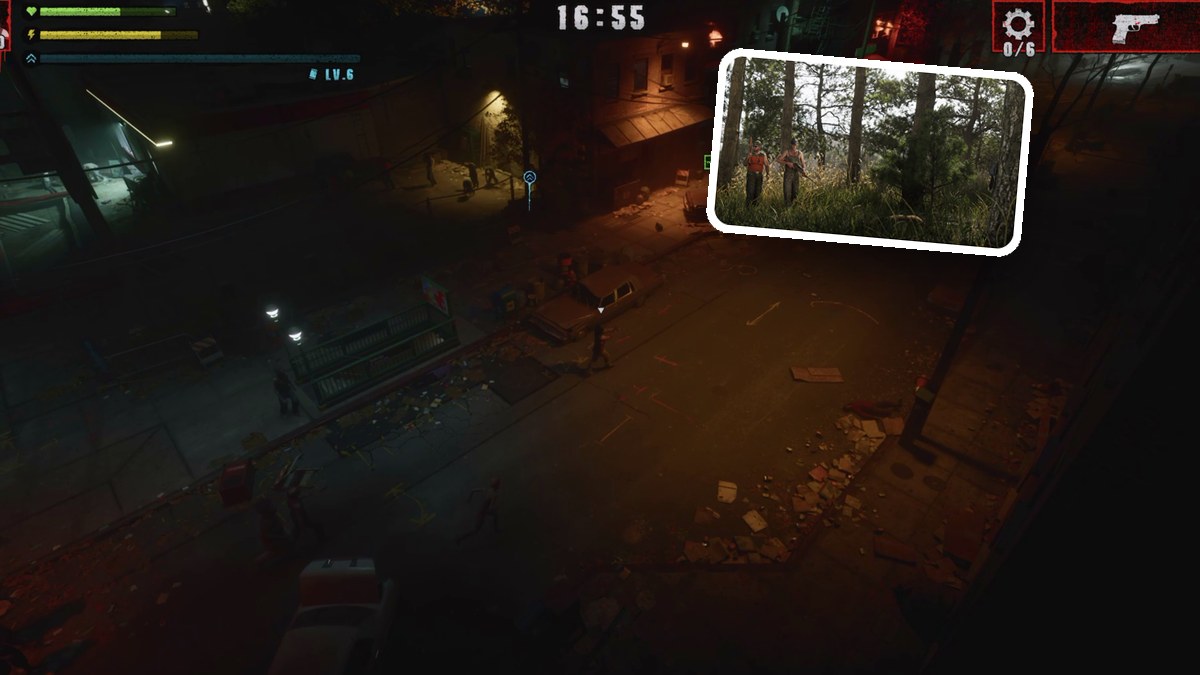
Play Street Trash III Dezombifier by moving with the left stick, shooting with the right, killing zombies for XP, choosing perks, and collecting six gears.
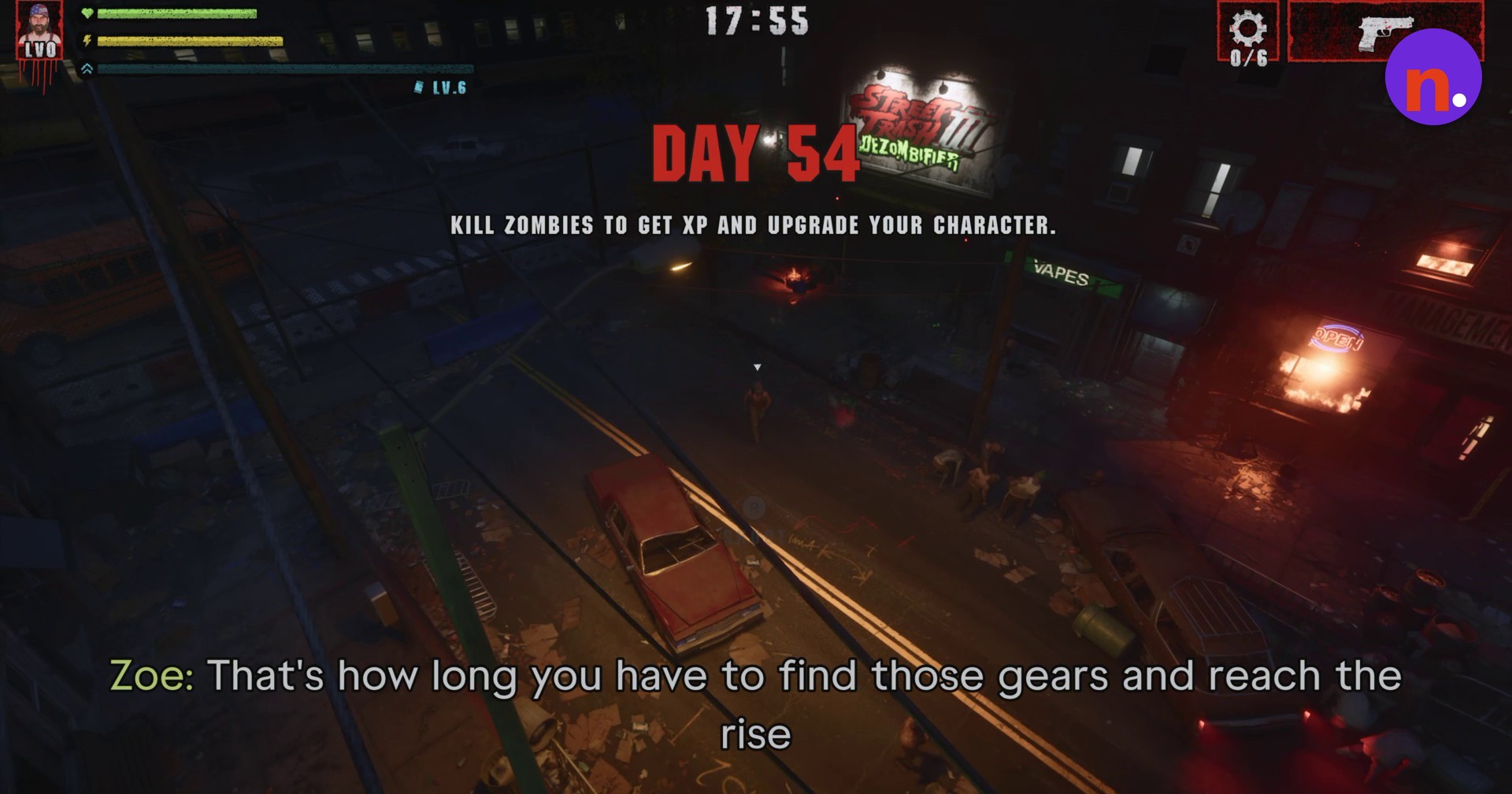
Street Trash III Dezombifier in Grand Theft Auto VI sends zombies after you through the streets. Your opening objective is KILL ZOMBIES TO GET XP AND UPGRADE YOUR CHARACTER. This guide covers the opening controls and perk choices, ending during gear collection.
The game is listed for PlayStation 5 and Xbox Series X|S. Its Indian PlayStation Store listing carries an 18+ age rating.
How to play Street Trash III Dezombifier in Grand Theft Auto VI
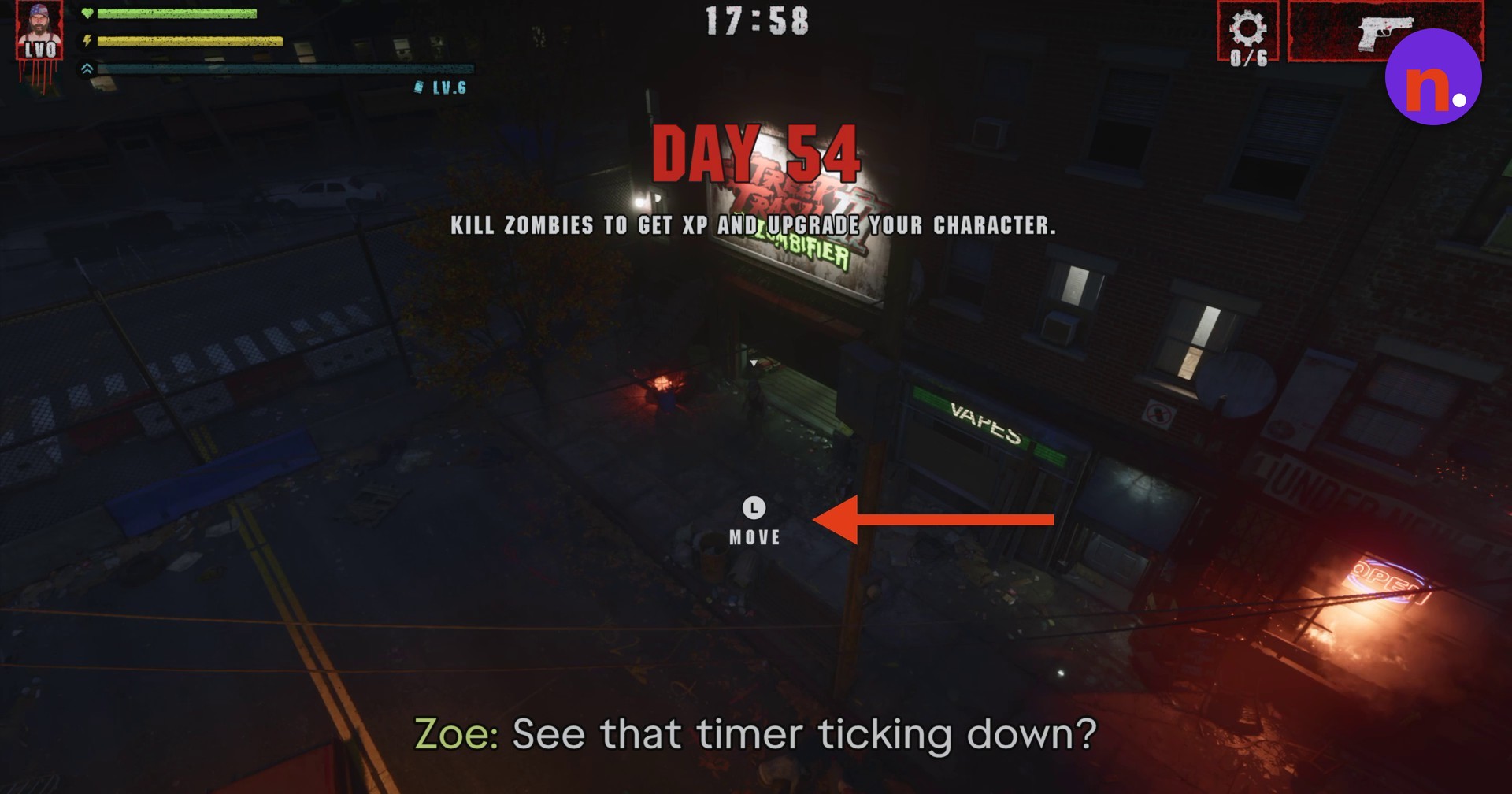
Move with the left stick
Use the left analog stick to move your character along the street. The movement prompt reads L MOVE.
Aim and shoot with the right stick
Use the right analog stick to aim and fire at approaching zombies. The shooting prompt reads R SHOOT.
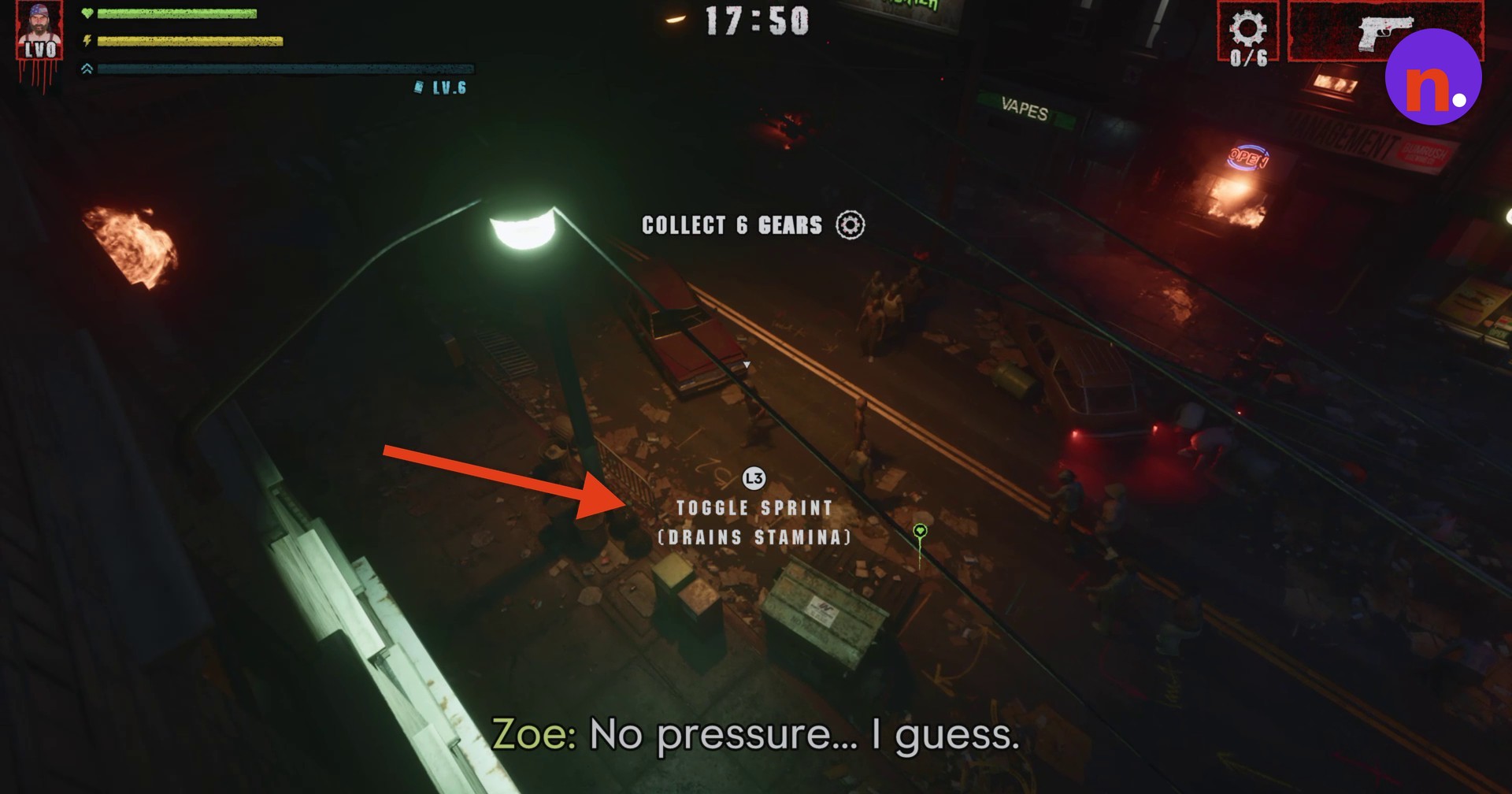
Toggle sprint with L3
Press L3 to switch sprint on or off. Sprinting increases your movement speed but consumes stamina. The prompt reads L3 TOGGLE SPRINT (DRAINS STAMINA).
Kill pursuing zombies for XP
Fight the zombies following you to earn XP and fill your level gauge.
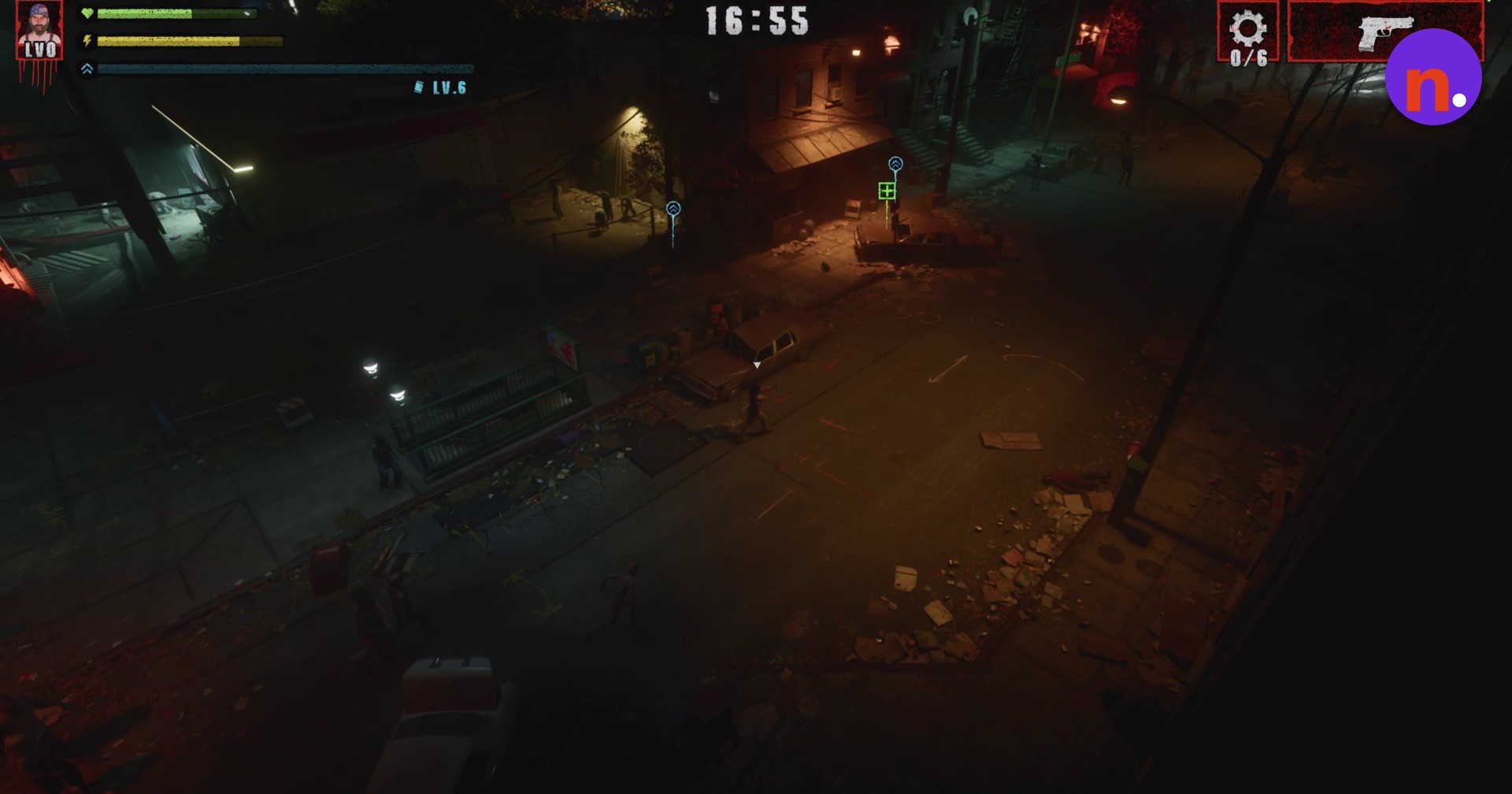
Look for the blue gear icon
Look for the floating blue gear icon above the street. Gears are scattered around the area. Avoid enemy hordes while searching.
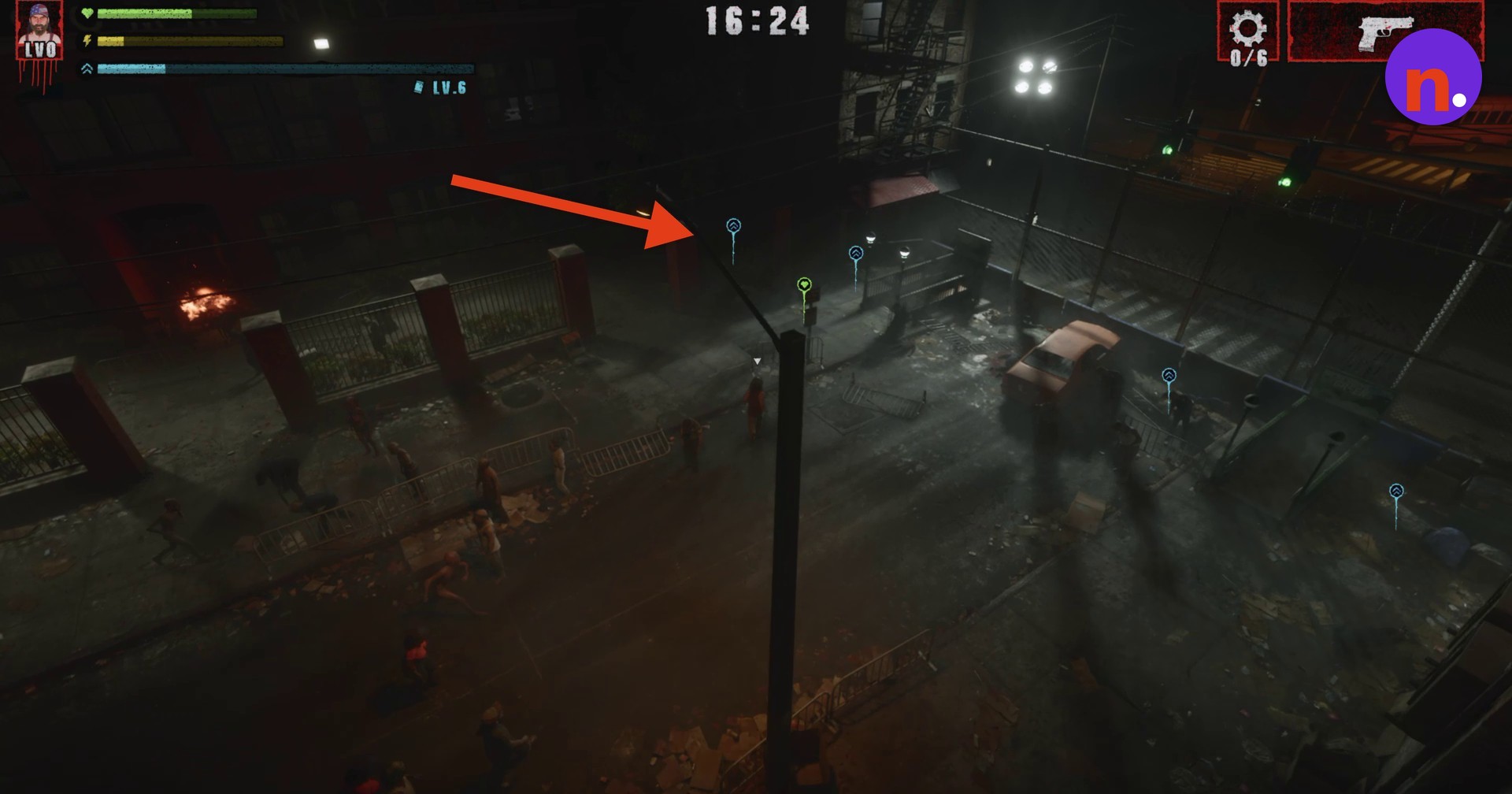
Choose a perk when you level up
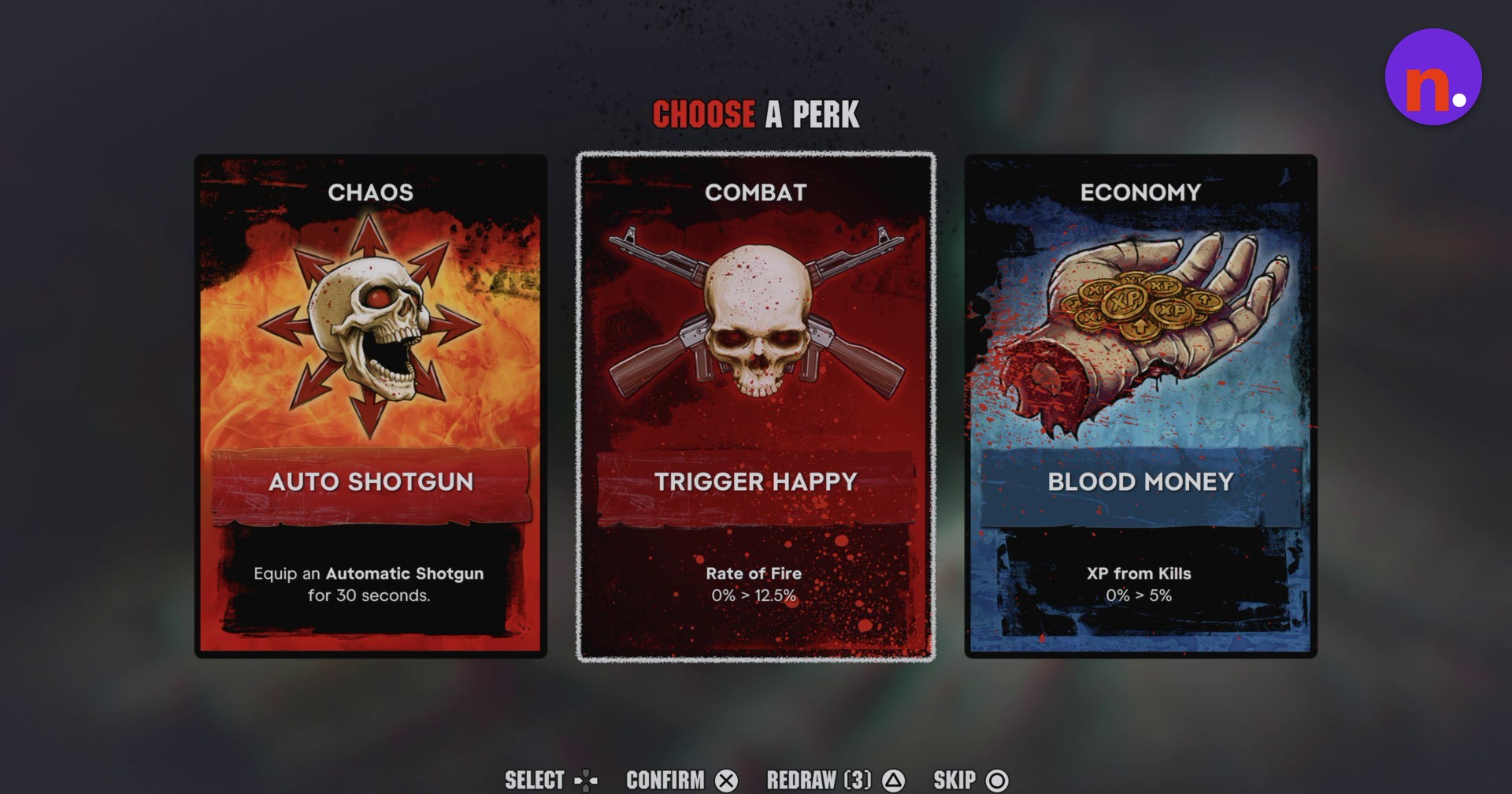
Select an available perk when the level-up selection appears.
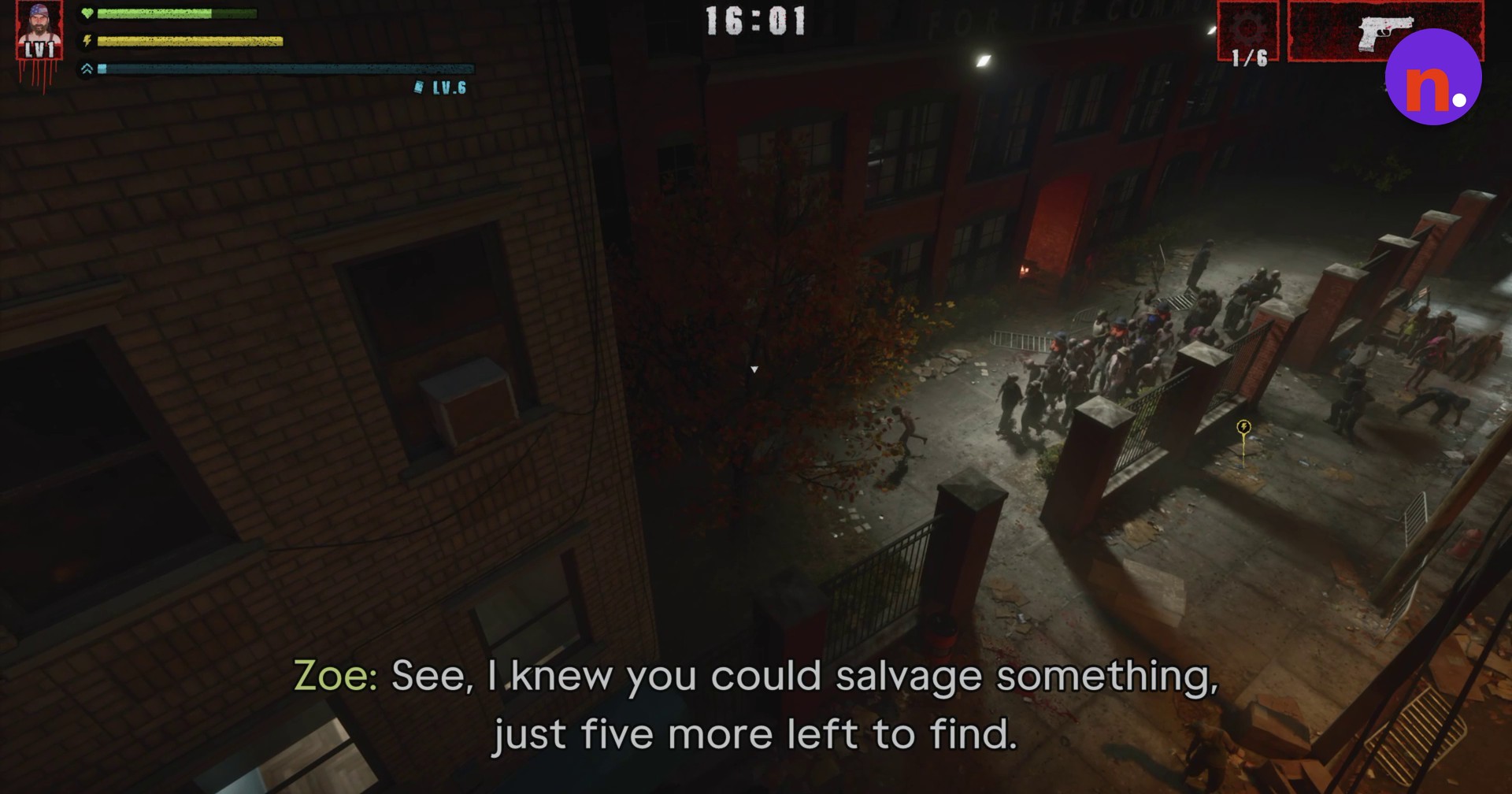
Collect salvage from hidden alleyways
Pick up salvageable gears in hidden alleyways. Continue exploring through alleys and city courtyards. Collecting gears increases your gear tally. After your first pickup, the counter reads 1/6, leaving five gears to find.
› story detailsSpoilers for the story. Open to read.
A lone survivor stands inside an open garage amidst the zombie outbreak.
What do the Street Trash III Dezombifier perks do?
| Category | Perk | Effect |
|---|---|---|
| Chaos | AUTO SHOTGUN | Equips an automatic shotgun for 30 seconds. |
| Combat | TRIGGER HAPPY | Rate of fire changes from 0% to 12.5%. |
| Economy | BLOOD MONEY | XP from kills changes from 0% to 5%. |
The level-up selection displays three perk cards, each pairing a category with an effect.
Under the CHOOSE A PERK heading, the menu labels are SELECT, CONFIRM, REDRAW (3) and SKIP.
Read the effect before confirming your perk, paying attention to the card’s duration or stat change.
Your chosen perk card upgrades your character.
Related Grand Theft Auto VI guides



Leave a Reply