
Category
Tips
-

I Switched Claude Code to Concise Mode in Seconds — the Desktop App Wouldn’t Take It
Claude Code’s new Concise output style needs v2.1.237. Here’s how to switch it on in the terminal, why the desktop app can’t show it…
-
How to Run OpenAI Codex (GPT-5.6 Sol) Inside Claude Code: Full Guide
Two ways to use your OpenAI Codex / GPT-5.6 Sol subscription inside Claude Code — the official Codex plugin and the proxy/alias method. Step-by-step…
-
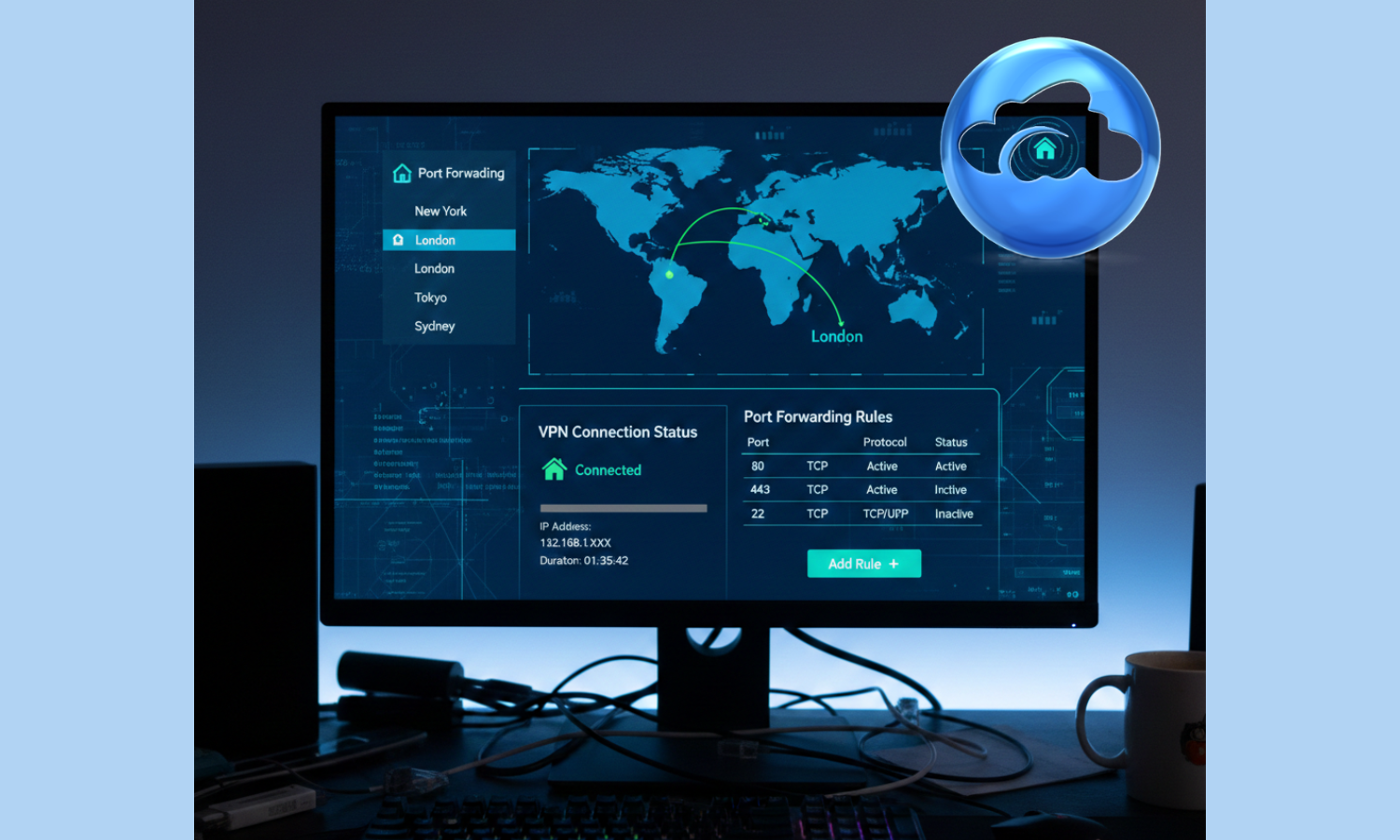
How to Do Port Forwarding With AirVPN
What to know AirVPN uses remote port forwarding, not automatic UPnP, so you must manually reserve a port in your account. You can reserve up to…
-

How to Bypass YouTube’s Brave Browser Block In 2026
What to know YouTube detects Brave’s Shields as ad blockers, triggering video limits or bans after a few plays. Updating Brave components, like the…
-

Skip Google’s AI Answers by Adding Just Three Characters to Your Search
What to know Google’s AI summaries appear at the top of many search results and can be skipped using a simple search operator. Adding -ai to…
-
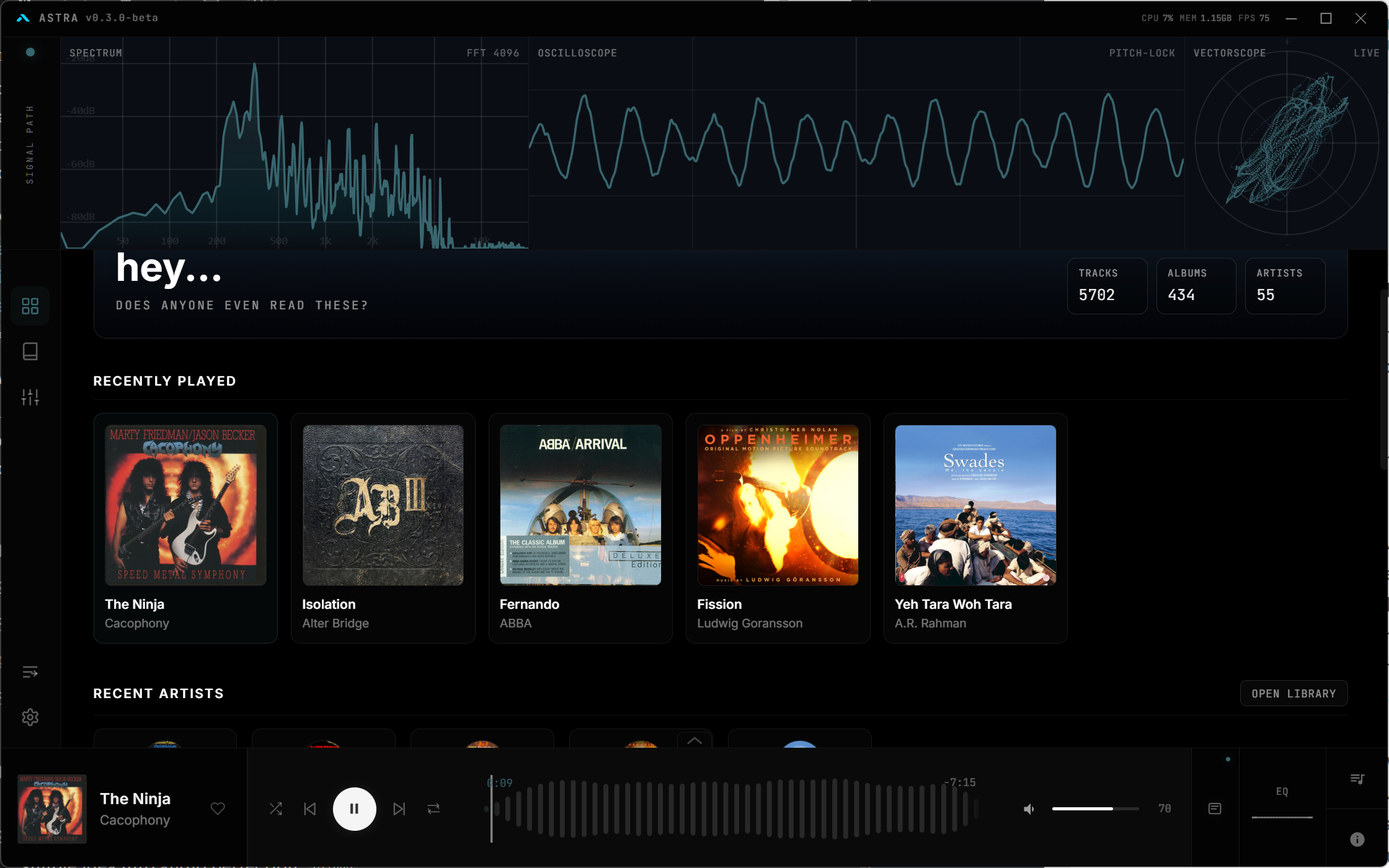
A Redditor Made Their Own Music Player – Astra – and It’s Awesome
Streaming isn’t everyone’s cup of tea. But for audiophiles with FLACs to spare, the difficulty can be choosing which music player to use for…
-
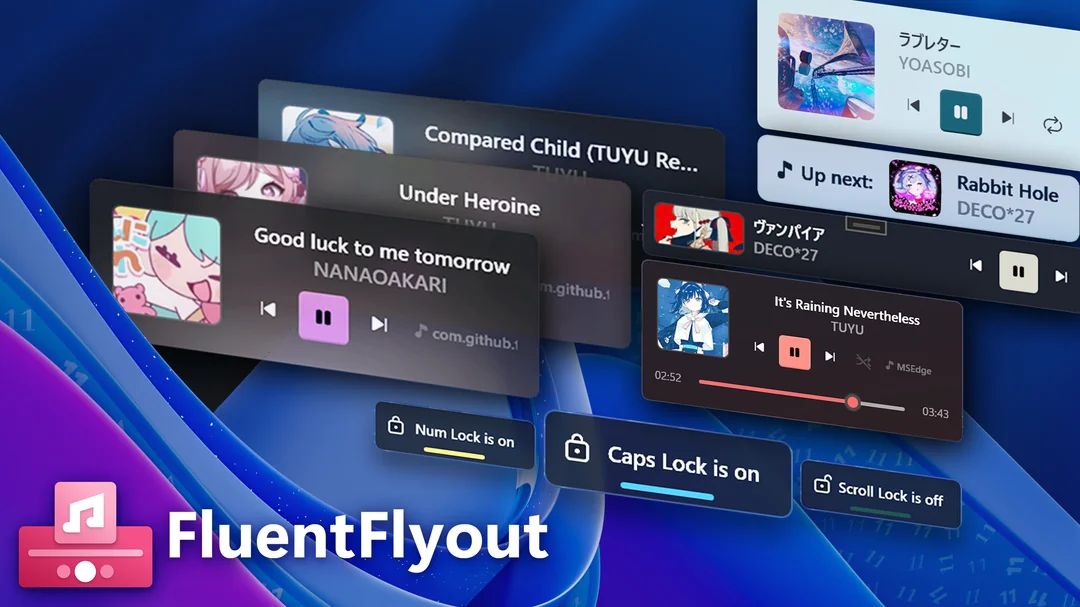
Transform Your Windows 11 Taskbar with FluentFlyout’s Sleek Visualizer Widgets and Media Flyouts
What to know FluentFlyout delivers modern audio flyouts, taskbar widgets, and lock key indicators using Fluent 2 design for seamless Windows 11 integration. Recent…
-
Simplify Windows 11 Playback with a Click – Add Media Controls in the Taskbar
If you’ve ever wanted media control players in your taskbar so you can control playback with a single click, well, now is the chance…
-
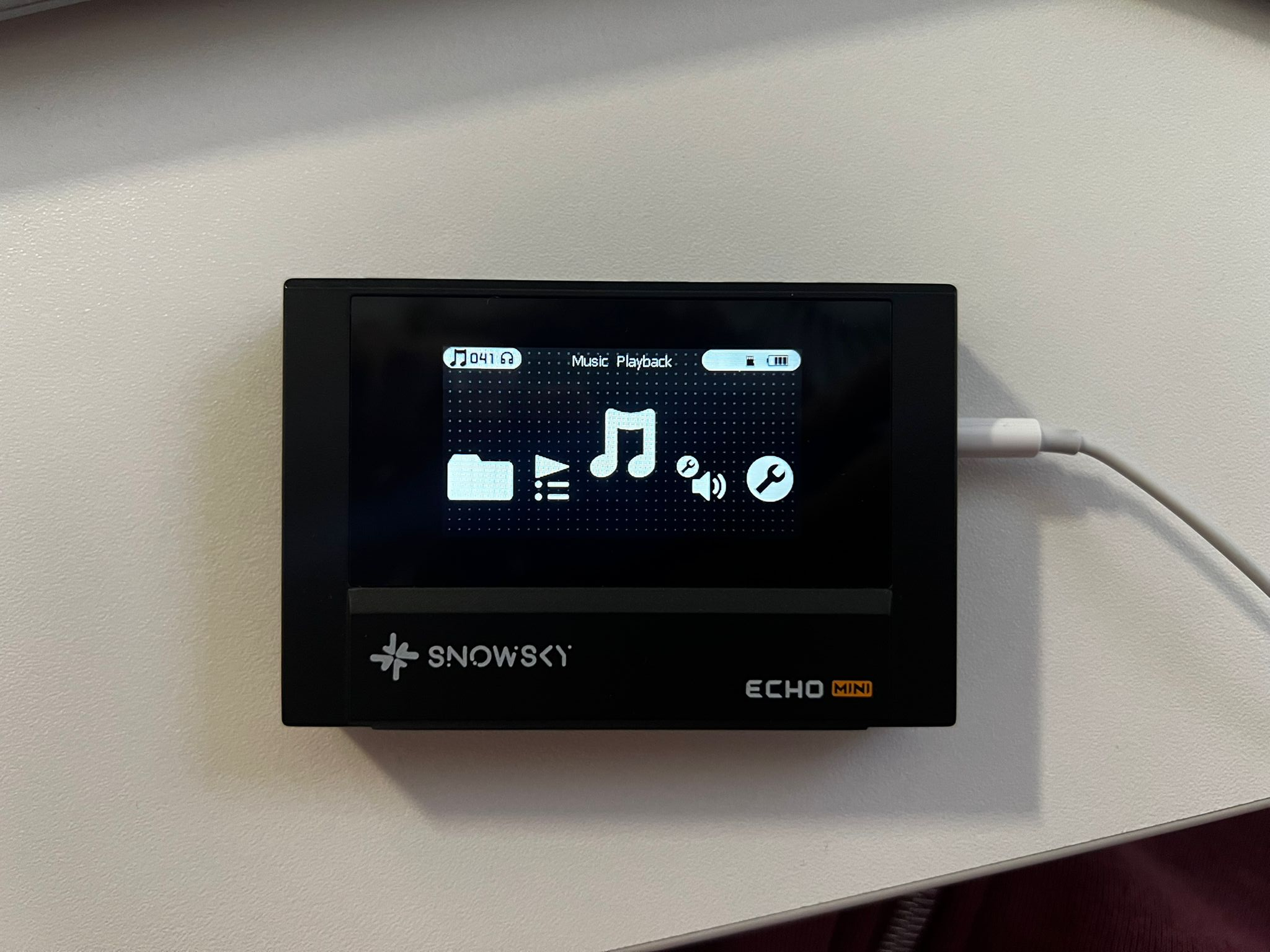
Ultimate Guide to Sharing and Downloading Snowsky Echo Mini Themes
What to know A free platform hosts community-created themes for Snowsky Echo Mini devices. Users upload theme packages and download others directly without technical…
-
Use Spotify to Play Local Files on Phone – Sync and Download Local Files From Spotify Desktop App to Phone
Spotify lets you play local files on your PC by turning on the Show Local Files option from Spotify’s settings. But if you want…
-
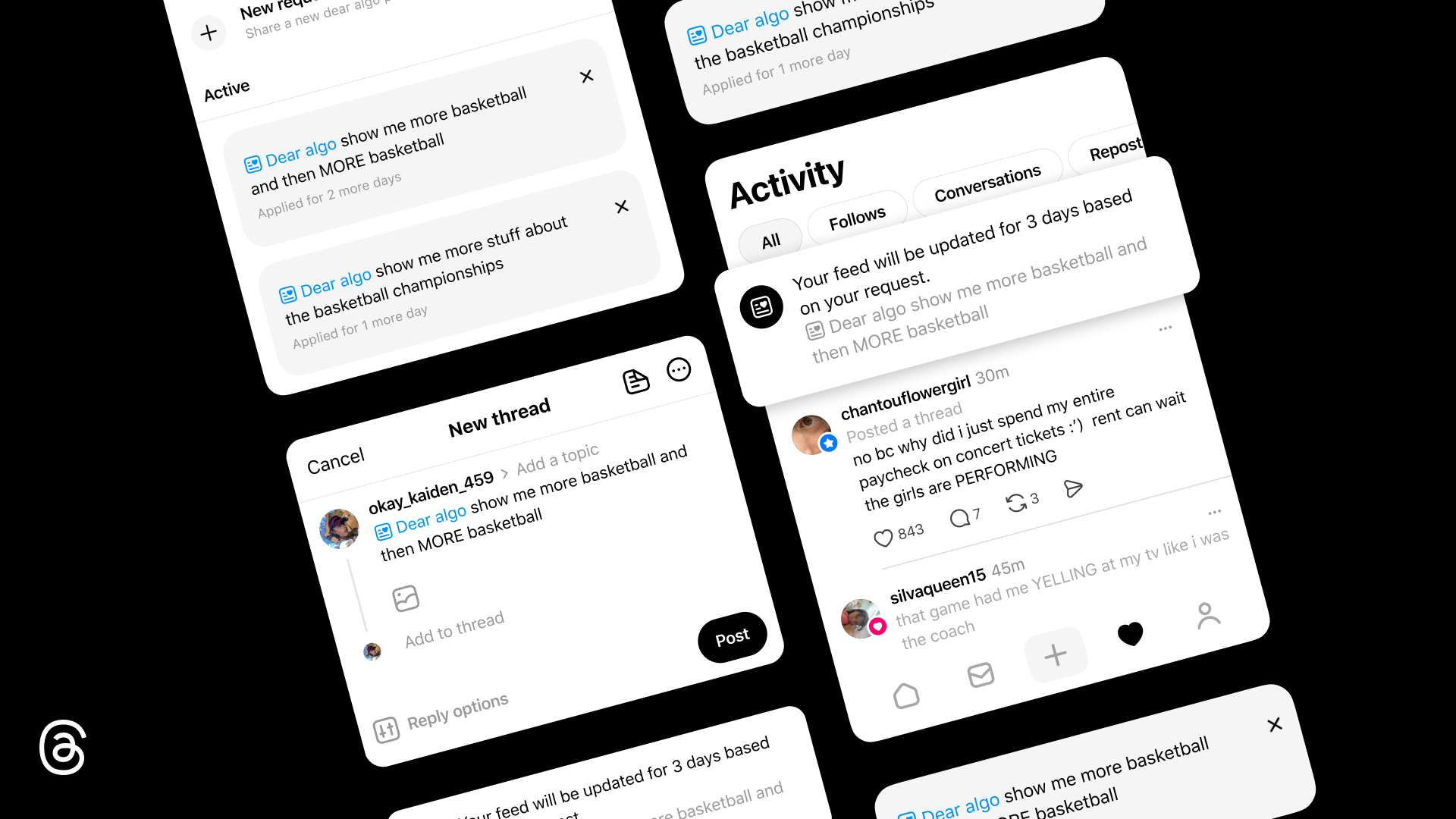
How to Personalize Dear Algo for Yourself on Threads
What to know Dear Algo is a new AI-powered Threads feature that lets posts act as “instructions” to your feed for about three days…
-

How to Create a New Label on Gmail Android App on Mobile
What to know The Create label option shows up in the Gmail navigation drawer (left menu) once the feature is live for your account.…
-

Quick Hytale FPS Fix: Disable This HUD Setting for Better Performance
What to know Players testing performance in Hytale have discovered that disabling the in-game HUD can lead to an unexpectedly large FPS increase. In…
-

How to Reorder Addons and Remove Cinemata on Stremio
Learn how to reorder Stremio Addons as well as remove the default Cinemata addon from your Stremio Home screen.
-

How to Schedule Messages in Google Chat
Google Chat now lets you schedule messages up to 120 days in advance. Learn how to schedule and manage your scheduled messages in Google…
-

What Is the New Preview App in iOS 26? All You Need to Know
Browse and edit PDFs, images, and more easily with the new Preview app in iOS 26, bringing Mac features to iPhone and iPad.
-
How to Import and Export Browsing Data in Safari in iOS 18
Import and export Safari’s browsing data in iOS 18.2 from Settings app > Apps > Safari > Import/Export.
-
How to Limit Maximum Volume in iOS 18
You can limit the maximum volume on your iPhone’s built-in speakers in iOS 18.2 from Settings > Sound & Haptics > Volume Limit.
-
How to Set Default Apps in iOS 18
iOS 18.2 lets you change default apps for calling, messaging, browsing, keyboards, and more. Set default apps from Settings > Apps > Default apps.
-

How to Turn Off Trending Topics on Bluesky
Trending Topics is a new Bluesky feature that highlights subjects that are popular amongst its users. Disable it from Settings > Content and media…