
Topic
Windows 11
-

Codex on Windows Gets an MXC Sandbox With No Admin Setup: Check If Your PC Supports It
Codex MXC needs a compatible Windows 11 PC. Check the required builds, run the support test and see what changes during setup.
-
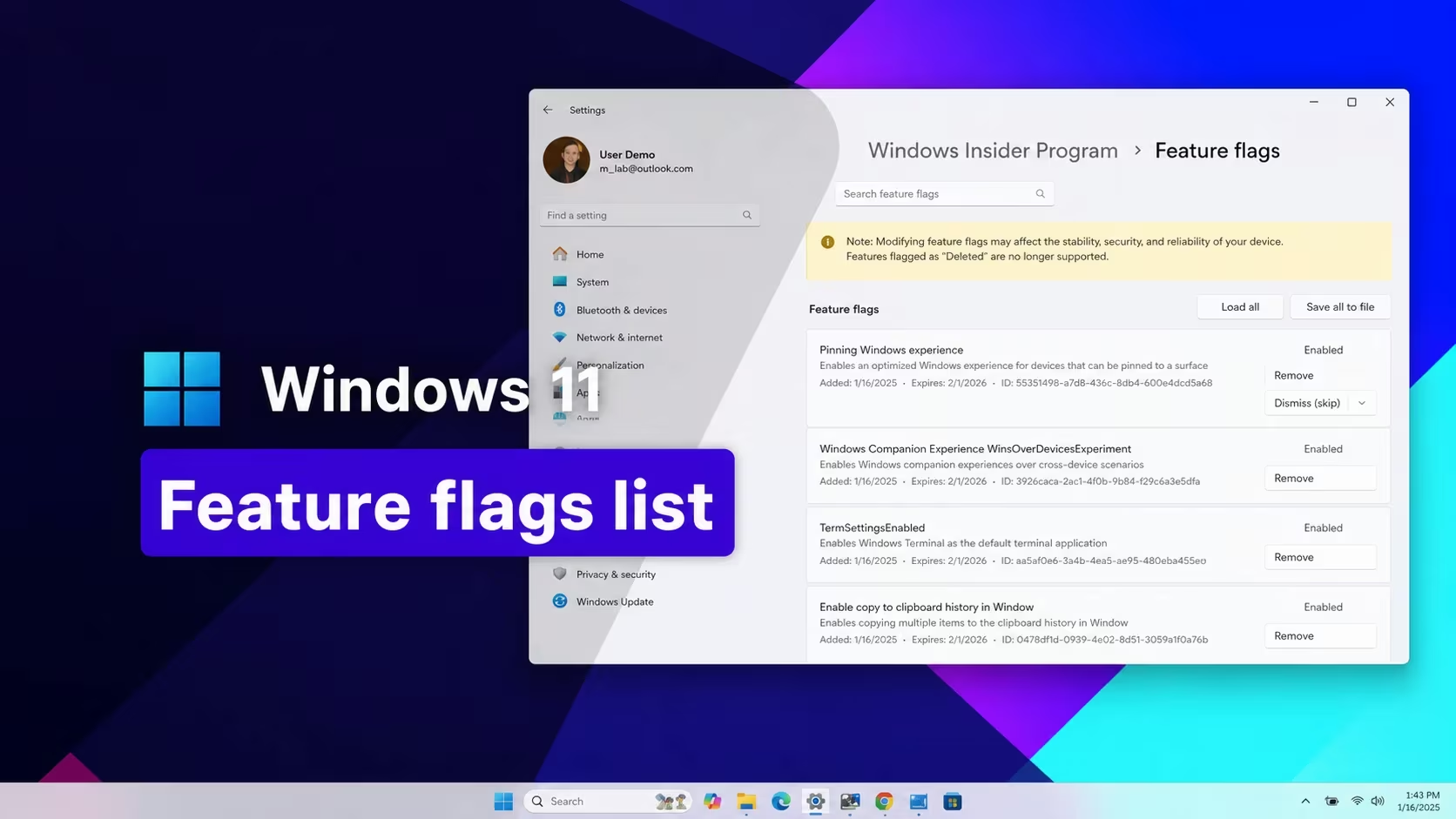
Windows 11 Codes (September 2026)
Here’s every working Windows 11 feature ID you can enable right now, plus how to turn them on.
-

Notepad Will Soon Get Image Embedding on Windows 11
What to know Notepad’s image support appears in preview builds via a toolbar button, tied to Markdown for inline image insertion and viewing. The…
-
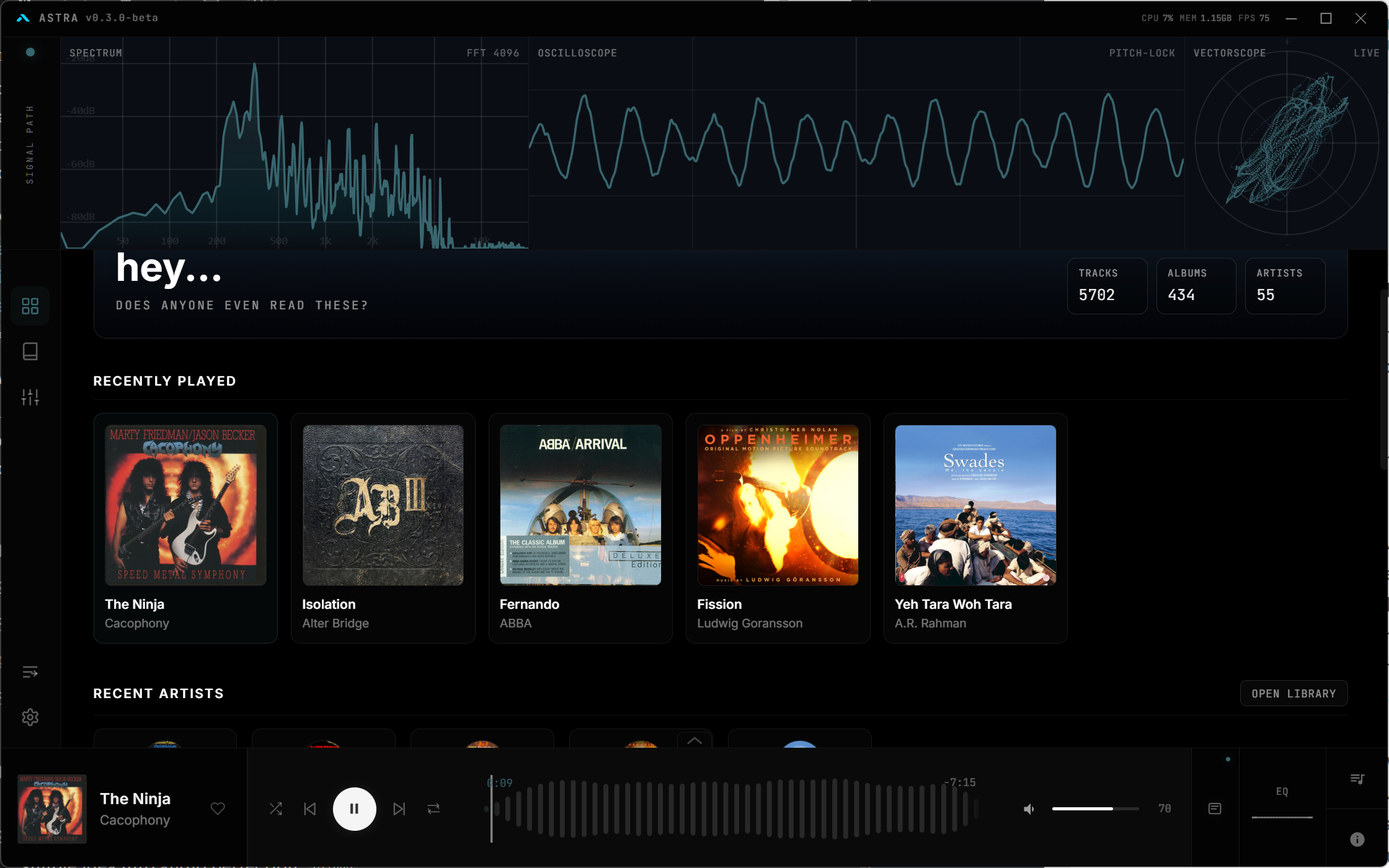
A Redditor Made Their Own Music Player – Astra – and It’s Awesome
Streaming isn’t everyone’s cup of tea. But for audiophiles with FLACs to spare, the difficulty can be choosing which music player to use for…
-
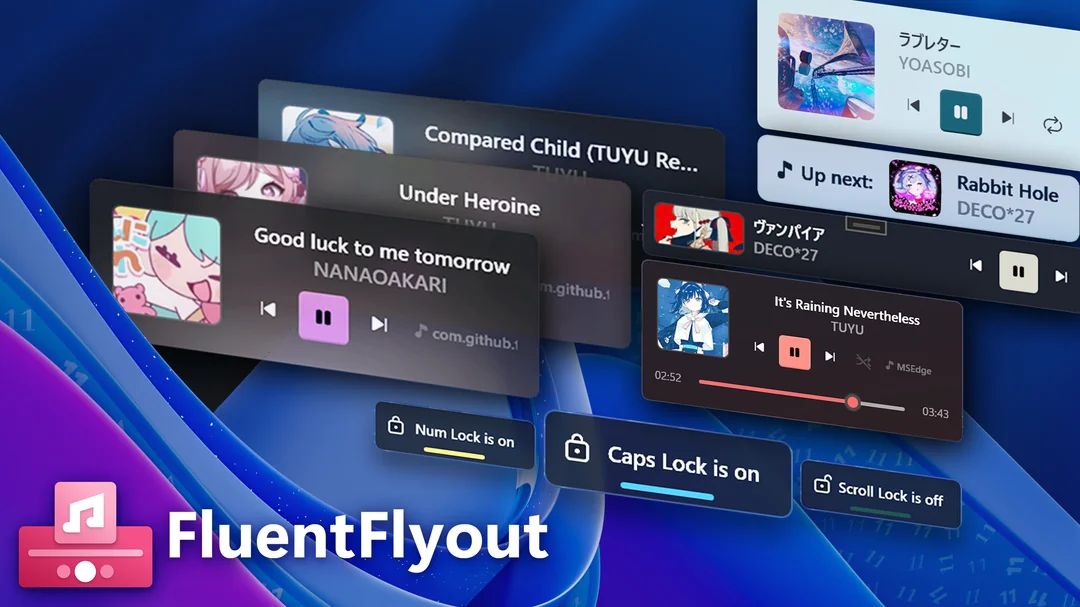
Transform Your Windows 11 Taskbar with FluentFlyout’s Sleek Visualizer Widgets and Media Flyouts
What to know FluentFlyout delivers modern audio flyouts, taskbar widgets, and lock key indicators using Fluent 2 design for seamless Windows 11 integration. Recent…
-

Simplify Windows 11 Playback with a Click – Add Media Controls in the Taskbar
If you’ve ever wanted media control players in your taskbar so you can control playback with a single click, well, now is the chance…
-

Windows 11 Insider Preview 26220.7271 Adds Xbox Full Screen, Rollback Restore, Smarter Voice Typing, and More!
Microsoft’s Windows 11 Insider Build 26220.7271 introduces new features for gaming, recovery, and fluid voice typing, delivering a more immersive and user-friendly experience.
-

Windows 11 Will Soon Get Bluetooth Audio Sharing Feature That Connects Two Headphones Simultaneously
Windows 11 is testing a Bluetooth shared audio feature that enables streaming audio to two wireless headphones simultaneously, enhancing social listening experiences.
-

Restyle in Paint Begins Rolling Out to Windows Insiders
Microsoft has begun rolling out the “Restyle” AI-powered feature in the Paint app to Windows Insiders, enabling image style-transformations directly within the Copilot menu.
-

Microsoft’s New and Redesigned Start menu in Available for Testing on Windows 11
Microsoft is testing a new Start menu for Windows 11, available to Dev Channel users. The update brings design changes and improved recommendations. Feedback…
-

Microsoft brings AI actions to Windows 11 File Explorer for easier file management
Microsoft is adding AI-powered actions to the Windows 11 File Explorer, allowing users to perform tasks like summarizing or copying text directly from the…
-
Microsoft Rolls Out Recall and AI Search to Millions of Copilot Plus PCs
Microsoft launches Recall, an AI-powered timeline tool, and improved Windows search for Copilot Plus PCs. The features roll out gradually, with privacy controls and…
-
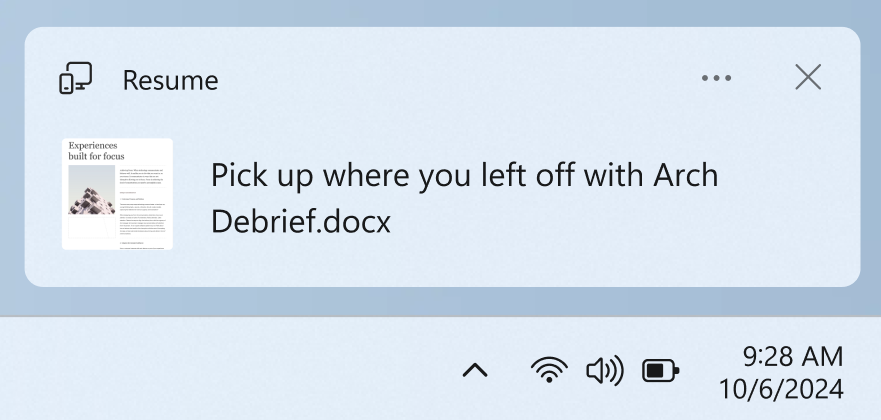
Windows 11’s ‘Resume’ feature clones Handoff, plus MIDI gets a massive upgrade
Build 27788 rolls out to the Canary Channel, bringing cross-device continuity and a revamped MIDI service.
-

Microsoft Store lets you pick and choose which parts of PC games to download
Finally, a way to avoid downloading that massive HD texture pack you’ll never use.
-
How to Install MacOS on VMware Workstation Pro on Windows
Get the Mac experience on Windows!
-
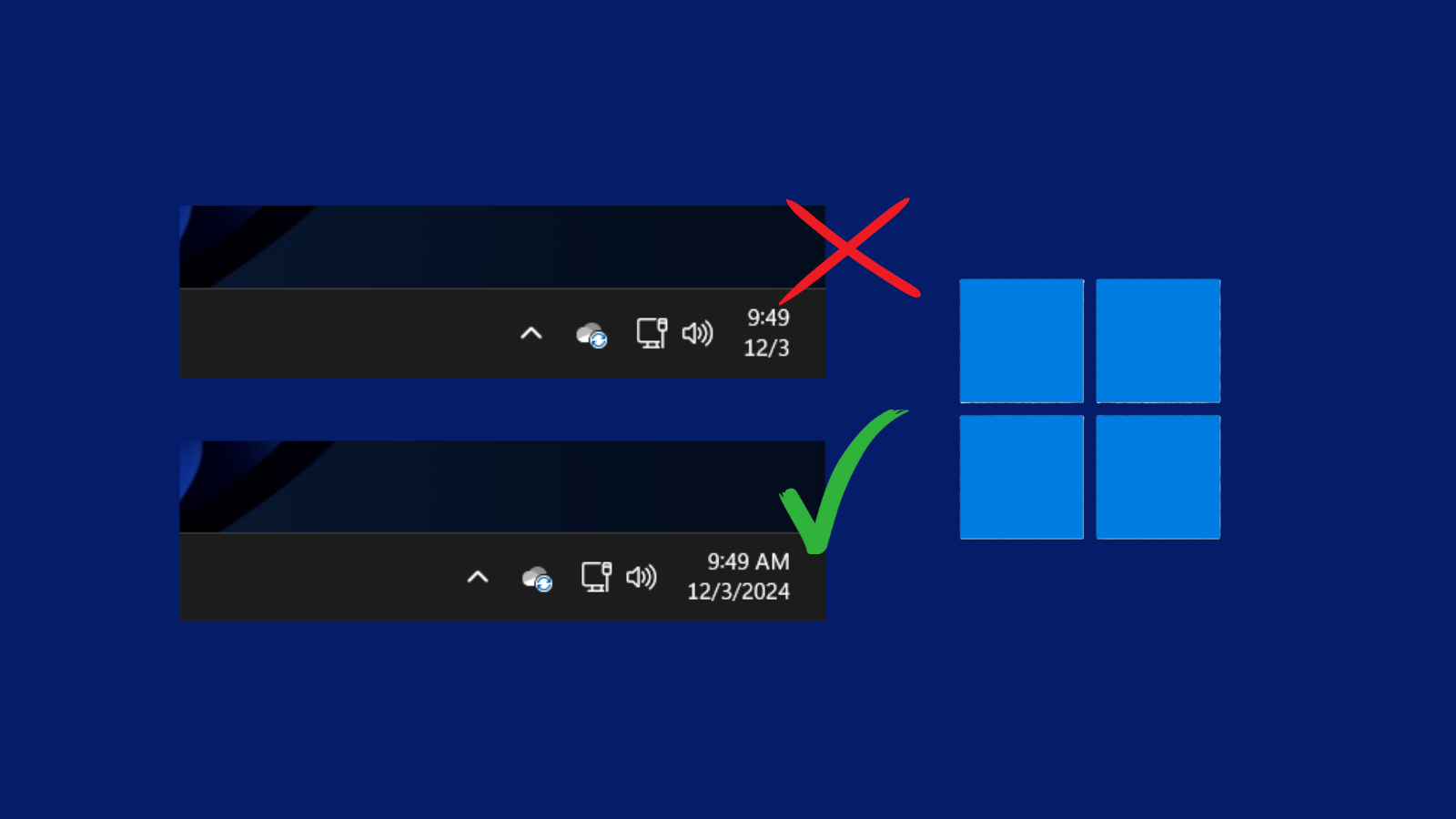
3 Ways to Show Full Date and Time in Windows 11 Taskbar
Get back the full date and time format
-
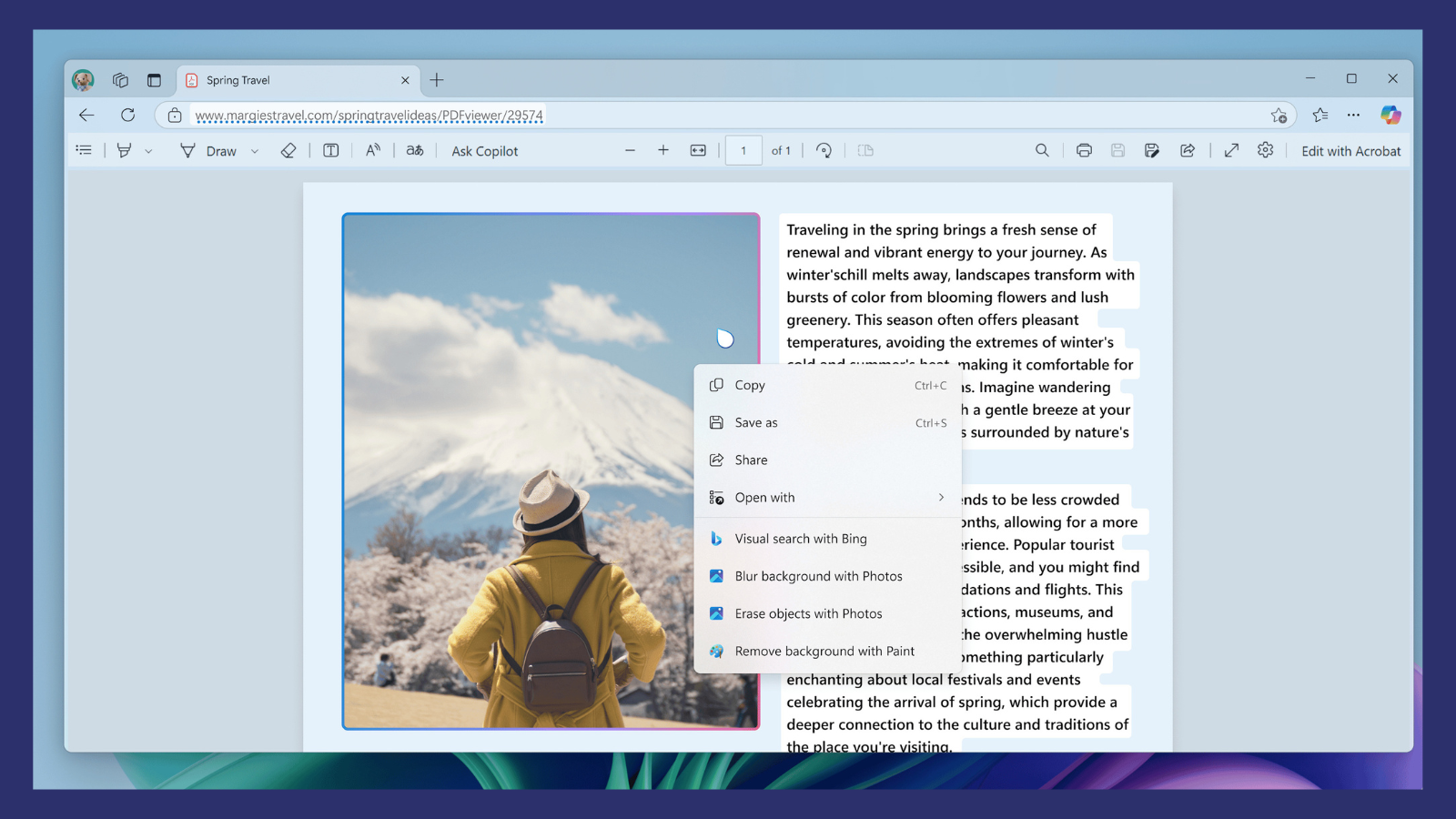
Microsoft Rolls Out Click to Do Preview for Recall
What to know Microsoft has rolled out Click to Do (preview) for Copilot+ PCs (Insiders Dev build only). Click to Do is an AI-powered…
-
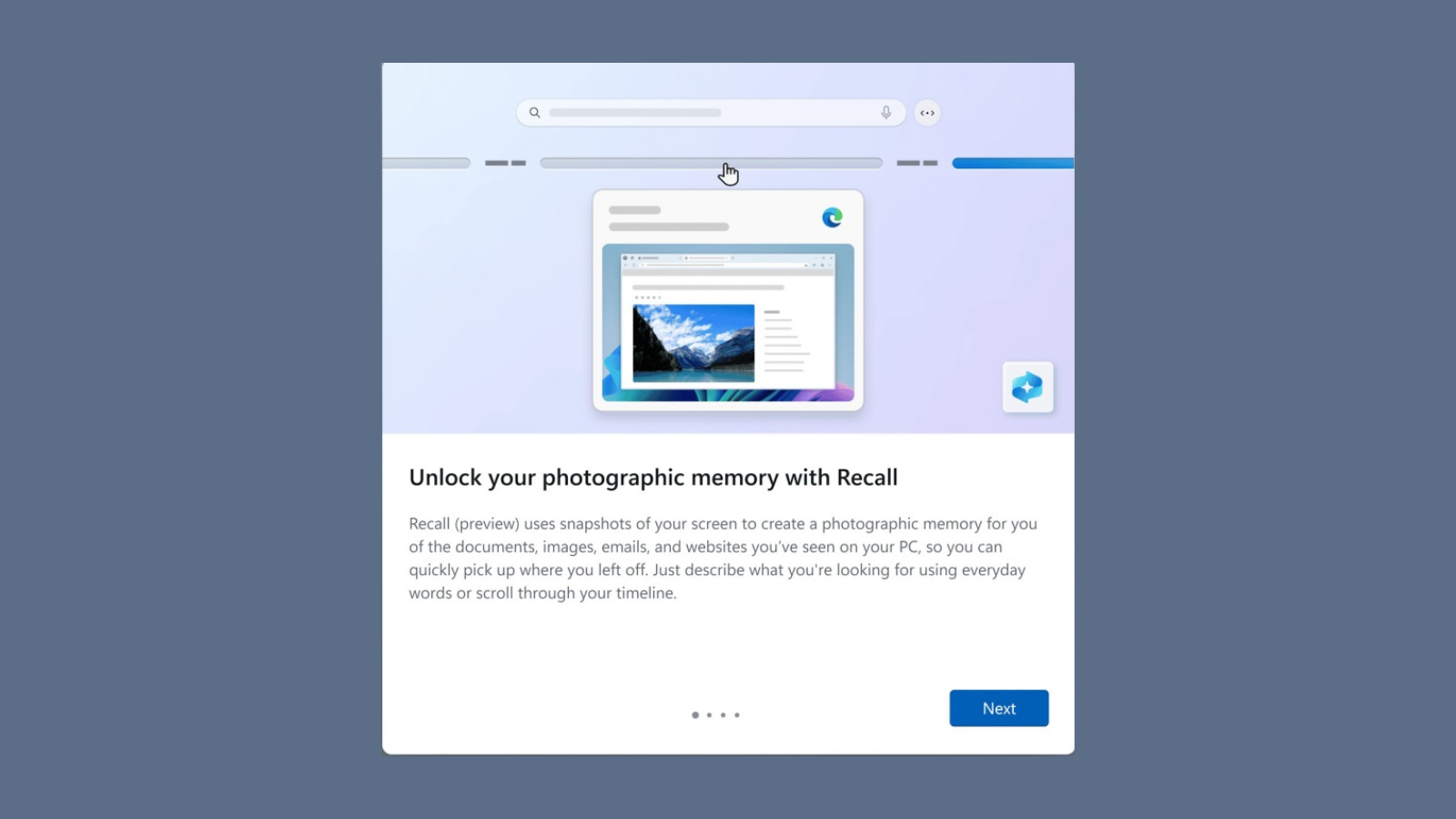
Windows Recall Is Finally Available to Try for Copilot+ PCs
What to know Windows Recall (Preview) is available for Windows Insiders (Dev Channel) with Copilot+ PCs. Microsoft has tried to address the privacy concerns…
-

Microsoft is Showing Full-Screen Ads to Windows 10 Users to Promote Windows 11
What to know Microsoft shows full-screen ads on Windows 10 computers to promote Windows 11 and Copilot+ PCs. The ads highlight new features and…
-

Windows 11 With “Full Capabilities” Coming to Meta Quest 3 and 3S
What to know Windows will work with “Full capabilities” of Windows 11 on Meta Quest 3 and Quest 3S headsets from December 2024. PC…