

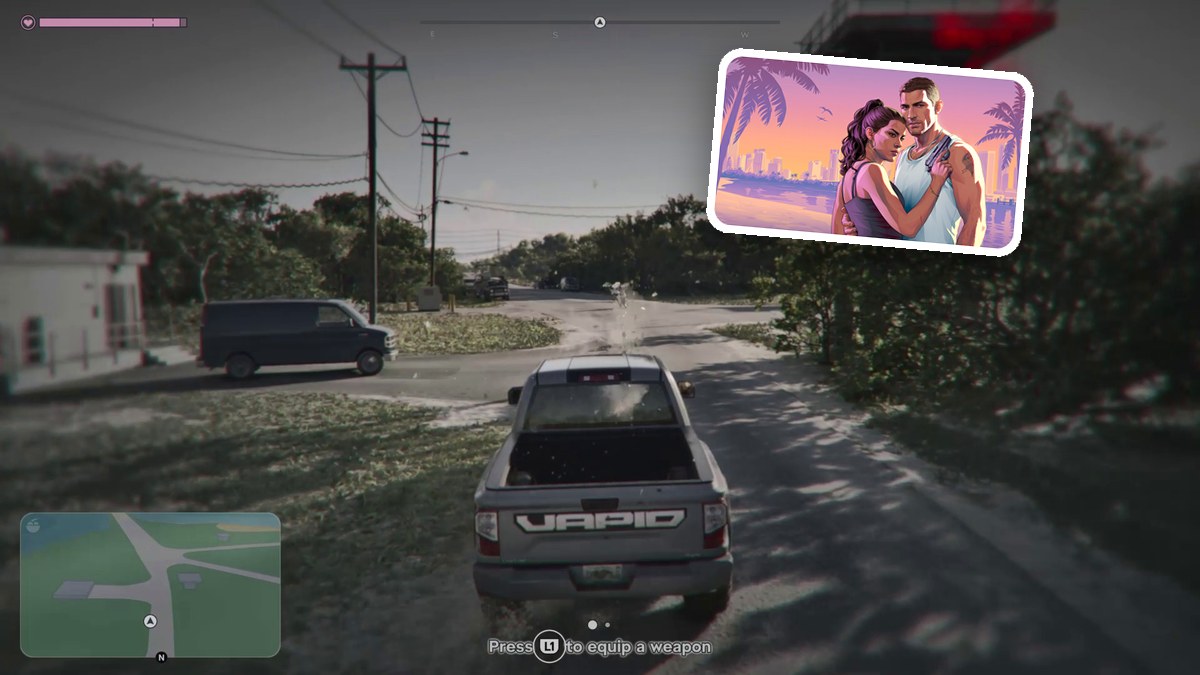
QUICK ANSWER
Press L1 while driving to equip a weapon, then highlight the firearm you want in the weapon wheel.
Press L1 while driving to equip a weapon, then highlight the firearm you want in the weapon wheel.
The weapon wheel lets you choose your firearm while you’re behind the wheel in Grand Theft Auto VI. The game’s platforms include Xbox Series X|S and PlayStation 5.
How to equip a weapon while driving in Grand Theft Auto VI
STEP 1
Open the driving weapon selection
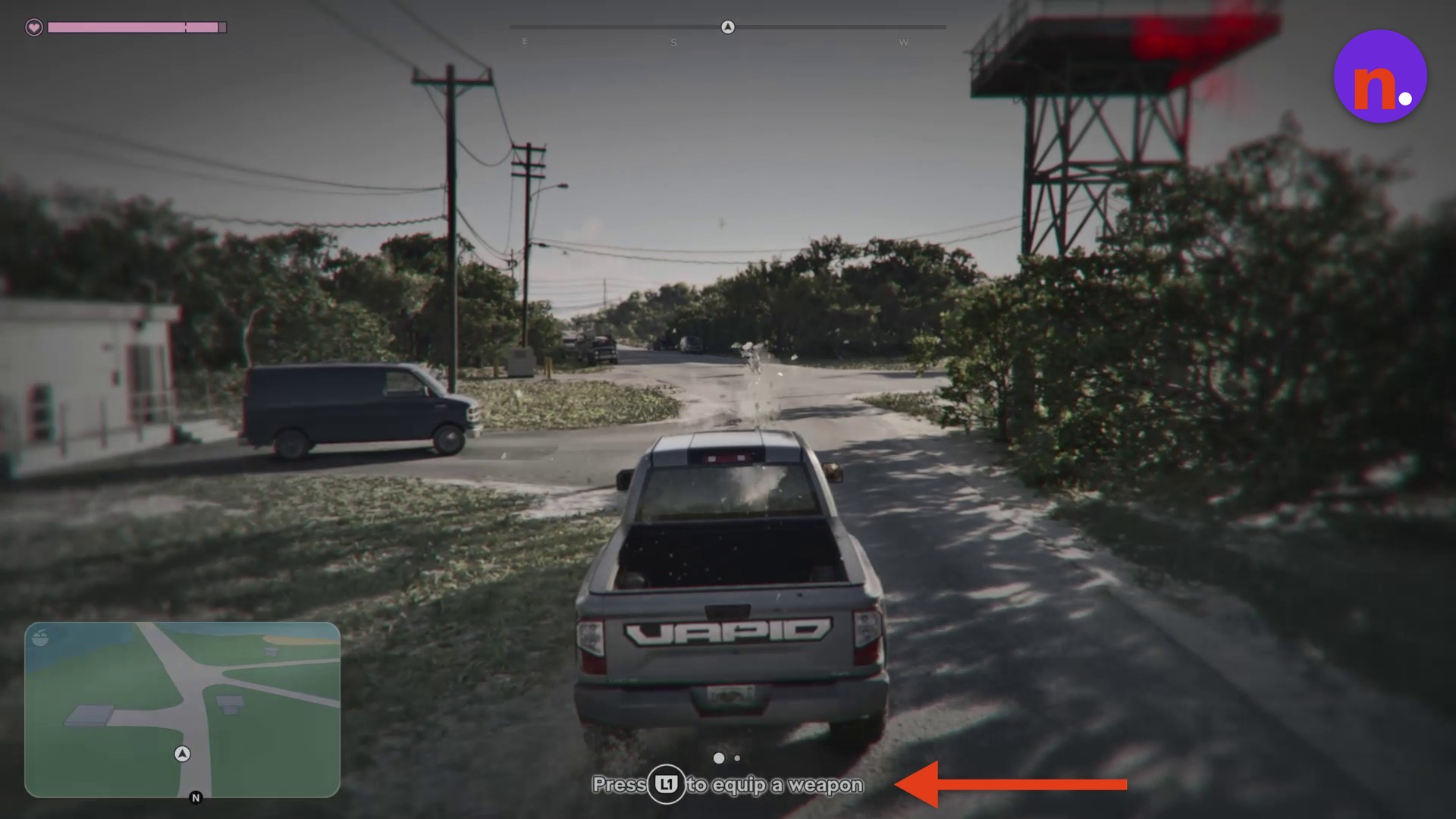
While driving, press L1 to equip a weapon, then open the weapon wheel for firearm selection. The tutorial prompt reads “Press L1 to equip a weapon.” The current on-screen objective reads Chase Arnold.
STEP 2
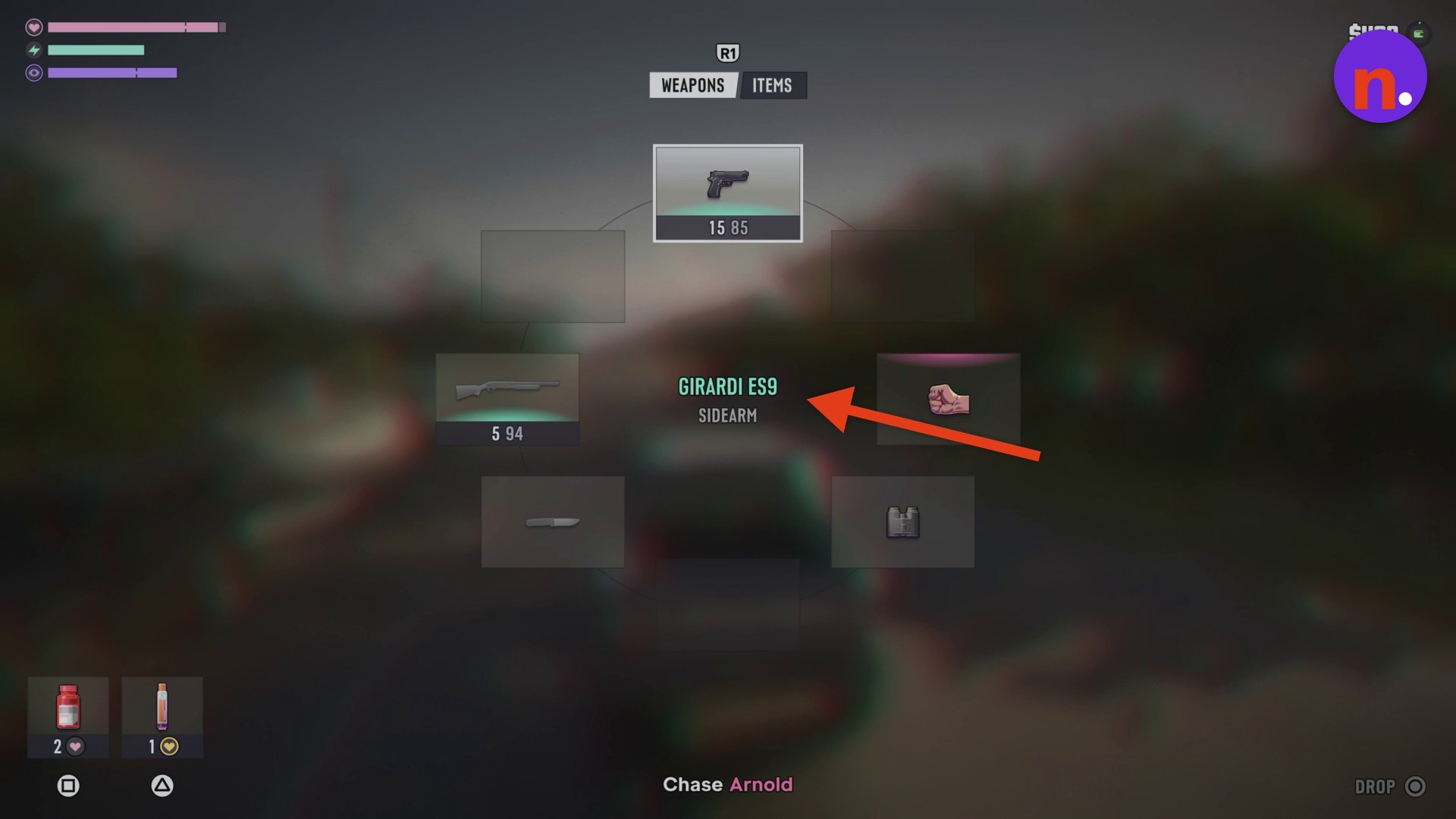
Select your firearm
Highlight the weapon you want, such as the GIRARDI ES9 pistol, to draw the selected firearm while driving.
Related Grand Theft Auto VI guides

Leave a Reply