

QUICK ANSWER
To follow vehicle trails in Grand Theft Auto VI, press L3 + R3 together while driving with your weapon unequipped.
To follow vehicle trails in Grand Theft Auto VI, press L3 + R3 together while driving with your weapon unequipped.
The Focus input uses thumbstick clicks: L3 means clicking the left thumbstick, and R3 means clicking the right.
Grand Theft Auto VI is listed for PlayStation 5 and Xbox Series X|S.
How to use Focus to follow vehicle trails in Grand Theft Auto VI
STEP 1
Put away your weapon
While driving, unequip any weapon you have equipped so you can use Focus.
STEP 2
Activate Focus
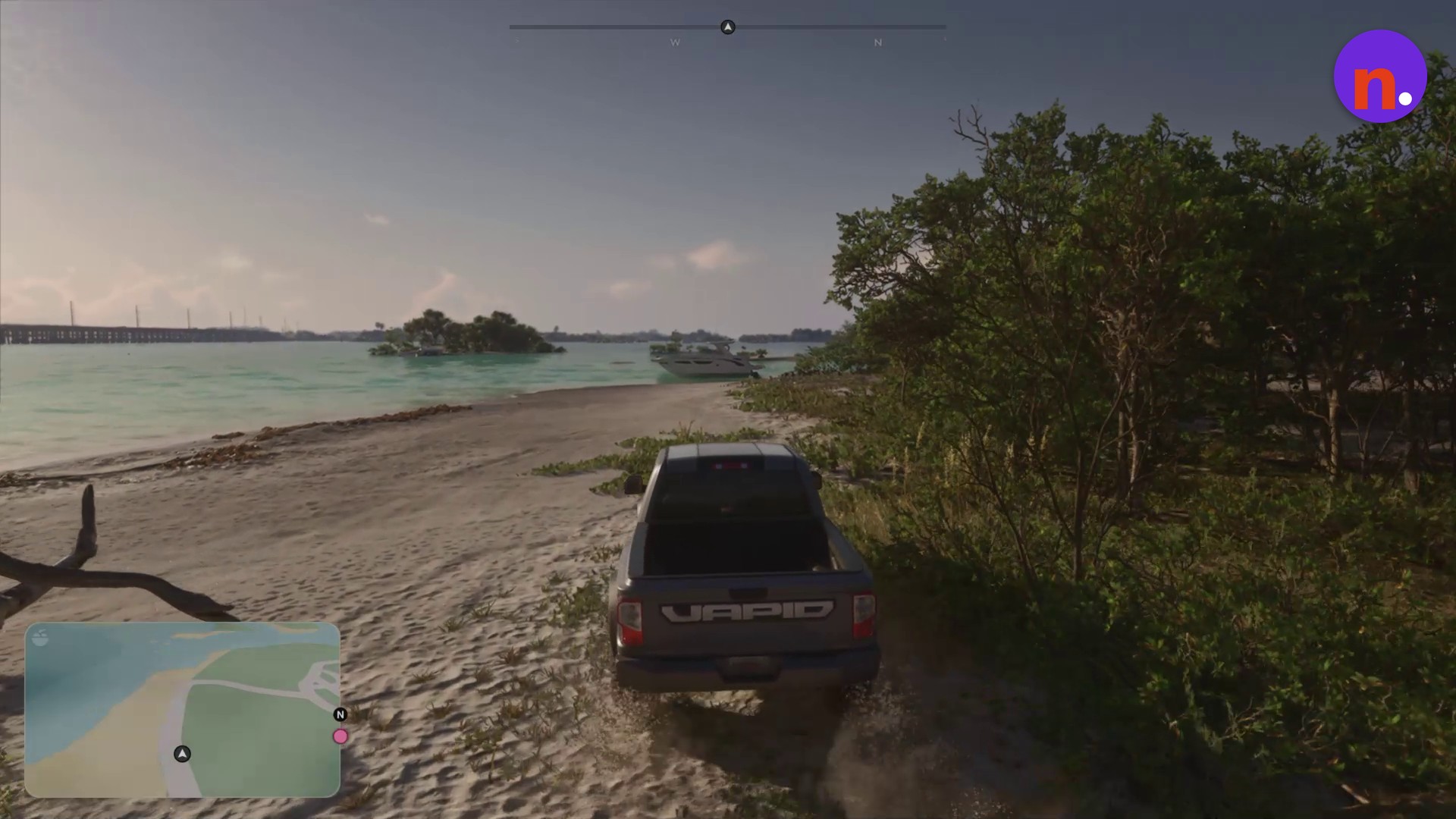
Click L3 and R3 at the same time to activate Focus for vehicle trails.
› story detailsSpoilers for the story. Open to read.
Your active objective is Chase Arnold.
Related Grand Theft Auto VI guides

Leave a Reply