

Hold L1, switch to Items with R1, set Baseball Cap to OFF and Square Shades to ON, then release L1.
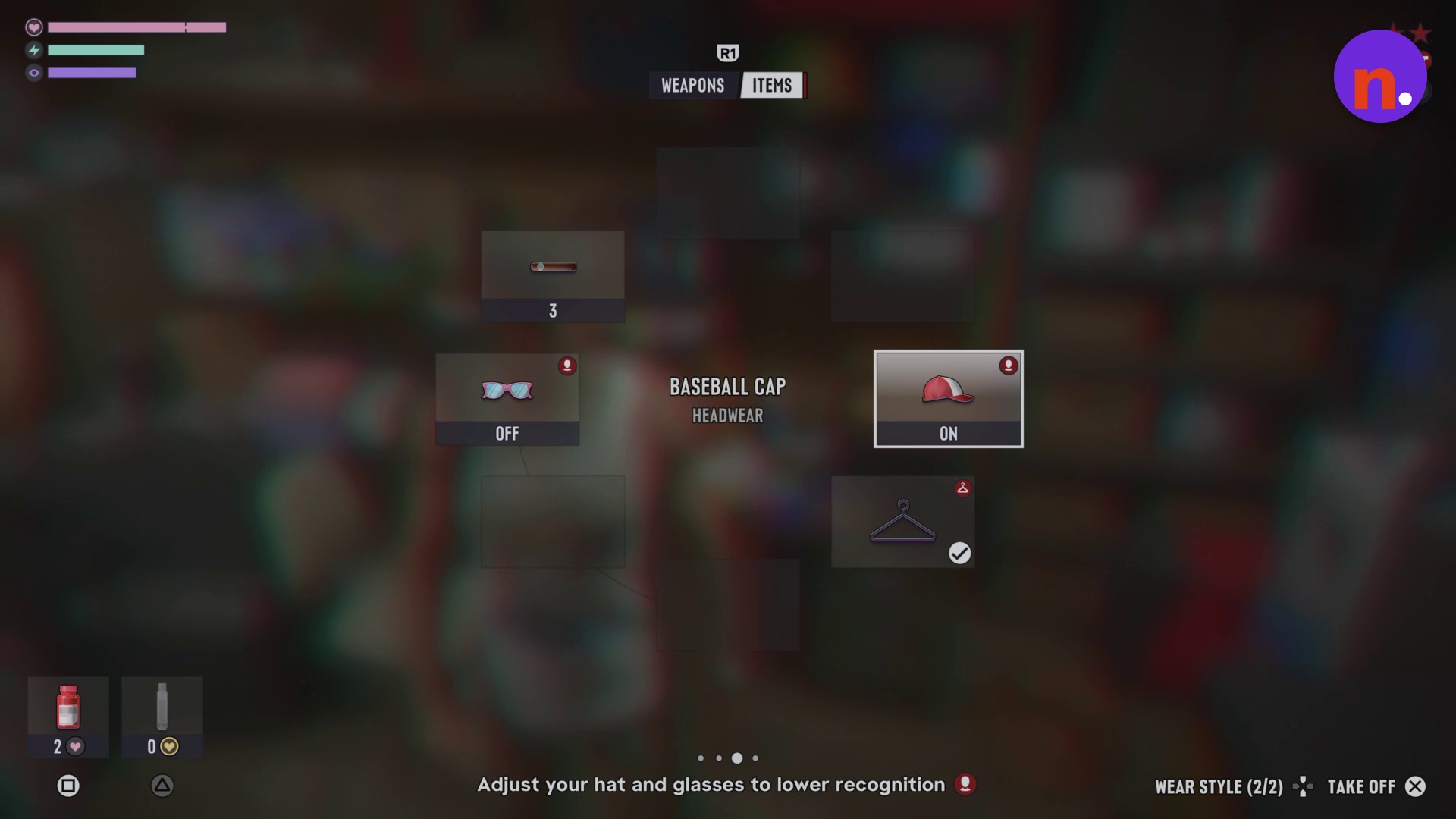
Your hat and glasses are appearance controls in Grand Theft Auto VI, and adjusting them lowers recognition. The two selections you need are BASEBALL CAP under HEADWEAR and SQUARE SHADES under EYEWEAR. Its listed platforms are PlayStation 5 and Xbox Series X|S.
How to remove your cap and put on glasses in Grand Theft Auto VI
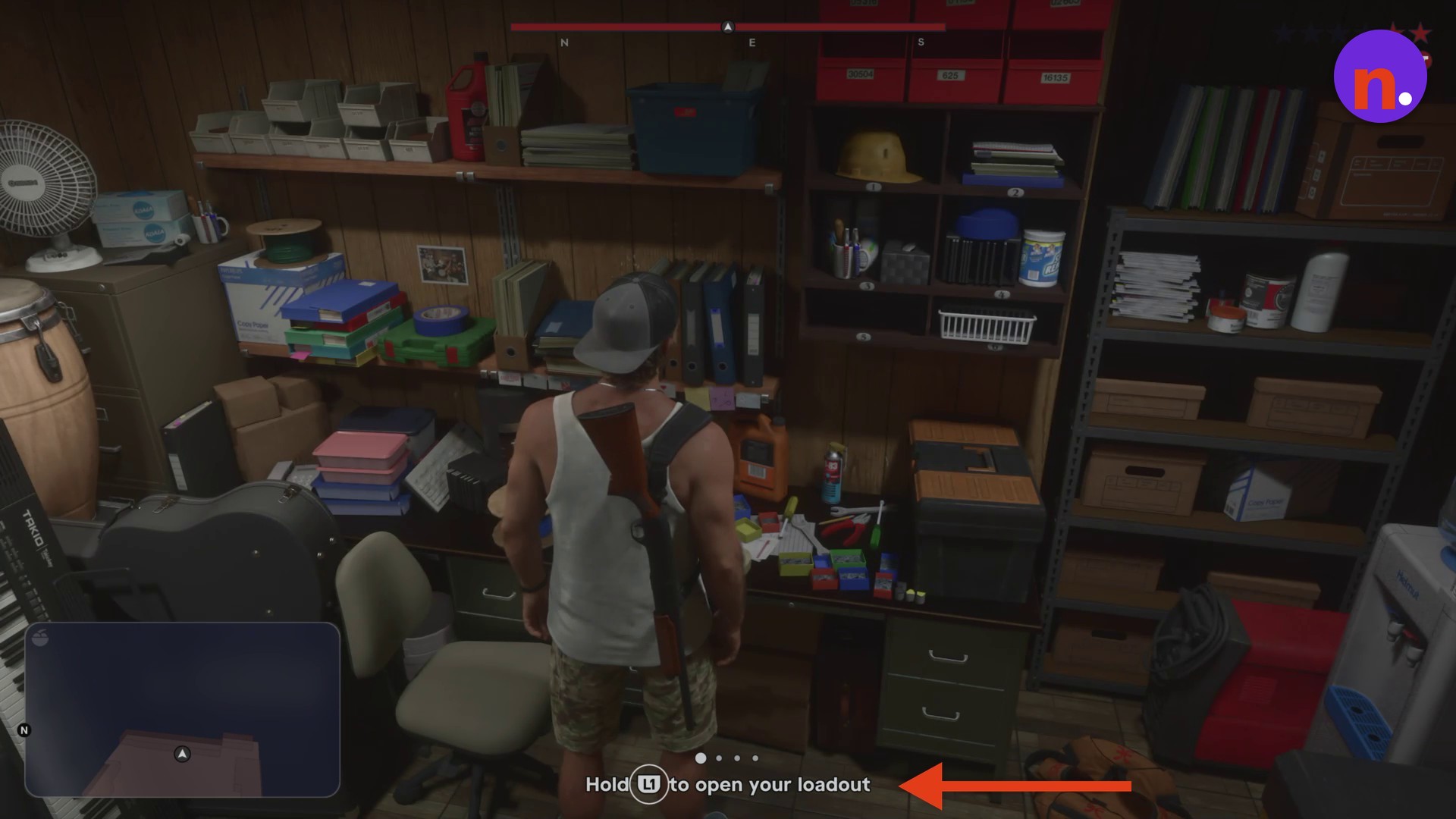
Open your loadout
Hold L1 to bring up the loadout wheel. Keep it held while changing your accessories.
Switch to Items
Press R1 to switch from Weapons to Items, where the accessory selections sit.
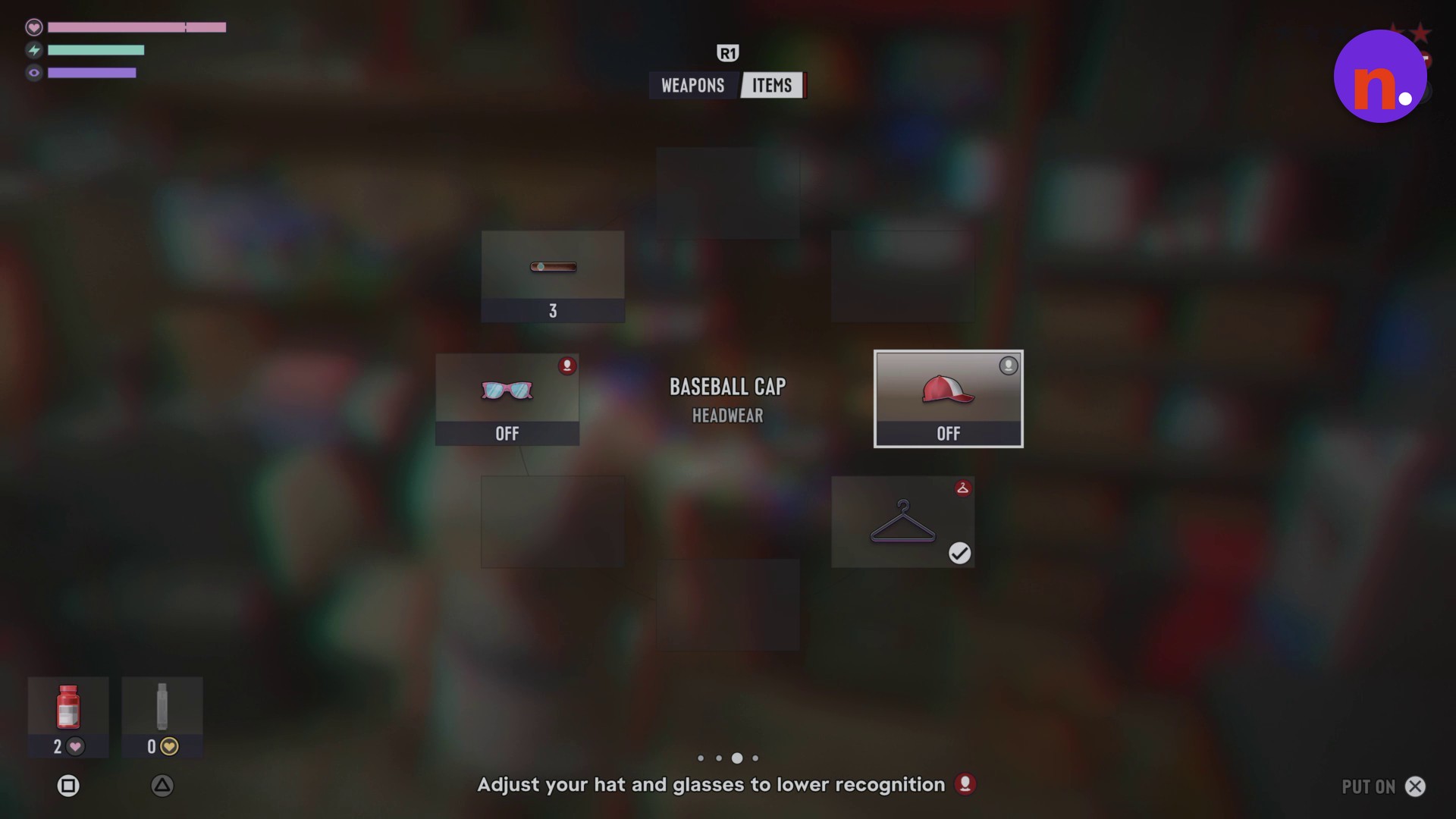
Remove your Baseball Cap
Select BASEBALL CAP under HEADWEAR and use the displayed TAKE OFF command. Once the cap reads OFF, its available command changes to PUT ON. A wear-style control reads WEAR STYLE (2/2).
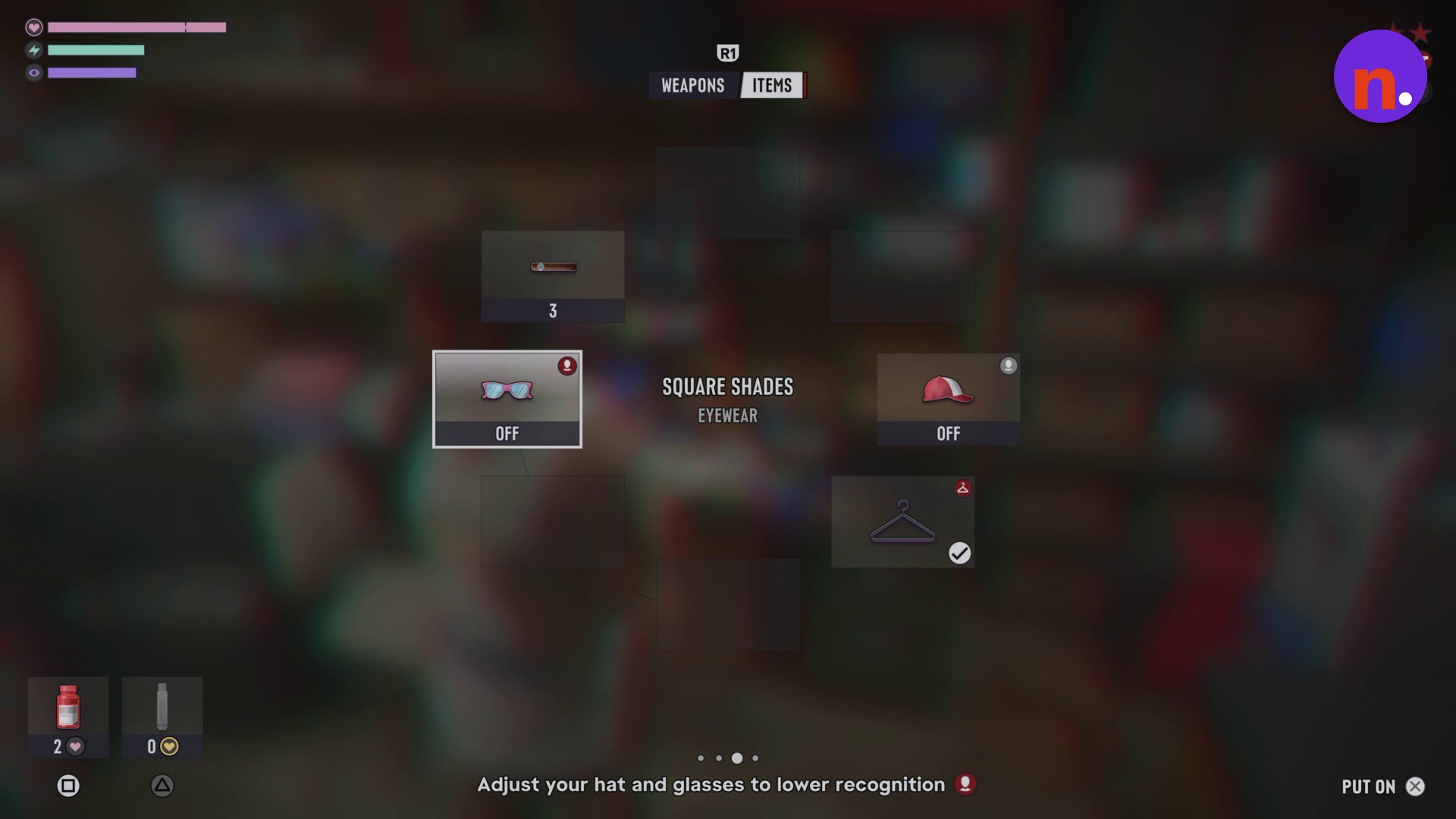
Put on Square Shades
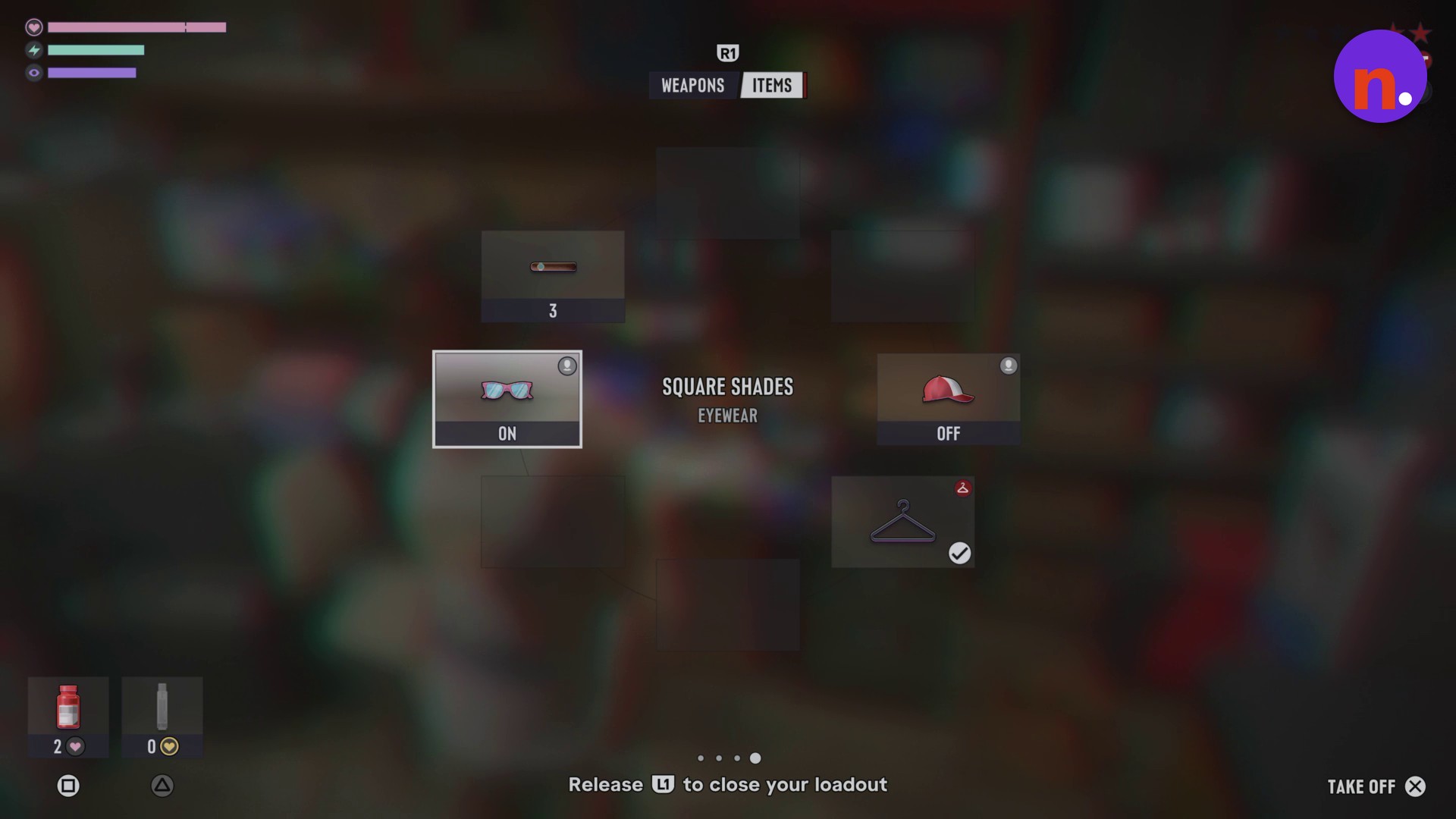
Highlight SQUARE SHADES under EYEWEAR. While they read OFF, use the displayed PUT ON command; once equipped, they read ON and offer TAKE OFF.
Close the loadout
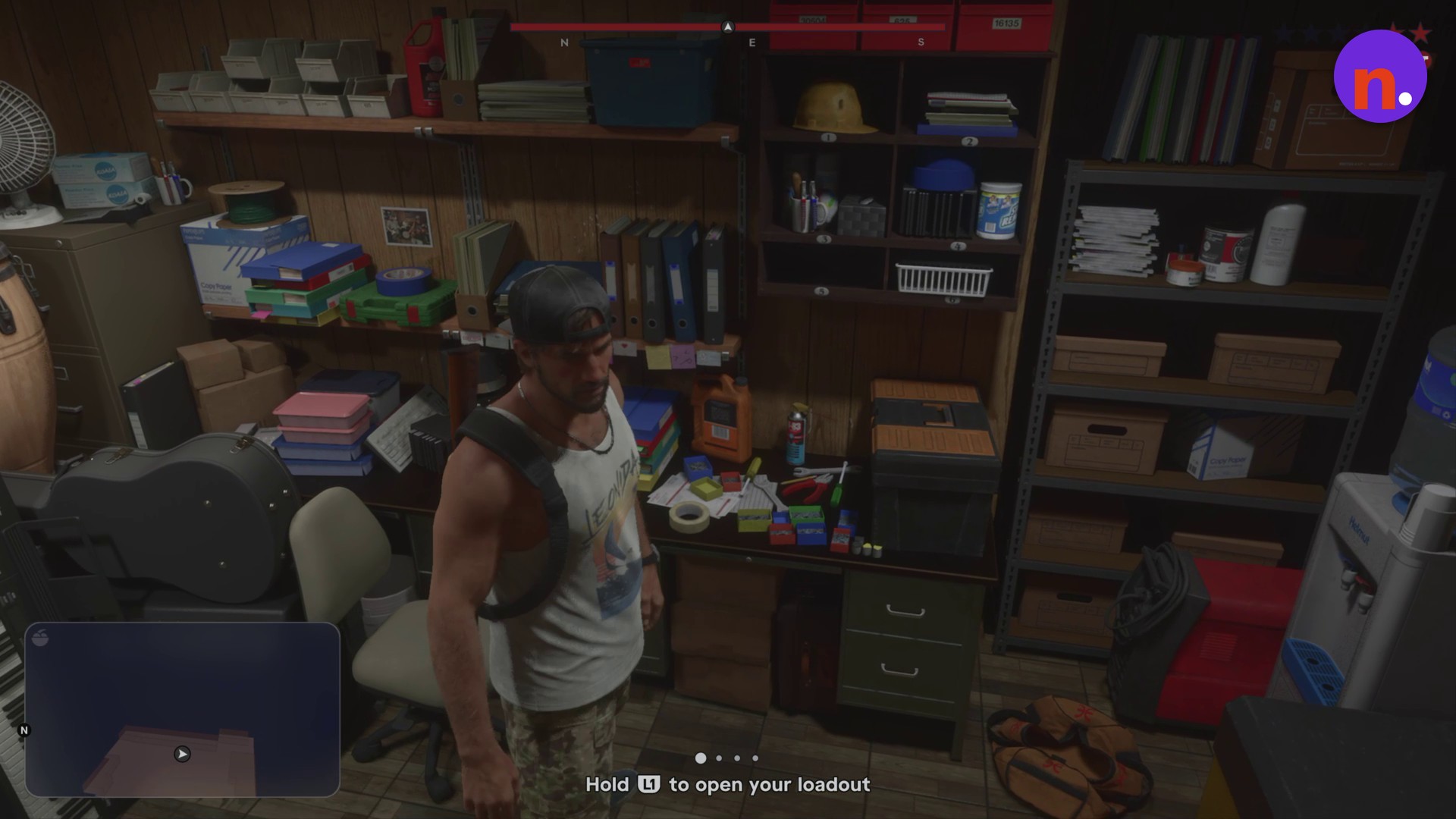
Release L1 to close the wheel and apply your changes. Your character will have no cap and will be wearing sunglasses.
After changing your accessories, you’re directed to buy an outfit.
Read the status alongside the action prompt: the prompt names the change you can make, so equipped shades offer TAKE OFF.
Related Grand Theft Auto VI guides
Leave a Reply