

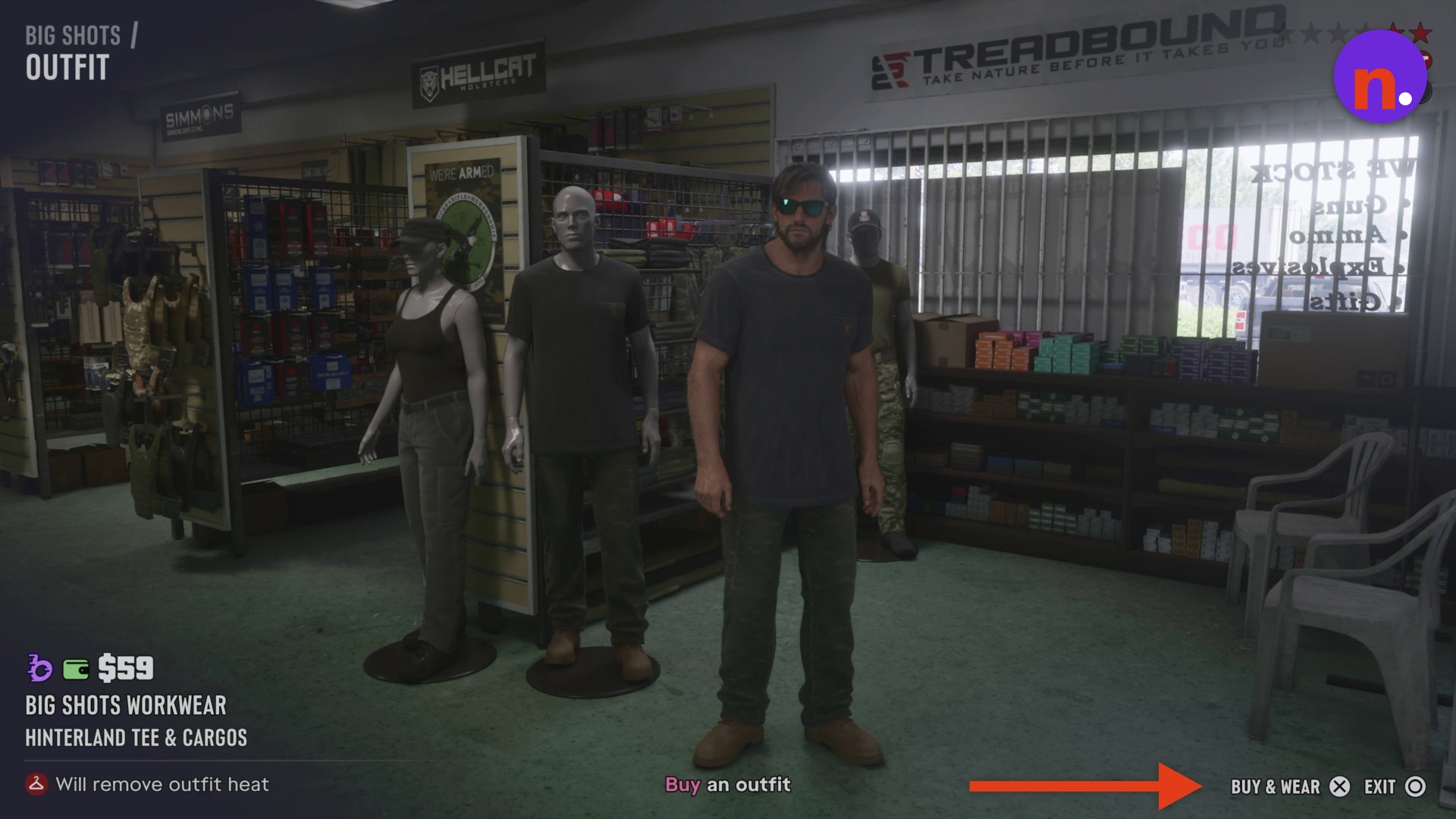
Select Big Shots Workwear at its mannequin, then press Cross on Buy & Wear to purchase and equip the outfit.
The Buy an outfit objective takes you into Big Shots, a gun and gear shop, during Unwanted Attention. The mission brief asks you to work with Cal to recover a car from a police impound lot for Brian. This guide covers the outfit purchase and shop exit.
Grand Theft Auto VI is listed for PlayStation 5 and Xbox Series X|S.
How to buy and wear an outfit at Big Shots in Grand Theft Auto VI
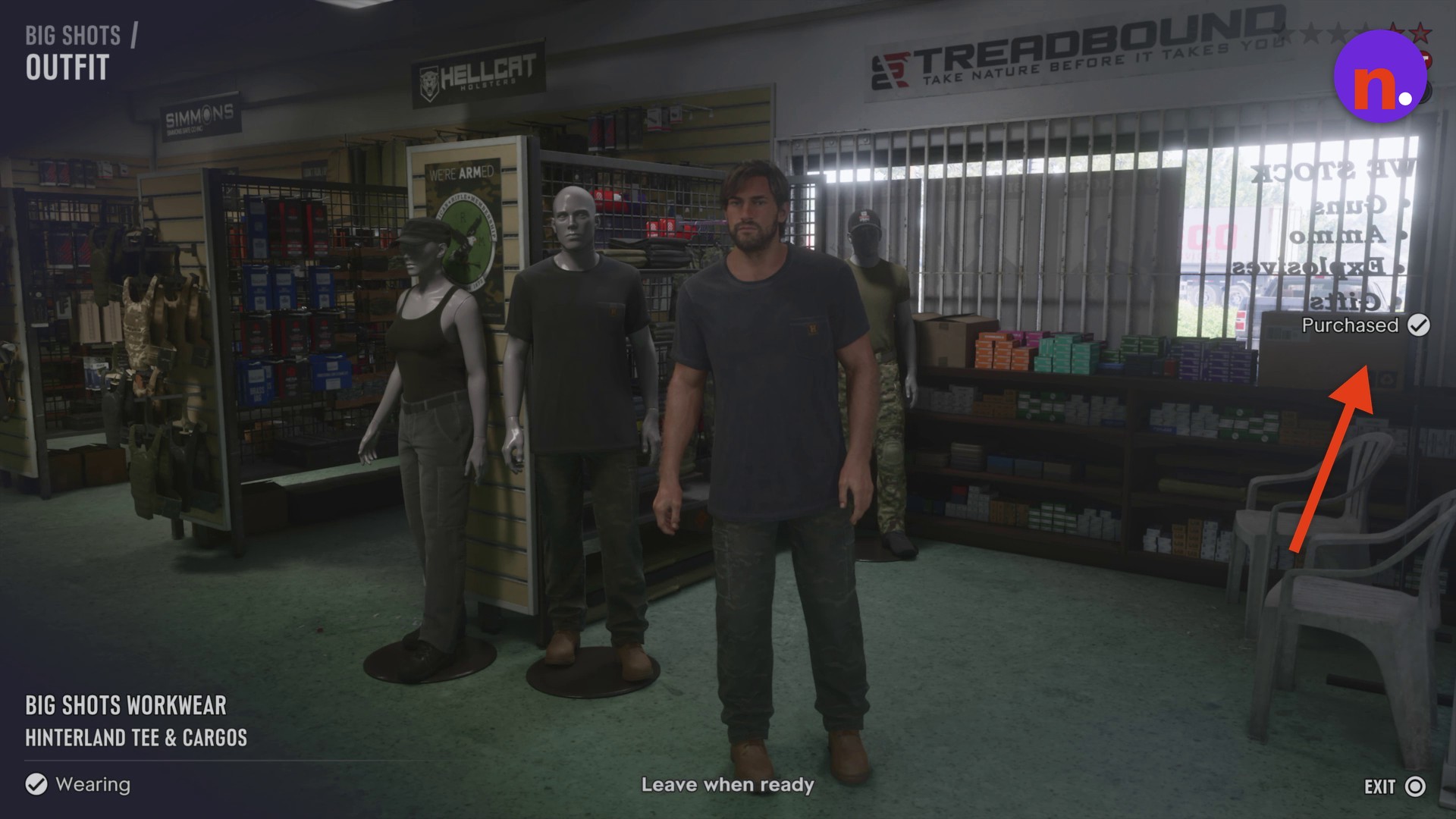
Your purchase has gone through when Workwear displays Purchased; Wearing confirms it is equipped. The objective changes to Leave when ready.
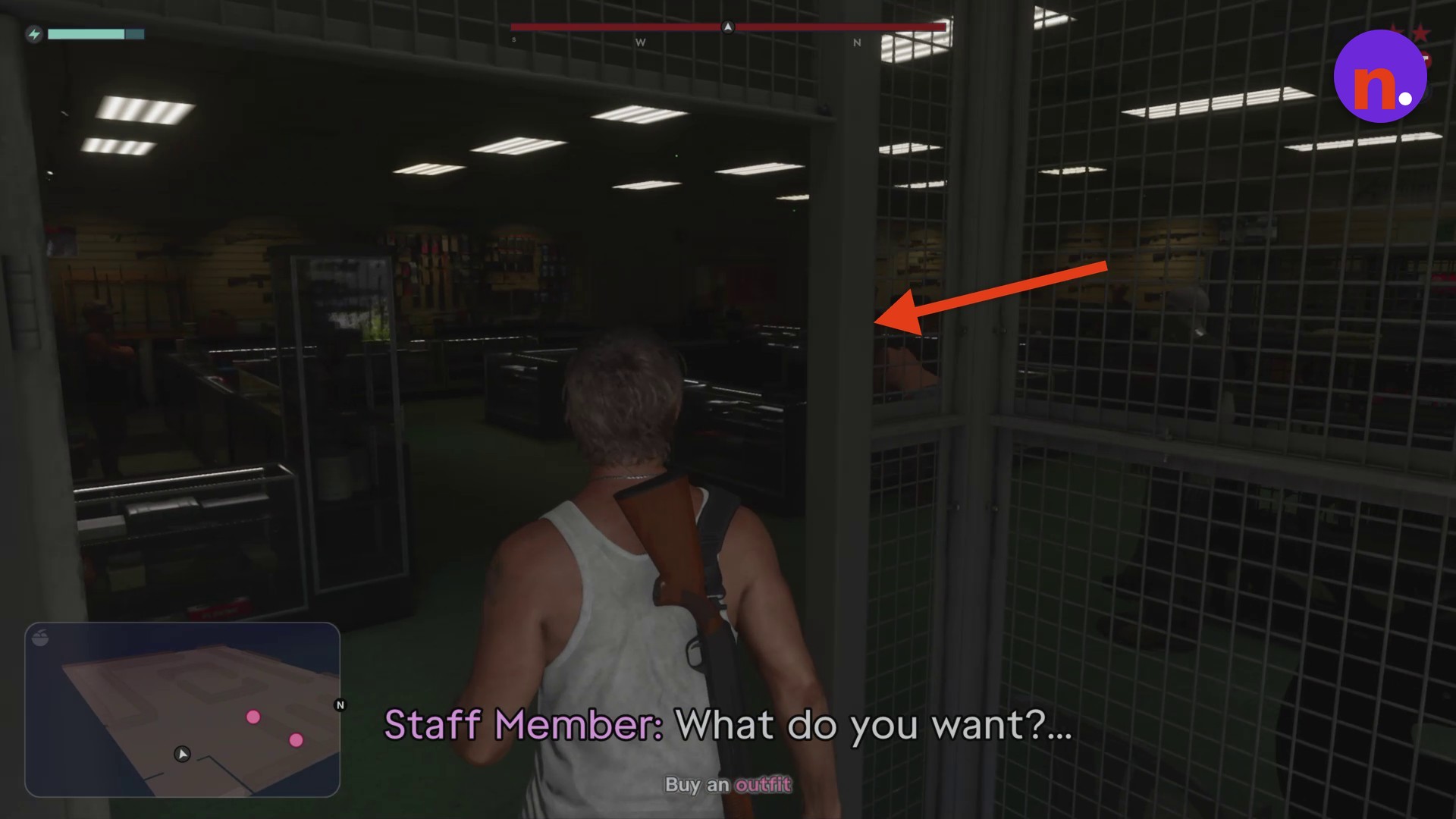
Enter Big Shots
Walk toward the shop entrance and go through the front doors. Pause and open the map to see the Big Shots location name and the store’s interior layout.
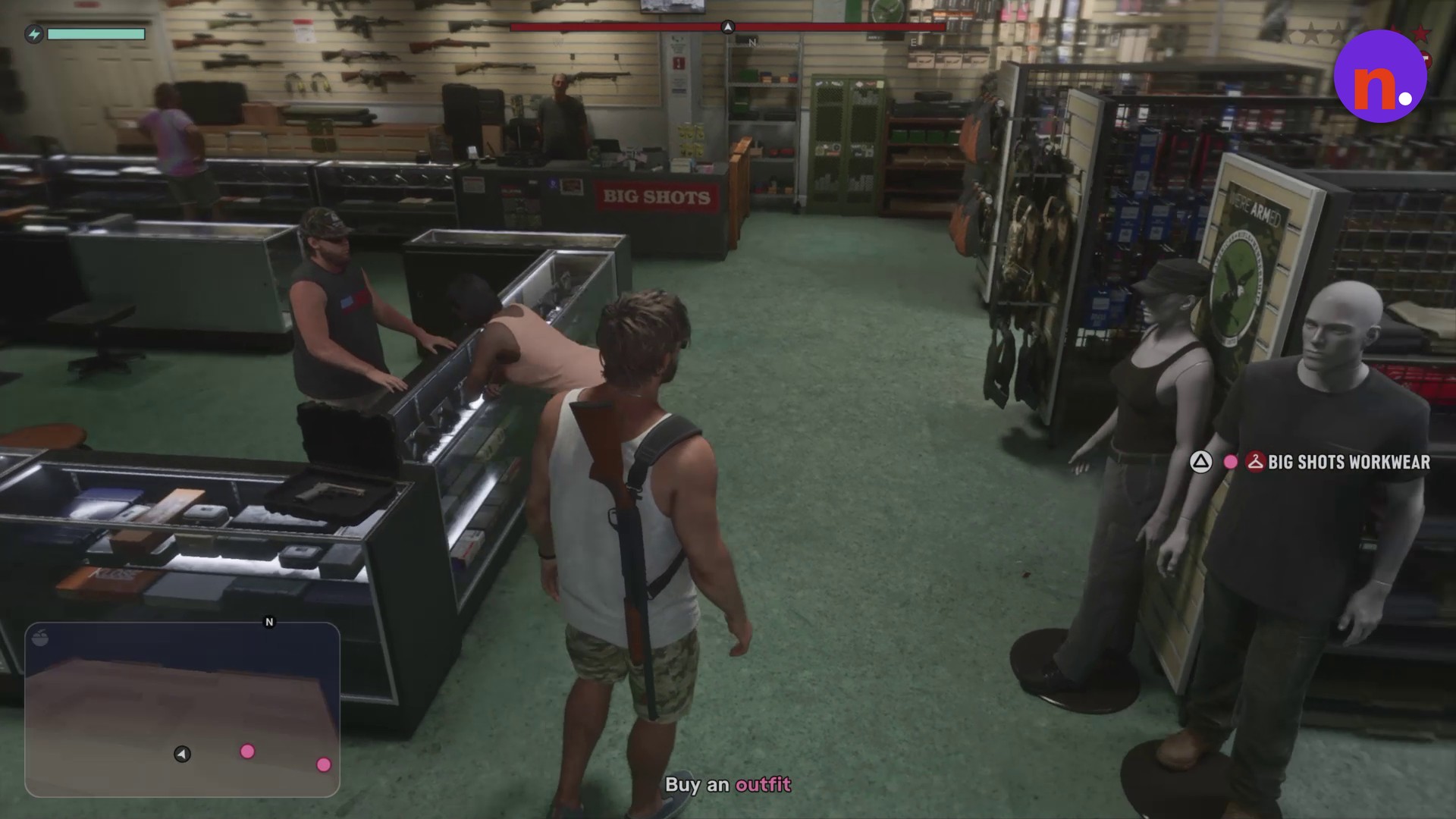
Approach the clothing mannequins
Head to the clothing mannequins beside the front window.
Preview Tactical Gear
Move to the nearby tactical mannequin and open Big Shots Tactical Gear. Cancel the preview. The outfit menu includes an EXIT option.
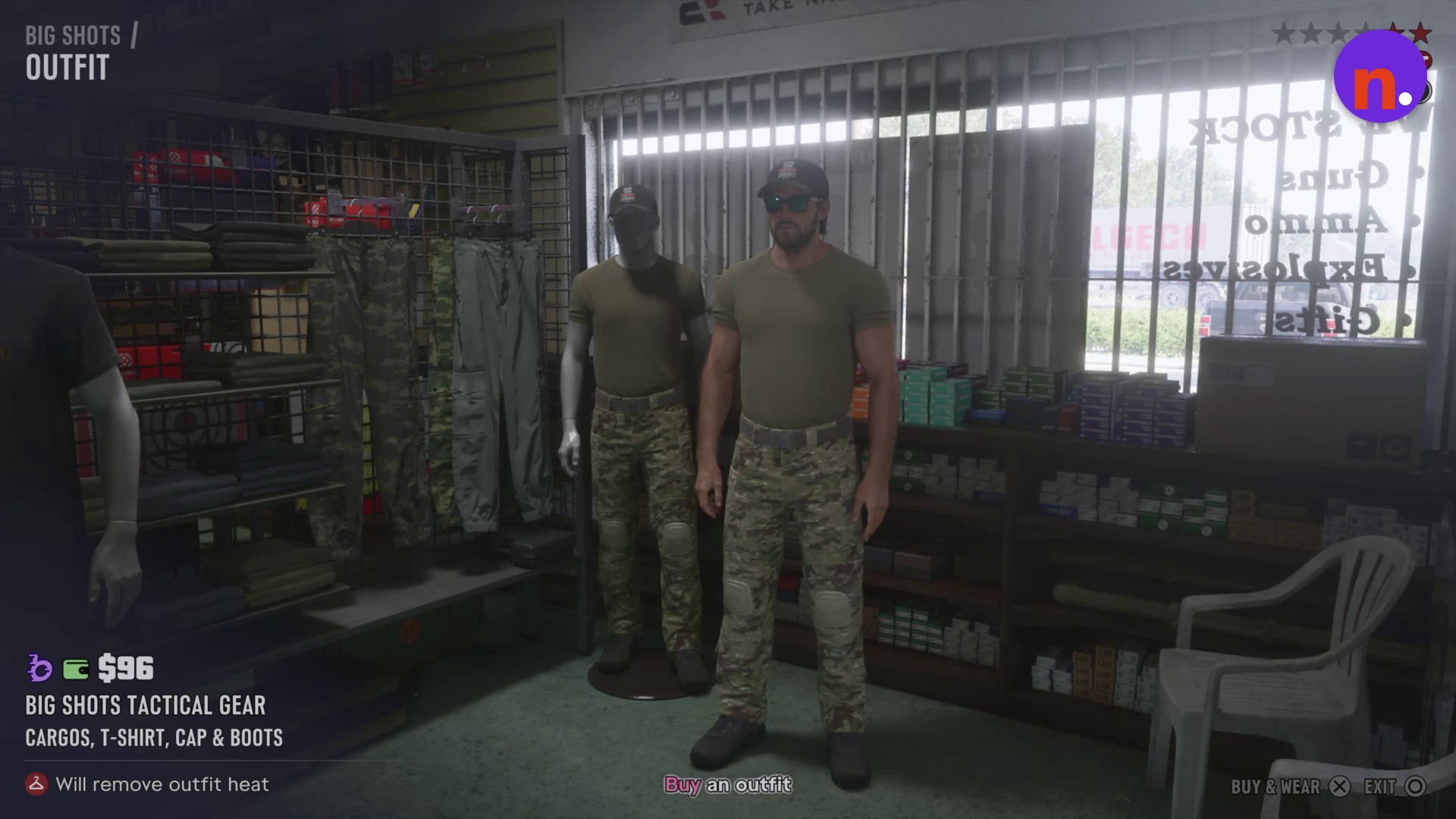
Select the Workwear mannequin
Return to the Big Shots Workwear mannequin and reopen its outfit selection menu.
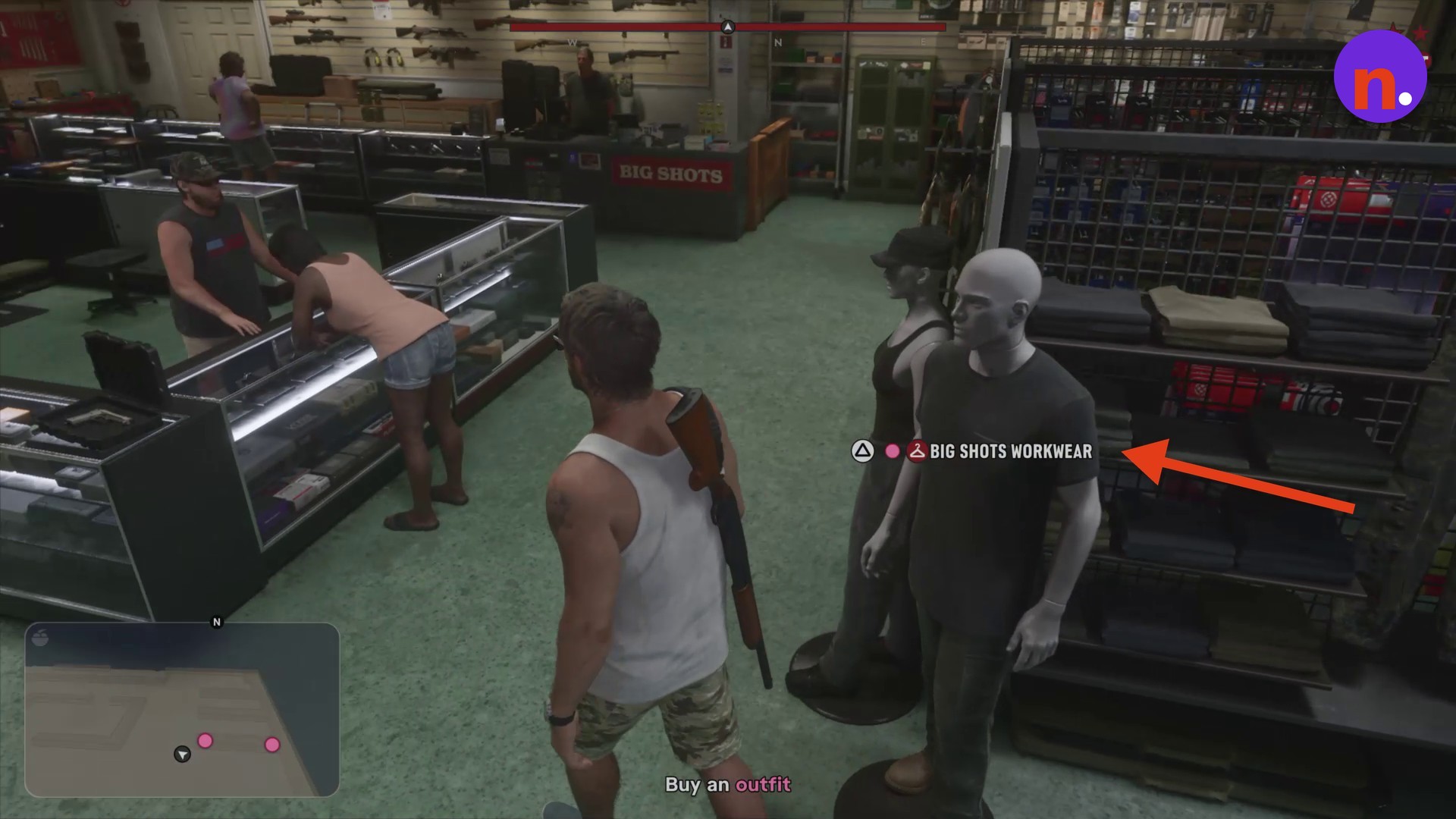
Buy and equip Workwear
With Big Shots Workwear selected, press Cross on Buy & Wear to purchase it and put it on. If you start with $207, your balance drops to $148 after the purchase.
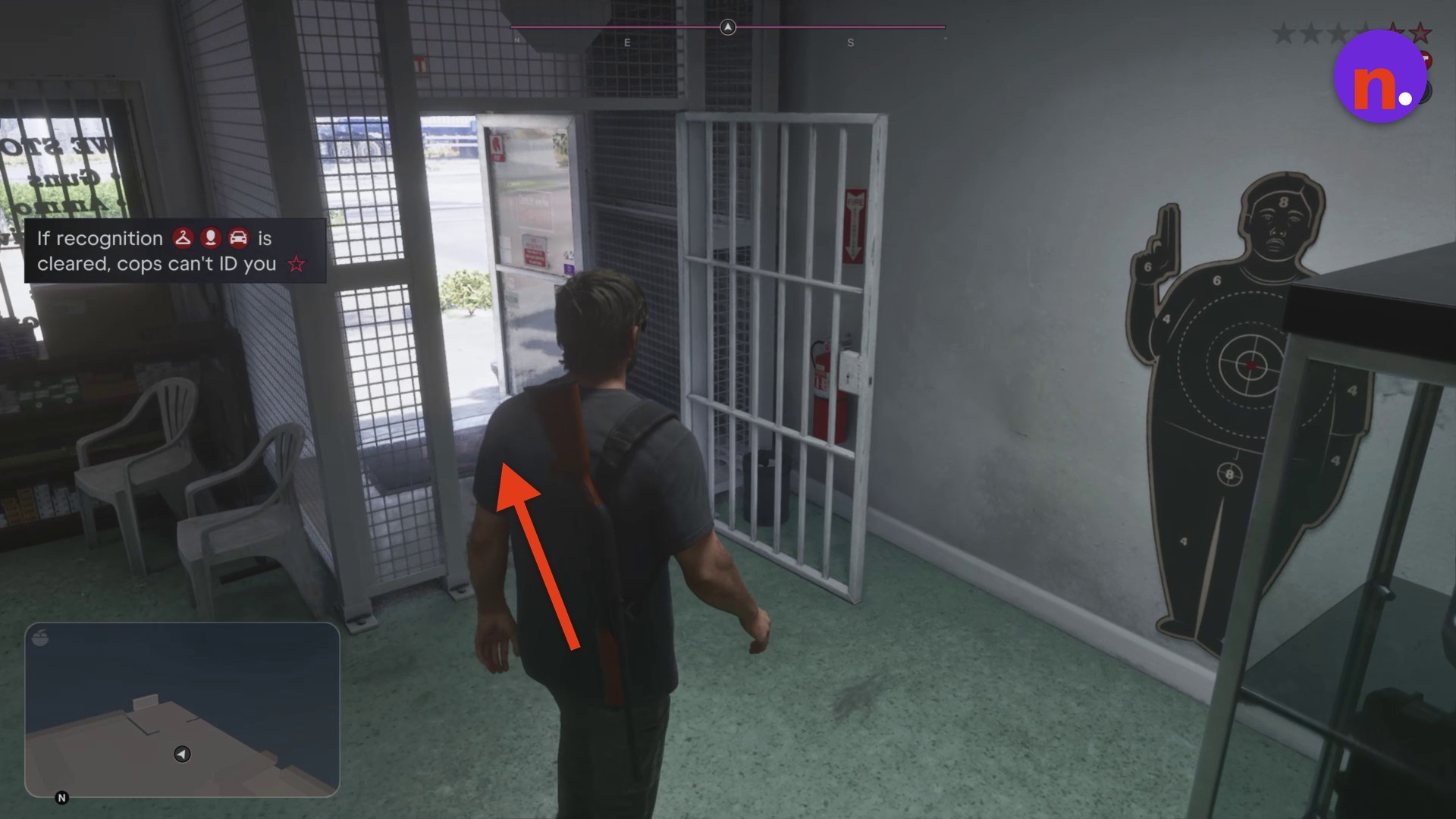
Leave Big Shots
Turn toward the exit and walk through the doors into the parking lot wearing your purchased outfit.
What do Big Shots Workwear and Tactical Gear cost and include?
| Outfit | Price | Clothing | Effect |
|---|---|---|---|
| Big Shots Workwear | $59 | Hinterland tee and cargos | Removes outfit heat |
| Big Shots Tactical Gear | $96 | Cargos, T-shirt, cap and boots | Removes outfit heat |
Keep the recognition condition in mind as you leave: cops cannot identify you when recognition is cleared.
Related Grand Theft Auto VI guides
Leave a Reply