Gaming

How to Grab Guards Quietly in Grand Theft Auto VI

Learn how to grab guards quietly in Grand Theft Auto VI with PlayStation controls for crouching, approaching from behind, and completing a chokehold, plus why subdued guards may get back up.

Learn how to grab guards quietly in Grand Theft Auto VI with PlayStation controls for crouching, approaching from behind, and completing a chokehold, plus why subdued guards may get back up.

0 Comments
QUICK ANSWER
Crouch with Circle, approach from behind, press R2 when Grab appears, then repeatedly tap Square until the guard is incapacitated.

The RV-park walk follows a wooden boardwalk. At the separate impound encounter at night, you sneak behind a guard. This guide covers the quiet-grab controls in Grand Theft Auto VI, from getting into position to finishing the chokehold.

The game is listed for PlayStation 5 and Xbox Series X|S. The controls below use PlayStation button labels, with 930.048.020 as the game’s build number.

missionUnwanted AttentionchapterChapter 1impound objectiveSearch the impound for the Phoenix

How to grab guards quietly in Grand Theft Auto VI

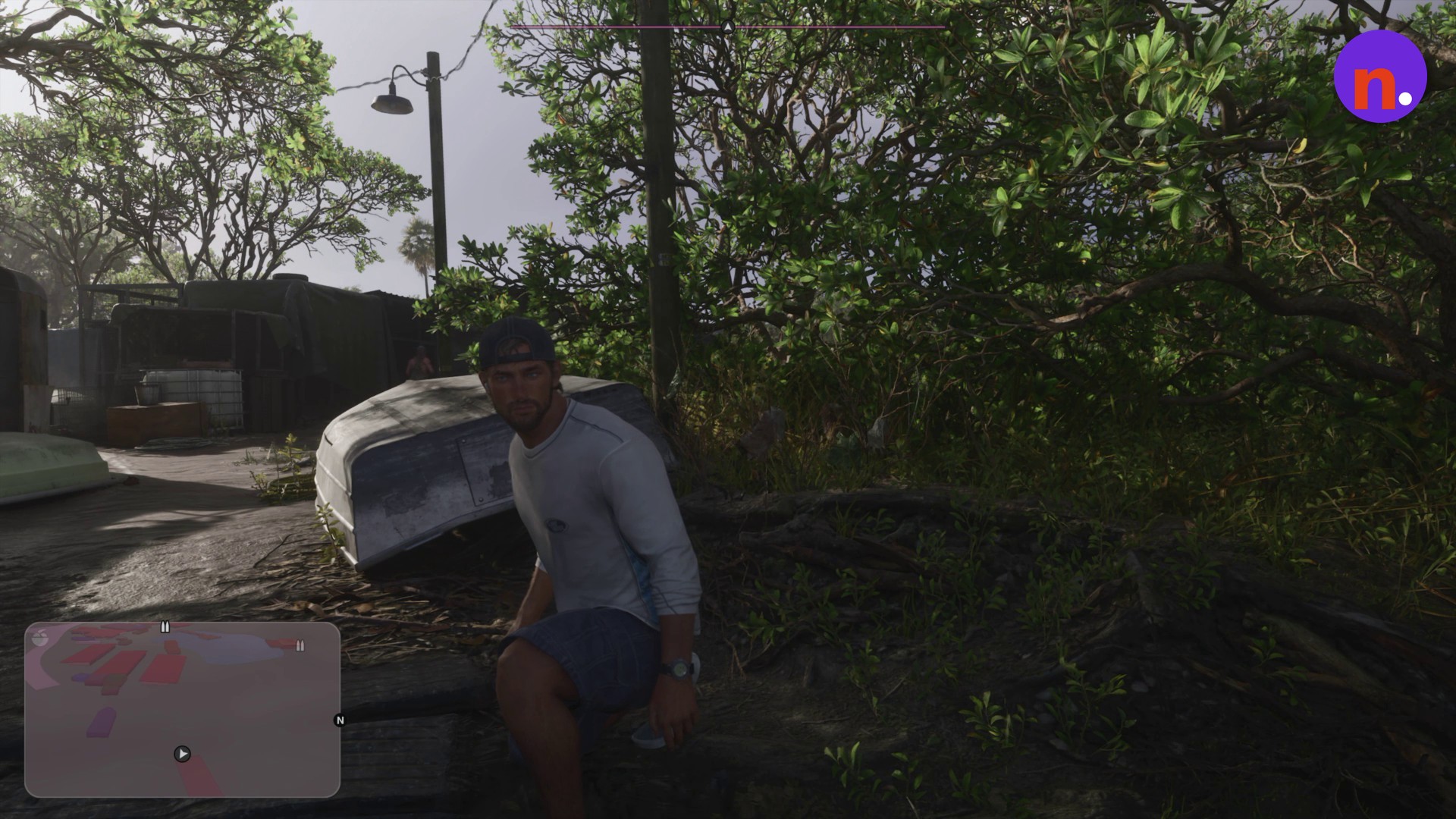
R3 is the control for Inspect. Its prompt appears in the lower-right corner of the screen.
Don’t miss thisCan recoverSubduing a guard does not guarantee they stay downThe impound guard can sit up immediately after release and subsequently return to her feet.
The Inspect control uses R3
The Inspect control uses R3 · Screenshot by NerdsChalk
STEP 1

Crouch to conceal your approach

Press Circle, displayed as O in the crouch tutorial. Crouch behind the upturned boats to keep out of the Kingfishers’ sight. Move quietly toward your target while crouched to help stay hidden.
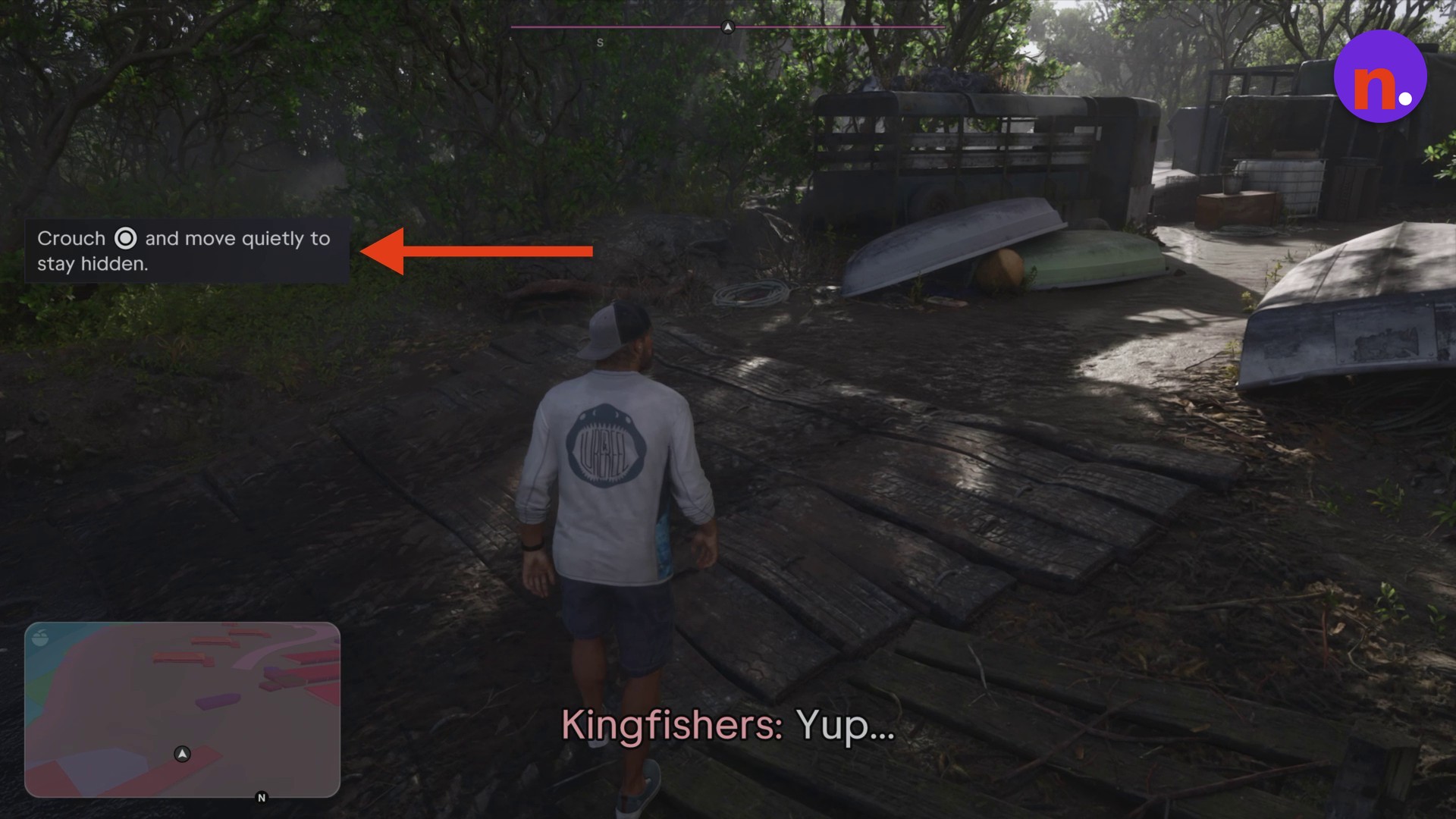
The crouch tutorial displays Circle as O
The crouch tutorial displays Circle as O · Screenshot by NerdsChalk
STEP 2

Move behind the guard

Stay crouched and approach the guard from the rear. The unaware guard stands near a shack.
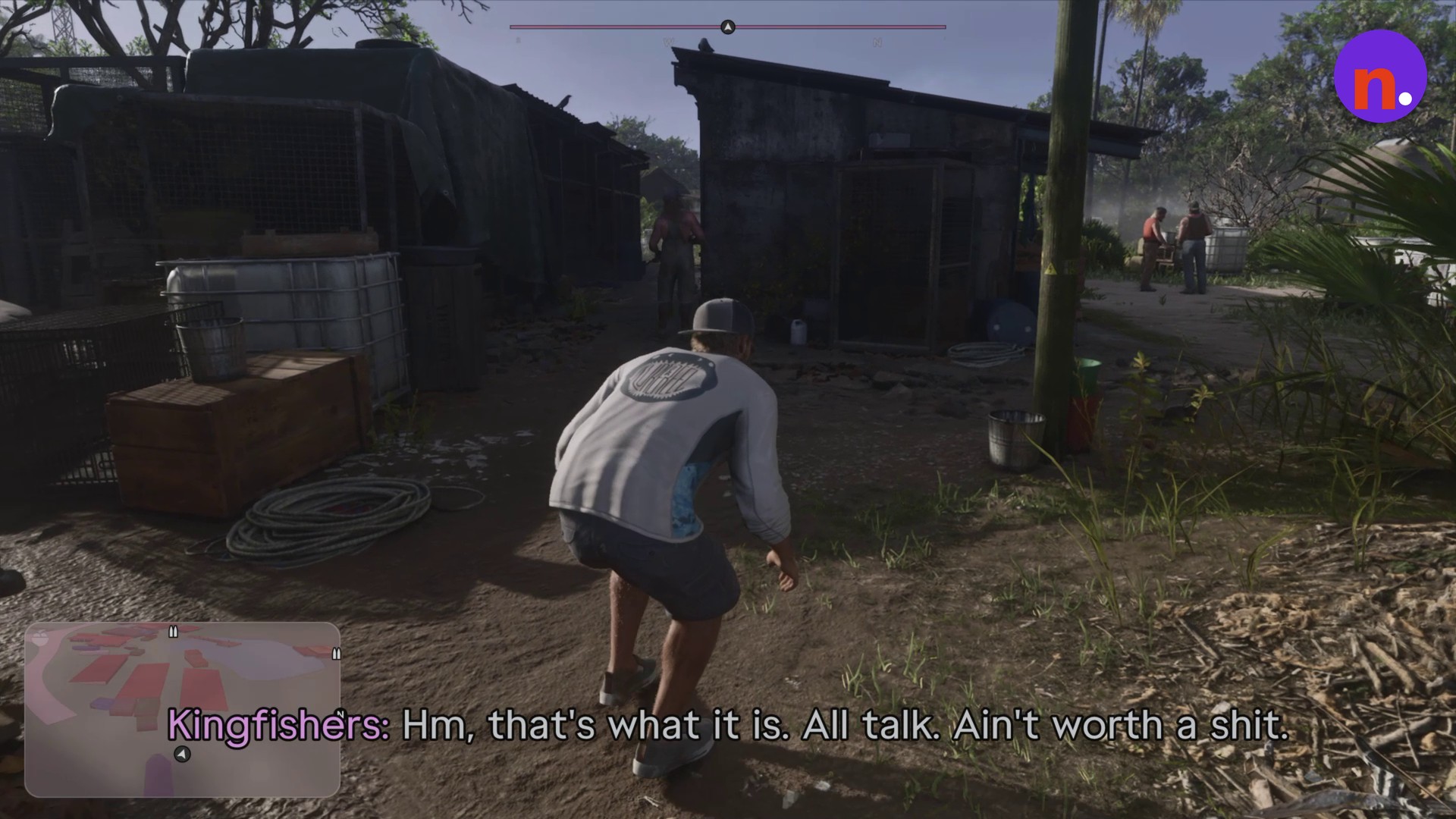
Approach the guard from behind while crouched
Approach the guard from behind while crouched · Screenshot by NerdsChalk
STEP 3

Wait for the Grab prompt

Get close enough to the guard’s back for Grab to appear, then press R2 to take hold.
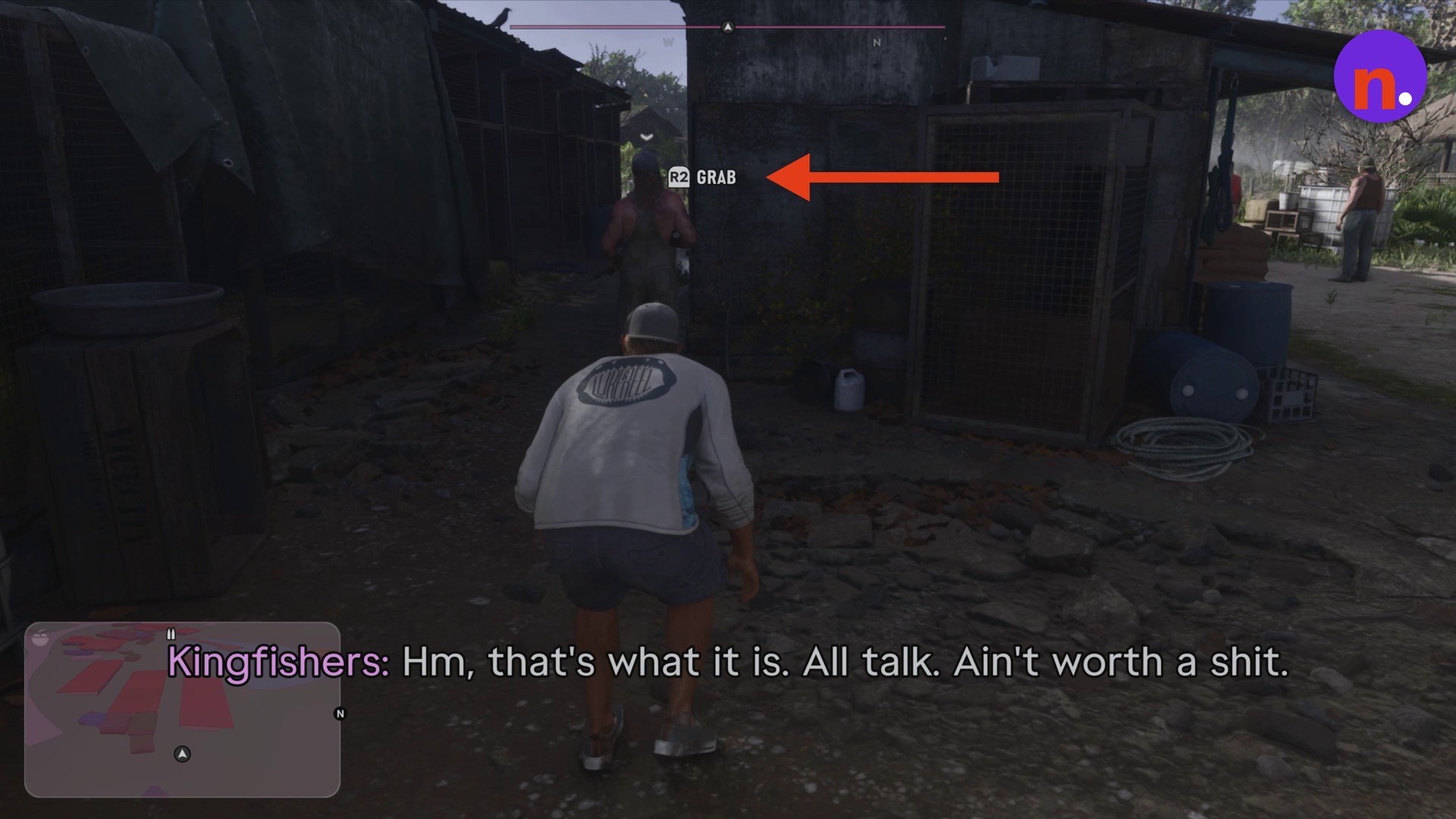
The R2 Grab prompt appears behind the guard
The R2 Grab prompt appears behind the guard · Screenshot by NerdsChalk
STEP 4

Subdue the guard quietly

Repeatedly tap Square through the silent choke. Continue until the guard is incapacitated.
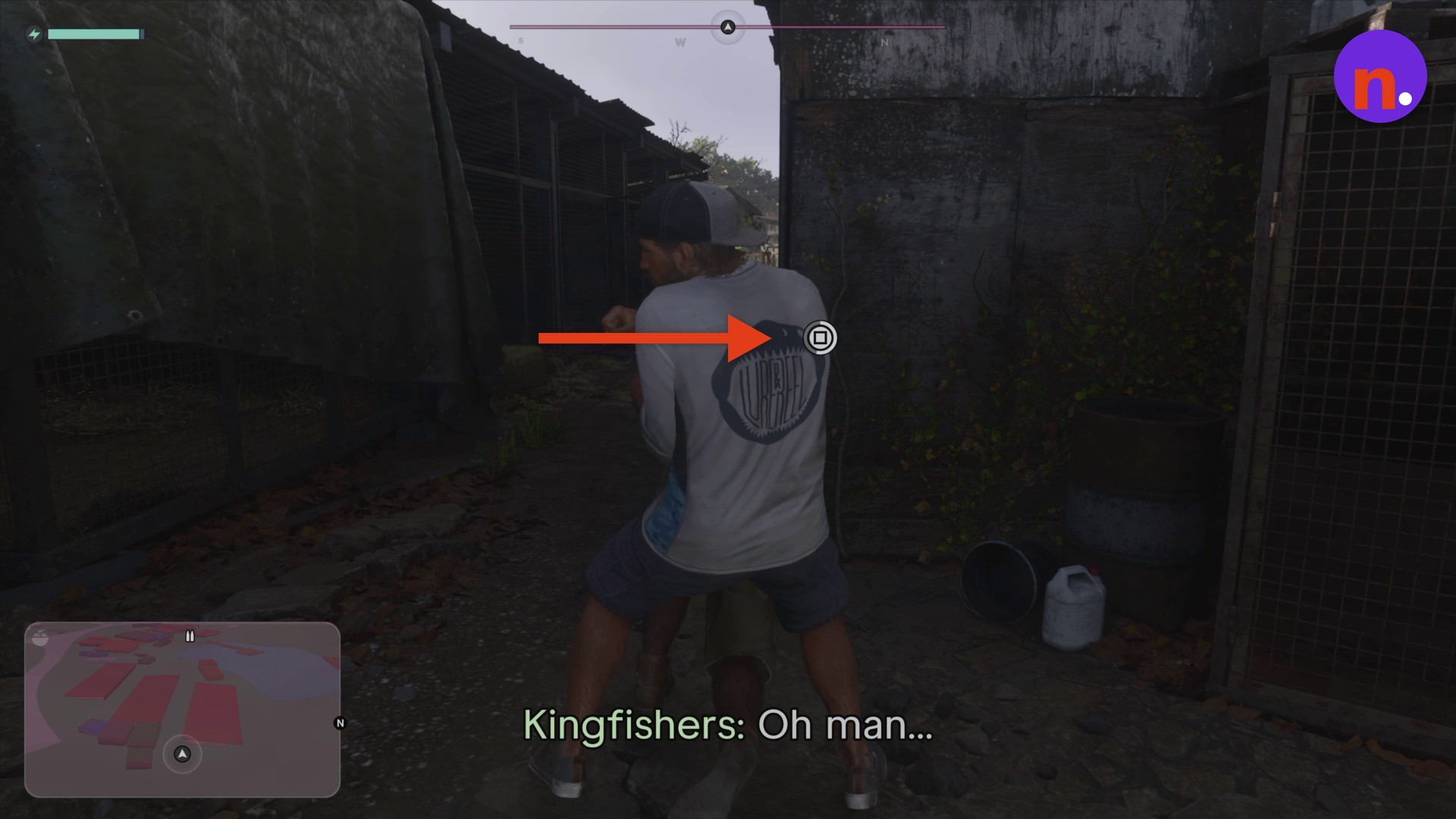
Tap Square to subdue the guard
Tap Square to subdue the guard · Screenshot by NerdsChalk
STEP 5

Release the guard

Release the impound guard onto the pavement.
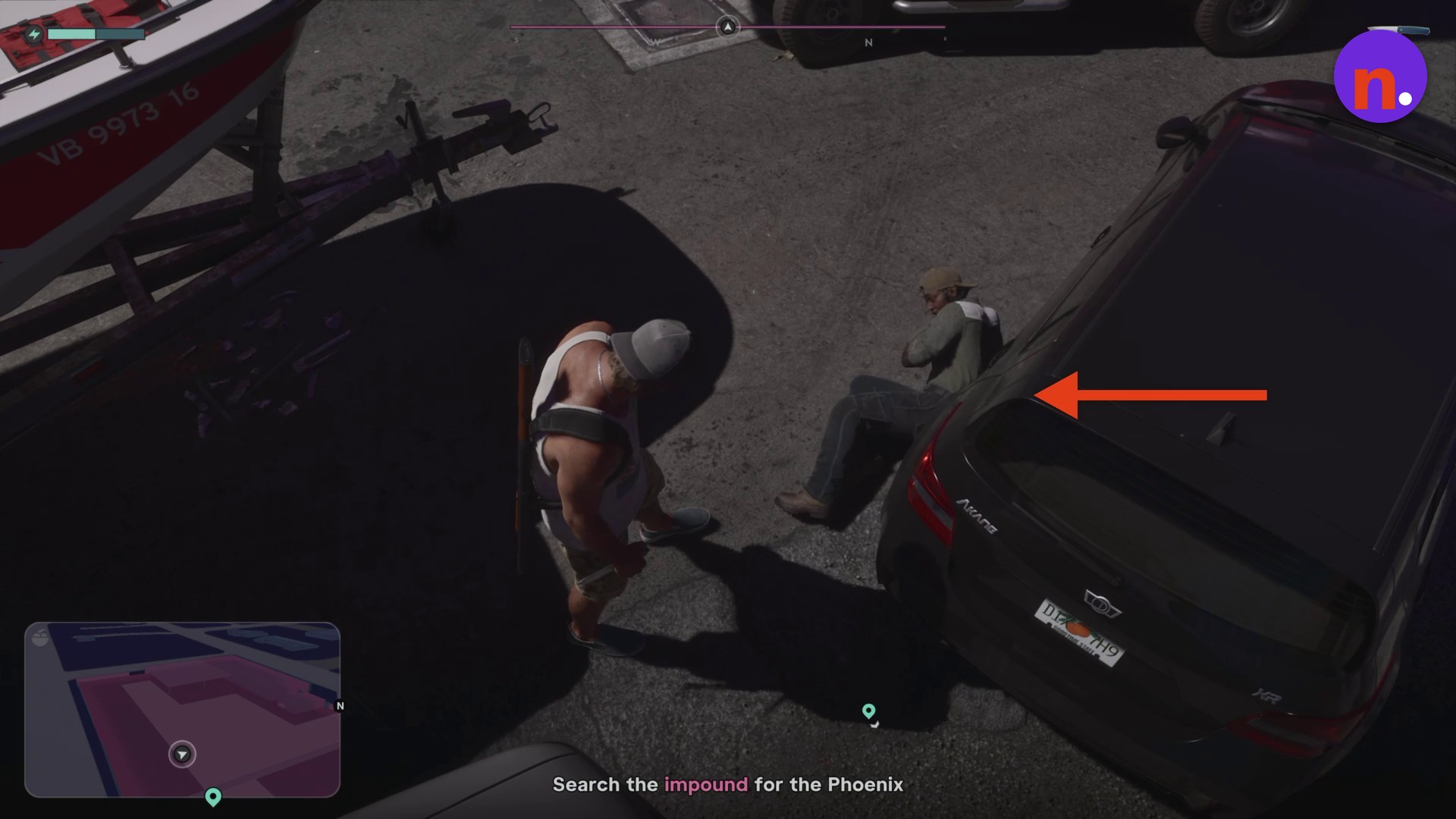
The impound guard after release
The impound guard after release · Screenshot by NerdsChalk

The dropped weapon is a W-14 RIFLE. The weapon’s interaction prompt uses L1.
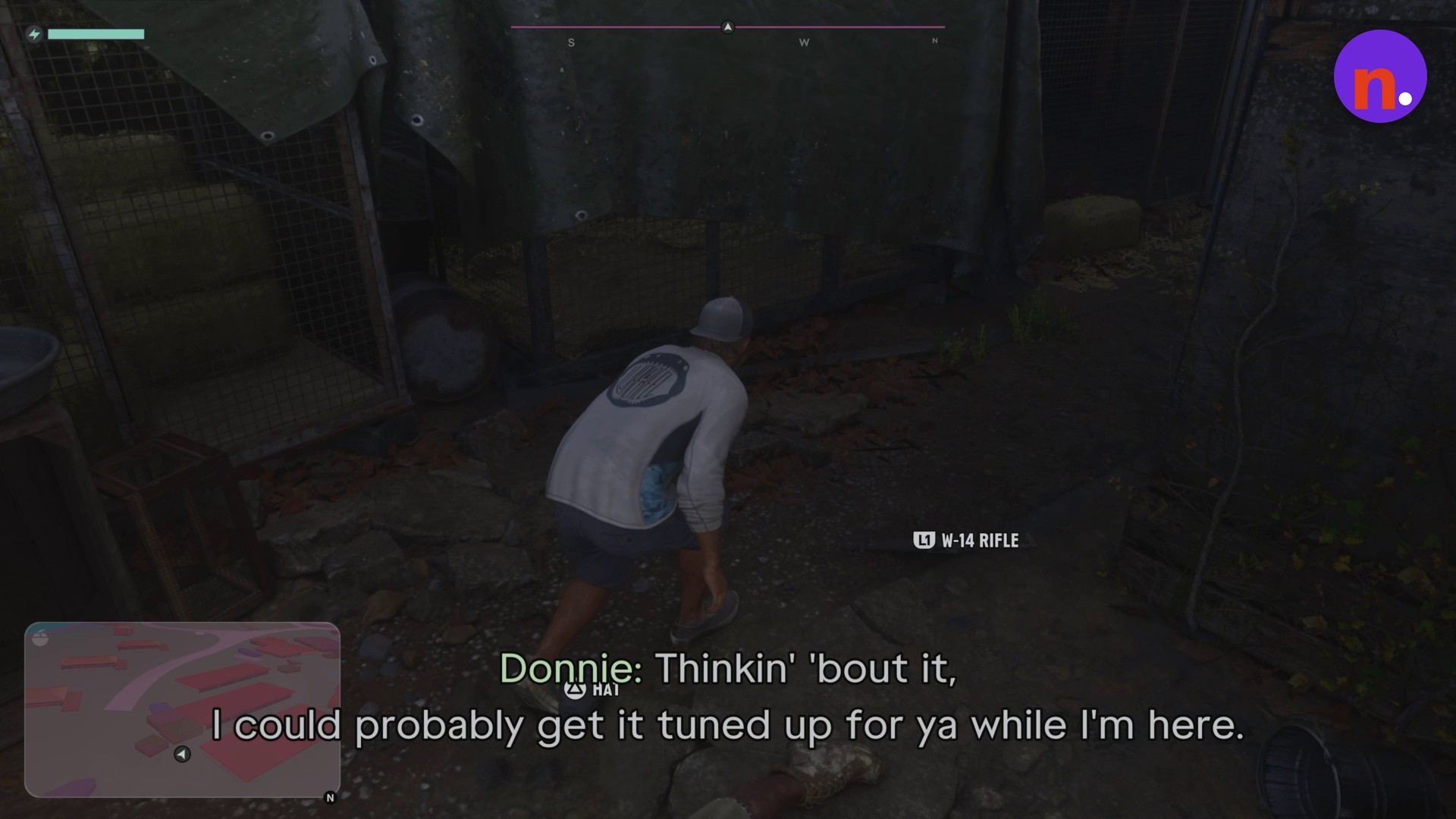
The dropped W-14 RIFLE has an L1 interaction prompt
The dropped W-14 RIFLE has an L1 interaction prompt · Screenshot by NerdsChalk

Related Grand Theft Auto VI guides
Leave a Reply

Your email address will not be published. Required fields are marked *