


QUICK ANSWER
Stand behind Jason’s Ganado and press Triangle to open its tailgate, then face the lowered tailgate and press Triangle again to close it.
Stand behind Jason’s Ganado and press Triangle to open its tailgate, then face the lowered tailgate and press Triangle again to close it.
Jason’s Ganado pickup carries a Ganado emblem on its side panel. Grand Theft Auto VI is listed for Xbox Series X|S and PlayStation 5.
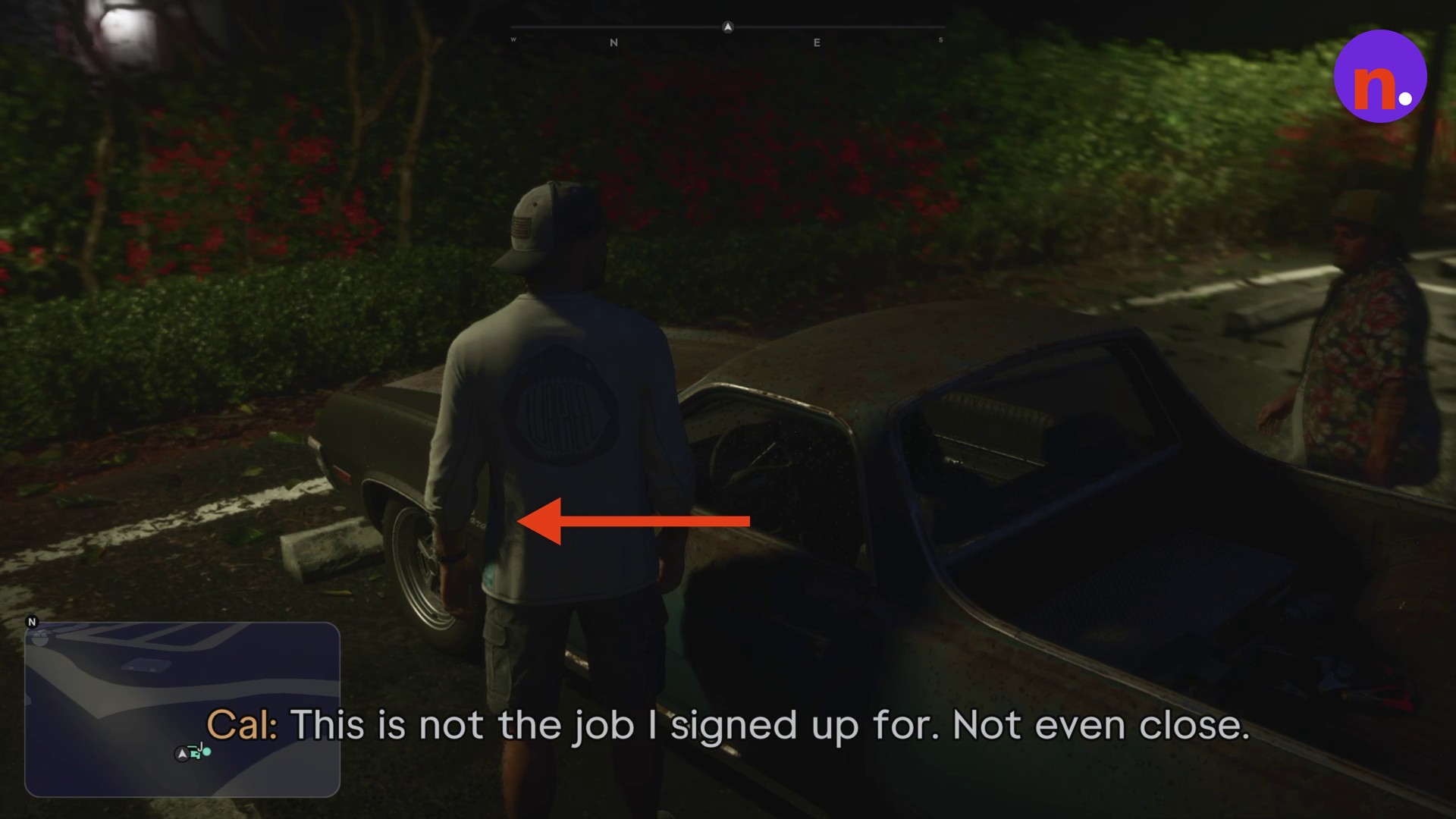
vehicleJason’s Ganado pickupinteraction positionRear of the pickup bedbuttonTriangle
How to open and close Jason’s Ganado tailgate in Grand Theft Auto VI
The active objective reads Get in your car.
STEP 1
Approach the tailgate
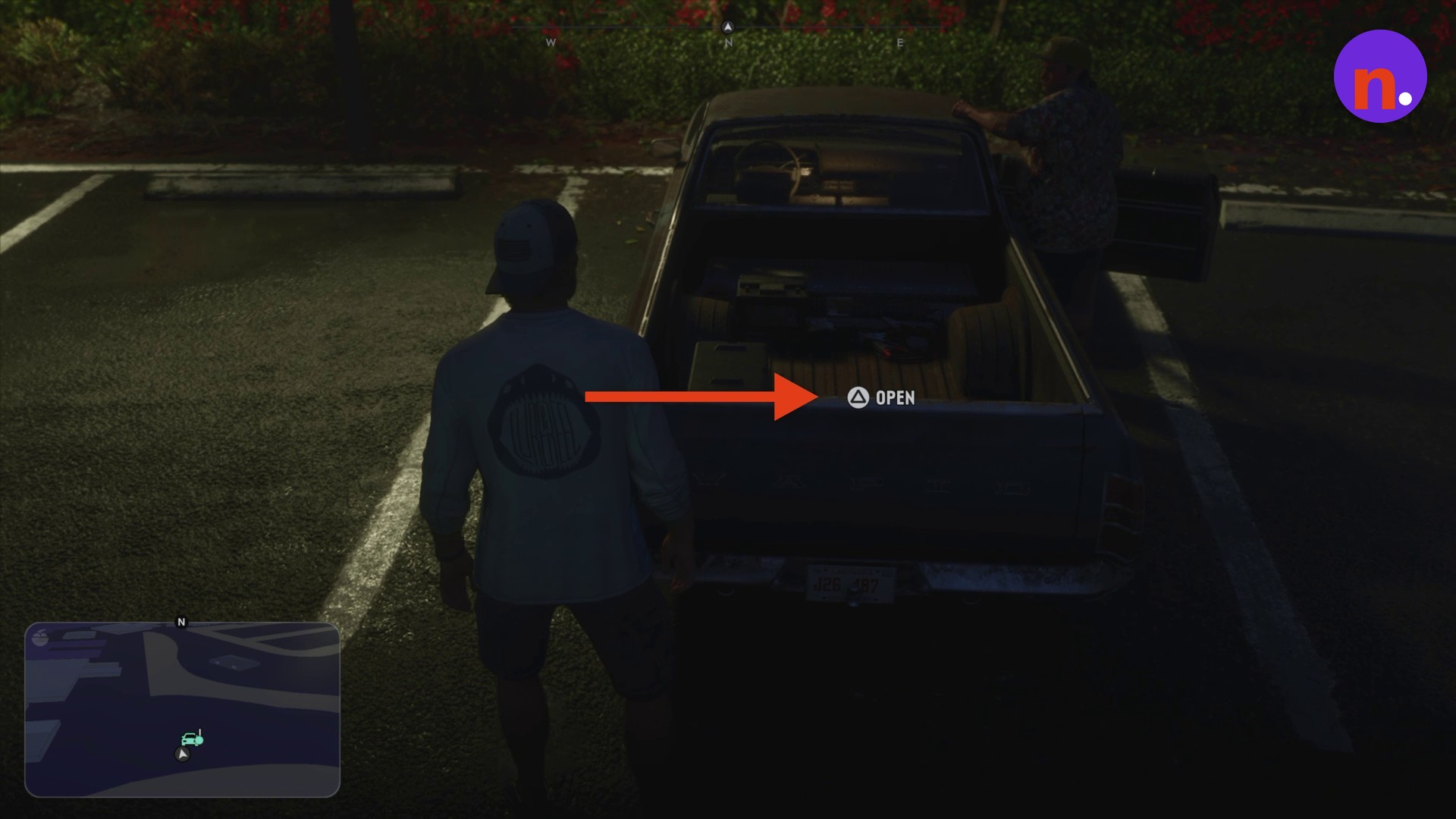
Walk to the rear of the pickup bed and stand directly behind the tailgate.
STEP 2
Open the tailgate
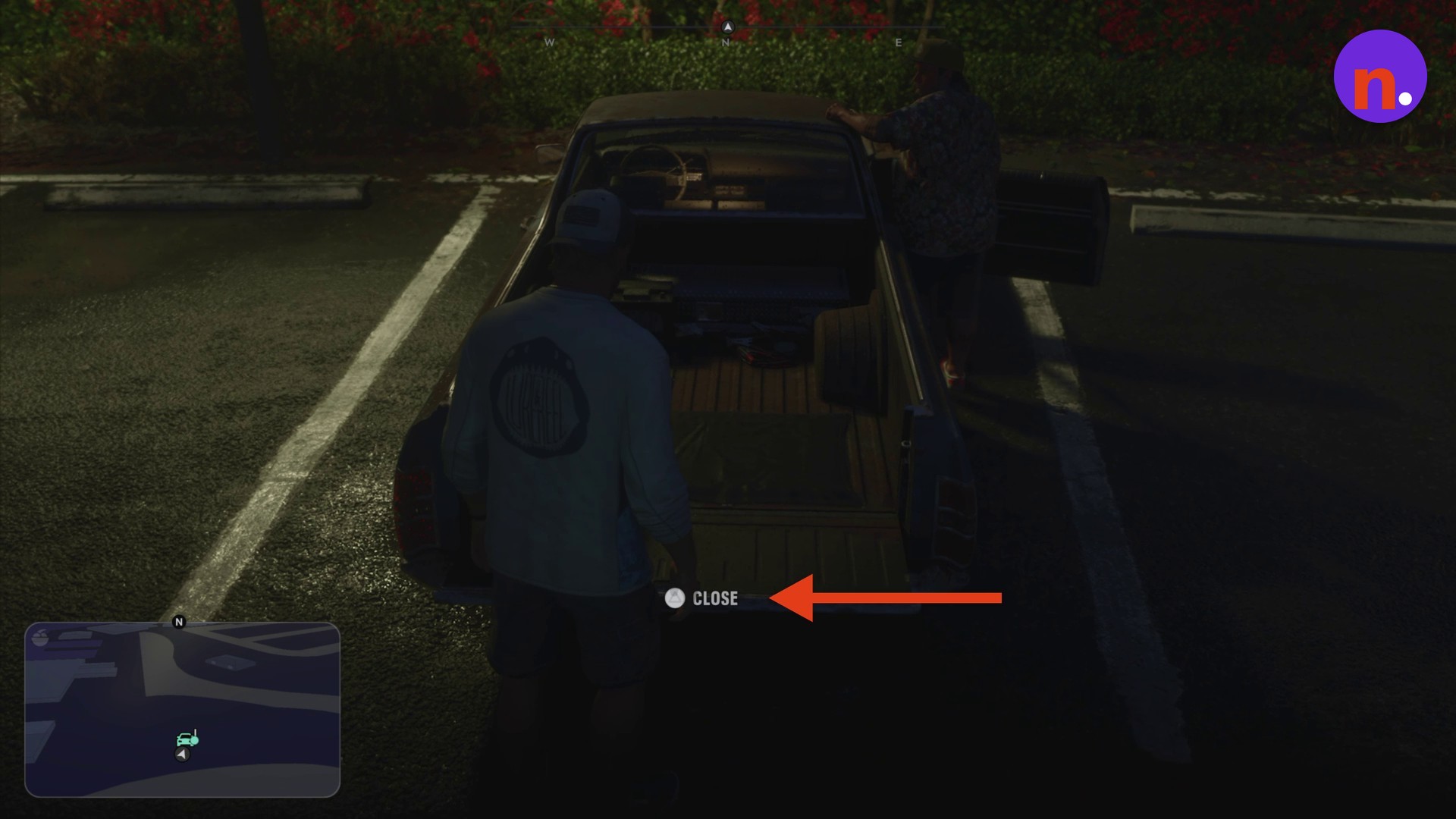
Press Triangle at the OPEN prompt to lower the tailgate. Once it’s down, the prompt changes to CLOSE.
STEP 3
Close the tailgate
While facing the lowered tailgate, press Triangle again at the CLOSE prompt to latch it shut.
Related Grand Theft Auto VI guides


Leave a Reply