

QUICK ANSWER
During Gone Fishing, collect Zombix from the shed’s terrarium with Triangle, then hold L1 and press Square to restore health.
During Gone Fishing, collect Zombix from the shed’s terrarium with Triangle, then hold L1 and press Square to restore health.
The Zombix you collect from the Gone Fishing terrarium in Grand Theft Auto VI comes as pills. This guide covers the Gone Fishing pickup, the inventory confirmation, and the controls for healing through your loadout. The game is listed for PlayStation 5 and also for Xbox Series X|S.
missionGone FishinglocationShed’s glass terrarium tankobjectiveGet the Zombix
How to get and use Zombix in Gone Fishing in Grand Theft Auto VI
STEP 1
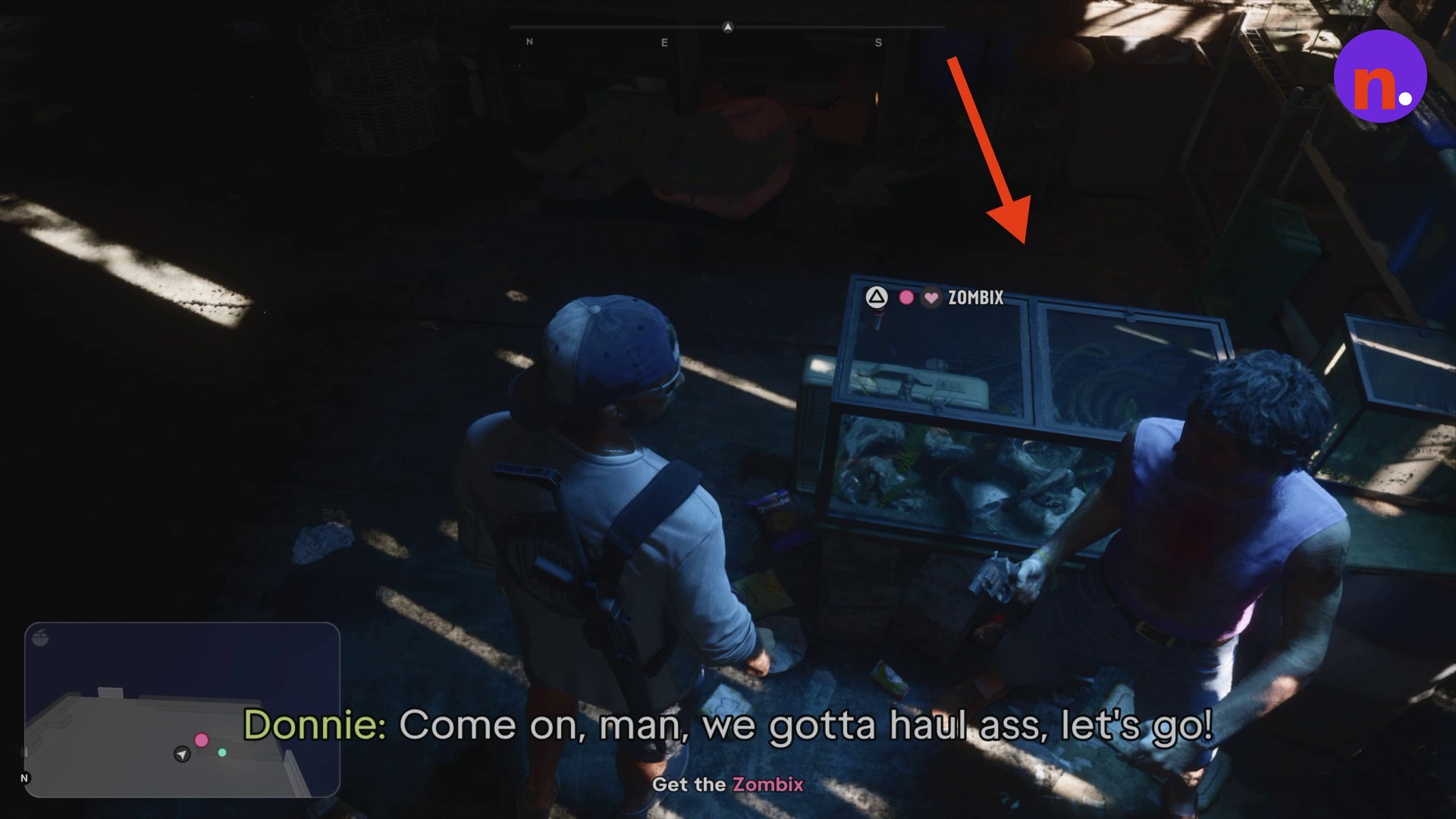
Approach the terrarium in Gone Fishing
Walk over to the shed’s glass terrarium tank and look for the bottle sitting on top.
STEP 2
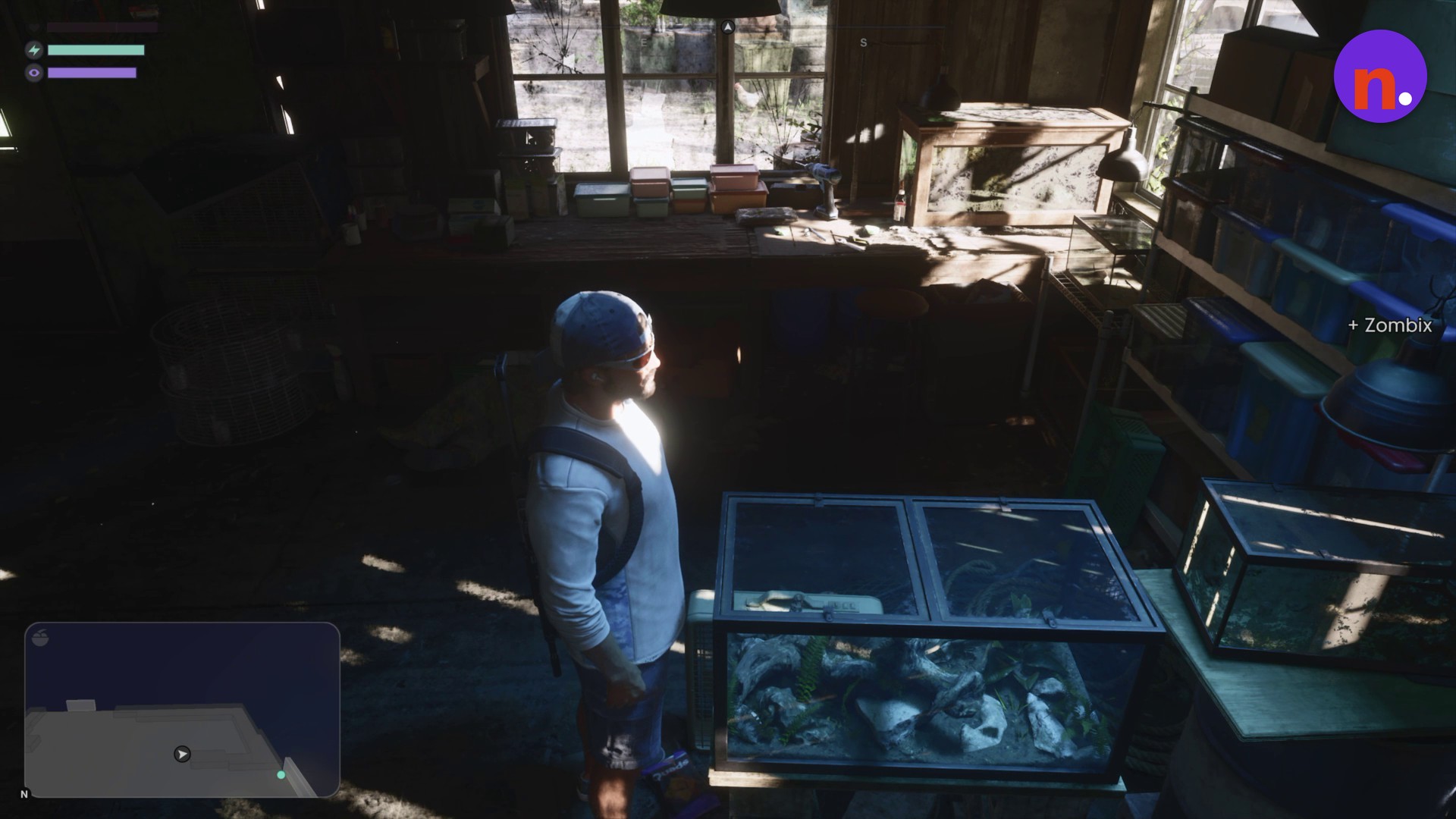
Collect Zombix in Gone Fishing
The + Zombix notification confirms the pills have been added to your inventory.
STEP 3
Use Zombix to heal in Gone Fishing
Open the weapon and item wheel to view your inventory. Follow the healing prompt through your loadout: hold L1 and press Square to consume Zombix and restore your health.
Related Grand Theft Auto VI guides

Leave a Reply