

Hold L1, select Binoculars with the right stick, release L1 to equip them, then hold L2 to look through them.
Binoculars occupy an equipment slot in your loadout wheel. Equipping them puts them in your character’s hands, ready for the viewing action. Platform listings include PlayStation 5 and Xbox Series X|S. This guide covers selecting, equipping, and looking through binoculars in Grand Theft Auto VI.
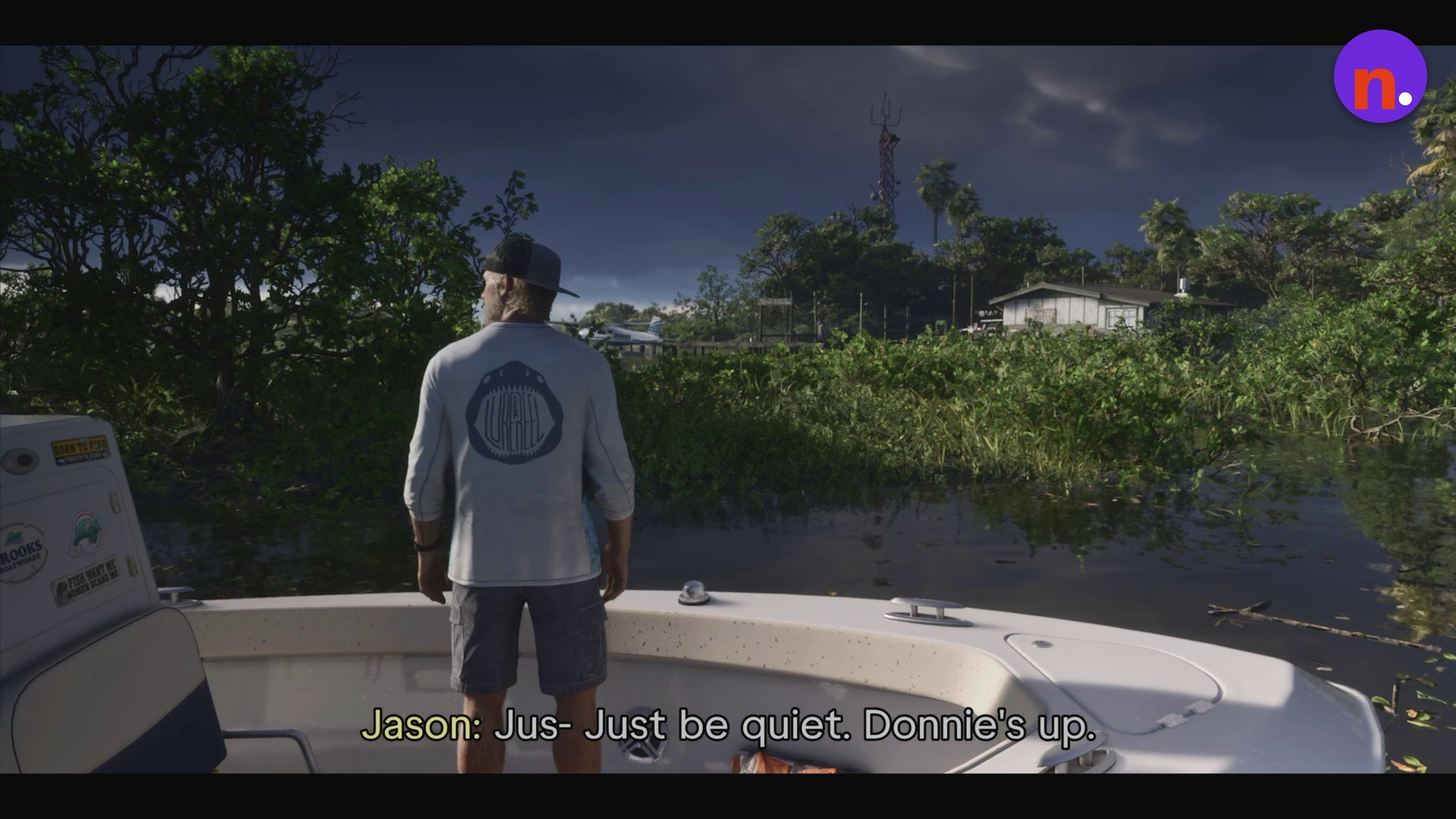
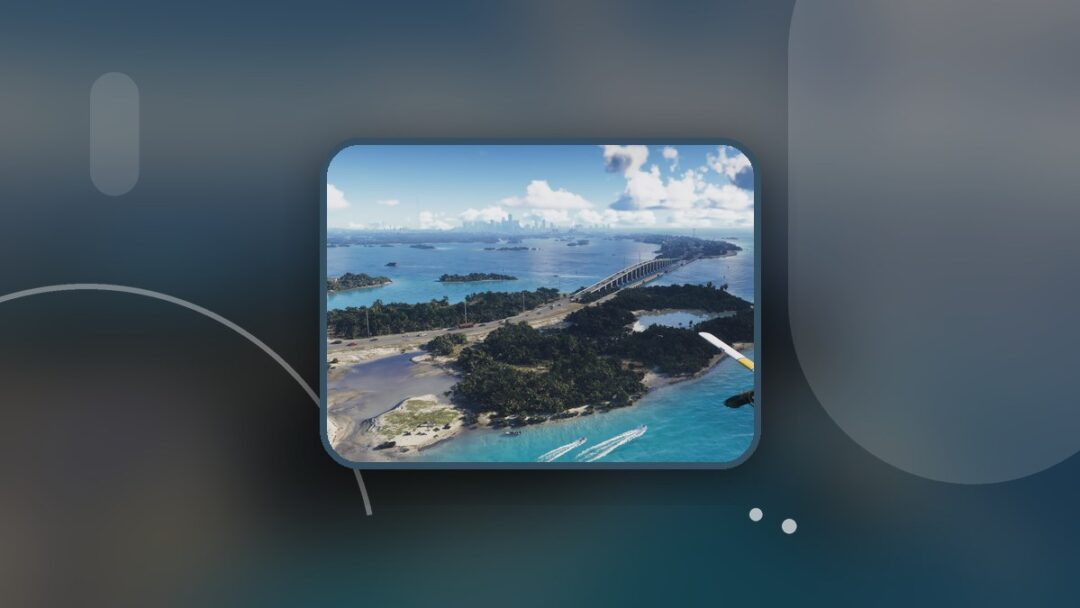
Sunrise RV Park is visible across the water.
How to use binoculars in Grand Theft Auto VI
Open your loadout
Hold L1 to display the weapon and item wheel, and keep it held while making your selection.
Select your binoculars
Use the right analog stick, labeled R, to highlight the equipment slot for binoculars.
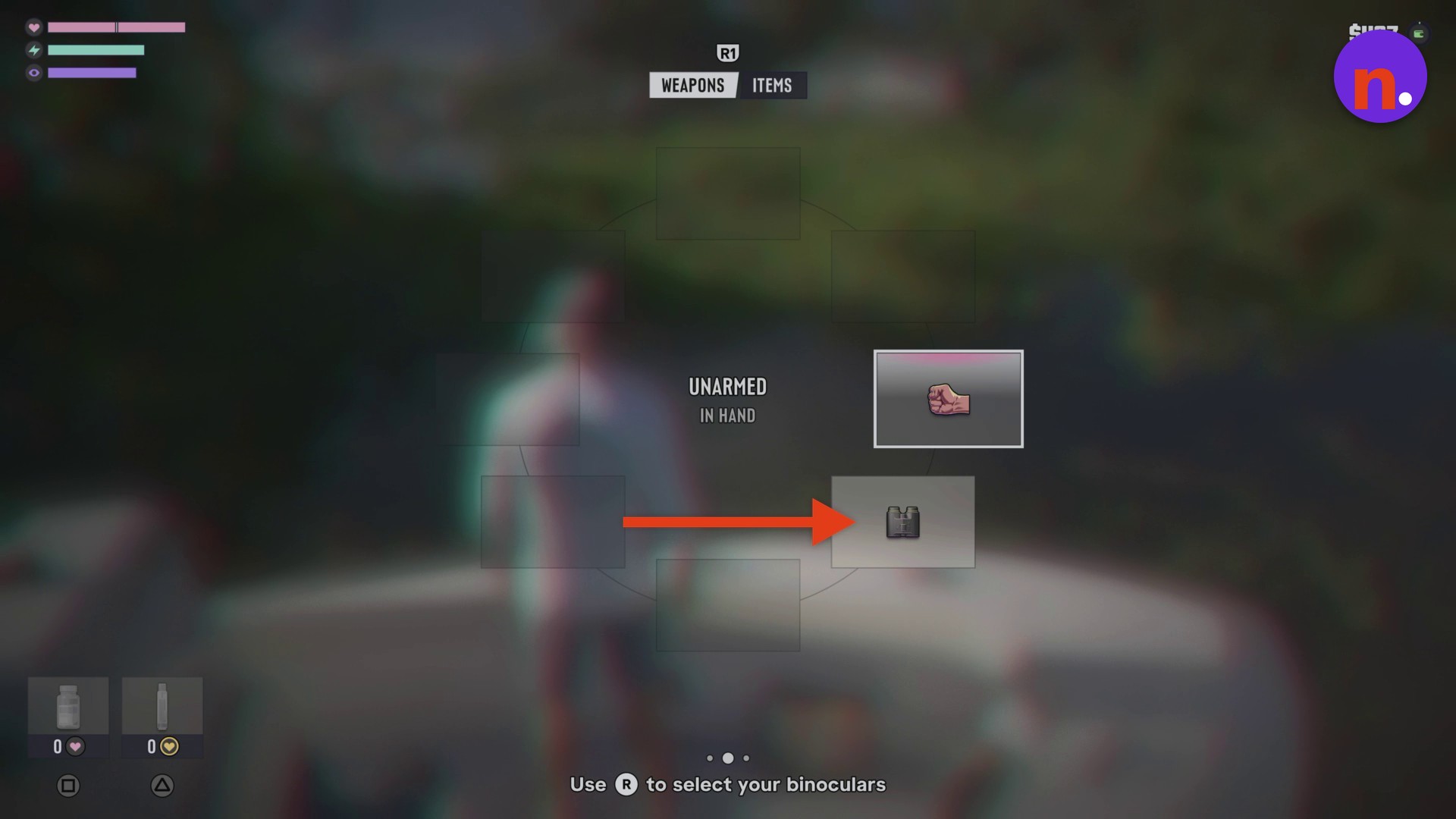
Equip the binoculars
With binoculars selected, release L1 to equip them.
Look through the binoculars
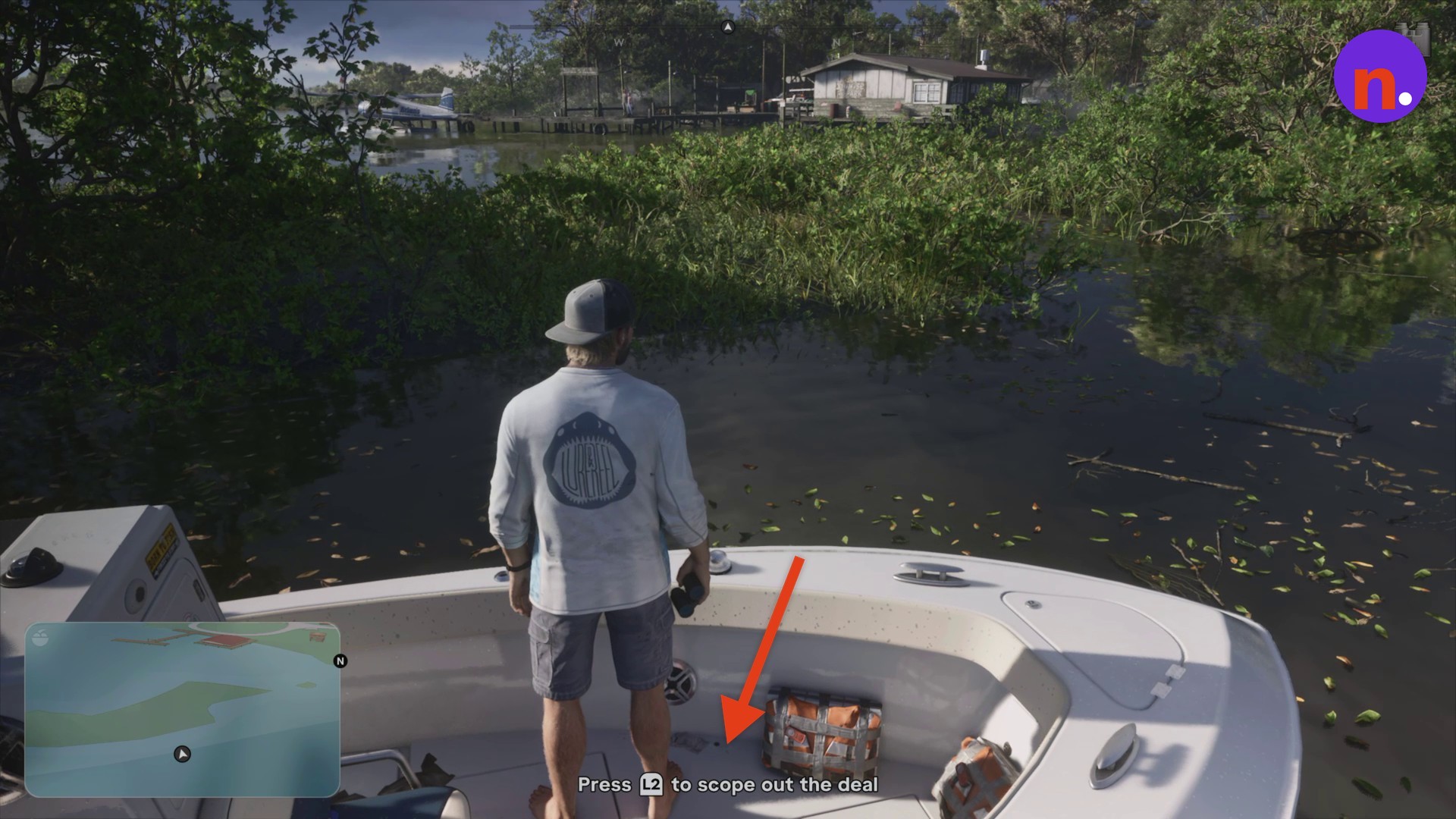
Press and hold L2 to raise the binoculars and look through them. The on-screen prompt directs you to use L2 to observe the deal.
› story detailsSpoilers for the story. Open to read.
What you observe through the binoculars
Use the binoculars to scope out the deal.
Look through the lenses to observe distant targets.
Related Grand Theft Auto VI guides
Leave a Reply