

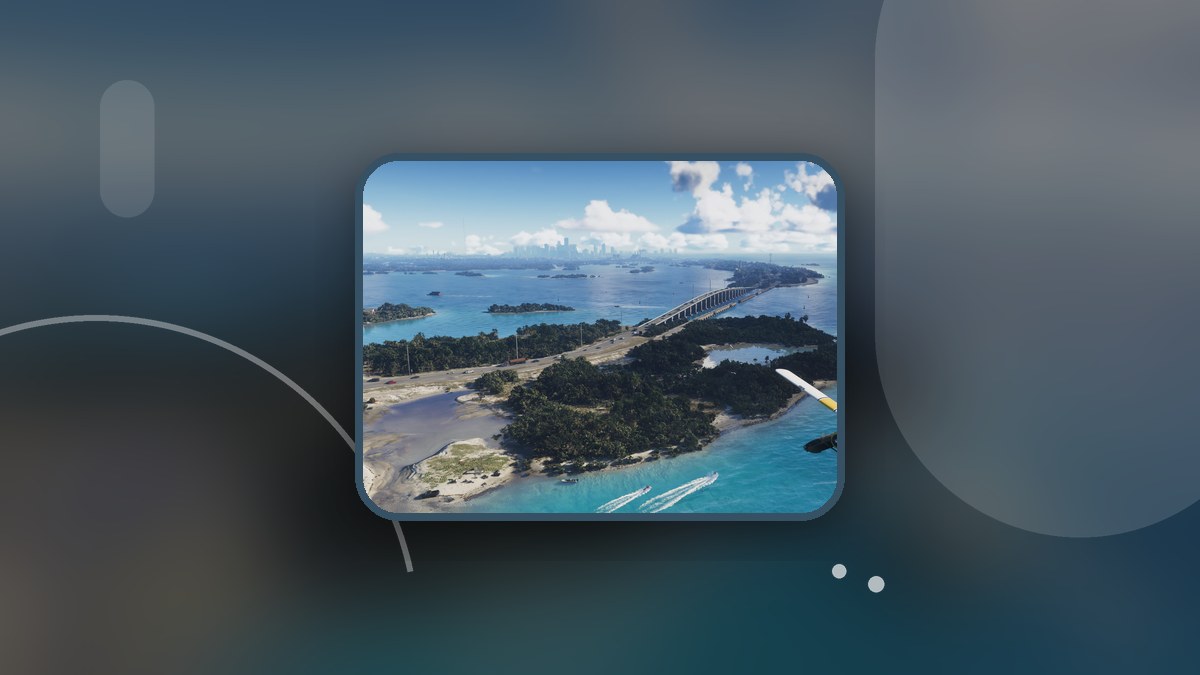
UNWANTED ATTENTION begins at an impound lot, where Jason must search for the Phoenix.
This guide covers the opening impound search and checkpoint retry in Grand Theft Auto VI. It ends after the checkpoint retry.
PlayStation 5 and Xbox Series X|S are among the game’s listed platforms. The opening search here uses game build 930.048.020.
How to search the impound and retry a checkpoint in Grand Theft Auto VI
Quietly restrain the guard
As Jason, quietly subdue the guard inside the impound lot.
Head toward the garage
Move between the parked cars toward the garage as you search the impound.
Open the pause menu after detection
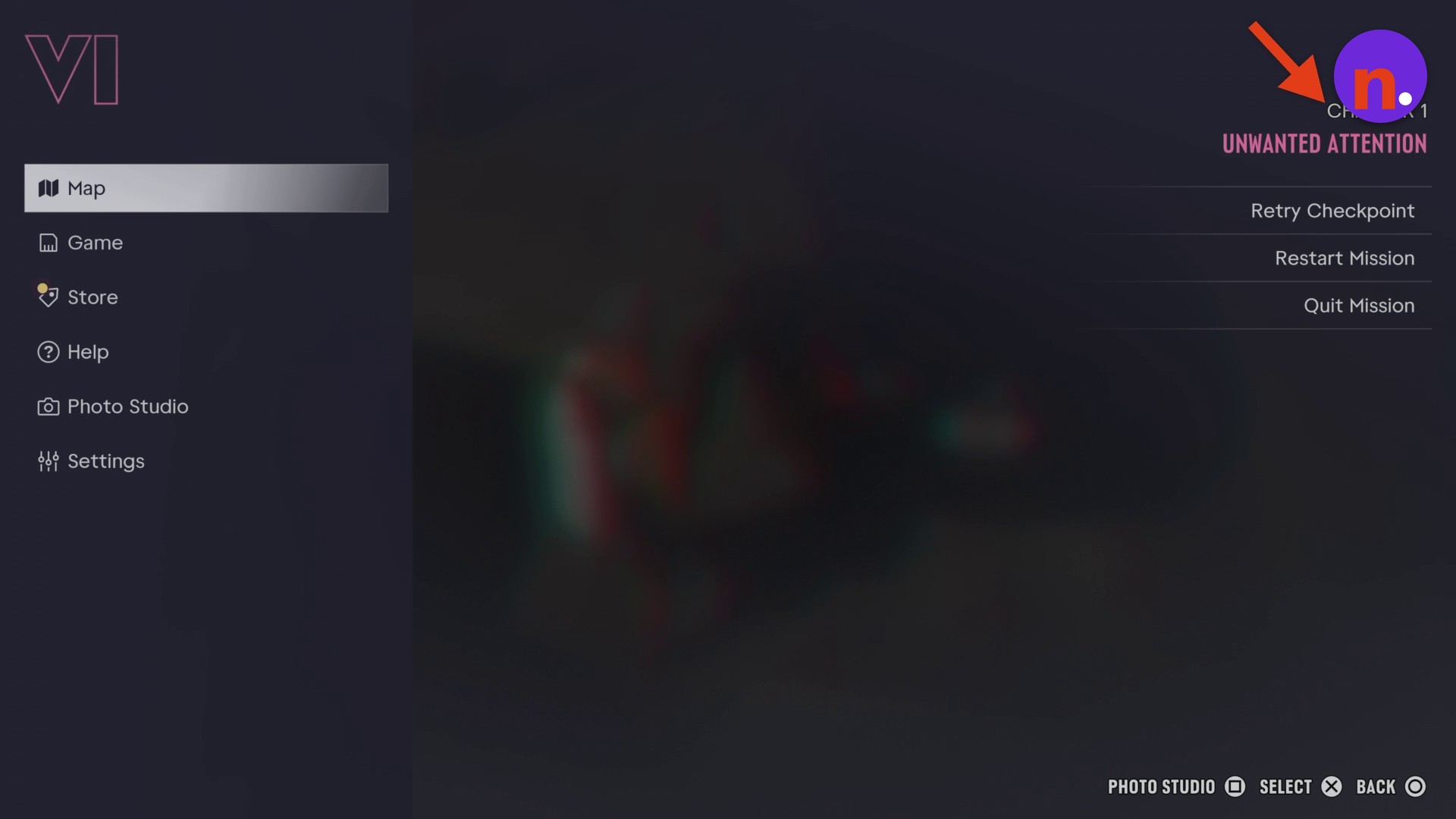
If the staff member spots Jason, they call for security, followed by a police alert. Run and climb over a van and storage containers during the alert. Open the pause menu to retry the checkpoint.
Select Retry Checkpoint
Choose Retry Checkpoint. At this checkpoint, Jason reappears outside the police impound wall holding a baseball bat. The menu also offers Restart Mission.
Related Grand Theft Auto VI guides



Leave a Reply