


The short version
- Grand Theft Auto VI offers first-person view in specific situations, but has no full first-person mode at launch.
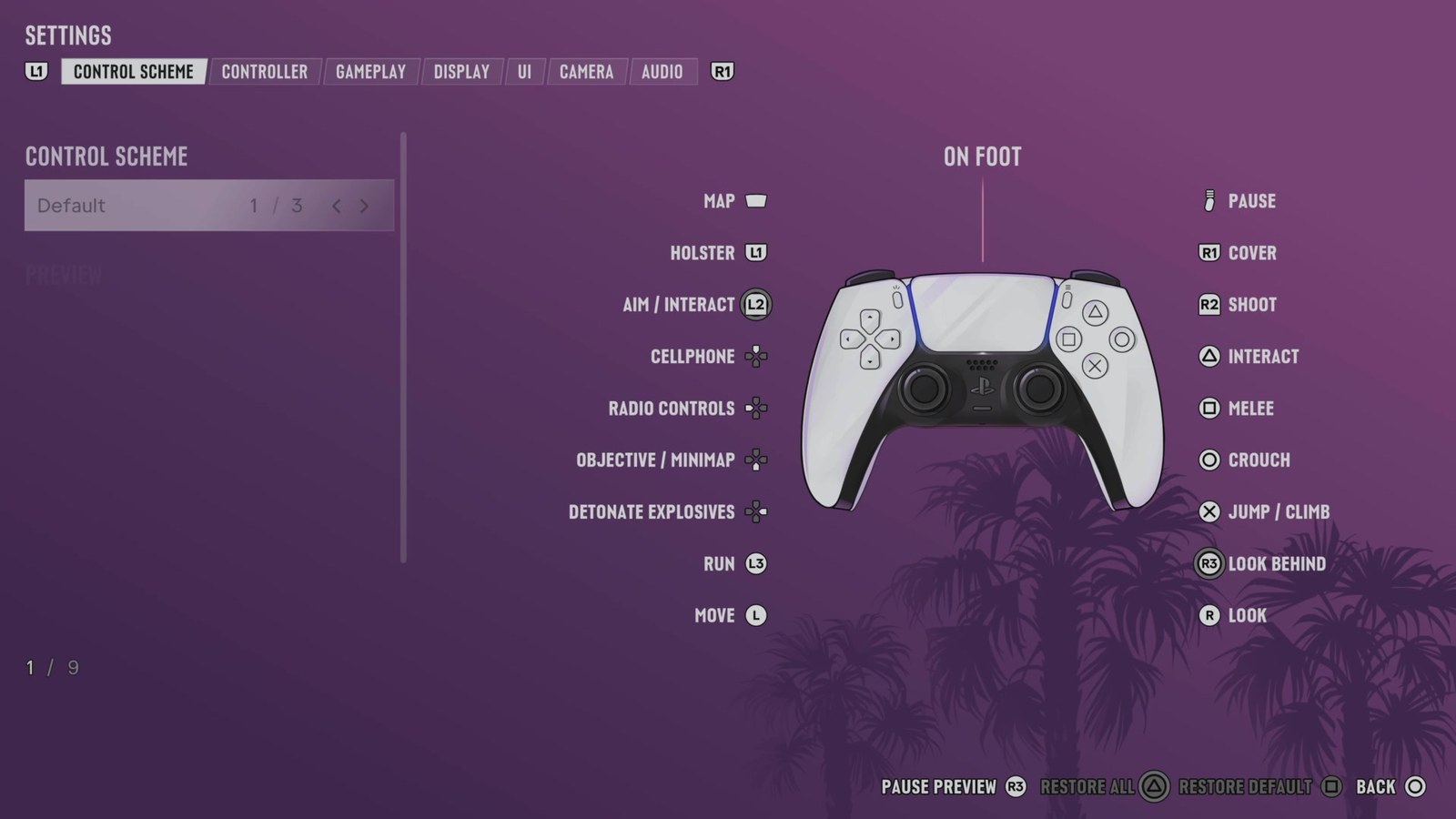
- On foot, stand still and hold L2 + R3 on PlayStation or LT + Right Stick on Xbox. You cannot move around on foot in this view.
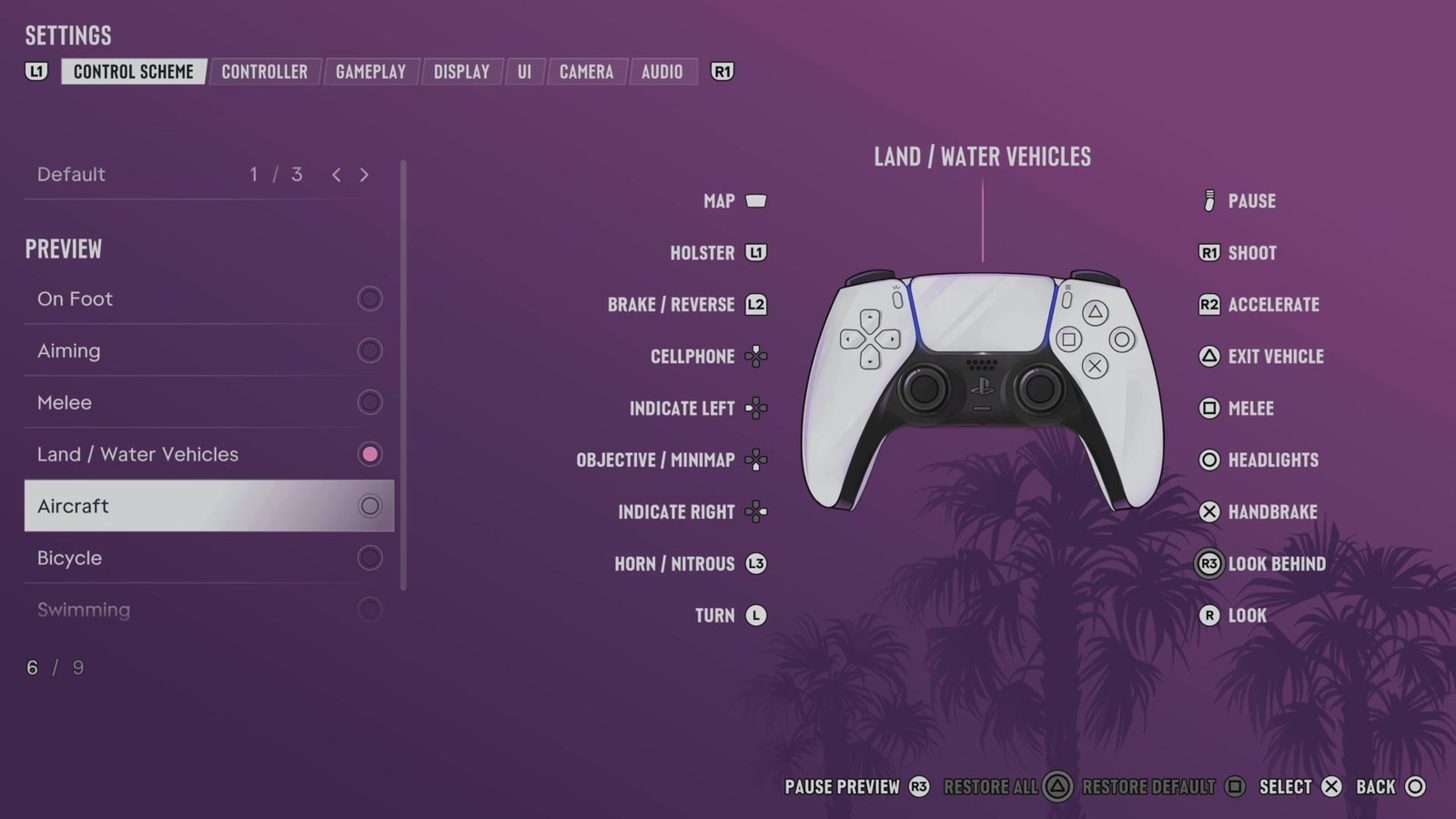
- While driving, press D-Pad Up to bring out your phone. First-person driving works while the phone remains out.
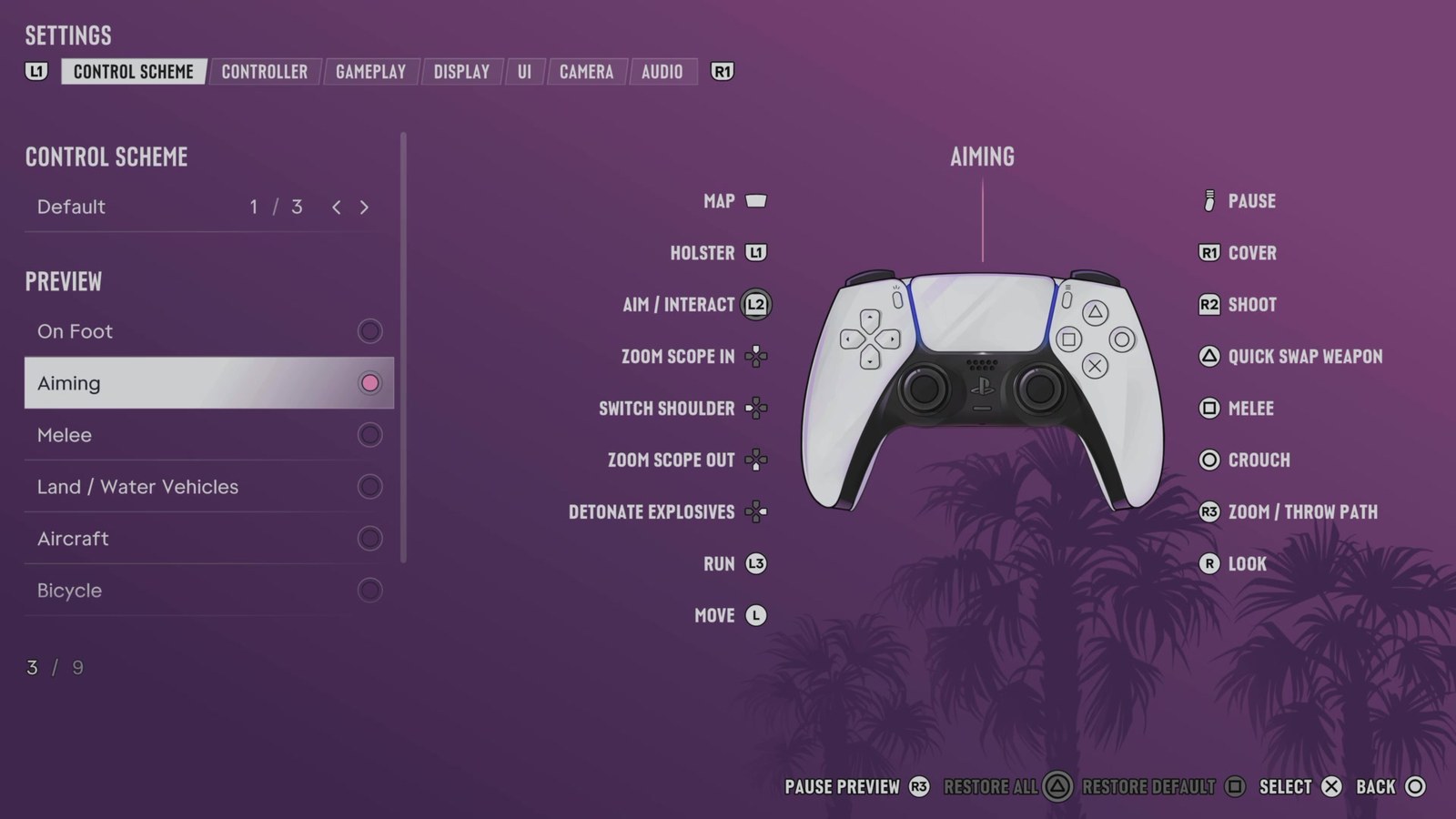
- When aiming a gun with sights, hold L2 + R3 on PlayStation or LT + Right Stick on Xbox.
GTA 6 lets you use first-person view while stationary on foot, driving with your phone out, or aiming through weapon sights. These options do not let you play the entire game in first person.
Does GTA 6 have first person?
GTA 6 has a first-person view for certain situations. It does not have a full first-person mode at launch, so you cannot use that perspective throughout the whole game.
The restriction on walking applies to the on-foot view. You can still drive in first person with your phone out and use first-person aiming with a gun that has sights.
How to go first person in GTA 6
The three ways below cover standing still on foot, driving with the phone out, and aiming a weapon that has sights.
While standing still on foot
- Stop moving.
- Hold L2 + R3 on PlayStation, or LT + Right Stick on Xbox, to use first-person view.
You must remain stationary. This view does not support walking around.
While driving with your phone out
- While driving, press D-Pad Up to bring out your phone.
- Keep the phone out to drive in first-person view.
First-person driving is available only while your phone is out.
While aiming a weapon with sights
- Aim a gun that has sights.
- While aiming, hold L2 + R3 on PlayStation, or LT + Right Stick on Xbox, to use first-person view.
You can fit a gun with optics by interacting with the clerk at any gun store.
FAQs
Can you walk around in first person in GTA 6?
No. The on-foot first-person view requires you to stand still.
Can you drive in first person without the phone out?
No. You need to keep your phone out while driving to use first-person view. Press D-Pad Up while driving to bring it out.
Where can you add optics to a gun?
Visit any gun store and interact with its clerk to add optics to your gun.
Related on NerdsChalk
Leave a Reply