

Get a haircut at Barnacle Beauties by speaking to the stylist, opening Hairstyle, buying your chosen cut, and exiting customization.
Barnacle Beauties offers hairstyle customization in Grand Theft Auto VI. You can choose a cut from the salon menu, preview it on your character, and purchase it before leaving the chair.
The game is available for PlayStation 5 and Xbox Series X|S.
How to get a haircut at Barnacle Beauties in Grand Theft Auto VI
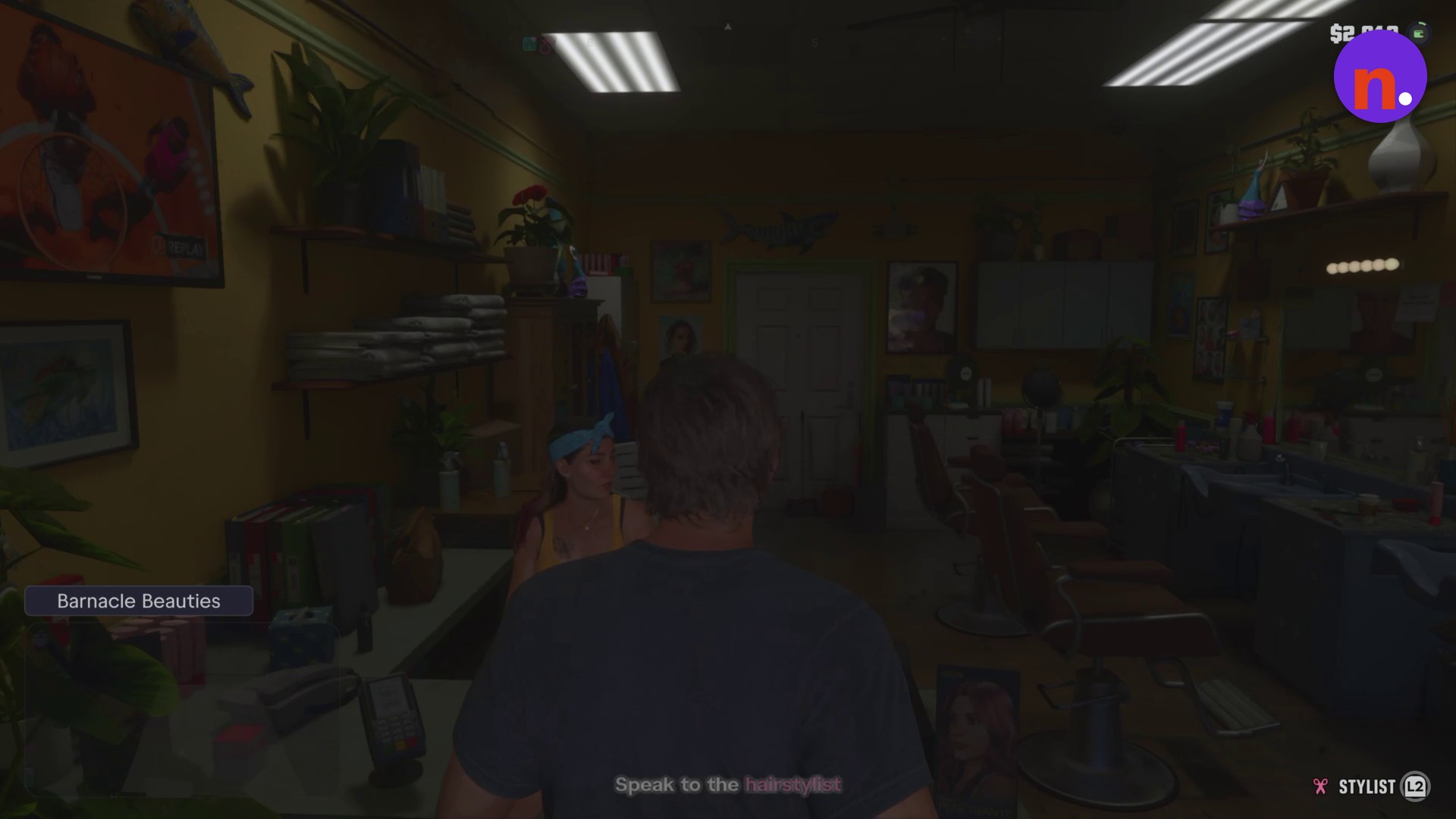
Enter Barnacle Beauties
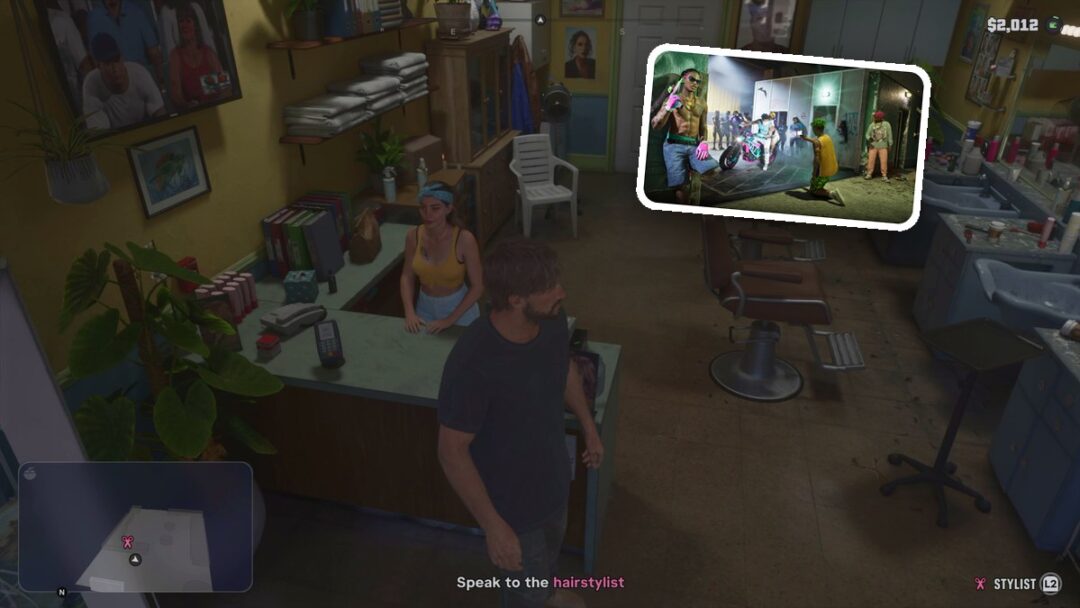
Walk through the entrance into the Barnacle Beauties salon. At the start of this visit, the balance reads $2,012.
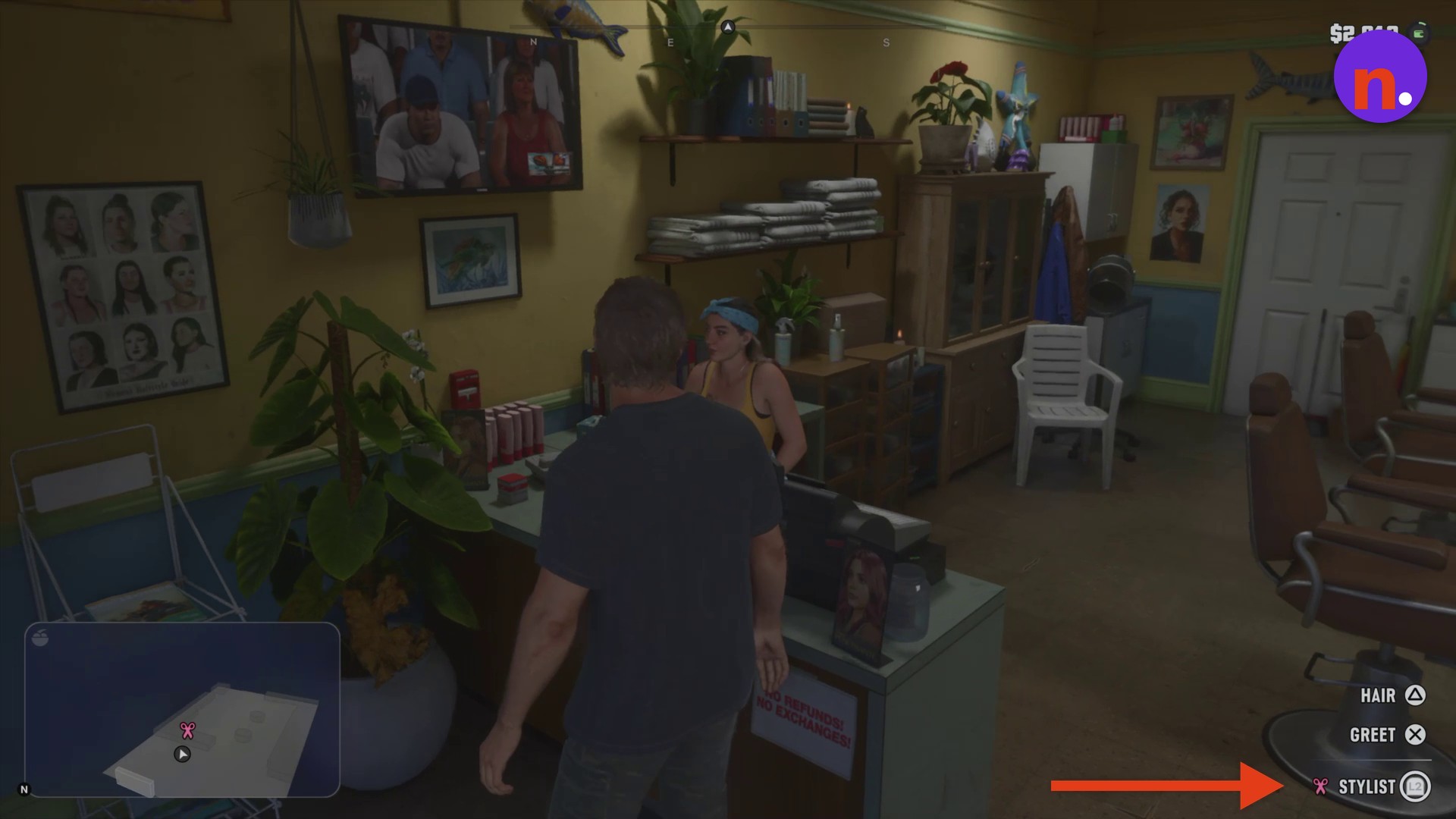
Approach the stylist
Walk up to the front counter and press L2 to speak to the stylist. The counter interaction includes HAIR and GREET labels. Proceed to the barber chair to begin customization.
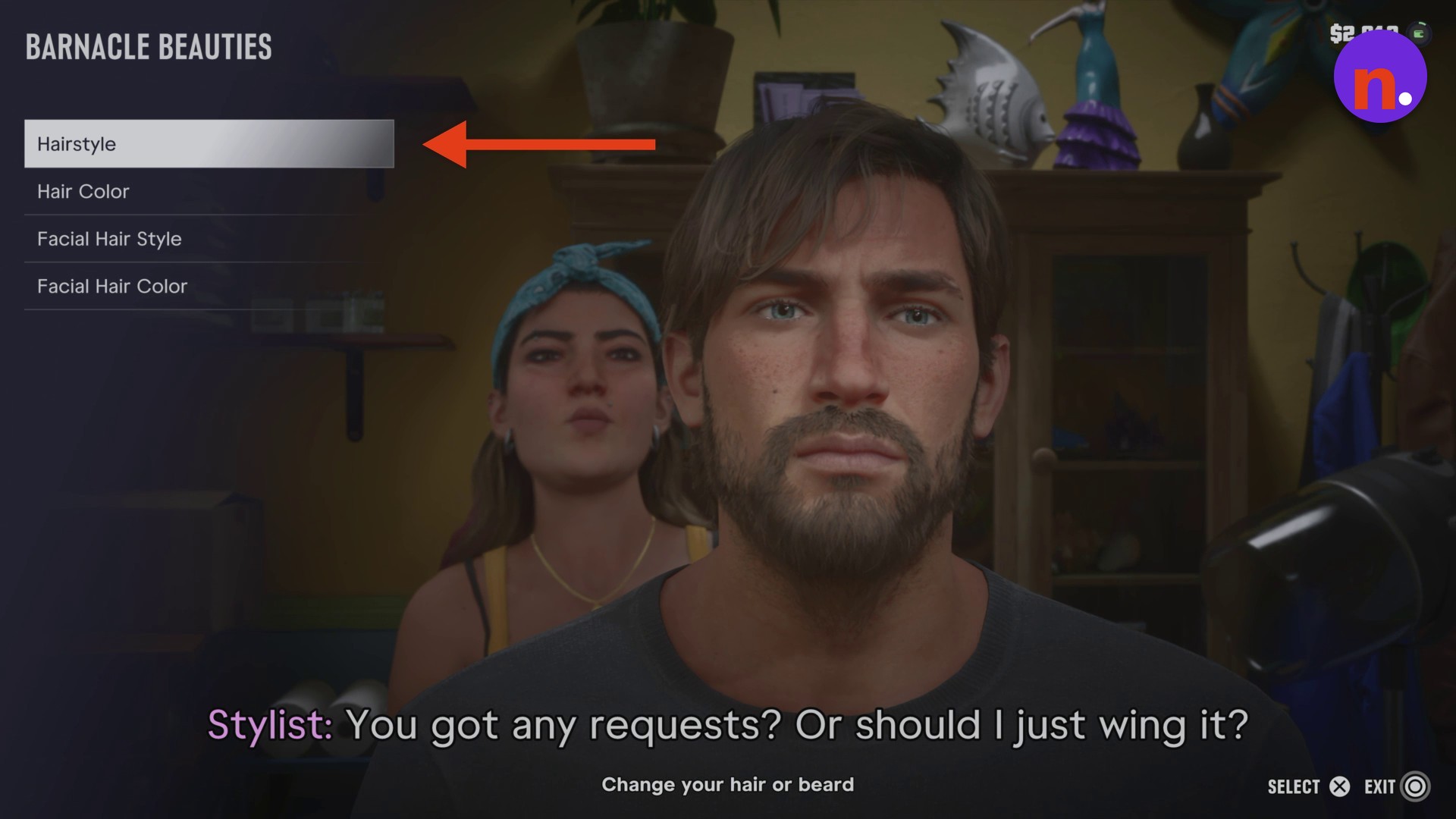
Open Hairstyle
Highlight Hairstyle in the customization category menu and use SELECT to open the haircut options.
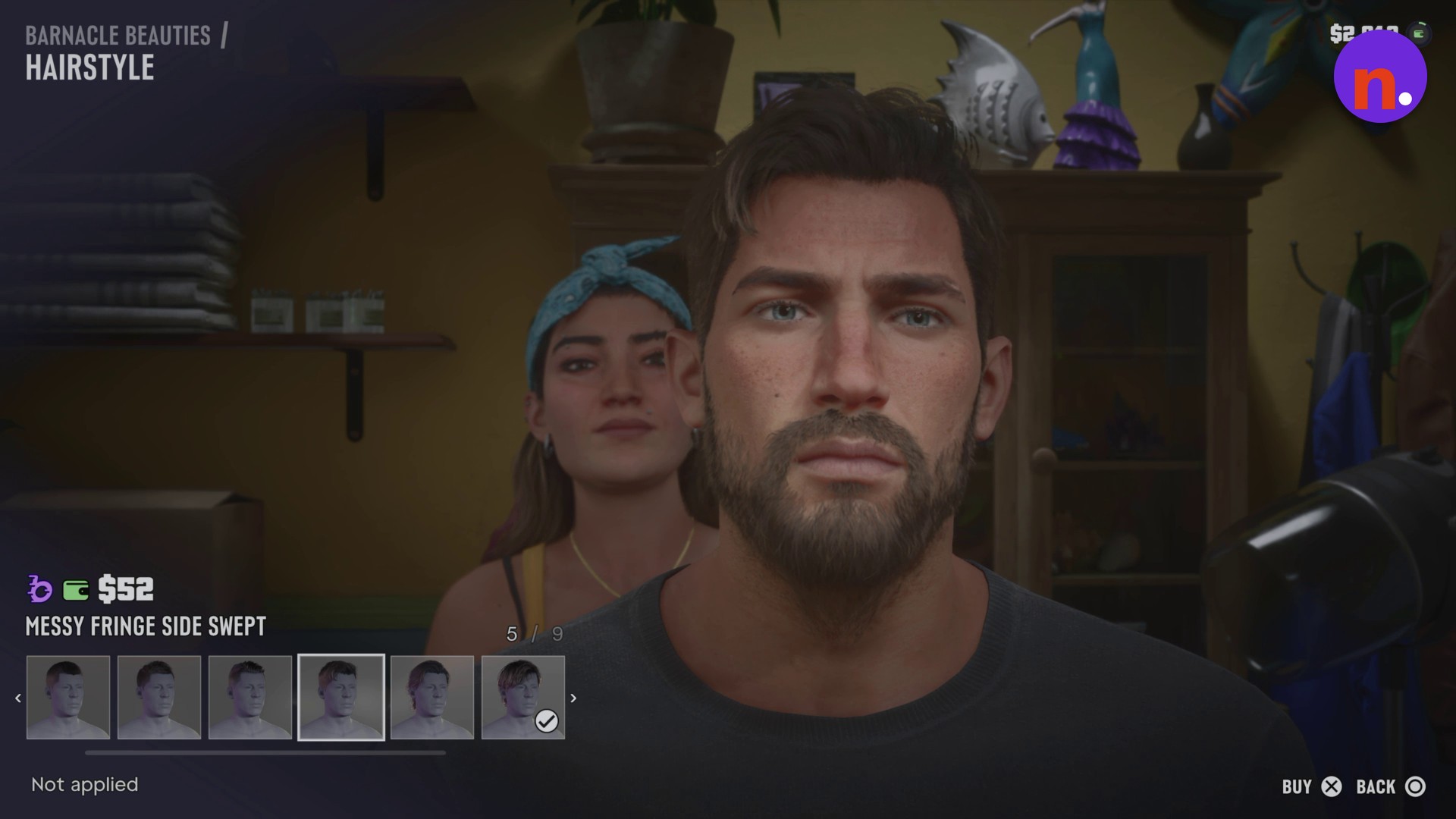
Buy Messy Fringe Side Swept
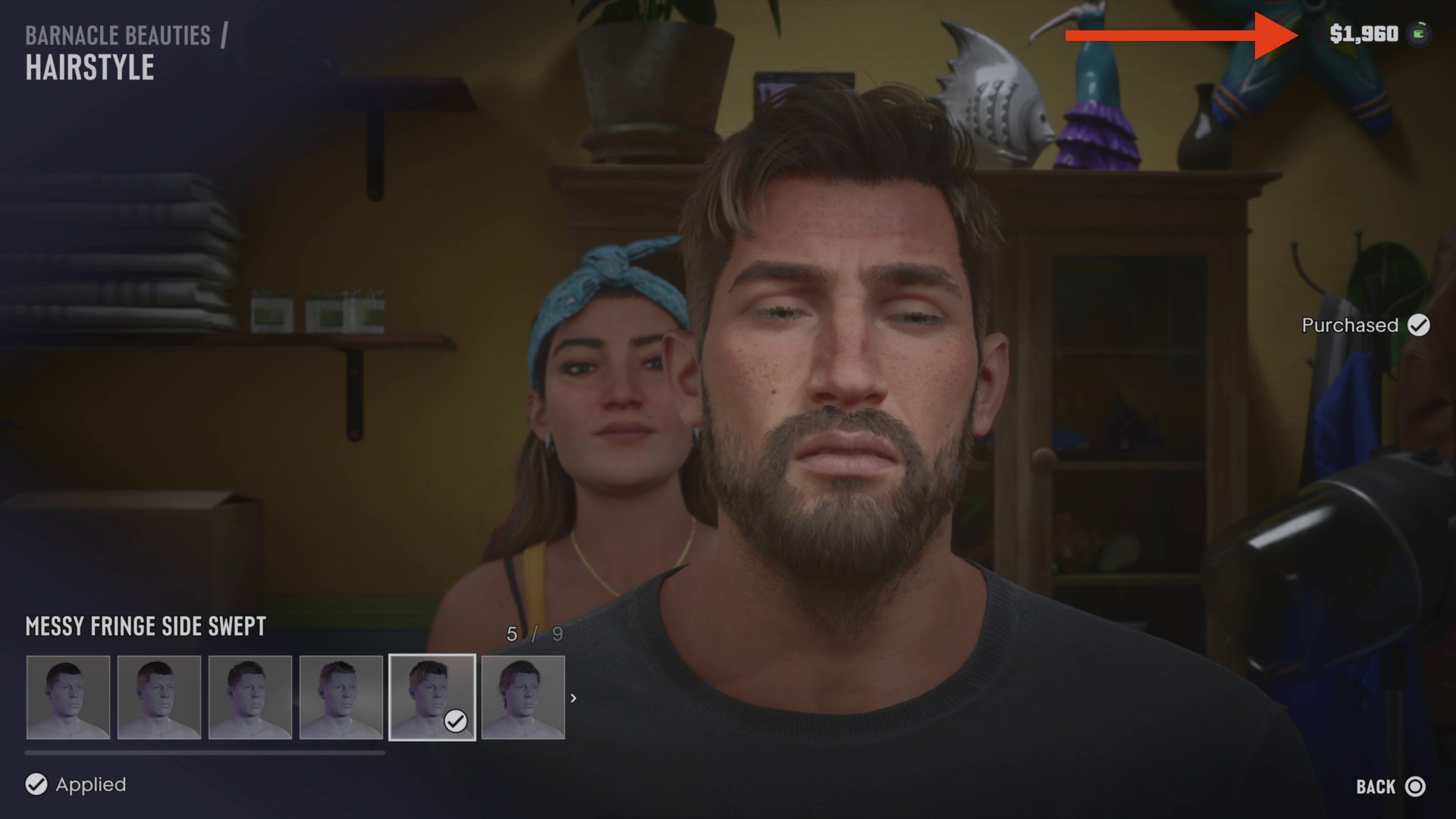
Browse to MESSY FRINGE SIDE SWEPT and press X to purchase it using BUY. Not applied identifies an unapplied preview. After buying the cut, Purchased confirms the transaction, while Applied identifies your active hairstyle.
Leave the barber chair
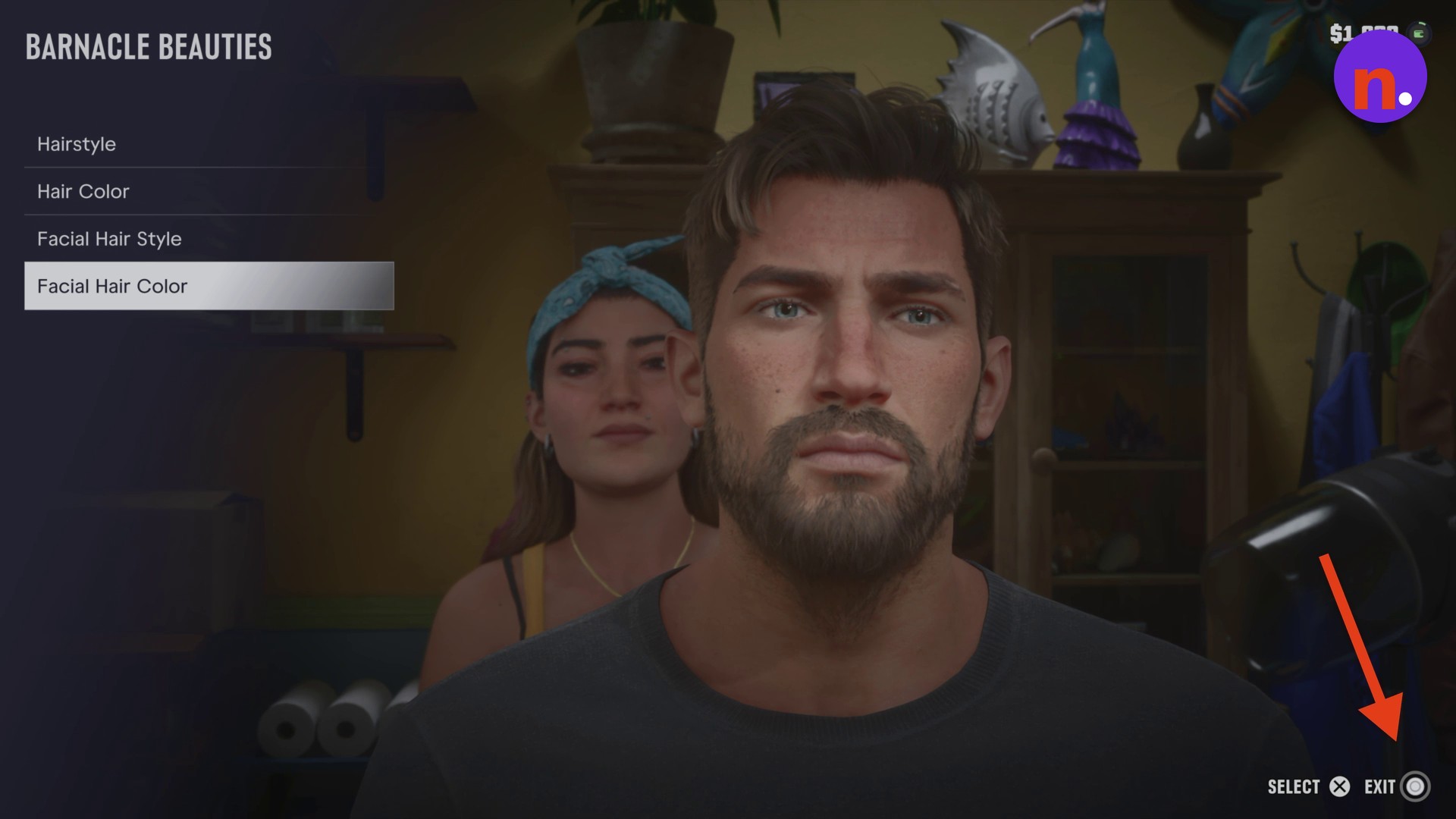
Press Circle to close customization and stand up. The hairstyle menu includes a BACK control, and the category menu includes an EXIT control.
Leave the salon
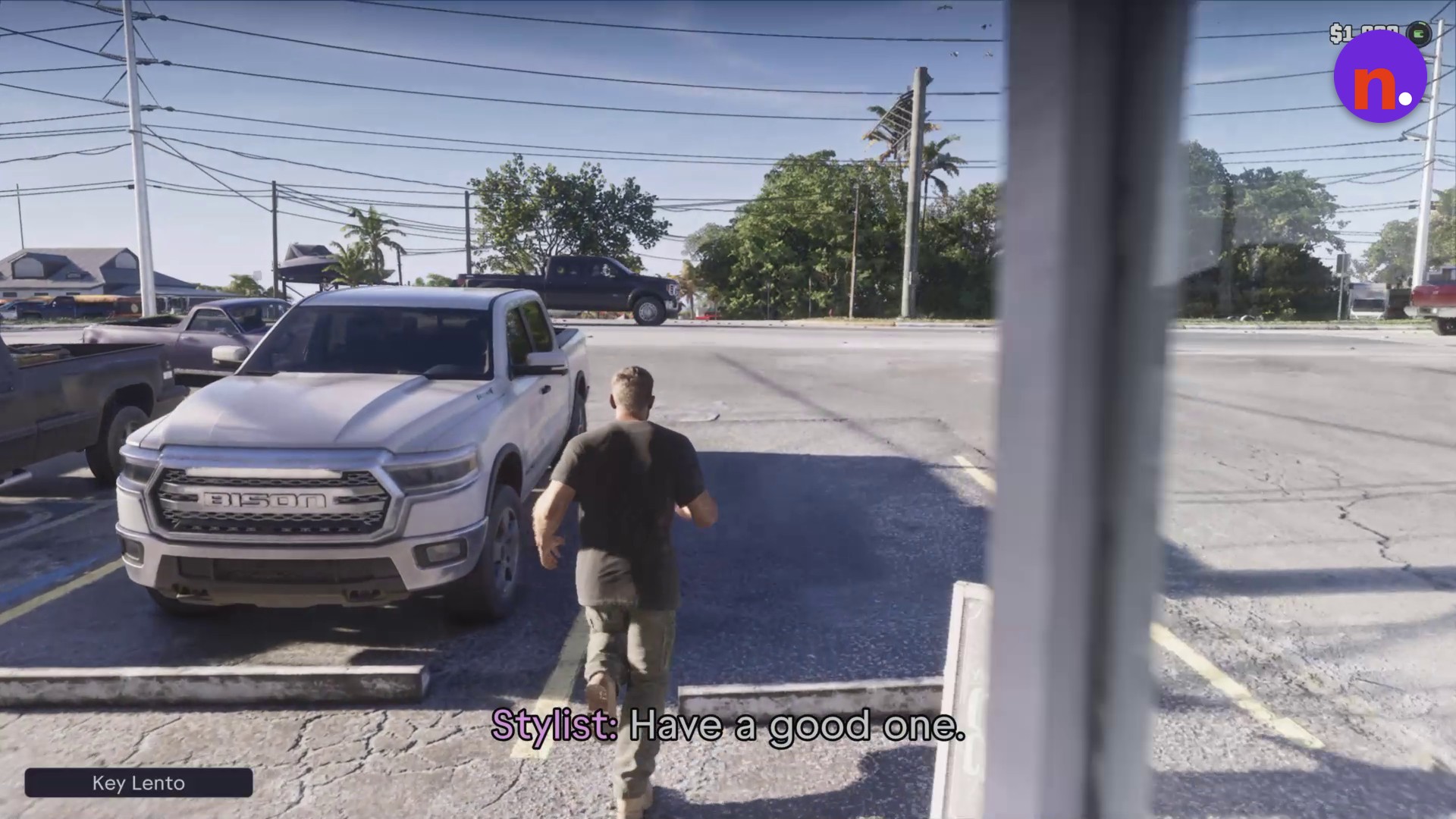
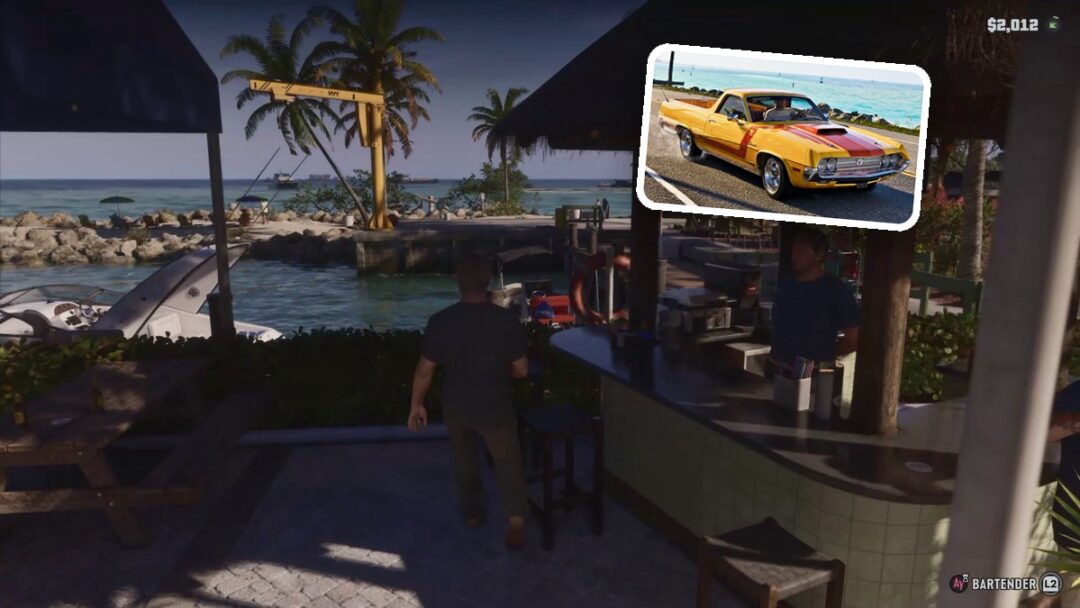
Walk through the front doors and return outside in Key Lento with your new haircut.
What hairstyles, prices, and customization options are available at Barnacle Beauties?
| Hairstyle | Price | Displayed number |
|---|---|---|
| Messy Fringe Side Swept | $52 | 5 / 9 |
| Straight Quiff | $46 | |
| Crew Cut | $38 | 3 / 9 |
| Caesar Cut | $34 | |
| Buzz Cut | $35 | 1 / 9 |
| Shaggy Side Fringe | 7 / 9 |
The hairstyle menu previews each selected cut on your character. The selection screen displays hairstyle names and prices, along with numbers such as 5 / 9.
The character preview lets you see your new look after the purchase. With Messy Fringe Side Swept purchased during this visit, the remaining balance is $1,960.
Beyond hairstyles, the salon’s category menu offers Hair Color, Facial Hair Style, and Facial Hair Color for further customization.
Related Grand Theft Auto VI guides
Leave a Reply