

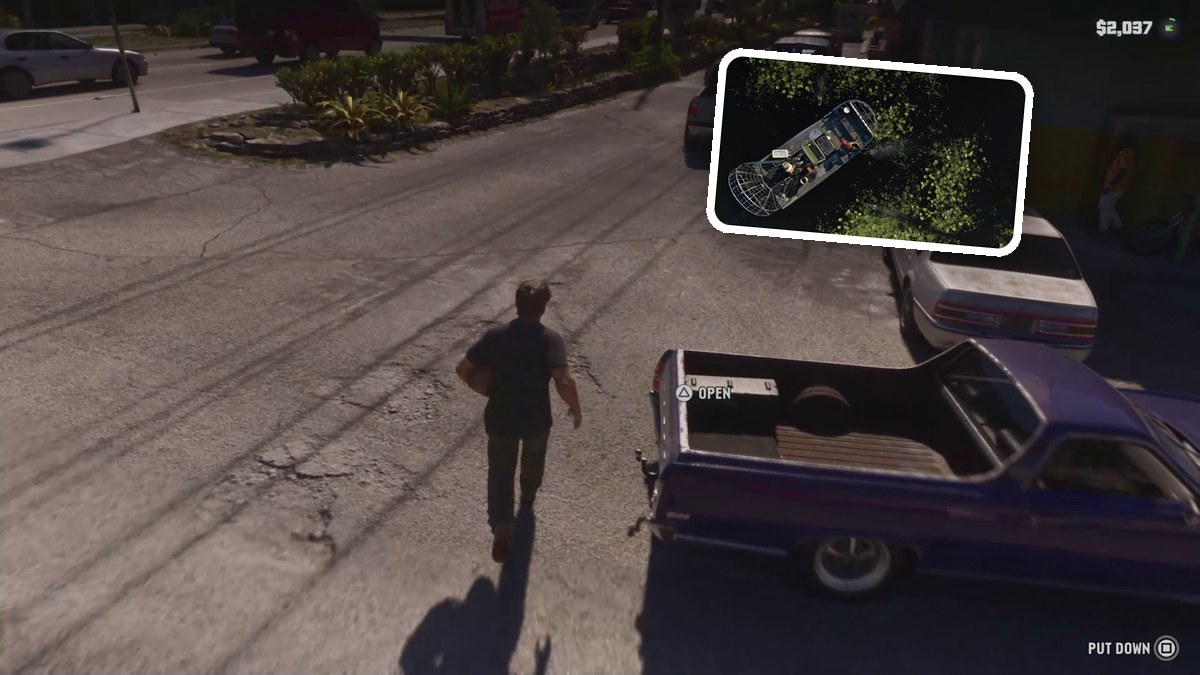
Collect an apple, chips, bread and wine at Key Lento Mini-Mart, visit the counter, then stow your grocery bag in the pickup’s bed.
In Grand Theft Auto VI, Jason’s shopping objective begins with Buy some groceries. This guide covers collecting the groceries, visiting the counter and loading the bag into your pickup, ending when you get into the truck.
The game is listed for PlayStation 5 and Xbox Series X|S.
How to buy groceries in Grand Theft Auto VI
Collect the groceries and visit the counter, then take the bag outside to load the pickup.
Part 1 – Collect the groceries and visit the counter
Pick up an apple
Head to the produce stand in the left aisle. Take an apple from the fruit crates to start filling your grocery bag.
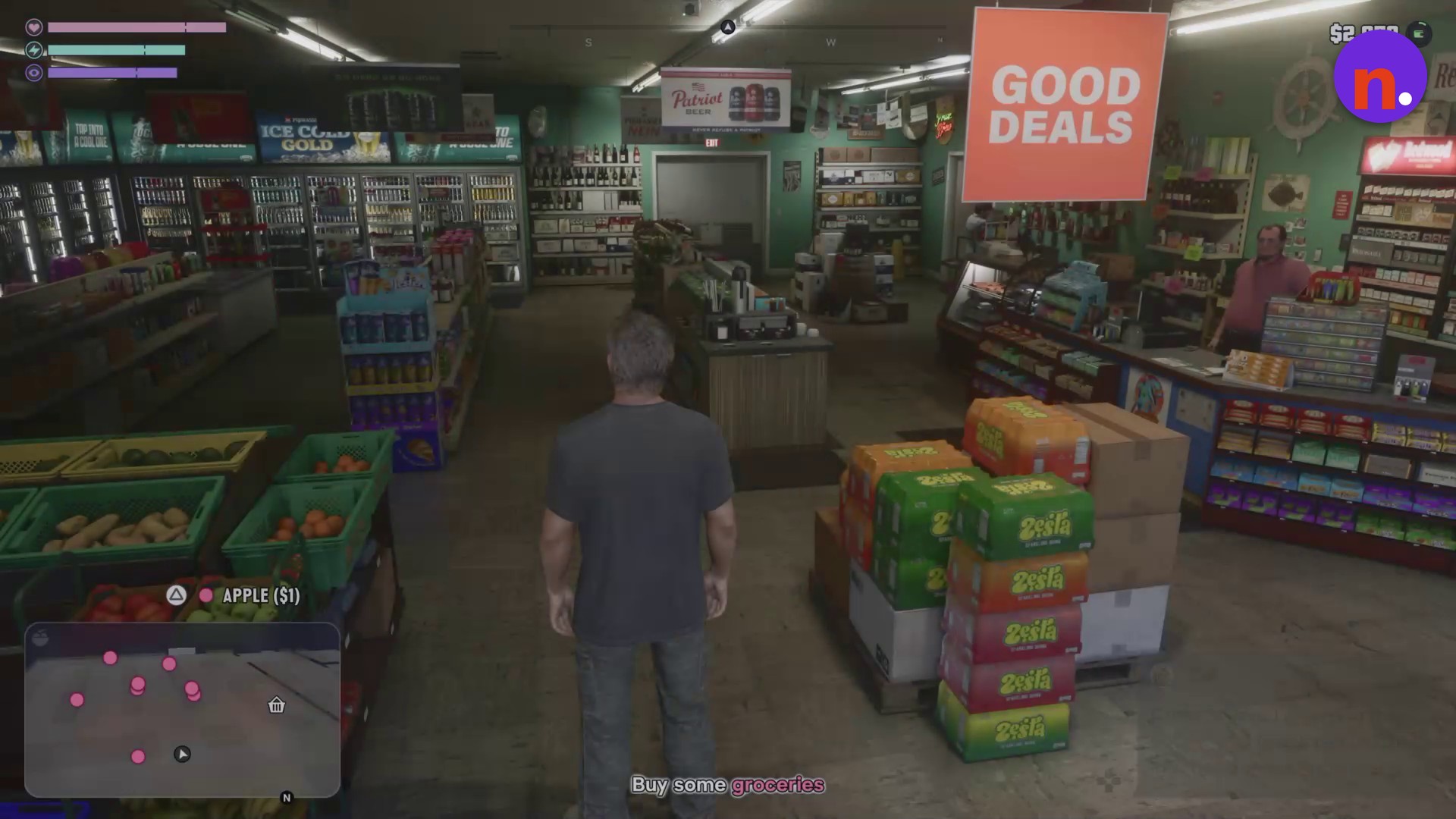
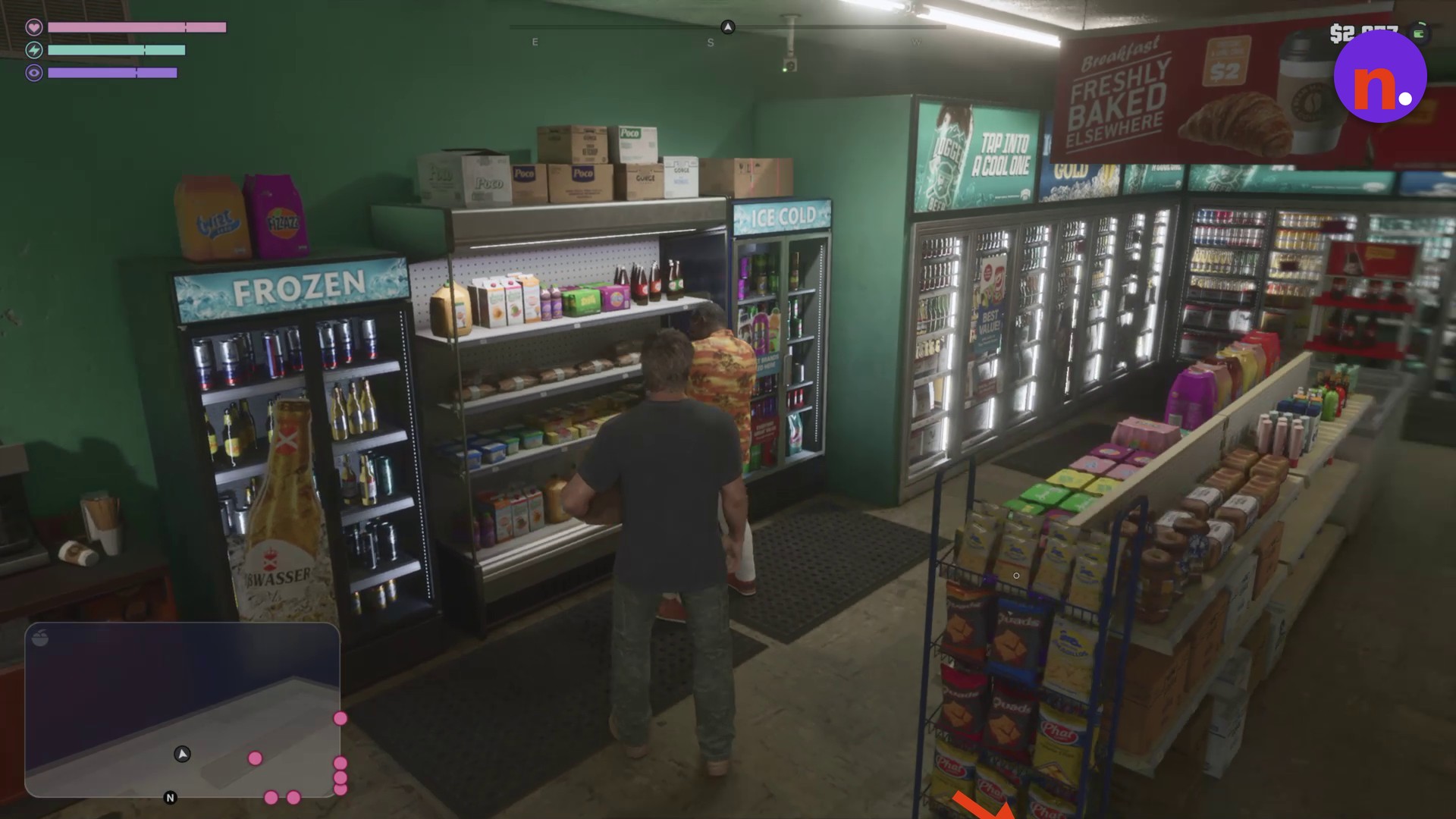
Collect the chips
Walk along the snacks aisle and use CHIPS to collect a bag from the shelf.
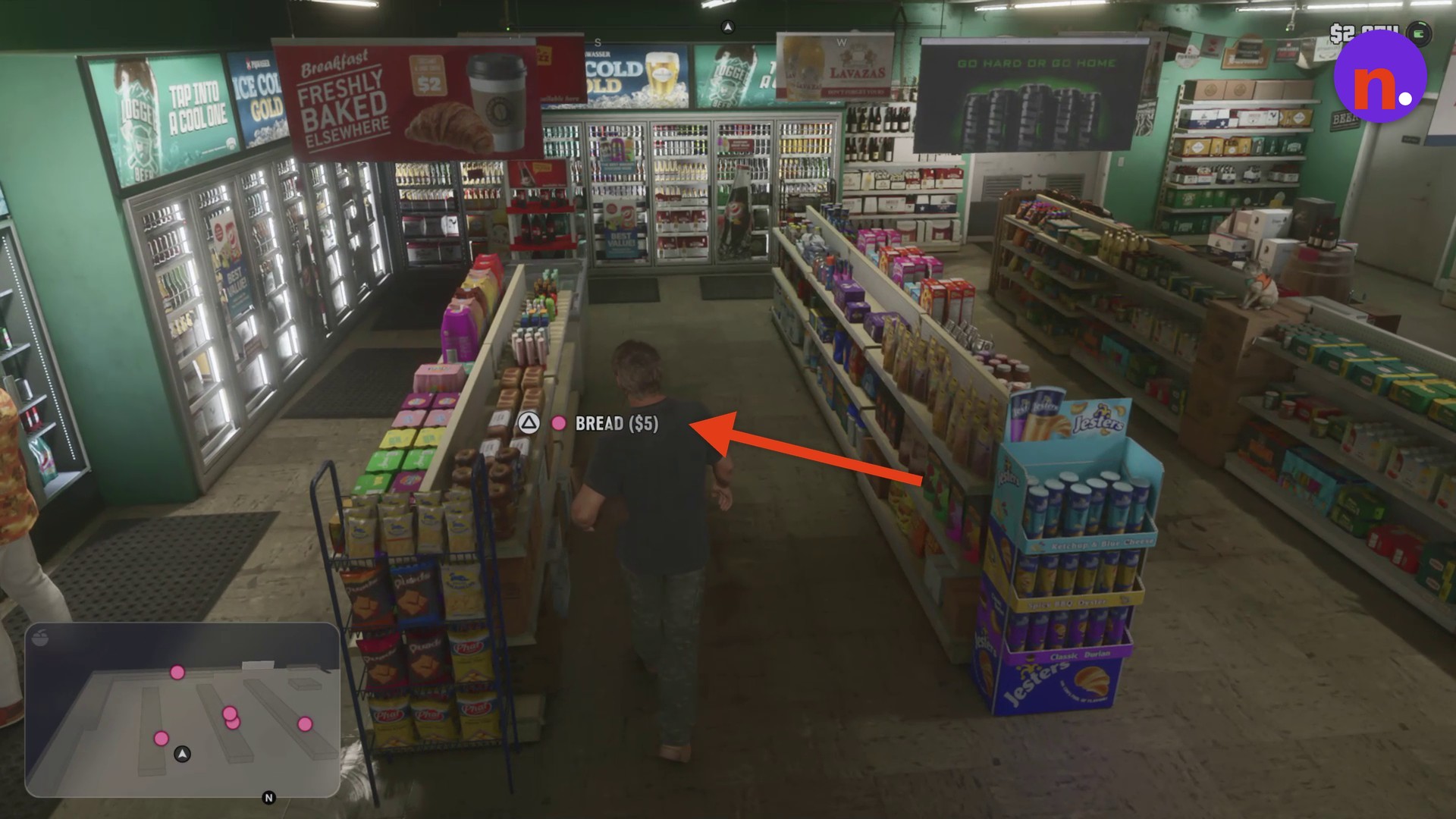
Pick up the bread
Move to the next aisle and collect a loaf from the bakery shelf.
Collect the wine
Take a bottle from the wooden wine stand near the front counter. During this stage, the objective reads Leave when ready.
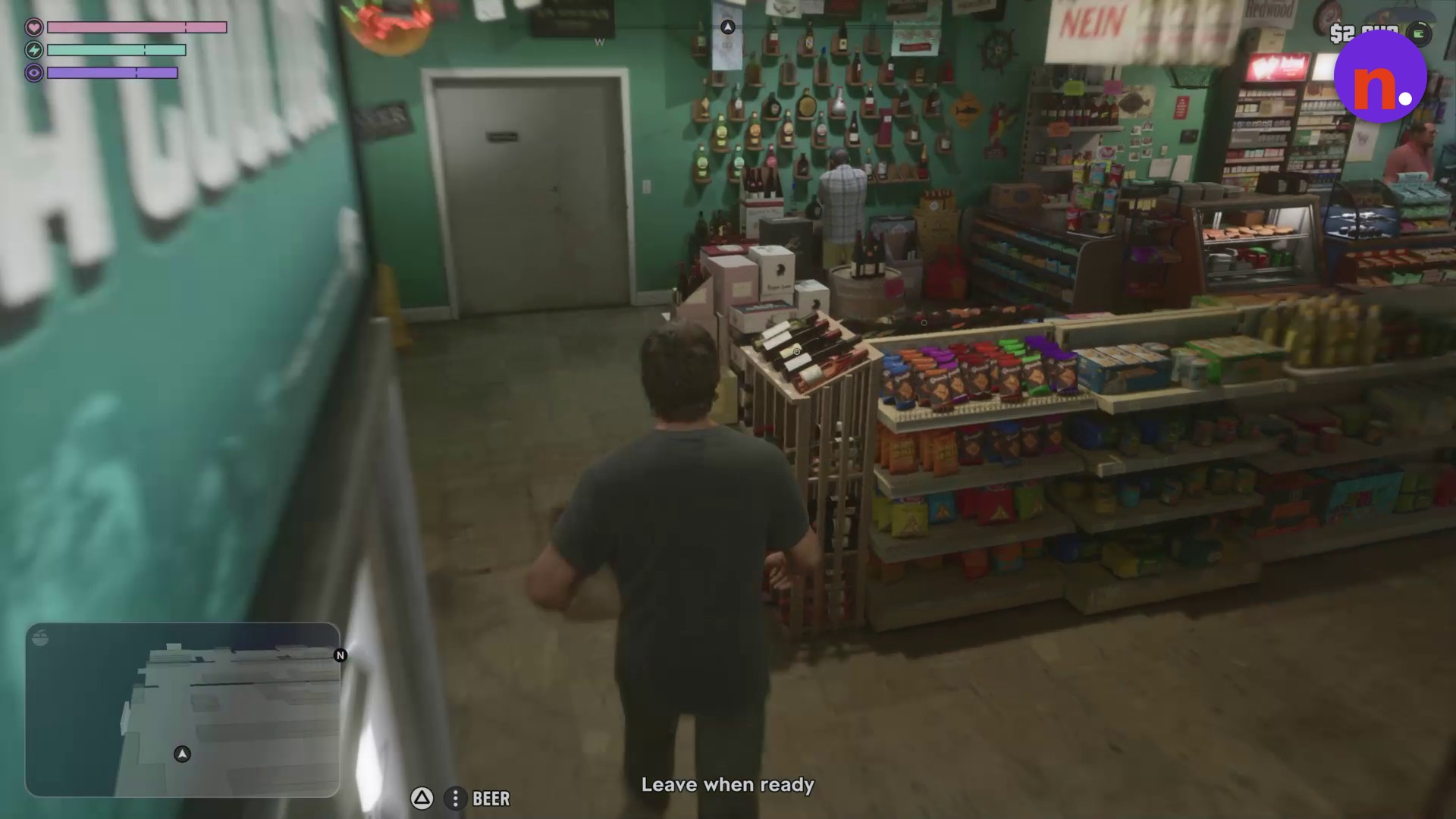
Visit the checkout counter
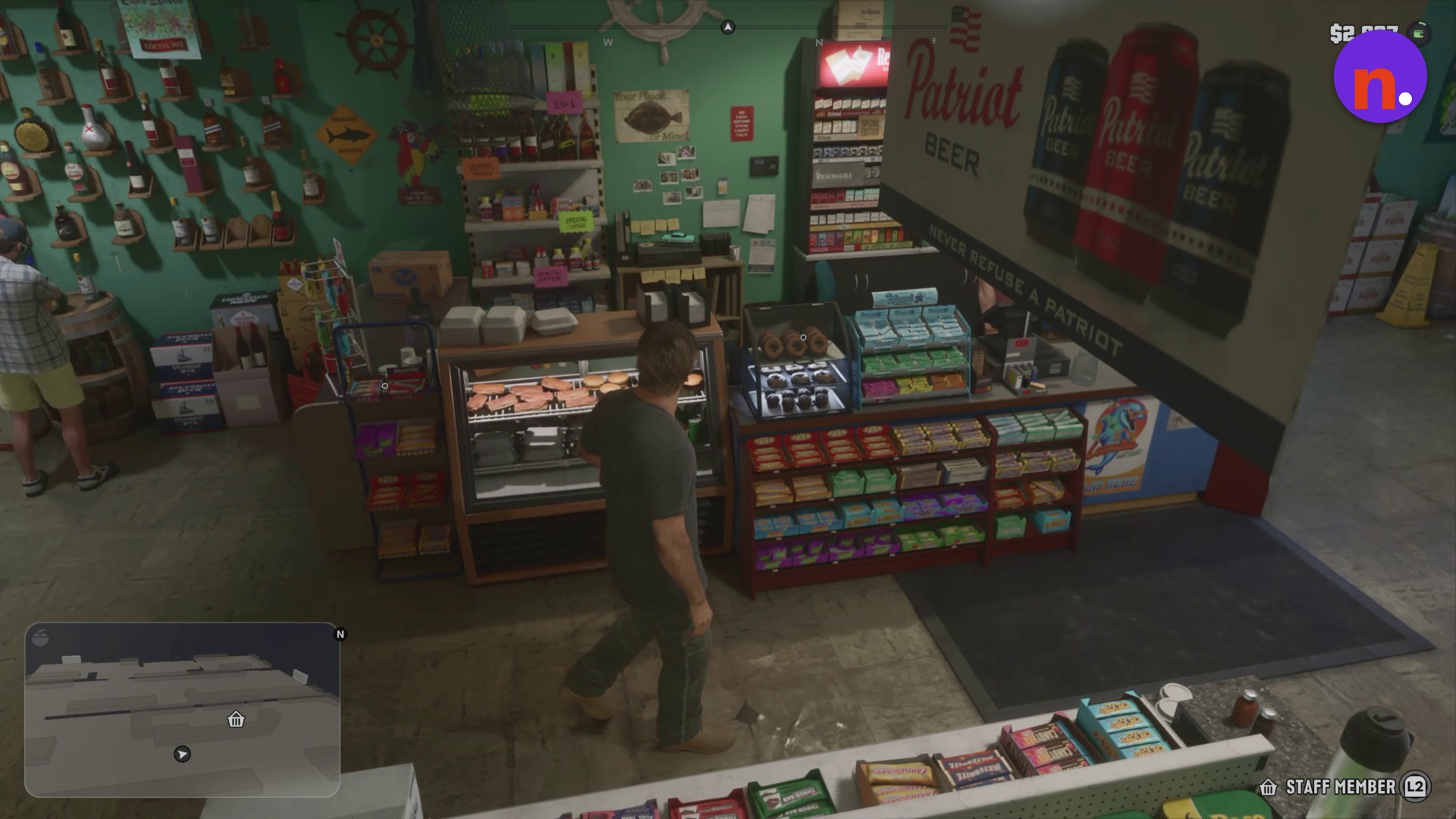
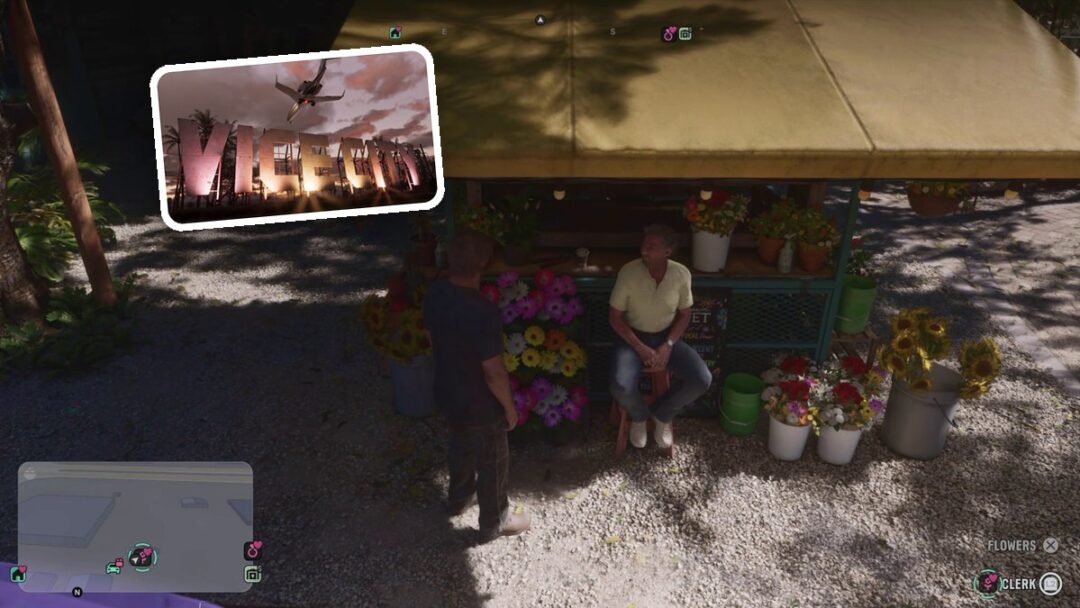
Approach the clerk and interact through the displayed STAFF MEMBER L2 prompt. Choose BROWSE to view the counter merchandise, then leave the counter when you’re finished shopping.
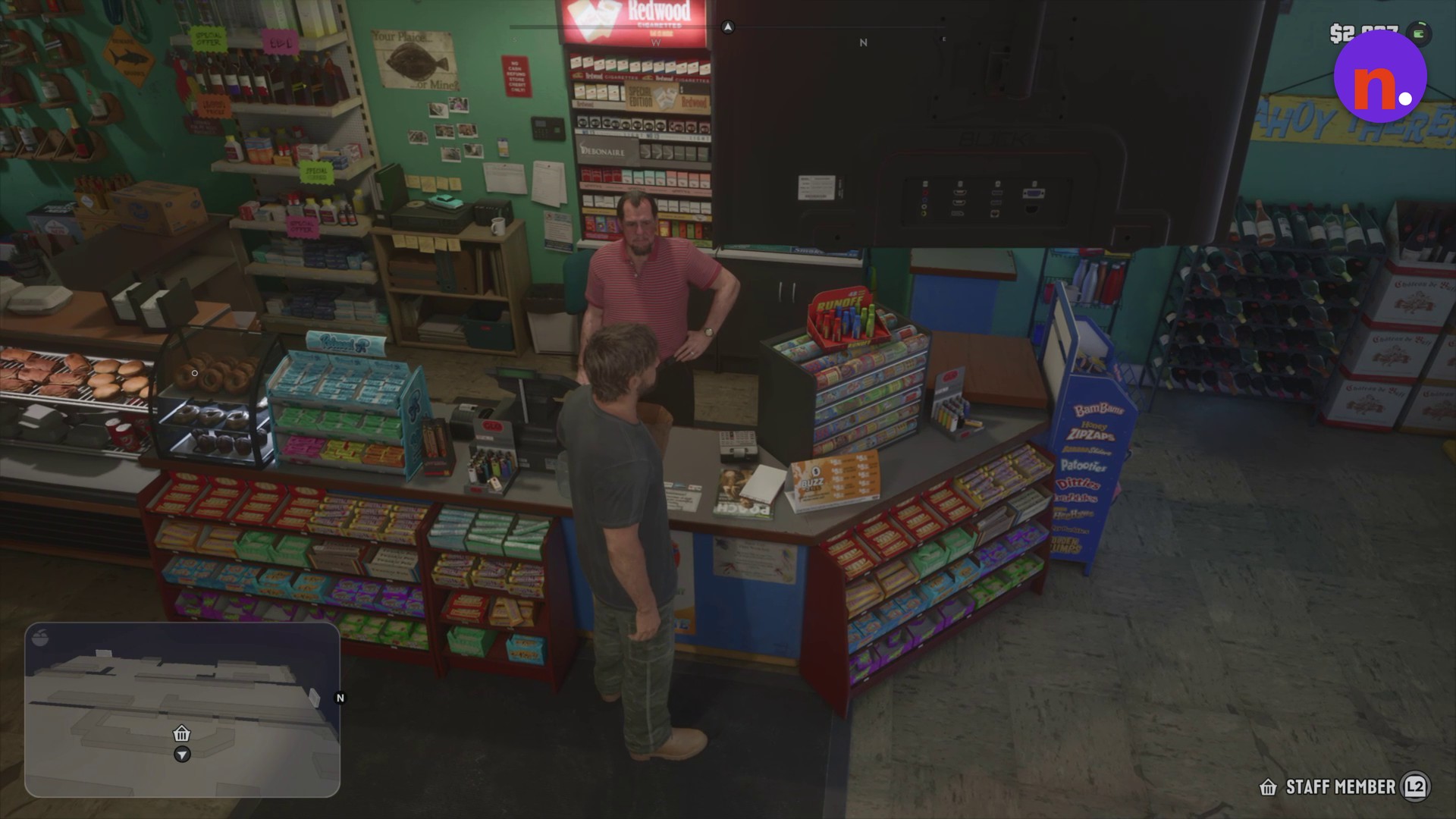
Exit to the parking area
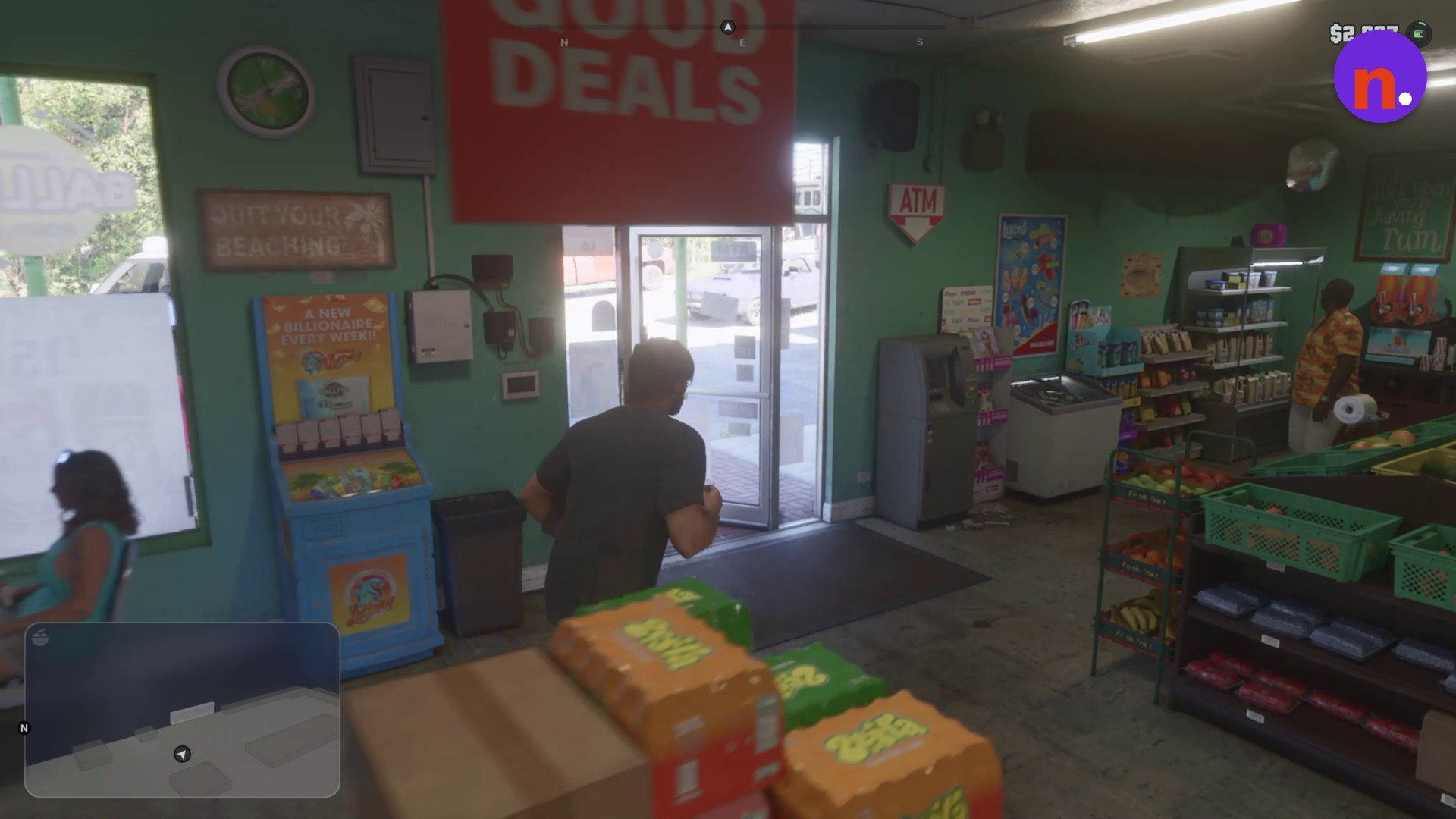
Part 2 – Load the grocery bag into the pickup
Open the truck bed
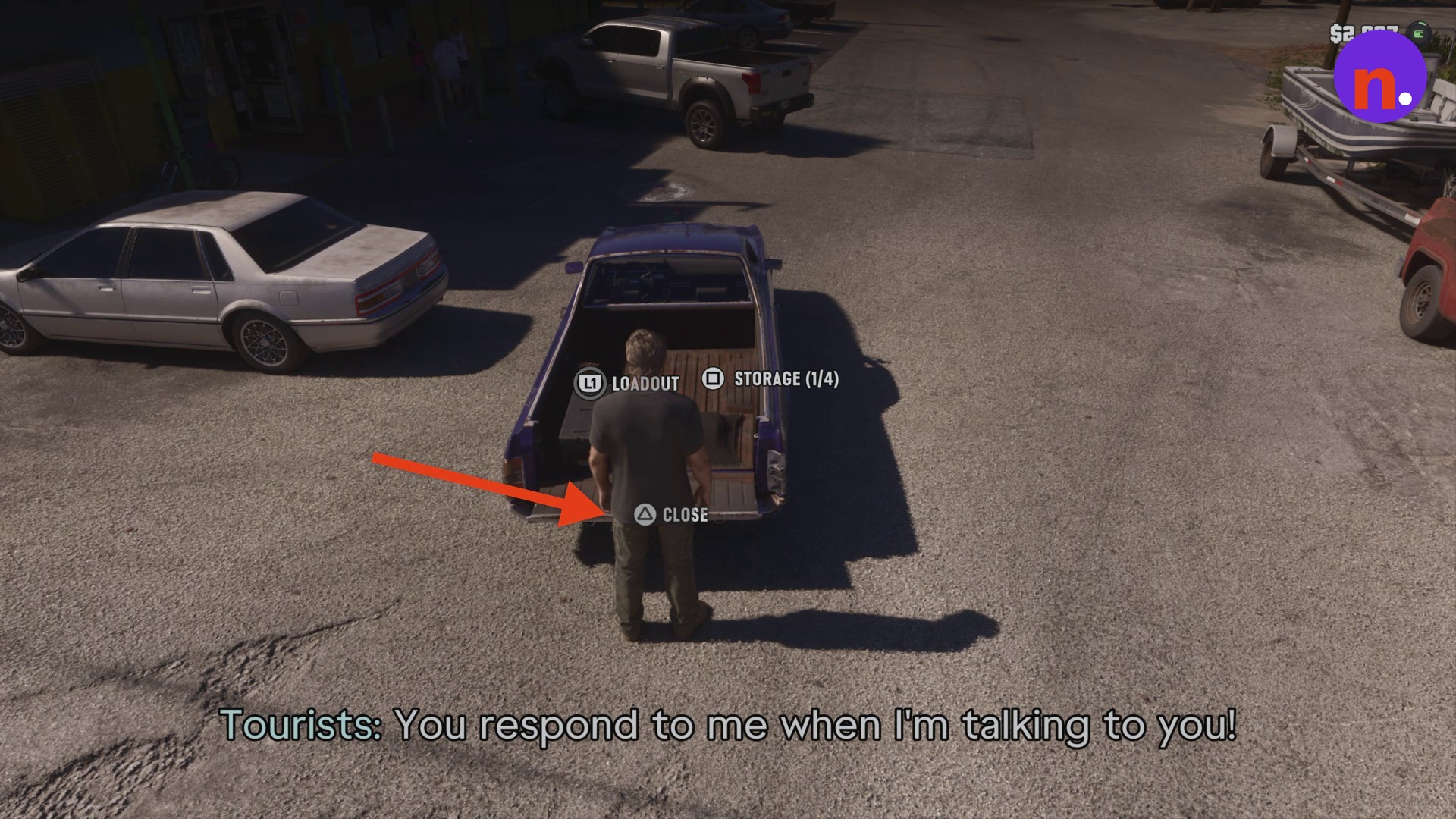
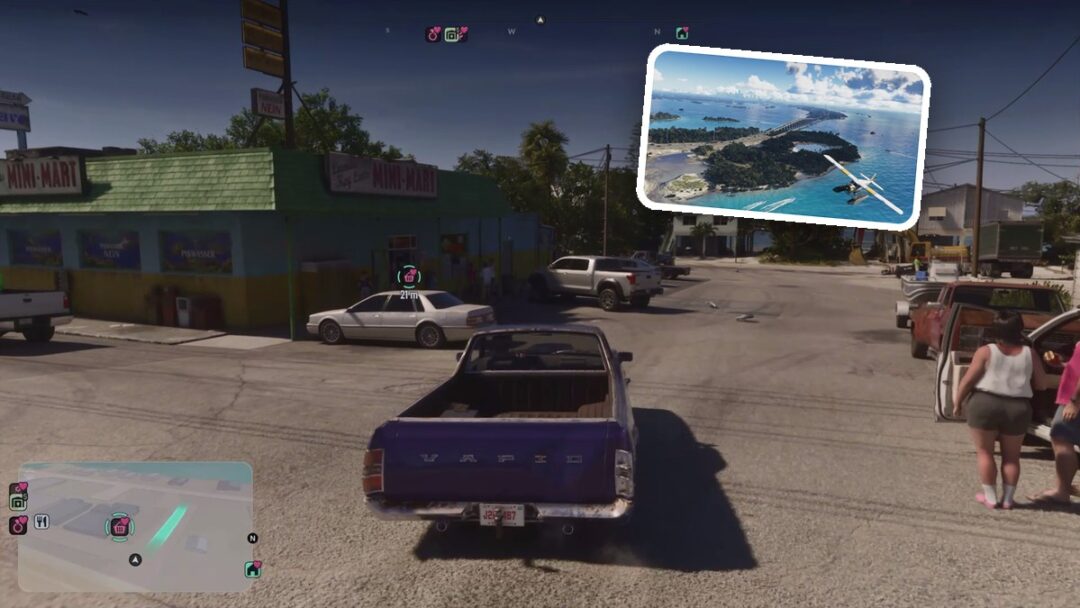
Go around to the rear of the pickup and use OPEN on the tailgate.
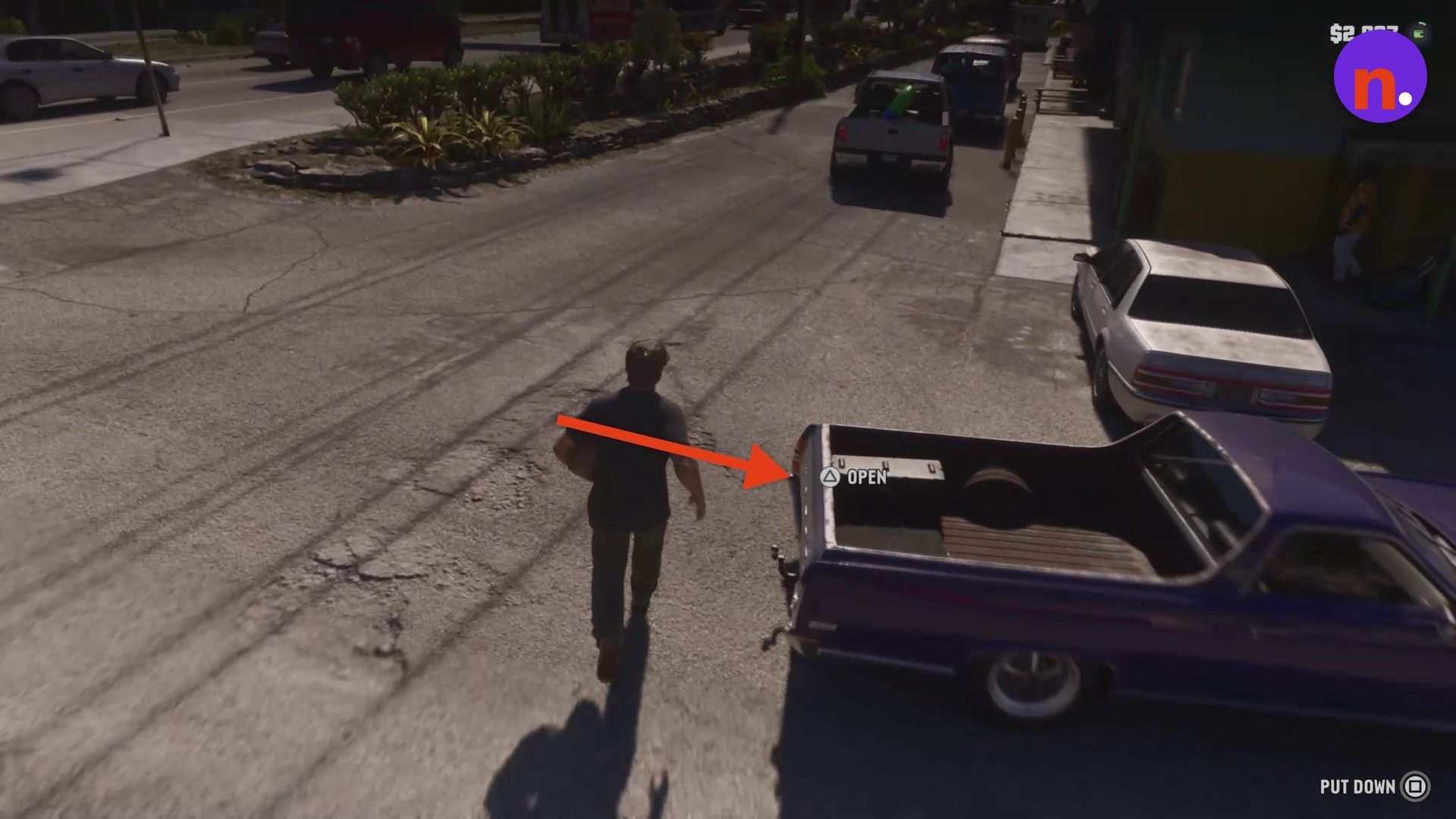
Stow the grocery bag
With the tailgate open, select STOW GROCERY BAG to place your groceries in the truck bed.
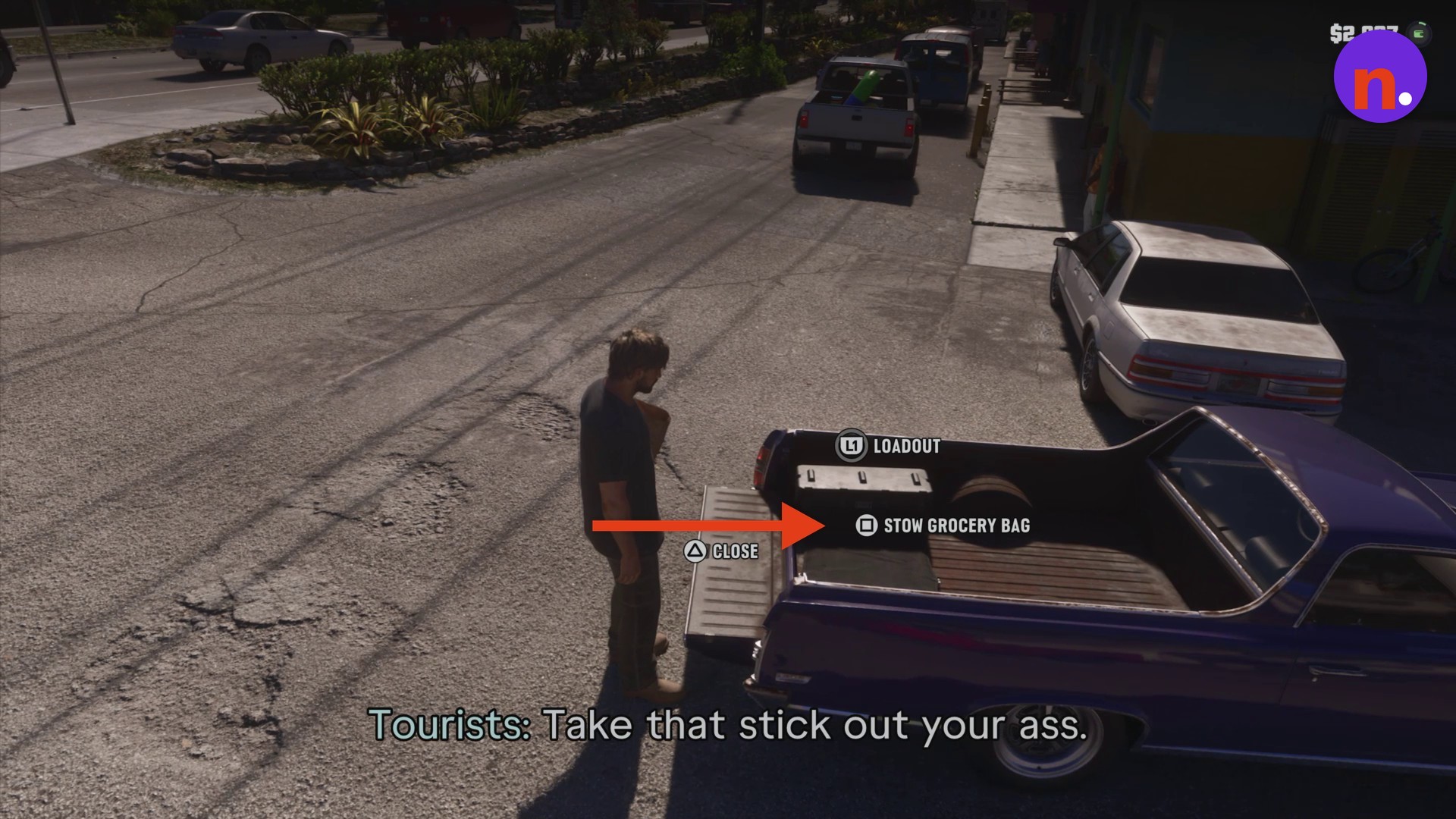
Return to the driver’s seat
The rear interface displays STORAGE (1/4) after loading. Before entering, follow the tailgate reminder below, then walk to the driver’s door and get into the truck.
If you need to set the bag down beside the truck, use PUT DOWN while carrying the groceries.
What do groceries and counter items cost in Grand Theft Auto VI?
| Item | Price |
|---|---|
| APPLE | $1 |
| BREAD | $5 |
| WINE | $12 |
| Glazed Donut | $3 |
| ZOMBIX | $15 |
| DRIIP VAPE | $12 |
| MACIZO CIGAR | $15 |
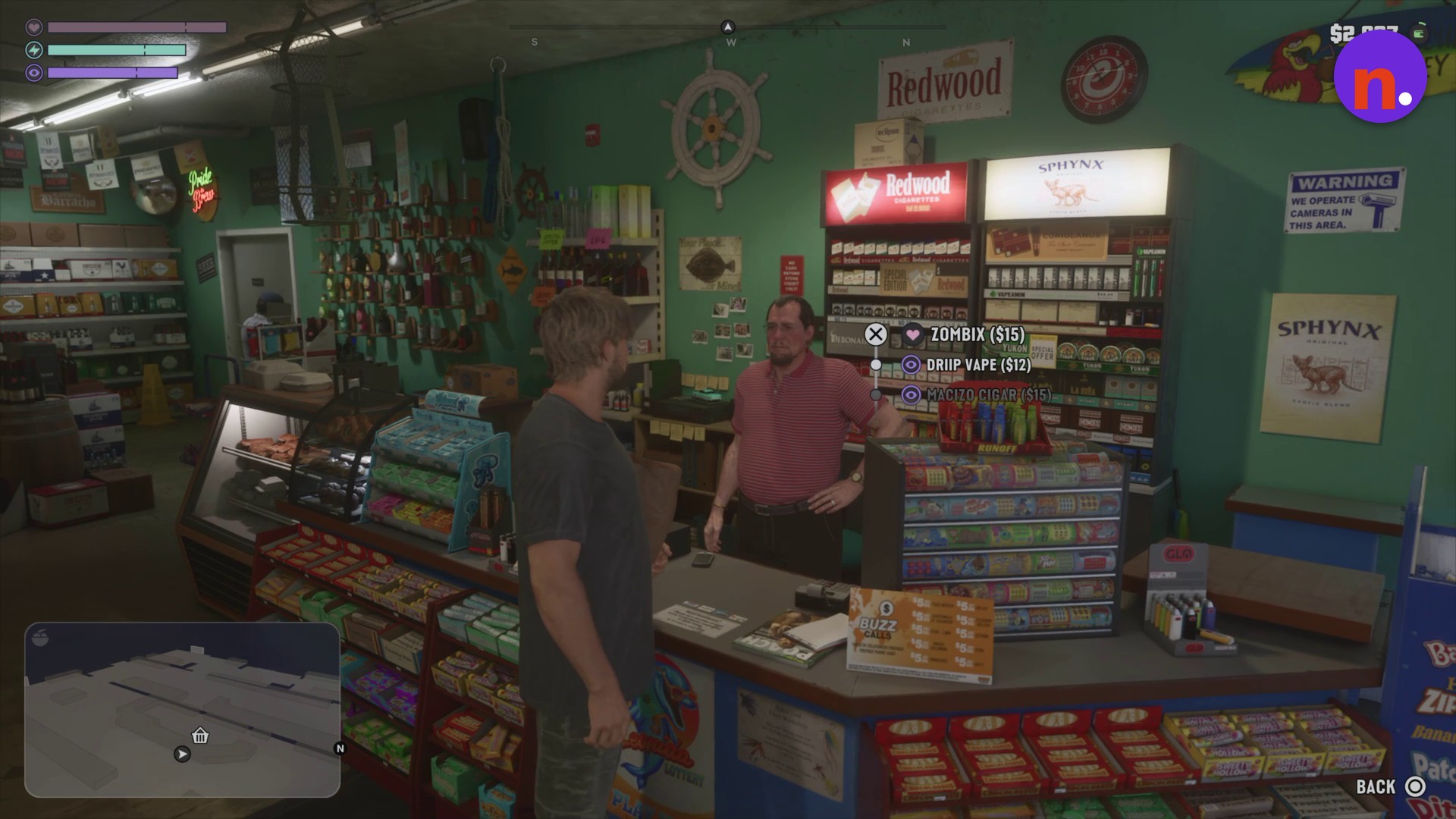
ZOMBIX, DRIIP VAPE and MACIZO CIGAR are available as counter merchandise.
The clerk’s purchase menu lists the counter merchandise.
With the grocery bag loaded, you’re ready for the trip home. The transport hint describes stowing groceries in your trunk to carry them back home.
Related Grand Theft Auto VI guides

Leave a Reply