

With PlayStation controls, press R1 to dive, X to surface, and L3 to swim faster; pressing L3 again increases your speed further.
The swimming controls in Grand Theft Auto VI cover movement at the surface and underwater while wearing scuba gear. Its PlayStation controls let you change depth, increase your pace, and adjust your underwater direction.
The game is available for PlayStation 5 and Xbox Series X|S.
How to dive, surface, and swim faster in Grand Theft Auto VI
Dive beneath the surface
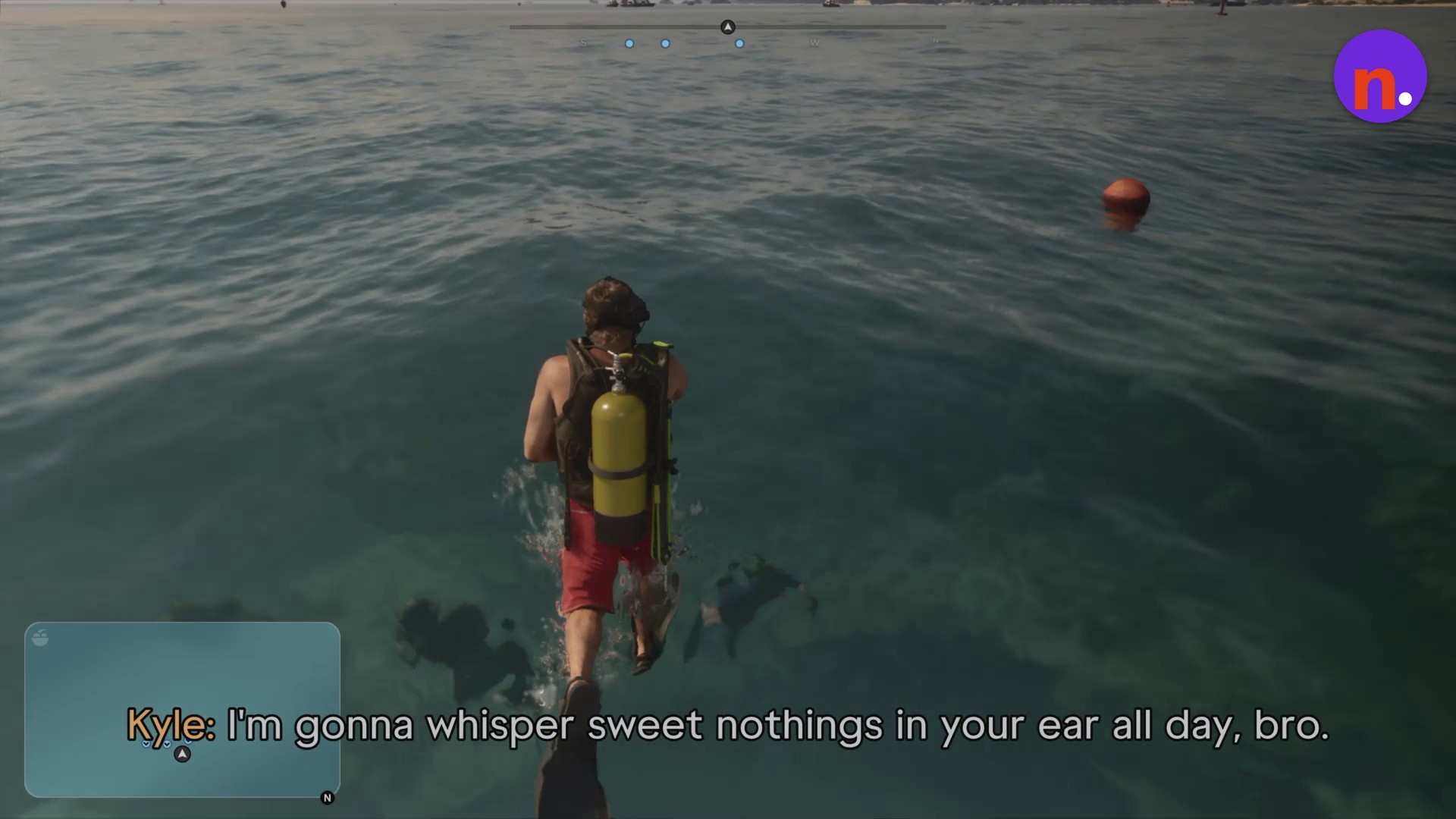
While you’re in the water at the surface, press R1 to submerge.
Increase your swimming speed
Press L3 to swim faster. A second press increases your speed further.
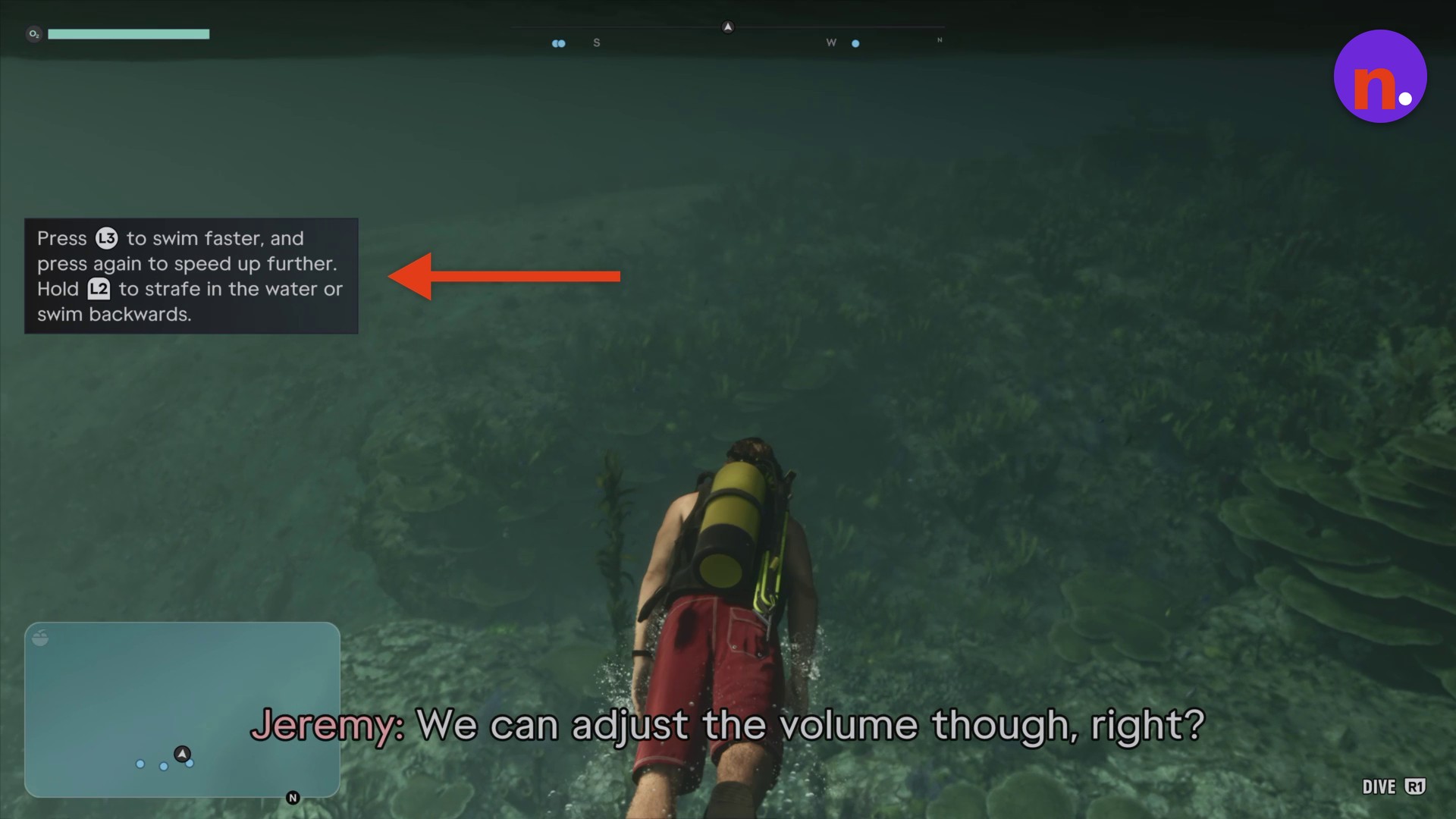
Adjust your underwater movement
Use the held-input modifier in the control note below when changing your underwater direction.
Return to the surface
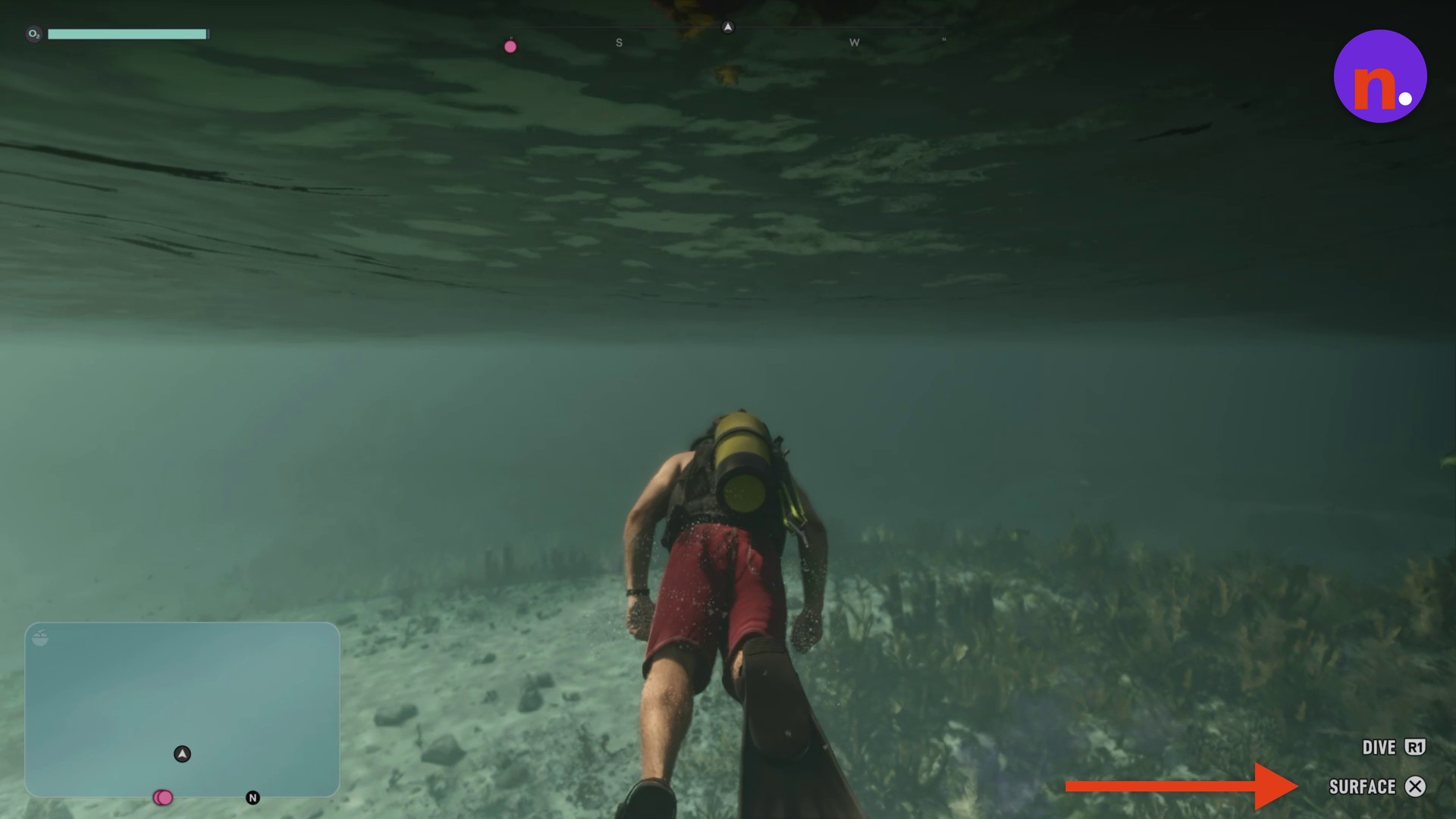
While swimming underwater, press X to rise and break the surface.
Dive again from the surface
Once you’re back at the surface, press R1 again to descend underwater. You can return underwater after surfacing.
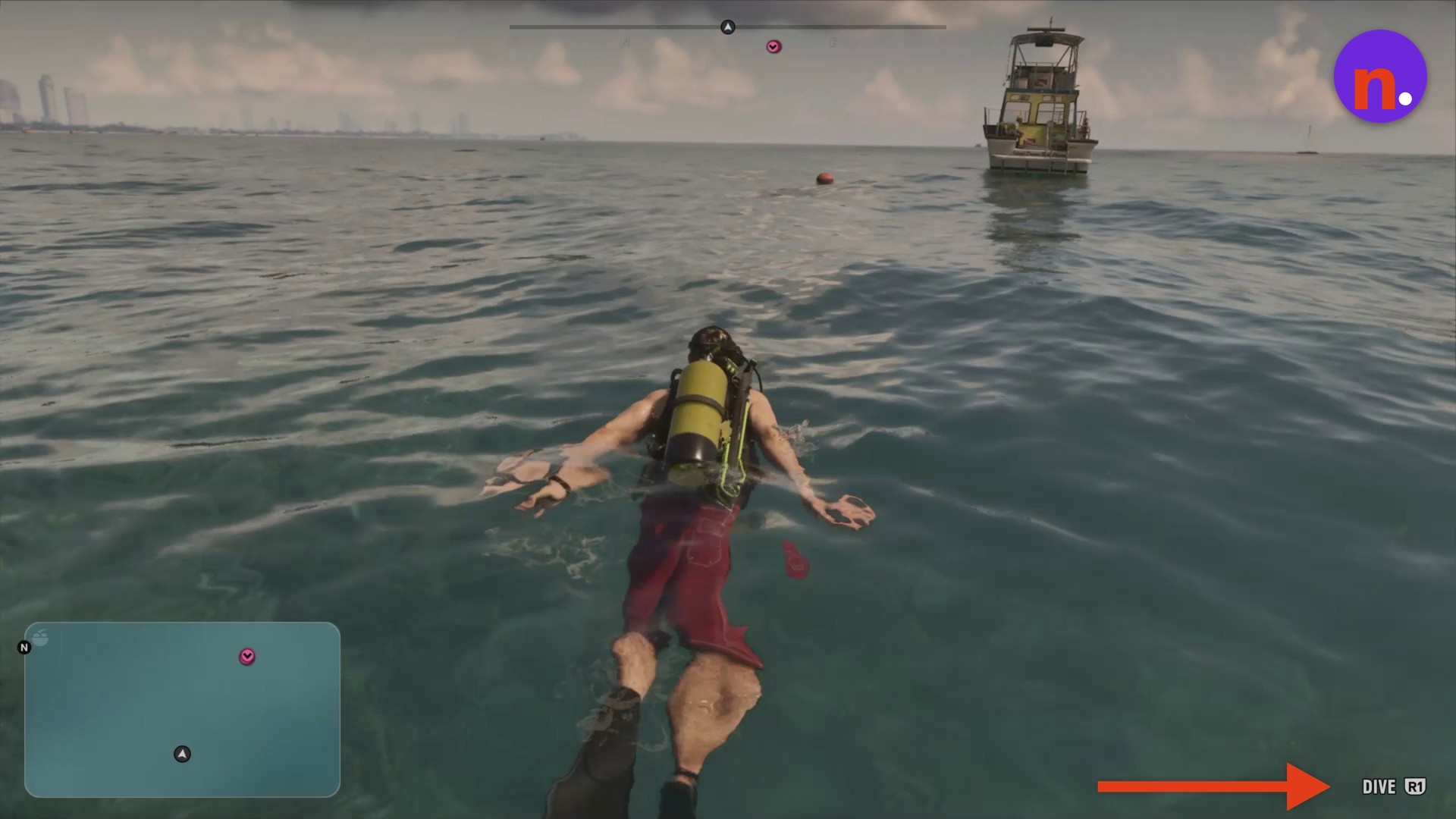
Look at the bottom-right corner for the depth controls. The prompts read DIVE R1 and SURFACE X; the dive prompt is also available while you’re swimming at the surface.
Related Grand Theft Auto VI guides
Frequently Asked Questions
How do I reveal the HUD and check my current objective?
Press D-Pad Down to reveal the HUD and view your current objective. The same input brings up both.
Leave a Reply