

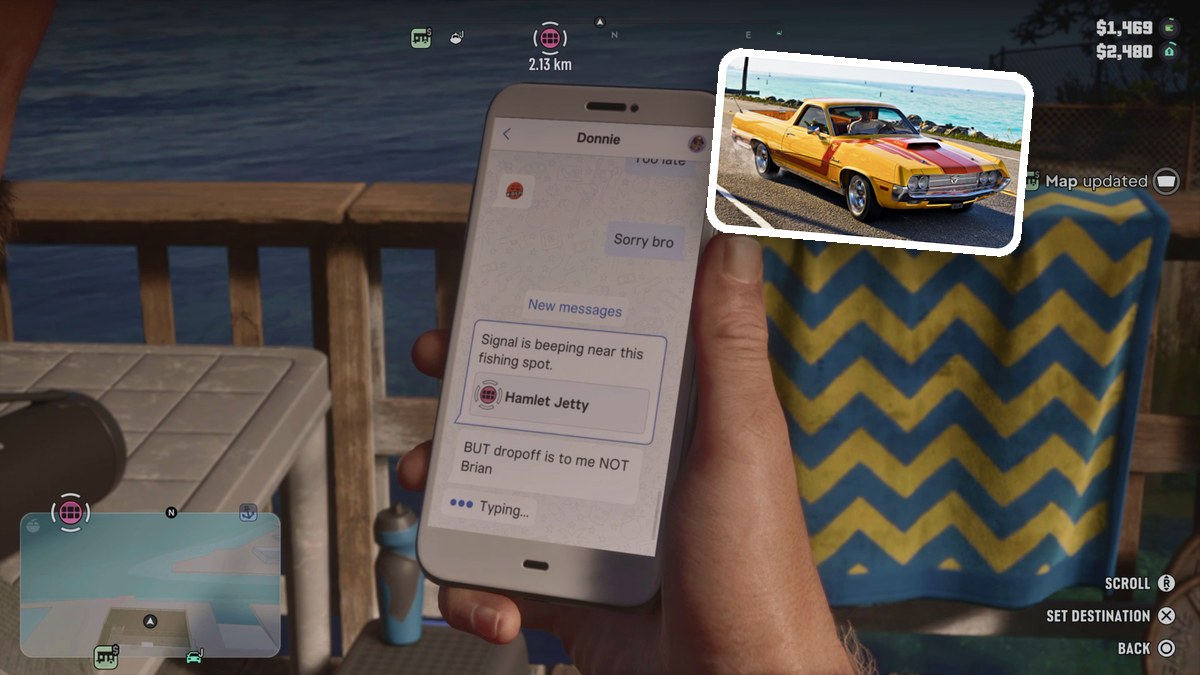
Open your phone, select WhatUp, and open Donnie’s conversation to read his task instructions and location cards.
WhatUp is the messaging app in Grand Theft Auto VI, where Donnie sends instructions alongside task locations. This guide covers reading his conversation and choosing a location pin. The game’s listed platforms are PlayStation 5 and Xbox Series X|S.
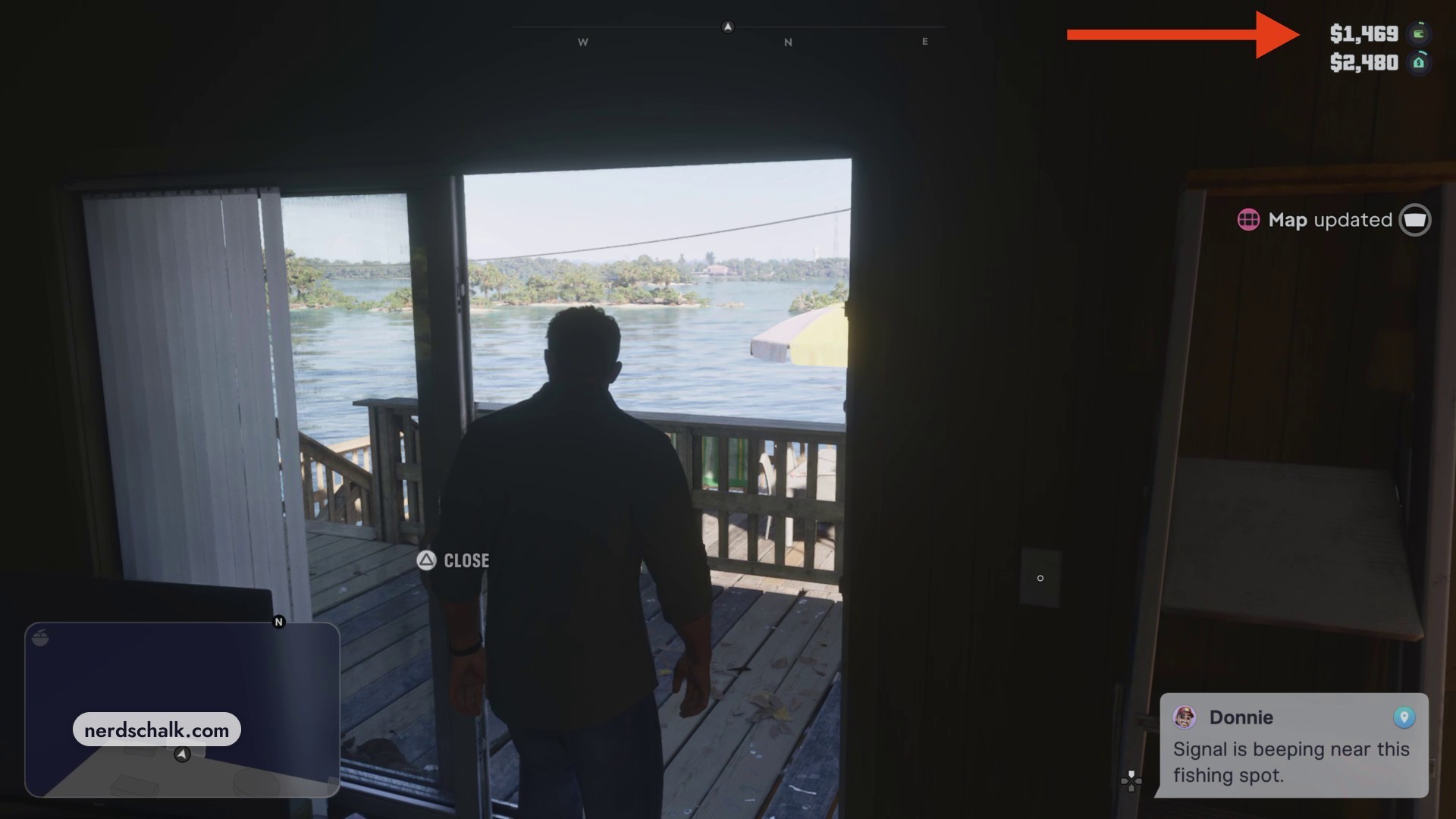
Your character walks onto a balcony overlooking the water. Donnie’s notification points to a signal beeping near a fishing spot.
How to read WhatUp messages in Grand Theft Auto VI
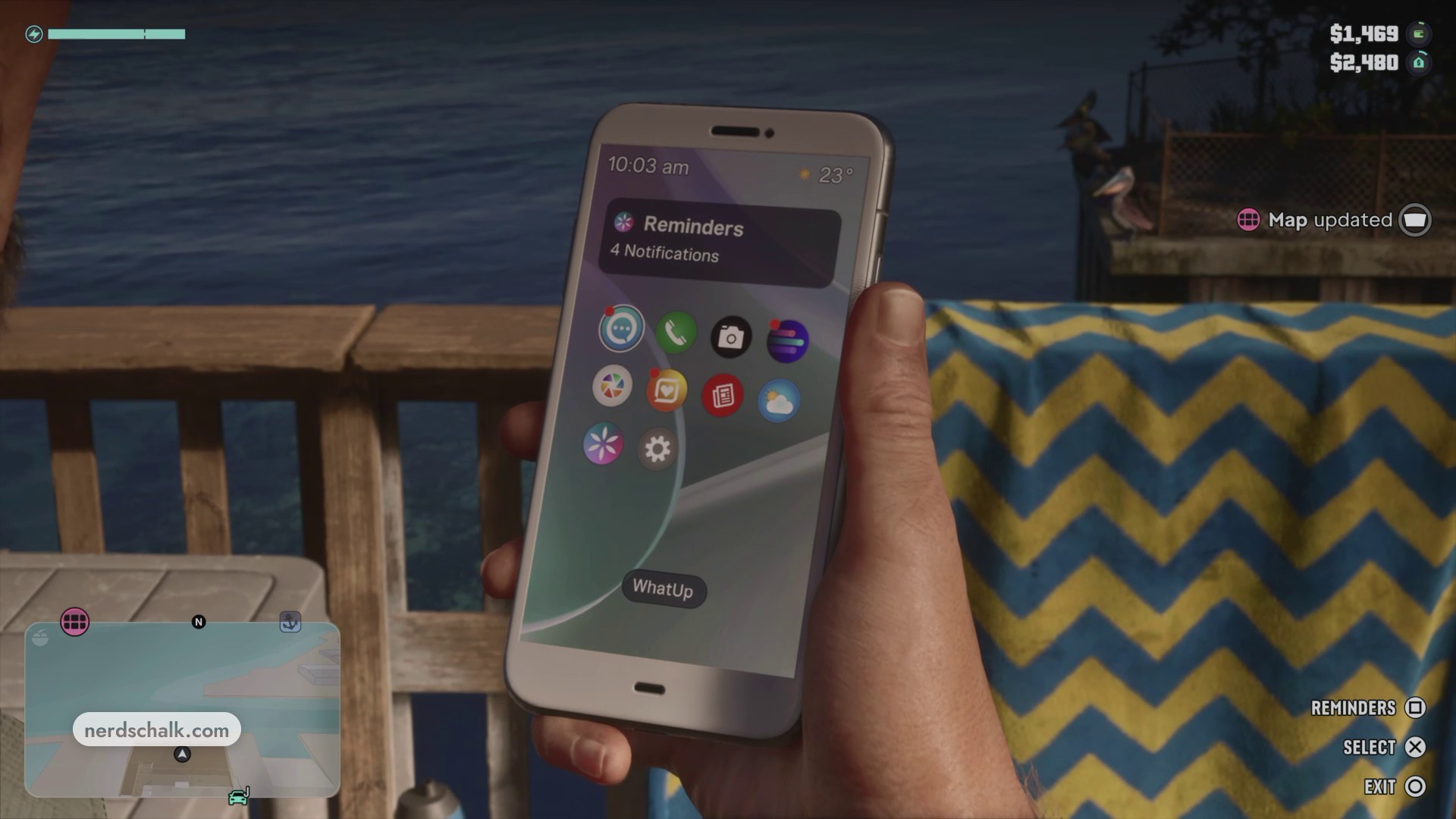
Open WhatUp
Bring up your phone and find WhatUp among the home-screen app icons. Use SELECT to open the app.
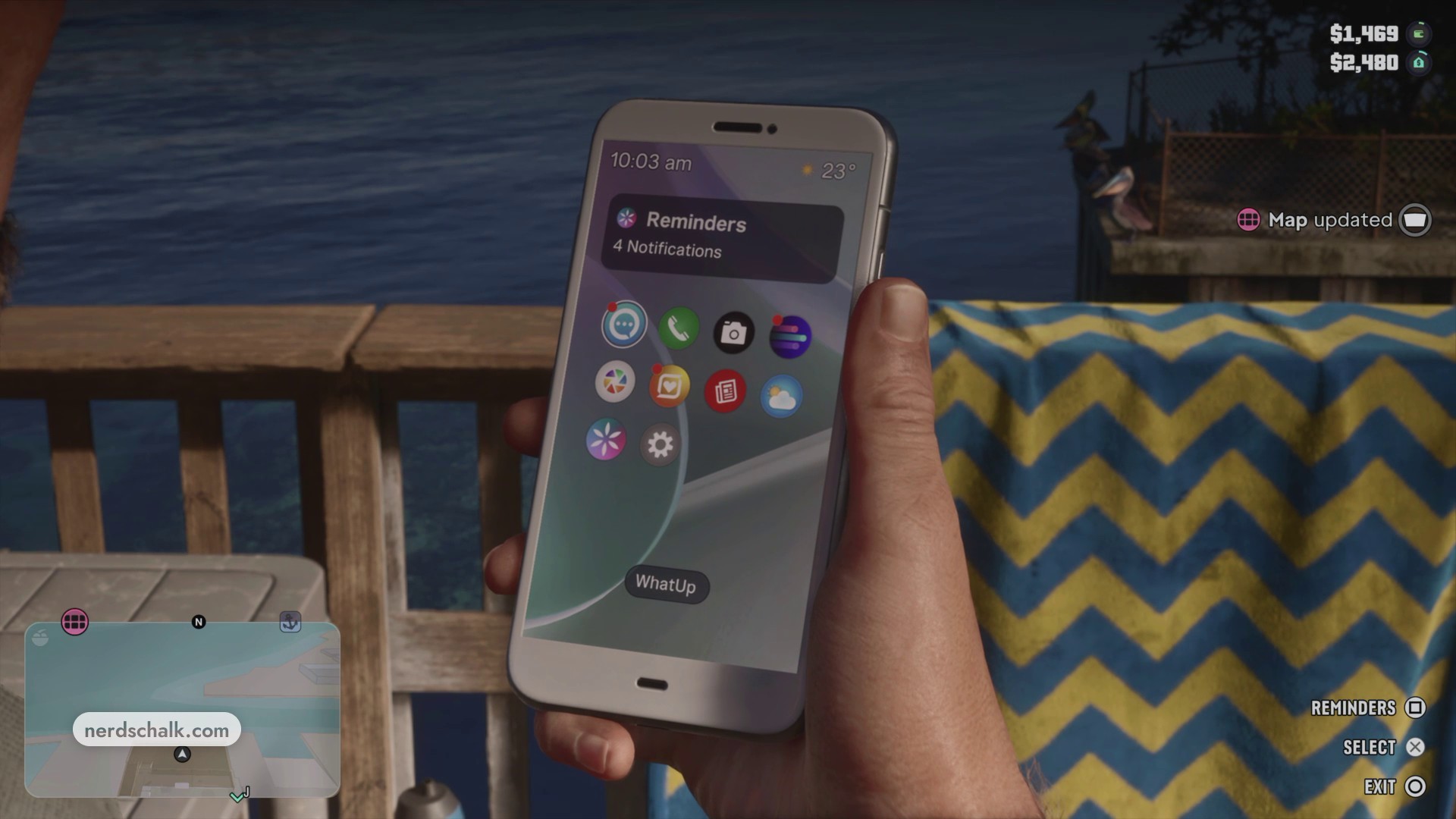
Open Donnie’s conversation
Browse the messages list and select Donnie to open his conversation.
Read the instructions and location cards
Find the New messages label and use SCROLL to read the chat bubbles and location cards. The fishing location is Hamlet Jetty; select its pin to interact with it. Casa De Donnie is the trailer drop-off location, with its own pin to select. The delivery instruction sends the drop-off to Donnie, not Brian. When you’re finished reading, leave the conversation and return to the phone’s home screen, then put the phone away. BACK is available in the conversation, while EXIT appears on the phone’s home screen.
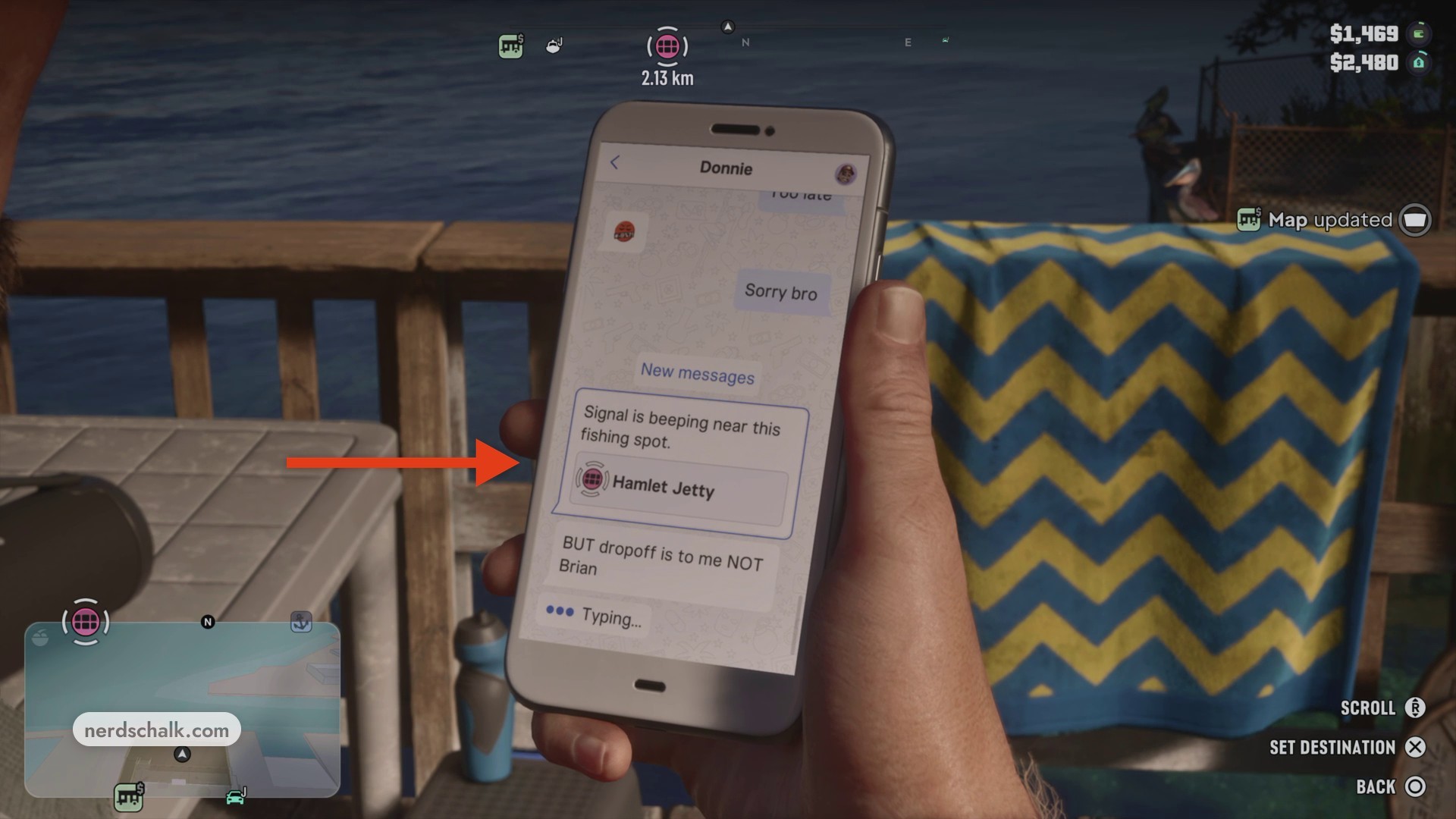
Interact with both location pins, keeping Donnie’s drop-off direction in mind.
Related Grand Theft Auto VI guides

Leave a Reply