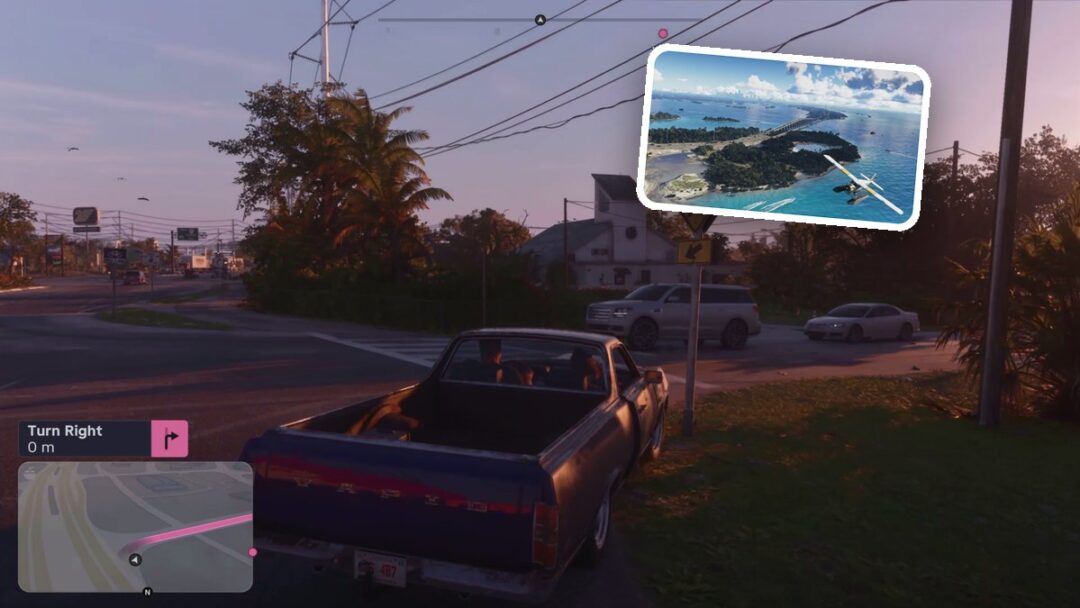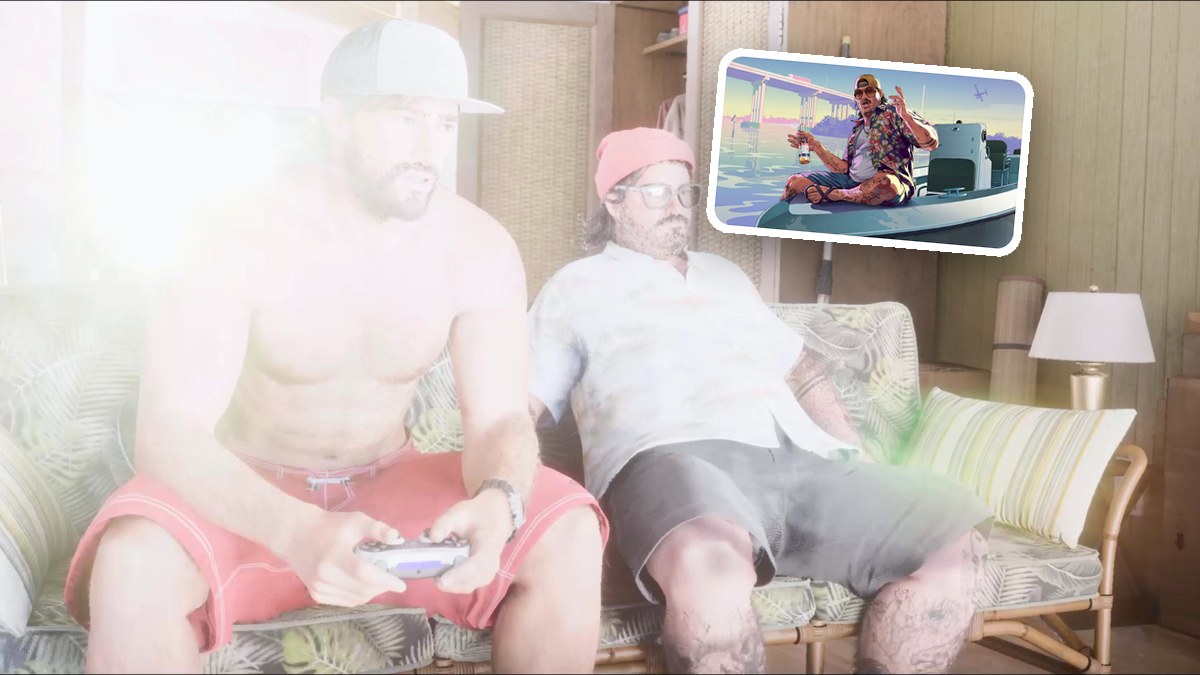
The short version
- You do not have to beat Tenebrae Lux. In my game, it stopped by itself after a while, and you can choose EXIT GAME from its own pause menu.
- When Cal chooses Street Trash III Dezombifier, you can select EXIT GAME from its pause menu to start the next cutscene.
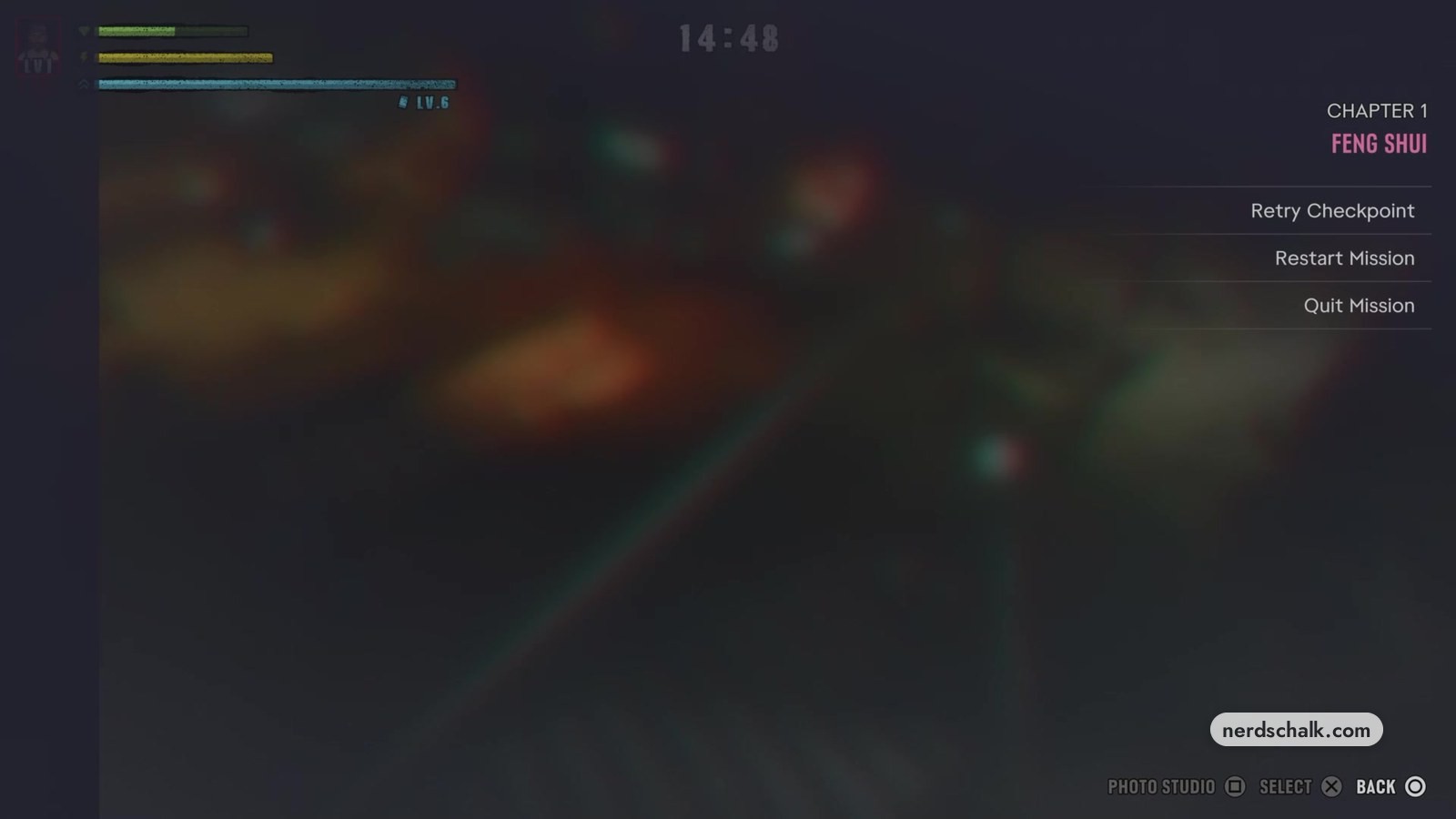
- If Feng Shui still does not continue, press the Options button to find Retry Checkpoint, Restart Mission, and Quit Mission.
How do I exit Tenebrae Lux during Feng Shui in GTA 6?
- Open the pause menu in the console game TENEBRAE LUX.
- Choose EXIT GAME.
Where is the steel door in Tenebrae Lux in GTA 6?
The game’s Tenebrae Lux screen shows a lit steel door embedded in rock beneath a cliff, reached from the waterfront near the lighthouse.
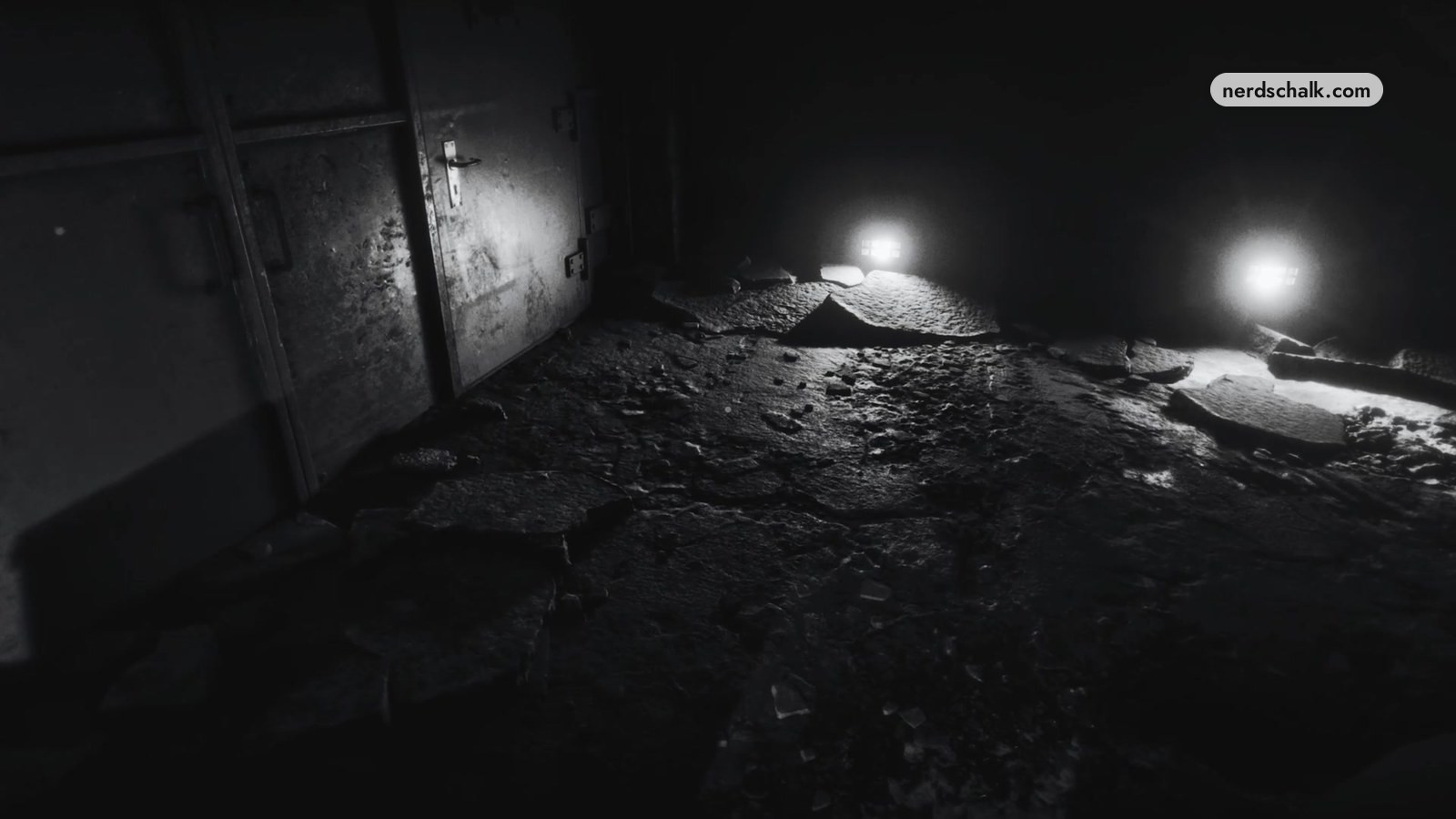
From that waterfront, the game’s Tenebrae Lux screen shows a wooden walkway leading onto a rocky path toward lights beneath the cliff. Follow the sound and stay near the lights. The narration warns you when you drift away.
Going through the door ends the console game, and the story continues with Jason and Cal.
Players in the thread disagree about the bunker route: one says approaching the door to the right of the lighthouse allows progress, while another says the bunker did not work for them.
How do I exit Street Trash III Dezombifier during Feng Shui?
The game’s Street Trash III Dezombifier pause menu offers EXIT GAME, and the game’s next scene begins a cutscene after that selection.
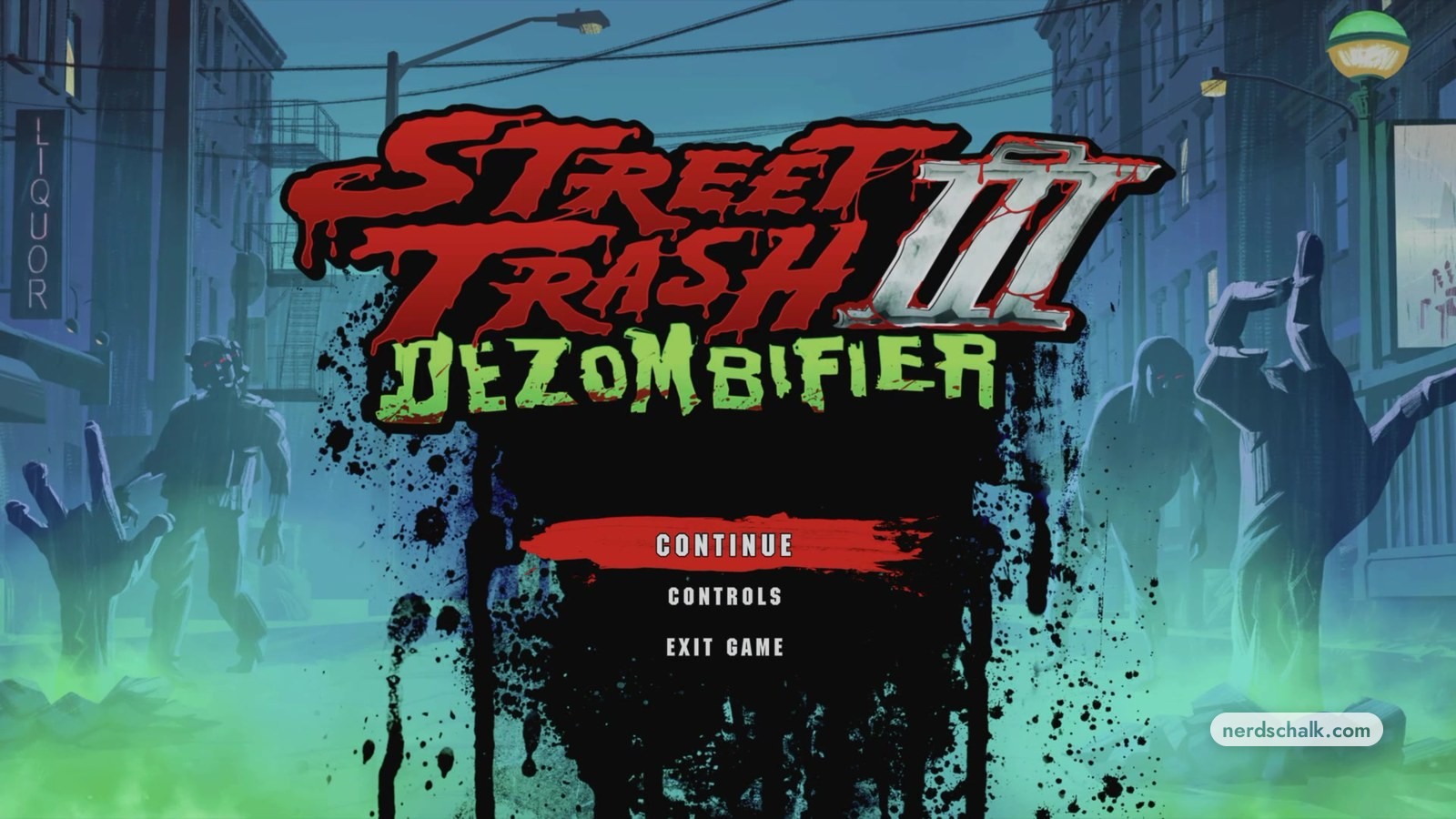
Cal puts on Street Trash III Dezombifier next.
- Press the touchpad button indicated by the game’s PAUSE CONSOLE GAME prompt.
- Select EXIT GAME from the game’s STREET TRASH III DEZOMBIFIER pause menu.
One player in the thread says they played the zombie game briefly before exiting, after which the mission continued.
For help playing it, see the Street Trash III Dezombifier guide.
I could safely exit the console games
In my game, Tenebrae Lux stopped by itself after a while. Jason then started playing Street Trash III Dezombifier. I simply exited that game, and it worked well.
That made me realize I did not need to play the console games and could exit them safely. Exiting simply started a cutscene for the next part of the story.
What if Feng Shui still does not continue?
The game’s Feng Shui mission pause menu, opened with the Options button, offers these choices:
- Retry Checkpoint
- Restart Mission
- Quit Mission
FAQs
Do I have to beat Tenebrae Lux to continue Feng Shui?
No. In my game, Tenebrae Lux stopped by itself after a while. Its own pause menu also has EXIT GAME.
Does exiting Street Trash III Dezombifier continue the story?
Yes. The game’s screen switches to a cutscene after EXIT GAME is selected in Street Trash III Dezombifier. One player in the thread also says leaving the zombie game allowed the mission to continue.
Does the Tenebrae Lux bunker door work for everyone?
Players in the thread give conflicting answers: one says the bunker door right of the lighthouse allows progress, while another says it did not work for them. The game’s Tenebrae Lux screen shows the route passing through the steel door before the cutscene with Cal.
Related on NerdsChalk