The short version
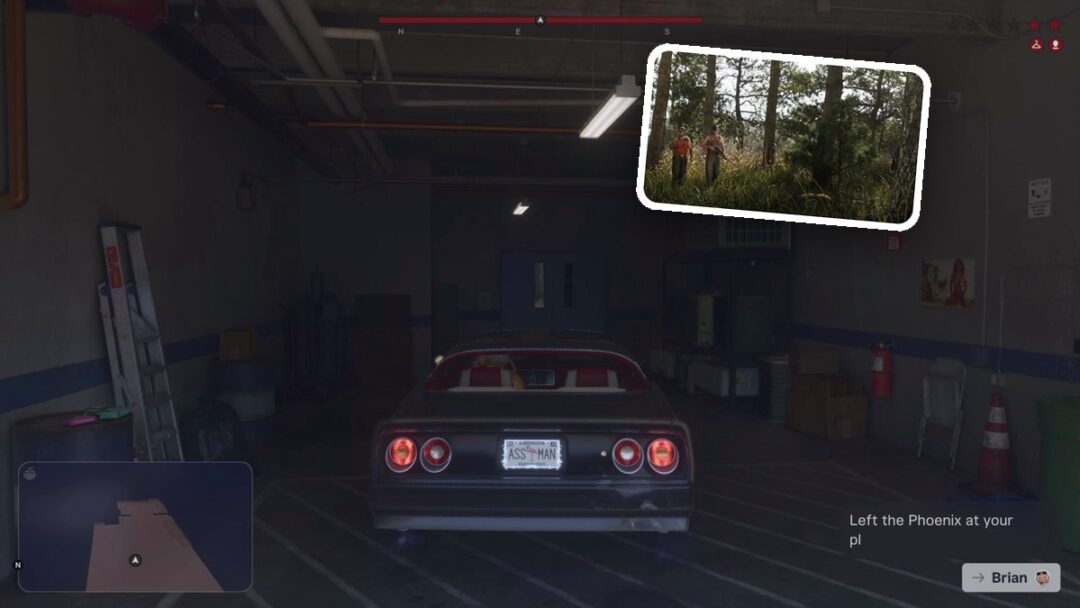
- The hanger is still there because the cops still know your outfit. It means OUTFIT KNOWN.
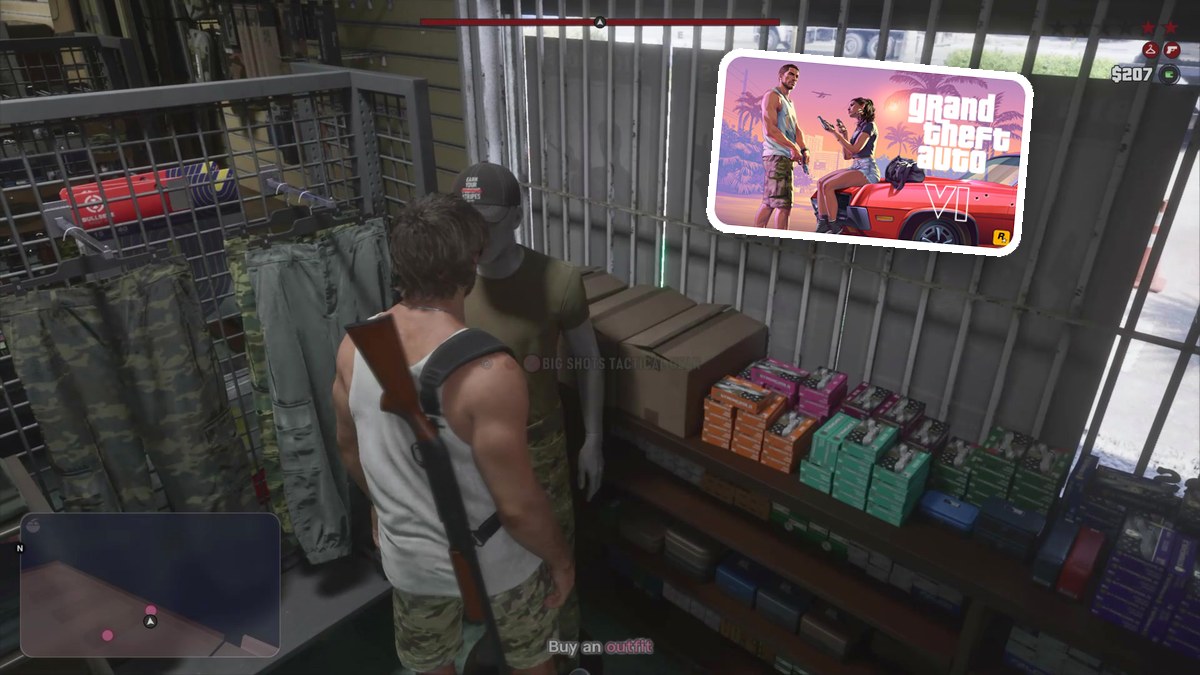
- At Big Shots, pick an outfit marked Will remove outfit heat and choose BUY & WEAR. Buying and wearing BIG SHOTS WORKWEAR removes the hanger.
- Your outfit can become known again during a later police search, so the hanger can return.
- The person icon means APPEARANCE KNOWN. The pistol means VISIBLE WEAPON and remains after BIG SHOTS WORKWEAR removes the hanger.
What Do the Icons Under the Wanted Stars Mean in GTA 6?
The map shows separate indicators for known clothing and known appearance, plus a warning for a visible weapon. Those symbols also appear beneath the wanted stars on the game’s HUD.
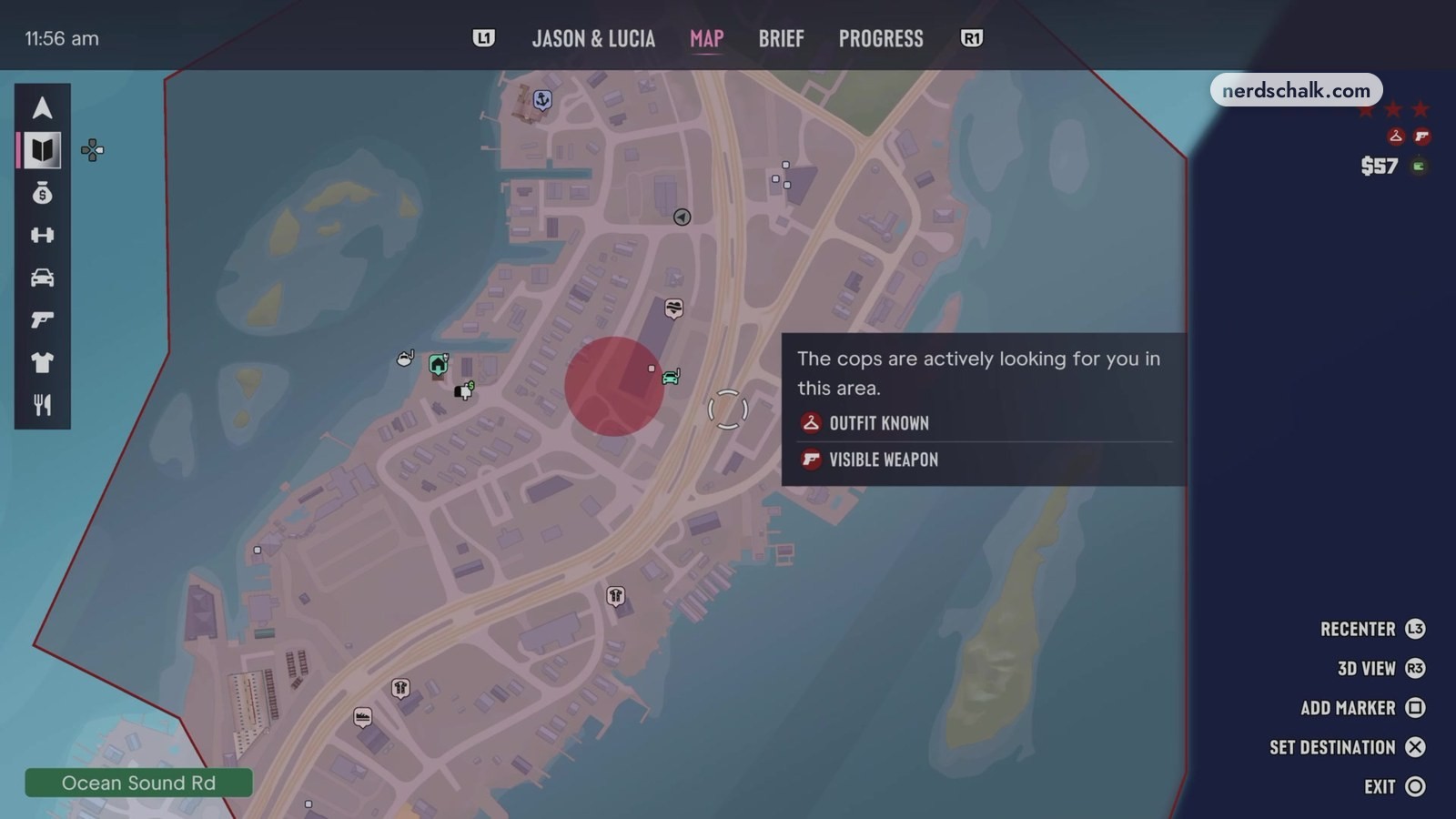
Map icon labels
| Icon | What the map calls it | What it means | How to clear it |
|---|---|---|---|
| Hanger | OUTFIT KNOWN | Cops recognize you faster in areas with heat if your appearance and clothing are unchanged. | Buy and wear BIG SHOTS WORKWEAR to remove outfit heat, or wait for heat to die down. |
| Person | APPEARANCE KNOWN | Your current appearance makes you easier to recognize. | Adjust your hat and glasses, change accessories, or change your hairstyle to lower recognition. |
| Pistol | VISIBLE WEAPON | A visible weapon may draw cops’ attention while they are looking for you. | Put away visible weapons using a weapon locker or your vehicle’s trunk. Changing outfits does not clear it. |
The game’s recognition hint says police identify you faster in places with heat when your clothing and appearance remain unchanged.
How Do You Remove the Hanger Icon in GTA 6?
The game’s wanted meter shows the hanger disappearing after buying and wearing BIG SHOTS WORKWEAR at Big Shots. The outfit card specifically identifies it as removing outfit heat.
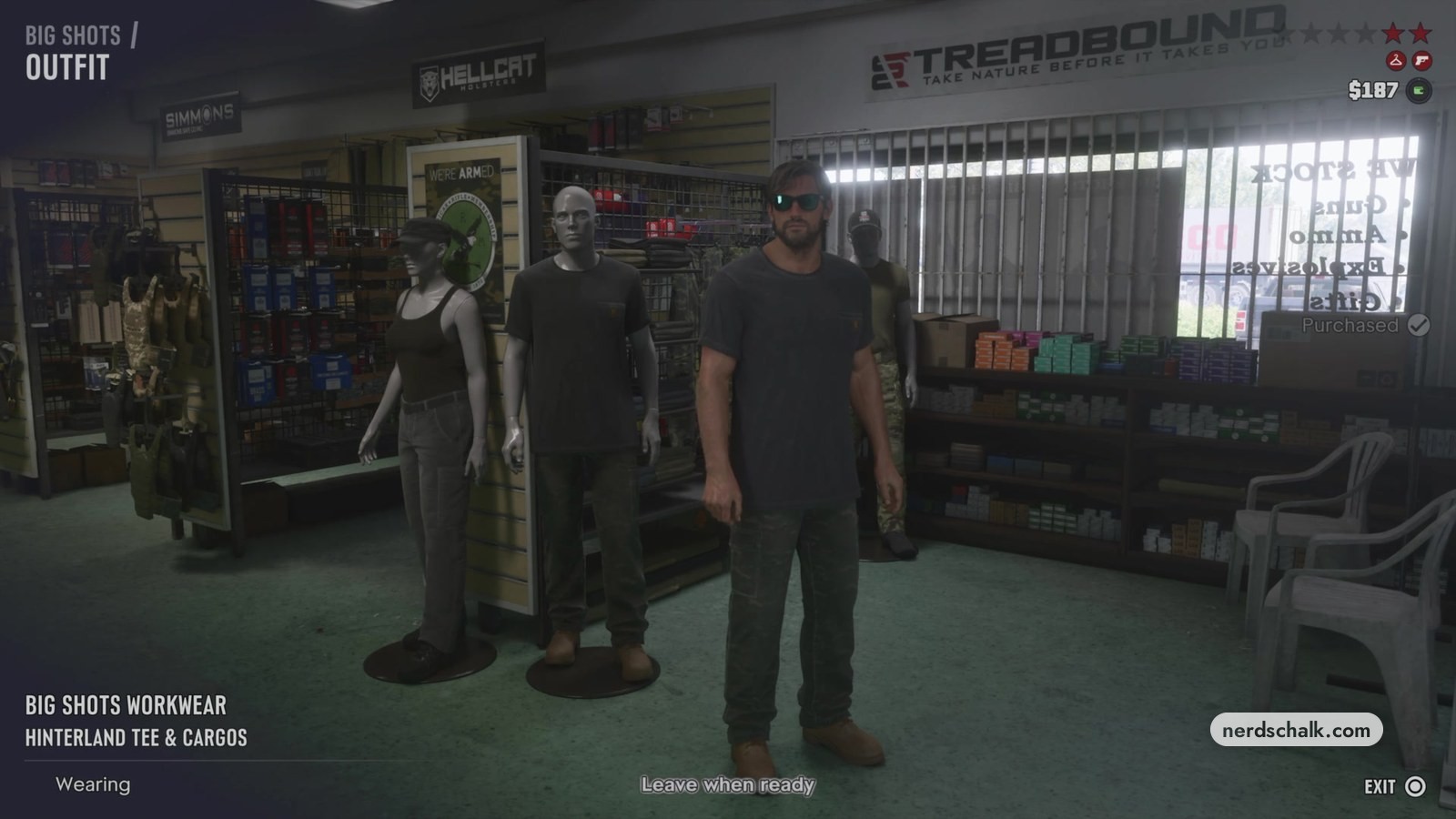
- Go to Big Shots, where the game’s shop screen offers outfits to buy and wear.
- Pick an outfit marked Will remove outfit heat on its card. The game’s outfit screen gives that description to both BIG SHOTS WORKWEAR and BIG SHOTS TACTICAL GEAR.
- Choose BUY & WEAR, the purchase option on the game’s Big Shots screen.
Before the BIG SHOTS WORKWEAR purchase, the game’s HUD shows both the hanger and pistol symbols. Once that outfit is worn, the meter shows only the pistol.
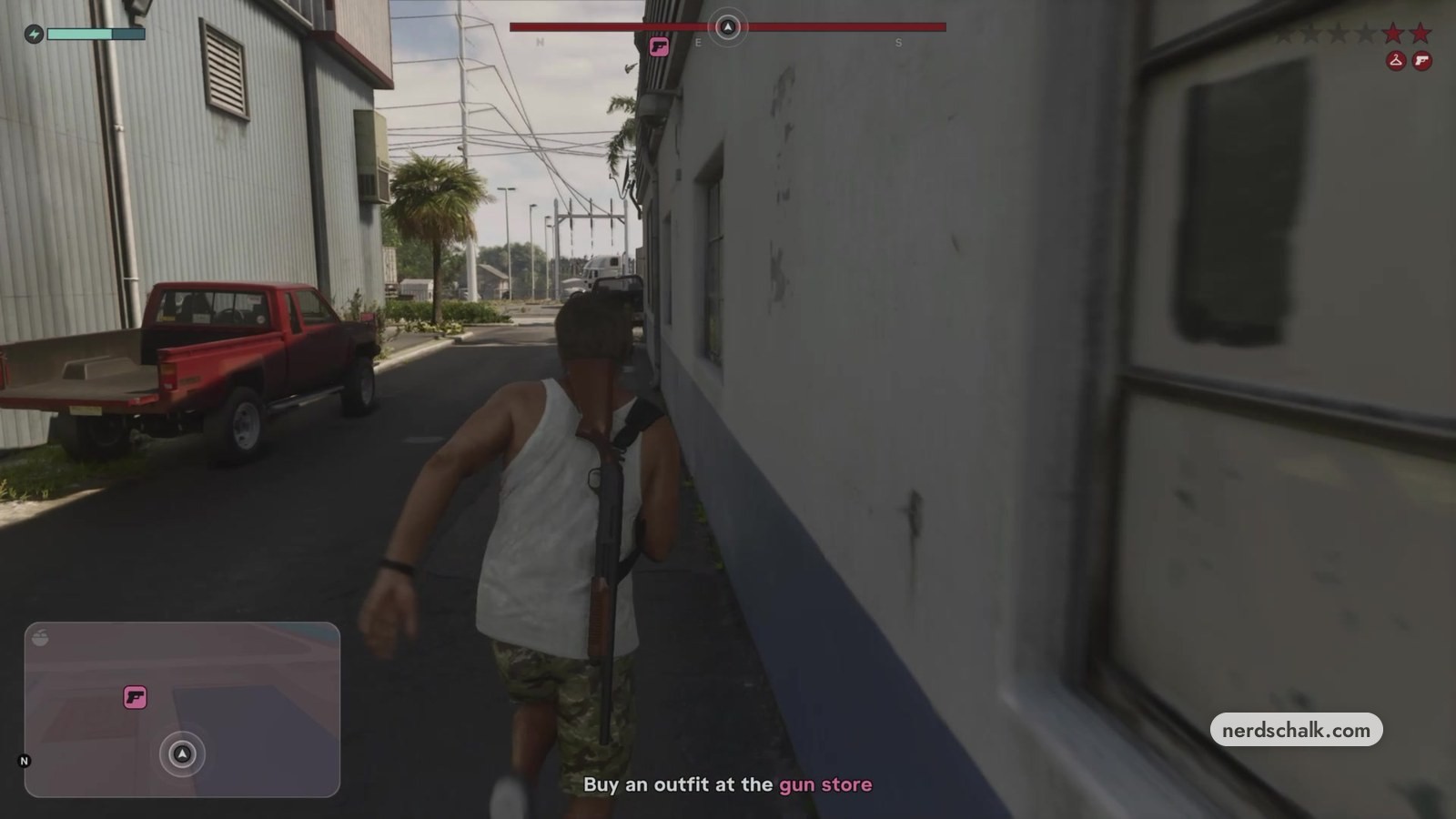
The game’s next hint says: “If recognition is cleared, cops can’t ID you”. It displays the outfit and appearance recognition symbols with that message.
How Do You Lower Recognition in GTA 6?
The game’s hints say changing accessories or your hairstyle makes you harder for police to recognize. Its clothing hint also warns that an unchanged outfit makes recognition faster in areas with heat.
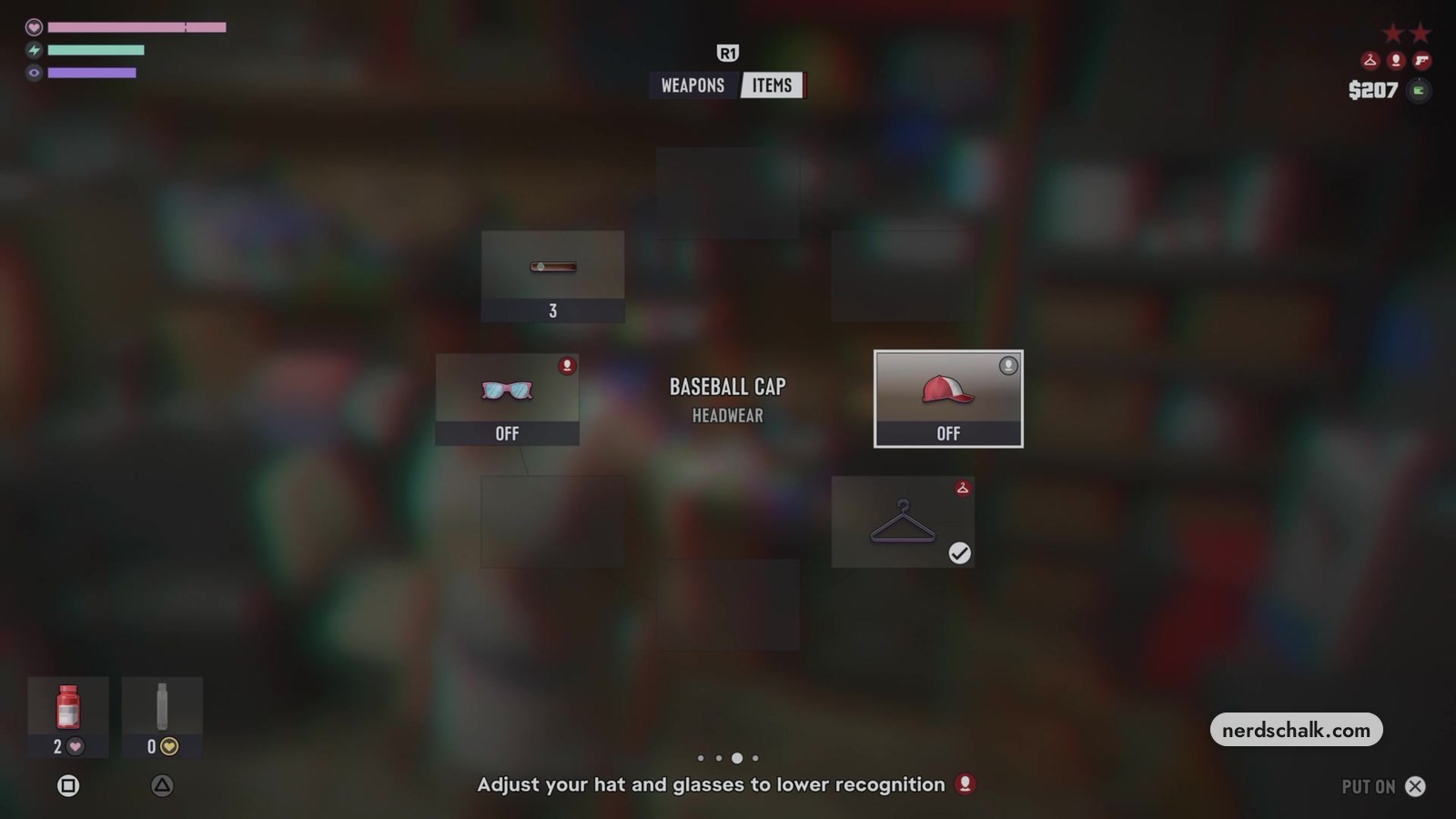
The game’s items wheel prompts you to adjust your hat and glasses to reduce recognition. Its BASEBALL CAP entry includes PUT ON.
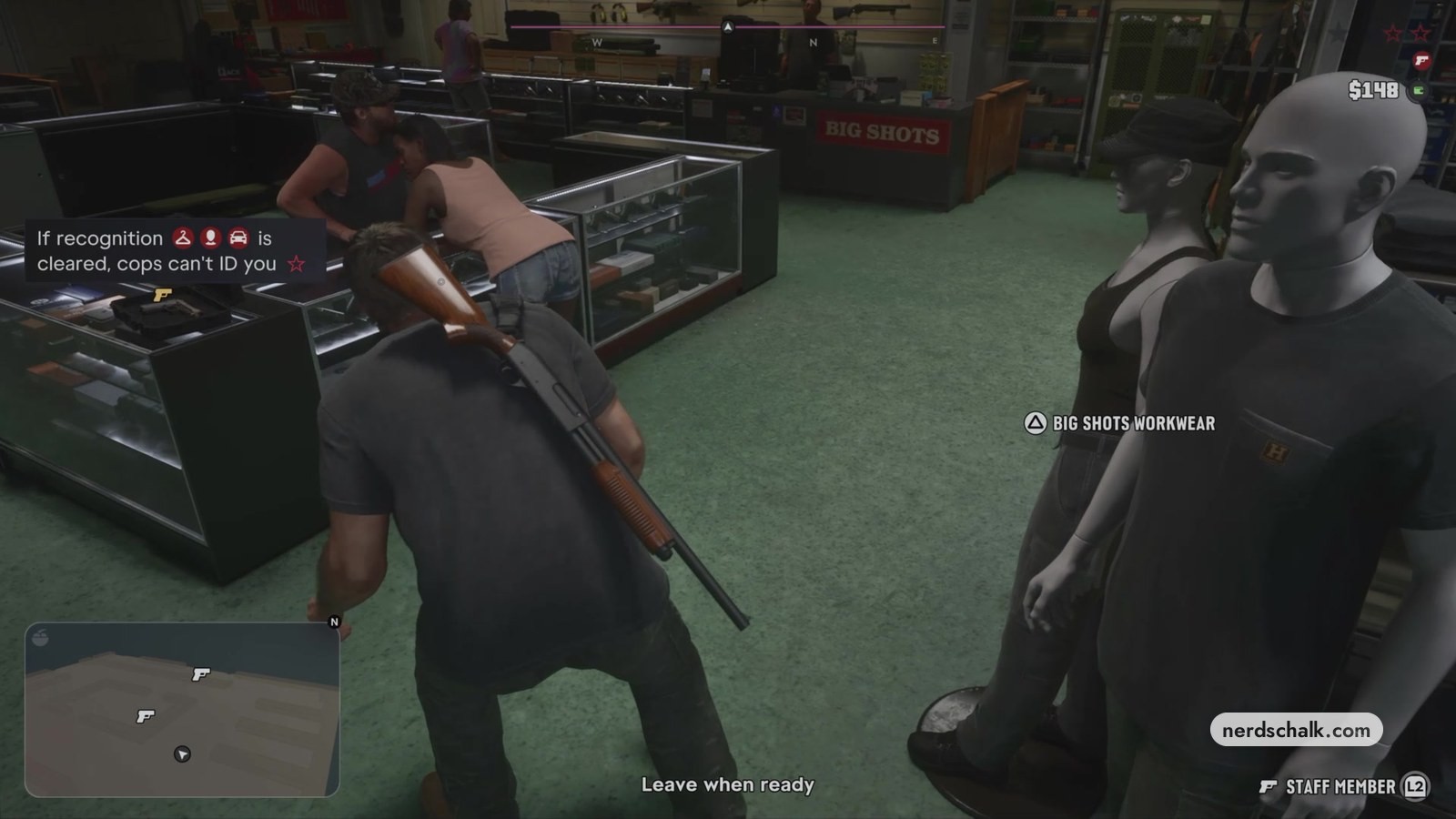
A separate hint warns that carrying a weapon visibly can draw police attention while they search. The game’s wanted meter still shows the pistol after BIG SHOTS WORKWEAR removes the hanger.
For vehicles, the game’s hint says a respray at Pay ‘n’ Spray prevents police from recognizing the car.
Heat subsides with time, according to the game’s hint. The map shows the locations that remain affected by heat.
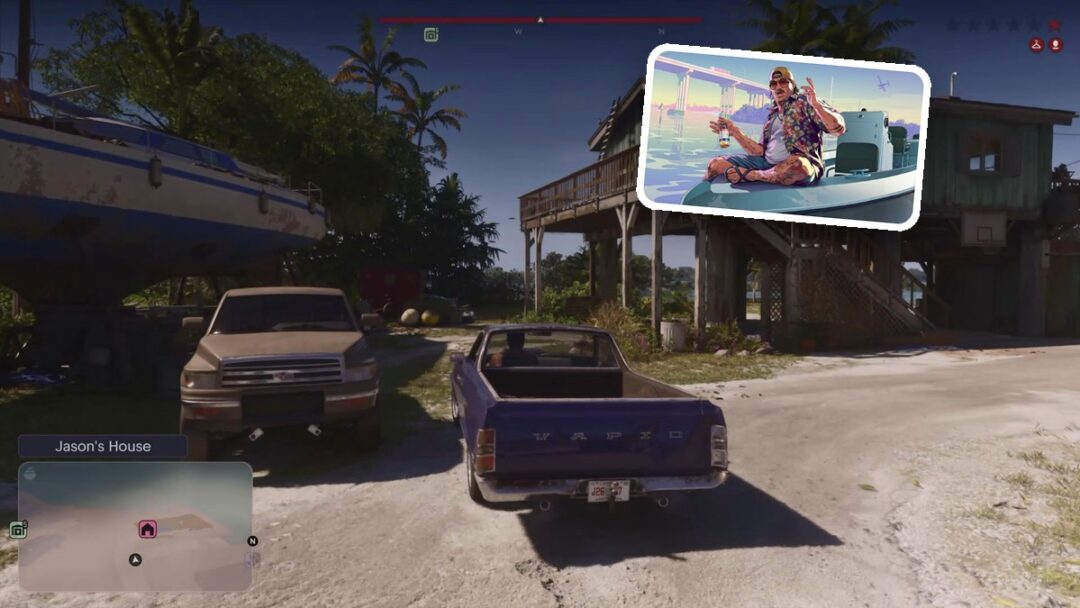
Later, the game’s screen at Jason’s House displays the notice Heat cleared.
Why Can the Hanger Icon Stay or Come Back in GTA 6?
The map shows outfit recognition returning during a police search on another day: its search box again lists OUTFIT KNOWN and APPEARANCE KNOWN.
The game’s Big Shots cards identify outfits that remove outfit heat. After BIG SHOTS WORKWEAR is bought and worn, the HUD shows the hanger gone; the later map shows that clothing can become known again.
FAQs
Does Heat Go Away Over Time in GTA 6?
Yes. The game’s hint says heat eventually subsides, and it directs you to the map to find locations where heat remains.
How Do You Check Where You Still Have Heat in GTA 6?
Use the map, as the game’s heat hint directs. During an active police search, the map marks a red area and identifies it as a place where officers are looking for you.
Can the Hanger Icon Come Back in GTA 6?
Yes. During a police search on another day, the map again shows OUTFIT KNOWN together with APPEARANCE KNOWN.
Does Buying a Big Shots Outfit Also Remove the Pistol Icon in GTA 6?
No. After BIG SHOTS WORKWEAR is bought and worn, the game’s wanted meter shows the hanger gone but the pistol remaining. The map identifies that pistol as VISIBLE WEAPON.
How Do You Know When Heat Has Cleared in GTA 6?
The game displays a Heat cleared notice. That message appears on the game’s screen later at Jason’s House.