

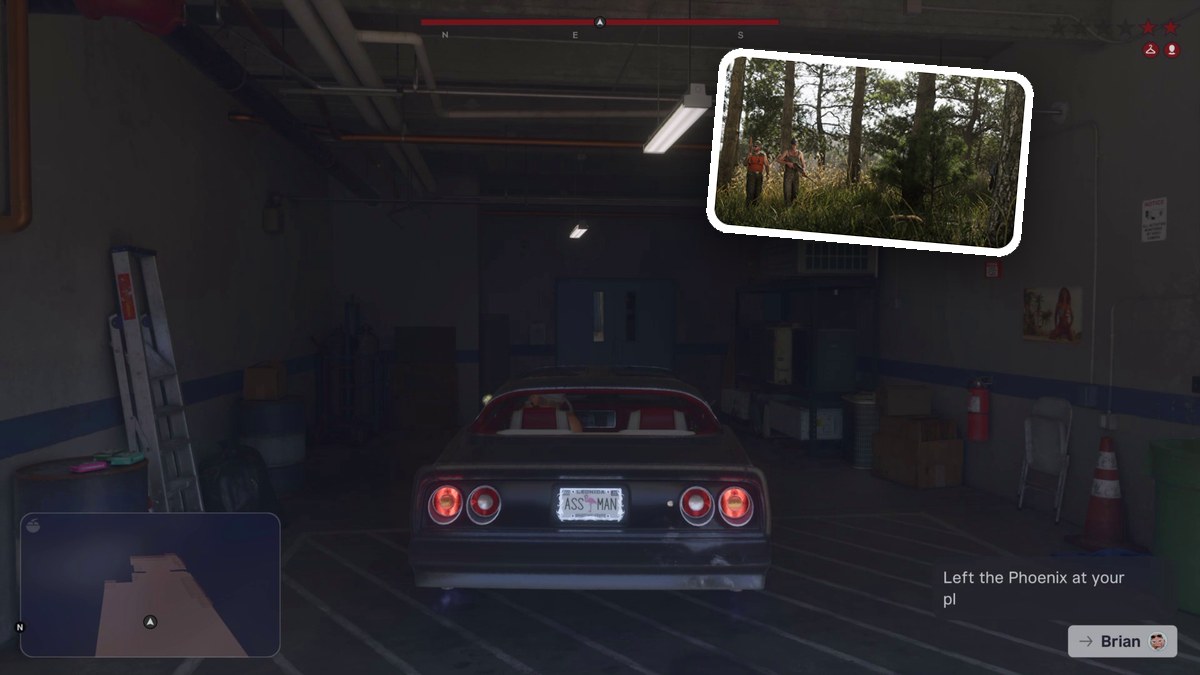
Collect the office cash, change your hat and glasses, then leave Brian’s garage for Big Shots to buy and wear an outfit.
Unwanted Attention is a mission in Grand Theft Auto VI, and the mission map warns that police are actively searching for you in the current area. You work alongside Cal to retrieve a car for Brian from a police impound lot. The game asks you to lower recognition by adjusting your accessories before purchasing clothing at the gun store. This guide covers the garage and clothing objectives through Leave when ready.
Grand Theft Auto VI lists PlayStation 5 alongside Xbox Series X|S as its platforms.
How to leave Brian’s garage during Unwanted Attention in Grand Theft Auto VI
The mission map displays OUTFIT KNOWN and VISIBLE WEAPON warnings alongside the police-search notice.
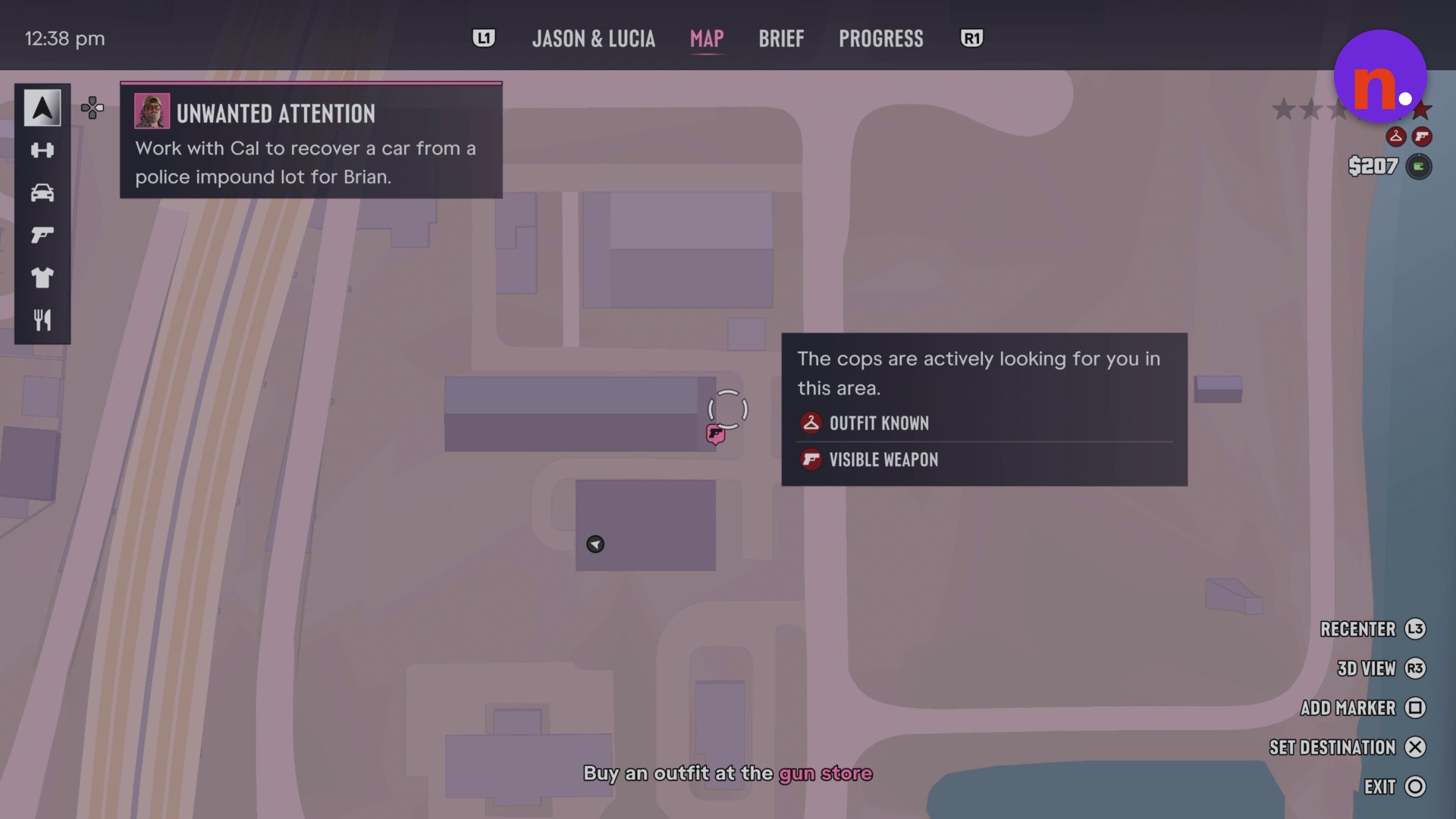
Your destination is marked as the Big Shots Ammu-Nation distributor on the Hamlet map.
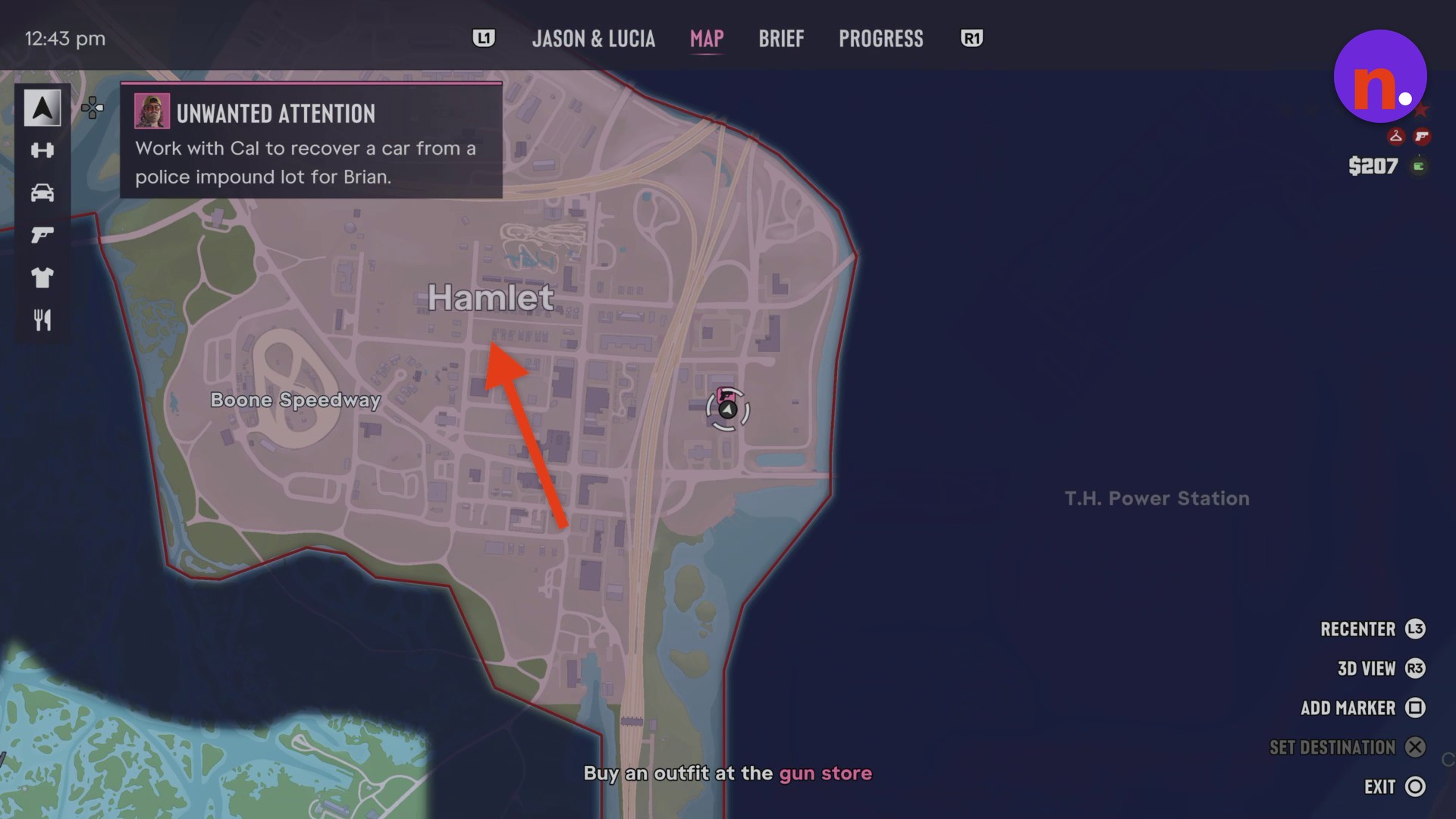
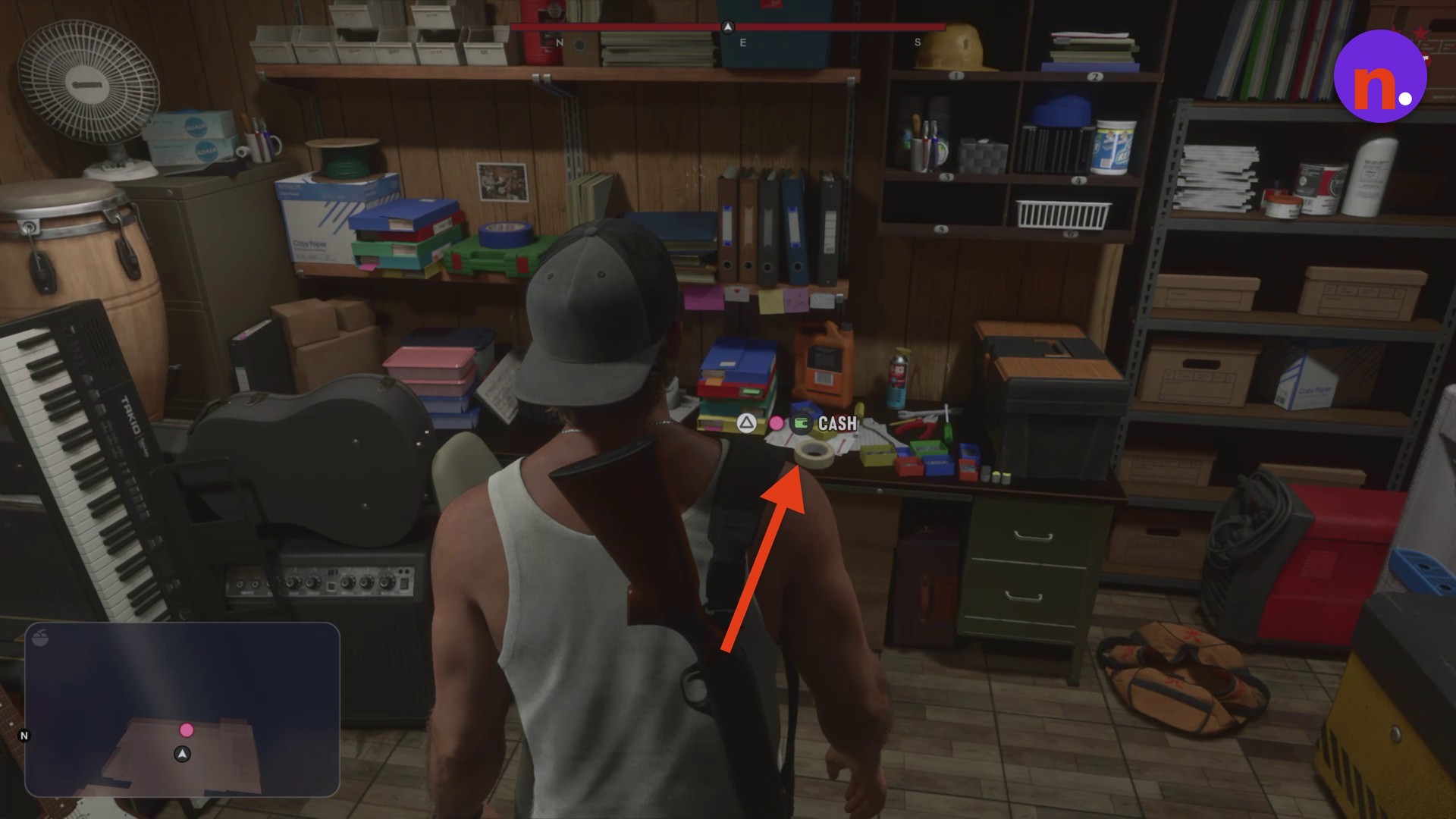
The back-office cash pickup gives Jason $150, displayed as + $150 when he takes the money.
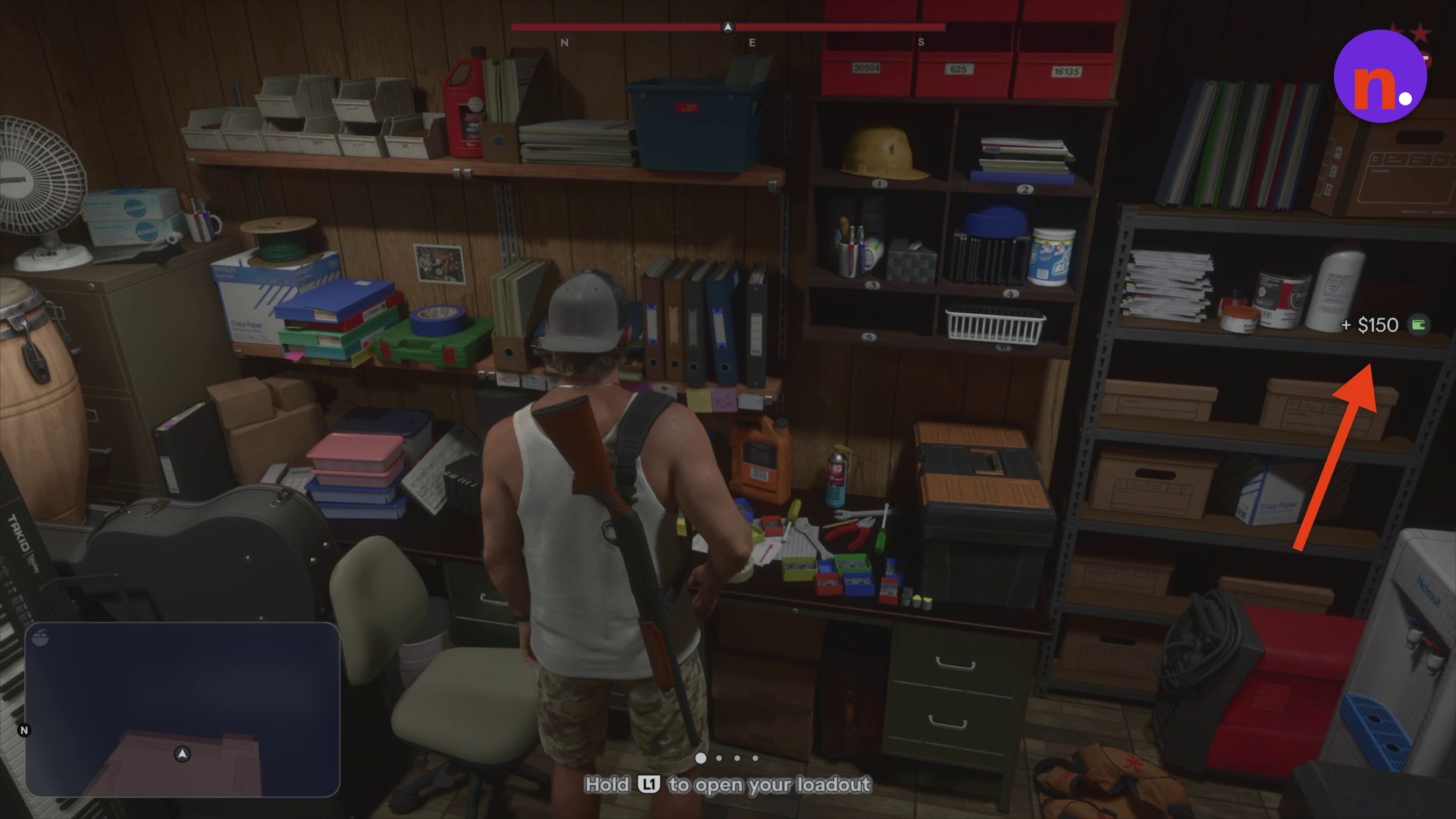
The accessory changes use the loadout wheel’s item controls.
Park the Phoenix and collect the office cash, change your accessories and reach Big Shots, then buy an outfit and leave the store.
Part 1 – Park the Phoenix and collect the office cash
Follow the Collect the cash objective after parking.
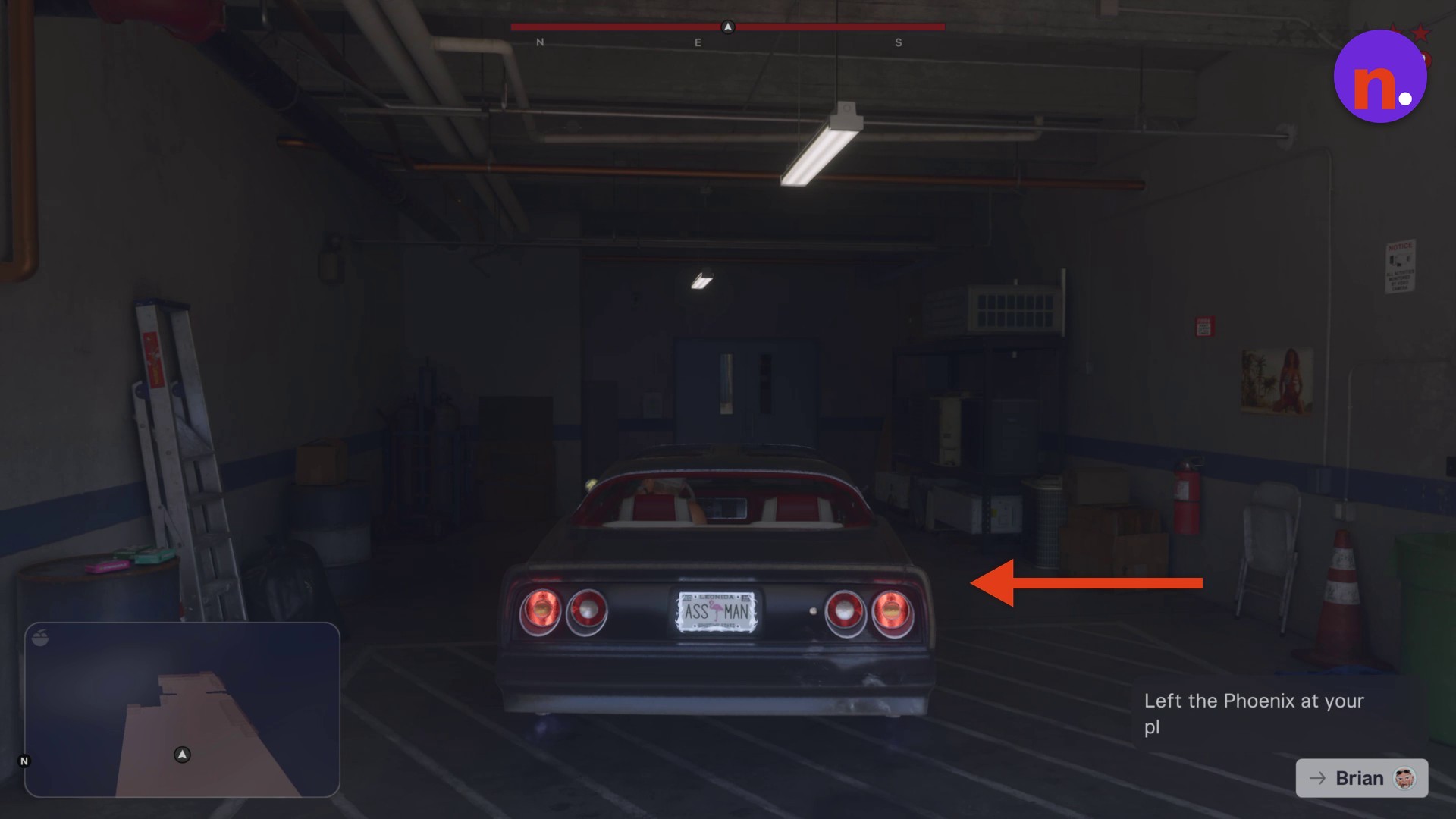
Park the Phoenix inside Brian’s garage
Drive the Phoenix into the garage bay and wait for Brian’s text exchange to finish before continuing.
Collect the cash in the back office
Go through the blue doors at the rear of the garage into the office. Approach the workbench desk and use the CASH prompt to collect the money.
Part 2 – Change your accessories and reach Big Shots
Adjust your appearance before following Buy an outfit at the gun store.
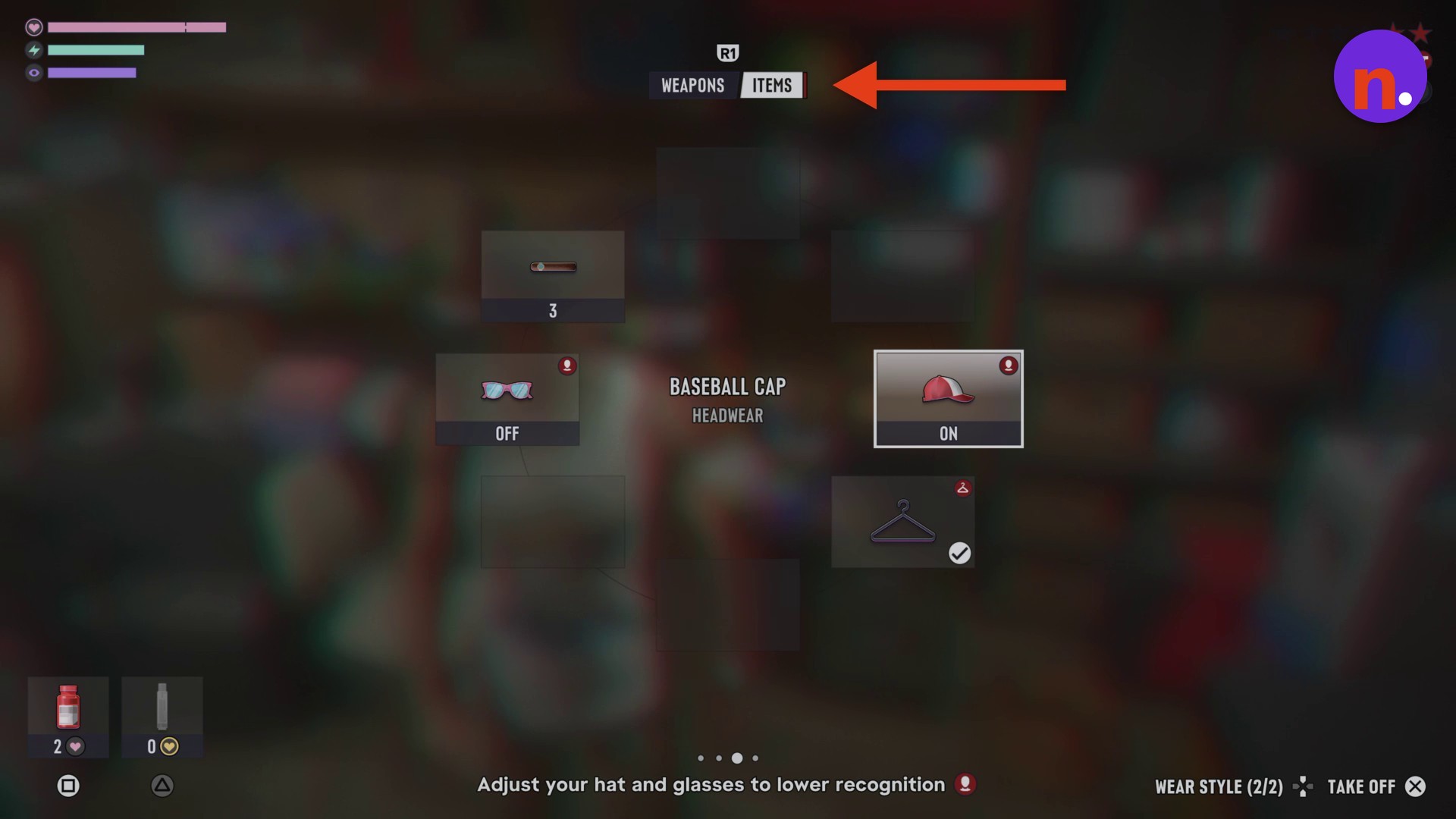
Open the loadout wheel
Bring up the accessory options using the wheel controls above.
Take off the baseball cap
Select BASEBALL CAP under HEADWEAR and use TAKE OFF to help reduce recognition by changing your hat.
Put on square shades
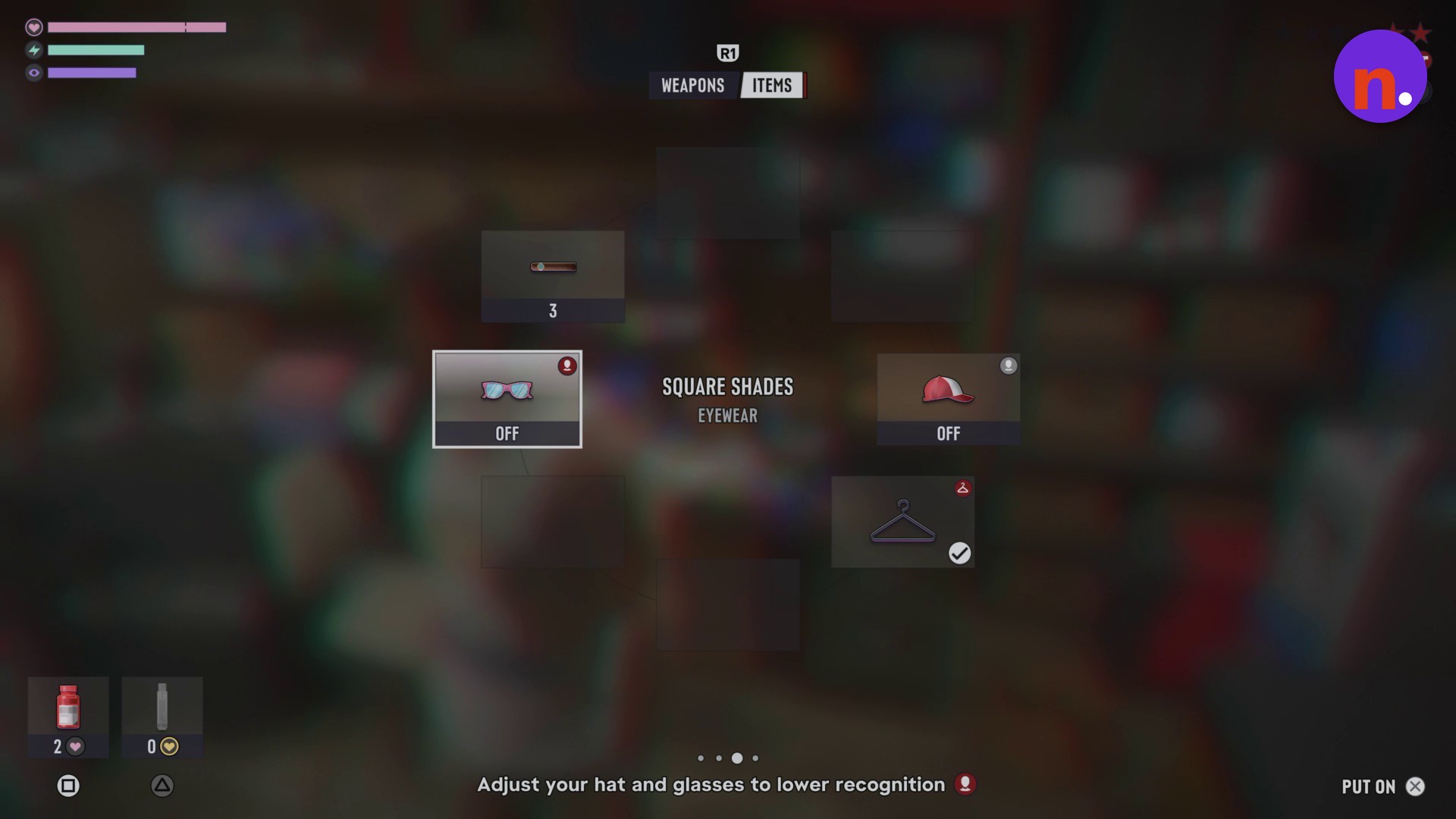
Select SQUARE SHADES under EYEWEAR and use PUT ON to change your appearance. Changing your glasses also helps reduce recognition.
Leave the garage and reach Big Shots
Return through the garage bay and go outside. Cross the lot north-east to Big Shots, beside McClane Ventilation; the map gives the distance as 38 m.
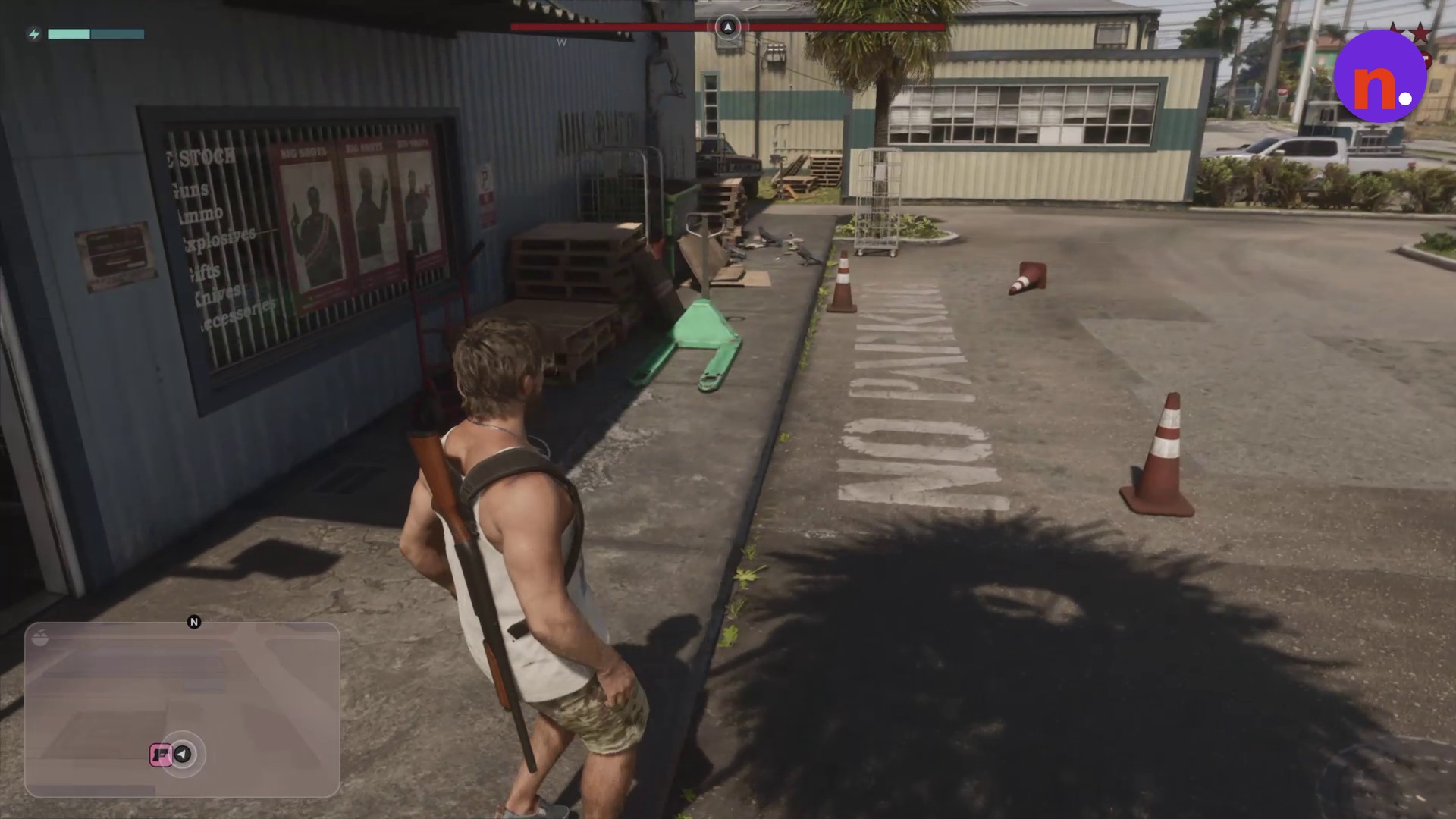
Part 3 – Buy an outfit and leave the store
Complete Buy an outfit, then follow Leave when ready.
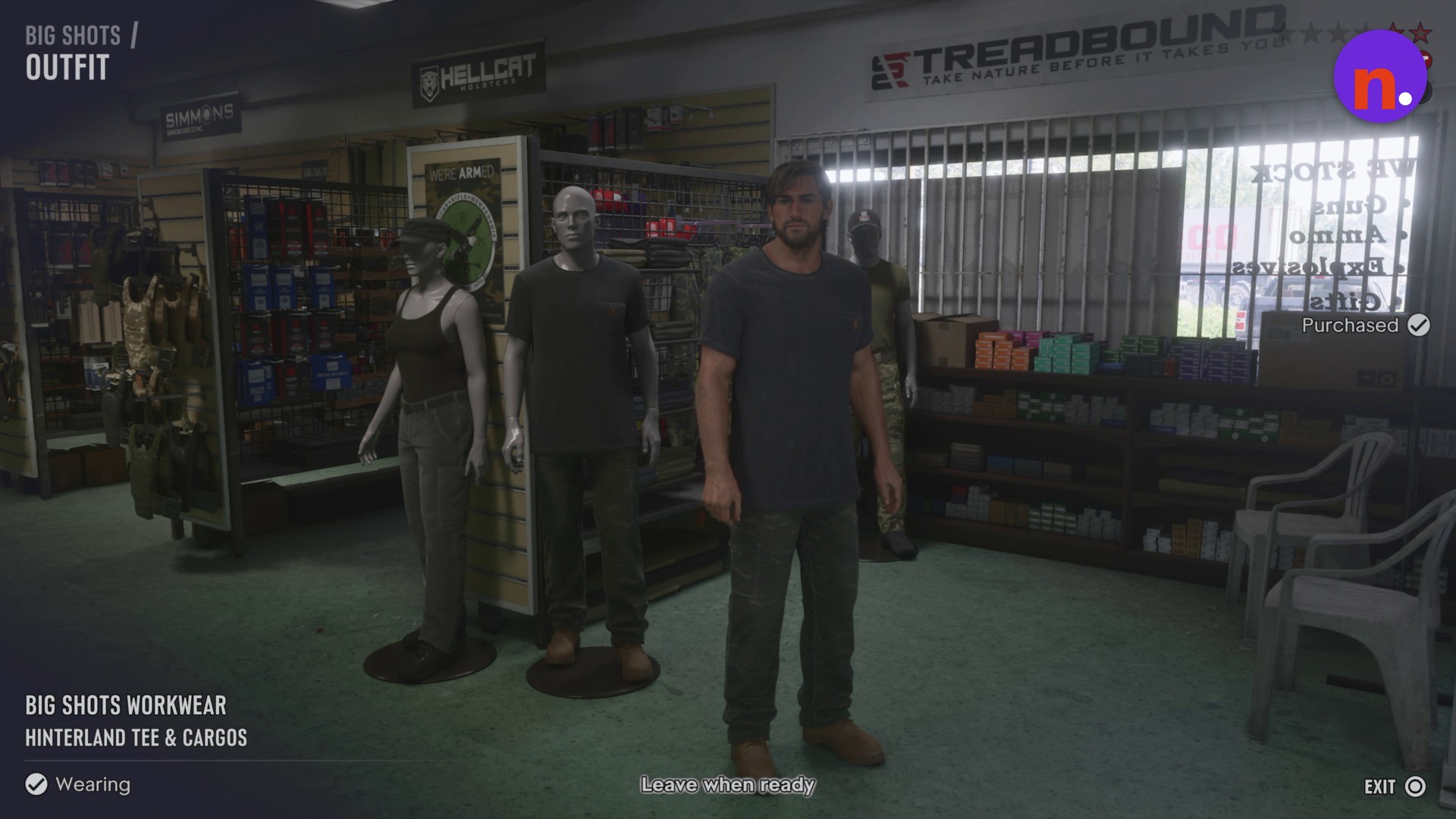
Buy and wear Big Shots Workwear
Enter the gun store and interact with the mannequin near the entrance. Select BIG SHOTS WORKWEAR and use BUY & WEAR to purchase and equip it.
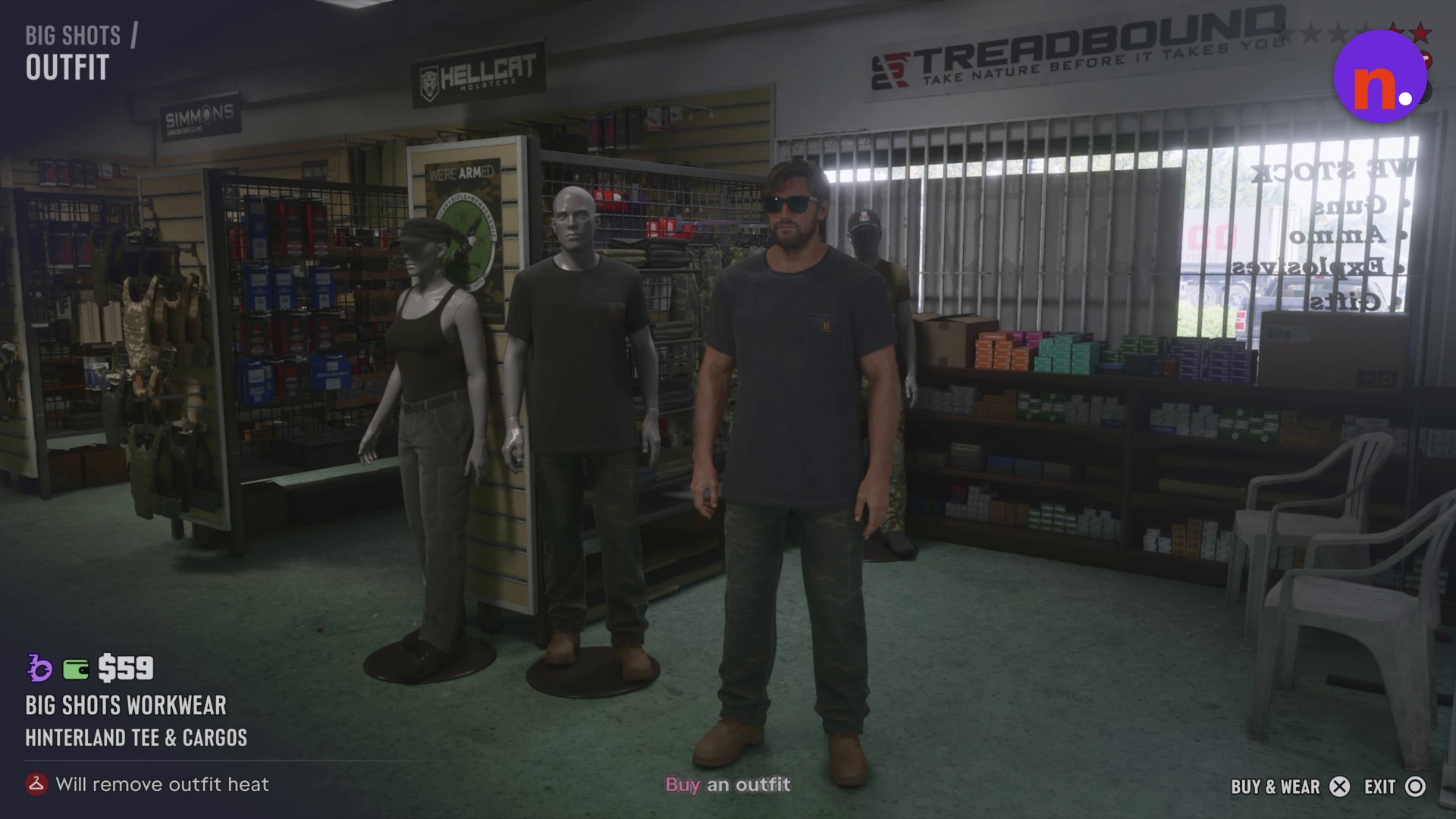
Leave the gun store
When Leave when ready appears, walk through the store’s exit door into the parking lot.
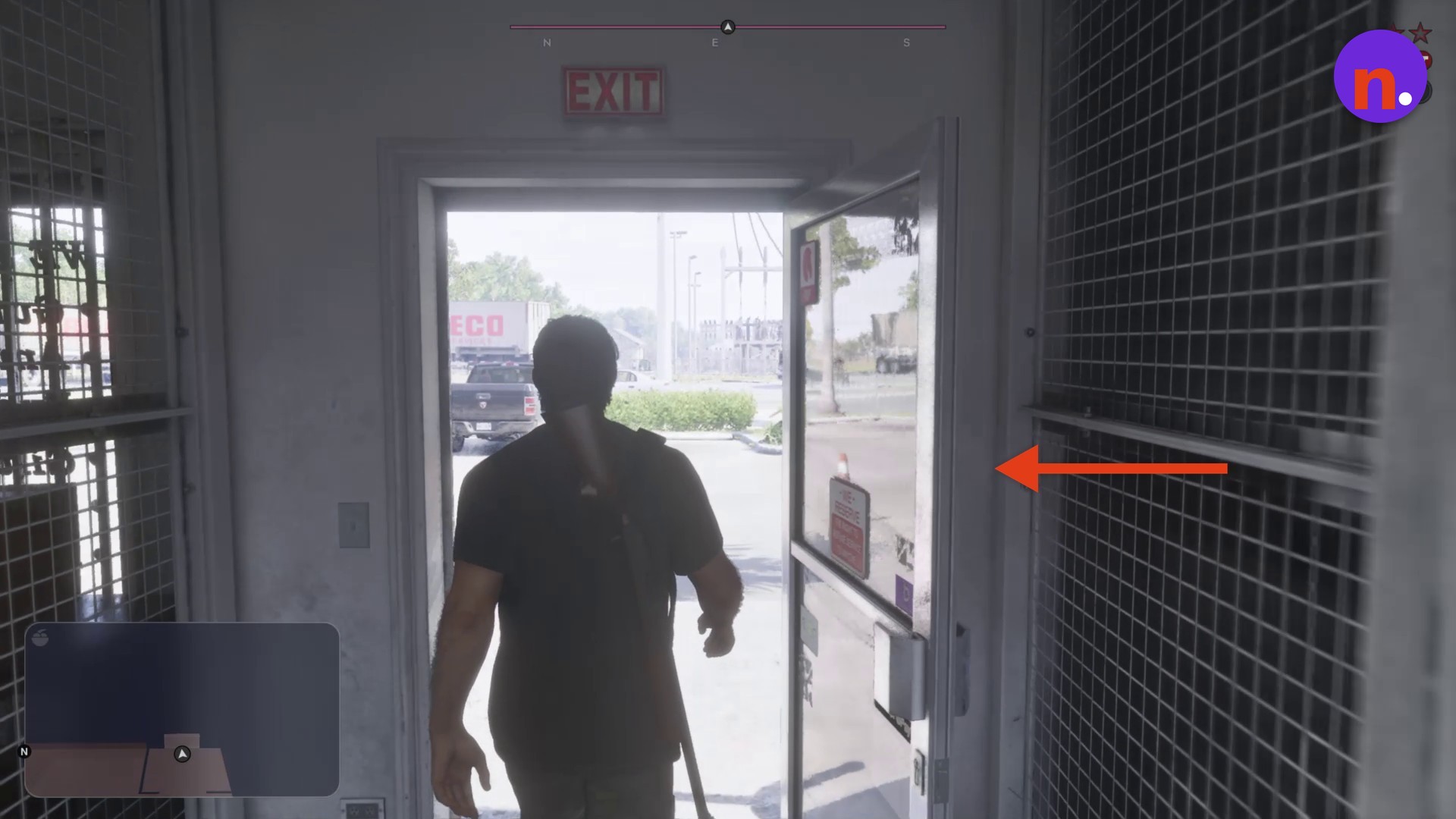
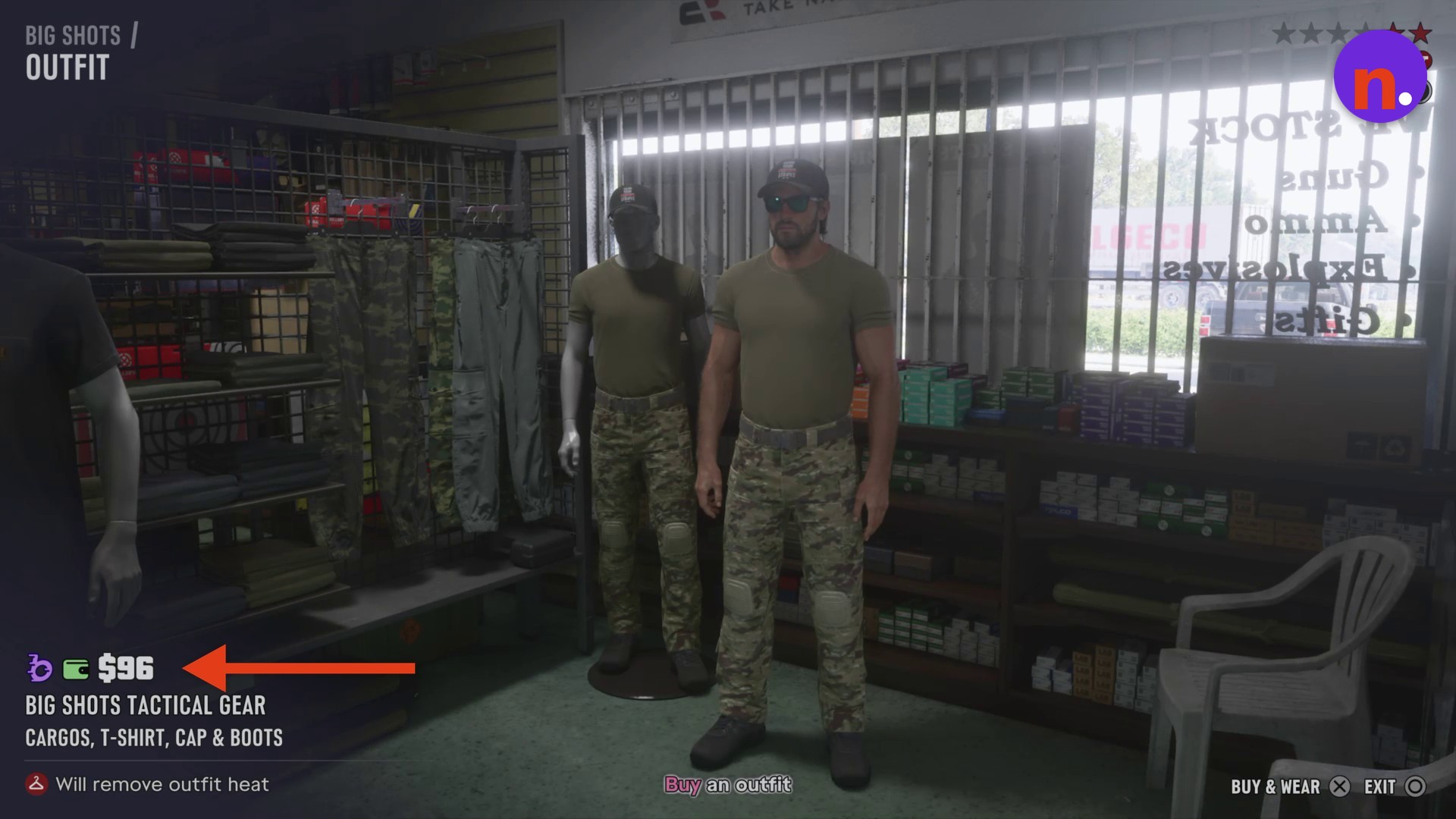
Which Big Shots outfits remove outfit heat?
| Outfit | Price | Included clothing | Effect |
|---|---|---|---|
| Big Shots Workwear | $59 | HINTERLAND TEE & CARGOS | Removes outfit heat |
| Big Shots Tactical Gear | $96 | CARGOS, T-SHIRT, CAP & BOOTS | Removes outfit heat |
The Big Shots Tactical Gear mannequin opens its own outfit preview.
Look for Purchased and Wearing on the Workwear card: those labels show that the transaction is complete and the outfit is equipped.
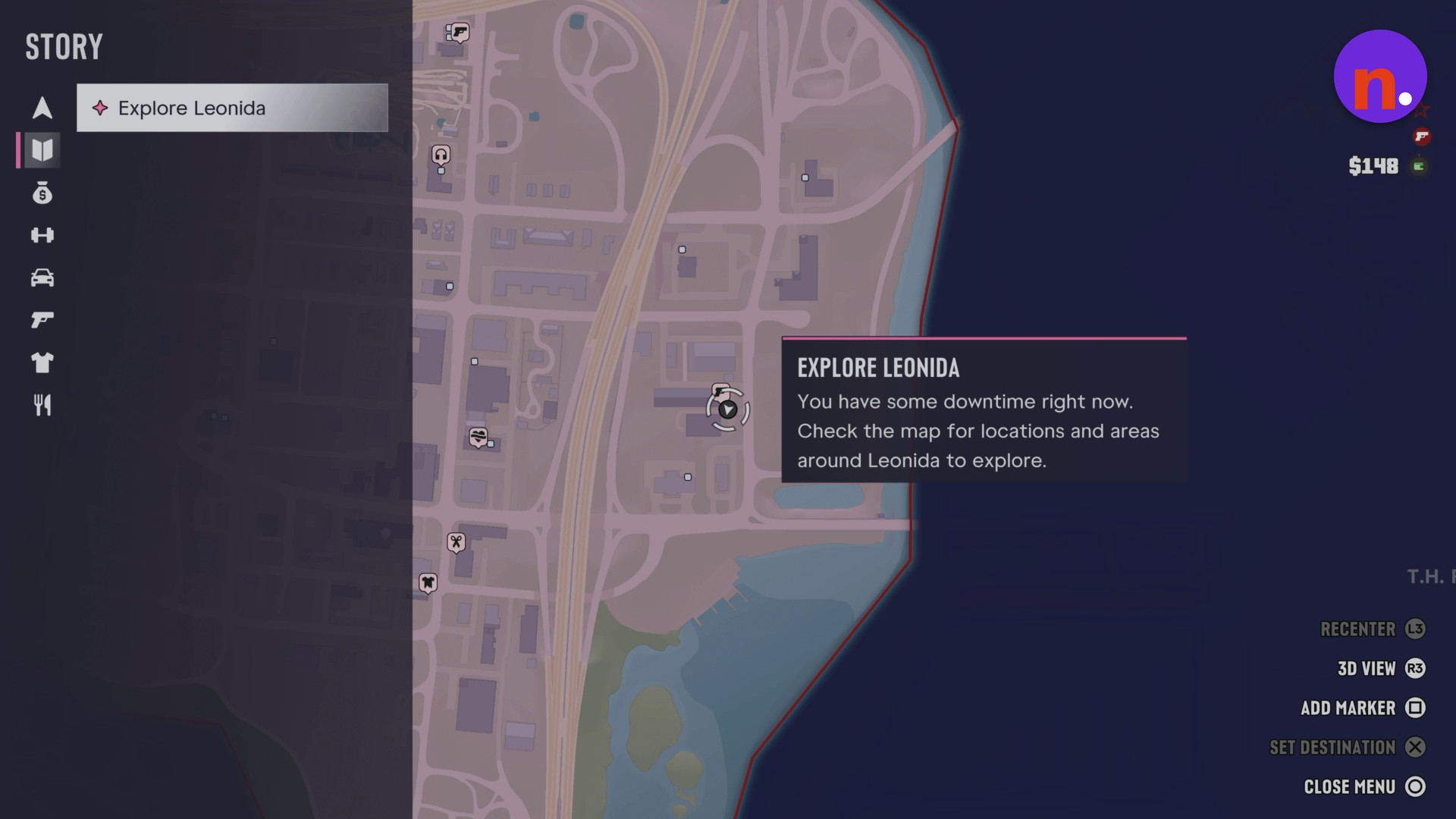
The subsequent story objective is Explore Leonida. It gives you downtime and directs you to check the map for locations and areas around Leonida to explore.
Related Grand Theft Auto VI guides
Leave a Reply