PS5Platform
DefaultControl scheme
The short version
- If you have a weapon out, press L1 to holster it first.
- Use L2 to lock on.
- Press Square to punch or kick. Triangle handles INTERACT, and Circle handles CROUCH.
Why does Jason talk or crouch when I try to punch an NPC?
Triangle makes Jason interact, and Circle makes him crouch. Press Square to punch. For fighting, the game’s Melee preview pairs L2 with LOCK-ON / STRAFE and Square with PUNCH / KICK.
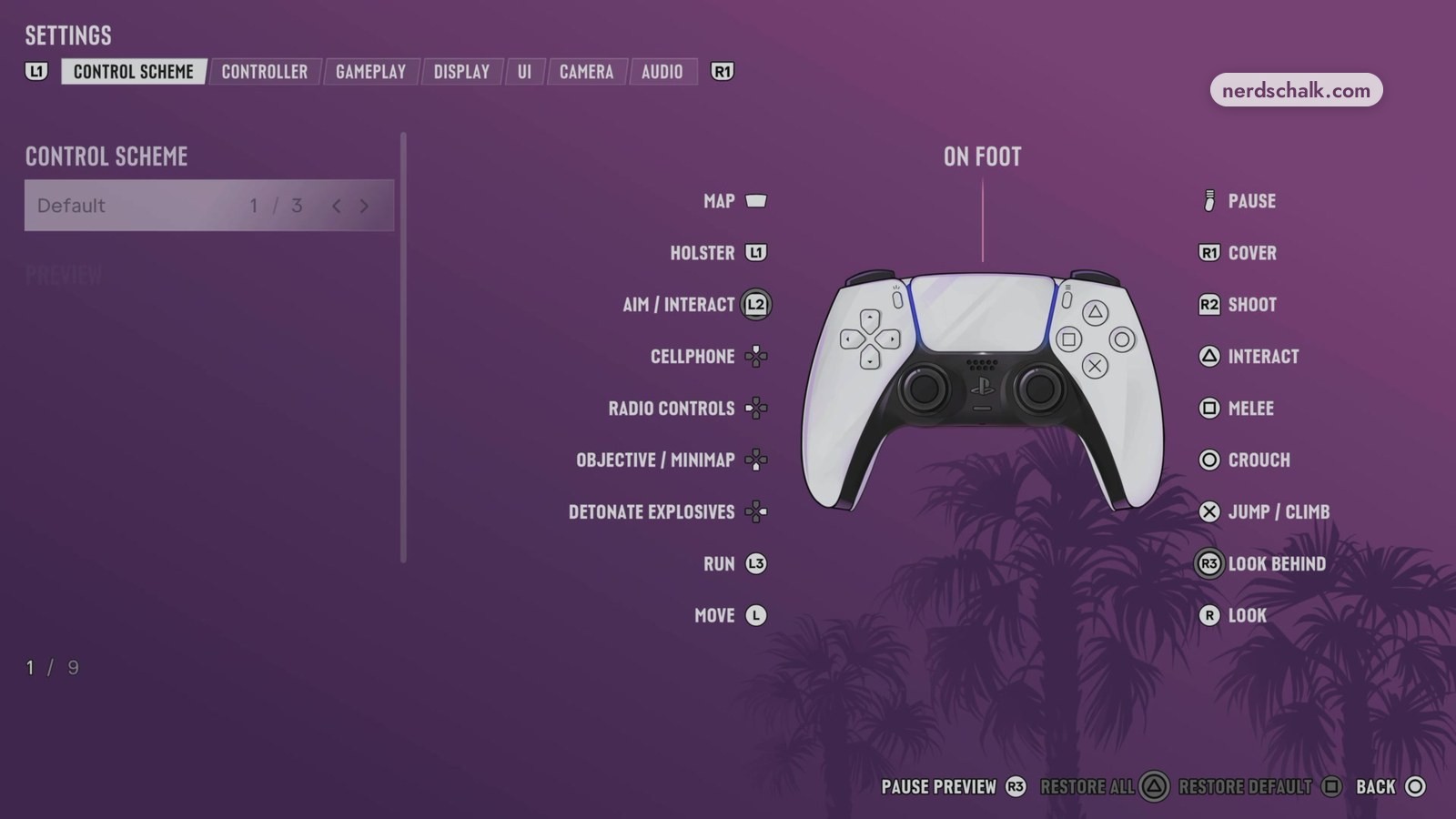
GTA 6 melee controls
The game’s default PS5 Melee preview assigns Square to PUNCH / KICK, with Cross handling BLOCK / DODGE.
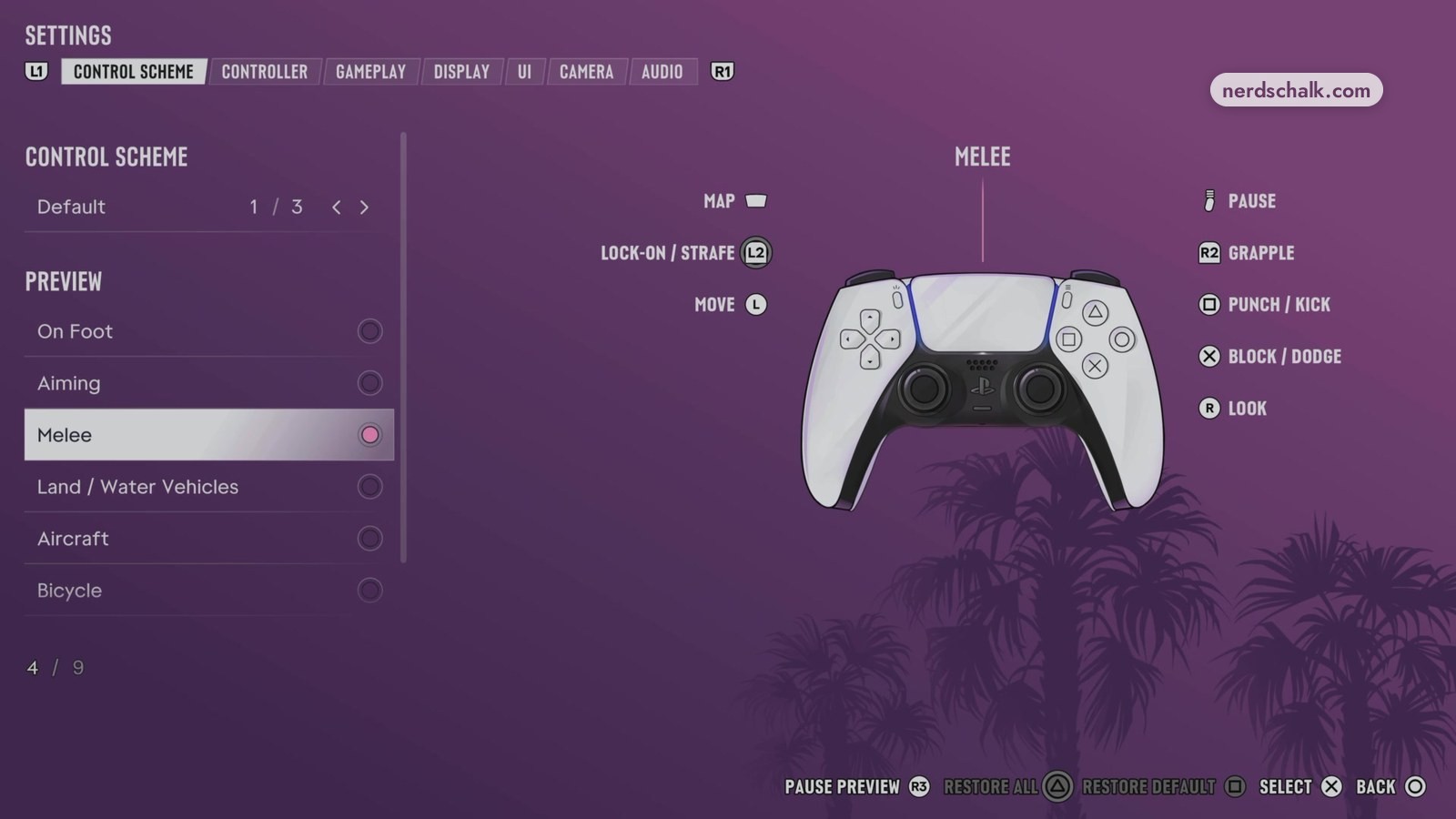
PS5 buttons in the Melee preview
| Action | PS5 button |
|---|---|
| LOCK-ON / STRAFE | L2 |
| PUNCH / KICK | Square |
| BLOCK / DODGE | Cross |
| GRAPPLE | R2 |
On Foot buttons involved in conflicting actions
| Action | PS5 button |
|---|---|
| AIM / INTERACT | L2 |
| INTERACT | Triangle |
| CROUCH | Circle |
| HOLSTER | L1 |
| SHOOT | R2 |
| MELEE | Square |
How do you punch an NPC in GTA 6 on PS5?
The game’s Melee screen assigns Square to PUNCH / KICK and L2 to LOCK-ON / STRAFE.
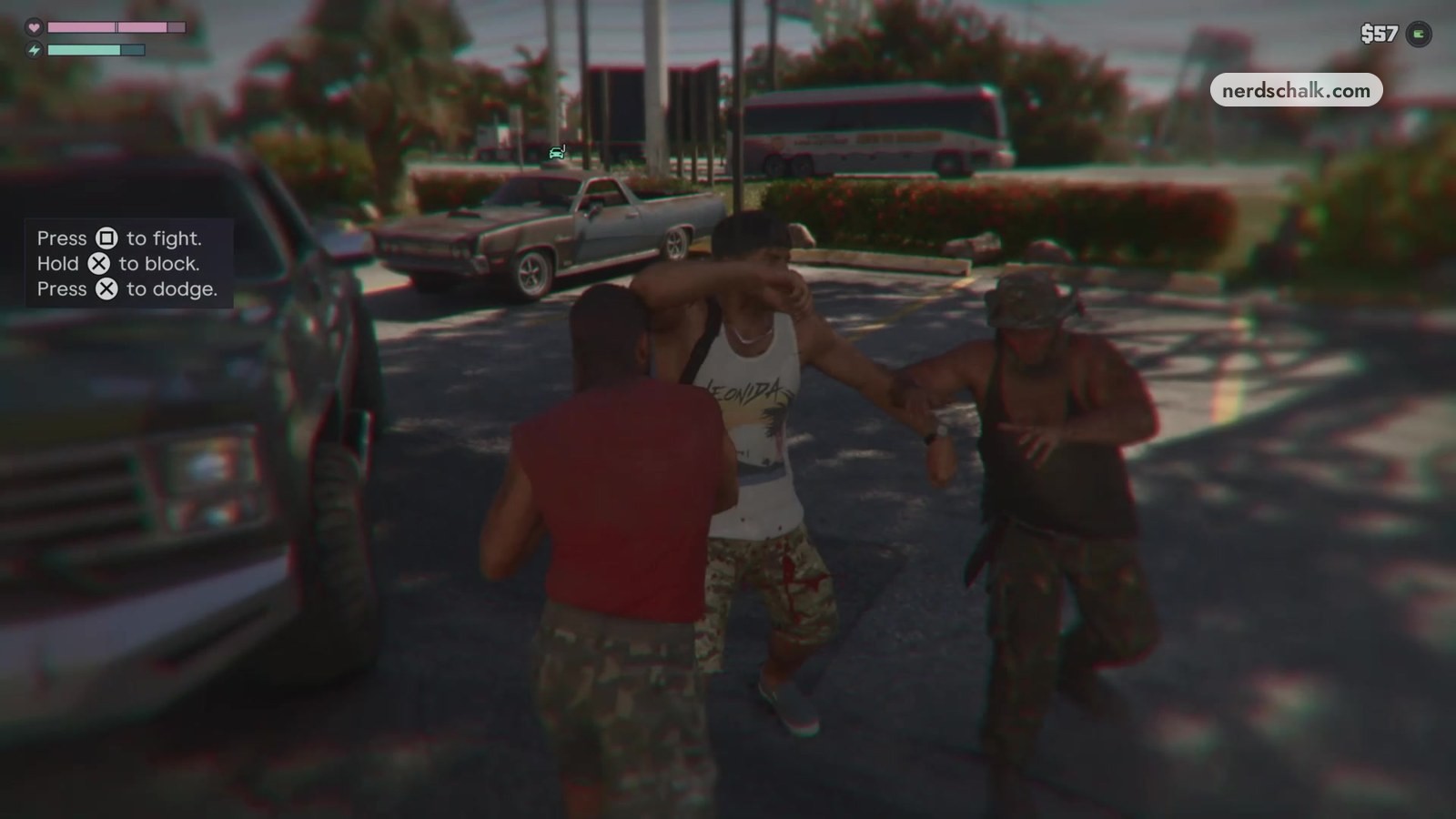
- Put any weapon away with L1.
- Use L2 to lock on to the person.
- Press Square to punch or kick.
- Hold Cross to block or press Cross to dodge.
The on-screen fight prompt says the same: “Press Square to fight. Hold X to block. Press X to dodge.” X means Cross.
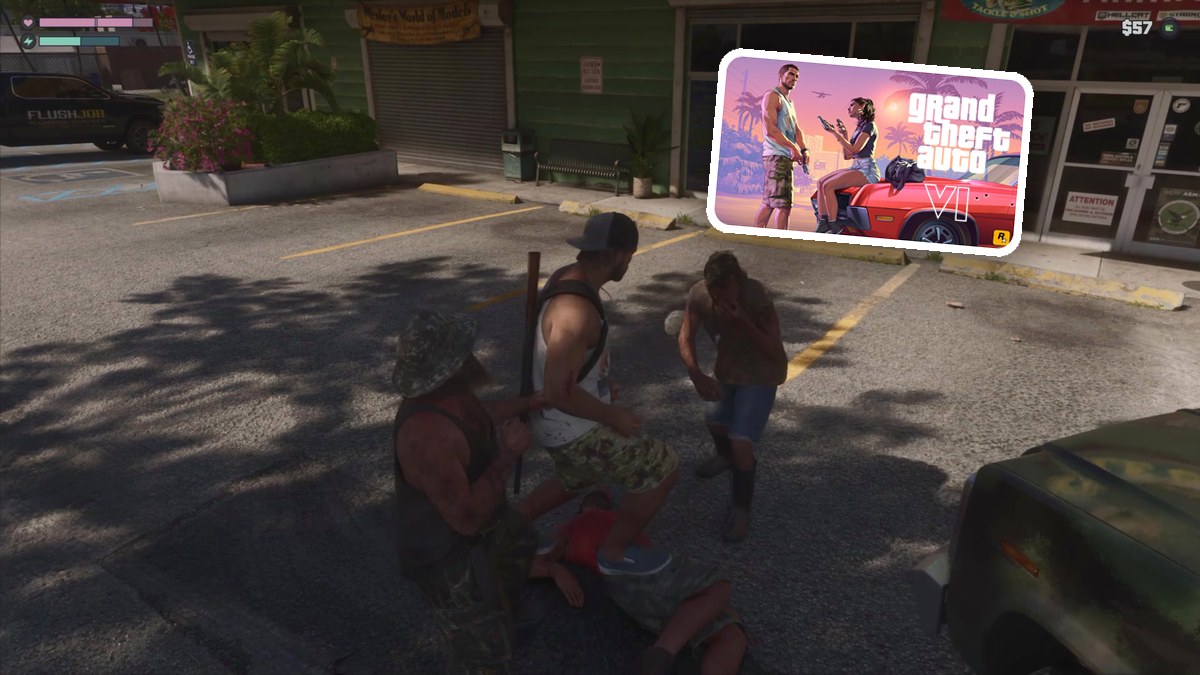
What can happen after a street fight in Grand Theft Auto VI?
The game’s hint says indiscriminate violence contributes toward a violent criminal profile.
Punching someone in the street can get a crime reported.
Related on NerdsChalk