

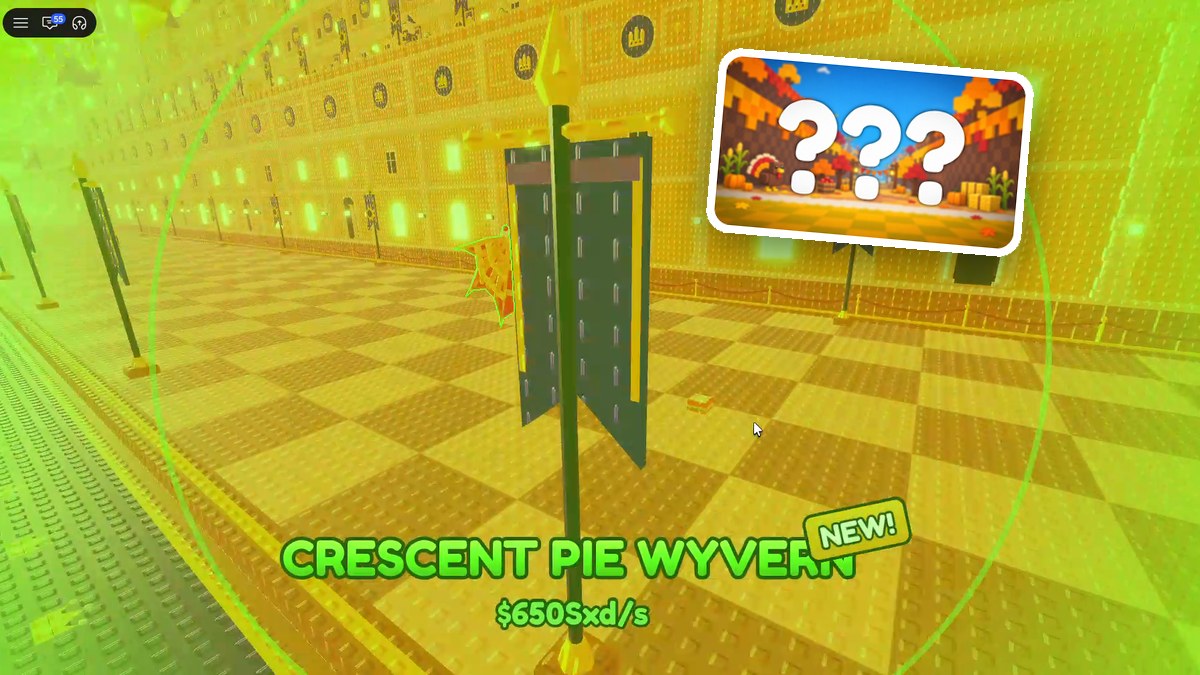
Collect feast ingredients in Throw Food For Animals, cook sandwiches at the picnic table, then throw them to attract Thanksgiving event animals.
The Thanksgiving Event centers on the picnic table’s Thanksgiving Feast menu. Ingredient collection begins during an active Feast, while sandwiches give you increased luck and a better chance of catching high-income animals. This guide covers the Feast procedure, sandwich costs, reward trackers, and event animal locations.
How to collect ingredients and catch Thanksgiving animals in Throw Food For Animals
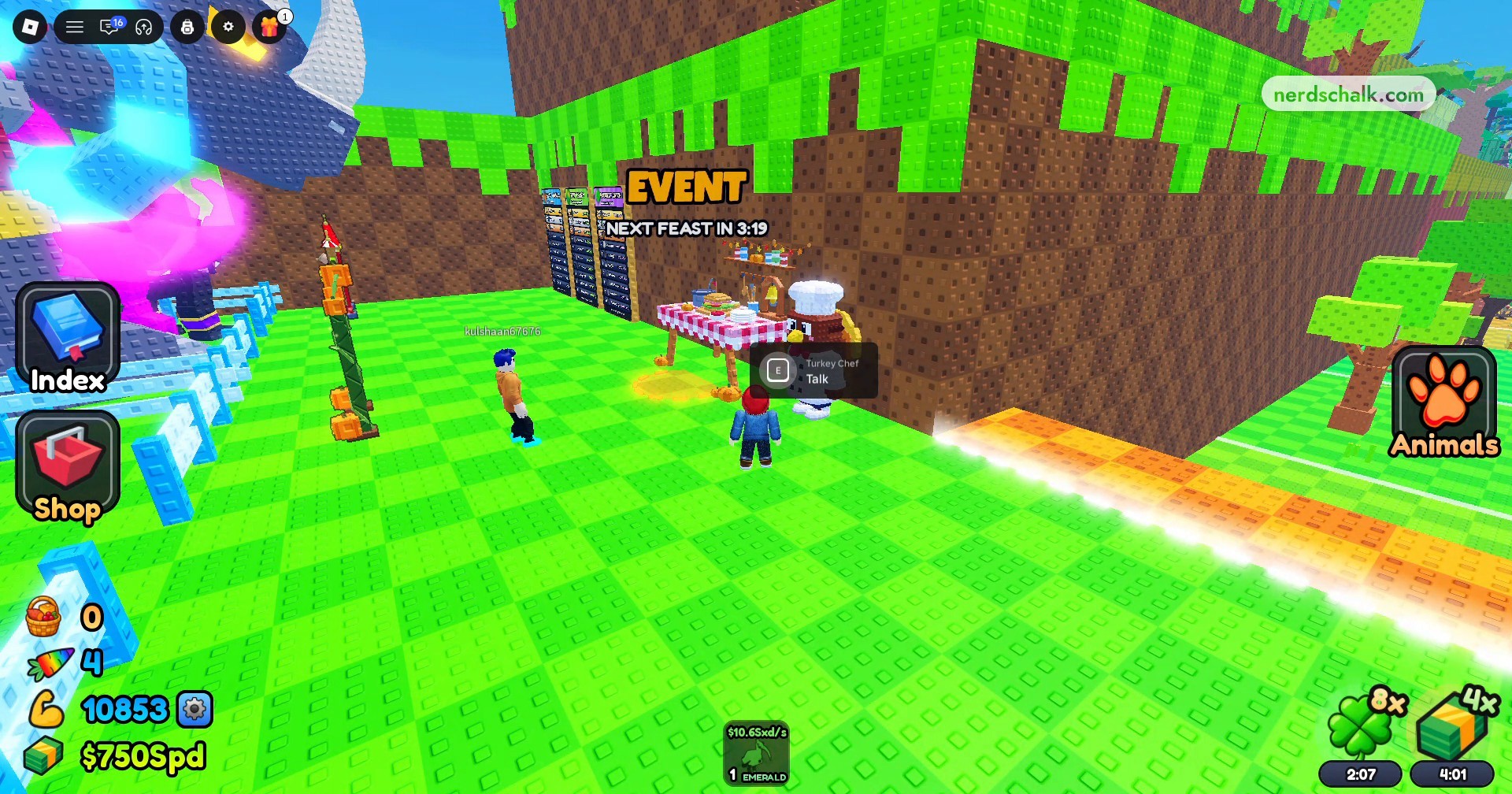
Talk to Turkey Chef
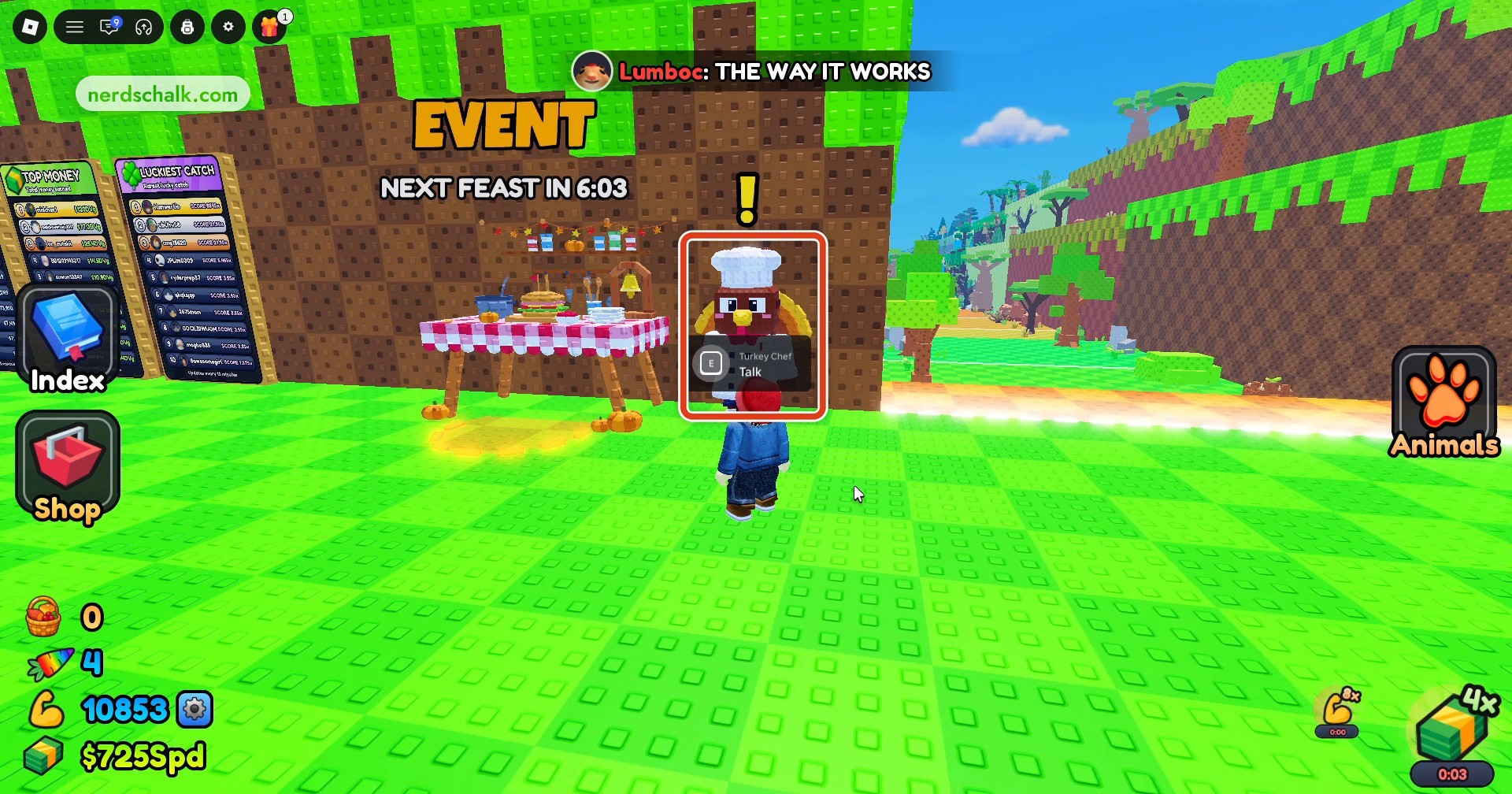
Approach Turkey Chef beside the picnic table and press E to talk. The chef introduces the Thanksgiving Feast and explains how it works.
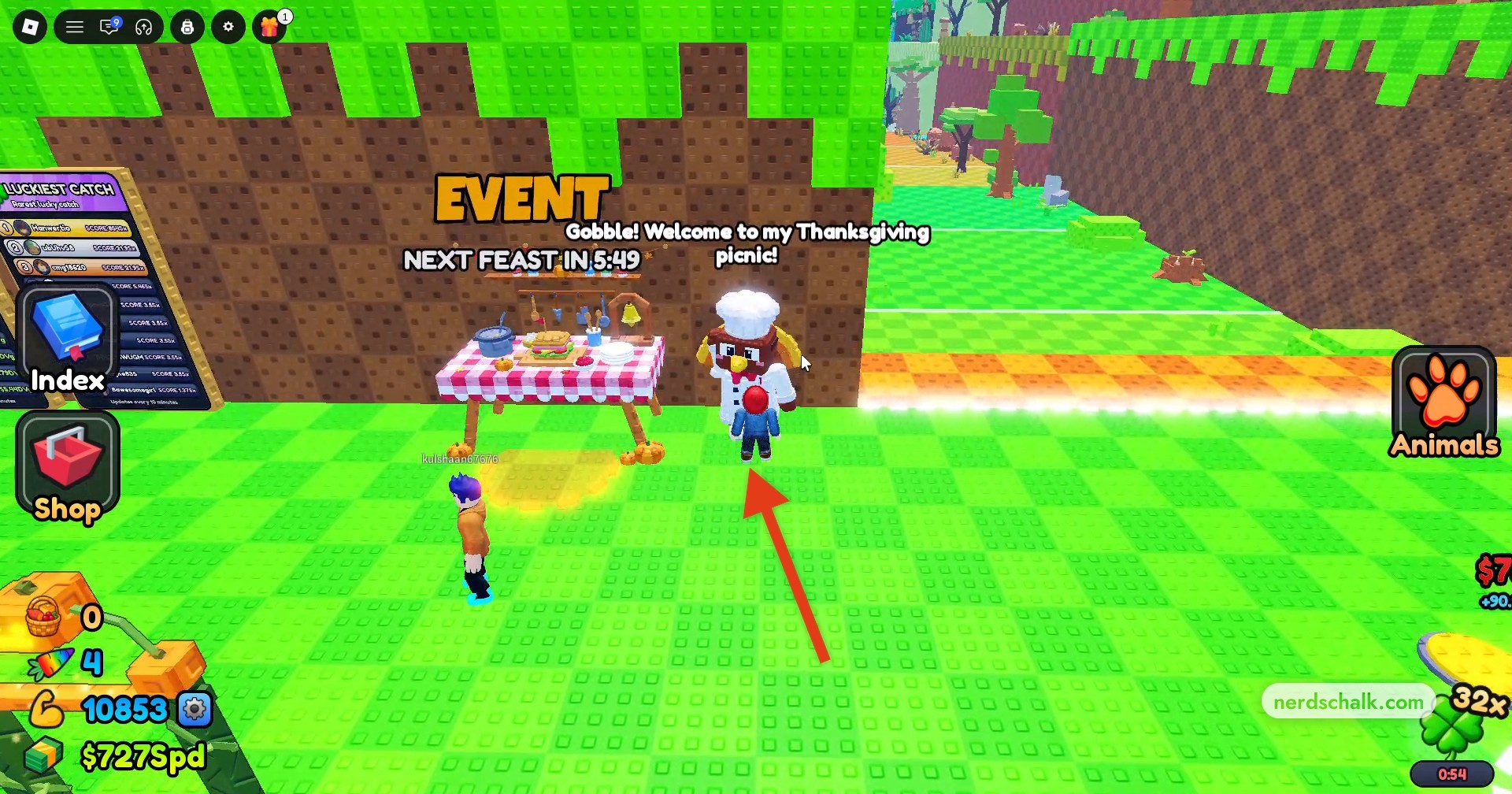
Find Turkey Chef beside the picnic table and use the Talk prompt.
Open Thanksgiving Feast
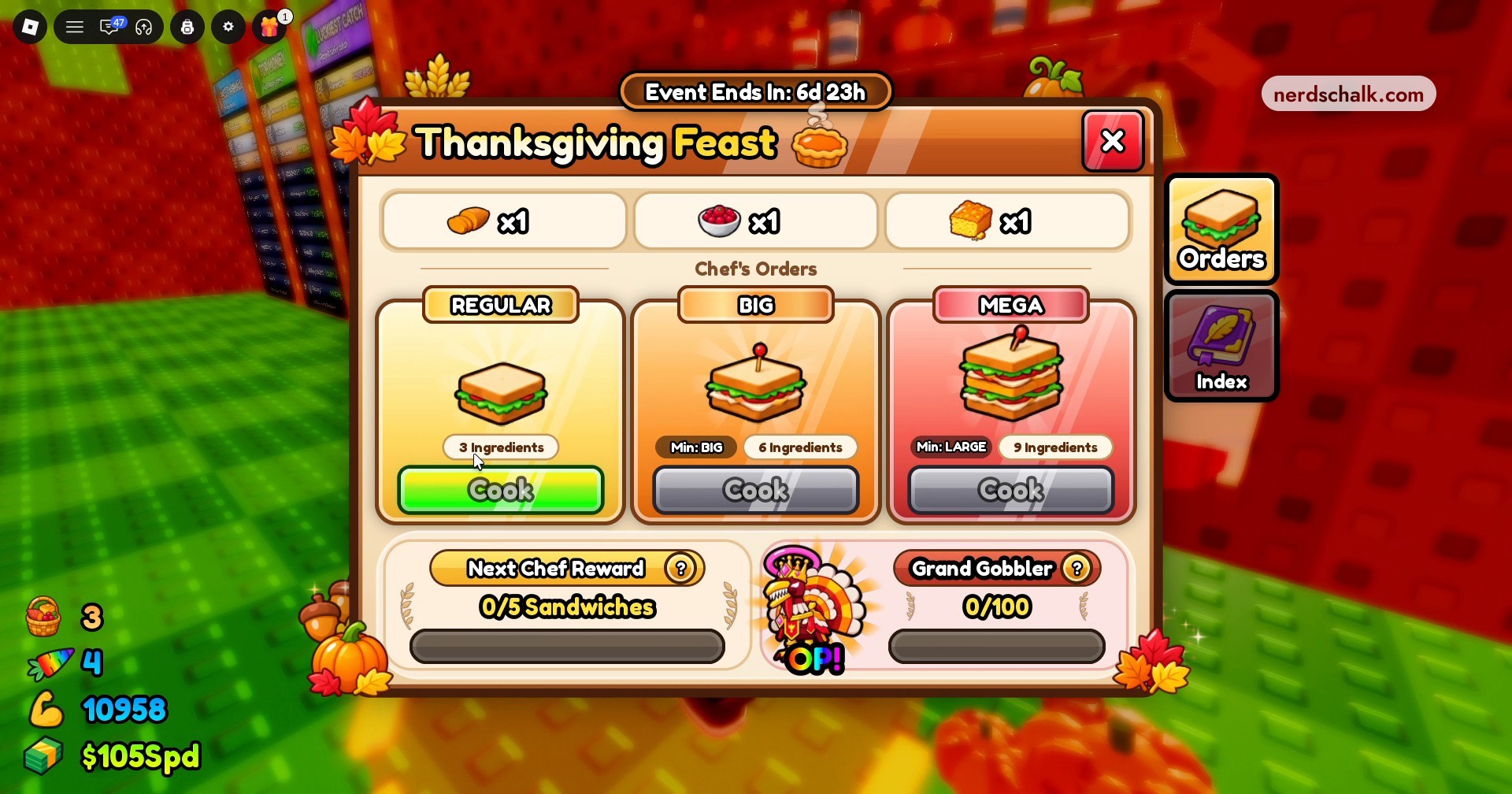
Interact with the picnic table to open Thanksgiving Feast. Read Chef’s Orders for the recipes and ingredient requirements, then browse the event animal index. The Feast event’s remaining-duration display reads 6d 23h.
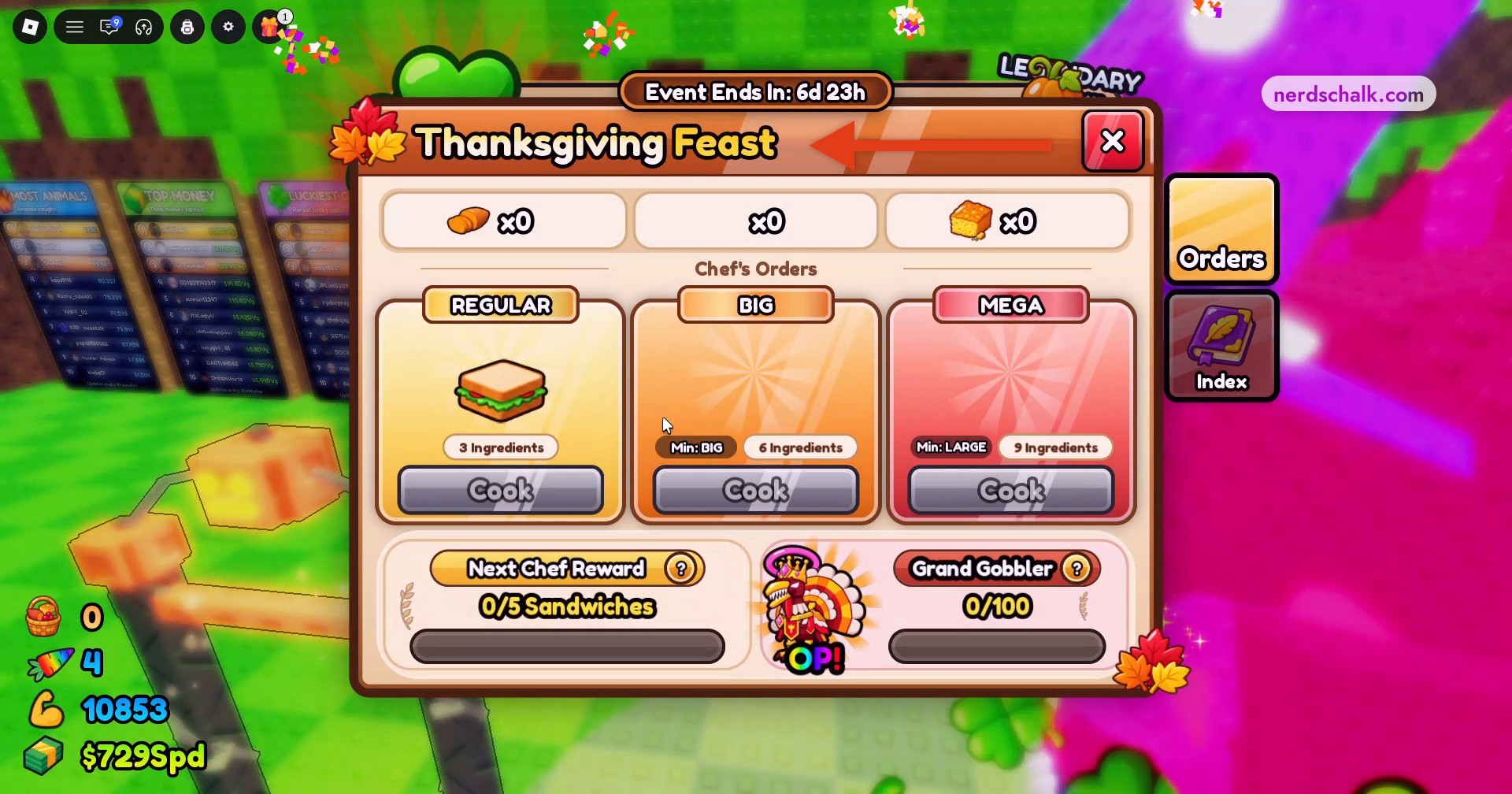
Read the reward tooltip in the cooking menu for its attraction instruction.
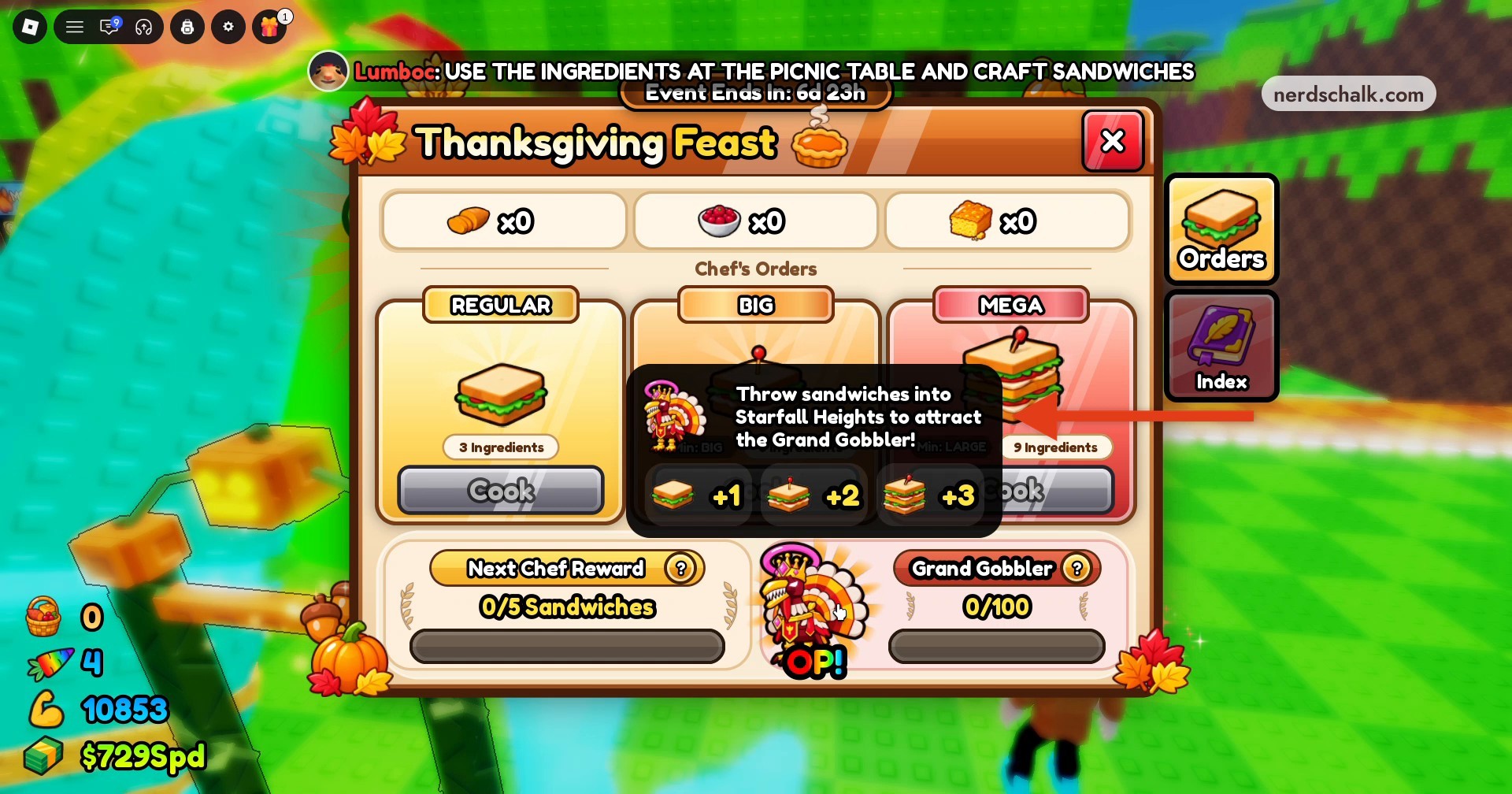
Read the cooking menu and ingredient counters before gathering supplies.
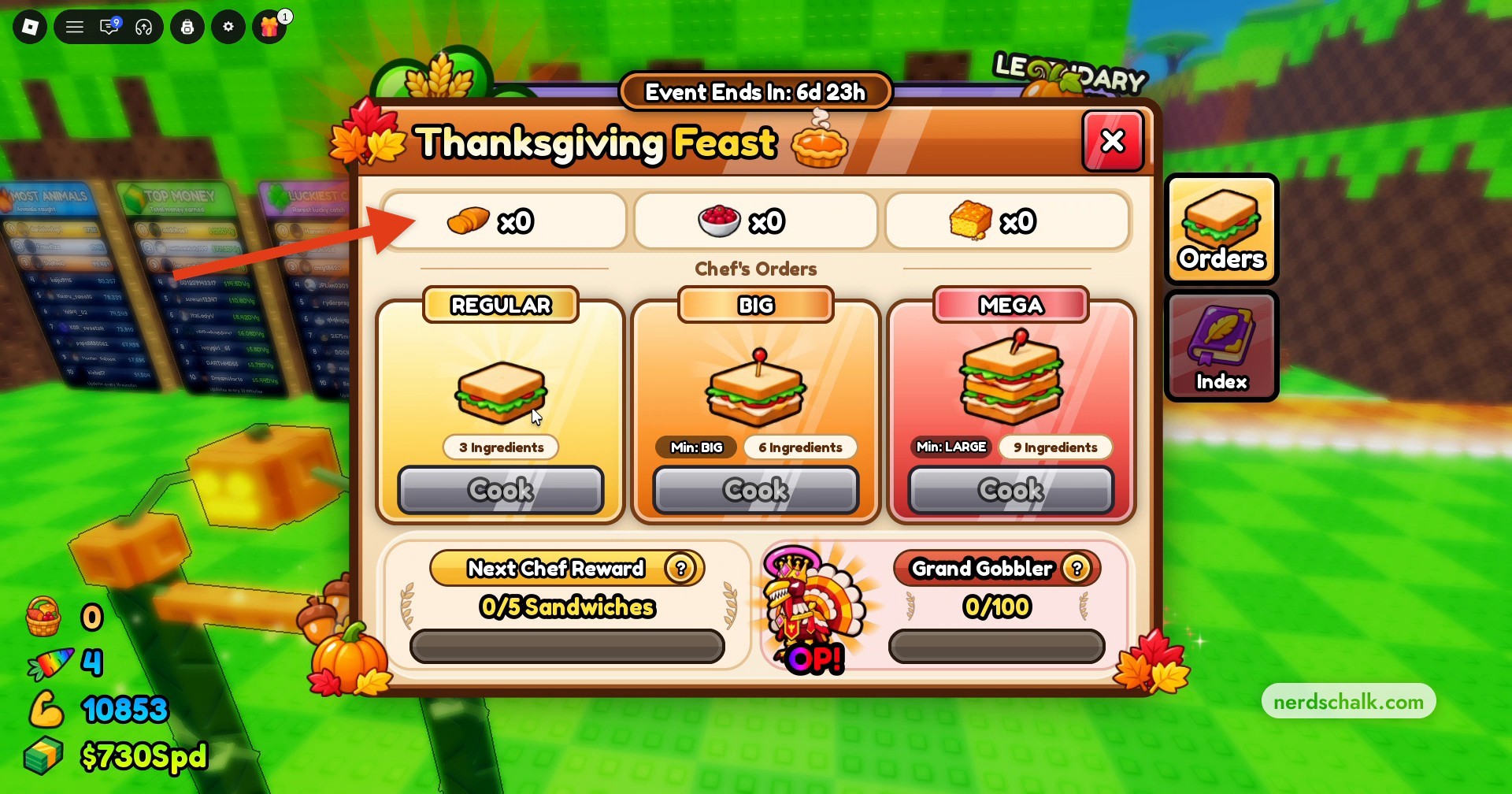
Look for Cranberry Sauce among the menu’s ingredient entries.
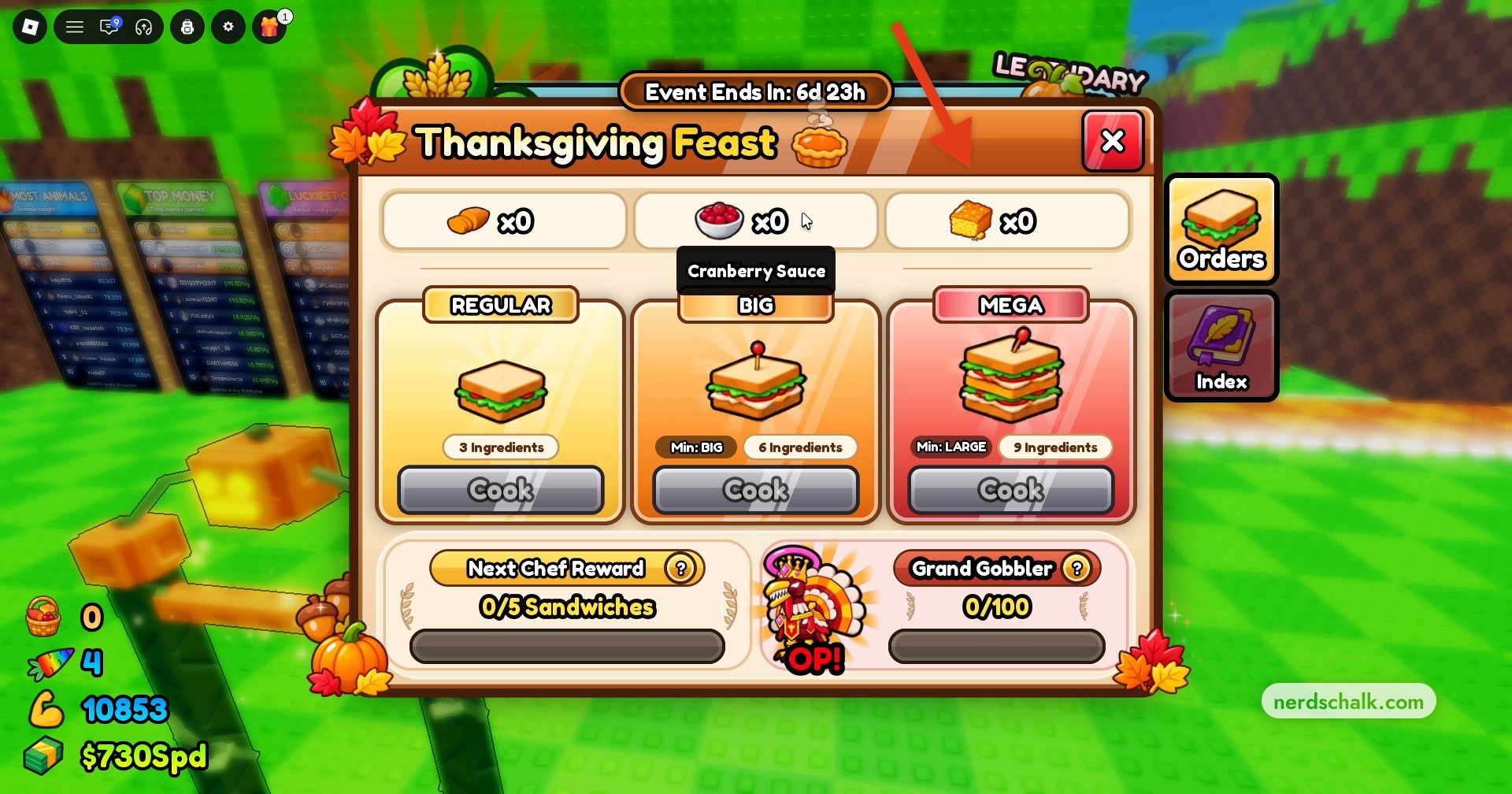
Open the event Index to read the animal entries and their locations.
Wait for the Feast to begin
Let the Feast countdown finish before collecting ingredients. The sky turns orange when the Feast activates. A waiting countdown of 6:04 gives the time remaining until activation; an active display of FEAST ENDS IN 4:52 gives the time remaining in the Feast.
Catch animals for ingredients
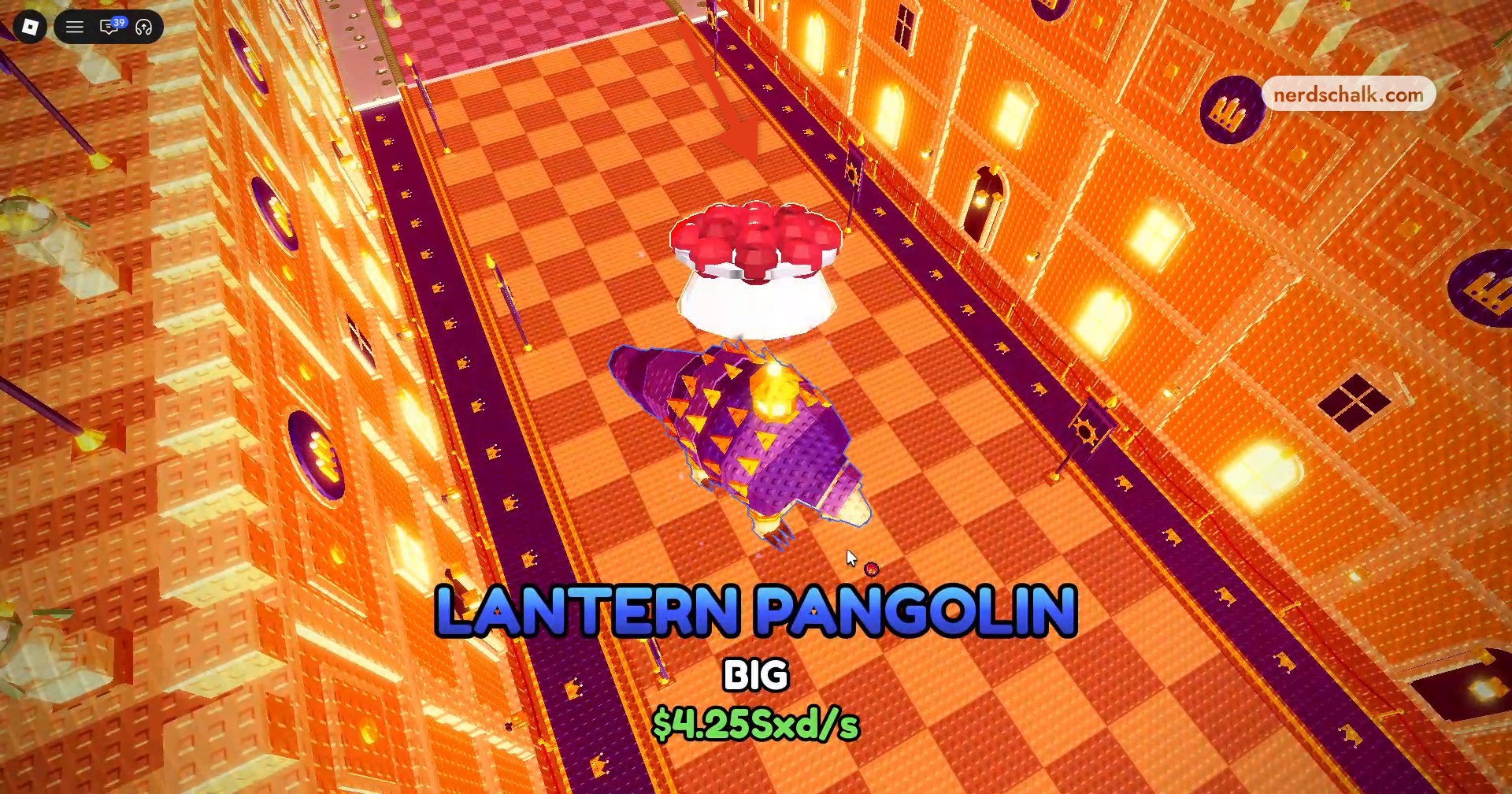
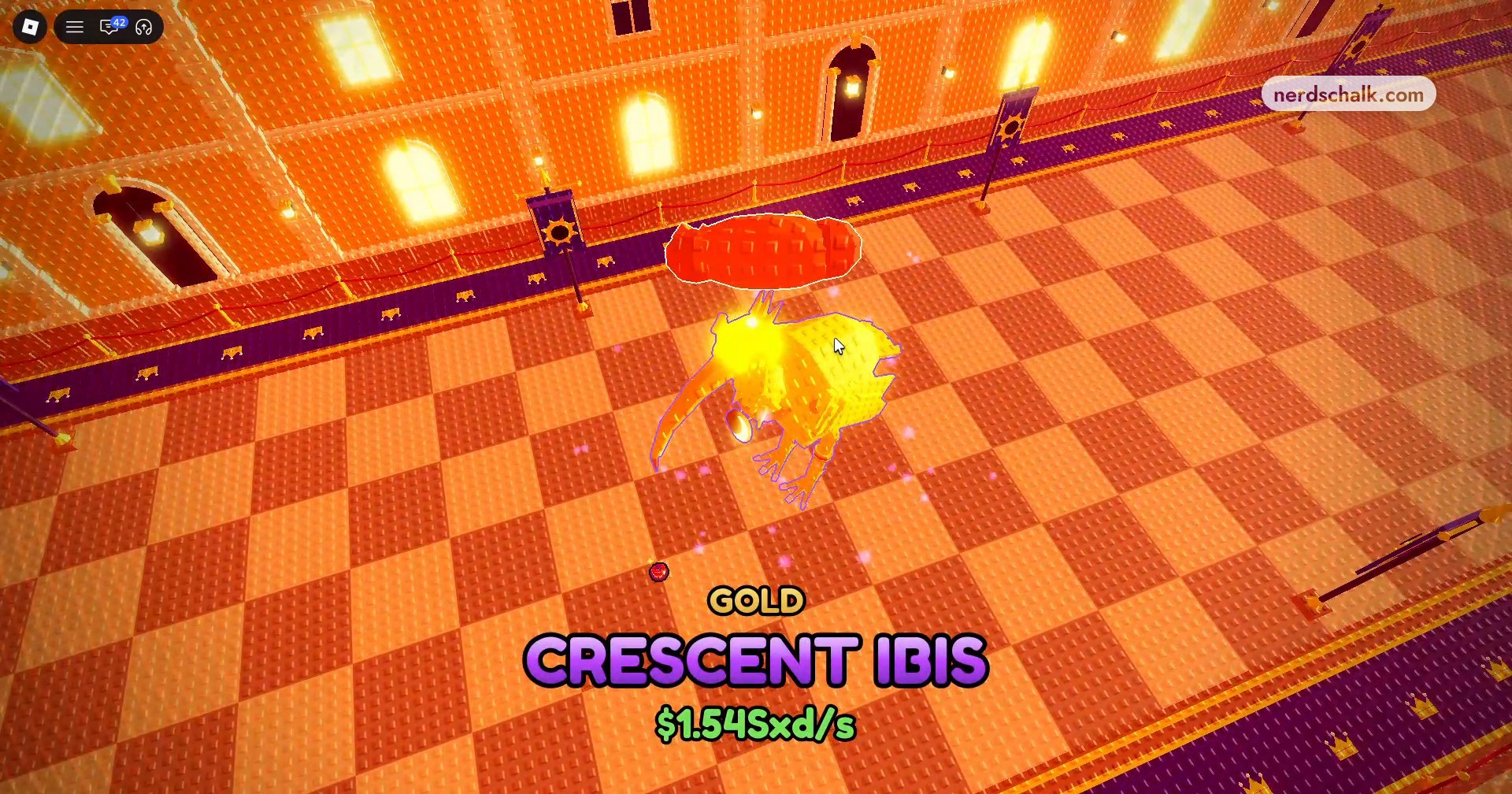
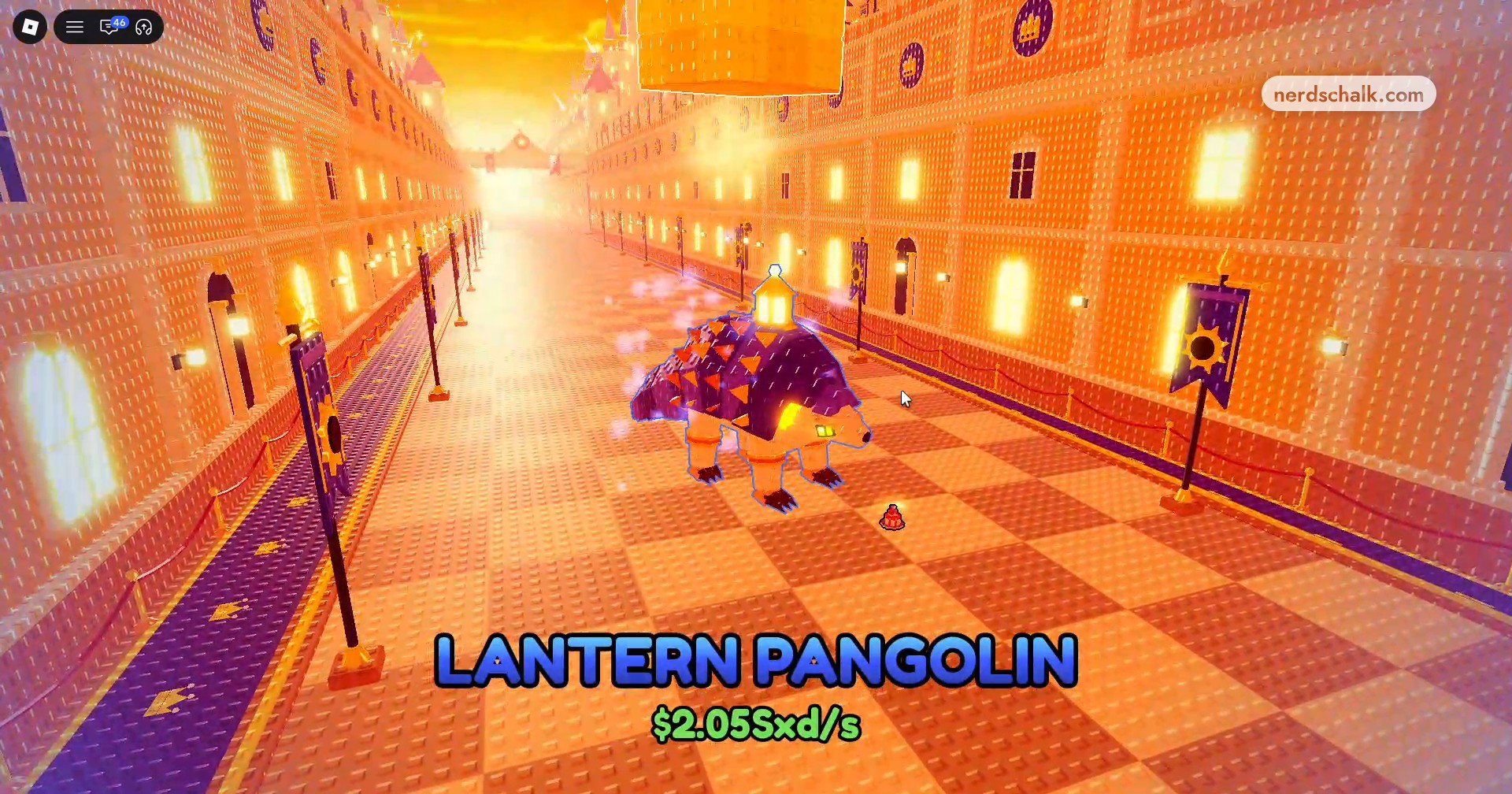
Throw food down the lane during the active Feast. Caught animals have a 50% chance to drop ingredients, including Sweet Potato, Cranberry Sauce, and Cornbread. Catch rewards include Cranberry Sauce from a Pangolin, Sweet Potato from a Crescent Ibis, and Cornbread from a Lantern Pangolin.
Recognize the Crescent Ibis catch screen as you continue gathering ingredients.
Continue catching animals during the Feast, including Lantern Pangolin.
Cook a Regular Sandwich
Once you have 3 ingredients, return to the picnic table and select Cook under Regular Sandwich. Cooking converts the ingredients into a sandwich, and Ready! marks the prepared item.
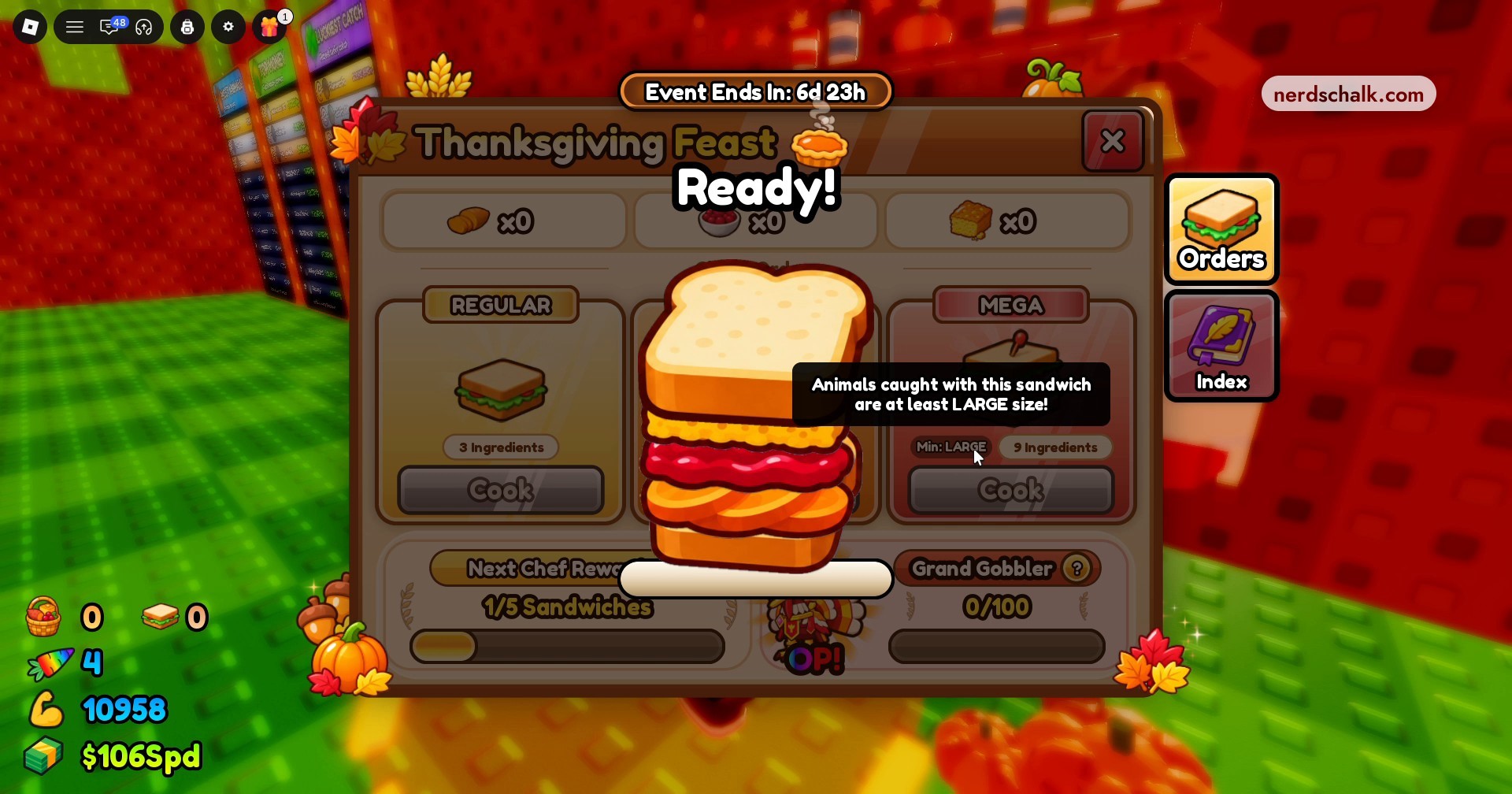
Locate the Cook button under the Regular sandwich option.
Equip your sandwich
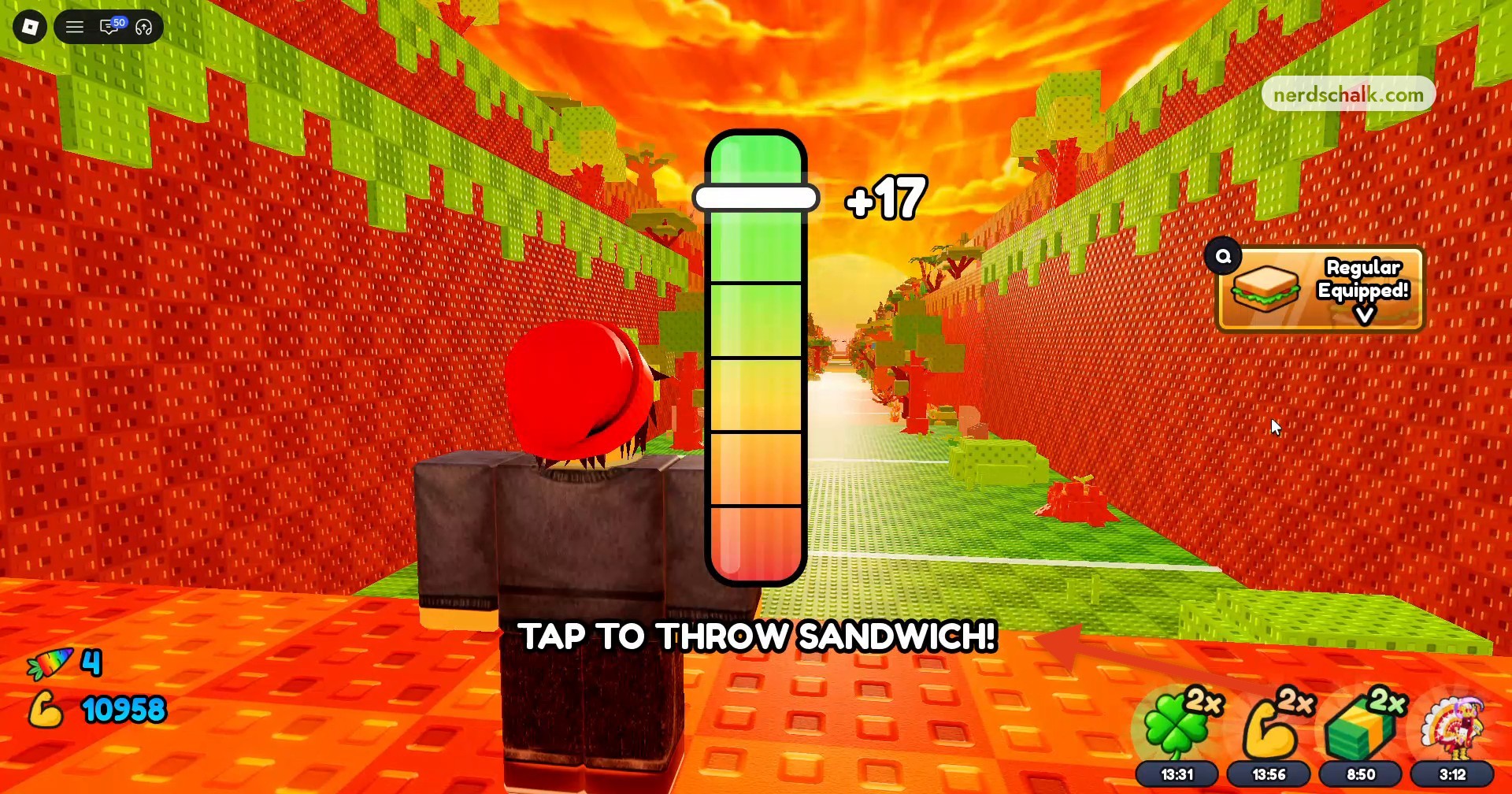
Return to the throwing line and select Equip Sandwich!. The throw prompt changes to TAP TO THROW SANDWICH! when the sandwich is equipped.
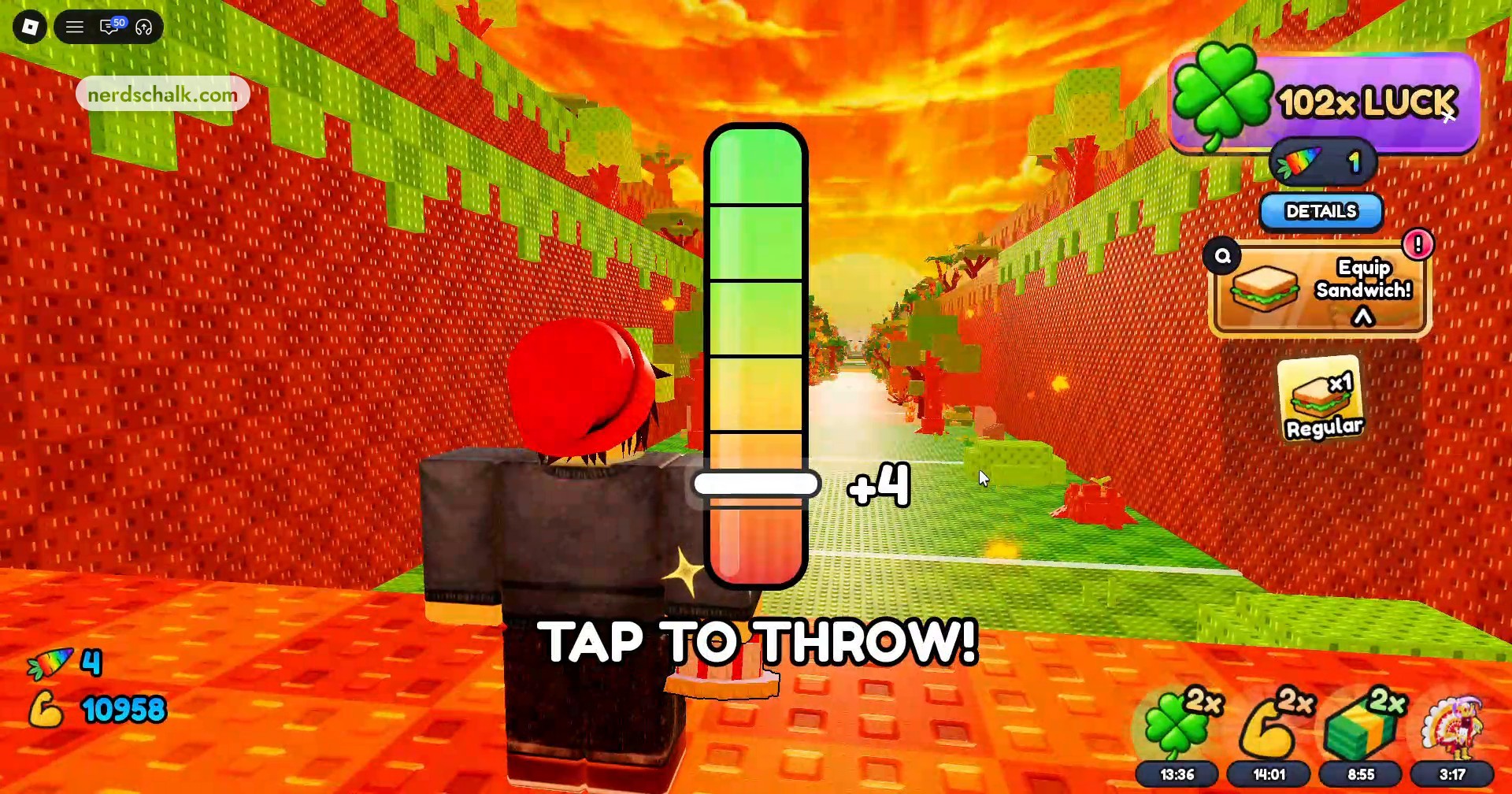
Look for the updated sandwich-throw prompt before launching.
Throw the sandwich
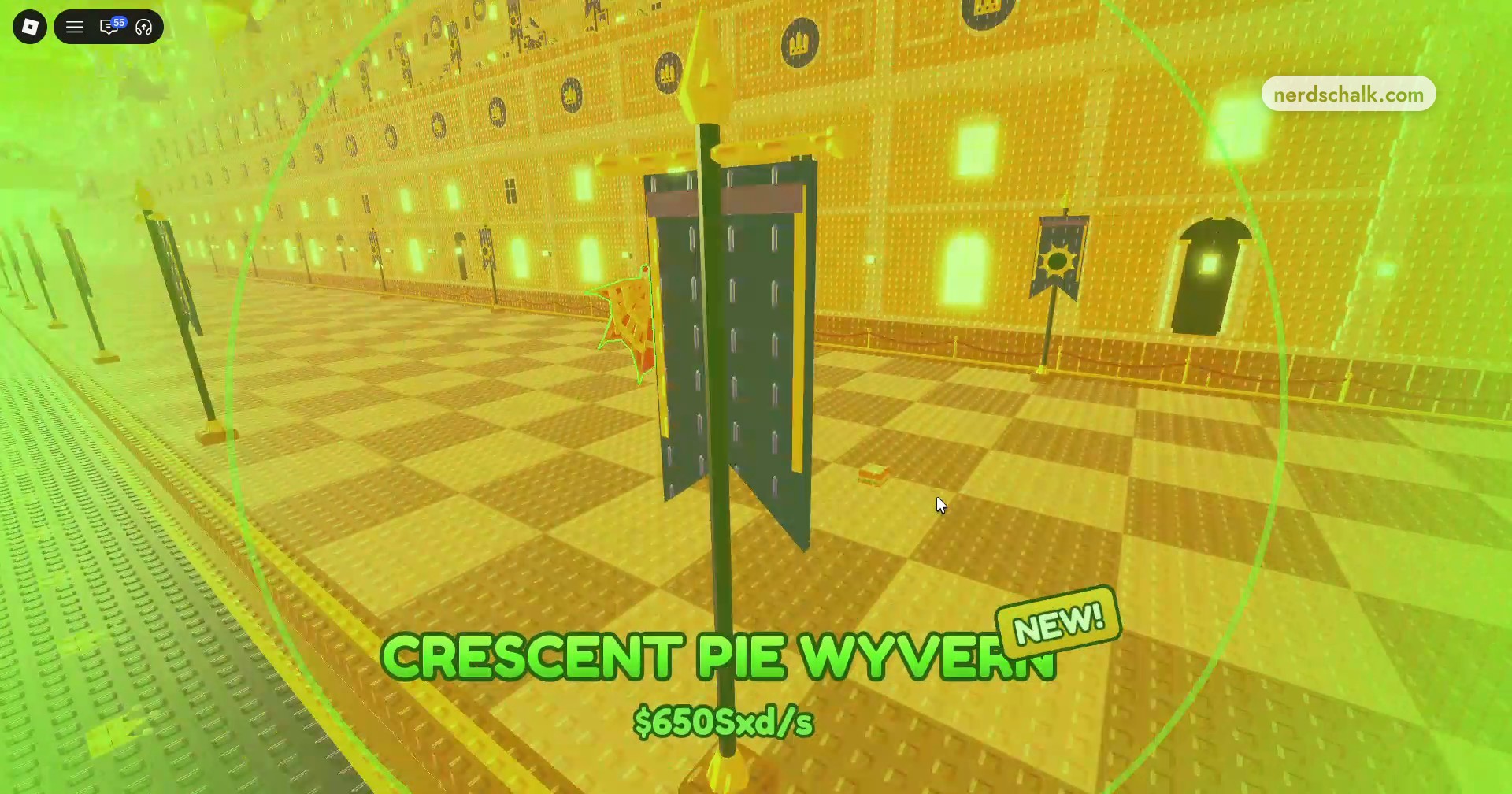
Tap TAP TO THROW SANDWICH! to launch it down the lane and attract high-tier Thanksgiving event animals. A sandwich throw can catch Crescent Pie Wyvern.
What do the Thanksgiving sandwich tiers cost and change?
| Sandwich | Ingredients needed |
|---|---|
| Regular Sandwich | 3 |
| Big Sandwich | 6 |
| Mega Sandwich | 9 |
The cooking menu offers Regular, Big, and Mega sandwiches, each with its own total ingredient requirement, ranging from 3 to 9 ingredients.
The recipe interface also includes the labels Min: BIG and Min: LARGE.
Read the sandwich size-effect tooltip: it guarantees that animals caught with the sandwich it describes are at least LARGE size.
How do Chef Rewards and the Grand Gobbler tracker work?
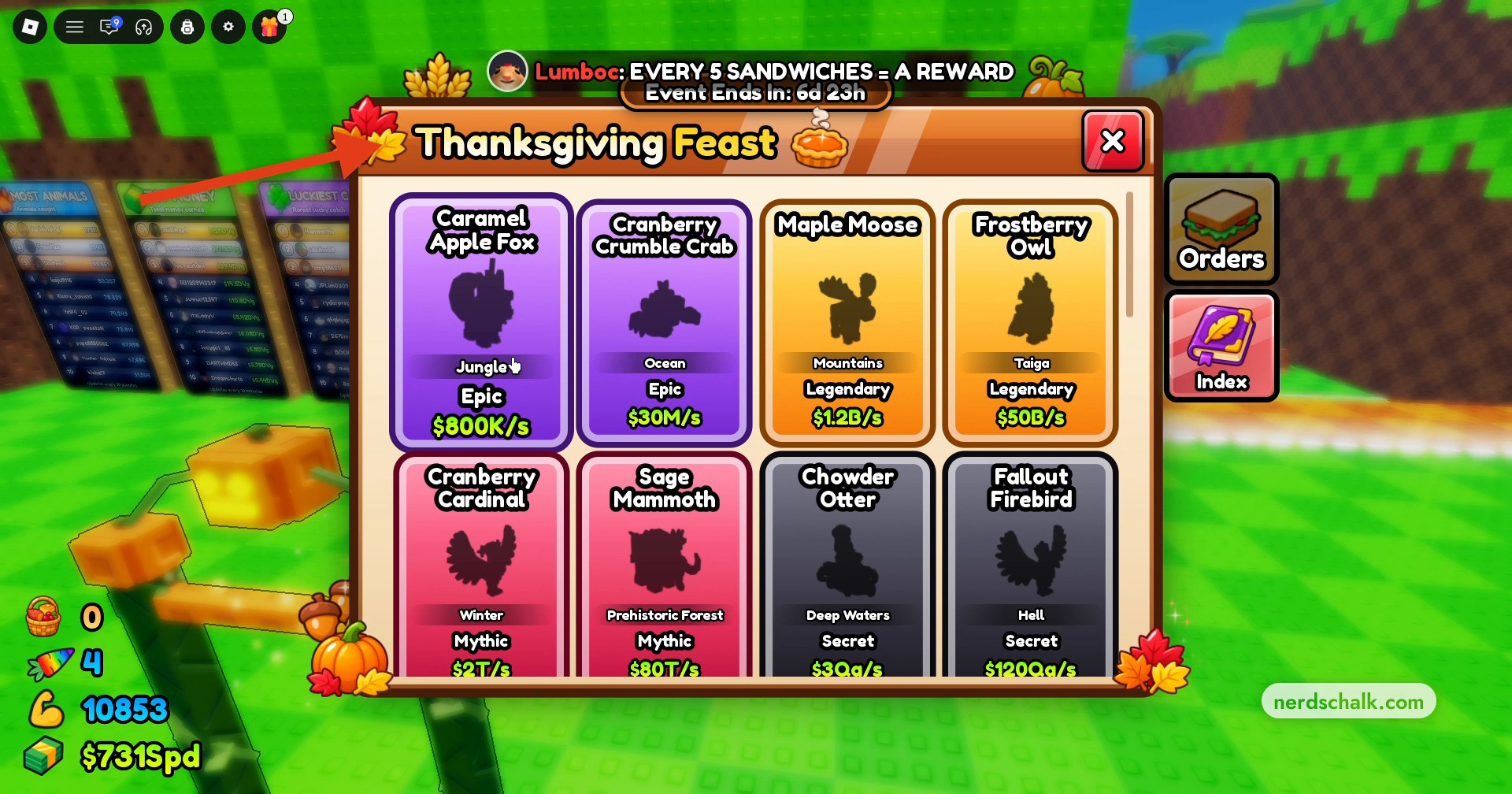
You earn a Chef Reward every five sandwiches. The cooking menu’s Next Chef Reward display uses 0/5 Sandwiches to track progress toward that milestone. Cooking a sandwich advances that display to 1/5 Sandwiches.
Grand Gobbler is a reward listed in the Thanksgiving Feast Index. Finishing the turkey event earns you a turkey animal.
The cooking menu gives Grand Gobbler its own 0/100 tracker.
Where can you find Thanksgiving animals in Throw Food For Animals?
| Animal | Location | Rarity | Income |
|---|---|---|---|
| Caramel Apple Fox | |||
| Cranberry Crumble Crab | |||
| Maple Moose | |||
| Frostberry Owl | |||
| Cranberry Cardinal | |||
| Sage Mammoth | |||
| Chowder Otter | |||
| Fallout Firebird | |||
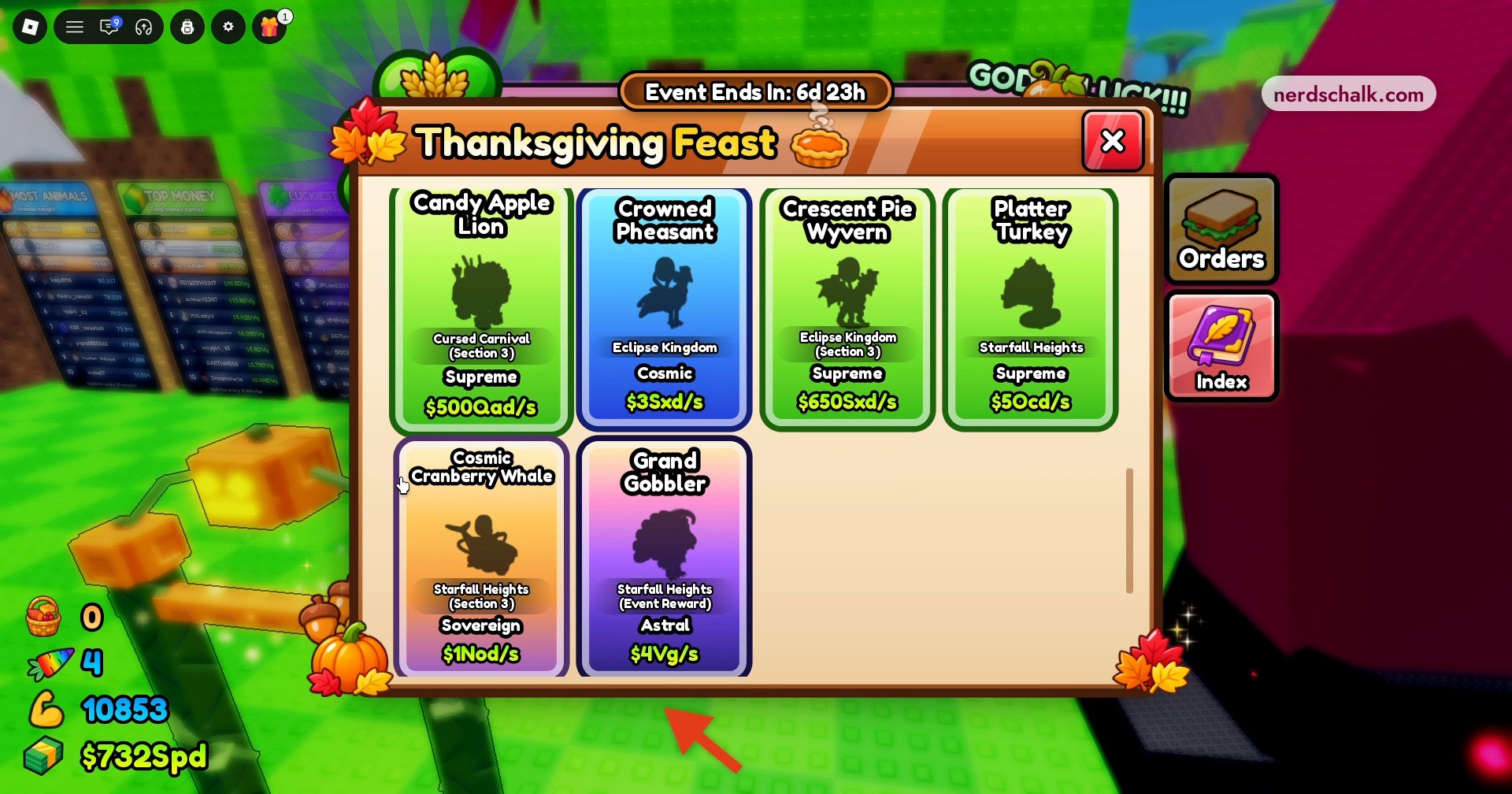
| Candy Apple Lion | Cursed Carnival (Section 3) | Supreme | $500Qad/s |
| Crowned Pheasant | Eclipse Kingdom | Cosmic | $3Sxd/s |
| Crescent Pie Wyvern | Eclipse Kingdom (Section 3) | Supreme | $650Sxd/s |
| Platter Turkey | Starfall Heights | Supreme | $50Cd/s |
| Cosmic Cranberry Whale | Starfall Heights (Section 3) | Sovereign | $1Nod/s |
| Grand Gobbler | Starfall Heights (Event Reward) | Astral | $4Vg/s |
The Thanksgiving Feast Index lists event animals with their locations, rarities, and income rates. Its visible entries range from Caramel Apple Fox to the Grand Gobbler event reward.
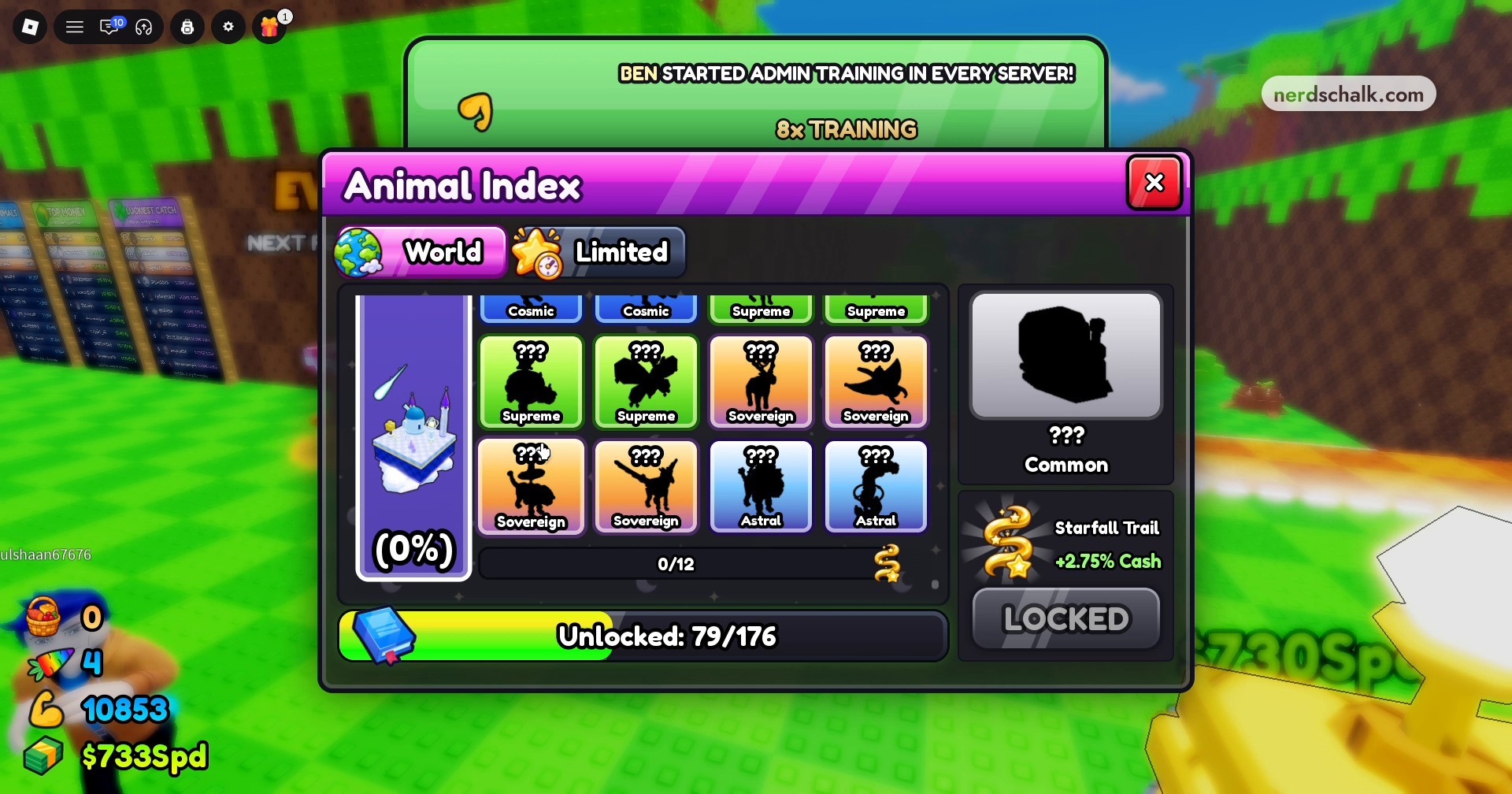
The update also adds Starfall Heights as a world in the main Animal Index, where its world collection has 12 animal slots. The same screen displays Starfall Trail with +2.75% Cash and a LOCKED label.
Once you catch your new animals, you can place them on your plot.
Related Throw Food For Animals guides



Leave a Reply