

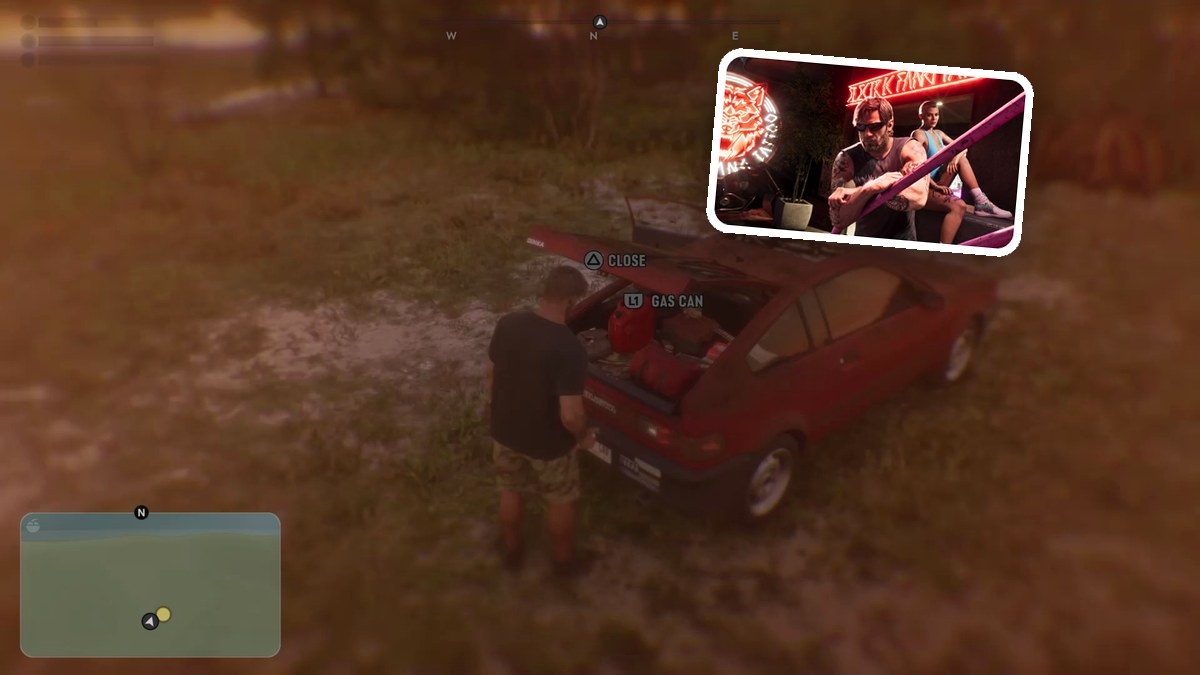
Press Triangle during gameplay to inject an adrenaline shot and activate Overpowered.
An adrenaline shot is a consumable item in Grand Theft Auto VI. The game is listed for PlayStation 5 and Xbox Series X|S. This guide covers checking its quick-use assignment, injecting the shot and recognizing the active buff.
How to use an adrenaline shot in Grand Theft Auto VI
Check the adrenaline item
Open the weapon wheel to check the adrenaline shot’s quick-use assignment.
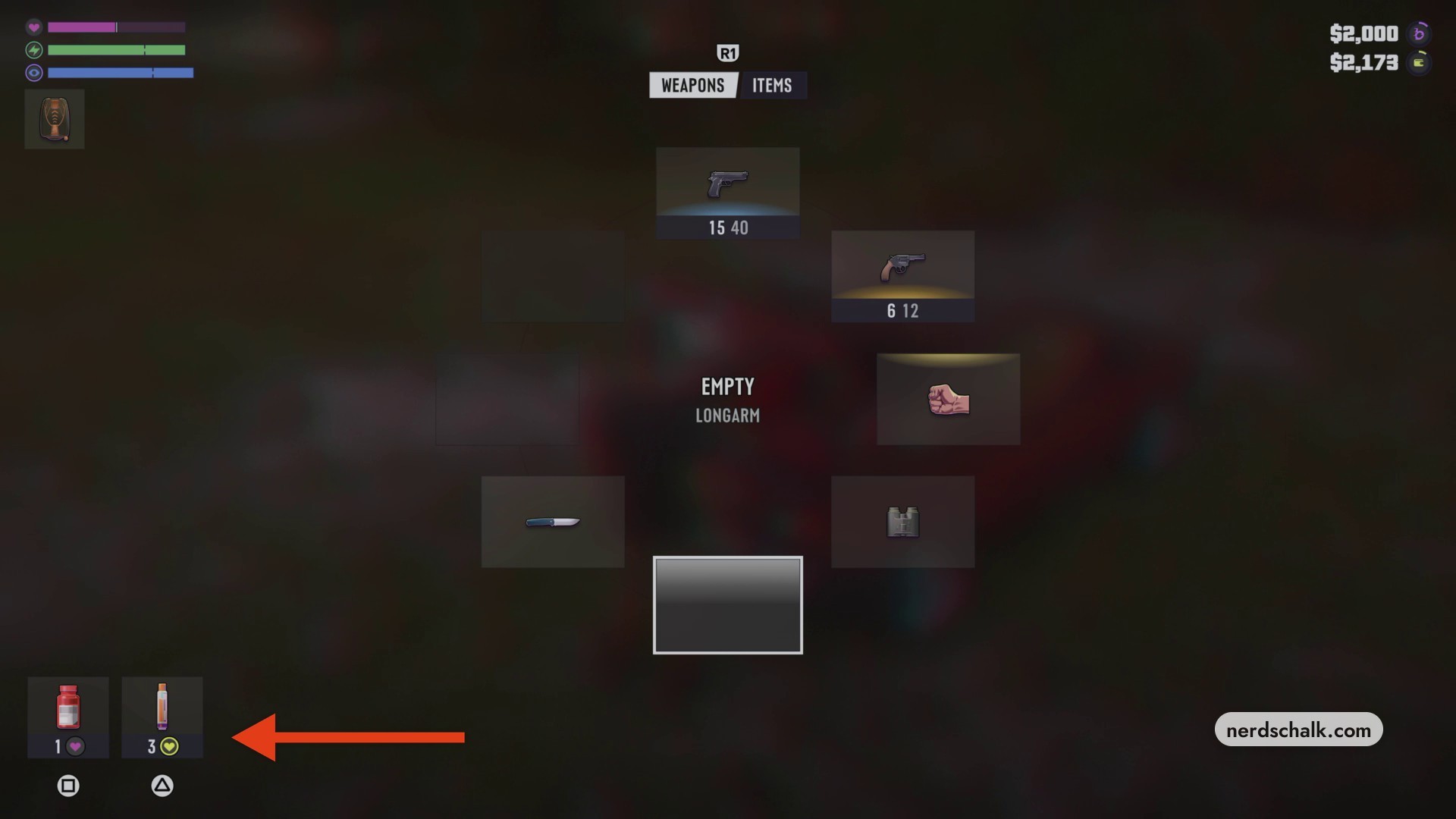
Inject the adrenaline shot
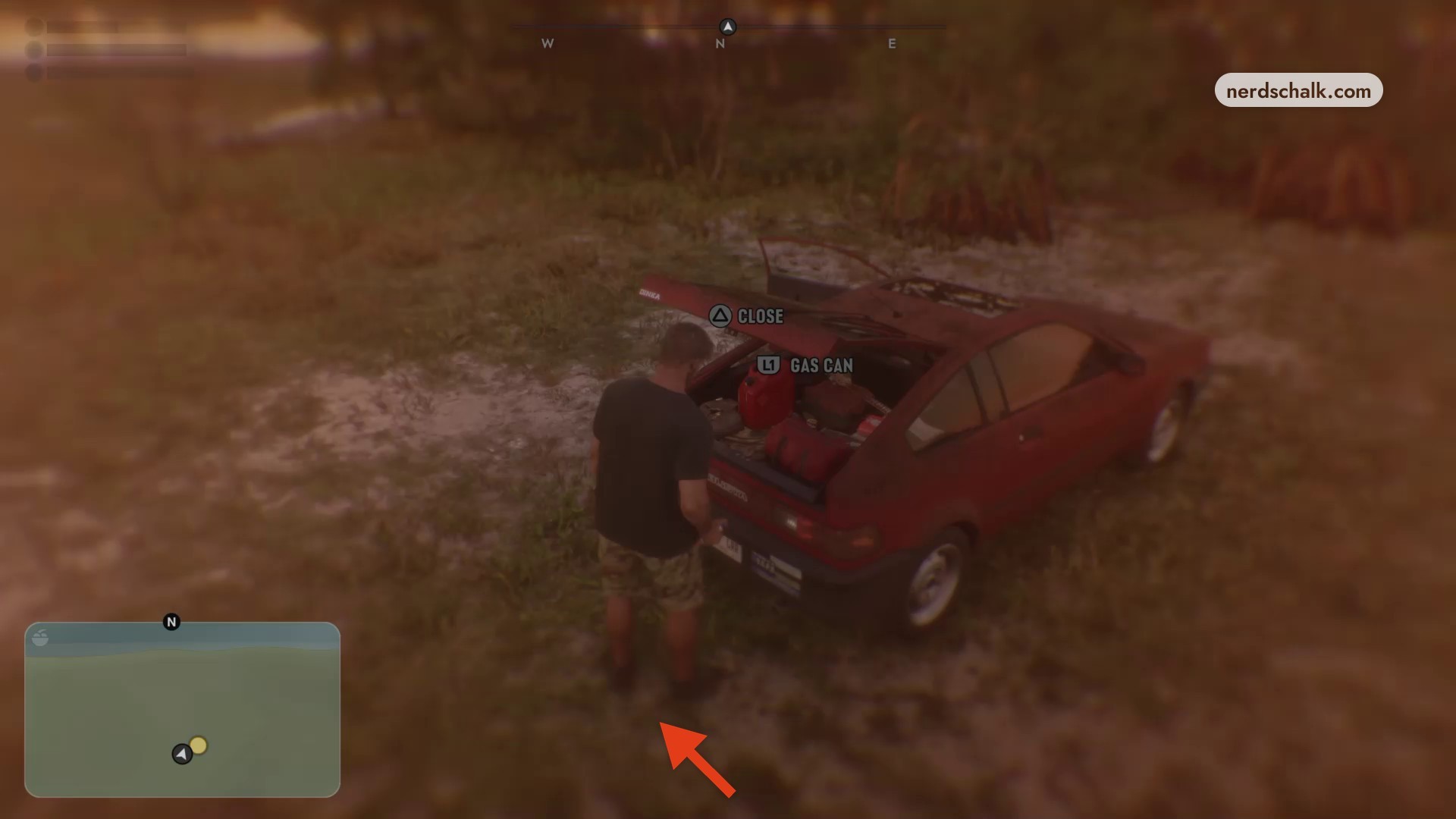
Close the wheel to return to gameplay, then press Triangle to inject the shot.
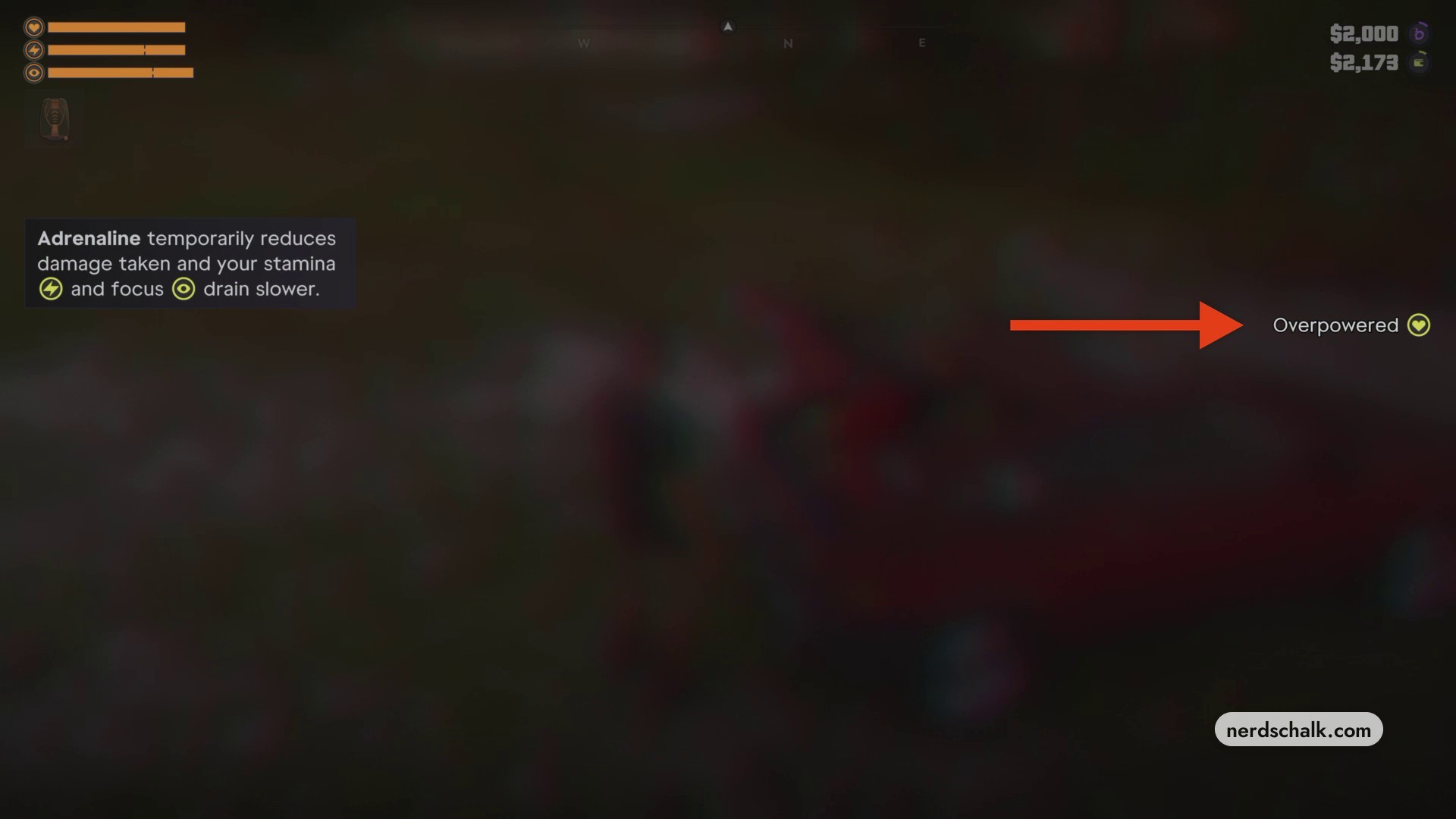
Confirm the active buff
Look for Overpowered on the right side of the screen. This status indicates that the buff is active.
Reopening the weapon wheel after consumption displays the updated inventory: 2 adrenaline shots remain from the starting stack of 3.
Read the adrenaline tutorial message in the HUD.
With the buff active, you’ll take less incoming damage temporarily, while your stamina and focus drain more slowly. The shot gives you damage reduction while helping both resources last longer.
Related Grand Theft Auto VI guides
Leave a Reply