

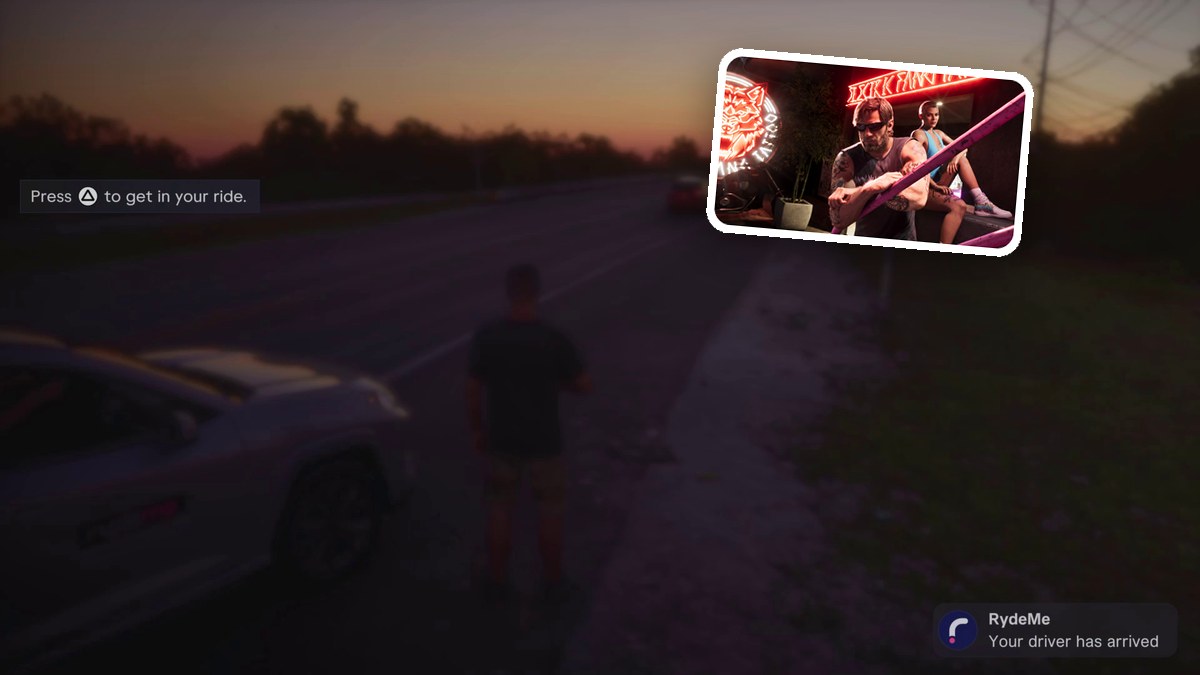
Open RydeMe on your smartphone, choose My Vehicle and book a ride, then wait for the driver and enter the rear seat.
RydeMe is the ride-booking app in Grand Theft Auto VI. Its destination menu includes your vehicle, so you can book a trip to your car. This guide covers booking, roadside pickup and the passenger controls. The game is listed for PlayStation 5 and Xbox Series X|S.
How to book a RydeMe ride to your vehicle in Grand Theft Auto VI
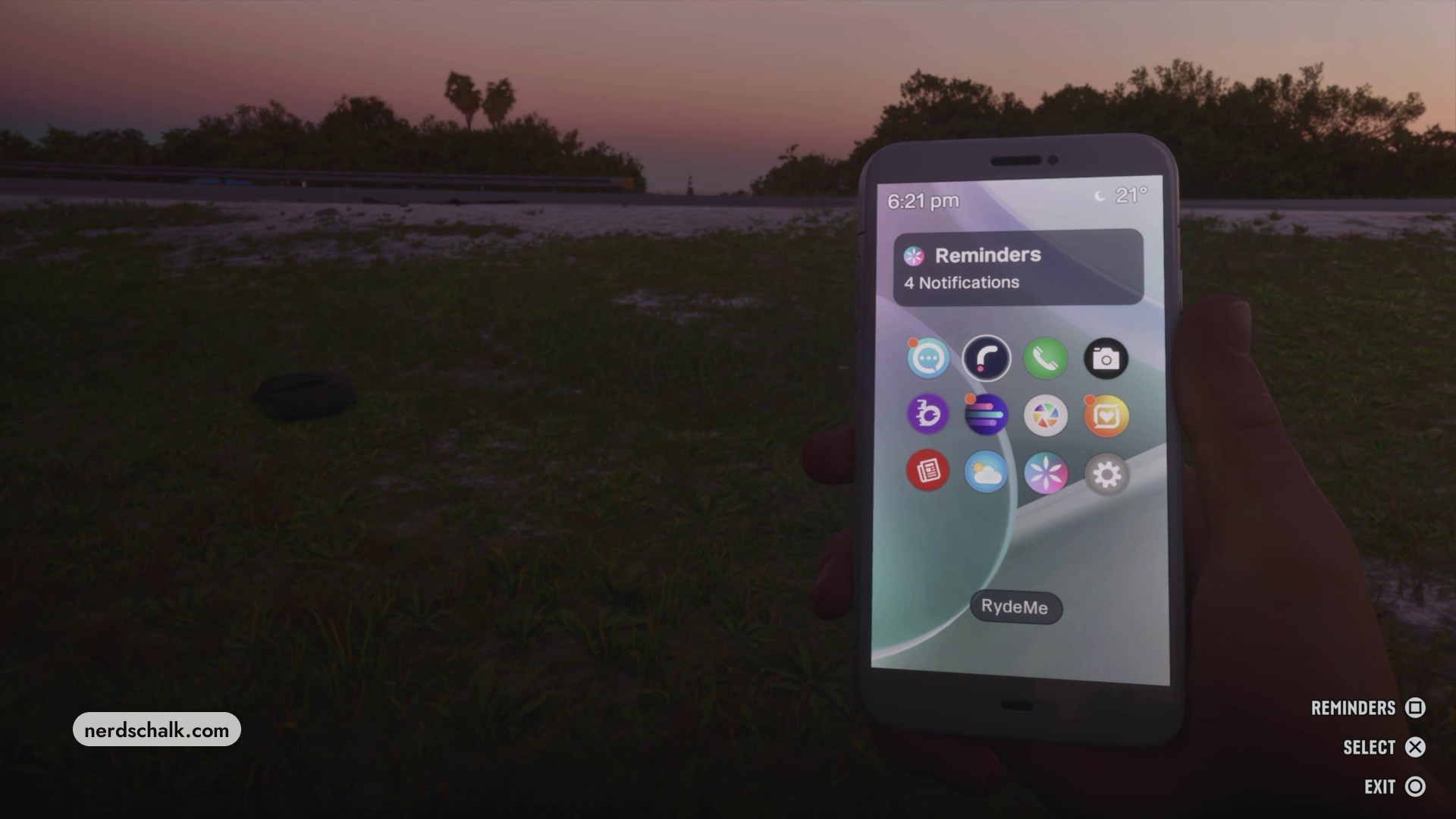
Open RydeMe on your phone
Bring up your smartphone and select the RydeMe app icon to open the service.
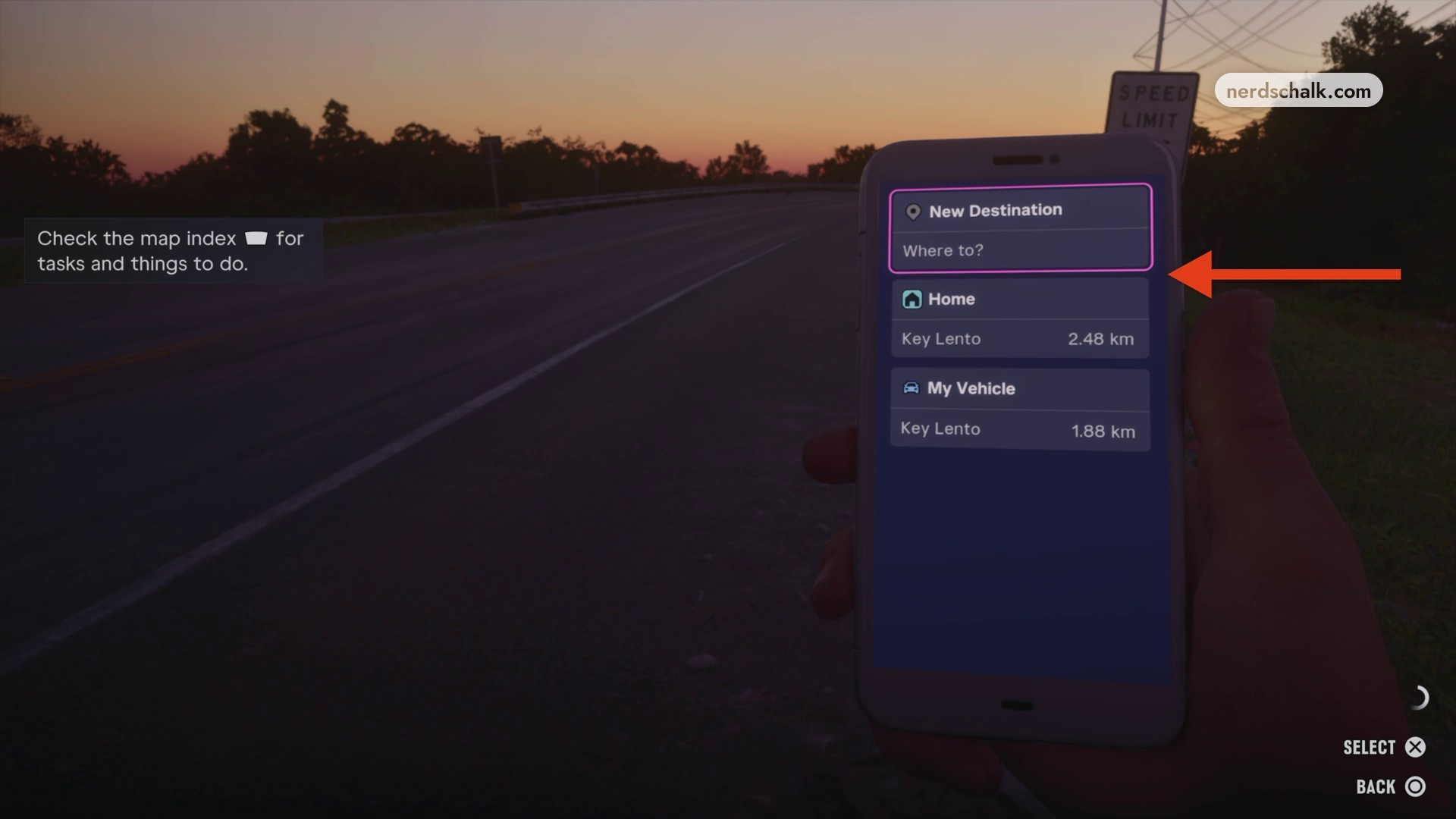
Choose My Vehicle
Reopen RydeMe from the phone’s home screen and select My Vehicle from the destination list. For this booking, the entry displays Key Lento at 1.88 km.
Review and book the ride
Review the journey details, which display a distance of 2.03 km for this booking, then select Book Ryde ($62) to request the car.
Wait beside the road
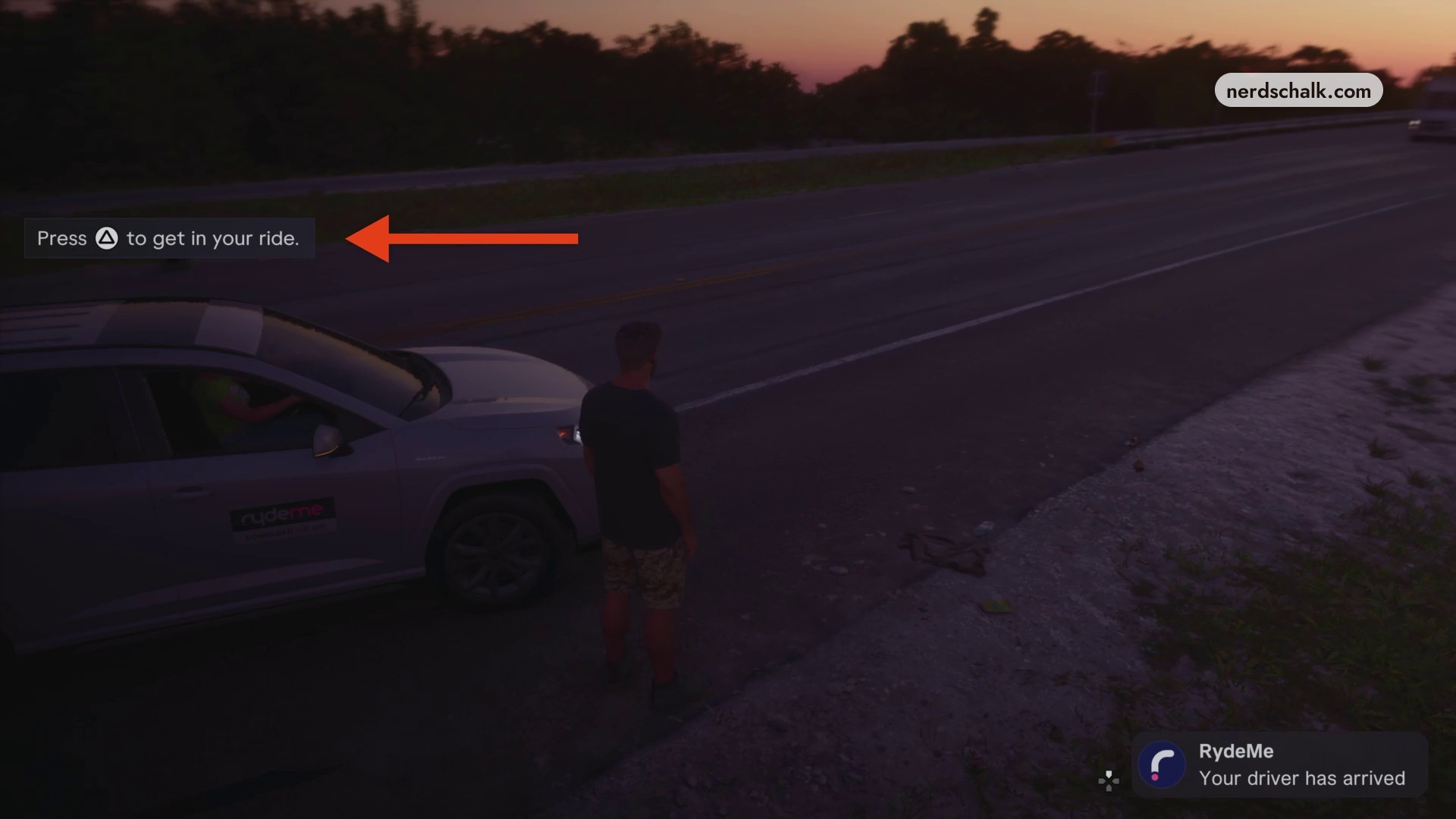
Put your phone away and wait beside the road. RydeMe sends a notification that your driver is coming, followed by Your driver has arrived when the vehicle reaches you.
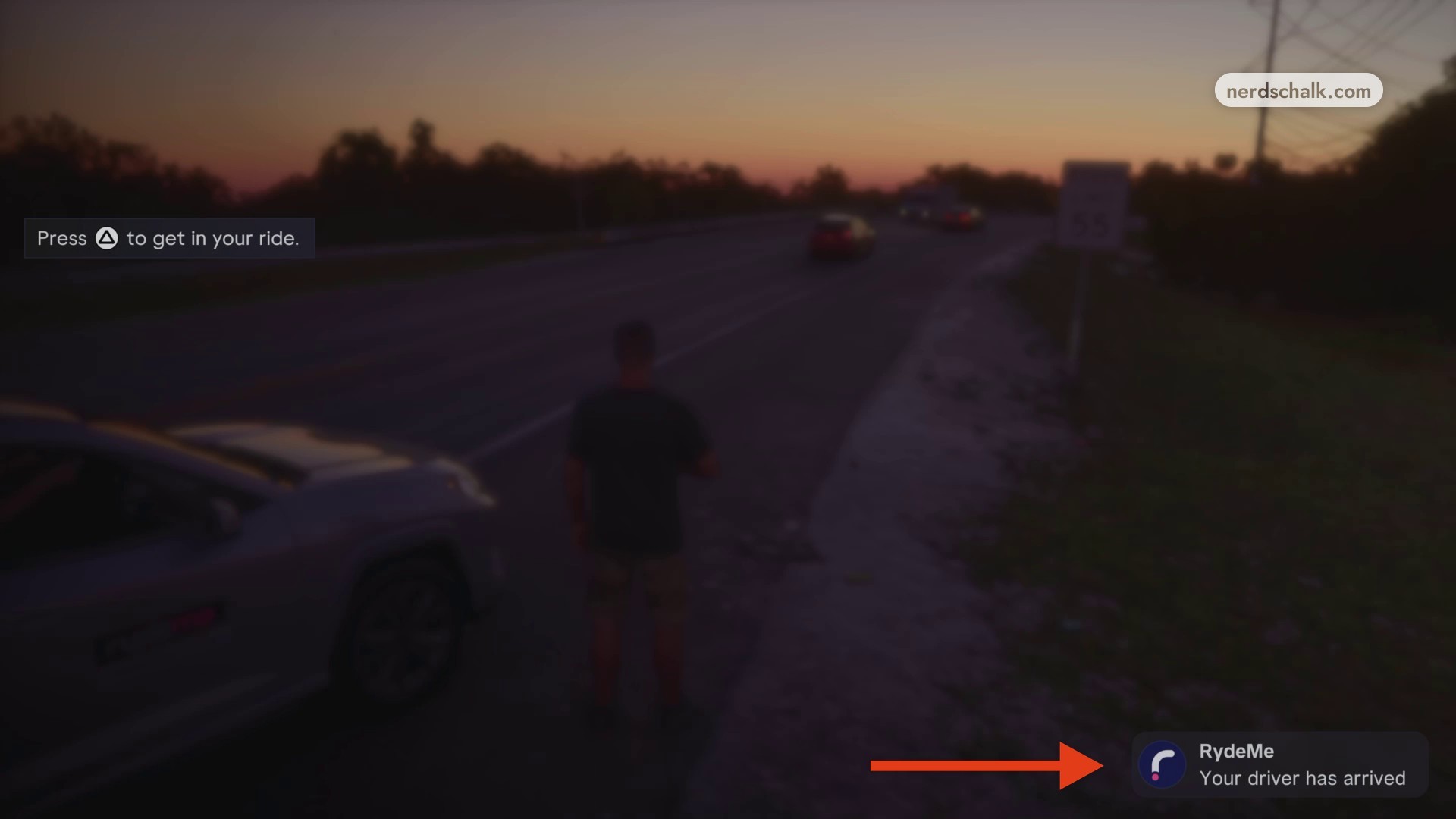
Enter the rear seat
Approach the arrived SUV and close your phone if it is open. When the boarding prompt appears, press Triangle to get into the rear seat as a passenger.
Once you’re riding, passenger controls appear in the bottom right. Press Circle to select HURRY UP ($5) and pay the $5 charge. The driver agrees to go faster, and the SUV accelerates along the highway bridge.
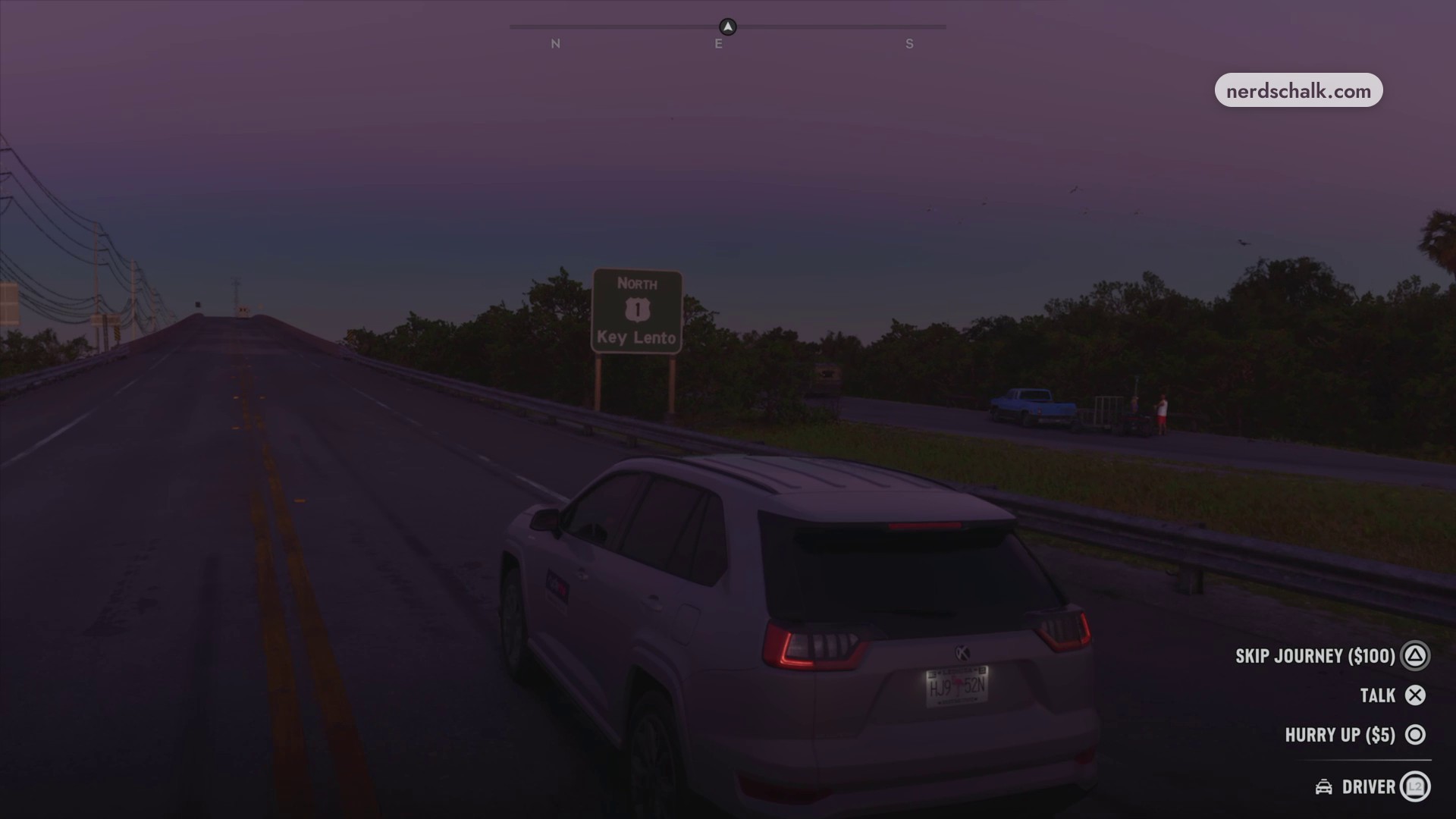
For other passenger interactions, look for SKIP JOURNEY ($100) or TALK on the passenger HUD.
Your booked ride continues toward My Vehicle.
Related Grand Theft Auto VI guides
Leave a Reply