

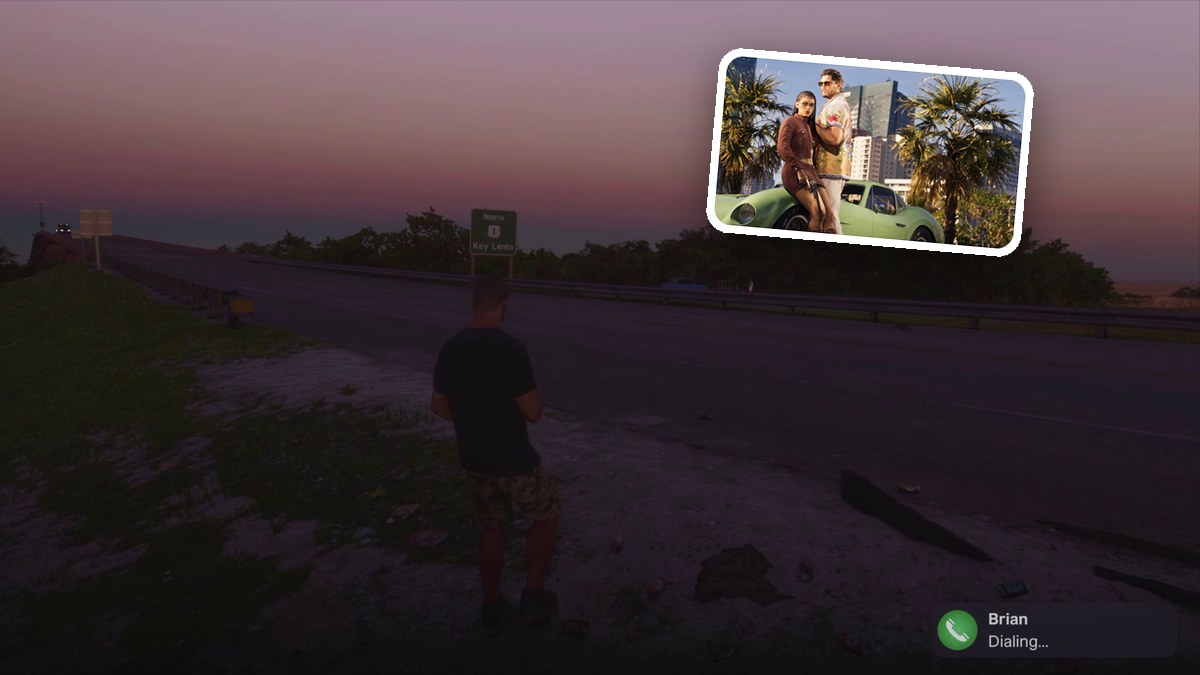
To leave during Don Gone, ignite the car, reach Highway 1, finish your call with Brian, then book RydeMe to Key Lento and wait for pickup.
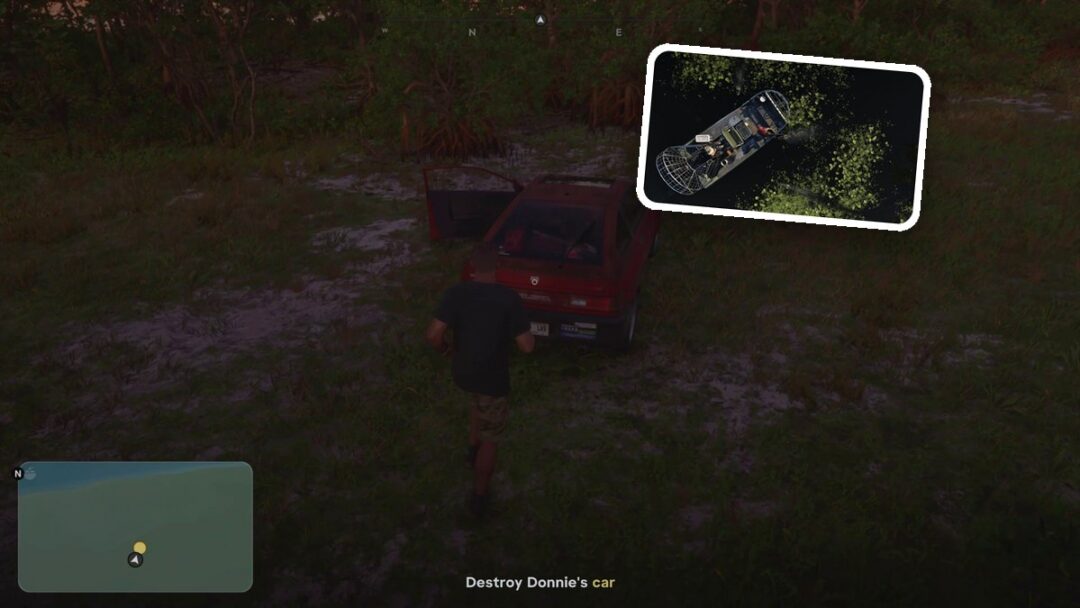
In Grand Theft Auto VI, this part of Don Gone begins beside a damaged hatchback with its trunk open. Igniting it brings up the Leave the area objective. This guide covers the escape across the field, the roadside call and the ride pickup.
The game’s listed platforms are PlayStation 5 and Xbox Series X|S.
How to leave the area during Don Gone in Grand Theft Auto VI
Ignite the vehicle
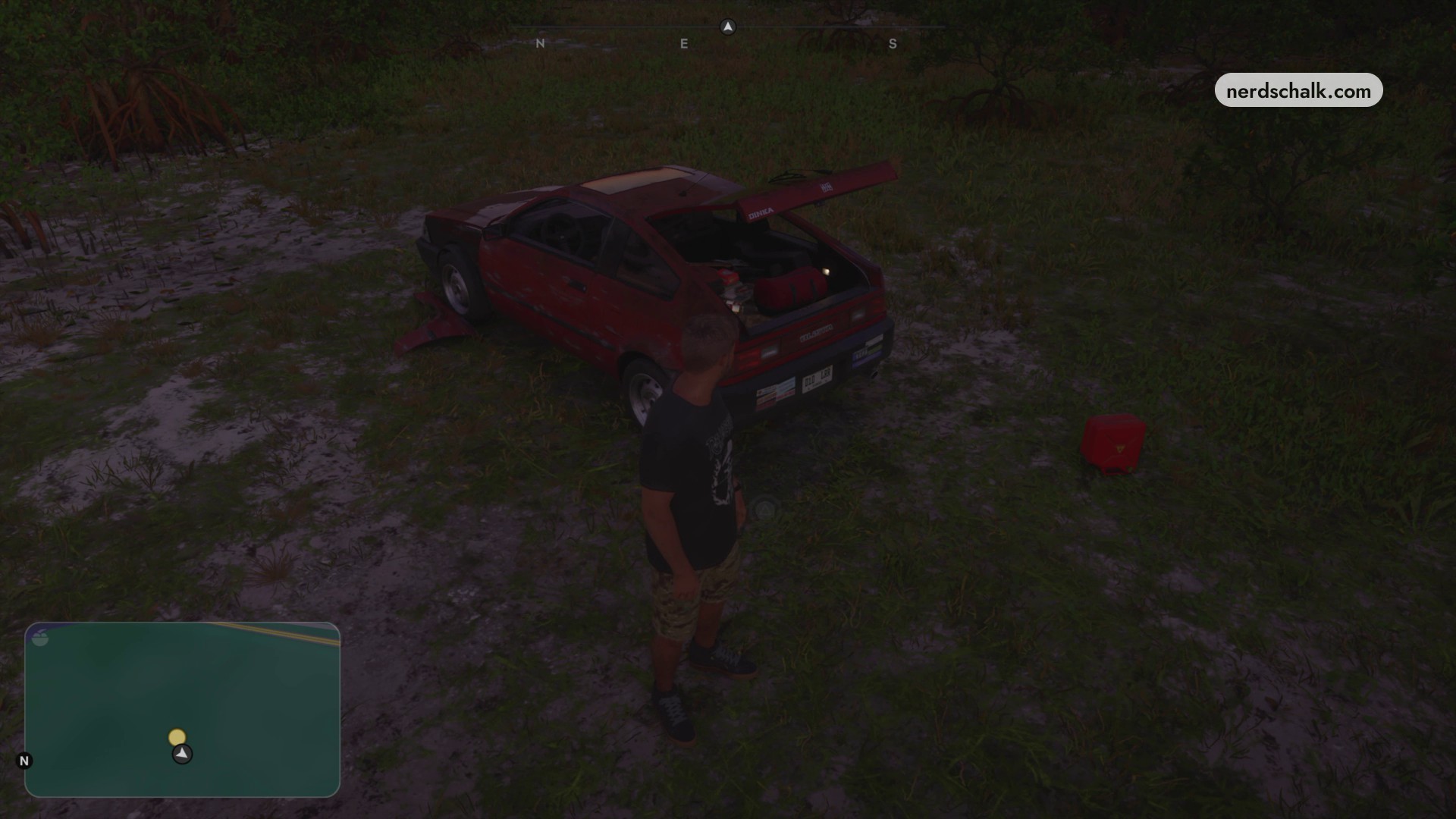
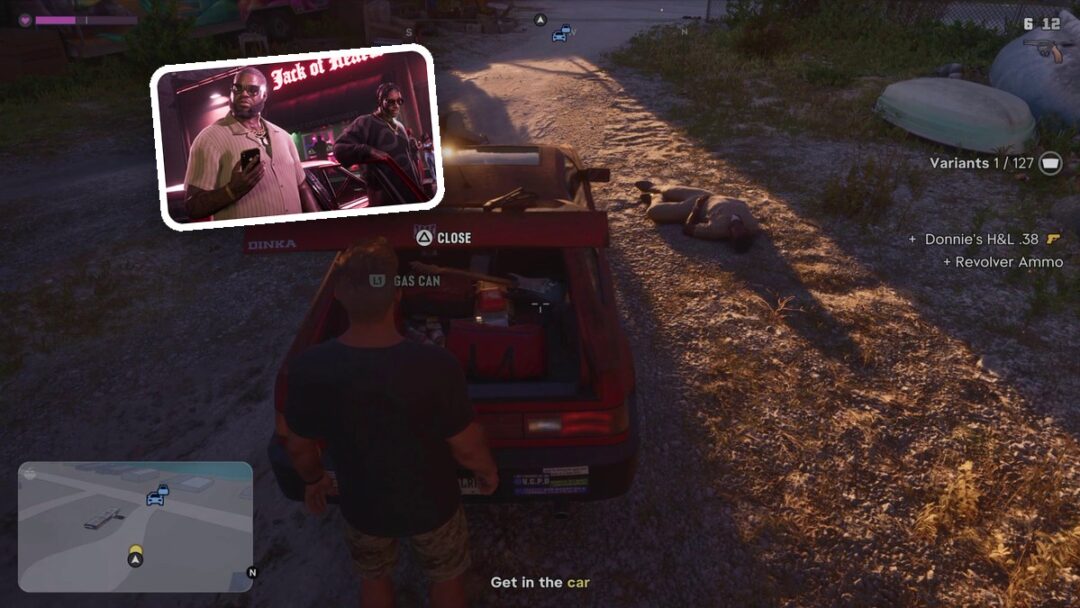
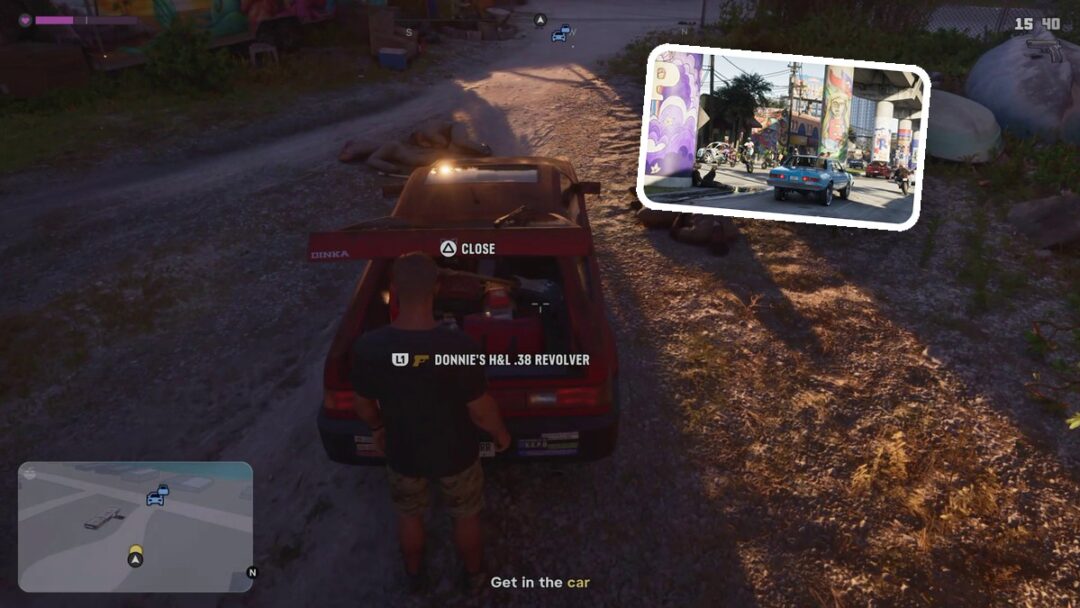
Stand behind the red hatchback on the grass, beside the red fuel canister. Activate IGNITE at the trunk to set the car ablaze.
Run toward the highway
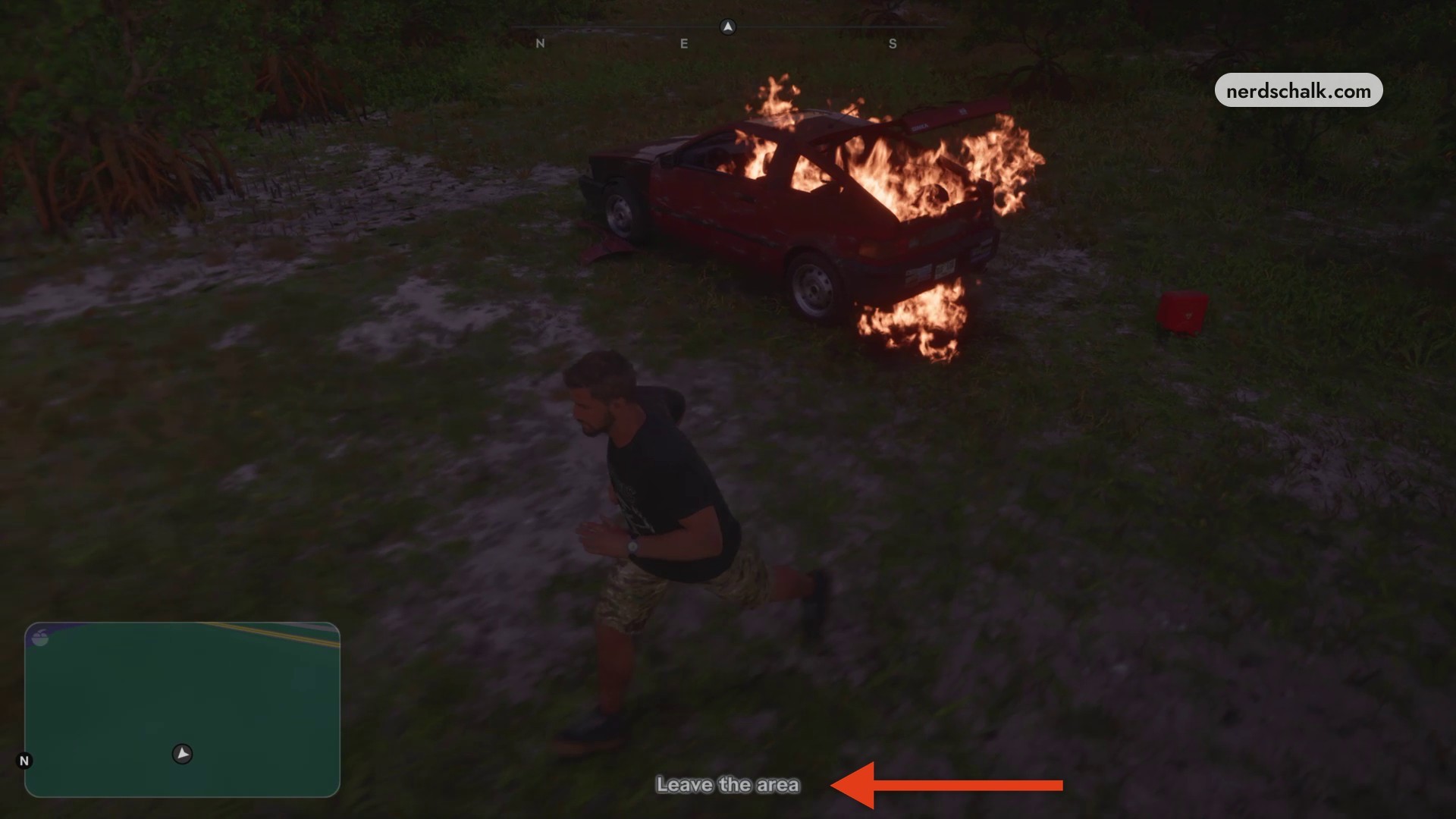
Sprint across the field toward the power lines beside the highway, moving away from the burning car. It explodes behind you as you continue running. As you approach the distant highway on foot, the screen fades.
Reach the road shoulder
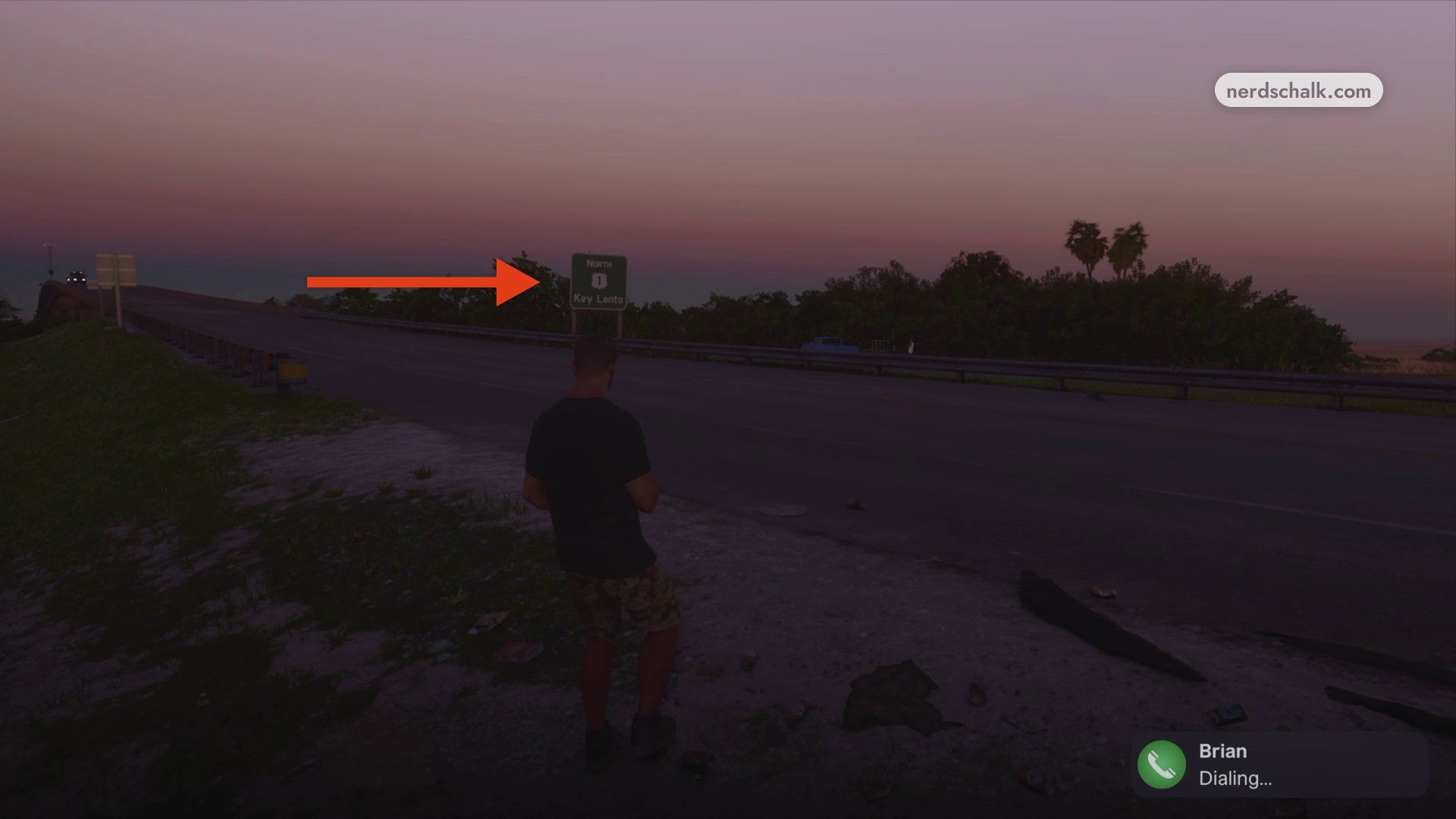
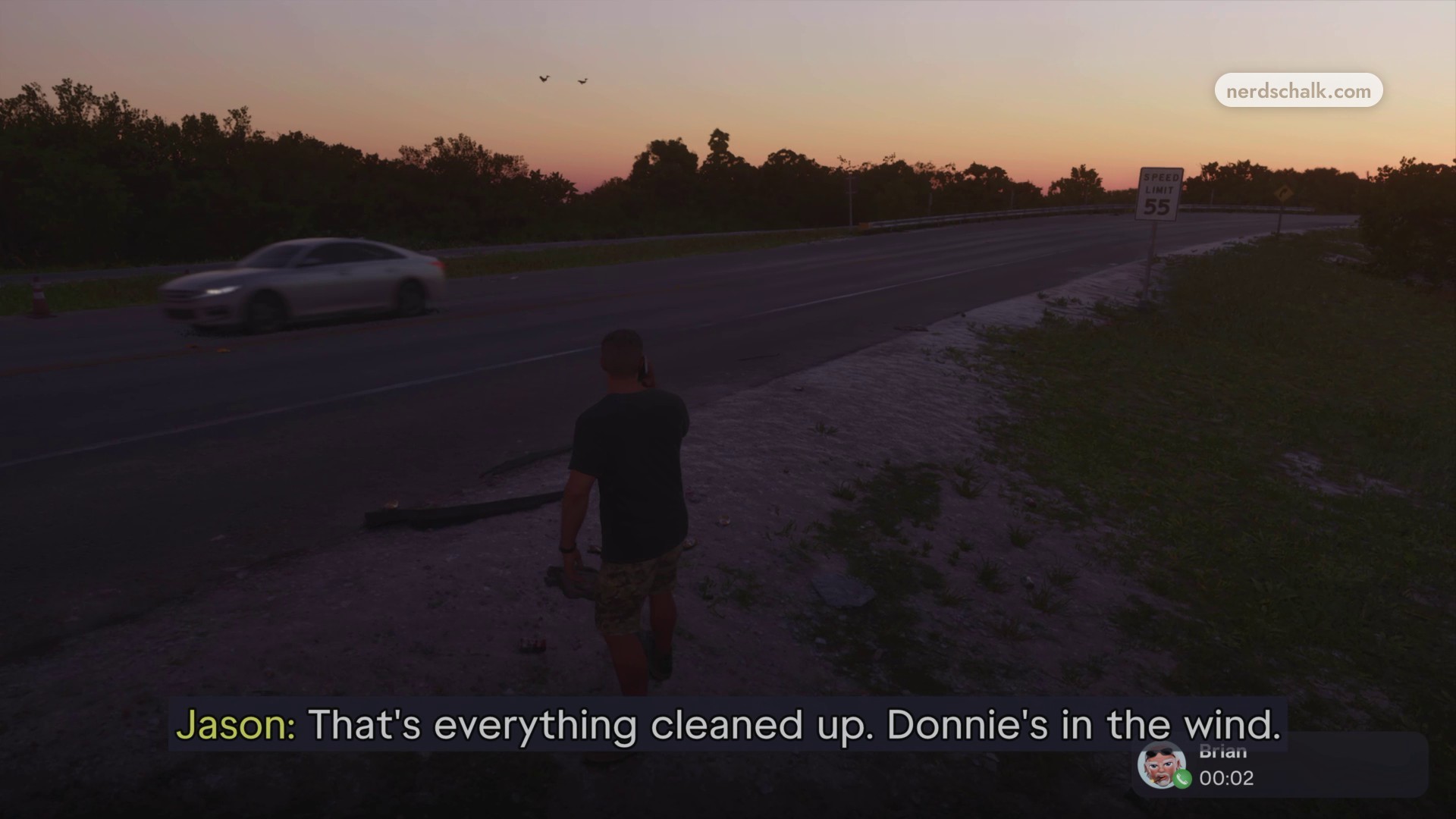
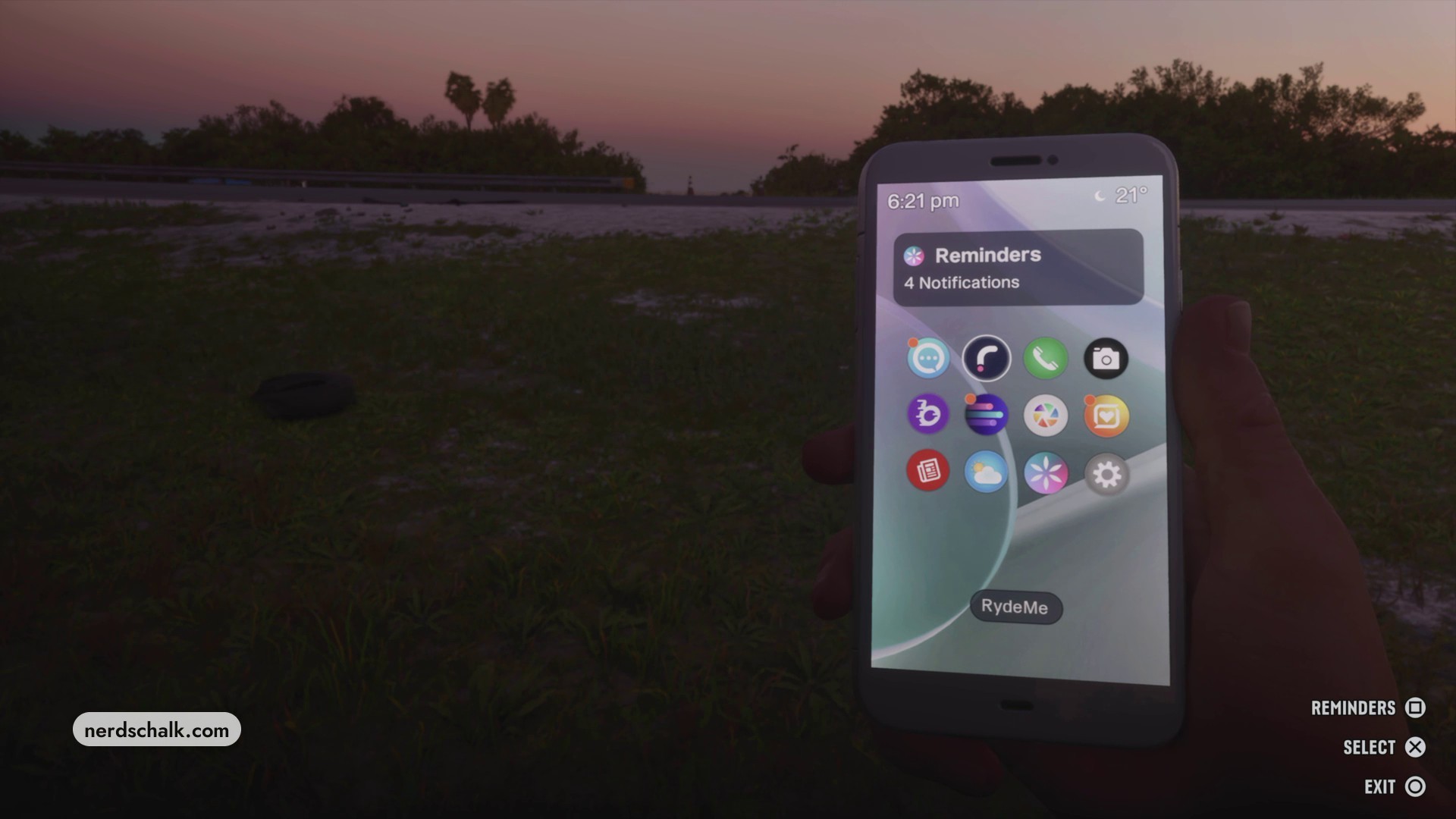
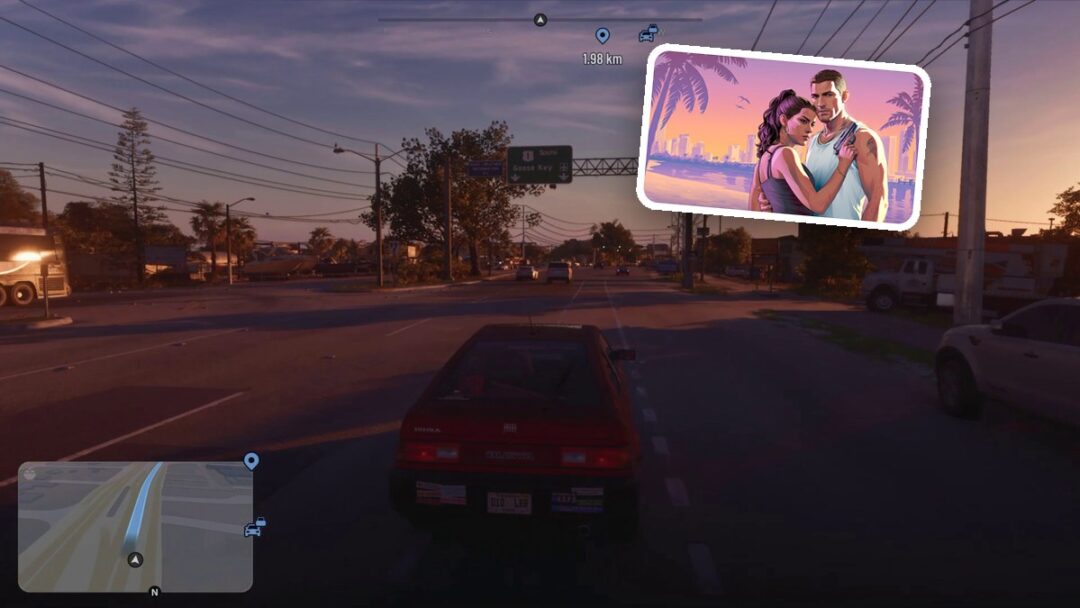
After the fade, check your phone and attempt to open RydeMe. Continue toward the shoulder of Highway 1, using the SPEED LIMIT 55 sign as your landmark. The highway destination sign reads NORTH / 1 / Key Lento. Dial Brian while approaching the road’s edge.
Finish the call with Brian
Talk to Brian on the phone. Let your conversation with Brian finish, then remain beside the road.
Book your Ryde
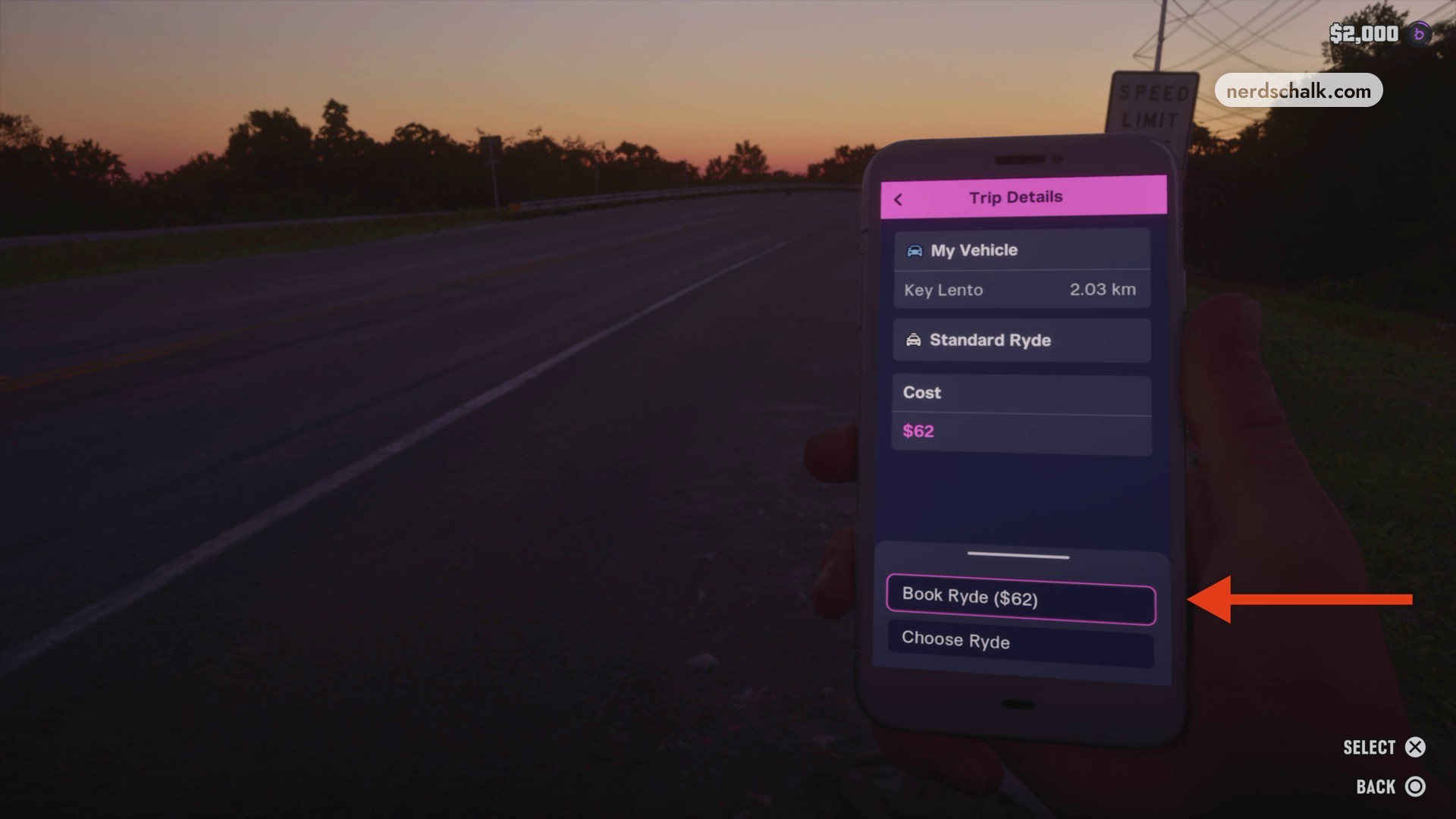
Open RydeMe again and enter Trip Details. The screen shows Standard Ryde and a distance of 2.03 km. Confirm your ride booking on this screen, which includes Book Ryde ($62) and a SELECT control.
Check the payment and wait for pickup
Watch for the notification that your driver is on the way. Open the Bucked transaction receipt and check its $200 amount, then wait until the RydeMe vehicle pulls alongside Jason on the road shoulder.
When the ride pulls alongside you, press Triangle to get in, following the boarding prompt.
Related Grand Theft Auto VI guides
Leave a Reply