
Category
AI
-
How to Remove an Image’s Background in Snipping Tool Using Windows Copilot
What to know Launch Snipping Tool > New > Click and drag on the concerned image > Open Copilot > Click on ‘Ask me…
-

How to Erase in Microsoft Designer: Remove Objects From an Image Easily!
What to know Microsoft Designer’s Generative Erase tool allows you to remove objects from images using OpenAI’s DALL-E 3 generator. To use Generative Erase,…
-
Google Gemini: How To Search Your Gmail, Drive, Docs and More
What to know You must first enable the respective extensions in Google Gemini to allow it to search your Gmail, Drive, Docs, YouTube, etc. To…
-

How to Double-Check Bard Responses With Google Search Using Google It V2
What to know To double-check Google Bard’s response, click the G button right below the response to initiate validation. Google will highlight the Bard’s…
-
How to Enable or Disable Google Gemini Extensions
What to know Gemini has added extensions to provide real-time details from Google Maps, Flights, Hotels, YouTube, and Workspace. To enable extensions, go to…
-

45 Best Ideogram AI Logo Prompts!
What to know Ideogram AI is a generative AI tool that creates photorealistic images and artworks using AI with reliable typography within images. Creating…
-
![How to Get Started with Google SGE [A Complete Guide]](https://cdn.nerdschalk.com/wp-content/uploads/2023/09/google-sge.png)
How to Get Started with Google SGE [A Complete Guide]
Since the release of generative AI, netizens have speculated about the future of search engines as they’re known traditionally. Once Google’s homegrown AI chatbot…
-

How to Regenerate Specific Parts of an Image Using Vary Region on Midjourney
What to know Vary (Region) is Midjourney’s in-painting tool that allows users to remove unwanted elements from their creations and replace them with something…
-

How to Use Ideogram AI
What to know Ideogram AI is a generative AI tool that creates photorealistic images and artworks using AI with reliable typography within images. It’s…
-
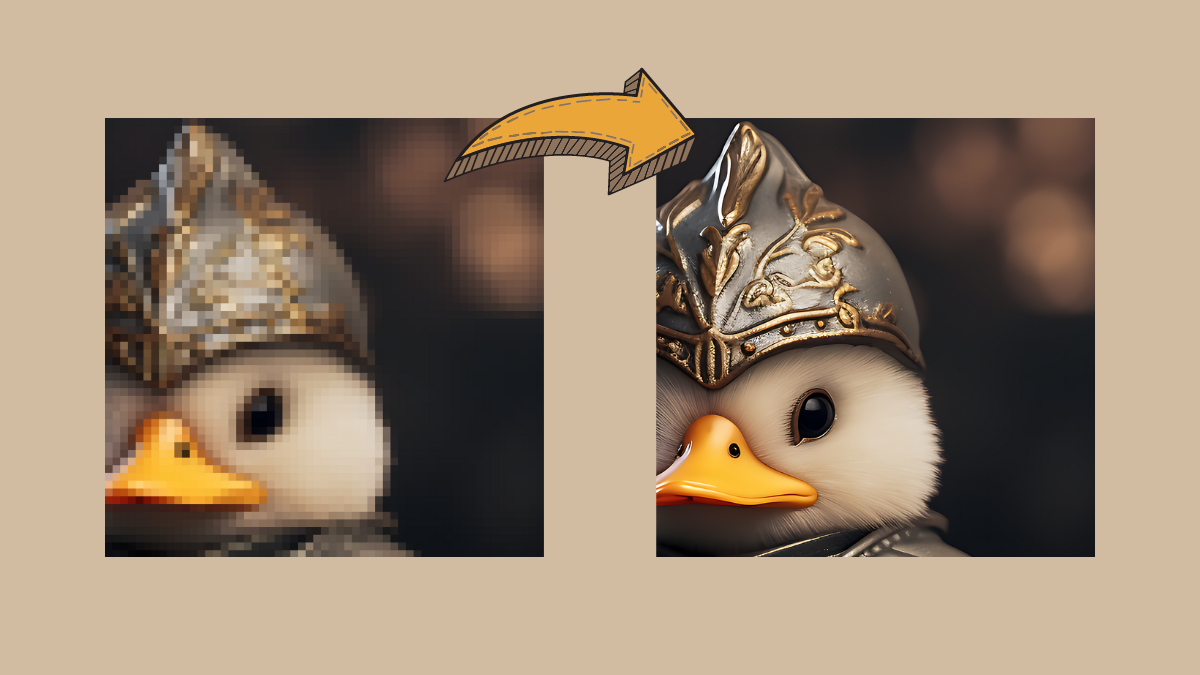
How to Upscale AI-Generated Images for High Quality Prints
What to know Most AI image generators produce images at a maximum resolution of 1024 x 1024 pixels or somewhere around it. If you…
-

How to Use Negative Prompts on Midjourney
What to know Negative prompts are things you want Midjourney to NOT consider when generating images from your description. You can use negative prompts…
-
How to Read And Converse With a PDF File Using ChatGPT With AskYourPdf Plugin
What to know Navigating lengthy PDFs can be a laborious endeavor. Delving through an entire document just to pinpoint a solitary detail isn’t always…
-

How to Get Prompt Ideas for Generating Images on Midjourney
What to know Midjourney’s Community Showcase is the easiest way to access the top creations that are shared by its users for public viewing.…
-

Bard Image Generator: How to Get an Image in a Response From Google Bard
What to know Google Bard can respond to your prompts with an image. Depending on your prompts, Bard will automatically add an image to…
-
How to Create a Diagram, Chart or Mind Map Using ChatGPT With the Show Me Plugin
What to know The Show Me plugin on ChatGPT can generate diagrams to help visualize difficult and complex topics. Install the Show Me plugin…
-
How to Use Google AI in Google Docs With Workspace Labs
What to know You can now use experimental AI features across all Google products including Docs. To do so, you first need to sign…
-

How to Use Prompt Weights to Assign Relative Importance to Parts of a Prompt on Midjourney
What to know Prompt Weights on Midjourney can be used to split your description into multiple segments and prioritize each of these segments by…
-

How to Create Anime and Illustrations Using Niji Model V5 on Midjourney
What to know Niji Model v5 is the latest version of Midjourney’s anime-centric art generator developed in collaboration with Spellbrush. You can activate the…
-
How to Add Images to Prompts on Google Gemini
What to know Gemini can understand image prompts, with Google Lens integration. To add an image to a prompt, go to Gemini website >…
-
How to Use Google AI in Google Sheets With Workspace Labs
What to know You can now use experimental AI features across all Google products including Sheets. To do so, you need to sign up…