

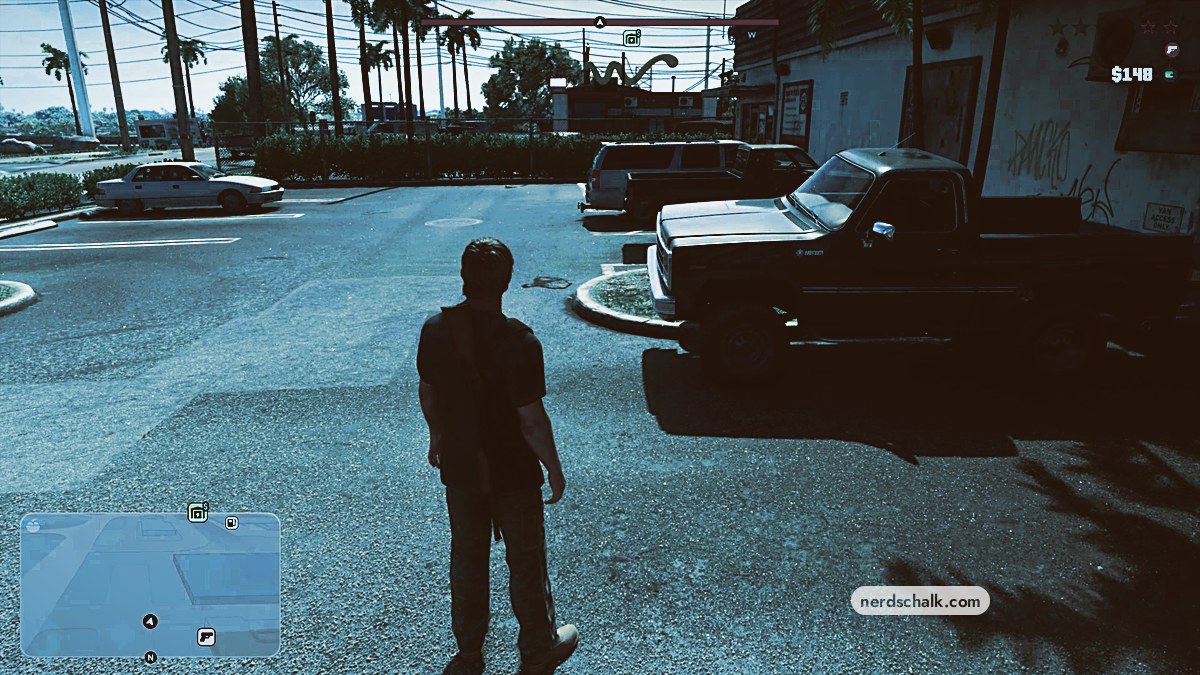
Yes, you can free roam in Grand Theft Auto VI between missions, exploring locations around Leonida during downtime.
The Explore Leonida activity points you toward the map to find places to explore. This guide covers checking that story entry, returning to the world, and using the PlayStation map controls.
The game’s listed platforms are PlayStation 5 and Xbox Series X|S. Its Indian PlayStation store listing carries an 18+ age rating.
How to check free roam and explore Leonida in Grand Theft Auto VI
Open the pause-menu map
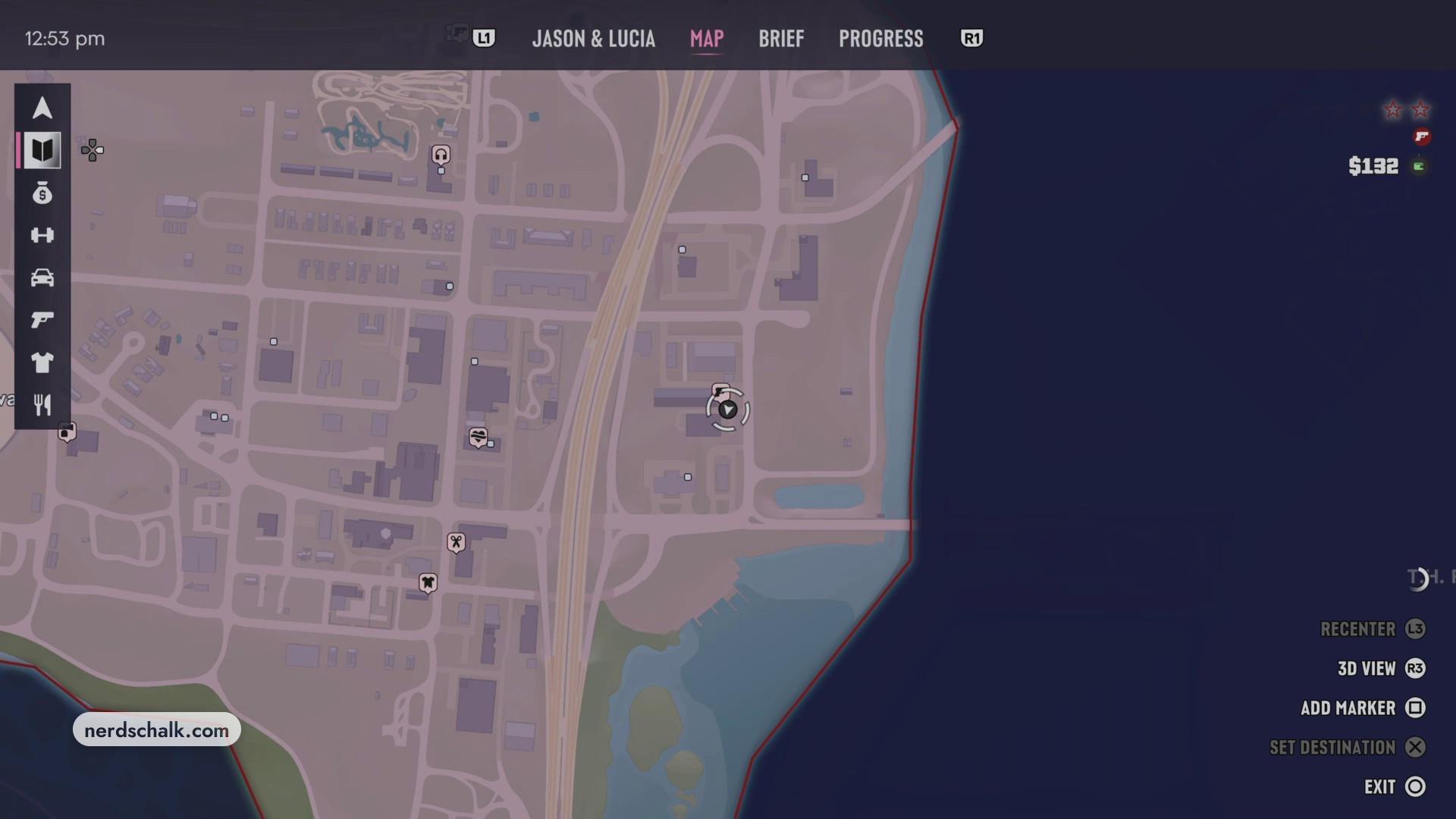
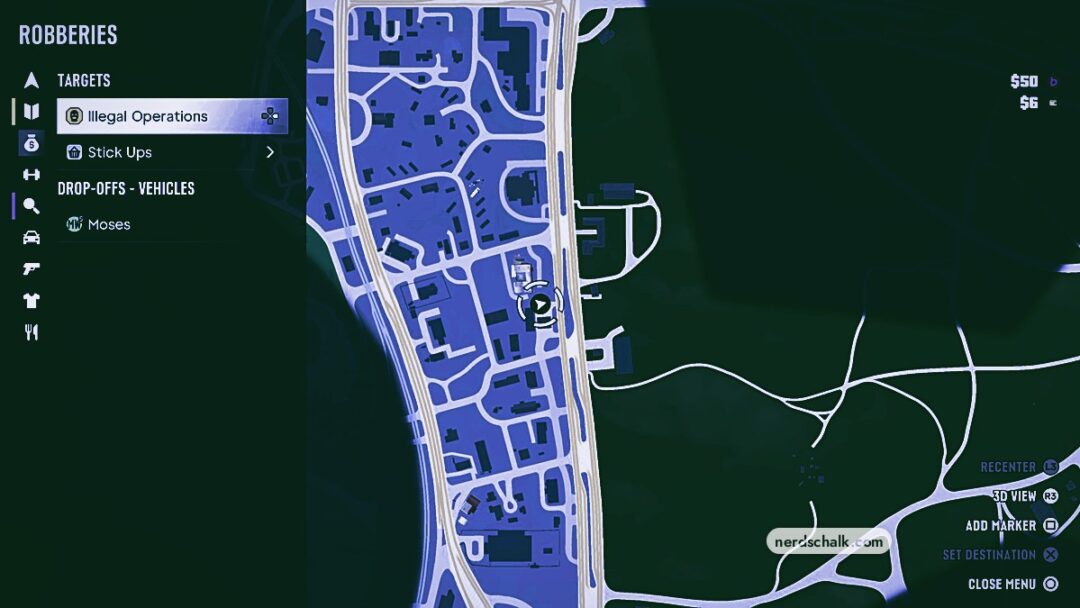
Open the pause menu’s MAP screen to see your surroundings and the nearby road layout.
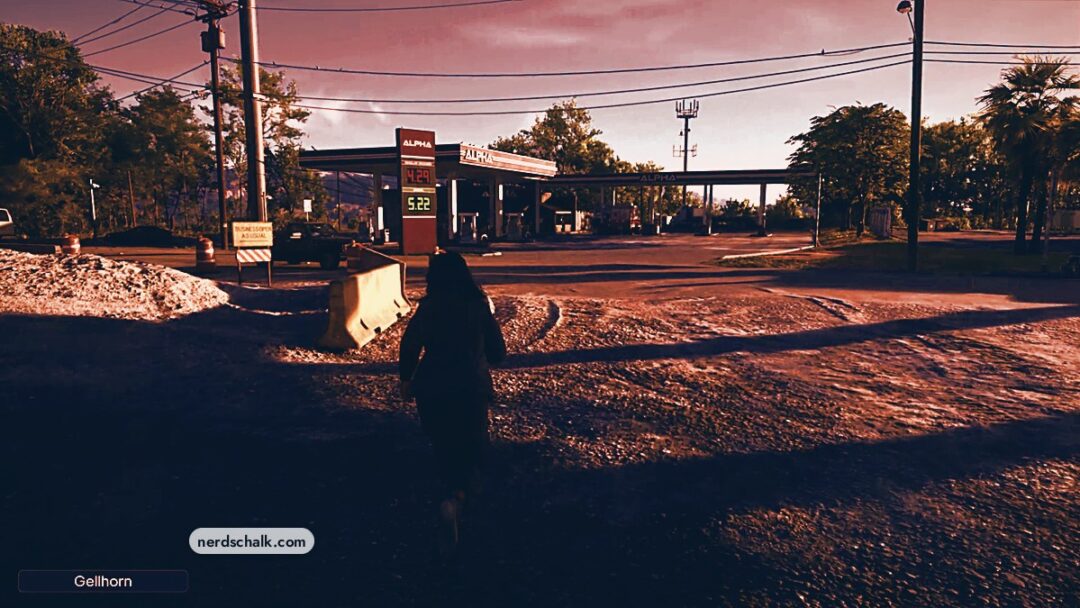
Your character stands in a parking lot before you open the pause menu.
Check Explore Leonida
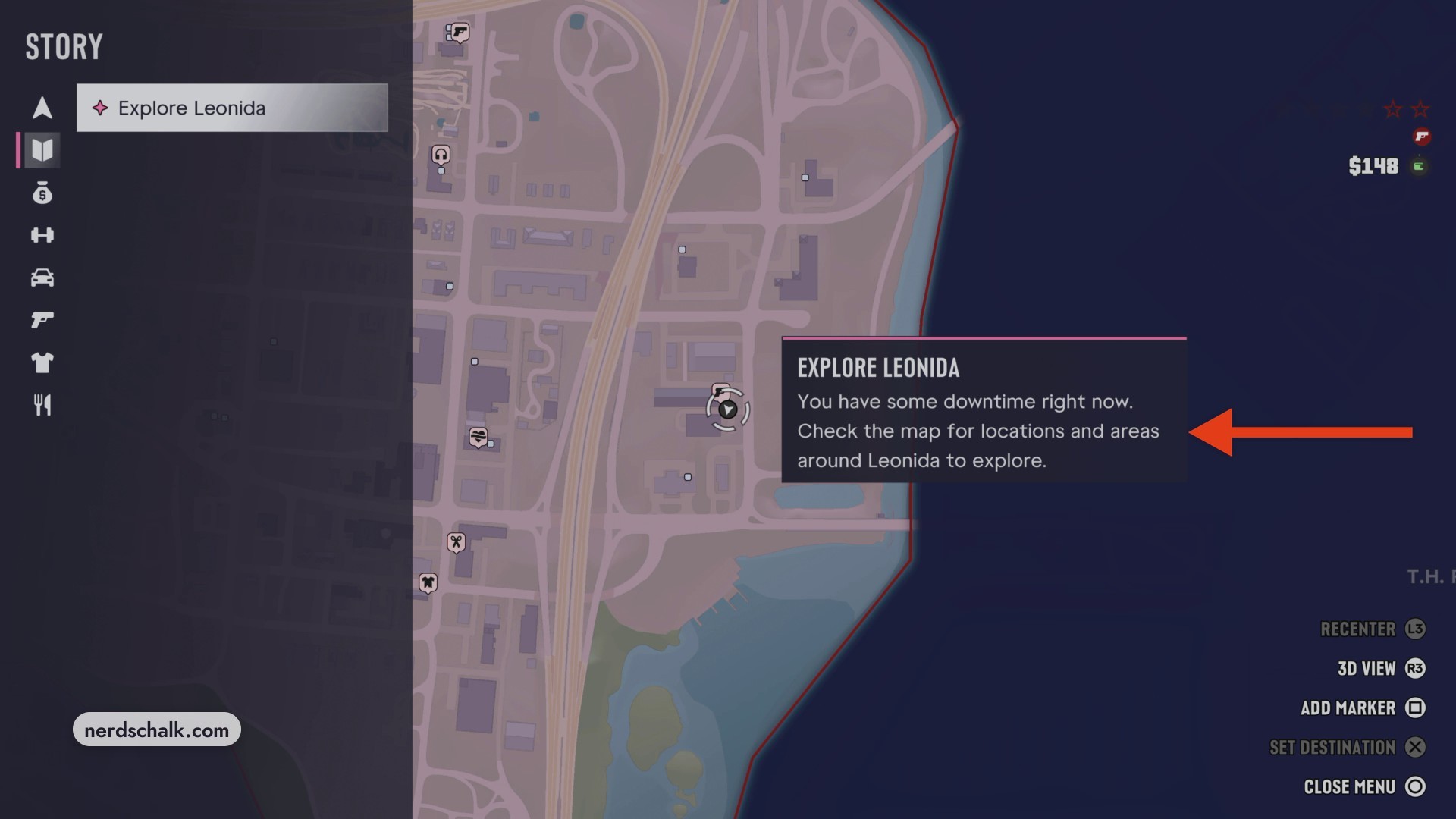
Select STORY on the left and choose Explore Leonida. The objective box is headed EXPLORE LEONIDA and indicates that you currently have downtime.
Return to exploring
Use CLOSE MENU to close the story submenu and return to the map. Leave the pause menu to resume exploring the world.
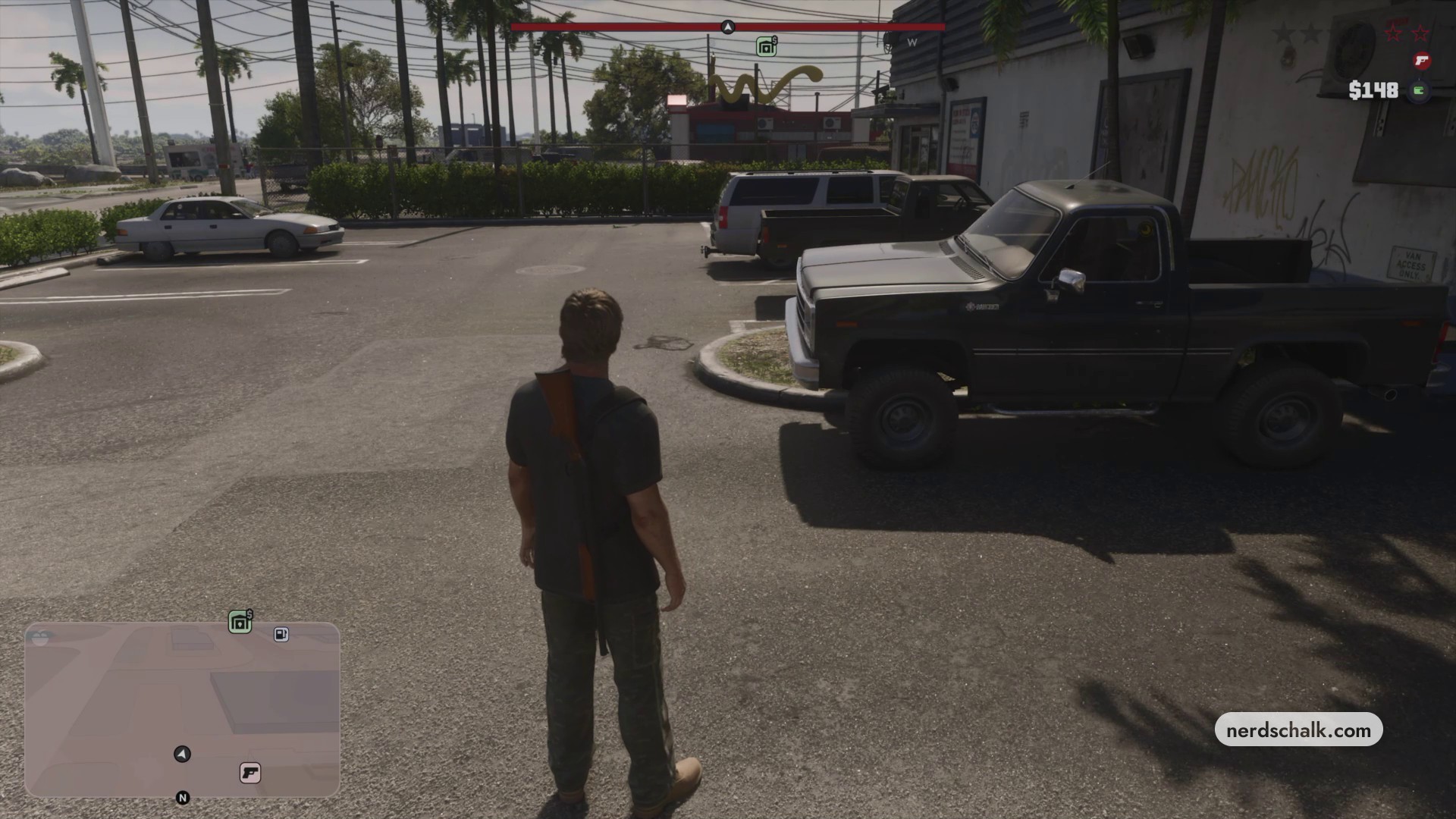
Use the map to choose somewhere around Leonida to spend your downtime.
What map controls can you use in Grand Theft Auto VI?
| Map action | PlayStation button |
|---|---|
| RECENTER | L3 |
| 3D VIEW | R3 |
| ADD MARKER | Square |
| SET DESTINATION | Cross |
| EXIT | Circle |
Pick your next destination, then get back to exploring.
Related Grand Theft Auto VI guides
Leave a Reply