

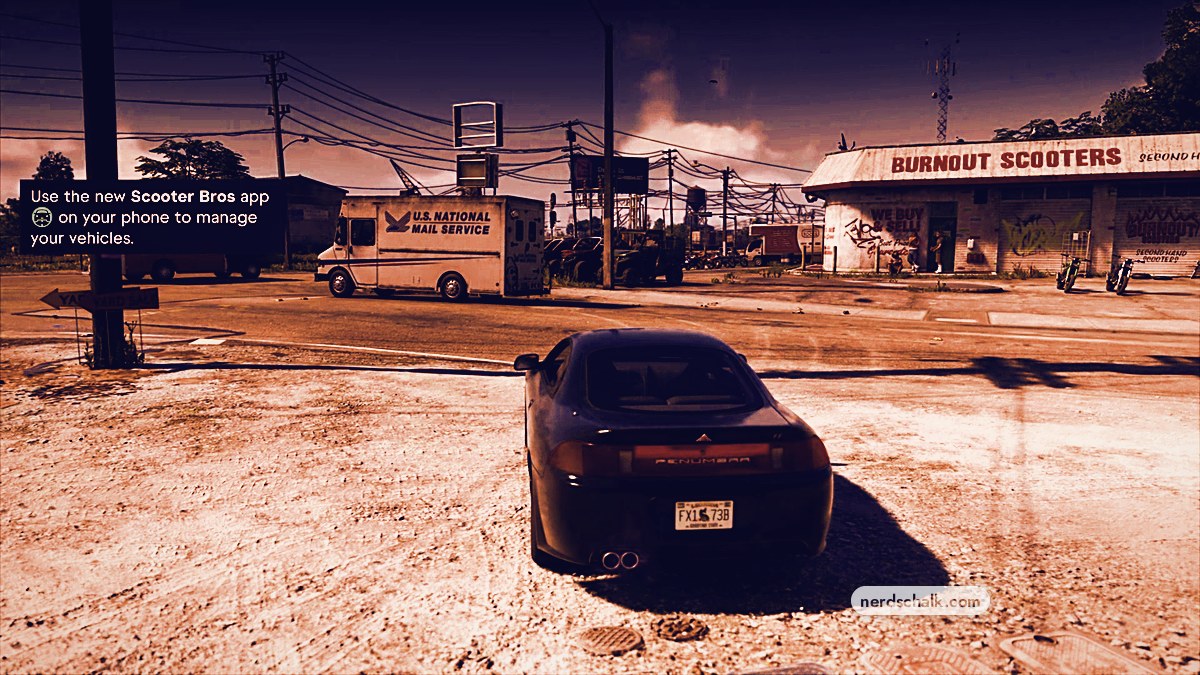
The Penumbra FF is the Maibatsu ’97 Penumbra FF coupe, which you can take to Moses Watkins and register as Lucia’s personal vehicle in Grand Theft Auto VI.
Making the coupe yours involves Moses’s personal-vehicle service. This guide covers acquiring the Penumbra FF, choosing its paint and completing registration. Grand Theft Auto VI is listed for PlayStation 5 and Xbox Series X|S.
How to make the Penumbra FF Lucia’s personal vehicle in Grand Theft Auto VI
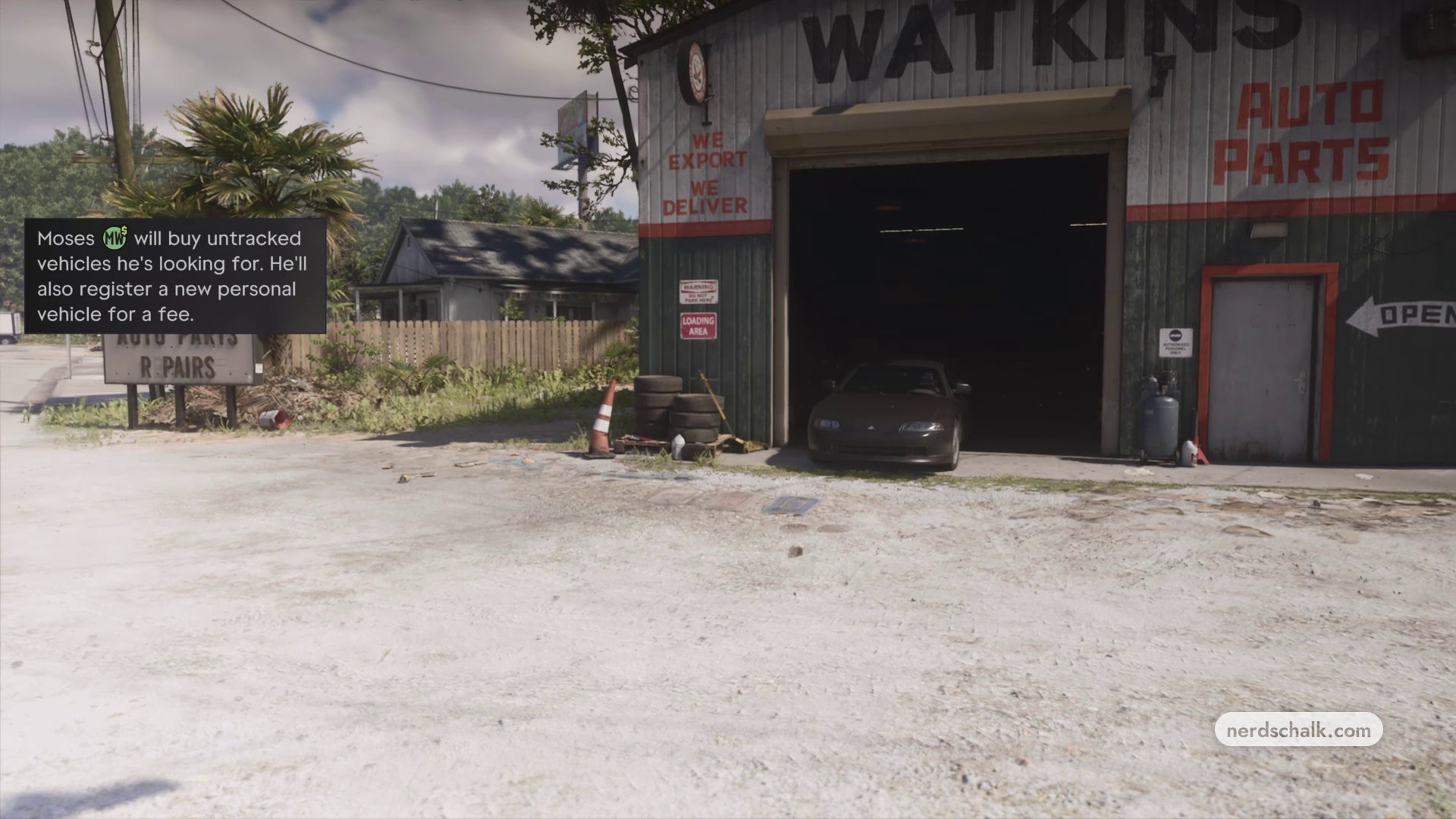
Moses Watkins handles personal-vehicle registration inside his shop garage. The service includes a paint menu and a registration option. Moses also buys untracked vehicles that match what he’s looking for.
Find the parked Penumbra FF
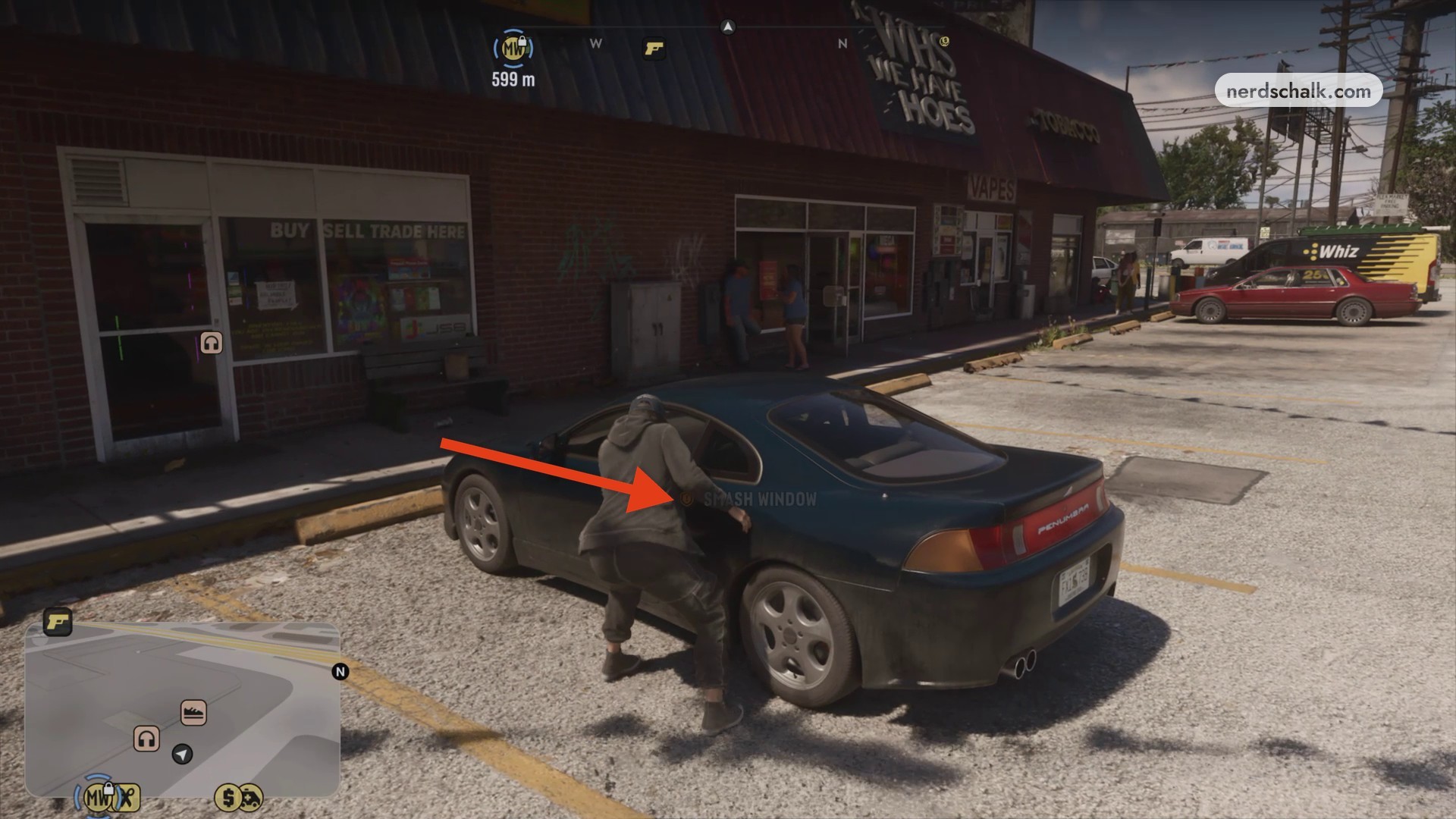
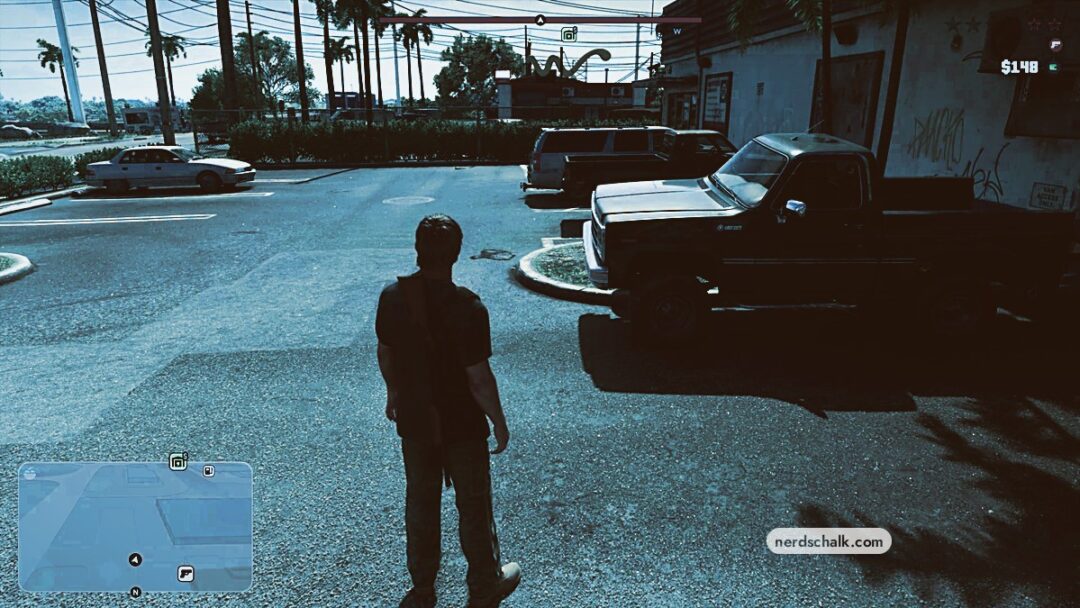
Approach the driver side of the coupe parked outside a convenience store in the commercial strip mall parking lot. Press Square at the SMASH WINDOW prompt, then enter the car.
Check the suitability prompt
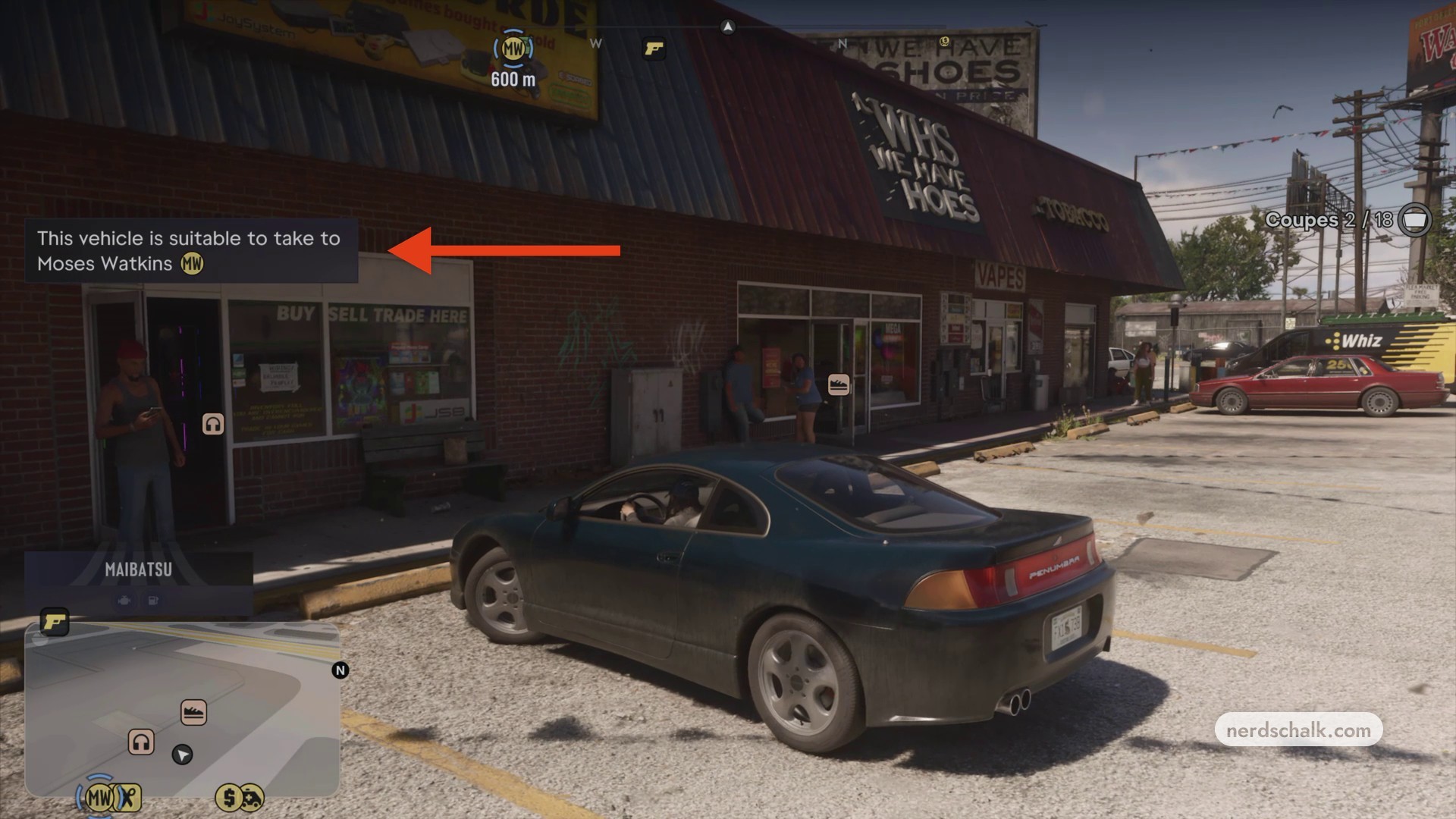
Look for the message “This vehicle is suitable to take to Moses Watkins.” Once you’ve checked it, start the Penumbra FF and drive out of the parking lot onto the street.
Speak with Moses
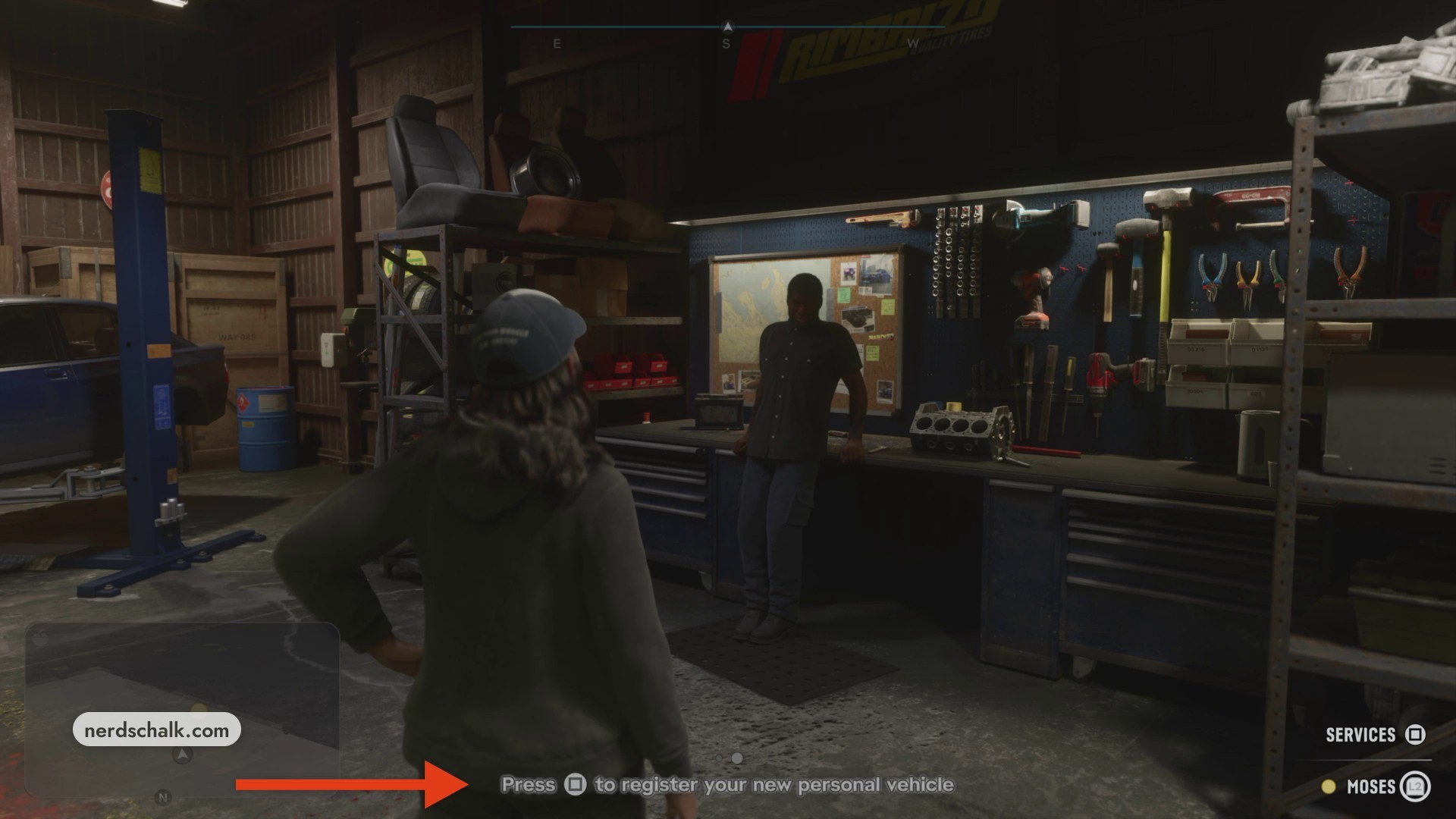
Take the coupe to Moses inside the shop garage. Approach him and use the personal-vehicle registration prompt to open his service menu.
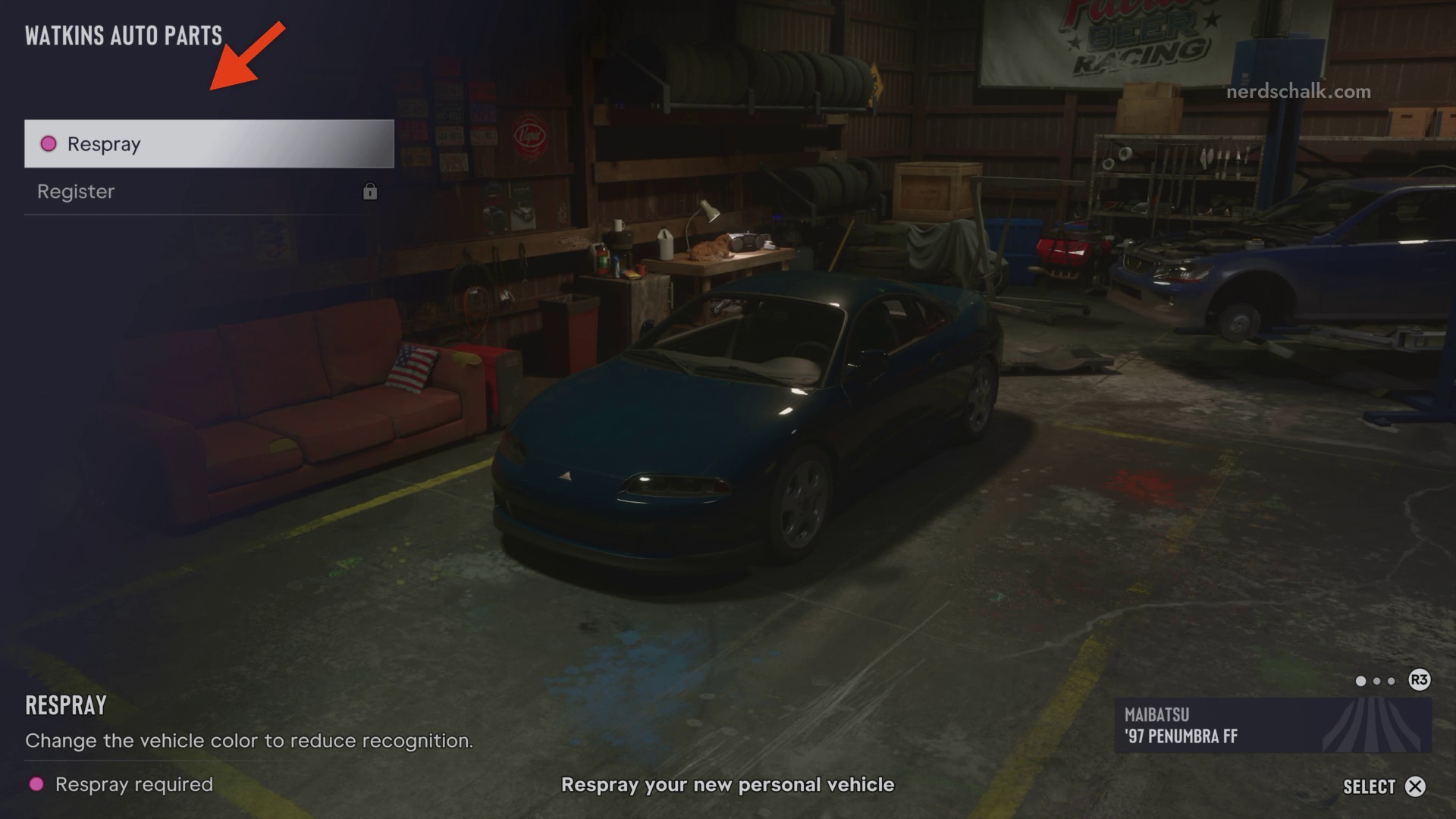
Open Respray
Select Respray from the service menu. Its description explains that changing the vehicle’s color reduces recognition.
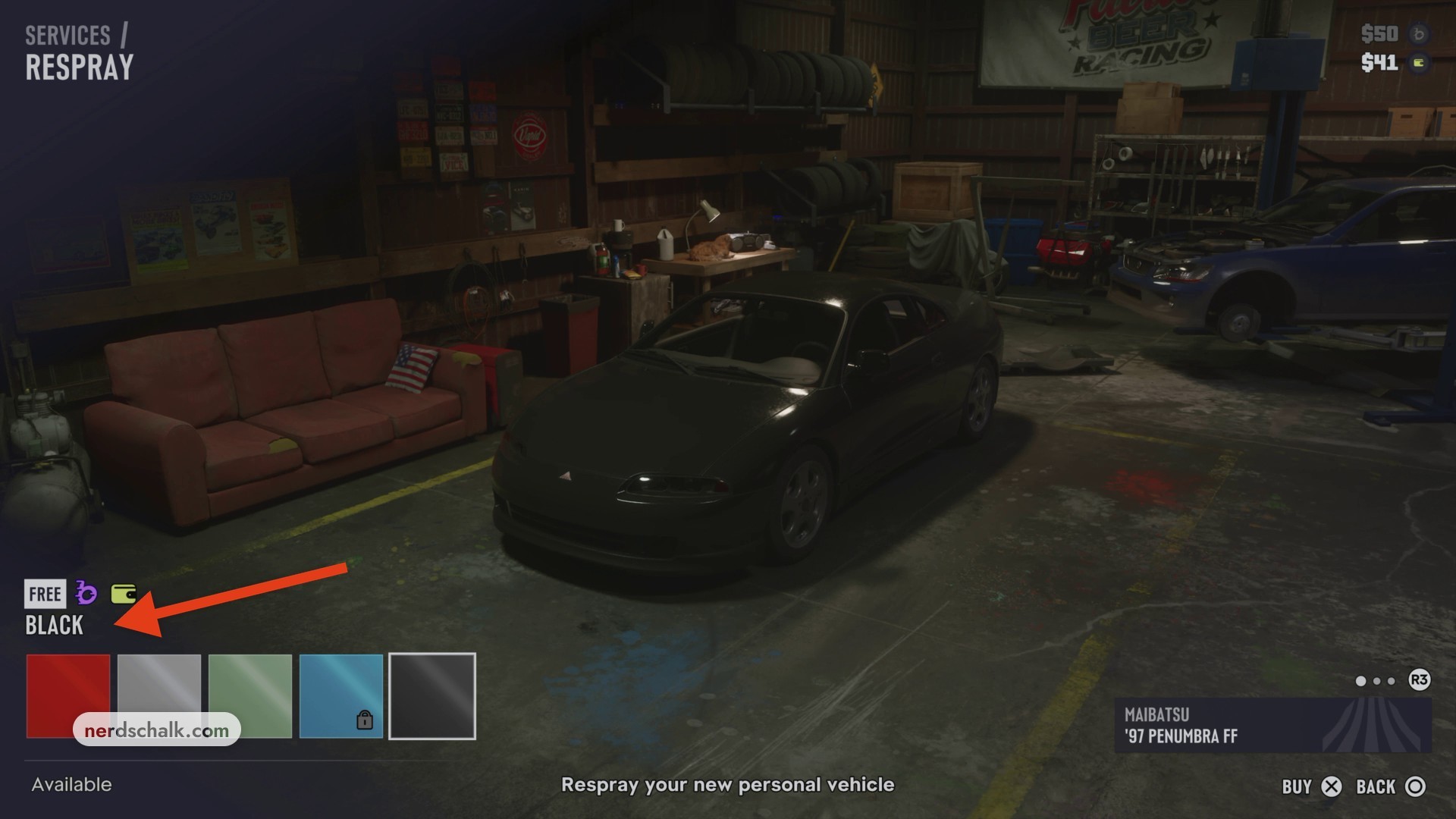
Choose and confirm a paint color
Browse the available finishes and choose the color you want. BLACK gives the coupe the black finish pictured here. Confirm your paint choice; the menu includes BUY and BACK controls.
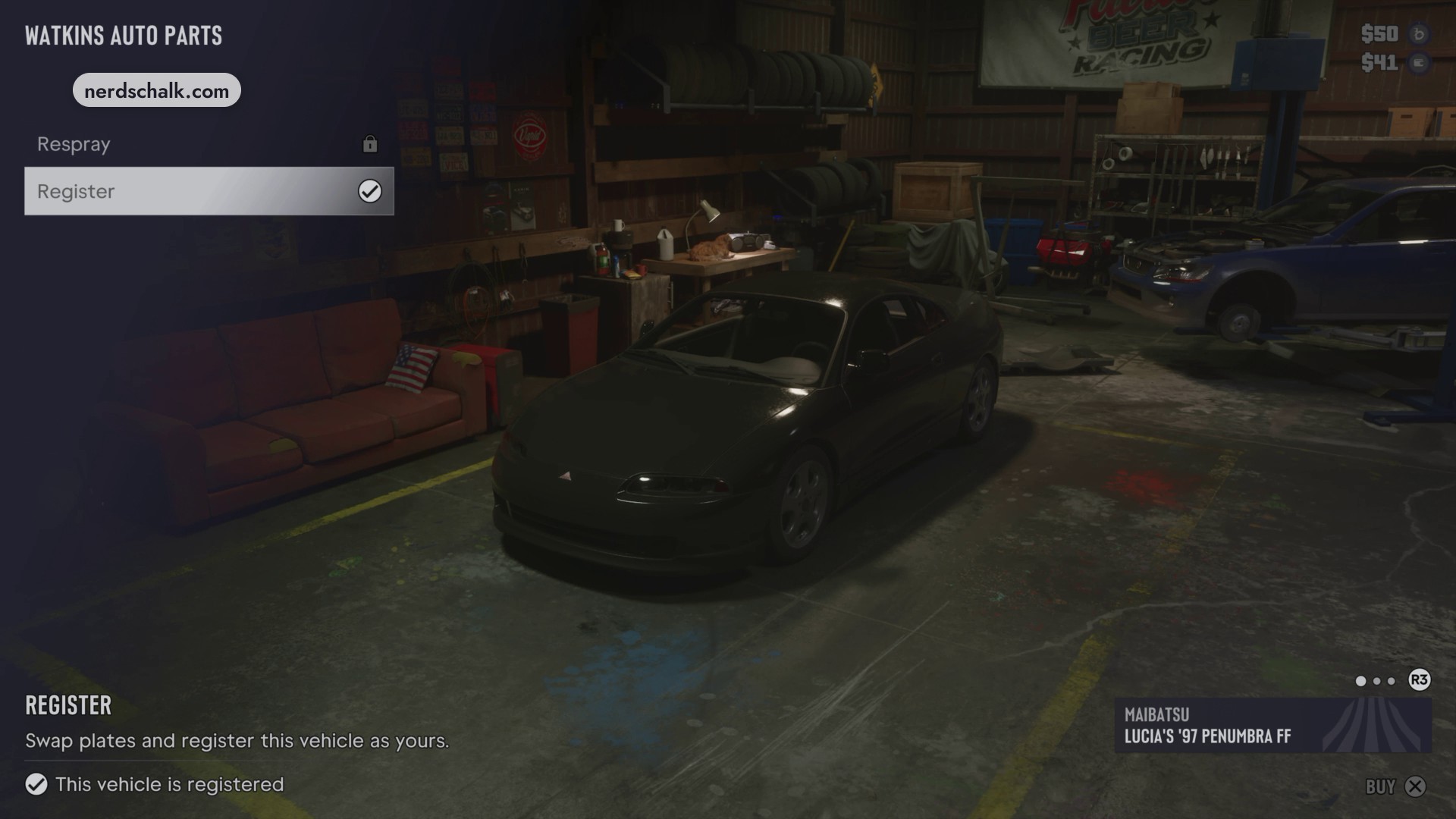
Register the Penumbra FF
Select Register to swap the plates and record the vehicle as yours. The registration service lists FREE, while the on-screen message about Moses describes registering a new personal vehicle as a service for a fee. The menu identifies it as LUCIA’S ’97 PENUMBRA FF and displays “This vehicle is registered” once registration is complete.
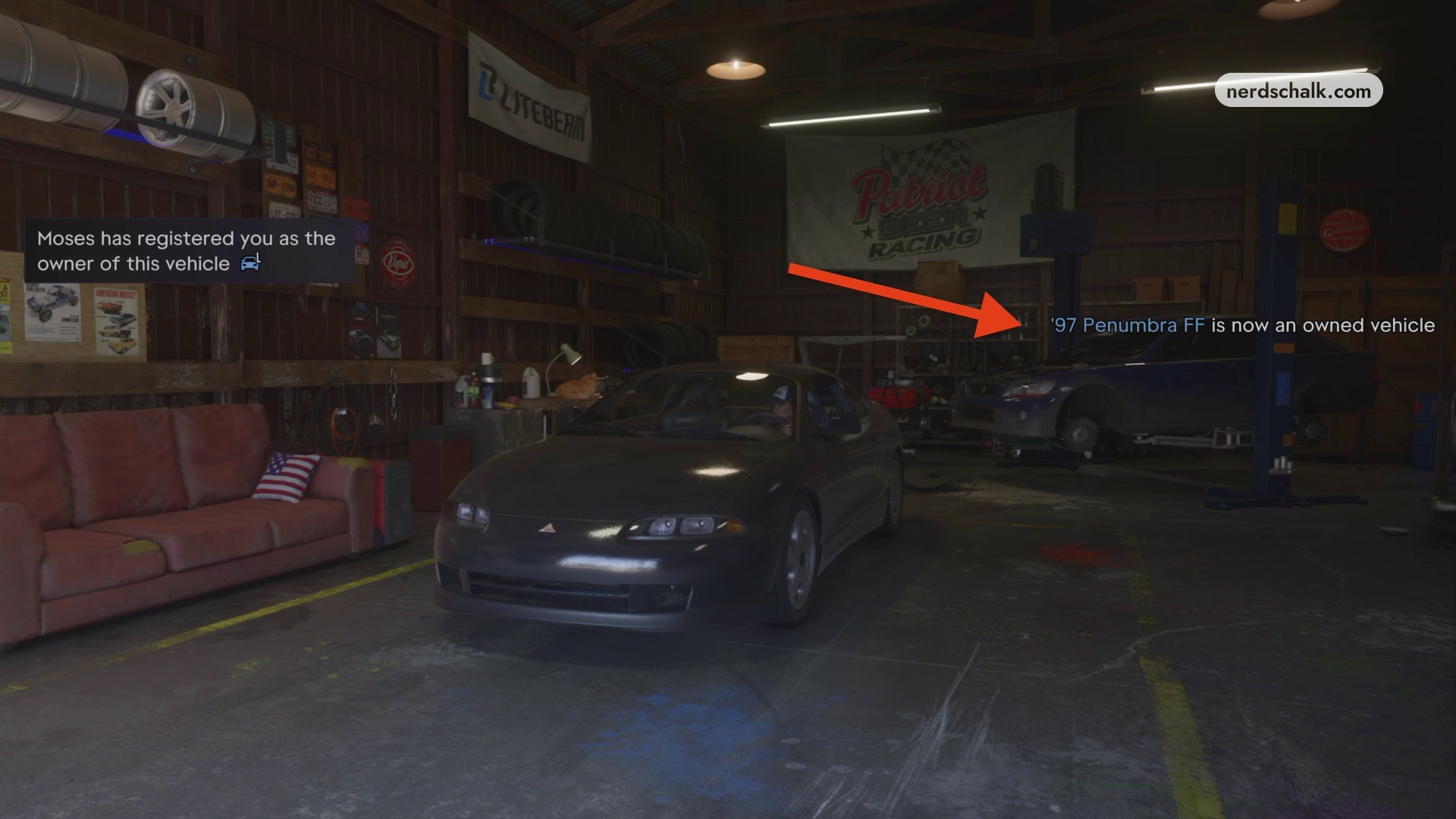
Wait for the ownership notifications
Let Moses finish registering the car. Look for the messages crediting him with registering you as its owner and stating “’97 Penumbra FF is now an owned vehicle.”
Drive out of the garage
Take the registered Penumbra FF through the garage exit and onto the dirt road. Moses provides Scooter Bros after registration, with its installation indicated around departure. Open the app on your phone to manage your vehicles.
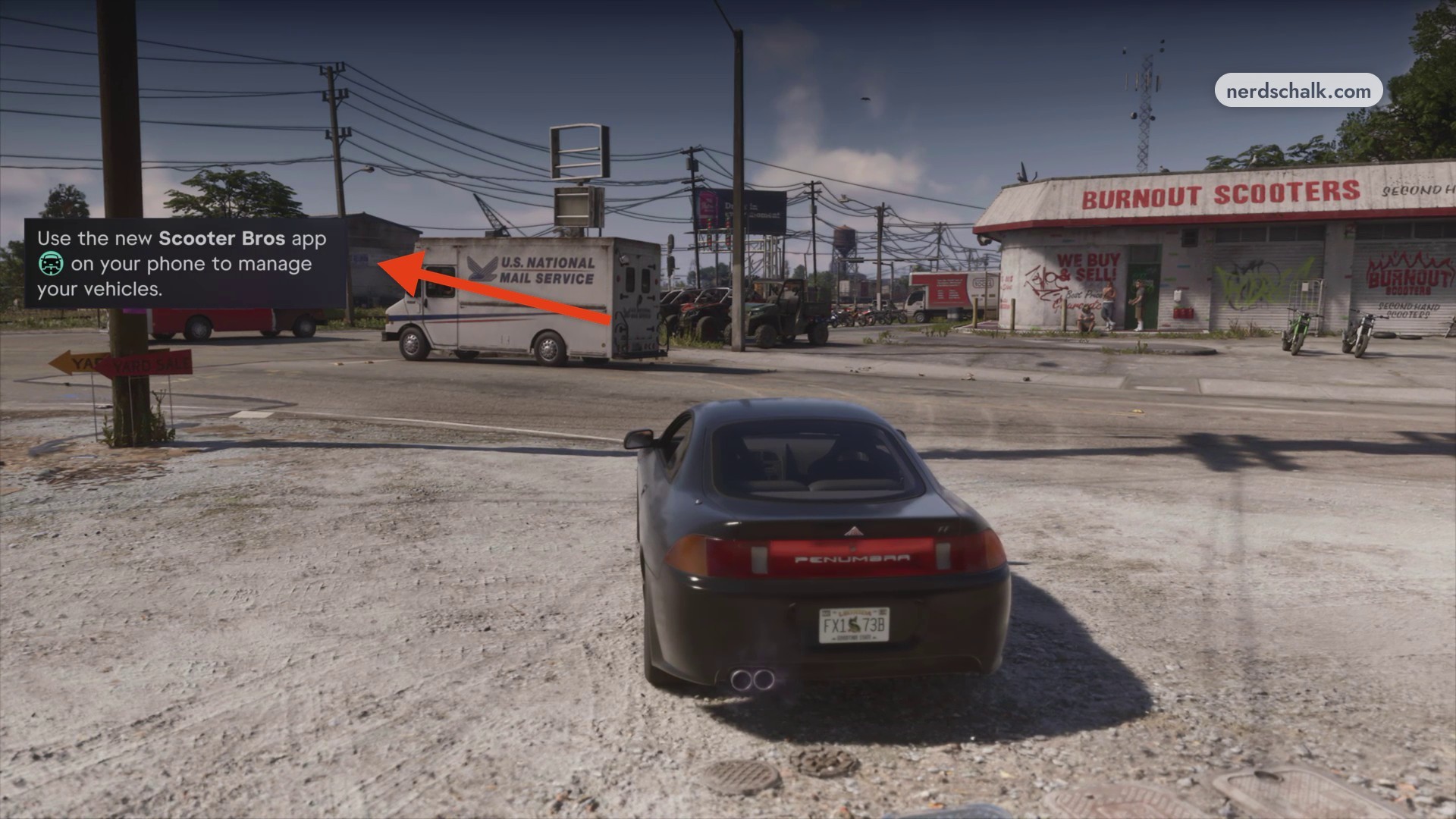
Drive the registered Penumbra FF out of the garage onto the dirt road.
QUICK WIN
Related Grand Theft Auto VI guides
Leave a Reply