
Category
Windows
-

Add a program to startup on Windows 11: Step-by-step guide
As a daily Windows user, you need certain apps and programs to start as soon as you log in so that you don’t have…
-

Windows 11 Widgets not working? 15 ways to fix
It’s safe to say that Widgets are easily one of the best features Microsoft packed in Windows 11. We know, some of you may…
-

How to change priority in Task Manager on Windows 11
Every computer has a limited amount of resources that it can expend on processes and programs. Depending on the program, Windows automatically determines what…
-

Kdenlive not rendering videos? How to fix
For all its abundant features and editing options, Kdenlive can sometimes throw a wrench in the video editing process. And when problems emerge right…
-

How to get Clipchamp premium for free
Since its acquisition, Microsoft has planned for Clipchamp to be a part of the Microsoft 365 suite. And after trying out different price plans…
-

Export a Kdenlive project: Step-by-step guide
Kdenlive is an ultra-fast open-source video editing app replete with tools and features that can give even the best in the business a run…
-

Crop a video in Clipchamp: Step-by-step guide
Cropping a video is an essential post-production technique that lets you cut out elements in your shots that you don’t want to show. Depending…
-
How to add transitions in Clipchamp
All videos worth watching have a few things in common, and a good transition is definitely one of them. Without them, your video will…
-

How to freeze a frame in Clipchamp: Step-by-step guide
There are a lot of video editing techniques that help capture the audience’s attention, such as transitions, the use of green screens, animations, and…
-

How to use Kdenlive on Windows: Step-by-step guide
So you’ve installed Kdenlive on Windows and want to start using it to edit your videos. But learning how to navigate a new app…
-

Add text in Clipchamp: Step-by-step guide
A picture is worth a thousand words. But sometimes, words have to be written out explicitly to add emphasis and explain, or just to…
-
![How to use Snipping tool in Windows 11 [AIO]](https://cdn.nerdschalk.com/wp-content/uploads/2022/12/how-to-use-snipping-tool-fi.png)
How to use Snipping tool in Windows 11 [AIO]
What to know Windows Snipping Tool is a feature-rich screen capture and screenshot app. With Snipping Tool, you can grab screenshots in different modes,…
-
10 ways to fix broken registry items in Windows 11: Step-by-step guide
The average Windows user may never have to access the Windows Registry, but a variety of applications and Windows services do. If the registry…
-

How to download, set up and install Kdenlive on Windows
When talking about video editors, the likes of Adobe Premiere Pro, Final Cut Pro, and Pinnacle Studio are the first off the tongue. But…
-

Add audio to Clipchamp: Step-by-step guide
Clipchamp is a great video editor app. It is free for the most part, has a decent set of tools and features to work…
-

How to Do Green Screen on Clipchamp
Green screens have become an indispensable part of pre-and-post production for modern movies and videos. From blockbuster hits to YouTube videos to your local…
-

How to stop McAfee pop-ups on Windows 11
McAfee was once counted among the more popular antivirus solutions in the market. But it has gained quite the infamy amongst Windows users over…
-
What is a Windows Security button? All you need to know
Balancing security and accessibility can be a tough ask. Users don’t look kindly upon manufacturers and developers that trade one for the other. These…
-
6 Ways to Disable Windows Security Antivirus in Windows 11
Windows 11, like previous versions, comes pre-packaged with Windows Security – an in-built antivirus to keep your PC secure out-of-the-box. Formerly known as Windows…
-
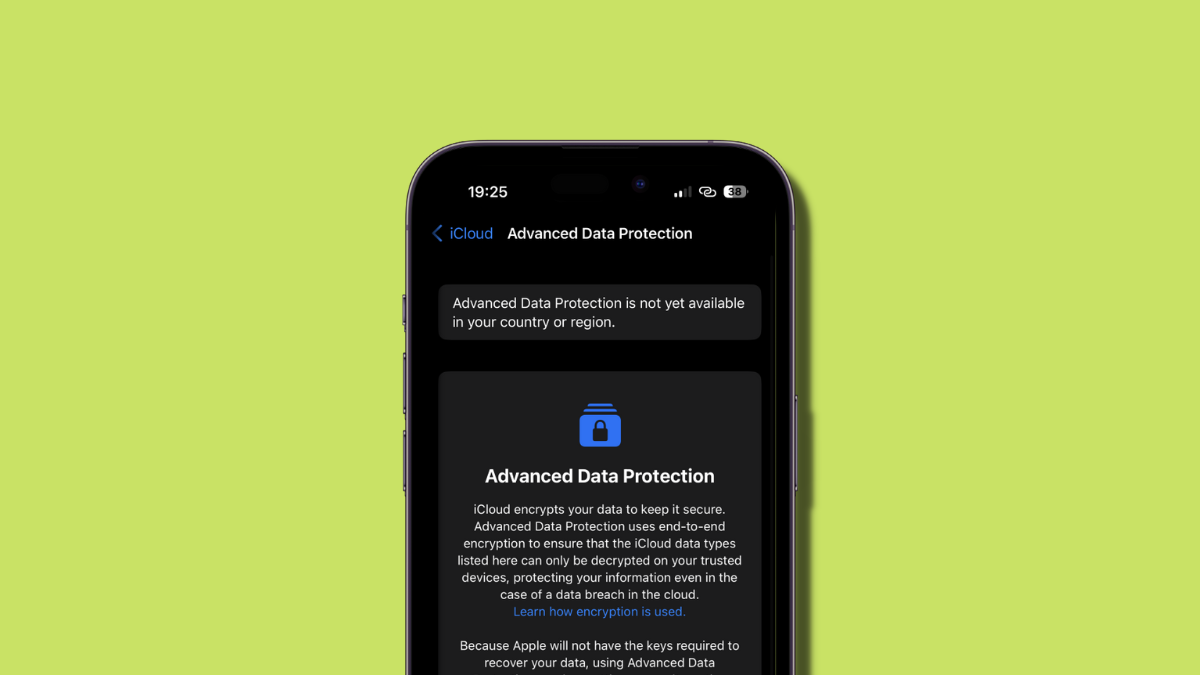
Why can’t I enable Advanced Data Protection on my iPhone? 4 checks and 6 fixes explained
iOS 16.2 is about to be released to the public, and this second feature update brings along numerous new features and changes. Among these…