
Topic
iPhone
-
![iOS 17: How to Fix Notification Haptics on iPhone [Vibration Change Issues Resolved]](https://cdn.nerdschalk.com/wp-content/uploads/2023/09/notification-haptics-issue-ios-17.png)
iOS 17: How to Fix Notification Haptics on iPhone [Vibration Change Issues Resolved]
What to know The new default Rebound tone is very quiet on iOS 17. Since the haptics are now synchronized to the tones, the haptic…
-

New Emojis in iOS 17: All You Need To Know
What to know Apple may introduce a total of 118 new emojis that have been drafted and approved by the Unicode Consortium this year. …
-

How to Keep iOS 17 Standby Always On (Fix StandBy Turn Off Issue)
What to know You can make StandBy always on an iPhone 14 Pro or 15 Pro handset by turning on the Always On feature…
-
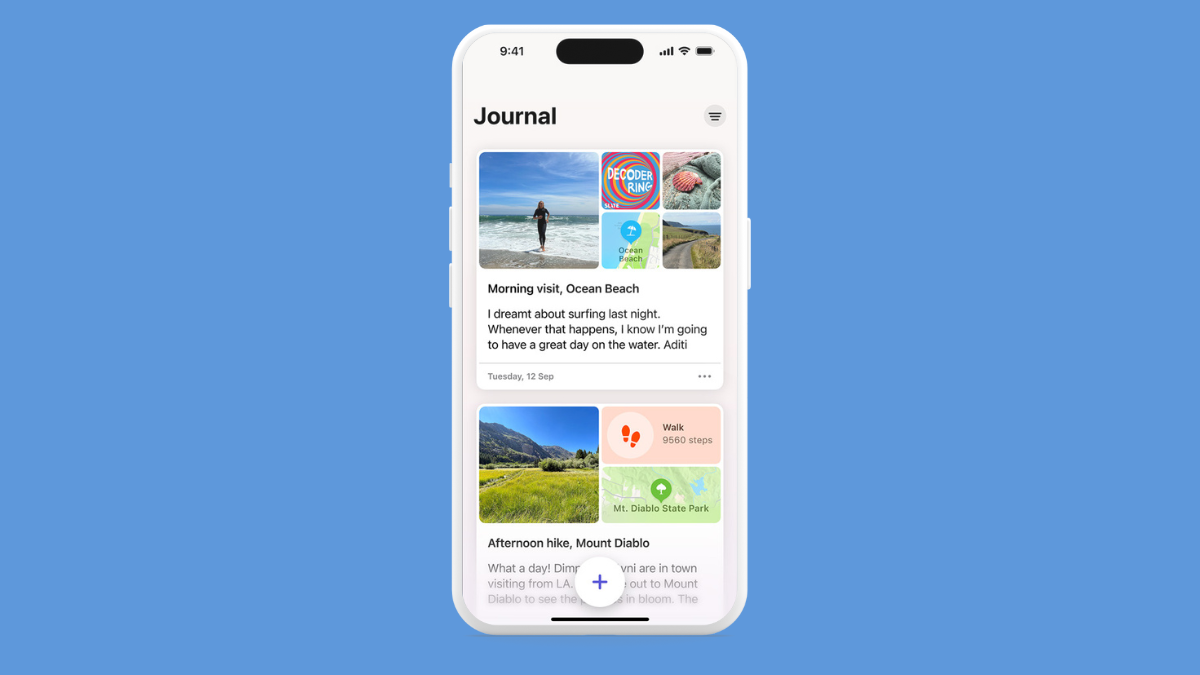
iOS 17 Journal App Missing: Where is the Journal App in iOS 17
What to know Journal is Apple’s version of your personal diary that helps to mark your life’s biggest events and revisit them in the…
-

Contact Photo and Poster Disabled in iOS 17? Fix it in 8 Ways
What to know iOS 17’s Contact Poster feature allows you to customize your image on others’ iPhones during calls or messages. If the feature…
-
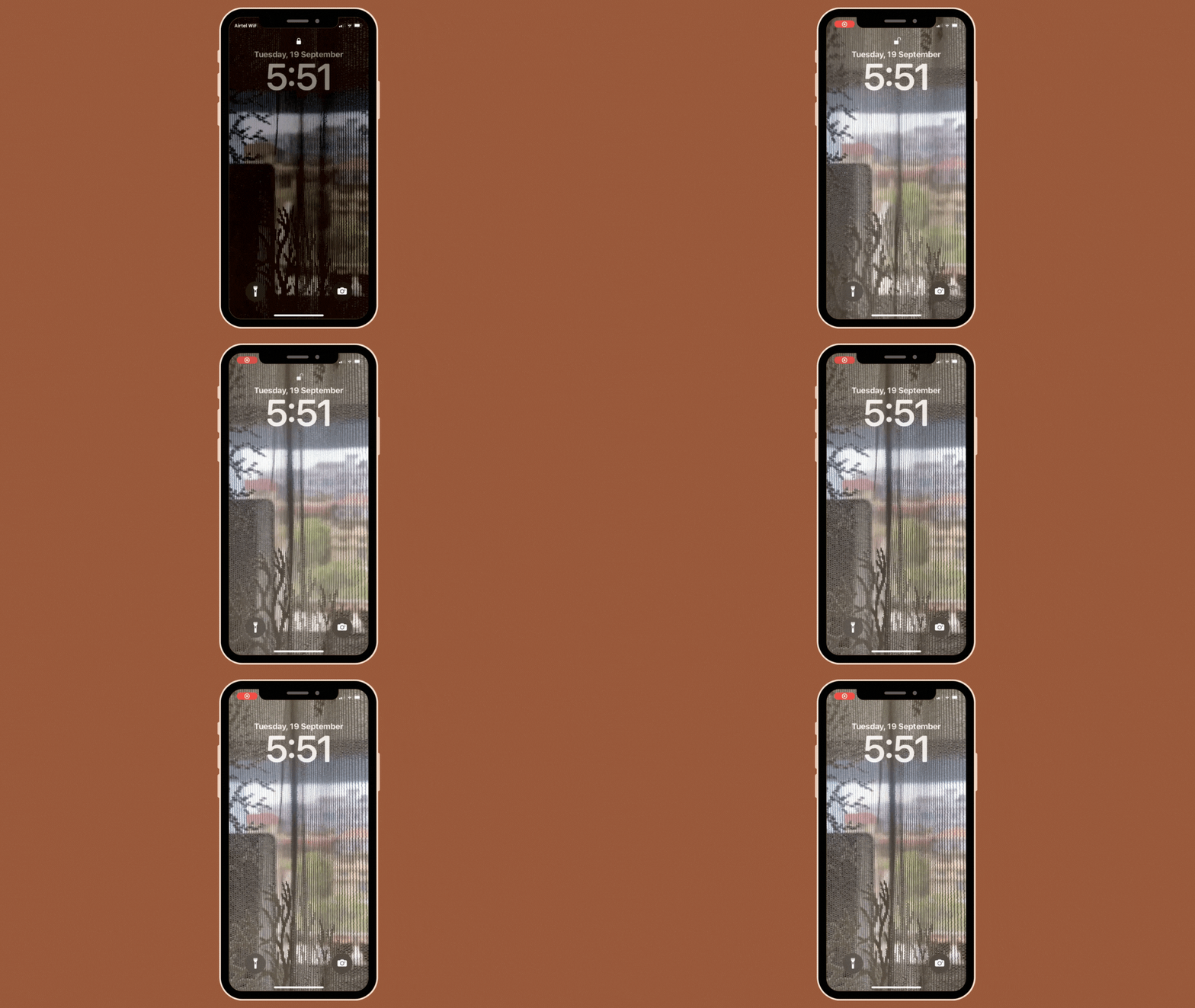
iOS 17: How to Use a Live Photo as Lock Screen Wallpaper on iPhone
What to know Apple lets you apply Live Photos as backgrounds on your iPhone’s lock screen in iOS 17 which will then animate every…
-

Fix: ‘Check in is not available to send to this recipient’ Issue on iOS 17 on iPhone
What to know The ‘Check In’ feature requires a number of permissions to function properly, including Location Services, Significant Locations, uninterrupted mobile data connection,…
-
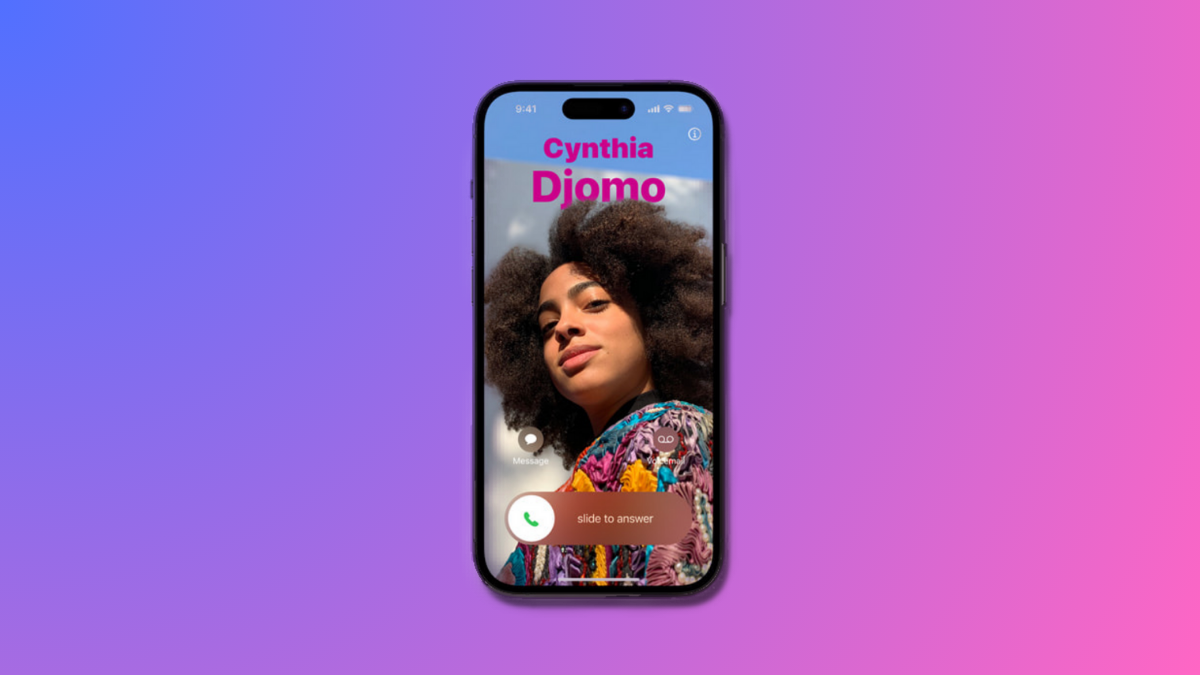
How to Personalize Phone Calls in iOS 17 on iPhone
What to know iOS 17’s Contact Poster feature allows you to customize your image on others’ iPhones during calls or messages. To do this,…
-

How to Use FaceTime Reactions on iPhone
Apple recently integrated reactions in the FaceTime app. These reactions allow you to express your emotions with a simple hand gesture or by using…
-

iOS 17 Grocery List Not Working? How to Fix
What to know To use Grocery List, enable iCloud for Reminders by going to Settings > your name > iCloud > Apps Using iCloud…
-

How to Use HEIF Max (48 MP) on iPhone 14 Pro (And Save Storage Space From Camera Clicks)
What to know To enable and use HEIF Max on your iPhone 14 Pro (or iPhone 15 Pro), head to Settings > Camera >…
-

iPhone 15 Pro: What Color Is Natural Titanium Exactly?
What to know The Natural Titanium variant of the iPhone 15 Pro has a silver-gray color. It looks to have a touch of golden…
-
![8 Ways to Reinstall Safari on iPhone [2023]](https://cdn.nerdschalk.com/wp-content/uploads/2022/09/safari-app-logo.png)
8 Ways to Reinstall Safari on iPhone [2023]
Web browsing is a fundamental feature of mobile devices, facilitated effectively by browsers. These browsers also enable the installation of content blockers and other…
-
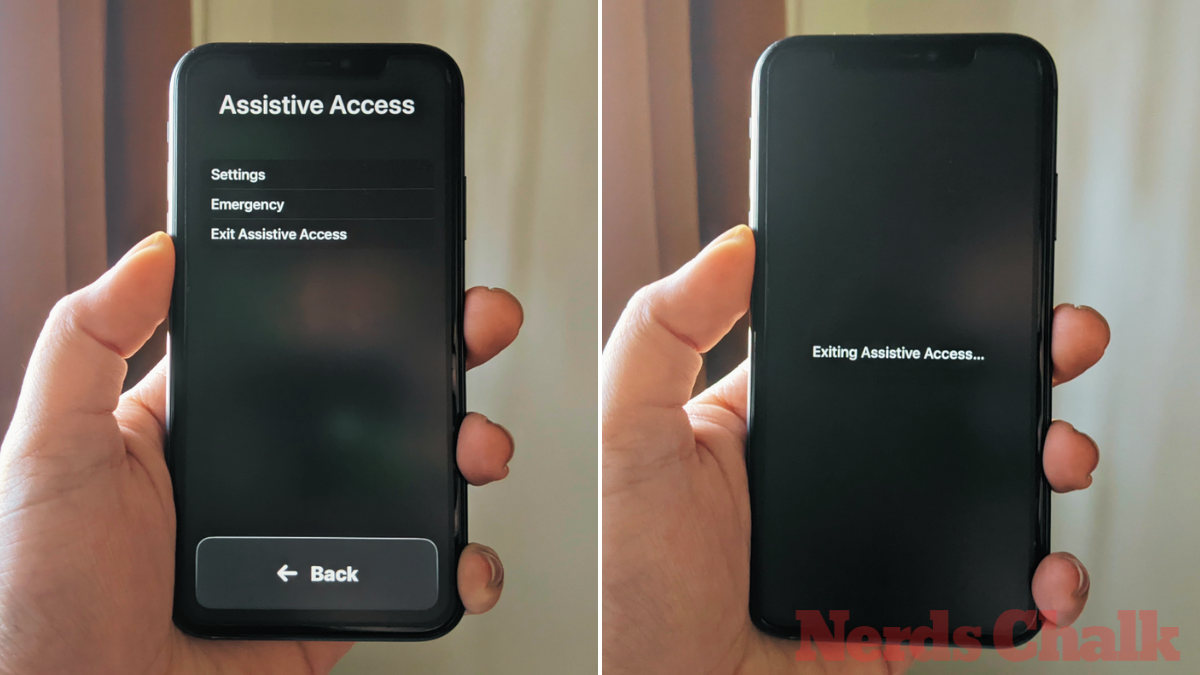
How to Turn Off Assistive Access on iPhone
What to know Assistive Access is an accessibility feature that’s designed for people with cognitive disabilities to use an iPhone by stripping away unnecessary…
-
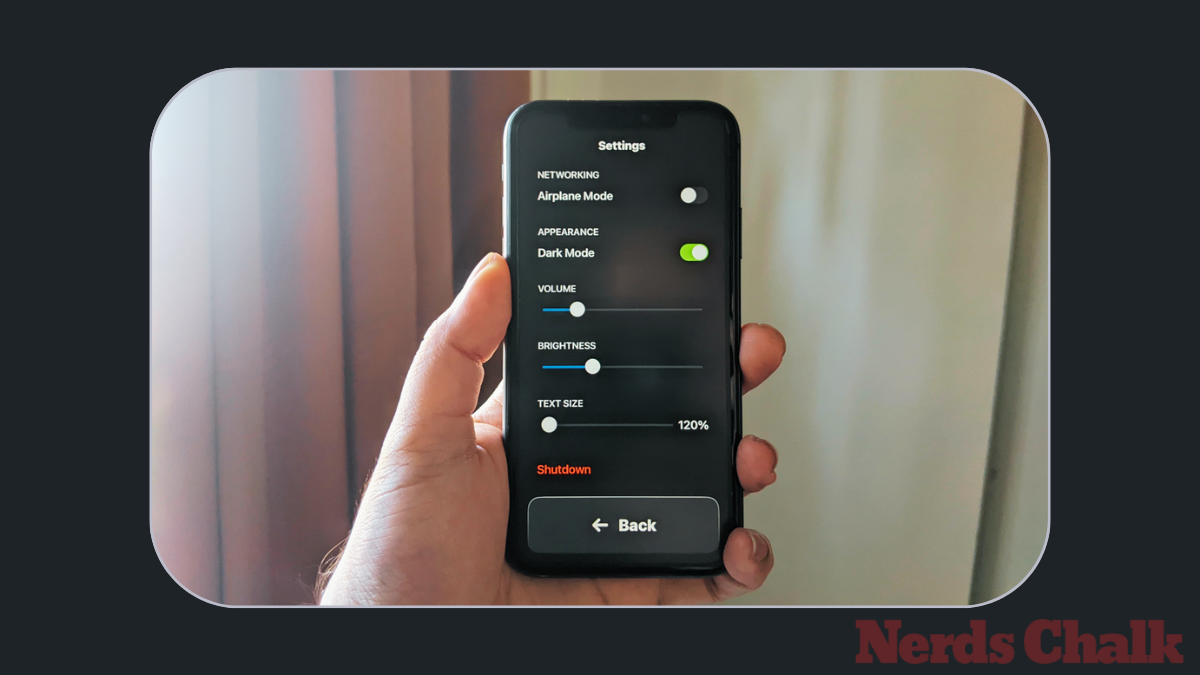
How to Customize Assistive Access on iPhone
What to know You can configure Assistive Access, how it looks, and what apps appear on it even after the initial setup. To access…
-
![How to Copy and Paste on Facebook on iPhone [2023]](https://cdn.nerdschalk.com/wp-content/uploads/2023/09/how-to-copy-paste-facebook-iphone-fi.png)
How to Copy and Paste on Facebook on iPhone [2023]
What to know You can copy-paste text, media files, and links on your iPhone’s Facebook app. You can do so from a third-party app…
-

How to Turn On and Set Up Assistive Access on iPhone
What to know Assistive Access is an iOS accessibility feature that’s designed for people with cognitive disabilities to make it easy for them to…
-

How to Use Assistive Access on iPhone
What to know Assistive Access is an accessibility feature that’s designed for people with cognitive disabilities to use an iPhone by stripping away unnecessary…
-
![14 Best iOS 17 Features Thus Far [August 2023]](https://cdn.nerdschalk.com/wp-content/uploads/2023/07/best-ios-17-features-fi.png)
14 Best iOS 17 Features Thus Far [August 2023]
iOS 17 is just around the corner, set to drop in mid-September, and we bet you’re buzzing to see what’s new for your iPhone…
-
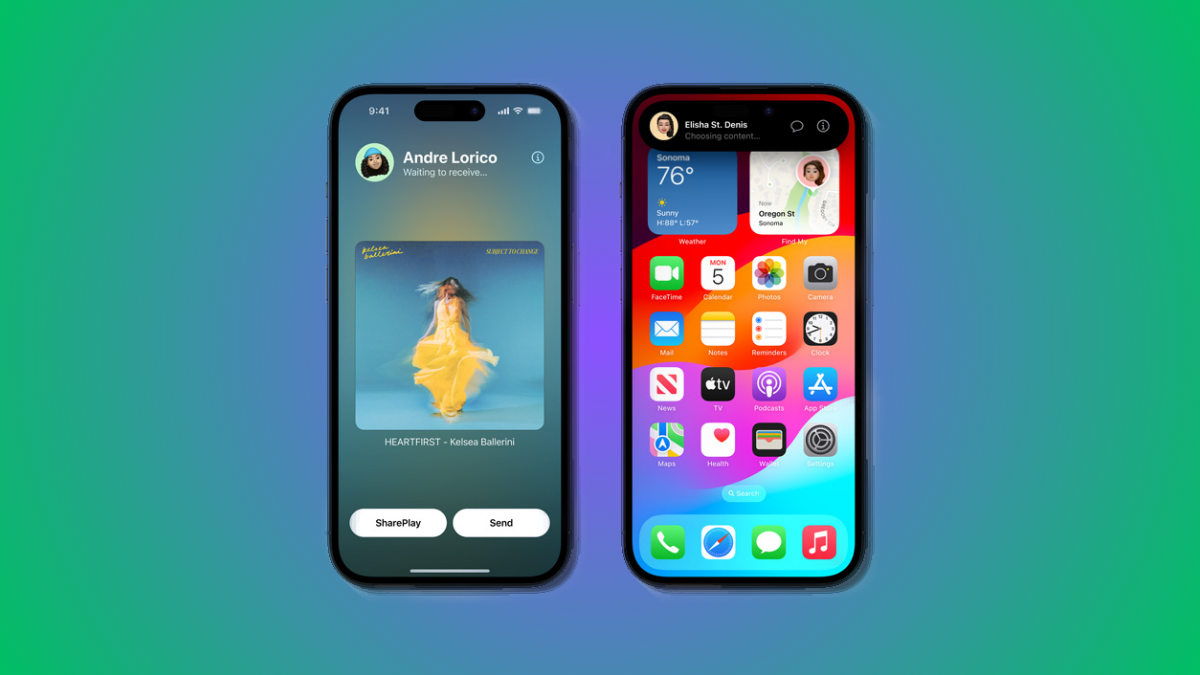
How to Start Shareplay Instantly by Bringing iPhones Closely
What to know iOS 17 has introduced new and improved AirDrop features and among these is the ability to instantly start a SharePlay session.…