
Topic
iPhone
-
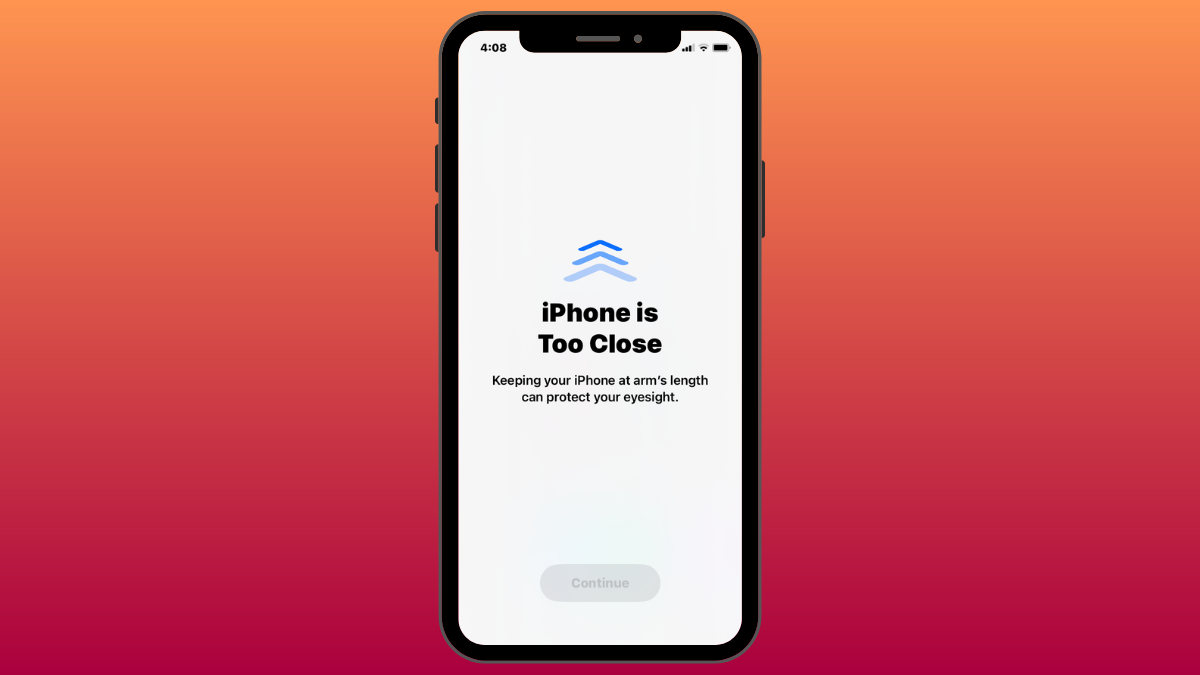
iOS 17: iPhone Is Too Close Issue: 4 Ways to Fix
What to know To completely disable the “iPhone Is Too Close” warning, go to Settings > Screen Time > Screen Distance and turn off…
-

iOS 17: How to Customize the Privacy of Your Contact Photo and Poster on iPhone
What to know When you change your name or photo of your contact card on your iPhone, the updated information is shared with all…
-

iOS 17 Audio Message Transcription Feature: What to Know
What to know In iOS 17, the Messages app transcribes your audio messages automatically. Audio Message Transcription is enabled by default and can vary…
-
![14 Ways to iOS 17 StandBy Not Working [Updated]](https://cdn.nerdschalk.com/wp-content/uploads/2023/06/ios-17-fix-standby-mode-fi.png)
14 Ways to iOS 17 StandBy Not Working [Updated]
What to know There could be several reasons why StandBy mode it not working for you. We have shared 14 possible fixes with guides…
-

How to Reset Hidden Siri Suggestions on iPhone
What to know To reset Siri suggestions you hid in the past, go to Settings > Siri & Search > Before Searching and tap…
-
![What Does Personal Voice Do in iOS 17? [Explained]](https://cdn.nerdschalk.com/wp-content/uploads/2023/06/ios-17-set-up-and-use-personal-voice-fi.png)
What Does Personal Voice Do in iOS 17? [Explained]
What to know You can set up Personal Voice by going to Settings > Accessibility > Personal Voice > Create a Personal Voice. To use…
-
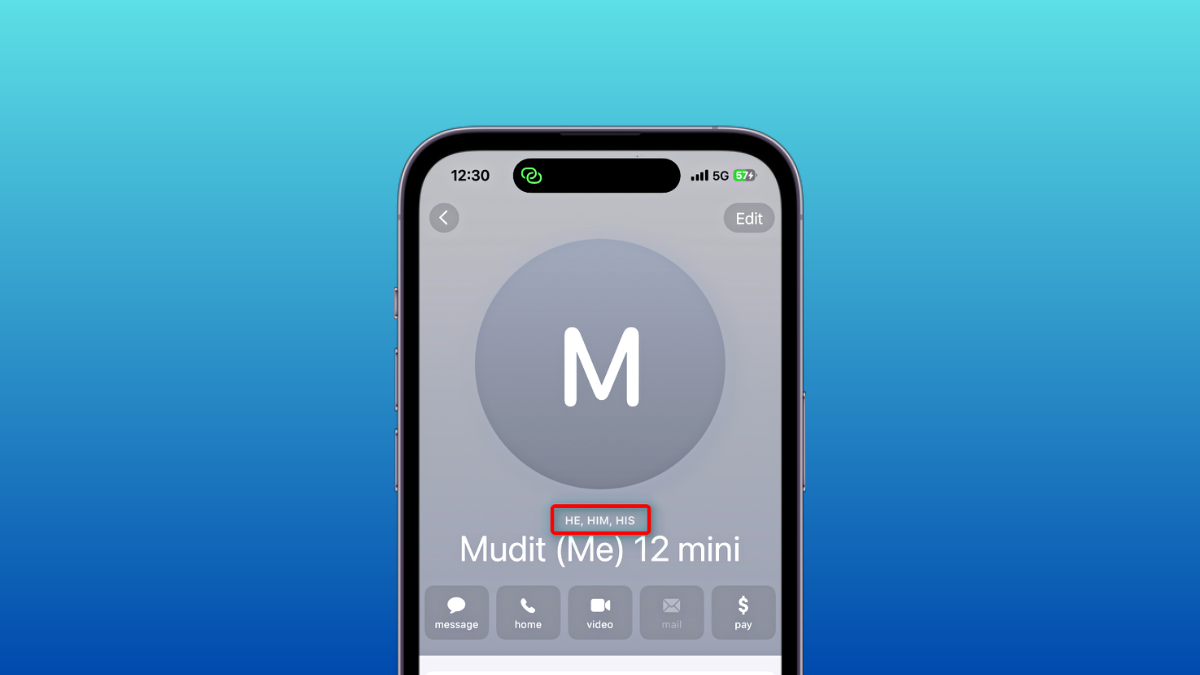
How to add pronouns for a contact on iOS 17
What to know You can now add and assign pronouns for all contacts stored on your iPhone with the release of iOS 17. To…
-
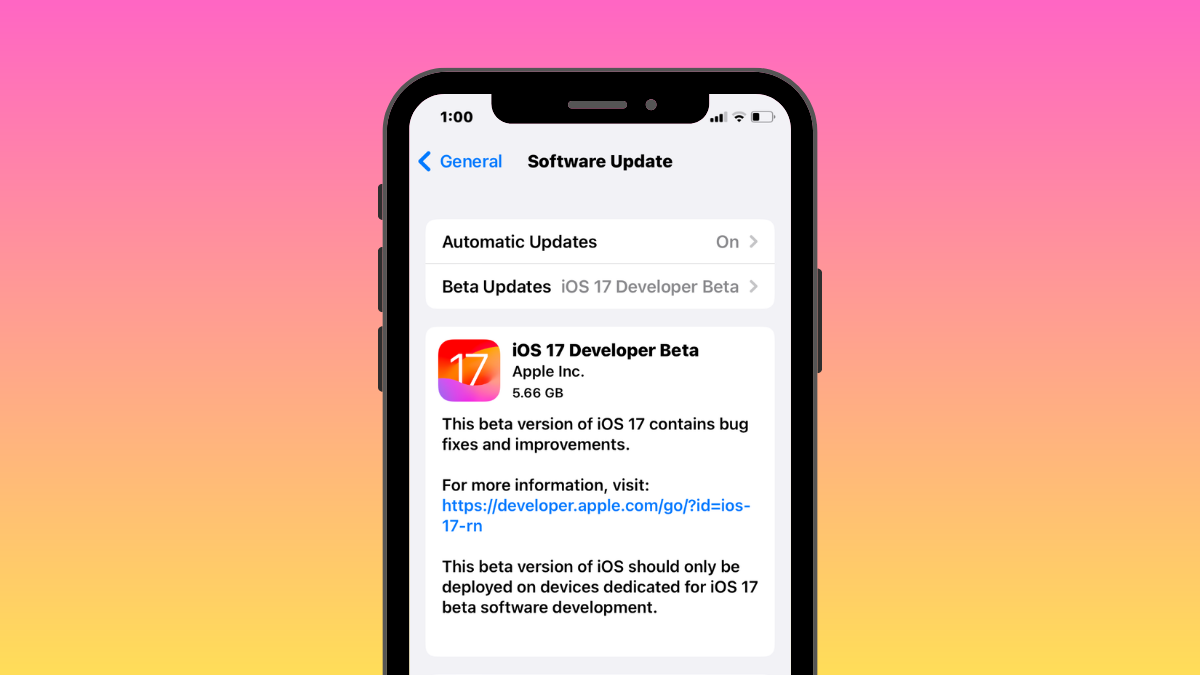
iOS 17 Phones: List of iOS 17 Update Eligible iPhones and More
What to know iOS 17 will be available on the iPhone XR, iPhone XS, or newer devices. You will be able to update to…
-

iOS 17: How to Use Multiple Timers on iPhone
What to know With the iOS 17 update, you can set more than one timer on your iPhone. To activate multiple timers, go to…
-

iOS 17: How To Enable or Disable Location and Captions in Photos Before Sharing on iPhone
What to know You can customize your photo options when sharing images using stock Apple apps. For example, to customize options when sending images…
-

iOS 17: How to Turn off StandBy Mode on iPhone
What to know StandBy is a new iPhone feature that shows widgets and different backgrounds when the device is charging in landscape mode. To…
-
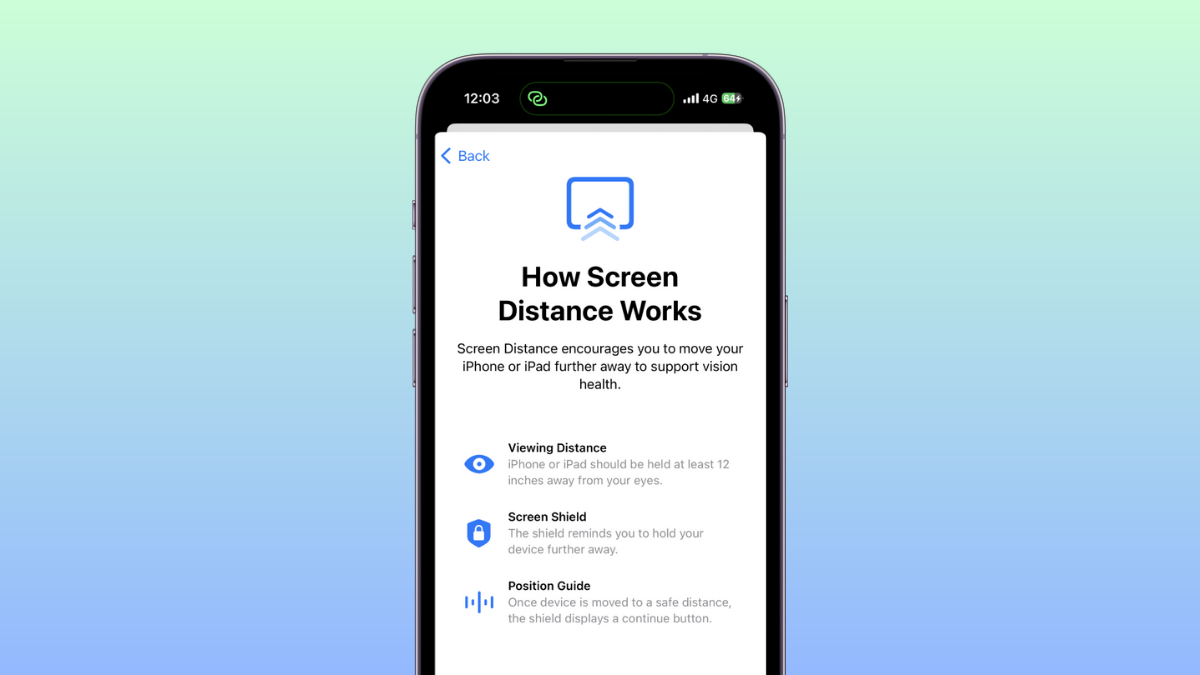
iOS 17: How to Turn Off Screen Distance on iPhone
What to know To disable Screen Distance, head to Settings > Screen Time > Screen Distance > Turn off Screen Distance. Screen Distance helps…
-

iOS 17: What Is Live Voicemail on iPhone and How to Enable and Use It
What to know You can enable Live Voicemail by going to Settings > Phone > Live Voicemail > enable Live Voicemail. Once enabled, all Voicemail messages…
-

iOS 17: How to Lock White Balance in the Camera app on iPhone
What to know The ability to lock the white balance setting when shooting videos on the iPhone’s Camera app comes after you update your…
-

iOS 17: How to Check Moon Data on iPhone (Moonset, Moonrise, Moon Phase Calendar, Distance, Illumination, and more)
What to know You can view all kinds of moon data from within the Weather app on your iPhone after updating to iOS 17…
-
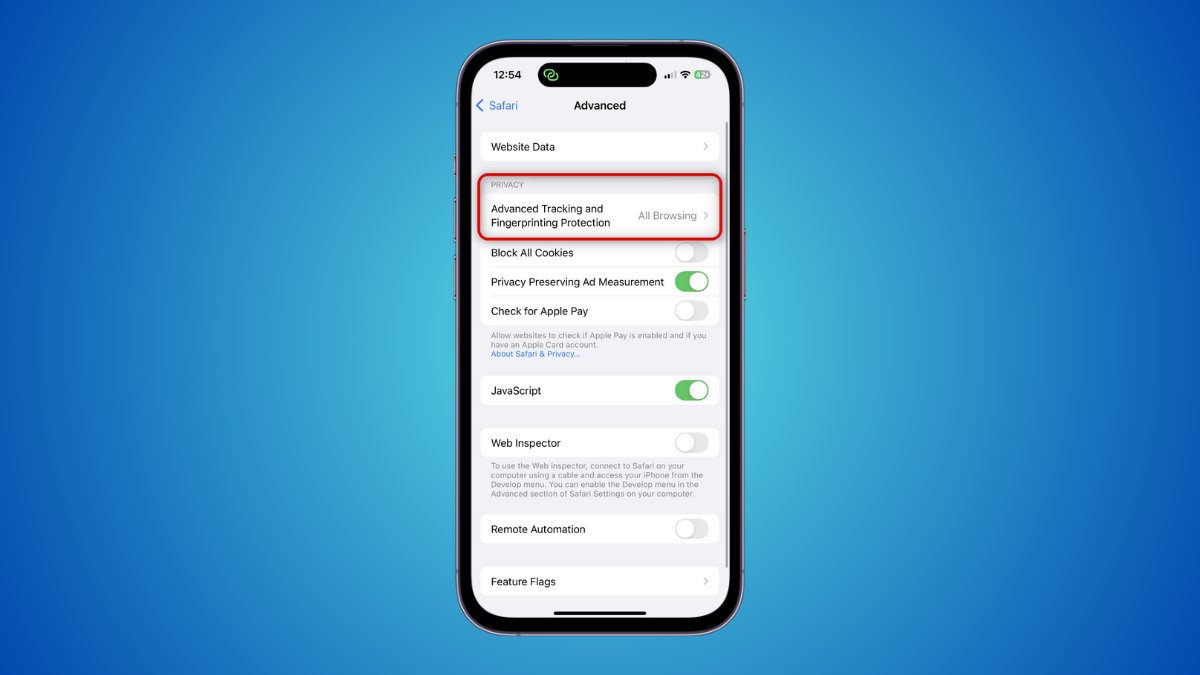
iOS 17: How to Enable Face ID for Regular Browsing Sessions Too on iPhone
What to know Advanced Tracking and Fingerprinting protection is a new privacy-focused feature enabled for all Private browsing sessions in Safari by default. To…
-

iOS 17: How to Recover Deleted Passwords on iPhone
What to know With the iOS 17 update, you can recover any password you recently deleted from your iPhone. To recover a password you…
-

How to send a video message when someone is unavailable on Facetime on iOS 17
What to know You can now send a video message to someone unable to receive a FaceTime call. This can help you convey time-sensitive…
-

iOS 17: How to Share Passwords Safely With Family on iPhone
What to know With the iOS 17 update, Apple lets you share passwords with your family or friends. You can set up a group…
