

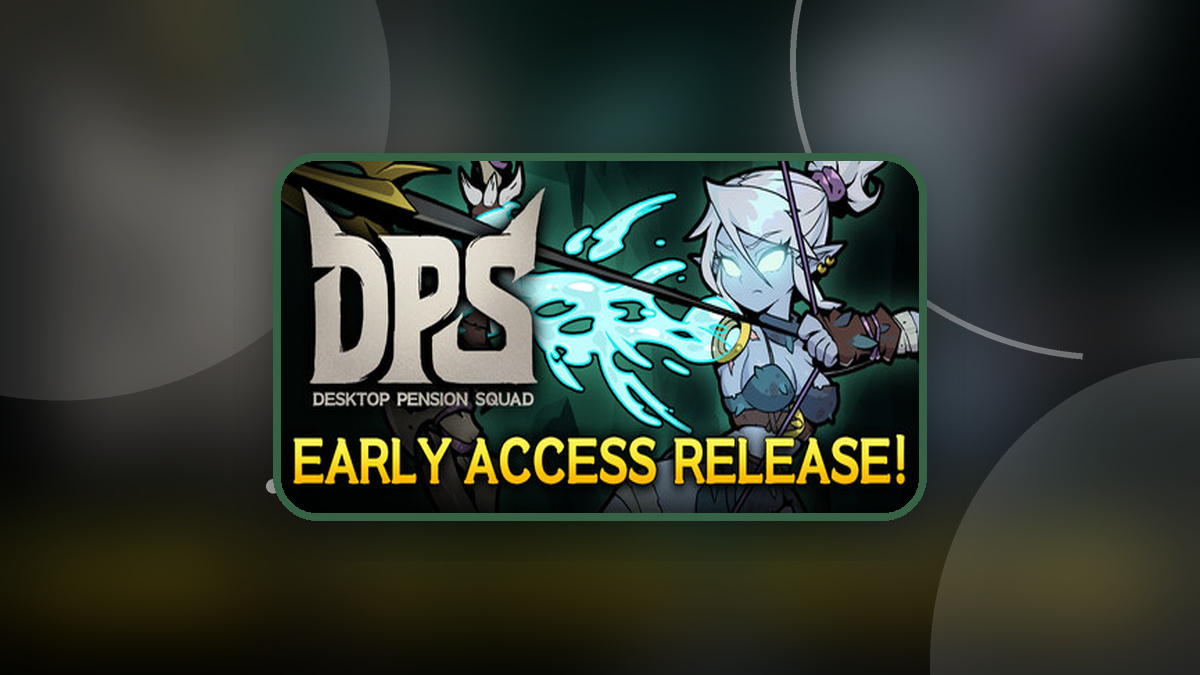
The short version
- DPS: Desktop Pension Squad Steam Market listings are available again.
- Previous sale listings were canceled, and their items were returned to Steam Inventory.
- Equipment names now include rarity labels.
- Active buy orders without rarity labels should be canceled and replaced.
- Trading requires eligible equipment, a DPS: Desktop Pension Squad account at least 3 days old, and Steam Community Market access.
Yes, you can buy and sell eligible DPS: Desktop Pension Squad equipment on the Steam Community Market again. The developer announced the reopening in its November 15, 2026 restoration notice, following final checks. Equipment names now identify their rarity, and players with existing buy orders need to check which names those orders use.
The Steam Community Market had opened for DPS: Desktop Pension Squad earlier on November 15, 2026. A Steam Community Market issue then prompted the developer to temporarily block new sale listings.
Which items can you trade, and who can use the Market?
DPS: Desktop Pension Squad trading covers tradable equipment rated Legendary or higher. Market access becomes available 3 days after you create your DPS: Desktop Pension Squad account.
Your Steam account also needs to satisfy the Steam Community Market requirements. You cannot use the Market while your DPS: Desktop Pension Squad account is under 3 days old or your Steam account has trading restrictions.
- Check any buy orders you placed before the temporary restriction. Cancel active orders whose equipment names lack a rarity label, then place replacement orders for the correctly labeled equipment.
- Before buying equipment, confirm that its name includes the rarity you want.
- Relist returned items from your Steam Inventory if you still want to sell them.
What happened to previous Market listings?
All existing DPS: Desktop Pension Squad sale listings were canceled during the restoration process. The listed items were returned to your Steam Inventory.
Those items need to be listed again if you want to sell them. Existing buy orders require a separate check: any active order for equipment without a rarity label should be canceled and replaced with an order using the updated name.
Why equipment names now include rarity
Some DPS: Desktop Pension Squad equipment shared a name despite having different rarities. That put equipment of different rarities into one Market listing, where the displayed rarity did not always match the purchased item.
Equipment names were updated to include rarity before listings reopened. The developer’s example shows how to distinguish the updated name from the earlier one.
Equipment naming example
| Listing version | Equipment name |
|---|---|
| Updated | Bloodthirsty Axe (Legendary) |
| Earlier | Bloodthirsty Axe |
Use the rarity-labeled name when placing a replacement buy order. Check that label again before purchasing equipment.
The DPS: Desktop Pension Squad team says it will continue monitoring the Market.
FAQs
Can I buy and sell DPS: Desktop Pension Squad items on the Steam Community Market again?
Yes. Steam Community Market listings have reopened for eligible DPS: Desktop Pension Squad equipment rated Legendary or higher. Your DPS: Desktop Pension Squad account must be at least 3 days old, and your Steam account must meet the Community Market requirements without trading restrictions.
When did DPS: Desktop Pension Squad Market listings return?
The reopening was announced on November 15, 2026. DPS: Desktop Pension Squad item listings were available again when the restoration notice was published.
How do I check equipment rarity before buying DPS: Desktop Pension Squad items?
Check the equipment’s Market name for its rarity label. The developer gives Bloodthirsty Axe (Legendary) as an updated name, compared with the earlier Bloodthirsty Axe name. Before buying, make sure the name displays the rarity you want.
Who do I contact if my DPS: Desktop Pension Squad purchase had the wrong rarity?
Contact Customer Support at [email protected] if you bought equipment before the temporary Market restriction and received a rarity different from what you expected, or noticed another unusual issue with that purchase. The DPS: Desktop Pension Squad team says it will investigate your case and respond.
If you think your purchase was affected, you can also contact the team through the official DPS: Desktop Pension Squad Discord.





Leave a Reply