
Topic
iPhone
-
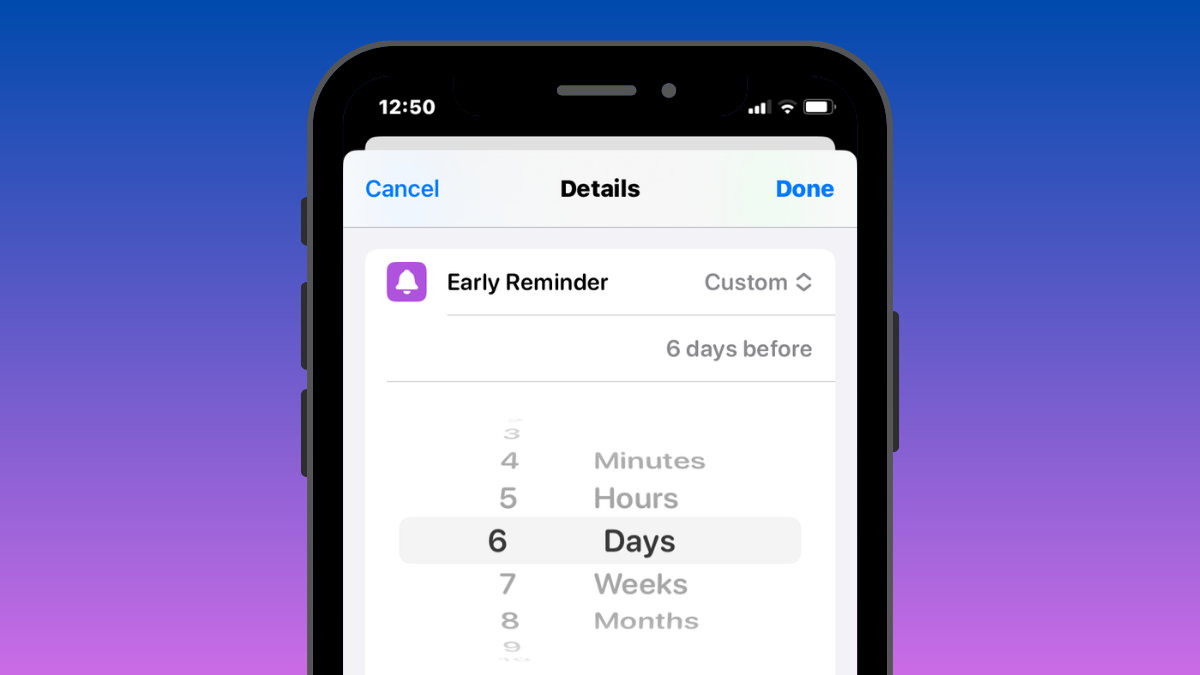
iOS 17: How to Set Early Reminders on iPhone
What to know The Early Reminders in the iOS 17 update feature on the Reminders app notifies you about existing reminders in advance. To…
-

How to create and use Safari Profiles on iOS 17
What to know Safari Profiles help you create unique profiles based on your workflow, interests, niches, and more. History, Extensions, Cookies, Tab Groups, and…
-
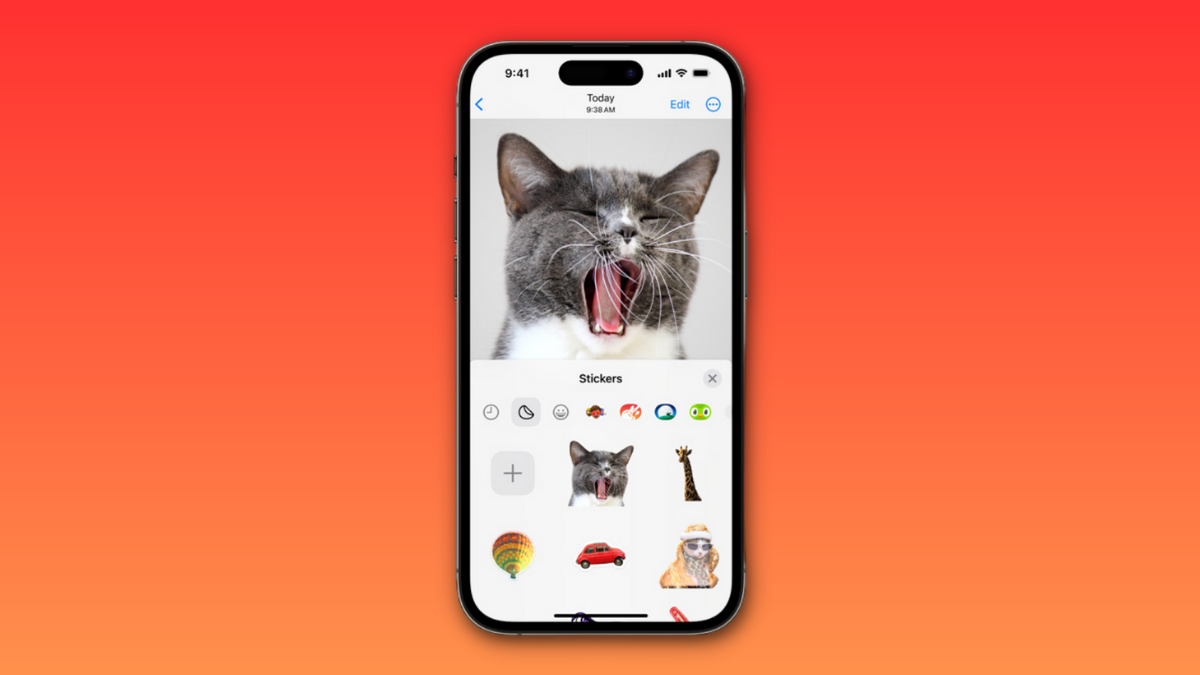
iOS 17: How to Create Live Stickers Using Your Photos on iPhone
What to know To create a sticker from a photo, tap and hold on a subject > Add Sticker > Choose a preferred effect >…
-

iOS 17: How to Get Call and Message Buttons for A Contact Widget on iPhone
What to know To enable the new Call and Message buttons, tap and hold on your home screen > Tap the contact widget > Turn on the toggle…
-

iOS 17: How to Turn On ‘Sensitive Content Warning’ on iPhone and What It Does
What to know You can turn on Sensitive Content Warnings by going to Settings > Privacy & Security > Sensitive Content Warning > Turn on…
-

iOS 17: How to Add Level Indicator in Camera on iPhone
What to know The iOS 17 update introduces a level indicator for the Camera app, aiding in precise alignment for your shots. To activate…
-

iOS 17: How to Customize Font Weight on iPhone Lock Screen
What to know You change the font weight of the digital clock on your iPhone’s lock screen after updating your device to iOS 17.…
-
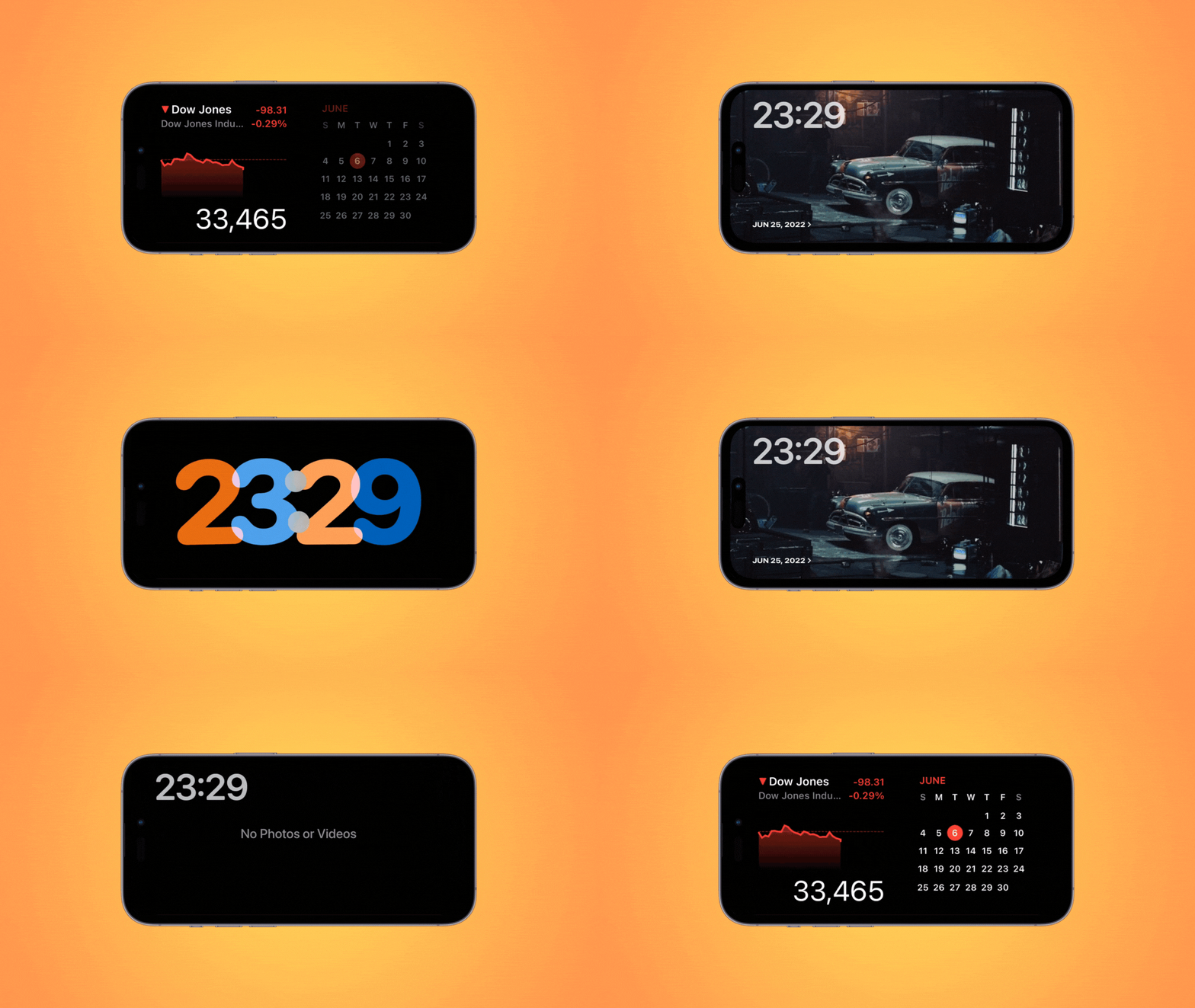
iOS 17: How to Edit and Customize the StandBy Mode on iPhone
What to know You can edit StandBy to remove existing widgets added by default. To enter the editing mode, tap and hold on to a…
-

iOS 17: How to Enable Face ID for Private Browsing in Safari on iPhone
What to know There’s an additional safety feature on the Safari app on iOS 17 or newer versions – Require Face ID to Unlock…
-

iOS 17: How To Enable and Use Screen Distance on iPhone
What to know Screen Distance is part of Apple’s Screen Time features that are available on iOS 17. To enable Screen Distance on your…
-

iOS 17: How to Force Delete Your Previous Passcode Permanently on iPhone With the ‘Expire Previous Passcode Now’ Feature
What to know You can use the new Expire Previous Passcode Now feature by heading to Settings > Face ID & Passcode > Enter your…
-

iOS 17: How to Enable Standby on iPhone
What to know You can enable StandBy by going to Settings > StandBy > Turn on the toggle for StandBy. iPhone 14 Pro and iPhone…
-

iOS 17 Contact Poster: Step-By-Step Guide to Set Up a Contact Poster on iPhone
What to know To set a contact photo on your iPhone, head to Contacts > My Card > Contact Photo & Poster > Name…
-
How to Fix Red Eye on iPhone
What to know Pictures with a red-eye effect can be fixed using the Photos app. The red eye tool should work on all pictures…
-

How to Instantly Create a GIF From Your iPhone Camera
What to know You can create a GIF directly from your iPhone camera using the Shoot a GIF shortcut. To make a GIF, go…
-
How to Make a Custom Alarm on iPhone
Apple’s native Clock app on iOS lets you set instant alarms, choose different times and days of the week, attach labels to your alarms,…
-
2 Ways to Check If Your iPhone Is Fast Charging
If you upgraded to an iPhone that came out in the last couple of years, it won’t have a charging adapter included in the…
-

How to Turn Off Your iPhone Using Siri
What to know To turn off your phone, activate Siri by saying “Hey Siri” or by holding down the Side button > say “Power…
-

How to Choose a Different Apple ID for iOS Beta Updates
What to know You can now choose a different Apple ID on your iPhone to receive public or developer beta updates. To select the…
-

How to Change a Shortcut’s Icon to Original on Shortcut on iPhone
App’s Shortcuts app is home to a bunch of shortcuts and automation designed to help your productivity and help you ease your day-to-day tasks.…