
Topic
iPhone
-
How to Find Your Blocked List on iPhone
Blocking contacts is a great way to minimize unimportant calls and people you no longer wish to be in touch with. You can also…
-
![Can You Hide Subscriptions on iPhone? [2023]](https://cdn.nerdschalk.com/wp-content/uploads/2023/11/how-to-hide-subscriptions-on-iphone.png)
Can You Hide Subscriptions on iPhone? [2023]
Apple makes it easy for you to view all of your subscriptions that are active on your iPhone. and they can be accessed from…
-

How to Attach Photo to Email on an iPhone
What to know To attach a photo to an email using the Mail app, open the Mail app > Compose > Compose email >…
-
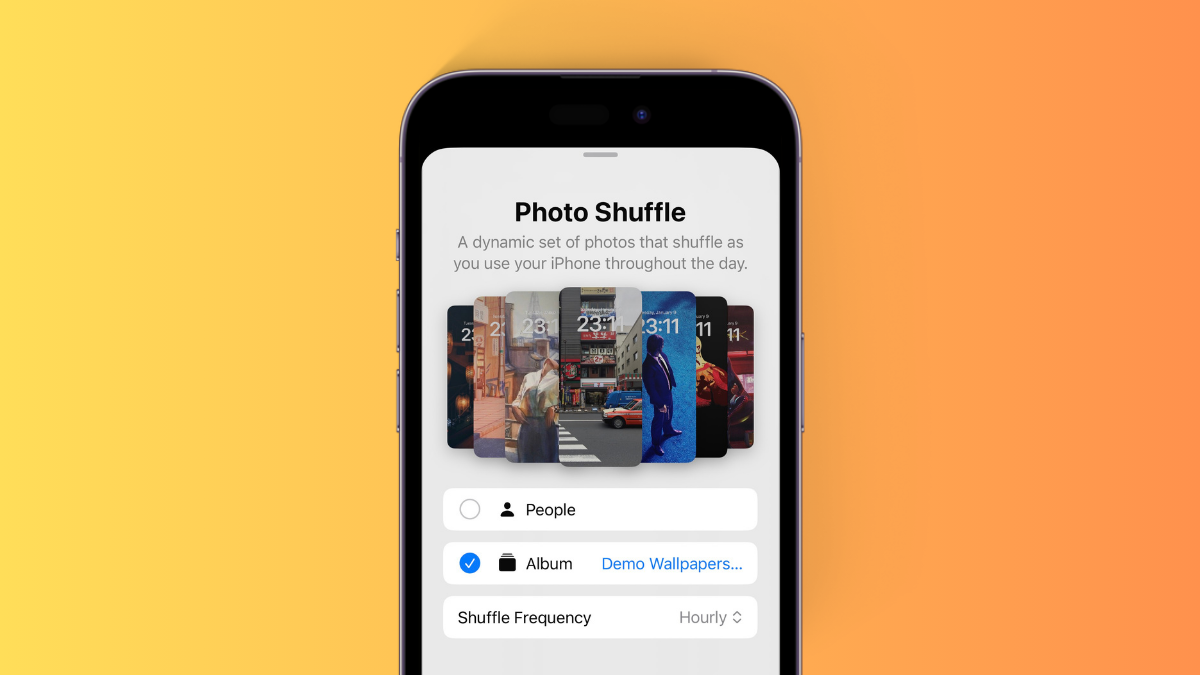
How to Apply a Specific Album for Photo Shuffle Wallpaper on iPhone
What to know To choose a specific album for your Photo Shuffle wallpaper, head to your Lock screen > Tap and hold > + icon…
-
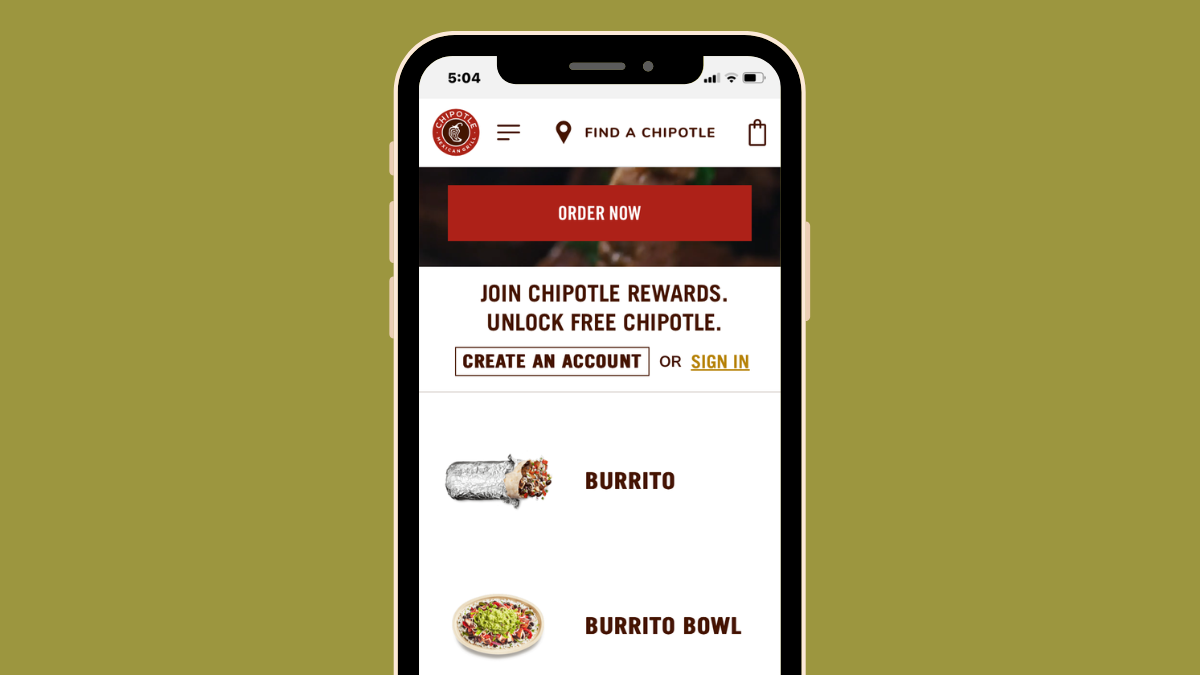
Chipotle App Not Working on iPhone? 7 Ways to Fix
What to know Chipotle’s app on iOS may not be working for reasons related to network traffic, outdated app versions, and app or account…
-
![How to Make iPhone Not Sleep [2023]](https://cdn.nerdschalk.com/wp-content/uploads/2023/11/stop-iphone-from-sleeping-fi.png)
How to Make iPhone Not Sleep [2023]
What to know You can turn off auto lock under Settings > Display & Brightness > Auto-Lock > Select ‘Never.’ To fix screen dimming,…
-

What Does Sleep Mode Do on iPhone?
What to know Sleep mode is a dedicated Focus mode that helps reduce distraction, set a schedule, and more. To use Sleep mode, you…
-

How to Turn off Cellular Data for Airdrop and What Happens When You Disable It
What to know Apple lets you continue an AirDrop transfer using cellular data in iOS 17.1, even when your iPhone goes out of the…
-

How to Change Notification Sound for Specific App in iOS 17 on iPhone
What to know In iOS 17, Apple added fresh and updated ringtones and alert sounds to their collection. Now you have a variety of…
-
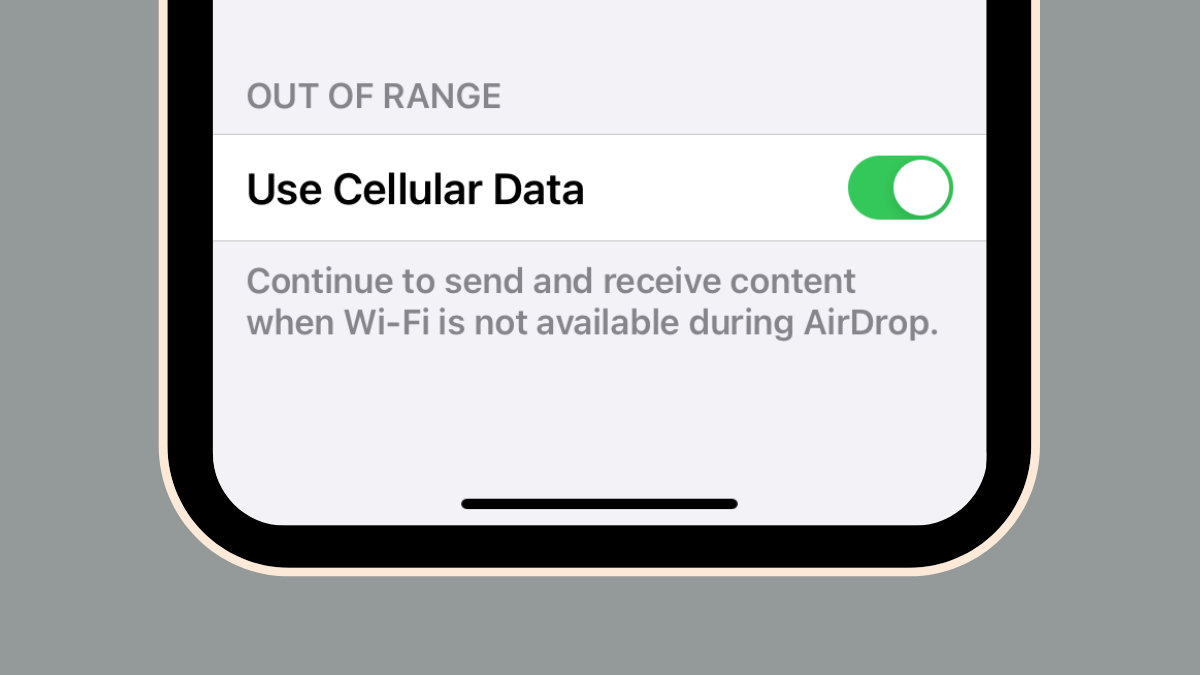
Can You Start an Airdrop Transfer Over Cellular on iPhone? No, Here is Why
What to know iOS 17.1 offers the ability to transfer data using AirDrop over cellular data, even when you leave the AirDrop range of…
-
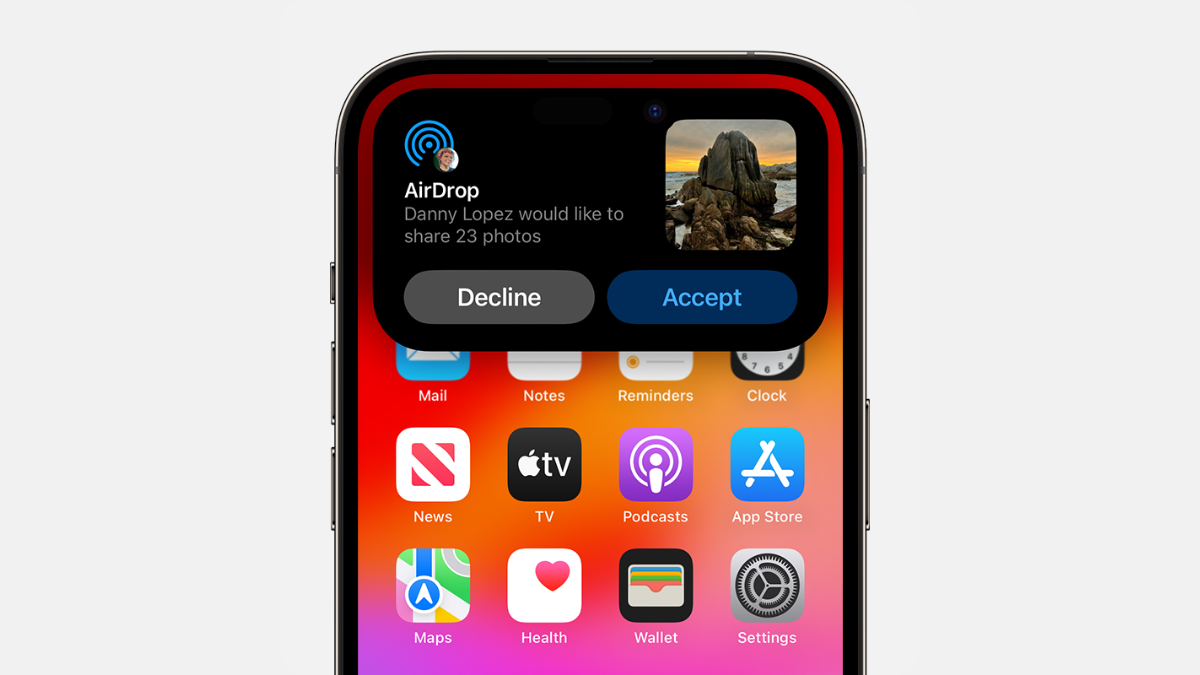
How to Enable and Use Airdrop on Cellular Data or Internet
What to know iOS 17.1 allows you to continue an AirDrop transfer using cellular data when your iPhone goes out of the AirDrop range…
-

6 Ways to Identify Currently Playing Music on iPhone
What to know You can identify songs on your iOS and iPadOS device using the Shazam Control Center module. To do so, Swipe down…
-
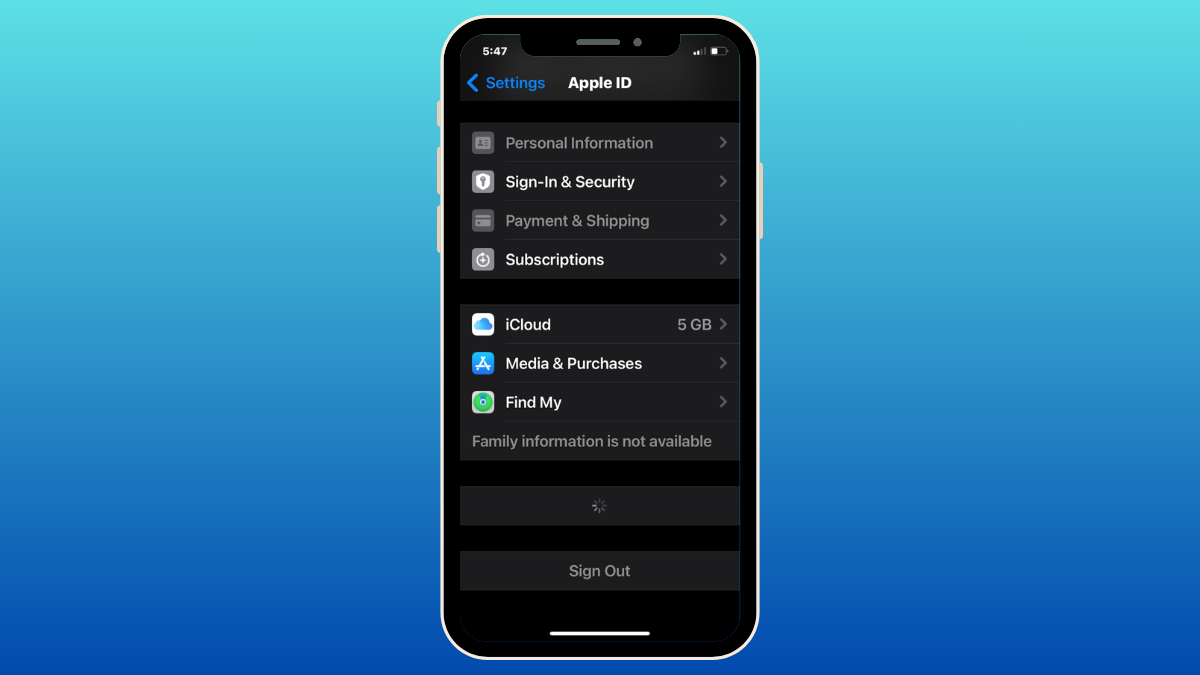
iPhone Trusted Devices List is Not Available? How to Fix
What to know Trusted devices is a list of Apple devices you own that show up inside the Apple ID screen on your iPhone.…
-
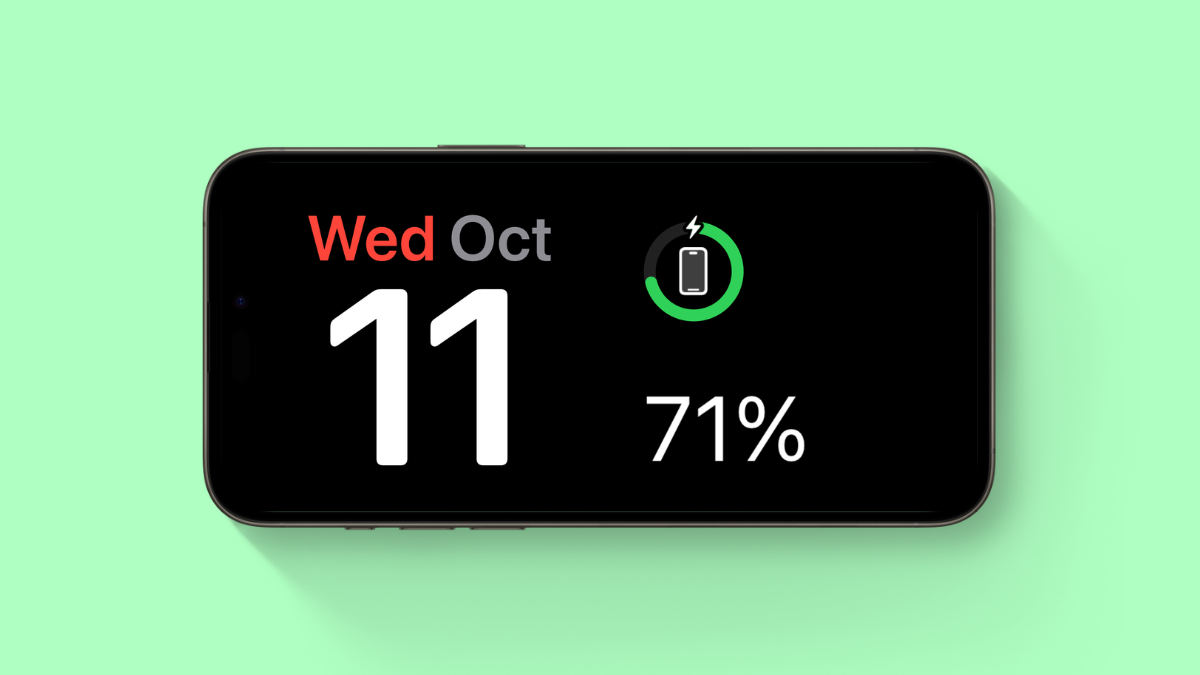
iPhone Not Charging Past 80%? How to Fix
What to know iOS comes bundled with a native feature called Optimized Battery Charging. If your iPhone isn’t charging past 80%, then it is…
-
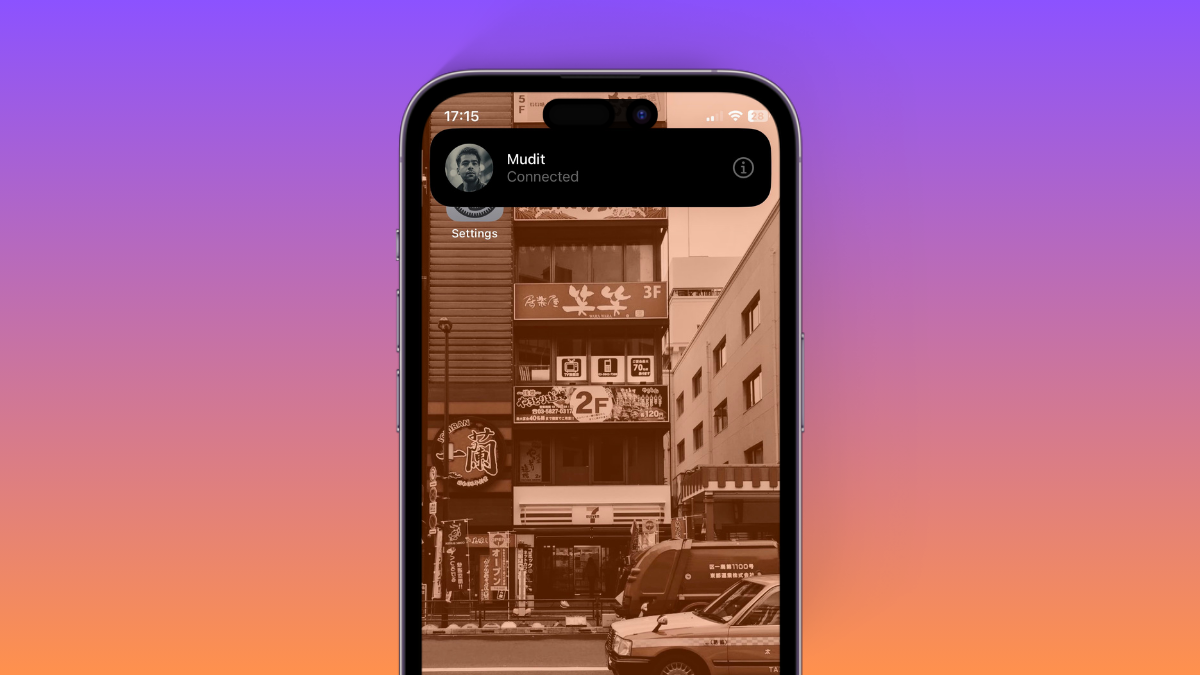
What Does Connected Mean on iOS 17? How to Fix This
What to know ‘Connected’ is a new notification displayed when you trigger AirDrop on iOS 17 using the new gesture. To do so, you…
-

Location Sharing Not Working in iOS 17? How To Fix
What to know Try Location and Privacy reset first: head to Settings > General > Transfer or Reset iPhone > Reset > Reset Location…
-
![63 Coolest iOS 17 Features to Know [Nov 27 Update: 17.2 Features Included]](https://cdn.nerdschalk.com/wp-content/uploads/2023/10/54-tips-and-tricks-you-must-use-in-ios-171.png)
63 Coolest iOS 17 Features to Know [Nov 27 Update: 17.2 Features Included]
What to know iOS 17 is all about making your iPhone experience more personal, and it’s got some neat upgrades in various areas. Some…
-

How to Turn Off Contact Sharing in iOS 17
What to know To turn off NameDrop (contact sharing) on your iPhone, head to Settings > General > AirDrop > Turn off the toggle for…
-

iOS 17: How to Search Your Videos Using Spotlight
What to know Spotlight in iOS 17 now allows you to search your videos for specific content. You can search for objects, people, pets,…
-

What Happened to Using Siri During Phone Calls in iOS 17?
What to know ‘Siri in calls’ was part of the iOS 17 beta builds and was found under Settings > Siri & Search >…