
Category
Tips
-

How To Transfer Music From Windows to iPhone in 2021
Apple has been notorious for blocking and micromanaging connections to your device. While a great convenience in terms of privacy, it ends up taking…
-
How to Clear Clipboard on iPhone
The iPhone’s native Clipboard tool can copy texts as well as store images and other data so that you can paste the content onto…
-

How to Remove Quick Access on Windows 10
Microsoft Windows is arguably the most loved operating system on the planet. It’s used widely across desktops and laptops, offering virtually endless customization options…
-

How to find Motherboard Details in Windows 11
It’s always good to be familiar with your motherboard’s hardware, whether it’s to find its model number, update drivers, check compatibility for upgrades, or…
-

How to Merge Calls on iPhone
There are many reasons why you might need to speak to more than one person when making calls from your phone. You might need…
-

How to Transfer Music from Mac to Android
Thanks to the boom of streaming services, we hardly need to worry about keeping track of thousands of downloaded songs and playlists. We can…
-

2 Ways to Back up iPhone Without iTunes
Backups are essential for iPhones as they help bring them back to their previous configuration when you reset them or move on to a…
-

How to Turn off Test Mode on Windows 10
Windows 10 has introduced numerous security features for end-users since its launch. One main addition has been the ability to stop unverified/unsigned apps. Microsoft…
-
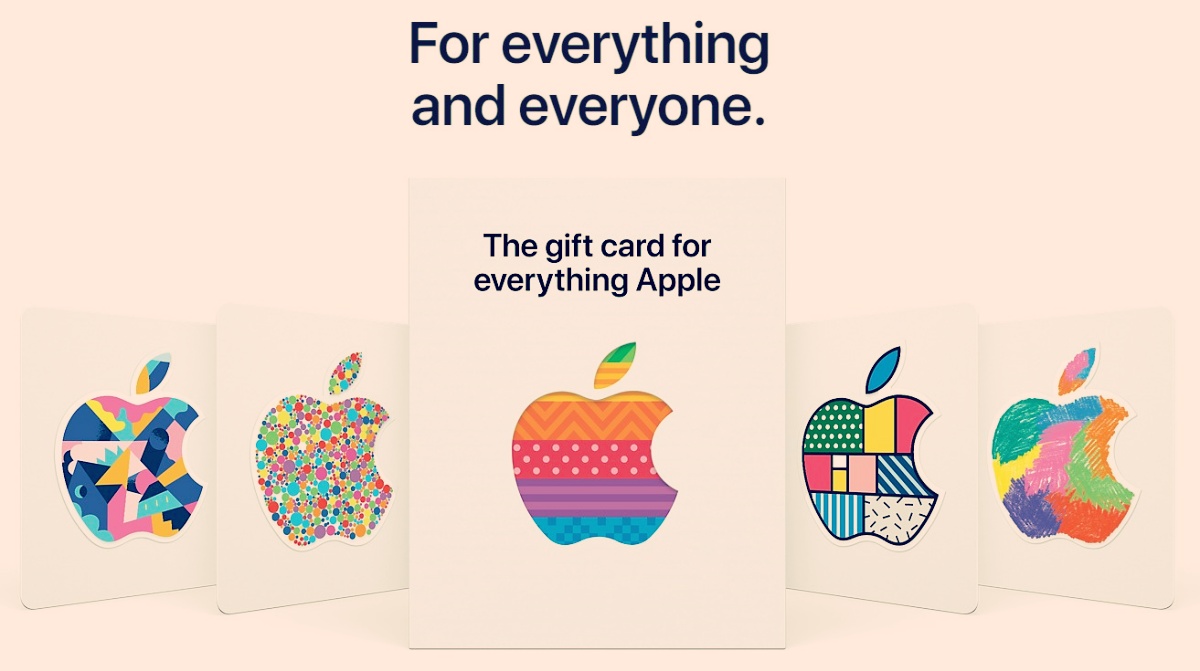
How to Buy and Redeem Apple Gift Cards
The holiday season is right around the corner and it is the perfect time to exchange gifts with your loved ones. However, in this…
-

How to Check Balance on an Apple Gift Card
The holiday season is just around the corner and one of the best gifts for the season seems to be Apple Gift Cards. They…
-

Turn Off Read Receipts for Privacy on Microsoft Teams
When WhatsApp rolled out Read Receipts or the ‘Blue Tick’ in 2014, the world of texting changed drastically, for better or worse. Since the…
-

How to Delete Services in Windows 10
Windows has a lot of administrative tools to give you complete control over your system. And rightly so, many programs install additional services, telemetry…
-

How to Turn off Mouse Acceleration on Windows 10
Input devices like mice are a must-have accessory for any system if you deal with a lot of navigation and pointing in your workflow.…
-

How to check RAM Type in Windows 10: DDR3, DDR4 or DDR5?
In matters concerning computer RAMs, we are wont to think more to be merrier. For someone who’s simply looking to improve their PC’s performance,…
-

How to Send an Email Straight From Chat on Microsoft Teams
Microsoft Teams has become the go-to app for many organizations across the globe. In many ways, Teams is not as easy to use as…
-

Best Cursive Fonts in MS Word
Design choices often help reflect the motive of your presentation, be it in an office or educational environment. One key element that helps influence…
-

How to Try Beauty Products Virtually on Google Before Buying
People around the world have been forced to rely on online shopping this year due to lockdowns in most countries. What can go wrong…
-

How to Turn on Dark Mode in Microsoft Teams
Since the release of Android 10, Dark Mode has become quite a necessity for all applications, across all platforms. While Microsoft Teams isn’t one…
-

How to Tell if Apple Pencil is Charging
While PCs and Macs are the main attraction when it comes to personal computing, mobile devices like iPads and tablets have been slowly creeping…
