
Category
Tips
-
How to Use YouTube Create App to Edit Videos, Add Music and Effects, and More!
What to know YouTube has an easy-to-use video editing app for creators called YouTube Create. The app offers a simple editing environment, with several…
-
How to Enable and Use Glanceable Directions on Google Maps
What to know Google Maps lets you see updated ETAs and next turns from route overviews and the lock screen. To enable this ‘Glanceable…
-
YouTube Music Web App Rolls Out Support for Offline Downloads
What to know YouTube Music web app for the desktop will soon allow downloading songs for offline playback. Look for the ‘Download’ icon next…
-

How to Create a Username and Hide Your Number on Signal
What to know Signal lets you create username so you can connect with others without revealing your phone number. To create a Signal username,…
-

How to Bookmark and Save Posts on Threads
What to know Threads lets you bookmark and save posts by tapping on the three-dot icon and selecting ‘Save’. All your saved posts are…
-
How to Instantly Access Android Photos and Screenshots as Notifications on Windows 11
What to know Windows has a new feature that lets you access images you capture on your Android device as notifications on Windows. Go…
-
How to Use Generative Erase in the Photos App on Windows 11 and 10
What to know Windows Photos app has a new AI-powered image editing tool called Generative Erase. With Generative Erase, users can leverage the power…
-
How To Format Messages On WhatsApp
What to know WhatsApp now lets you format text messages in eight format types. The format types include Italic, Bold, Strikethrough, Monospace, Bulleted List,…
-
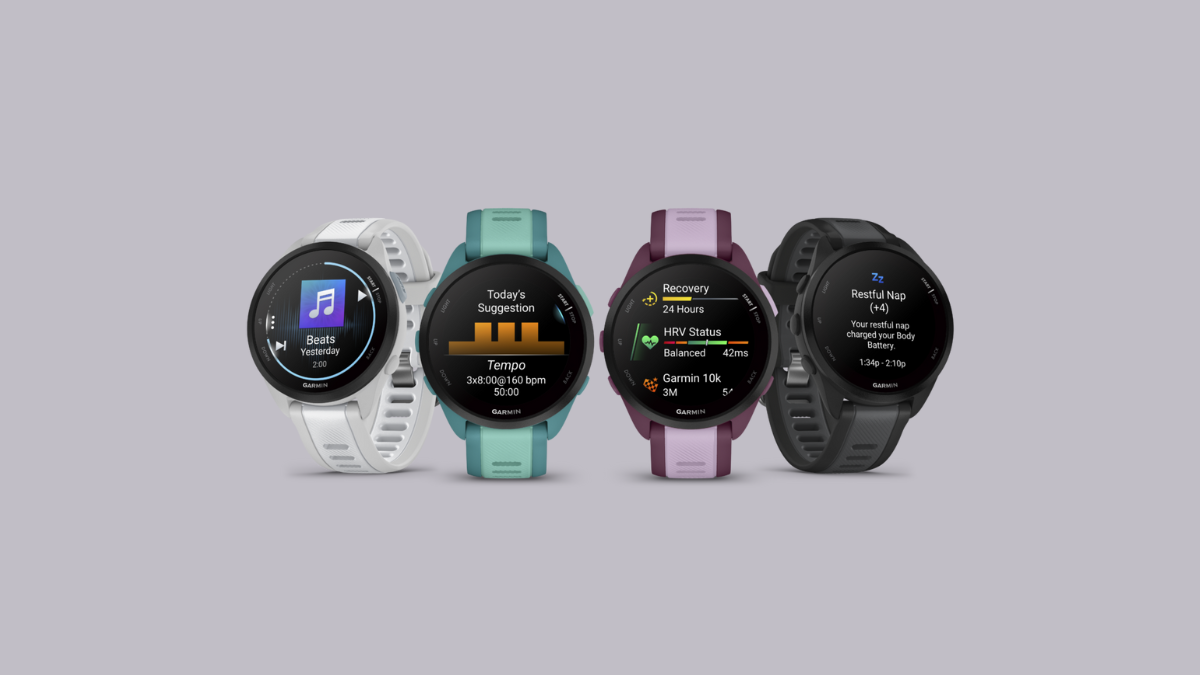
Garmin’s Forerunner 165 Smartwatches Are a Runner’s Dream (Realized Under $300)
What to know Garmin has launched two new smartwatches in its Forerunner series – Forerunner 165 and Forerunner 165 Music. Both smartwatches are ideally…
-
How to View Your Monthly Apple Music Replay on Phone or PC
What to know Apple Music Replay now lets you recap your listening history monthly. The feature is available on all platforms, iOS, Android, and…
-

How to Sync Your Bookmarks and Passwords on Duckduckgo Browser
What to know DuckDuckGo now lets you sync bookmarks and passwords on Windows. Sync and save your data from Settings > Sync & Backup.…
-

Microsoft Unveils the New Sticky Notes App for Windows
What to know Microsoft has announced its new Sticky Notes app that comes with a few convenient note-taking features. The new Sticky Notes app…
-

How to Use Screen Time Widget on Nothing OS
What to know Nothing OS 2.5 has a new Screen Time widget that lets you monitor how long you use your device. The Screen…
-
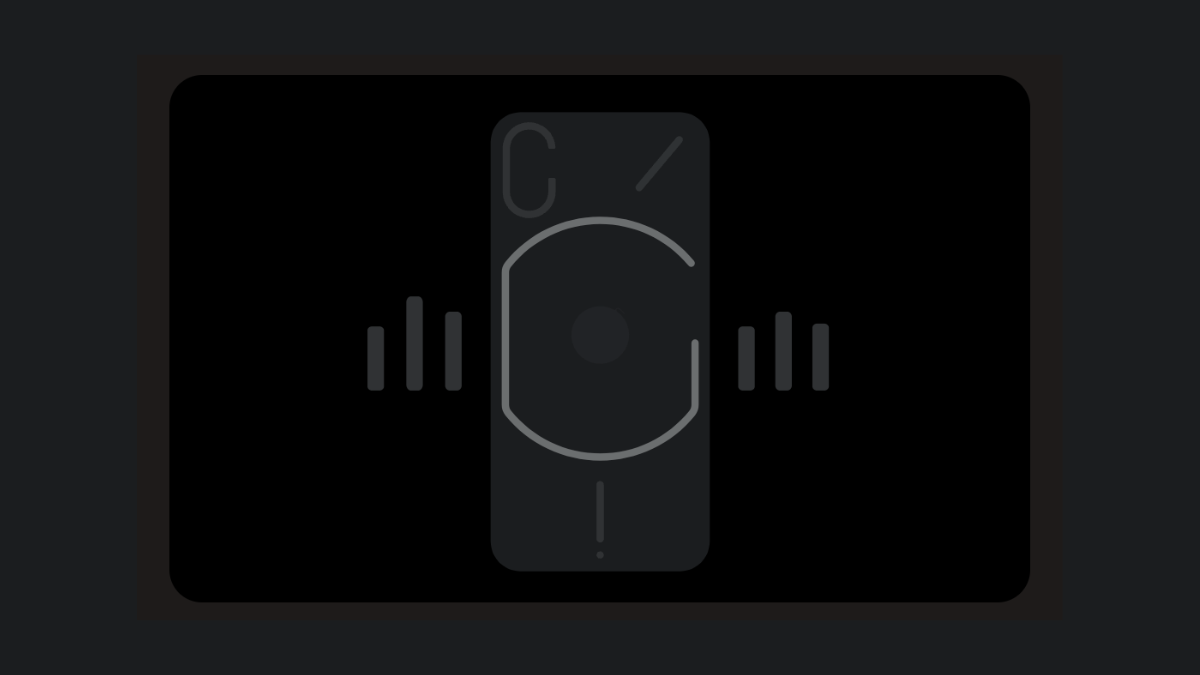
How to Enable Nothing Phone’s Glyph Interface for Music Visualization
What to know Nothing’s Music Visualization feature syncs the Glyph Interface lights to the music being played. Enable Music Visualization from Settings > Glyph…
-
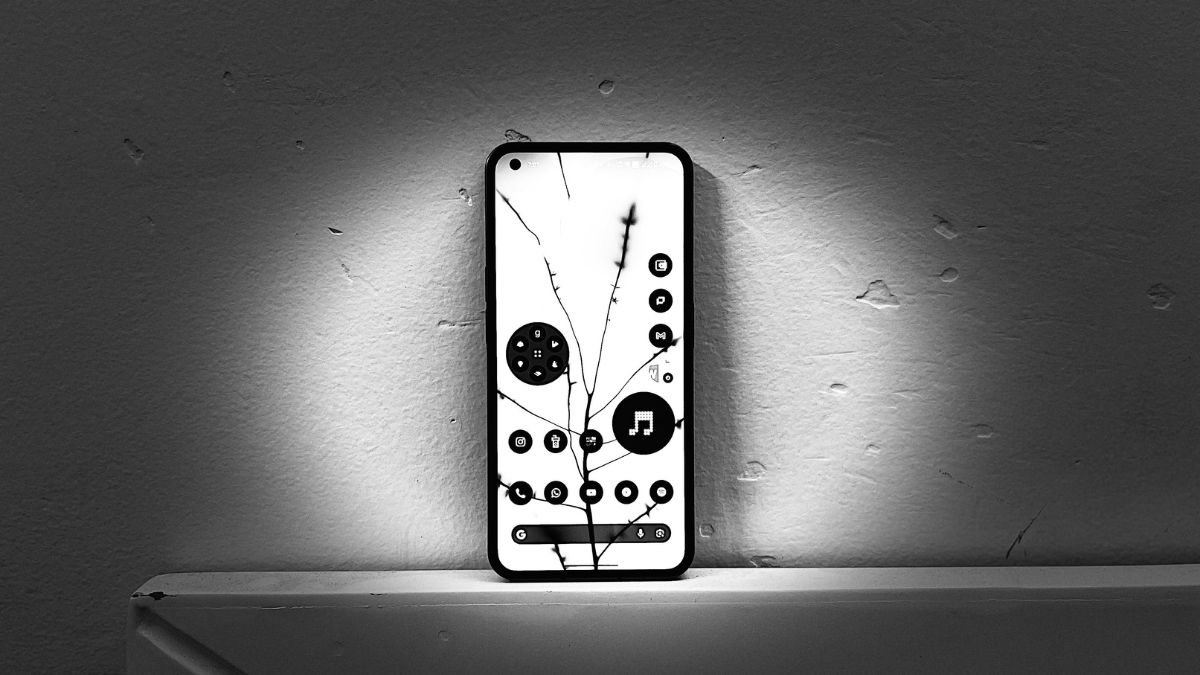
How to Customize the Power Button to Open Apps and Shortcuts on Nothing OS 2.5
What to know Nothing OS 2.5 lets you open any shortcut or app by double-pressing the power button. The customization of the Power button…
-
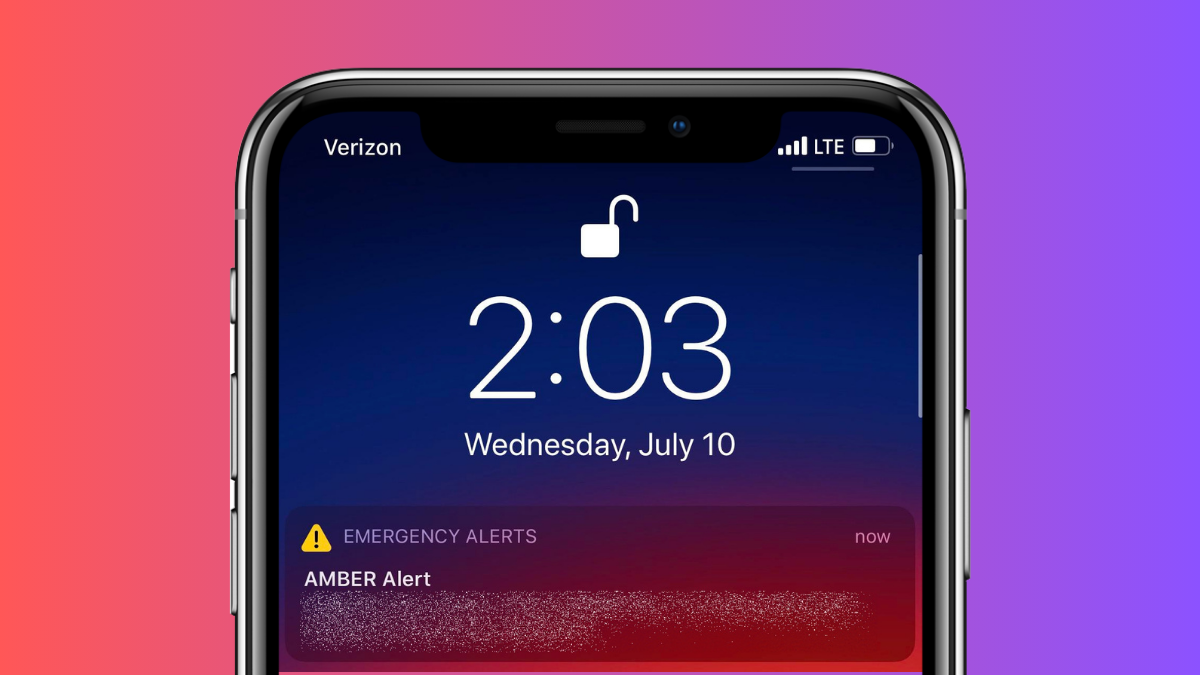
How to Turn Off Blue Alerts on iPhone and Android
What to know On Android, open the Settings app and select Safety & emergency > Wireless emergency alerts > turn off the AMBER alerts…
-
How to Explain with Copilot on Notepad in Windows 11
What to know Notepad on Windows 11 has an AI explainer feature called ‘Explain with Copilot’. With ‘Explain with Copilot’, users can select any…
-
How to Add Shapes to Screenshots in Snipping Tool on Windows 11
What to know The Snipping Tool now lets you add shapes as well as fill color, outline color, and outline thickness to them. Shapes…
-

Here Are the Two Ways to Enable Sudo in Windows 11 (Using Settings or CMD)
What to know As of February 09, 2024, the Sudo feature is available only in Windows 11 Canary version 26052. To enable Sudo, go…
-
How to Get To Clipboard on Android
What to know On Gboard, the clipboard is found behind More options > Clipboard. On Microsoft Swiftkey, the clipboard is available in the top…