
Category
Tips
-
How to Enable or Disable Link History on Instagram
Whenever you tap on a link on Instagram, it opens in Instagram’s very own in-app browser. But did you know that you can make…
-
How to Add Visual Effects and Adjust Lighting on Google Meet
Video conferencing has been all the rage since the pandemic, facilitating not only remote and hybrid work but also virtual get-togethers for families and…
-

How to Enable Audio and Video Calling On X (Twitter)
After its iOS launch, X (Twitter) is now extending its audio and video calling feature to Android as well. Similar to other social media…
-
How to use Copilot in Outlook
Those who’ve purchased a Copilot subscription will find the AI companion in just about every Microsoft 365 app. Outlook users who struggle with writing…
-
How to use Copilot in Word
The release of Copilot Pro brings a world of AI goodness inside your most used Microsoft 365 apps. In Word, the integration of Copilot…
-

How to Get Copilot Pro
Copilot is here and available for users with a Microsoft 365 Personal and Family subscription in the form of Copilot Pro. But getting instant…
-

If I Pin Someone on Snapchat, Will They Know?
What to know No. Anyone you pin or unpin on Snapchat is only for you to see. By the same taken, you also can’t…
-
How to Add Custom Lyrics to a Song in the Apple Music App for Windows
We’ve all come across songs that either have their lyrics written incorrectly or don’t show any lyrics at all. It’s not the ideal scenario,…
-

How to Add or Delete Custom Artwork to a Song in the Apple Music App for Windows
When it comes to album covers and artwork, listeners usually have very little say in the matter. What you see is what you get.…
-
How to Add Songs to Apple Music App for Windows
Apple Music has been available for PC via the Microsoft Store for over a year now. Though still in its beta (or preview) phase,…
-
6 Ways to Avoid Losing Access to Your Gmail Data
A lot of us rely on Google and its services for everyday tasks. Your Gmail address isn’t only used to send and receive emails…
-

How to Change Subject Line in the Gmail App or Web
An email’s subject line is a crucial part as it delivers a gist of what to expect in the message you’re about to send.…
-

3 Ways to Find Instagram Story Prompts
Instagram has a slew of features to help you interact with others and make your story viral. The ‘Add Yours’ sticker is one such…
-
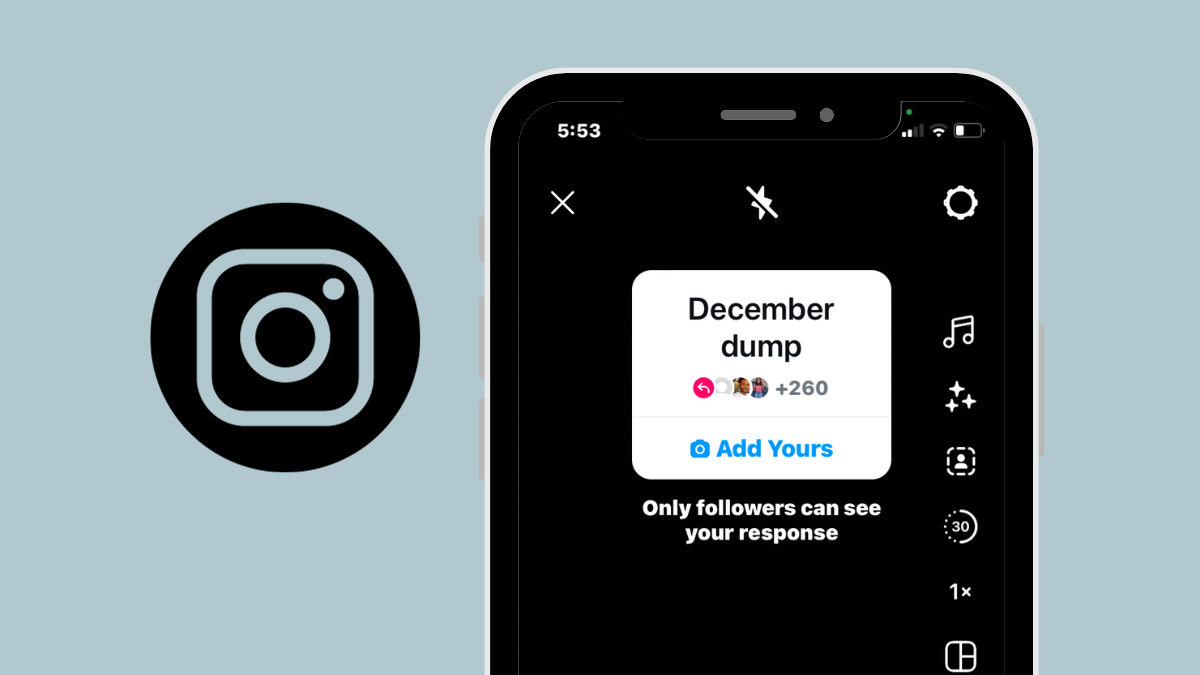
How to Find Existing Add Yours Stickers on Instagram
Instagram has an Add Yours sticker that you can add when posting a story or reel on the Instagram app. When you post your…
-

Google Bard May Soon Have an Advanced ‘Paid’ Version
What to know Bard will soon get an advanced version running Google’s Gemini-Ultra model. Bard Advanced will be available for free for 3 months…
-

Everything You Need to Know about the Copilot Key on Your Keyboard
What to know Copilot is a dedicated key on the keyboards of Copilot+ PCs. The Copilot key resides next to the right-Alt key on…
-

How to Change Standard Account to Admin Account on Windows 11
Being stuck with minimal privileges on a standard account can be rough. You don’t have access to many settings, system folders, and a multitude…
-
2 Ways to Restore Windows 11 Using a Restore Point
If your Windows 11 system runs into any trouble, you can use your restore points, whether they be created automatically or manually, to get…
-
How to Transfer Apps From One PC to Another
Moving to a new computer marks new and fresh beginnings. There’s no junk, the hardware’s new and pristine, and you’ve got all the storage…
-
How to Turn off Popular Highlights on Kindle
Kindle books are a delight to read. Among their various advantages is the ability to sync them across devices, check the definitions of words,…