
Category
how to
-
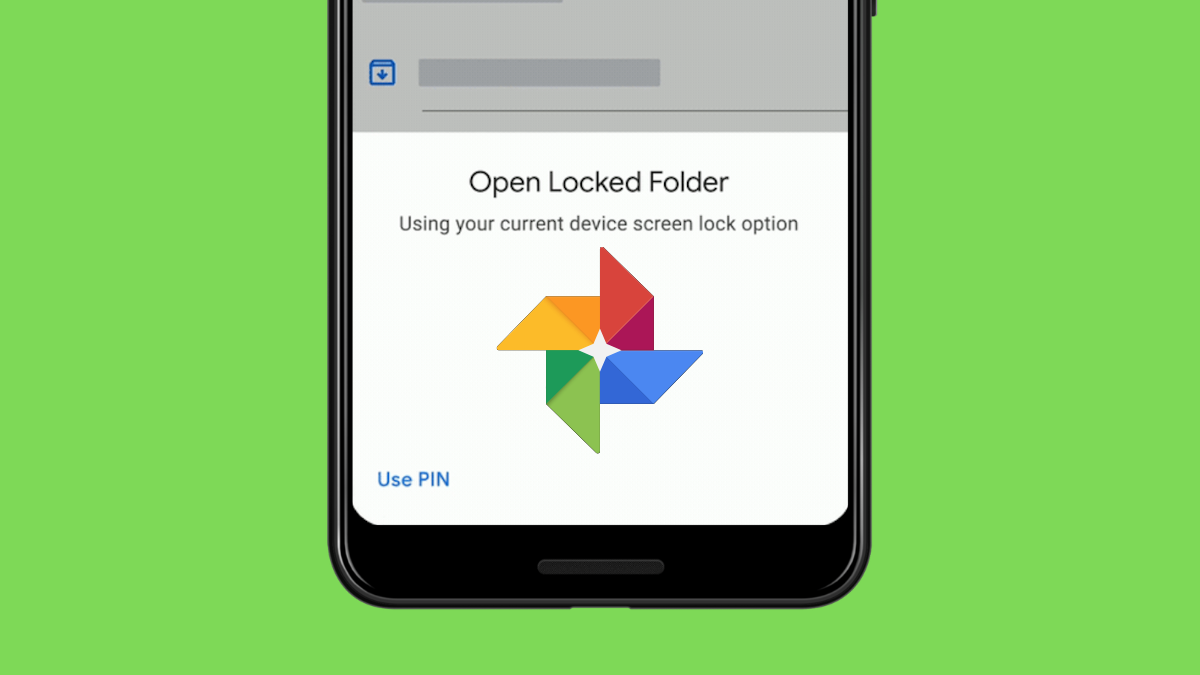
How to Use Locked Folder on Google Photos
What to know Google lets you hide your sensitive photos inside a Locked Folder that can be used on mobile devices running Android 6,…
-

Android 12: How To Turn Off Clipboard Access Warning (Pasted From Your Clipboard Pop-up)
Google has focused primarily on privacy on the second beta of Android 12. A slight but appreciable change is that users will see a…
-

Pixel Launcher: How To Turn Off the Weather in the ‘At a Glance’ Widget
Sitting right at the top on the home screen, the ‘At a Glance’ widget on the Pixel launcher has remained more or less unchanged…
-
What Is Internet Quick Setting Toggle on Android 12 and How Does It Work?
Changes galore in the second beta of Android 12! Apart from the major introductions that everyone’s smitten by, particularly the ‘Material You’ Wallpaper Themes…
-

iOS 15: How To Drag and Duplicate Tabs on Safari on Your iPhone and iPad
Tabbed browsing has changed the way we interact with websites since it was introduced in mobile browsers. Apple has not only revamped the Safari…
-

12 Ways To Turn Off Restrictions on iPhone
Apple allows you to employ restrictions for various features apps and features on the iPhone and these restrictions can be a great way of…
-
10 Ways to Fix Focus Not Working on iPhone
Apple offers several ways to improve your workflow and efficiency and the Focus feature inside iOS is one of them. Focus allows users to…
-

How to Half Swipe on Snapchat in 2021
Since the invention of Internet Messenger applications, users have been trying to read new messaging without actually letting the senders know that they have.…
-

Android 12: How To Find Which Apps Used Your Personal Data Recently
It’s been less than a month since Android 12’s beta program was launched, and we’re already seeing much of what was teased at the…
-

Android 12: How to Use ‘Material You’ Wallpaper Themes
The design changes that Android is receiving on its twelfth iteration are being considered the biggest ever, courtesy of the new Material You design…
-
iOS 15: How To Get and Activate Safari Extensions on your iPhone and iPad
iOS 15 has just been released and one of the most anticipated new features has been Safari’s new extensions. That’s right! The mobile version…
-

How To Enable Notify When Left Behind Alerts on iPhone
Apple’s Find My app offers a Notify When Left Behind feature that lets you know when you leave behind your iPhone, iPad, Mac, Apple…
-
Android 12: How to Use a Toggle to Block Camera and Microphone Access Quickly
Android 12 provides you a visual indicator when the camera and microphone on your device are in use. But it also provides you another…
-

How to Enable iCloud Backup Over Mobile Data on iPhone
By default, Apple backs up your device data over Wi-Fi networks but you can also use the cellular data on your iPhone to backup…
-

How To Find Comments on Your Google Photos?
Google Photos is widely regarded as one of the most easy-to-use yet sophisticated photo storage solutions around. Not only does it allow you to…
-

How To Stop Poeple and Apps From Bypassing Focus On iOS 15 on iPhone and iPad
iOS 15 was recently announced with tons of new improvements and features that many users have been waiting for. Among these new features is…
-

Focus on iOS 15: How to Whitelist People and Apps To Allow Interruptions From Them
Apple’s latest WWDC event has kickstarted the new year in tech space with a huge bang. The company announced its upcoming iOS 15 and…
-
How To Exclude an App From Google One VPN
Google offers its own way of protecting users from online monitoring and hackers with a virtual private network (VPN) that it bundles alongside certain…
-
iOS 15: How To Disable Notification Summary or Get Less Summaries Per Day
One of the coolest features in iOS 15 is ‘Notification Summary’. This new categorization by Apple uses machine learning and developer input to find…
-

iOS 15: How To Make Your Voice Loud and Clear on FaceTime
Though most of us are still fashioning iOS 14.6 and 14.7 beta, the next big step is already coming in the form of iOS15…