

Mudit
-
How to dim Always-on Display on iPhone 14 Pro
If the high brightness level of the Always-on Display screen on your iPhone 14 Pro and Pro Max is giving you headaches, worry not;…
-
How to turn off Always-on Display at night on iPhone 14 Pro
The Always-on Display is a nifty new feature on iOS that helps a lot in various ways, but it does consume some battery all…
-
How to Activate Dynamic Island on your iPhone 14 Pro and Pro Max
So, you want to make Dynamic Island do something, right? Or simply show it off to someone curious about it. But how do you…
-
How to get Siri on iPhone 14 and use it
Siri has long been a virtual assistant companion for every iPhone. She allows you to perform various tasks by simply using voice commands. If…
-
![How to get and play the Dynamic Island game on iPhone 14 Pro [Hit The Island]](https://cdn.nerdschalk.com/wp-content/uploads/2022/10/hit-the-island-image.png)
How to get and play the Dynamic Island game on iPhone 14 Pro [Hit The Island]
Dynamic Island is the new and improved notch from Apple that tries to blend the seams between hardware and software. There were bound to…
-

How to record in ProRAW and ProRes on the iPhone 14 Pro and 14 Pro Max
Apple’s iPhone 14 Pro is the first iPhone to feature a 48MP sensor. All previous iPhones would use the standard 12MP sensor with slight…
-
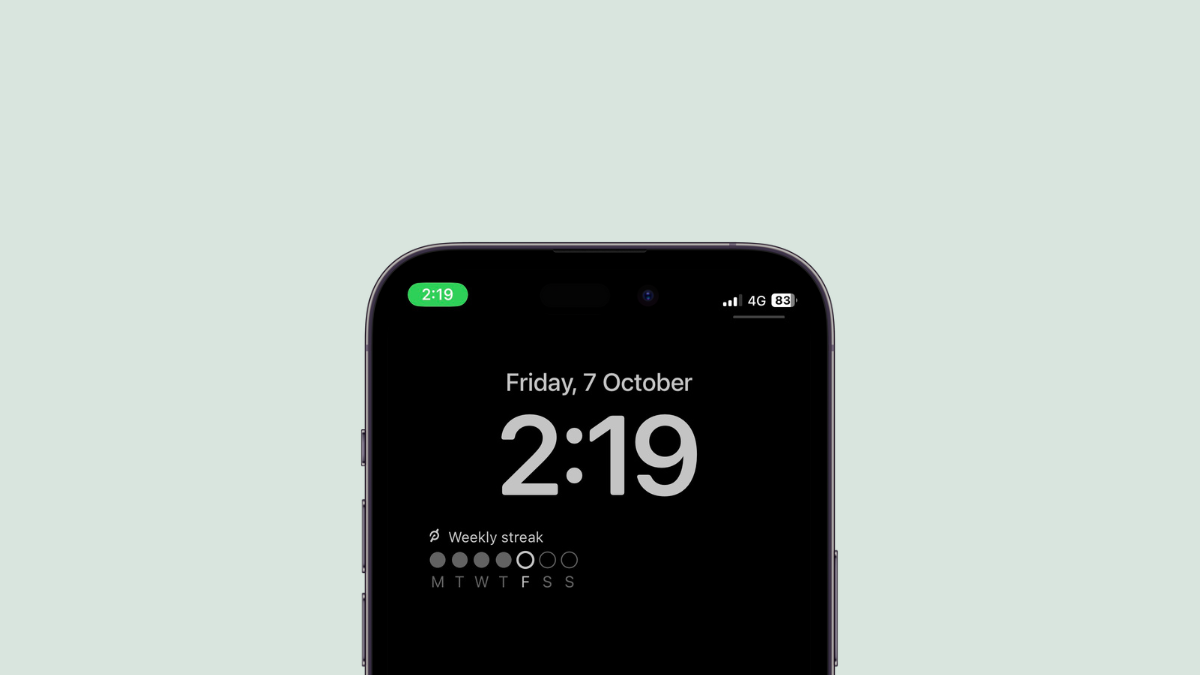
How to add Peloton Widget on Lock Screen on your iPhone with iOS 16
Adding a Peloton Widget on your iPhone’s Lock Screen on iOS 16 will help keep track of your week’s activity easily. Here is how…
-

How to use the 48MP camera on the iPhone 14 Pro and Pro Max
The iPhone 14 Pro and Pro Max are the first iPhones to feature a 48MP sensor. This is a huge leap from the previous…
-
![How to Send Voice Memos on iPhone [2023]](https://cdn.nerdschalk.com/wp-content/uploads/2022/10/voice-memos-image.png)
How to Send Voice Memos on iPhone [2023]
What to know Voice messages can either be created using the iOS Voice Memos app or from the Messages app on an iPhone. You…
-

What happens when you turn on Low Power Mode on iPhone 14 Pro
When your iPhone 14 Pro (or Pro max) is low on battery, it makes sense to turn on the Low Power Mode on your…
-
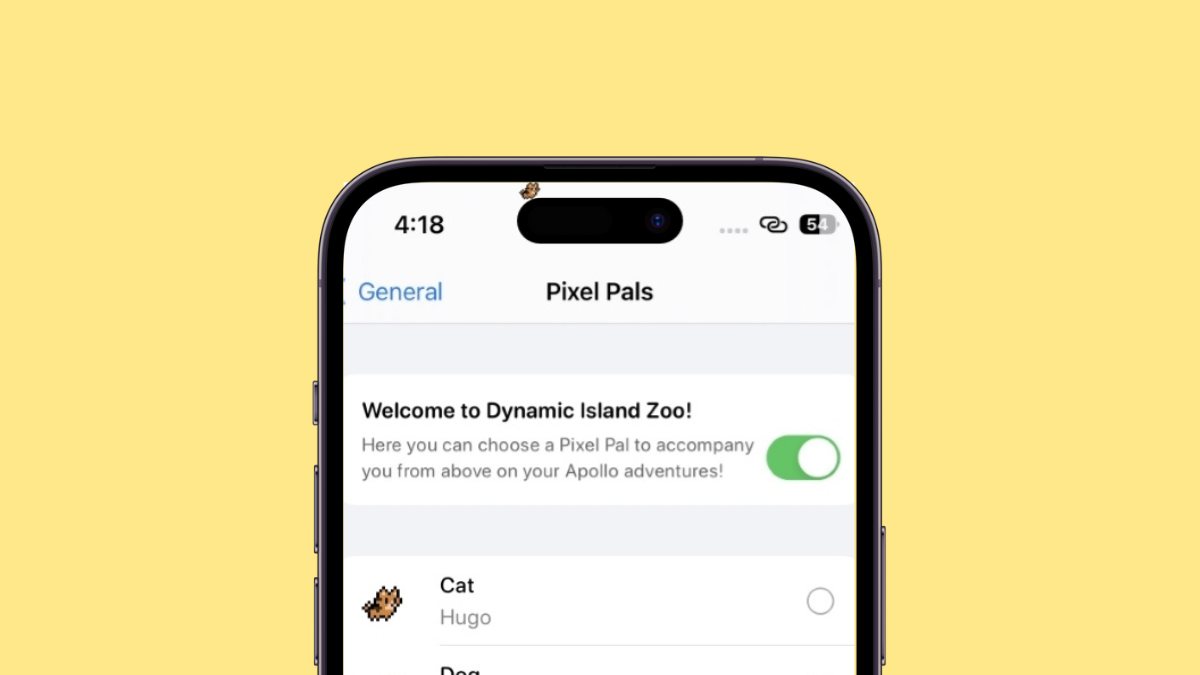
How to get Pixel Pals on iPhone 14 Pro and Pro Max
Dynamic Island is the new exclusive feature on the iPhone 14 Pro taking the world by storm. This new way to utilize the pill…
-
iOS 16 edit messages not working? How to fix
If you can’t edit messages on your iPhone, then there are several reasons for it. This page will help find the reason why you…
-
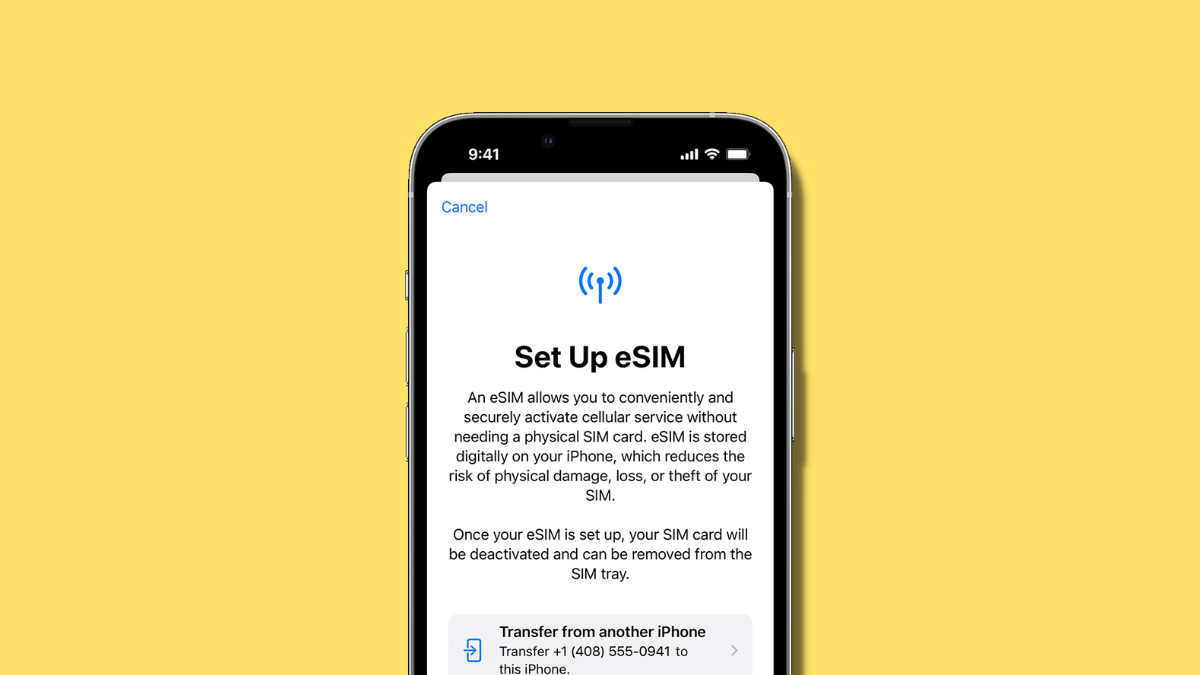
eSIM network not available on iPhone 14? How to fix
The iPhone 14 lineup is the first series of iPhones to be released without a physical sim card slot in favor of eSIM. eSIM…
-
iPhone 14 Pro turned off and won’t turn back on? How to fix
There are a couple of reasons — and fixes — regarding why your iPhone 14 Pro (or Pro max) handset is not turning back…
-
What does “Discovery” mean under a Realmoji?
BeReal is a new social media platform that focuses on making memories and capturing moments. This is why you only get 2 minutes to…
-
Distance Apart Widget on iOS 16: Everything You Need to Know
iOS 16’s WidgetKit has been a huge boon for third-party app developers. It allows a developer to create their own custom widgets which opens…
-

iOS 16: How to Make Stickers from Photos
Using the upgraded Visual Look Up feature in the iOS 16 update that enables photo cutouts, you can lift a subject from a picture…
-
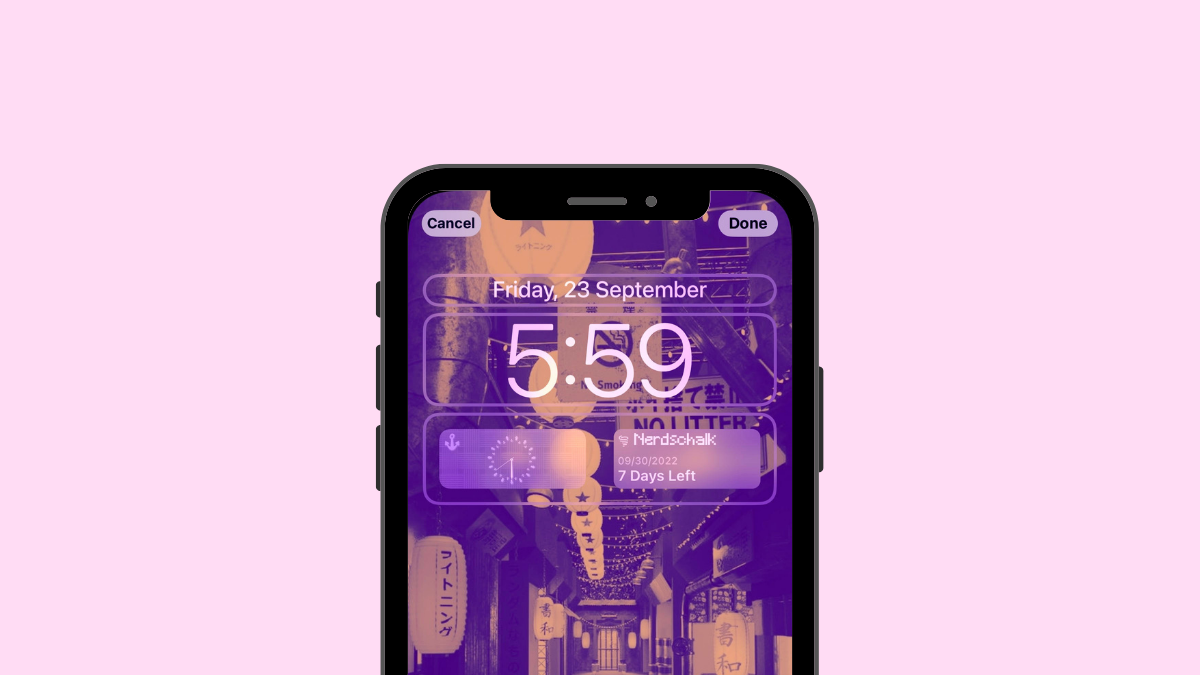
How to Add a Custom Widget to Lock Screen on iOS 16
Apple has made WidgetKit publically available to third-party developers which allows them to create widgets for their own apps. But with the release of…
-
11 Ways to Fix Lock Screen Music Not Working on iPhone
Apple allows you to interact with your iPhone lock screen to customize its background, widgets, and clock appearance. When there’s audio playing on your…
-
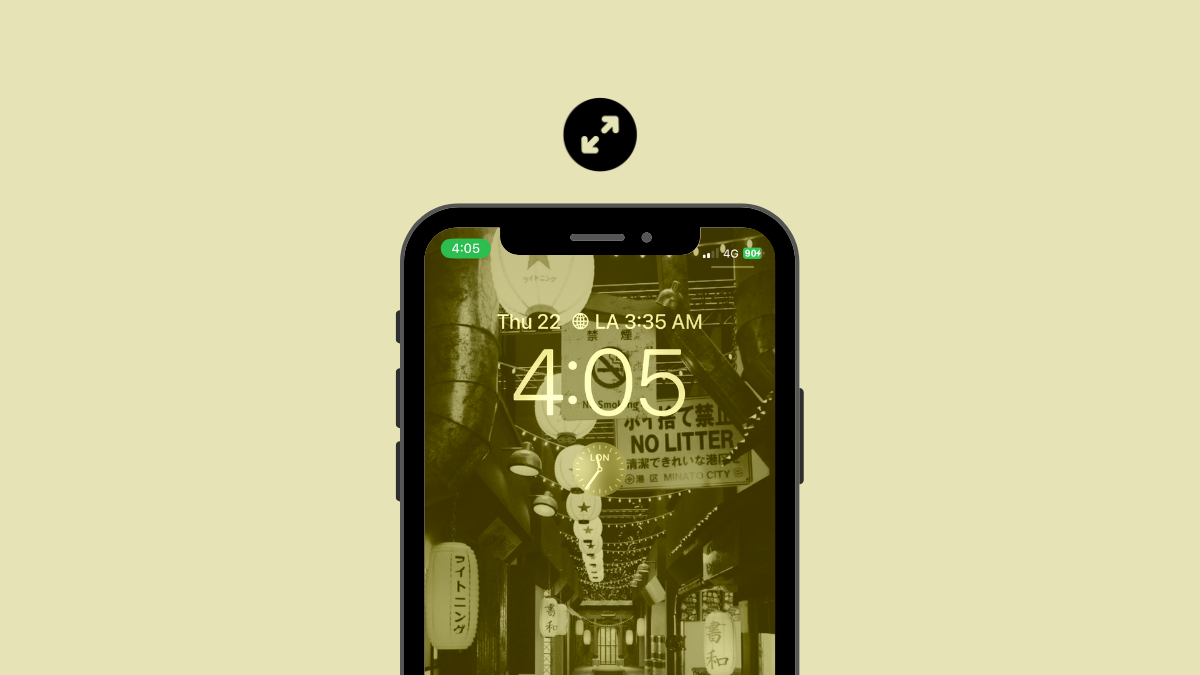
How to Make Time Smaller on iPhone on iOS 16
iOS 16 is one of the biggest overhauls to the iPhone lock screen in a long time. You can now change your clock font,…