
Topic
GTA 6
-
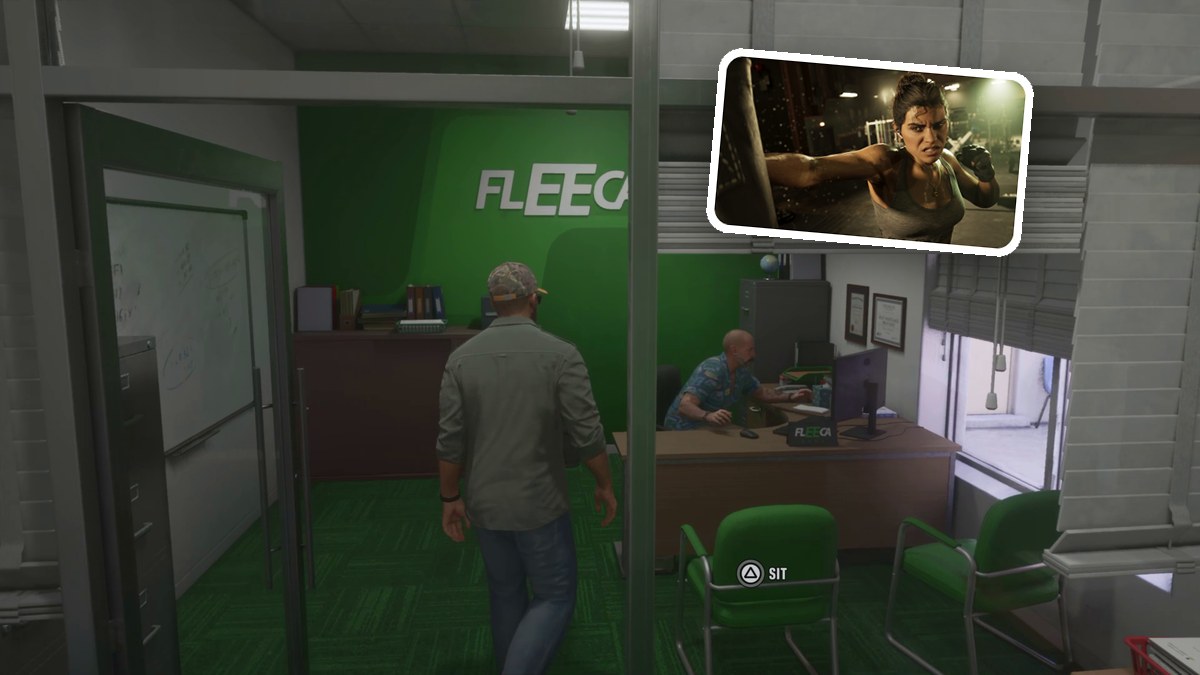
How to Get a Bank Account in GTA 6
Learn how to get a bank account in GTA 6 by following Lucia’s message to Fleeca in Key Lento, speaking with the manager, and…
-
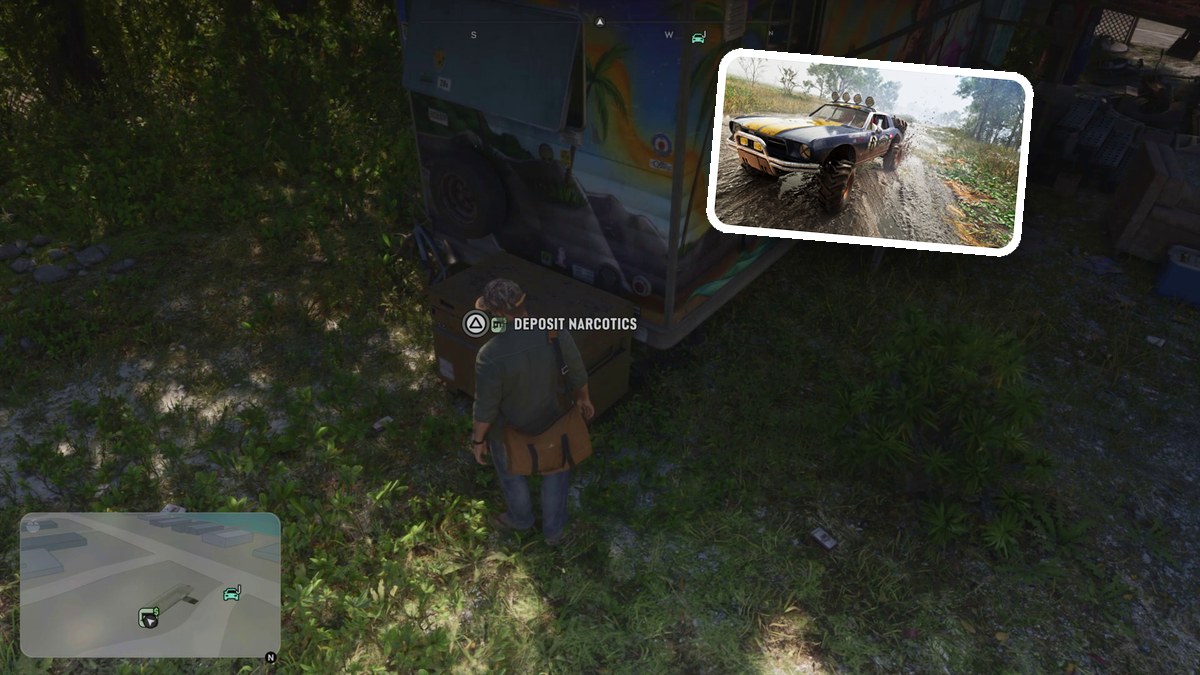
Where to Sell Stash Bags in GTA 6
Learn where to sell stash bags in GTA 6, how to access Brian’s Lockup with the entrance code, and where to find the exterior…
-
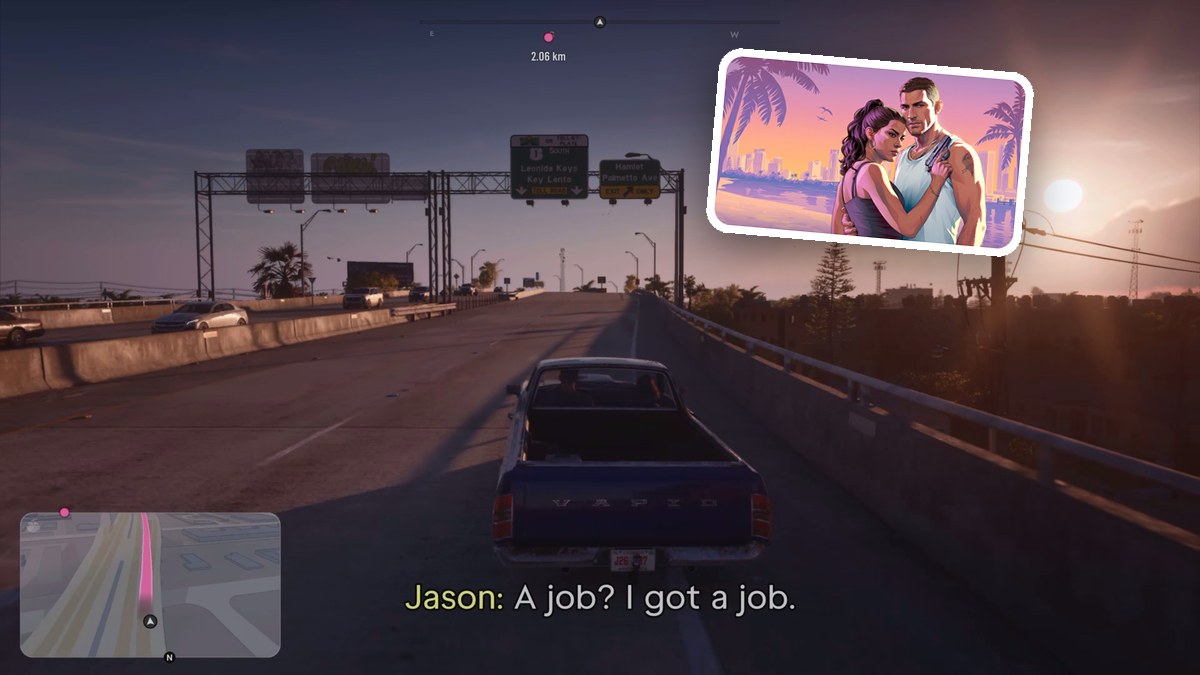
Who Is Lucia in GTA 6?
Lucia in GTA 6 is a playable protagonist whose opening story introduces her criminal past, imprisonment, supervised release, and growing relationship with Jason as…
-
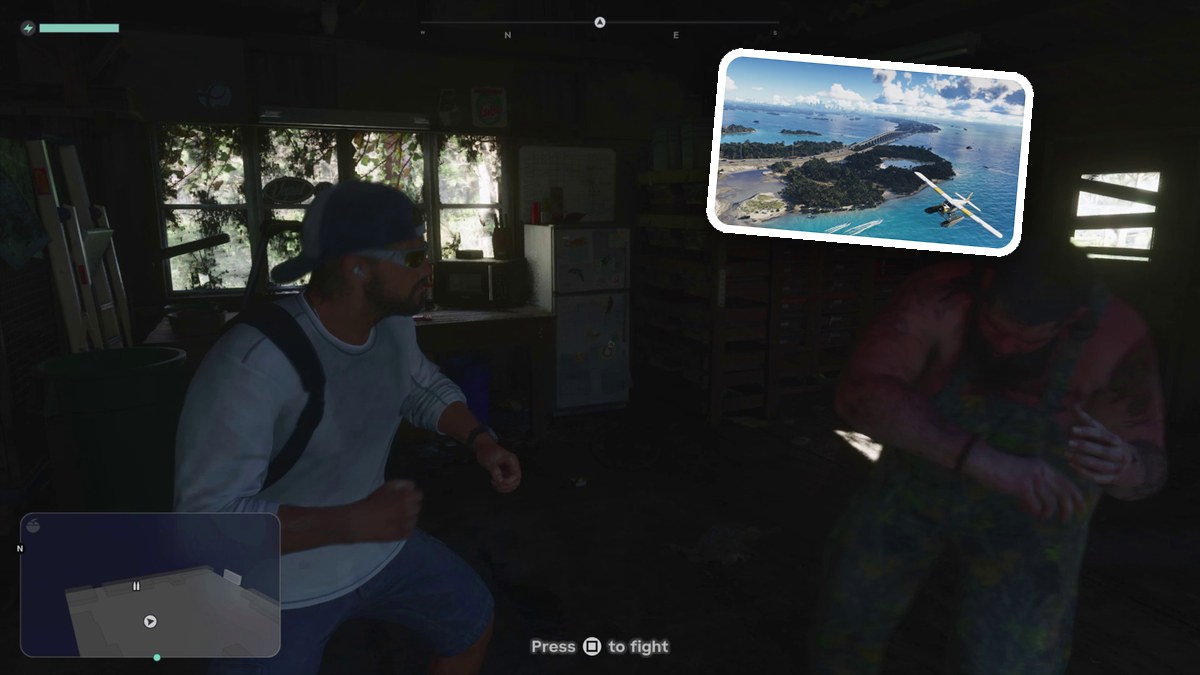
Who Is Donnie in GTA 6?
Donnie in GTA 6 is a drug-dealing associate of Jason and Cal whose capture during Gone Fishing and later appearance at The Rusty Anchor…
-
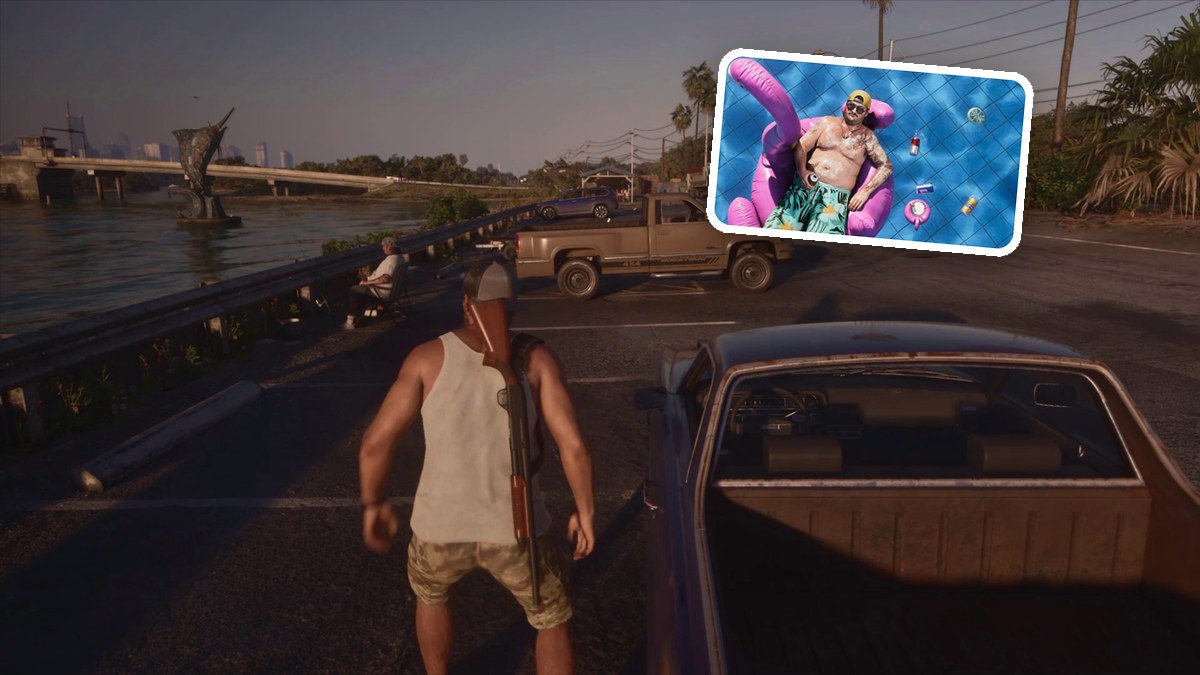
Who Is Cal in GTA 6?
Cal in GTA 6 is Jason’s friend and a fellow worker for Brian, whose request to recover an impounded car brings them together for…
-
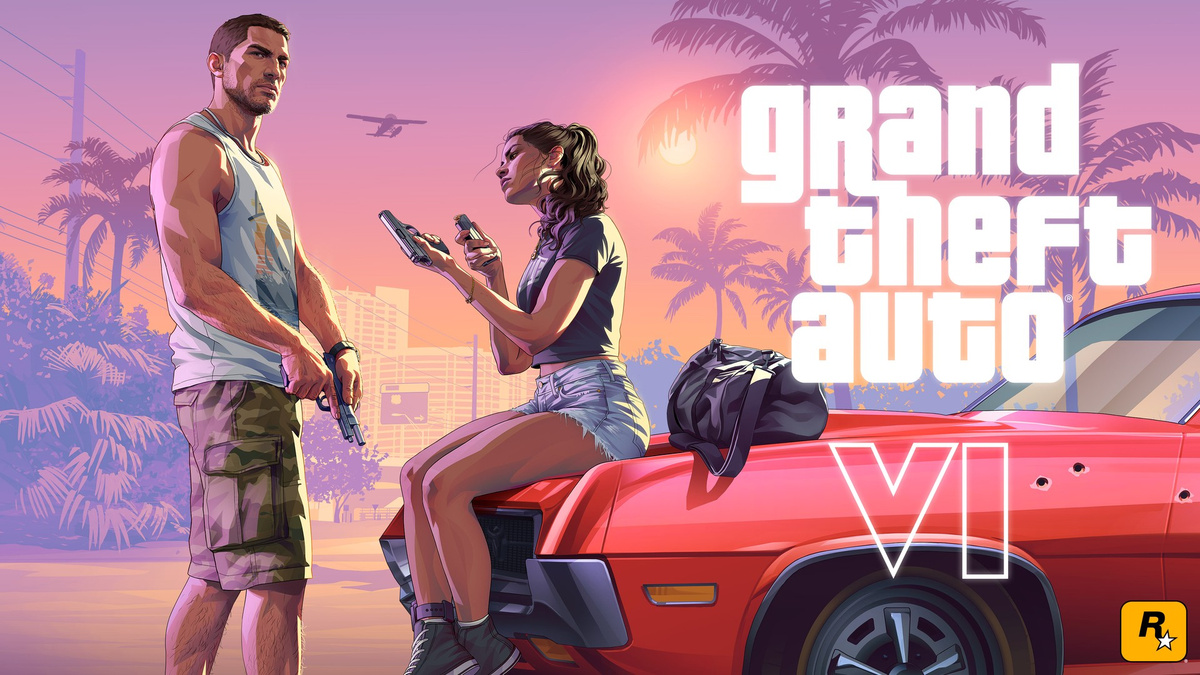
Best Controller Settings for GTA 6
Find GTA 6 controller settings on PS5, see the displayed sensitivity values, understand Linear aiming, and read Beebom’s zero-deadzone caution.
-
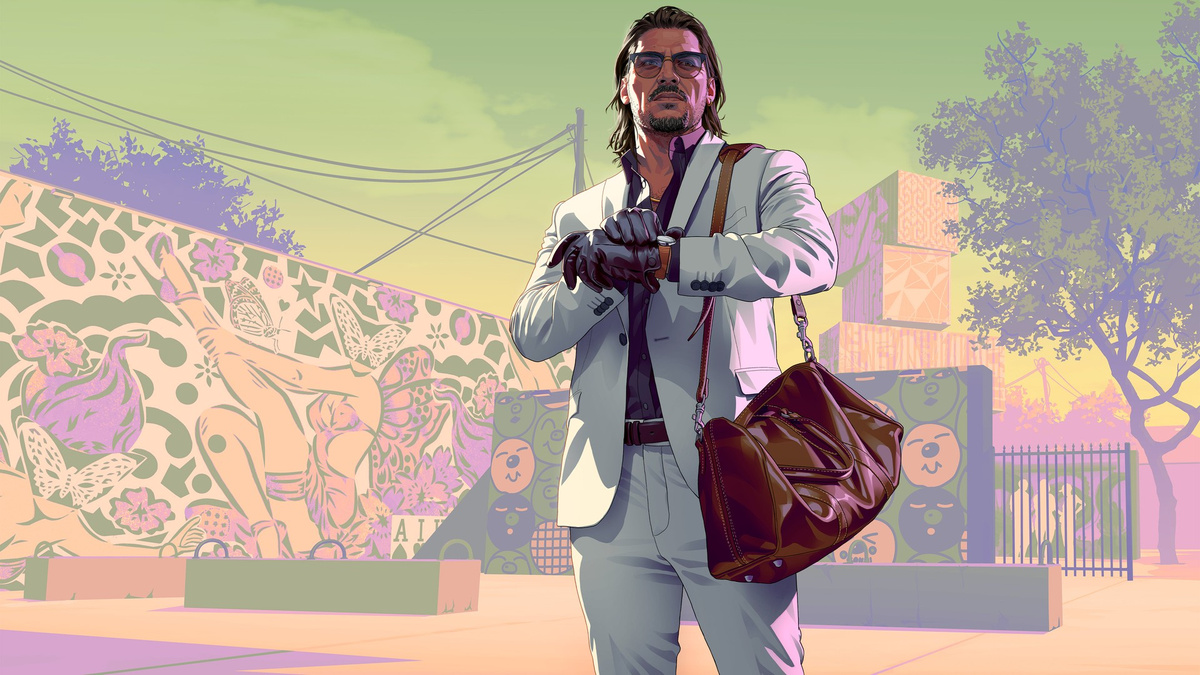
Does GTA 6 Auto Save?
Yes, GTA 6 has autosave. Save manually through Options > Game > Save Game, with Empty Slot and OVERWRITE options shown on PS5.
-
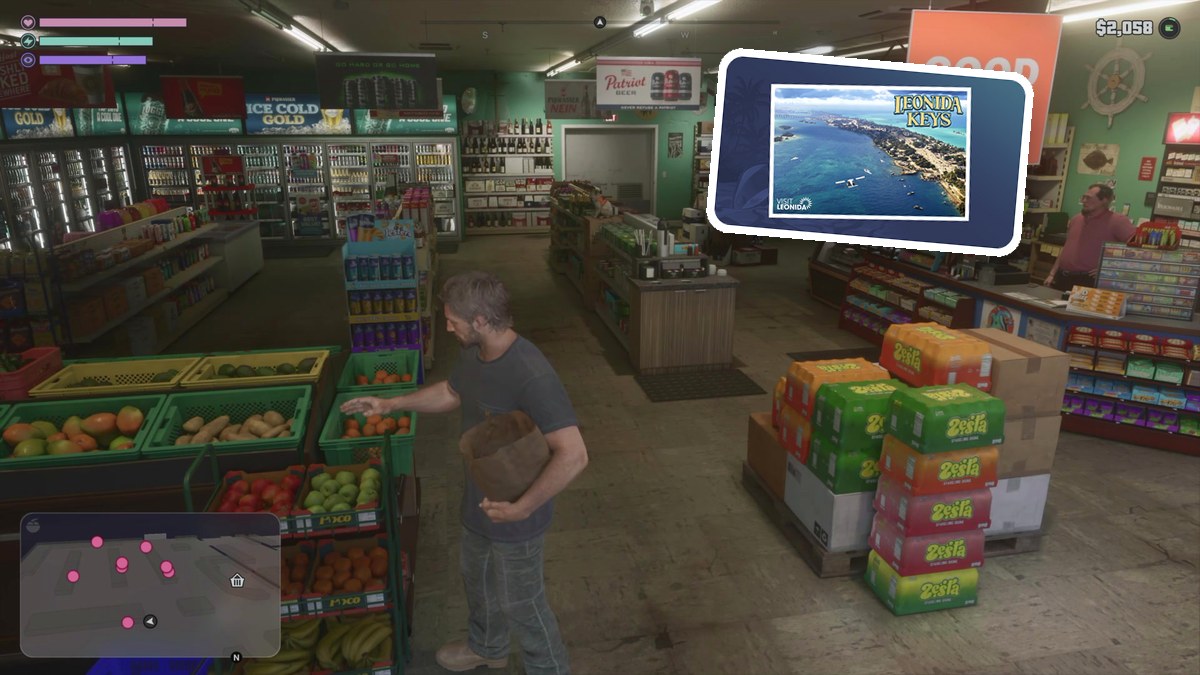
Why Doesn’t the Cutscene Start When I Walk Into the House With the Groceries in GTA 6?
Key Lento Mini-MartStore PICK UP GROCERIESPickup task DROP OFF GROCERIESDelivery task The short version In my game, there was no groceries cutscene to wait…
-
How to Make GTA 6 Aiming Easier With “Lock-on” and “Shooting Assist”
Make aiming easier in GTA 6 with Lock-On and nearby-target assistance, then check the damage-reduction settings and their gameplay warnings.
-
Is There Director Mode in GTA 6?
UnavailableDirector Mode NoCan enable The short version Grand Theft Auto VI does not have Director Mode. You cannot enable it in the game. Director…
-
How to Exit GTA 6 on PS5: Close With “Switcher” or Leave the Map
PS buttonControl center EXIT ○Map exit The short version Press the PS button to open the PS5 control center, where PlayStation identifies Switcher as…
-
How to Set up GTA 6 HDR: In-Game Calibration and PS5 “Adjust HDR”
Follow Grand Theft Auto VI’s on-screen HDR prompts and find PS5 calibration under Settings > Screen and Video > Video Output > Adjust HDR.
-
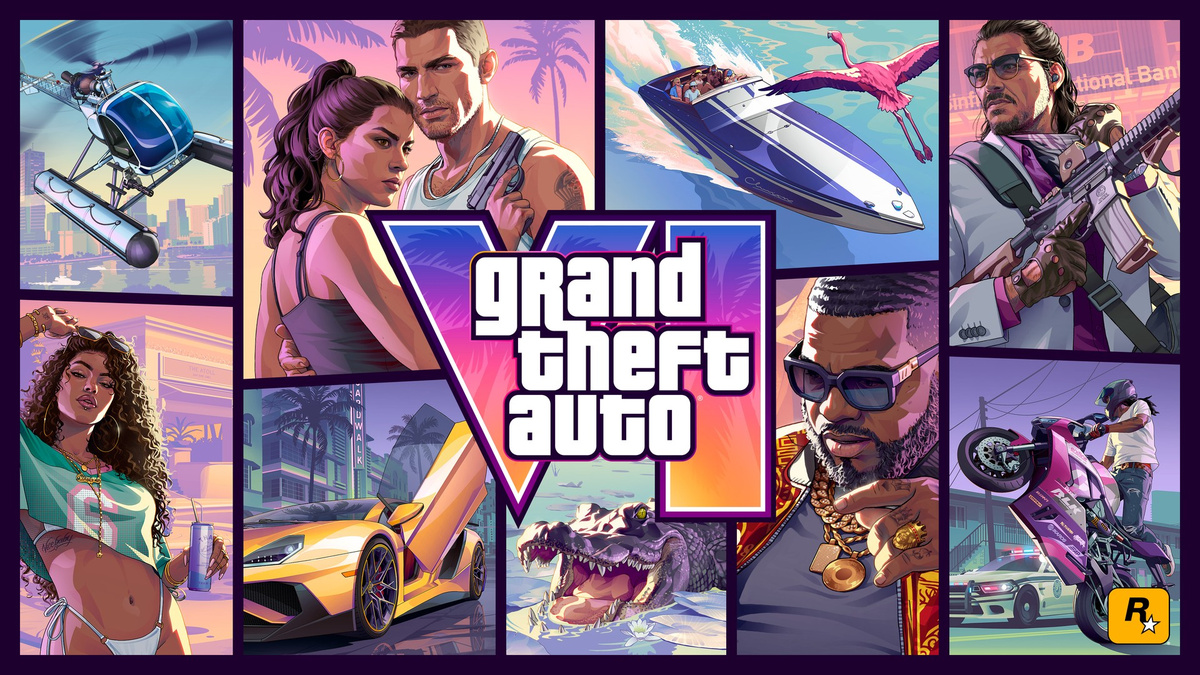
Navigation Experience Settings in GTA 6
GTA VI Navigation Experience controls when navigation displays appear, with dynamic and always-on minimap choices in the game’s own menu.
-
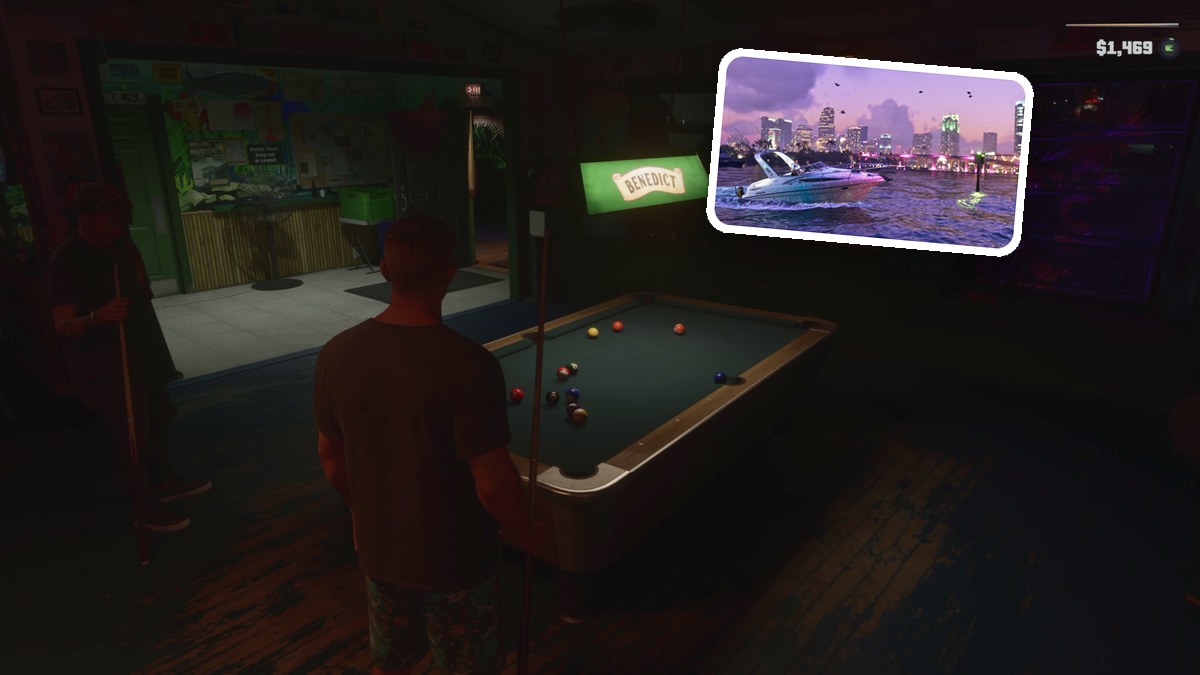
GTA 6 Coming Home Mission: Location, Pool Guide, and Fight Guide
Follow the GTA 6 Coming Home mission from Lucia’s pickup at Hamlet Correctional Institution to The Rusty Anchor, with guidance for social objectives, pool…
-
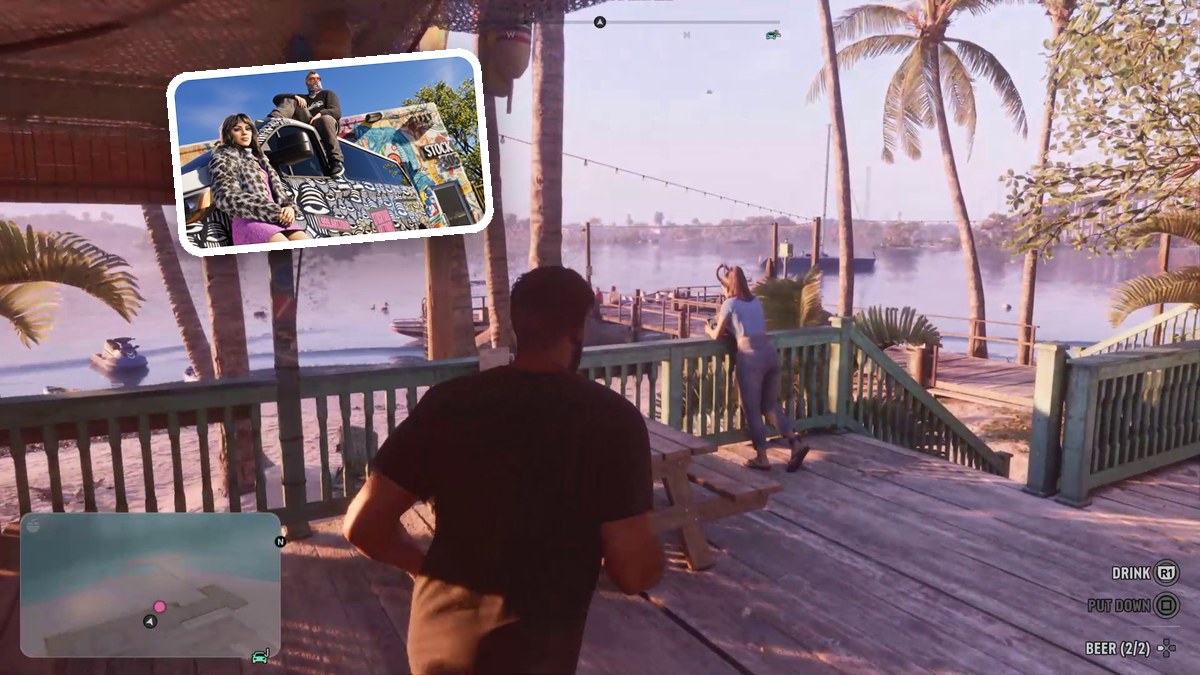
GTA 6 Lucia’s Drink at the Rusty Anchor: Drink Menu and Ordering Steps
Order Lucia’s drink at the Rusty Anchor in GTA 6 with this guide to the beer menu, bartender controls, Pindayho Beer selection, and where…
-
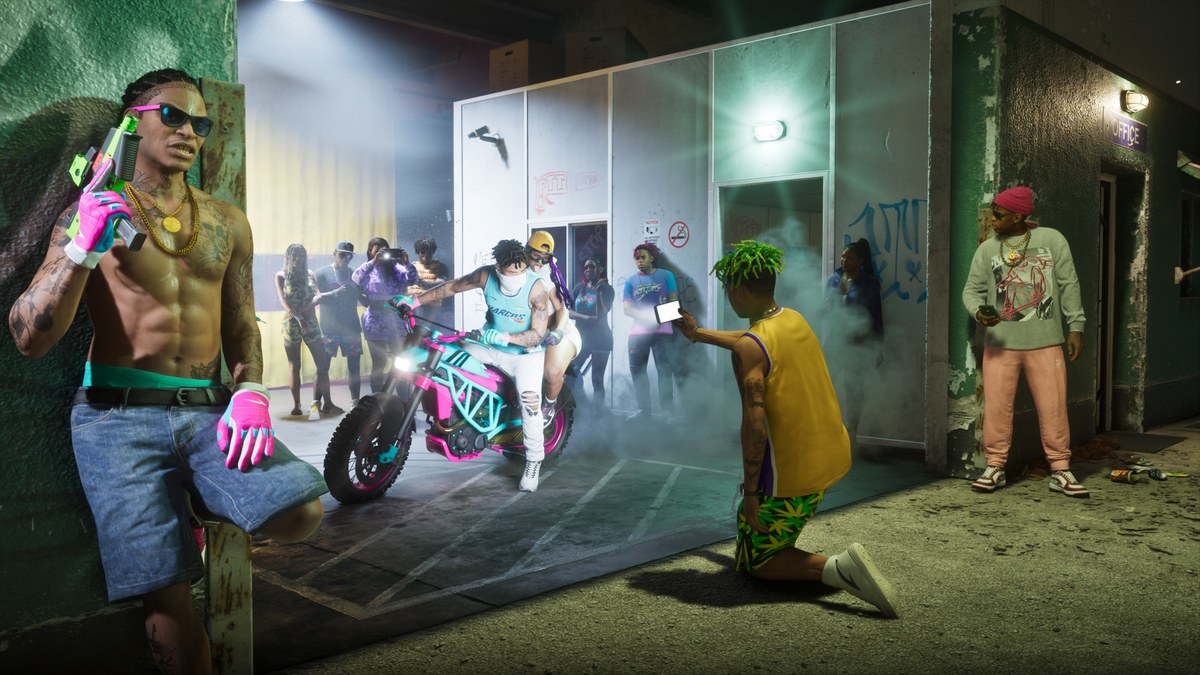
GTA 6 Coming Home Mattia: Location and Conversation Steps
Find Mattia at The Rusty Anchor in GTA 6 Coming Home, learn how to interrupt his conversation with Brian, and take the vacant stool…
-
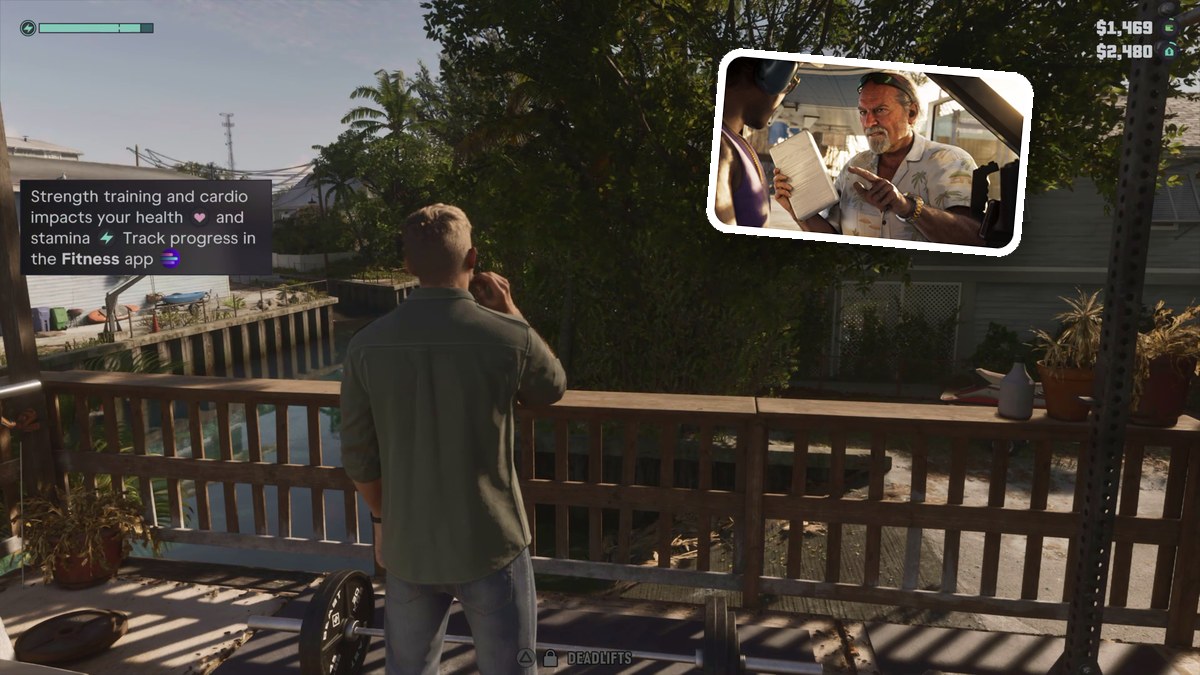
GTA 6 Strength Workout Bonus: Requirements, Weights, and Deadlift Steps
Earn the GTA 6 Strength Workout bonus by completing eight deadlift reps on Jason’s deck, with this guide covering weight options, lifting controls, and…
-
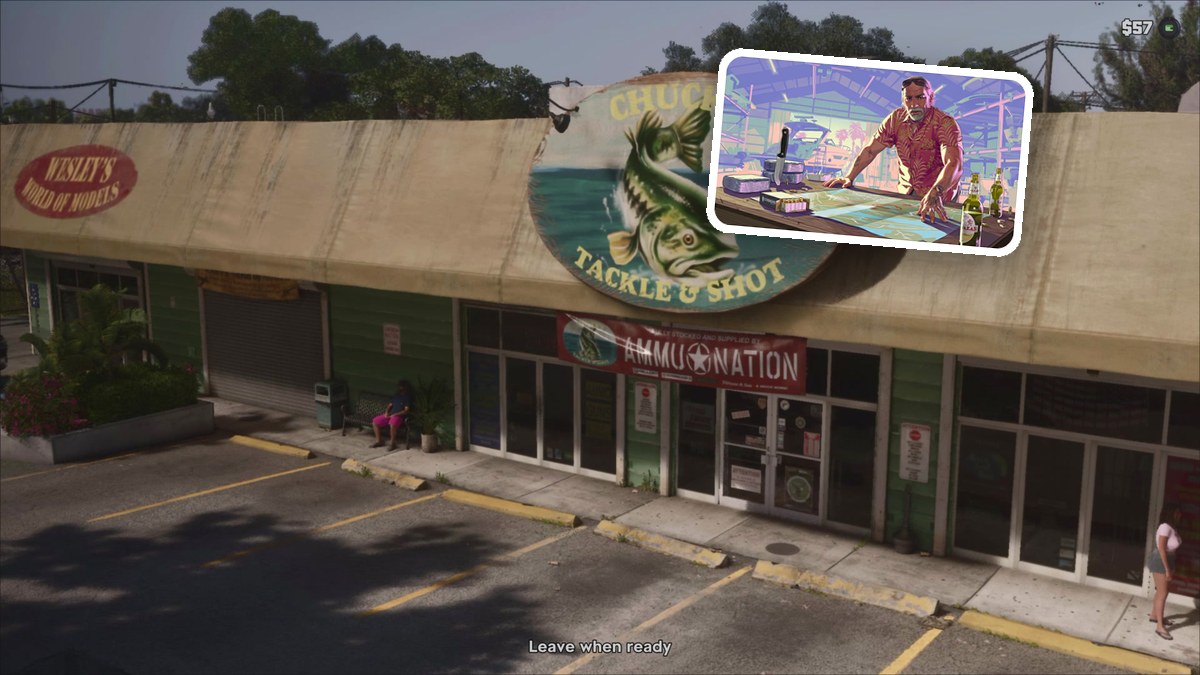
How to Fight Kingfishers in GTA 6: Square to Attack, X to Defend, and Police Escape
Brian’s mission was to buy the longarm, so it’s most likely finished, not lost. After the ambush, the game saves as Gear Up, and…
-
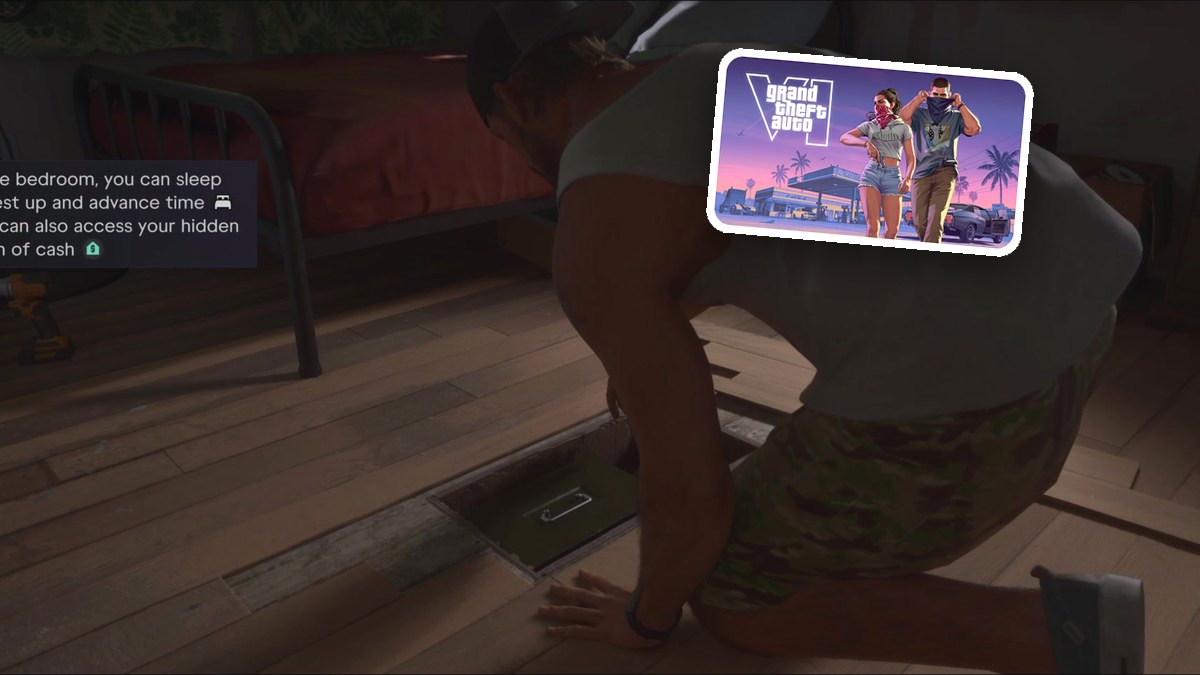
How to Store Money and Unowned Guns in GTA 6: BuckMe Deposits and Vehicle Trunks
Bedroom floorboardsCash stash Owned weaponsGun recovery After collectionLoot payment The short version Stash your cash under the floorboards at Jason’s House or in a…
-
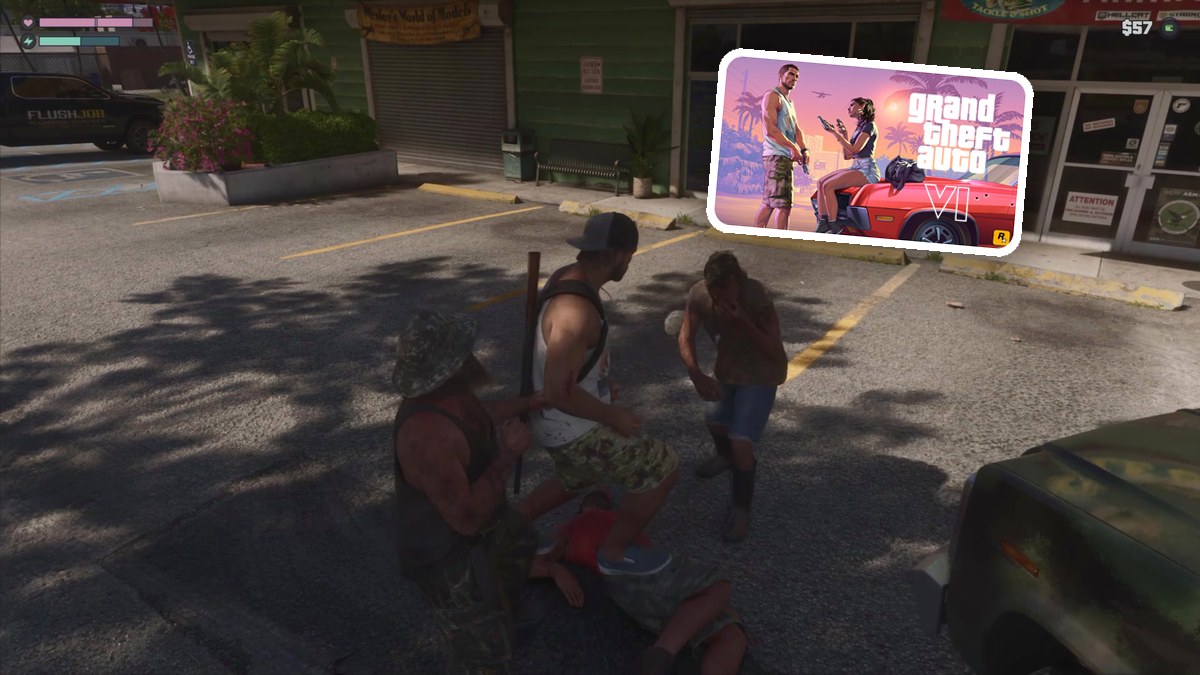
How to Punch an NPC Without Talking to Them or Pushing Them in GTA 6
The game’s default PS5 controls show how to punch in GTA 6: holster with L1, use L2 to lock on, then press Square to…