

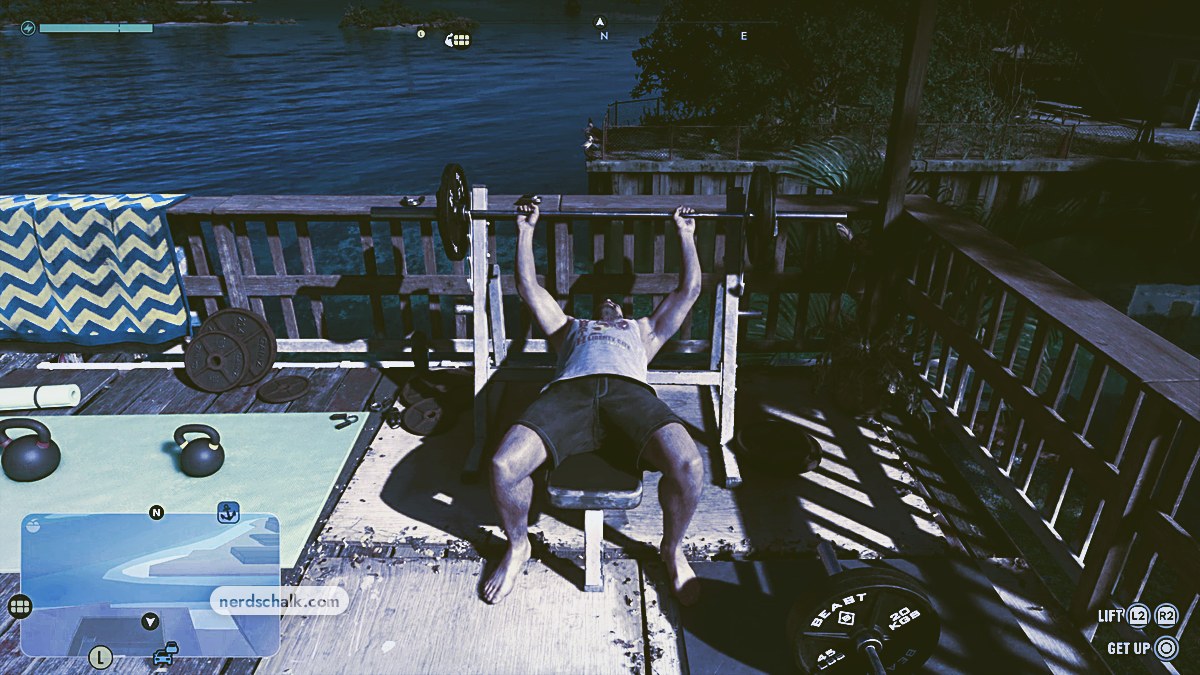
Choose a weight at Jason’s waterfront bench, complete the set with L2 and R2, then rerack to finish the workout.
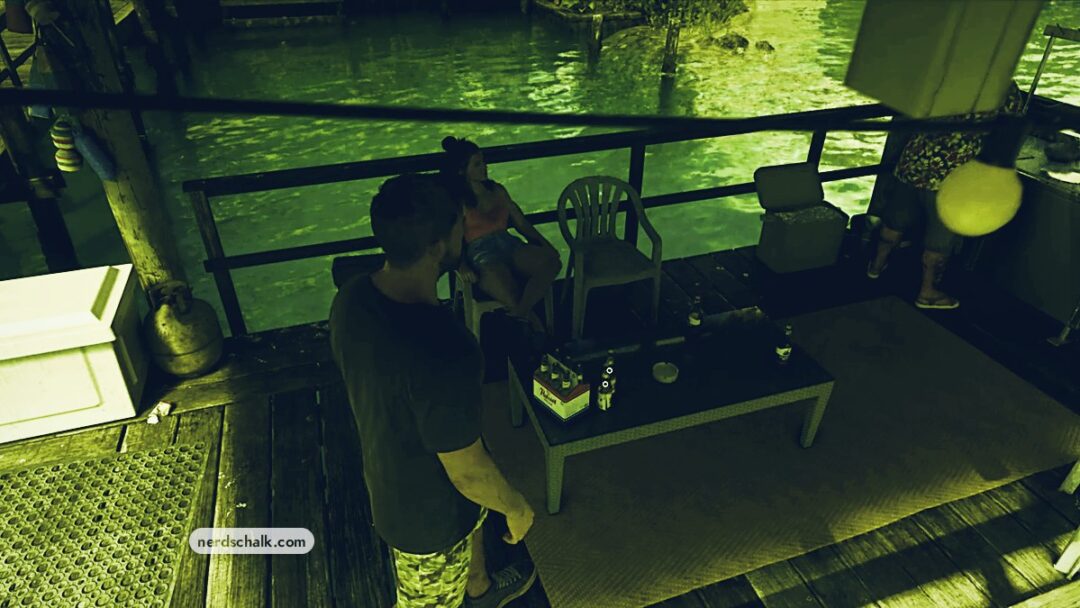
The bench press at Jason’s House in Grand Theft Auto VI sits on a wooden deck overlooking the water. This guide covers the weight selection, exercise controls, and workout finish.
The game’s listed platforms are PlayStation 5 and Xbox Series X|S.
How to bench press at Jason’s house in Grand Theft Auto VI
| Weight | Menu entry |
|---|---|
| 60KG | First listed option |
| 80KG | Second listed option |
| 90KG | Another displayed entry |
| 100KG | CURRENT; selectable weight used for this workout |
| 140KG | Locked |
Approach the bench
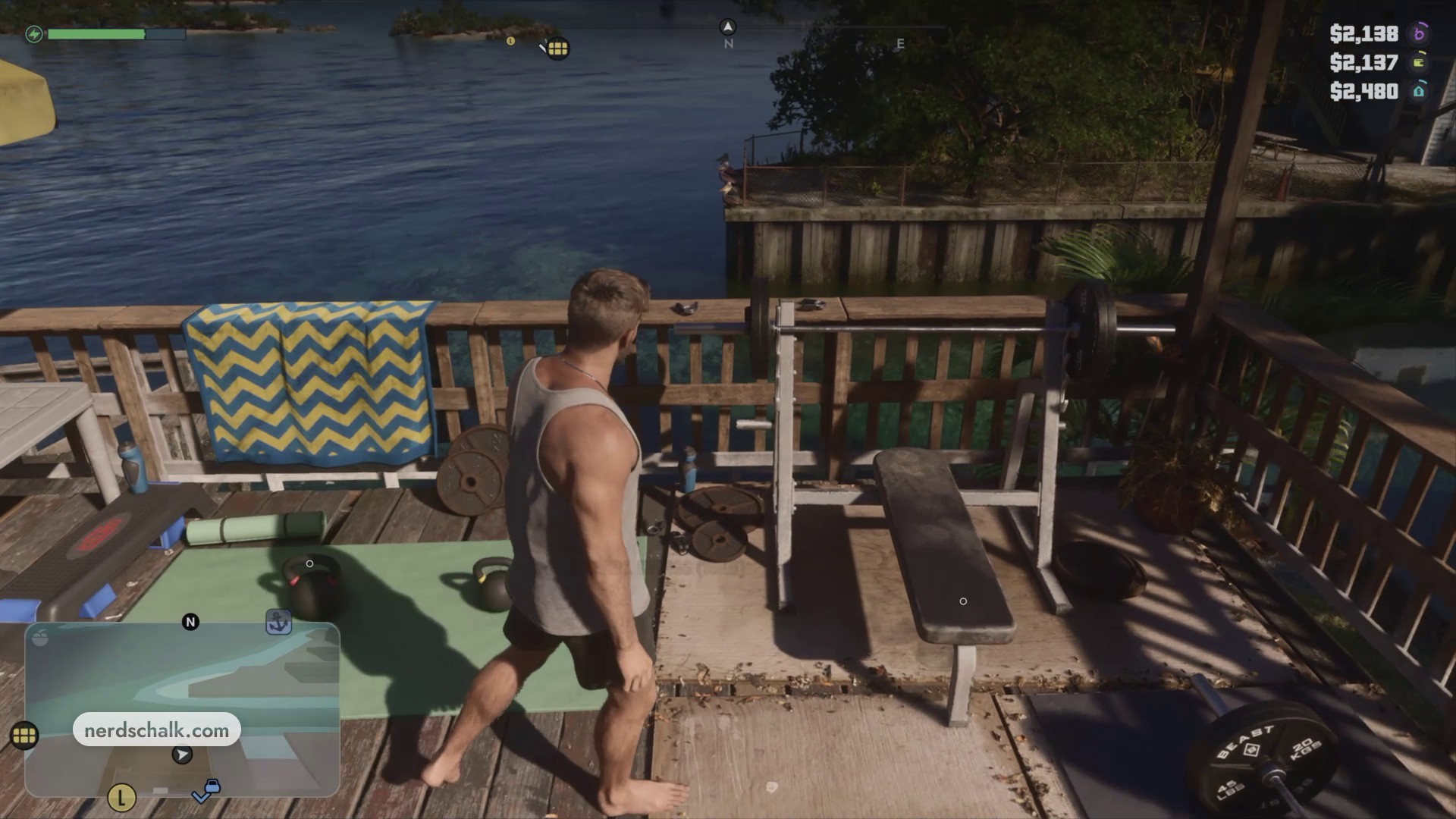
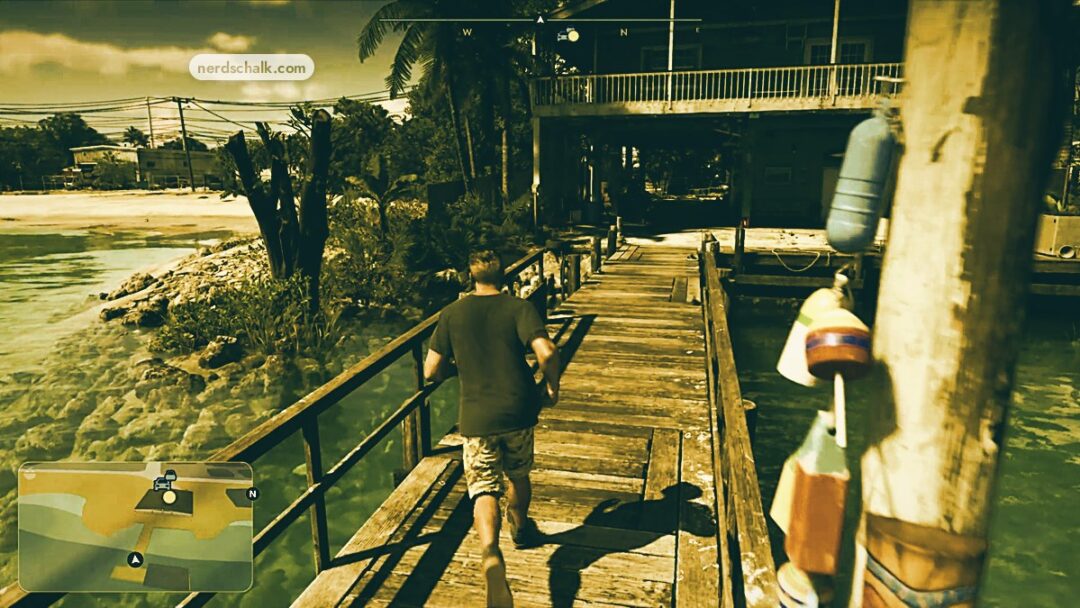
Walk over to the weight bench on the deck and look for the BENCH PRESS interaction.
Sit down and lie back
Press Triangle to sit on the bench, then lie back before choosing your weight.
Choose your weight
Select a barbell weight from the menu and press Cross to confirm. The selection screen also displays the BACK label.
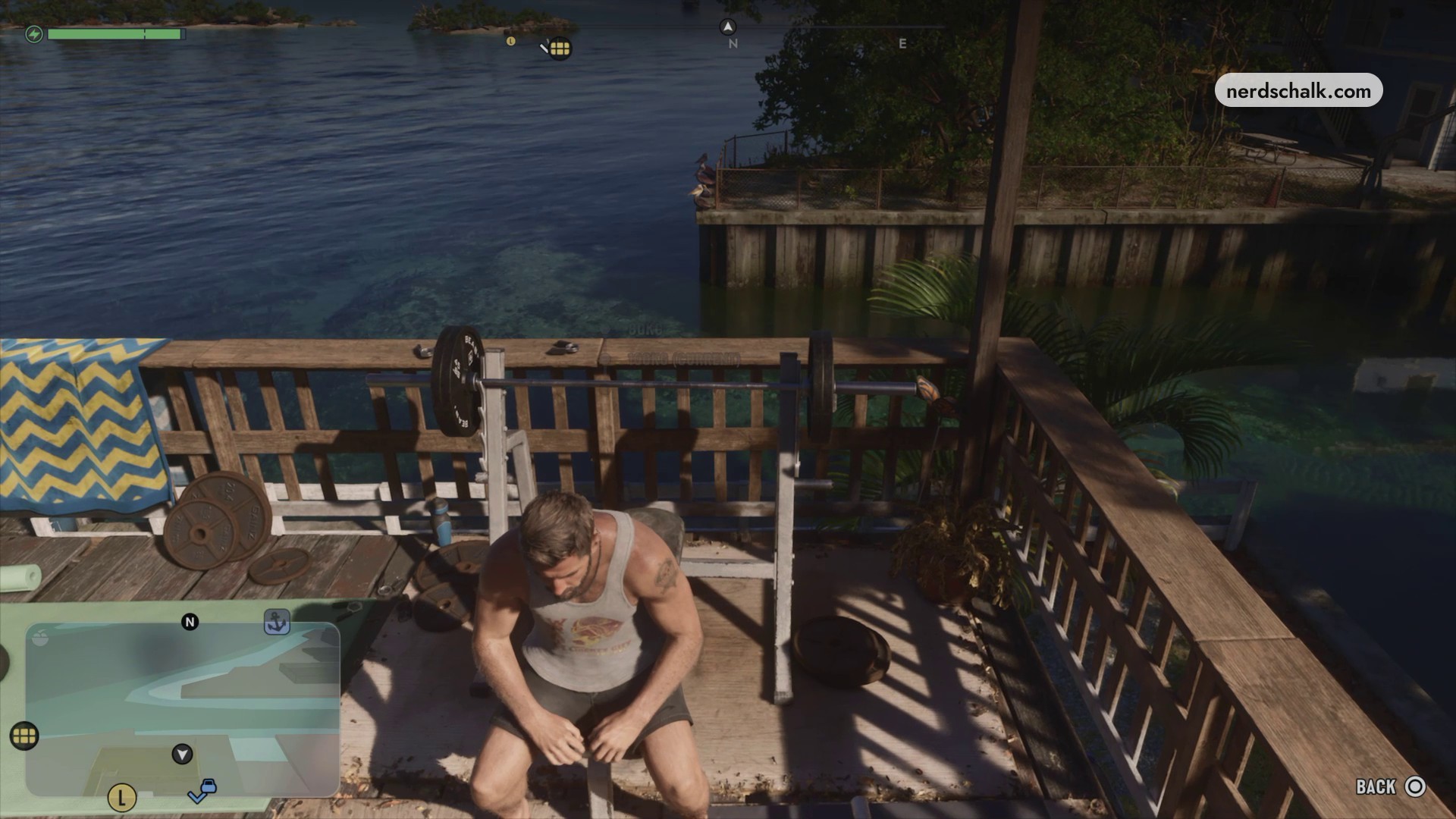
Bench press weight options
Unrack the barbell
Press R2 to take the barbell off its rack and move into the starting position.
Lower and lift the bar
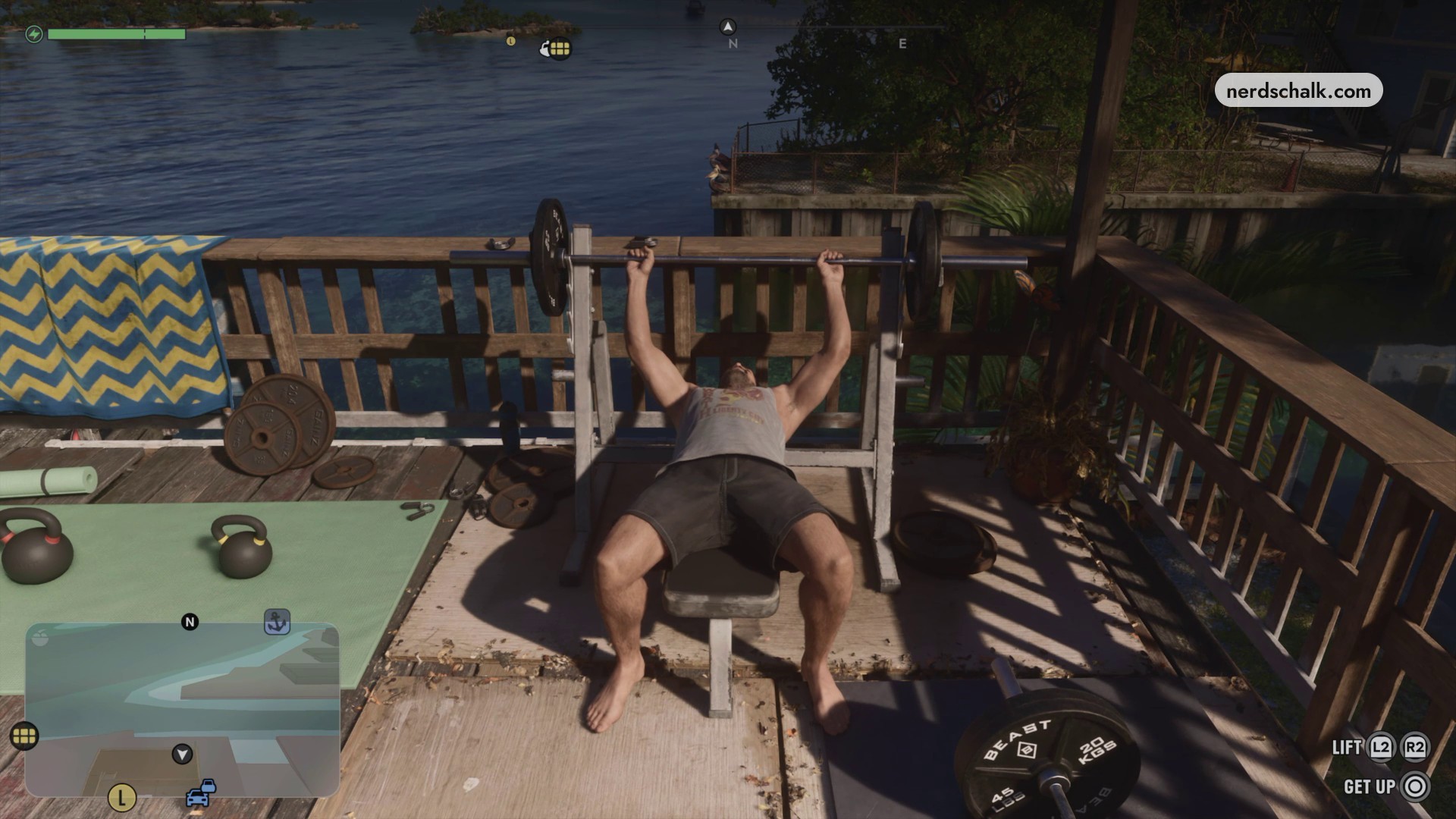
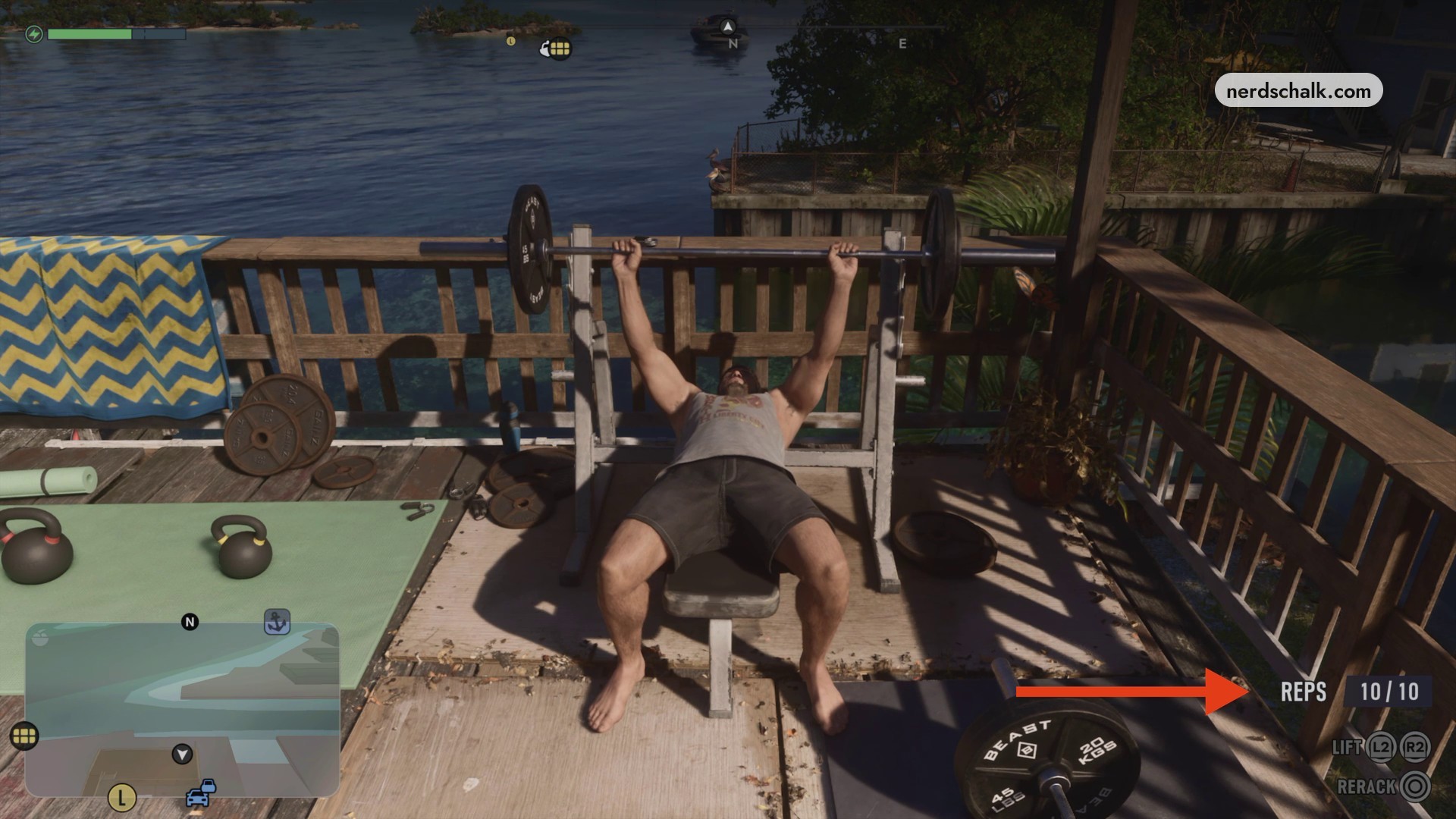
Press L2 to lower the barbell to your chest, matching the LOWER (L2) prompt. Press R2 to raise it again, repeating the movement through the set. The exercise screen also includes LIFT and GET UP.
Rerack to finish
With the set complete, press Circle for RERACK to return the barbell to its rack and end the workout. You’ll sit up, then stand.
The completed-set screen displays RERACK, where you press Circle to return the barbell to its rack.
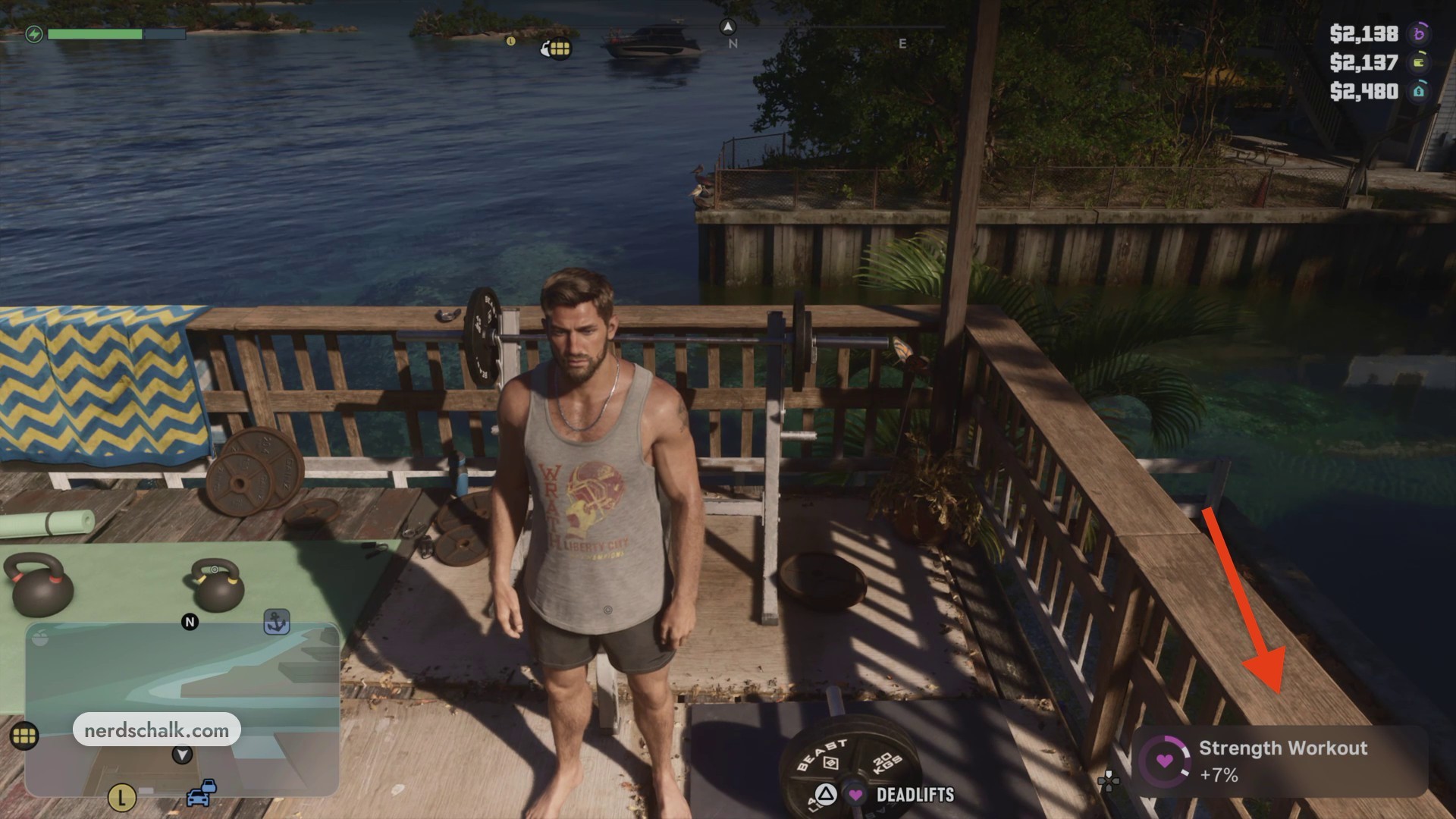
Your reward for this selected set is a +7% Strength Workout bonus.
Related Grand Theft Auto VI guides
Leave a Reply