

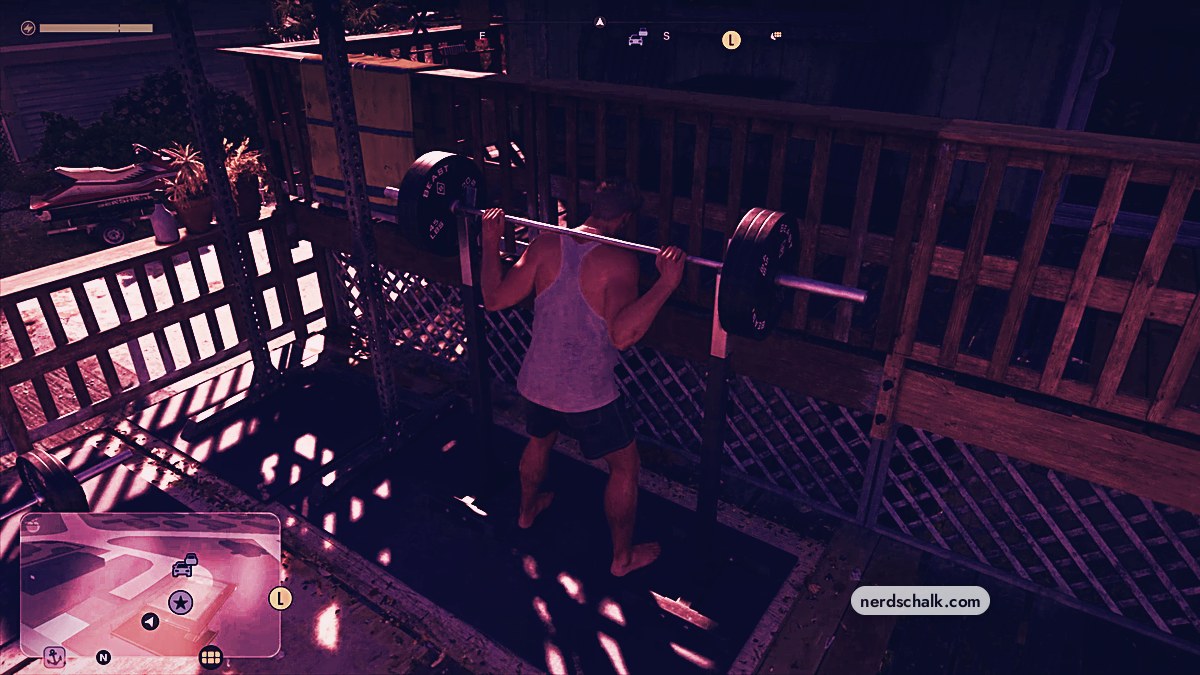
At Jason’s house, use the deck’s squat rack, follow the lowering and lifting prompts, then rerack the bar after your sets.
Barbell squats are a workout activity on the outdoor patio at Jason’s house in Grand Theft Auto VI. This guide covers the weight selection, PlayStation controls, and counters for both squat sets. The game’s listed platforms are Xbox Series X|S and PlayStation 5.
How to do squats at Jason’s house in Grand Theft Auto VI
Approach the squat rack
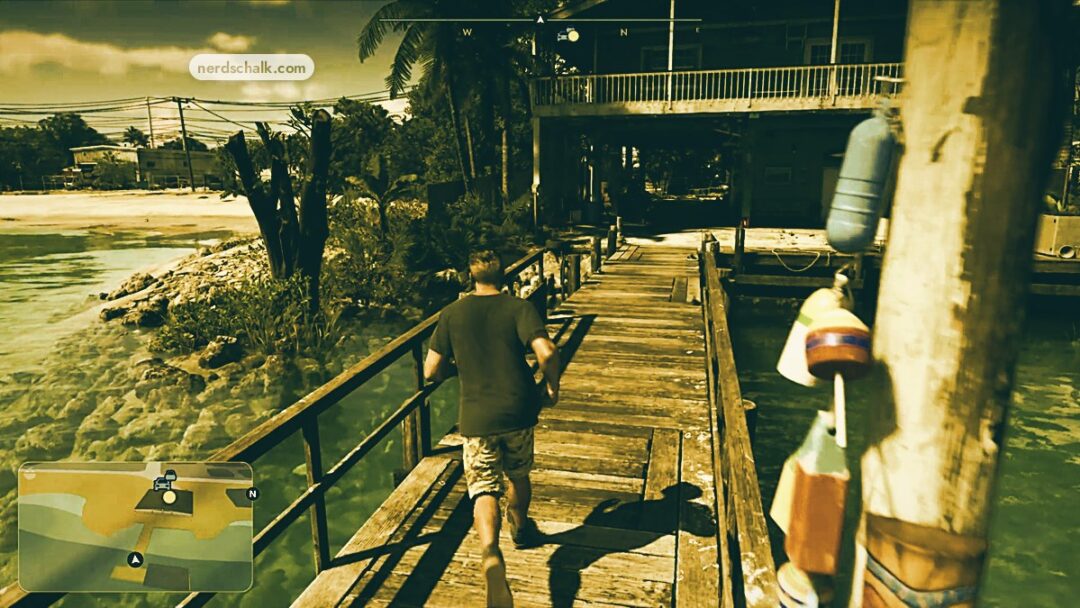
Walk up to the barbell squat rack beside the railing on the wooden deck.
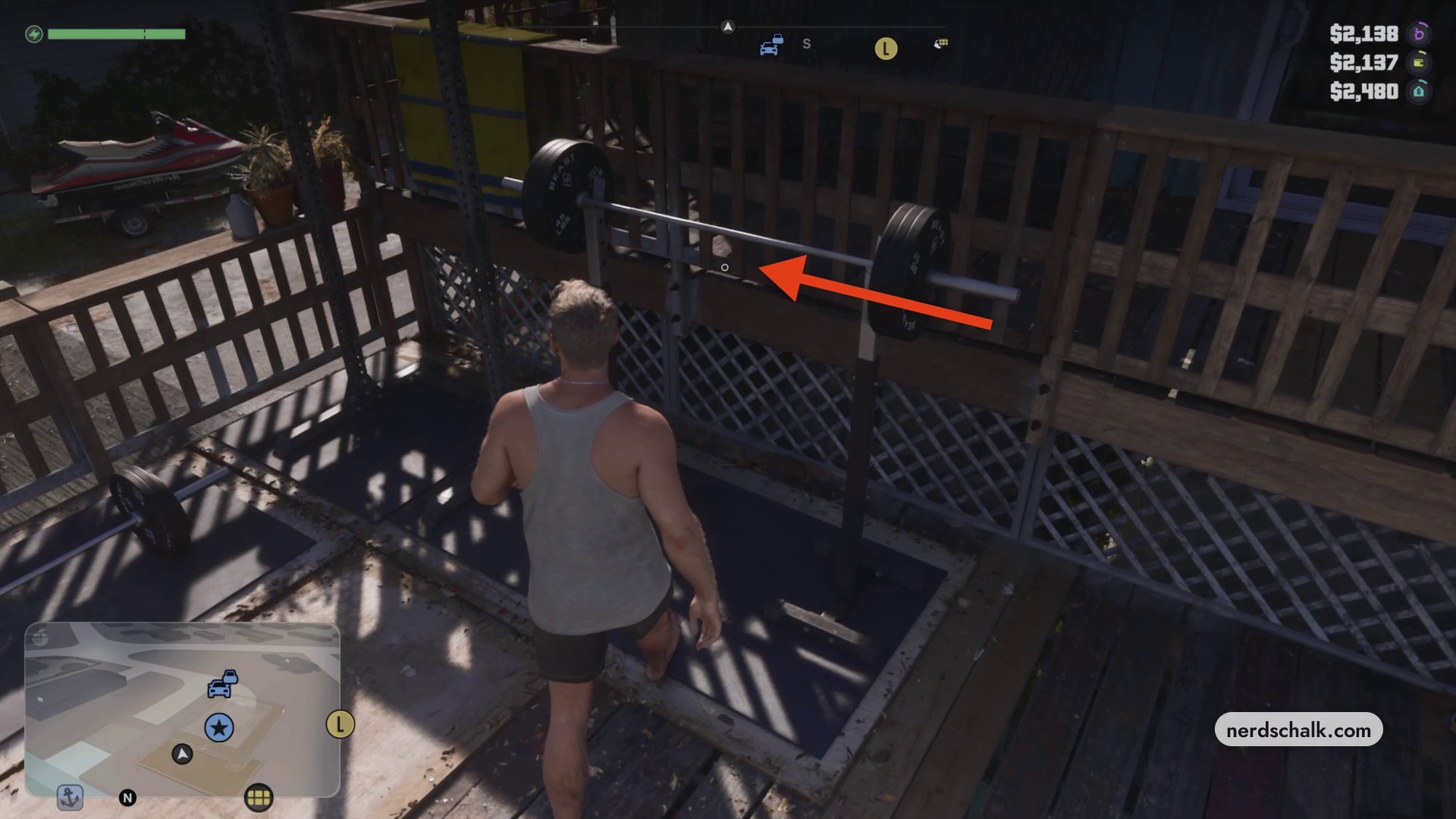
Use the outdoor deck and gym equipment to orient yourself as you approach the rack.
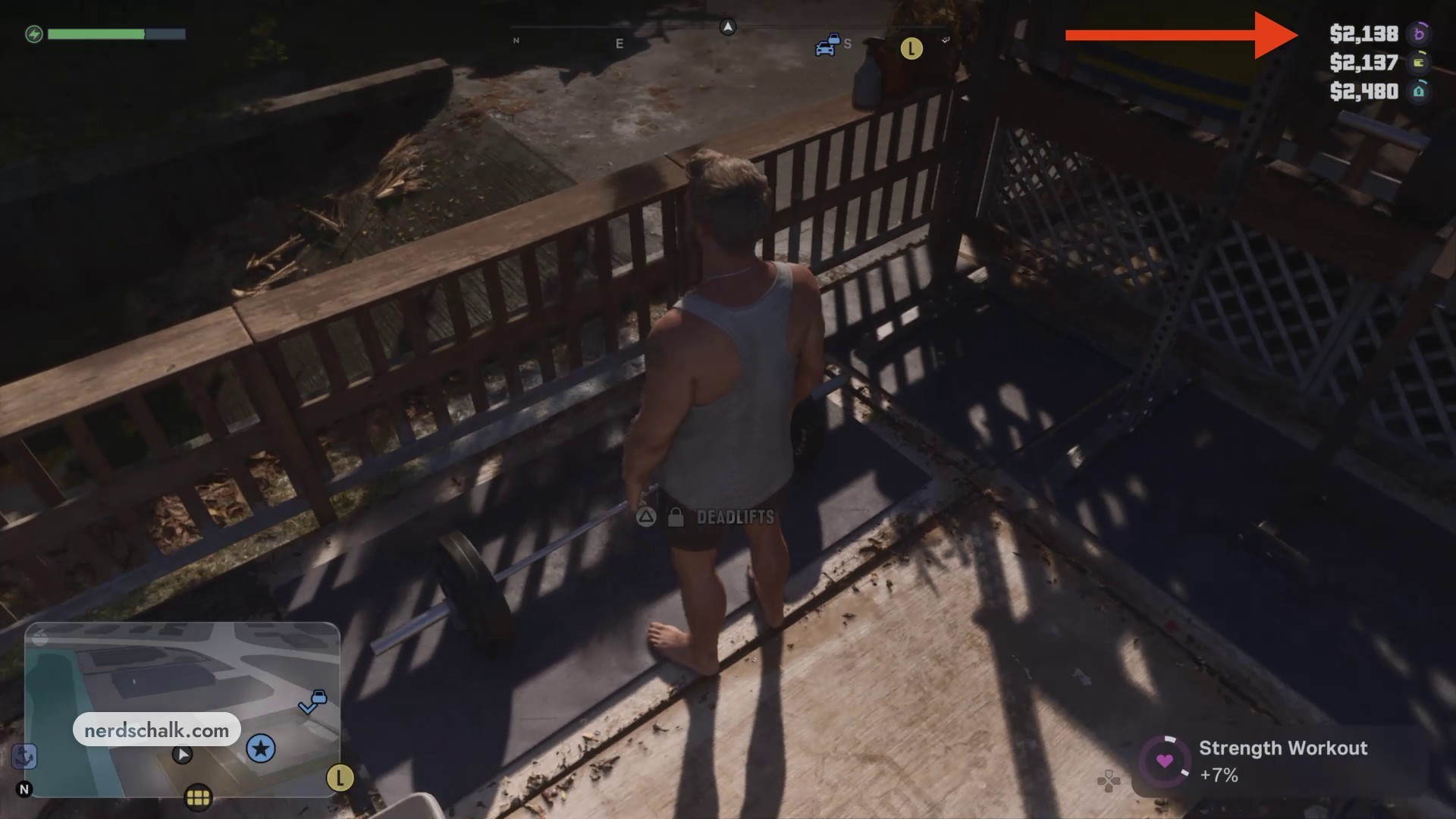
Get under the bar and select your weight
Press Triangle to move beneath the bar, then confirm the displayed 140KG (CURRENT) selection for this session. The menu also lists 114.4KG as a lighter option and 154.4KG as locked.
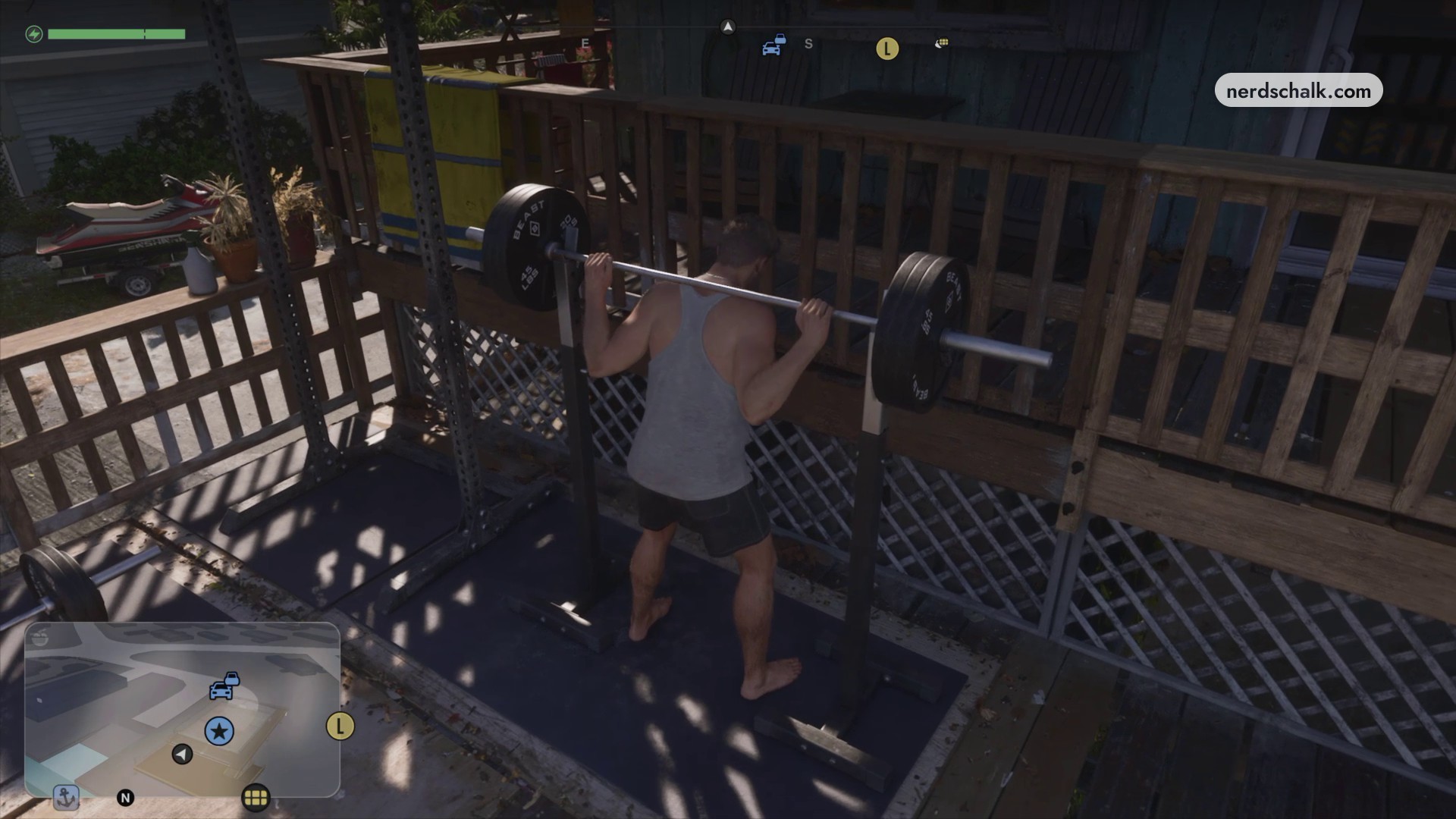
Unrack the barbell
Unhook the bar from its supports before taking the starting squat stance.
Complete the first set
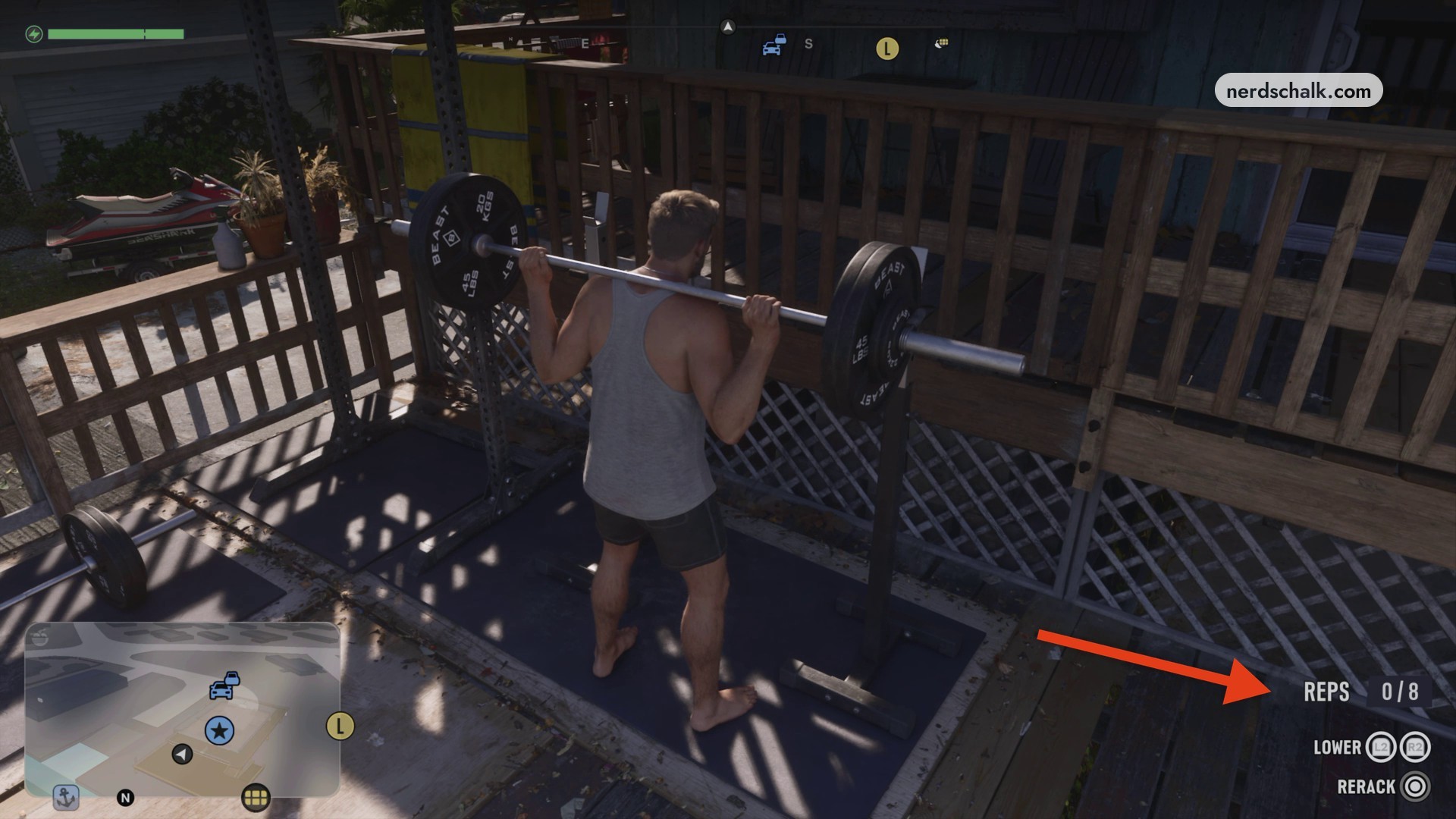
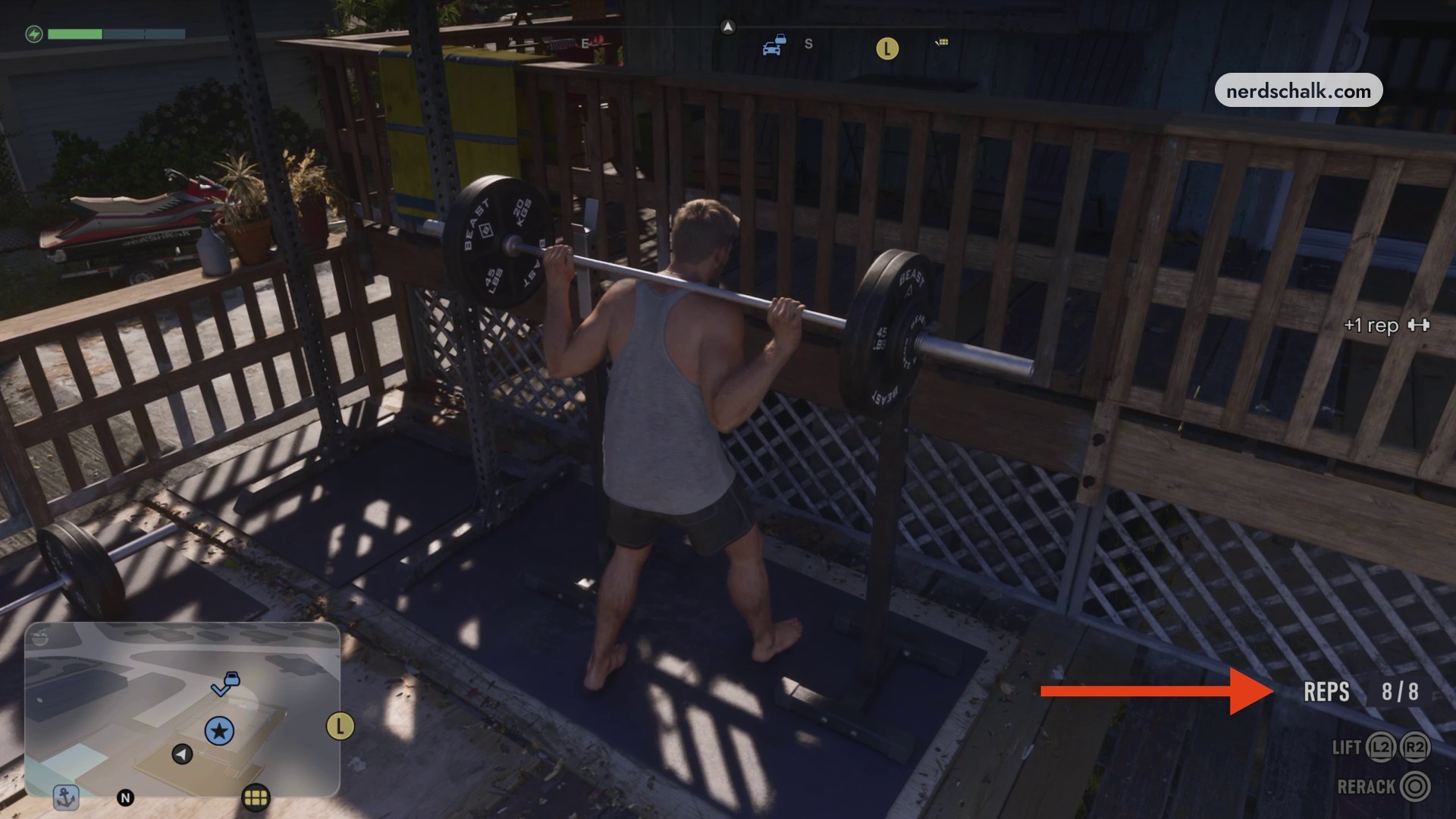
Follow the trigger prompts as they change between LOWER and LIFT. With this session’s first counter starting at 0/8, continue through eight repetitions until it reads REPS 8/8.
Look for REPS 8/8 to recognize that the first set is finished.
Rerack the barbell
Press Circle to place the bar back on its supports. RERACK also appears among the squat controls.
Return for the second set
Approach the rack again and press Triangle to get beneath the bar. Unhook it to take position for another set.
Complete the second set
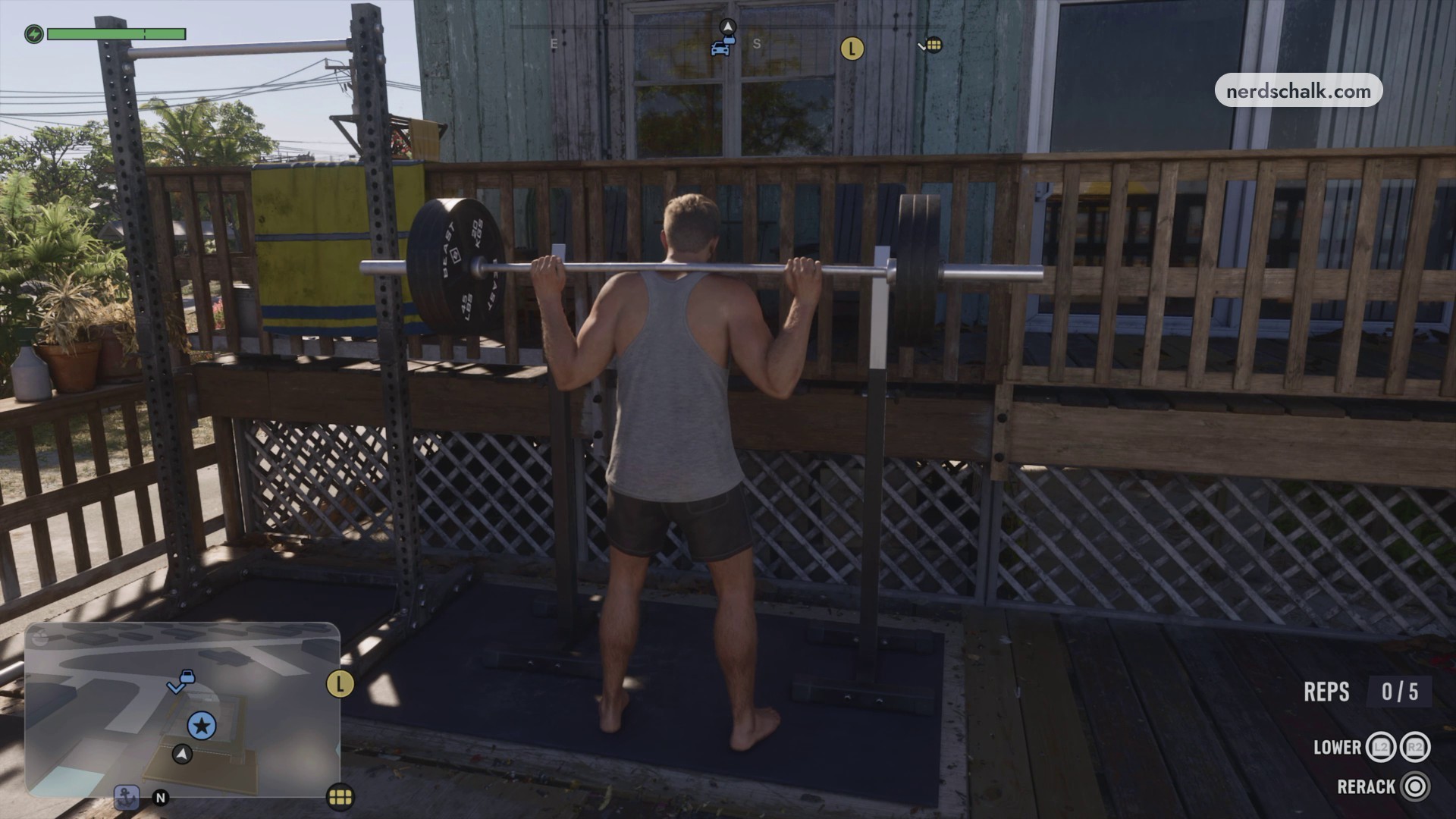
Follow the lowering and lifting prompts again. This session’s second counter starts at 0/5; complete five repetitions to reach REPS 5/5.
Finish the workout
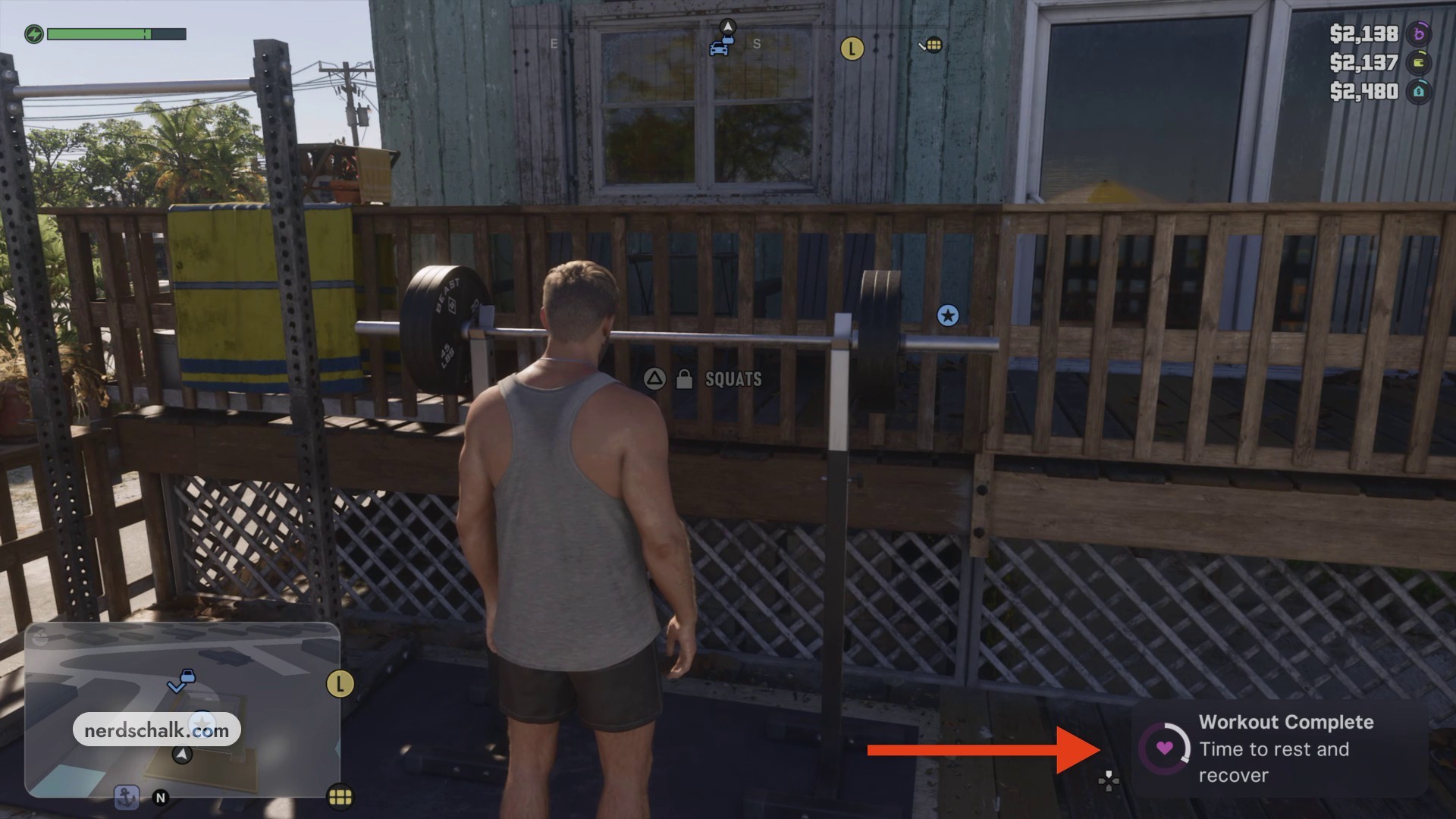
Rerack the weights after the final set. Look for Workout Complete in the bottom-right corner as your completion cue.
Recognize the final set’s completed 5/5 counter before returning the bar to its supports.
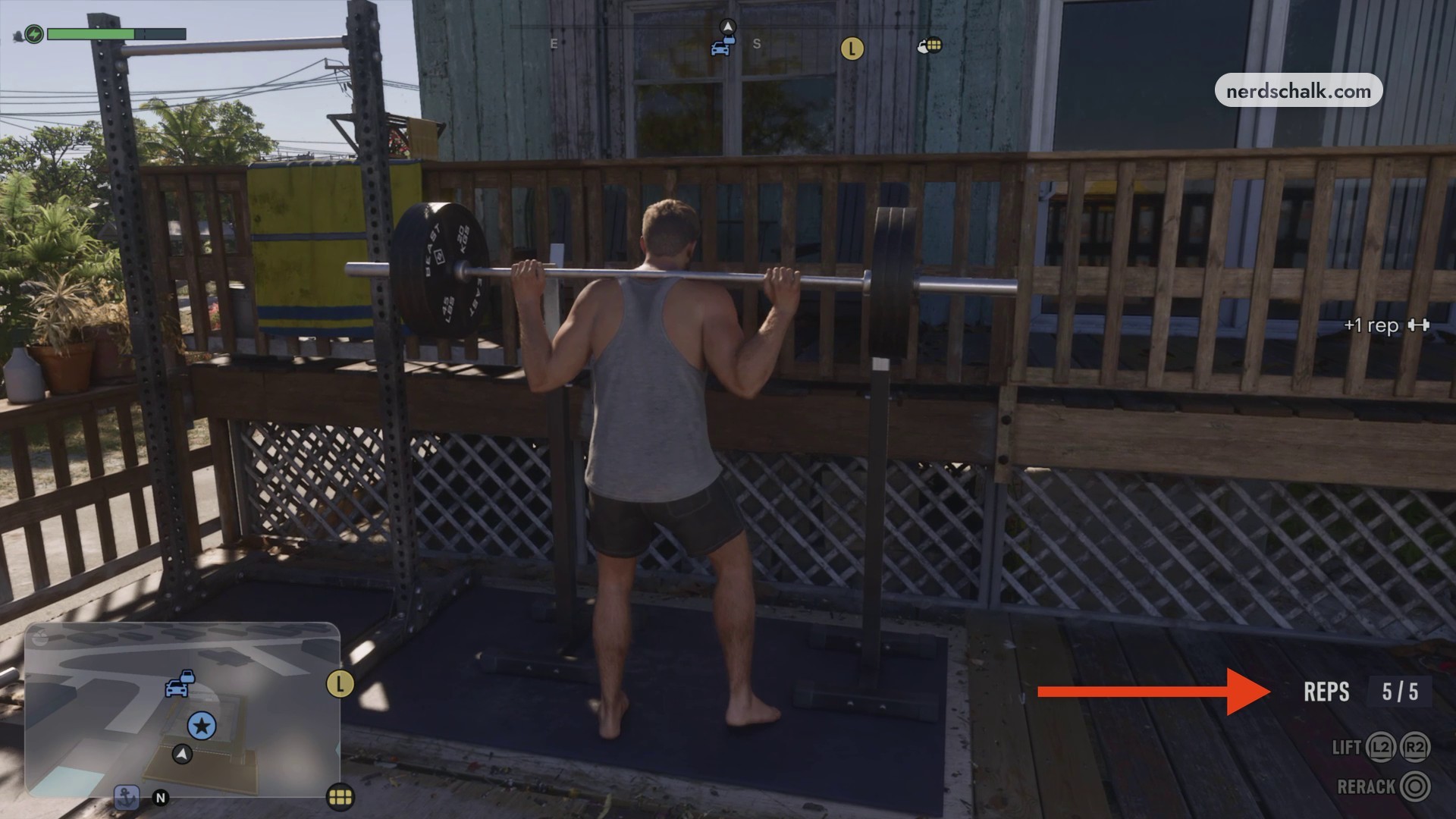
Watch for the +1 rep cue while squatting to spot the repetition feedback.
The workout’s closing instruction is straightforward: Time to rest and recover.
Related Grand Theft Auto VI guides
Leave a Reply