

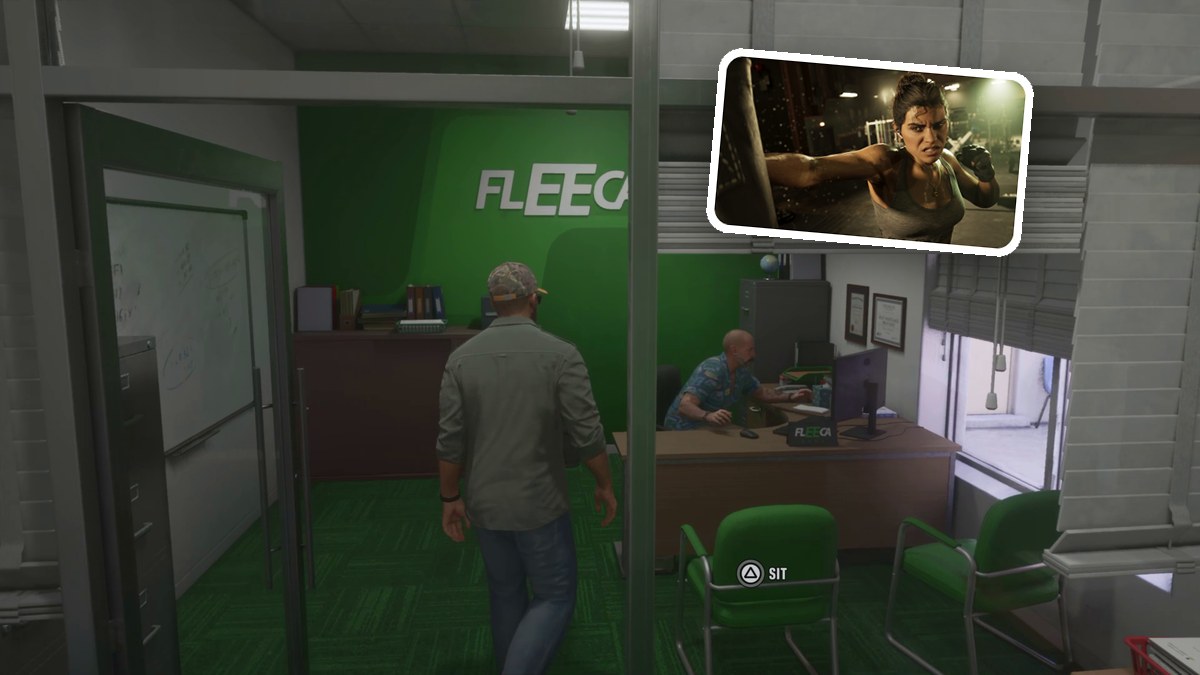
Follow Lucia’s message to Fleeca in Key Lento, ask about an account and choose Saved Cash, then open BuckMe on your phone.
Your bank account in Grand Theft Auto VI comes with access to BuckMe, where you can move money into Family Savings. This guide covers the bank visit, account discussion and first savings transfer.
Grand Theft Auto VI’s listed platforms are PlayStation 5 and Xbox Series X|S.
How to get a bank account in Grand Theft Auto VI
Find Fleeca and meet the manager, complete the account discussion, then access BuckMe for your Family Savings transfer.
Part 1 – Find Fleeca and meet the bank manager
Read Lucia’s location message
Open your phone messages and read Lucia’s text naming Fleeca – Key Lento. Use SET DESTINATION to set your route to the branch.
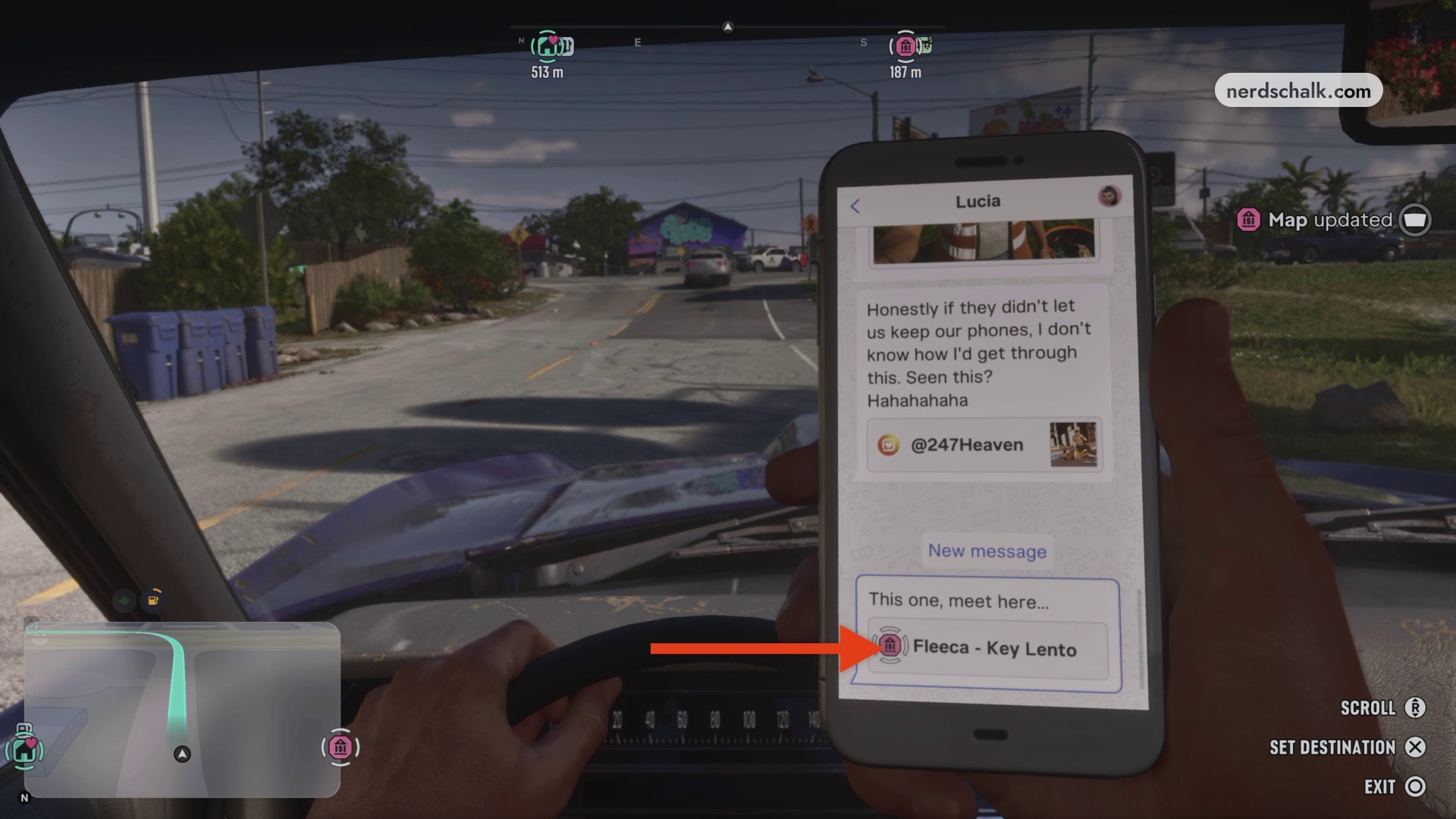
Drive to Fleeca in Key Lento
Follow the highway navigation to Fleeca Bank. Park outside when you reach the branch.
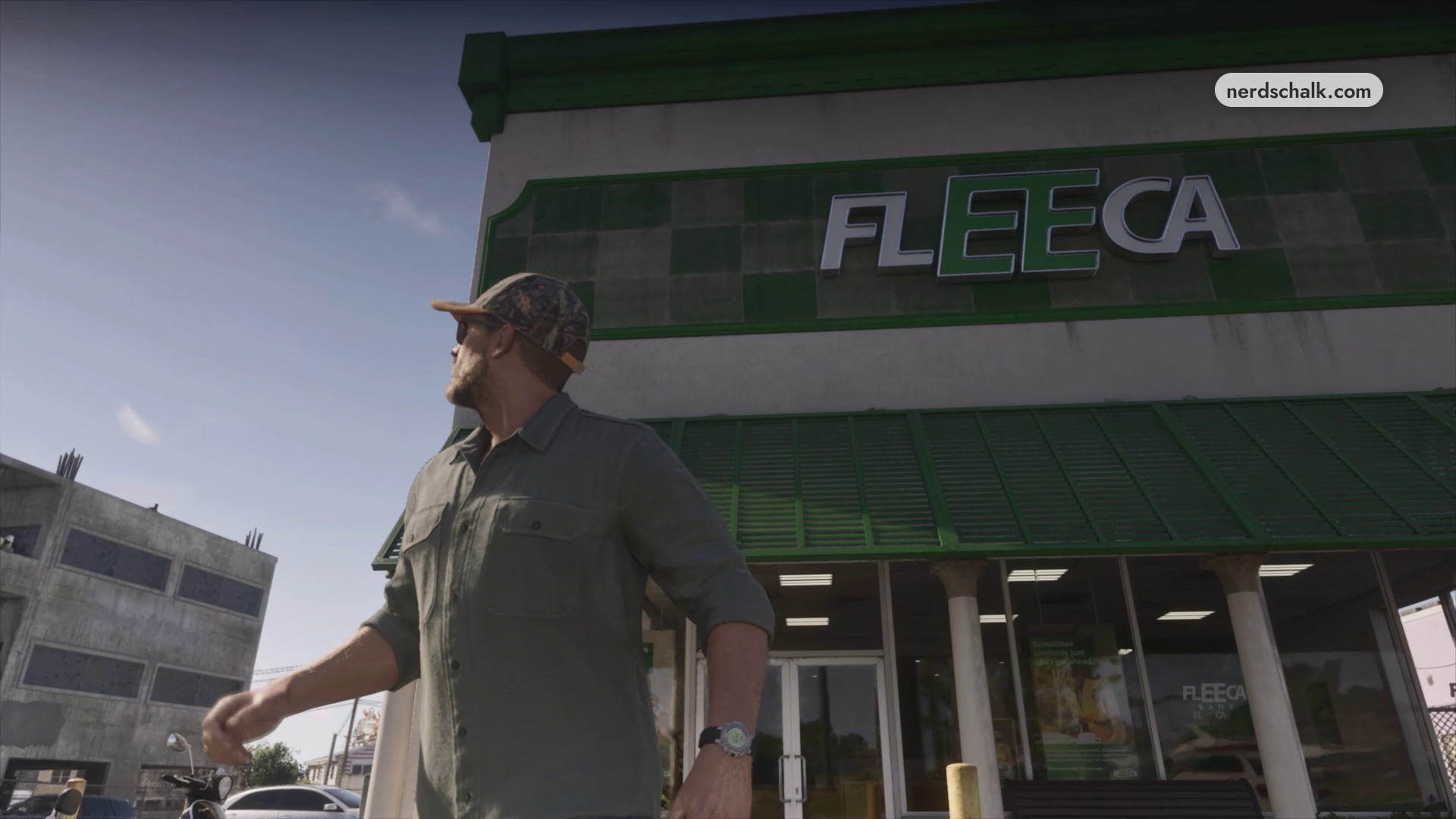
Enter the bank and ask about an account
Exit your vehicle and walk inside. Approach the counter and select BANK ACCOUNT? to ask about opening an account.
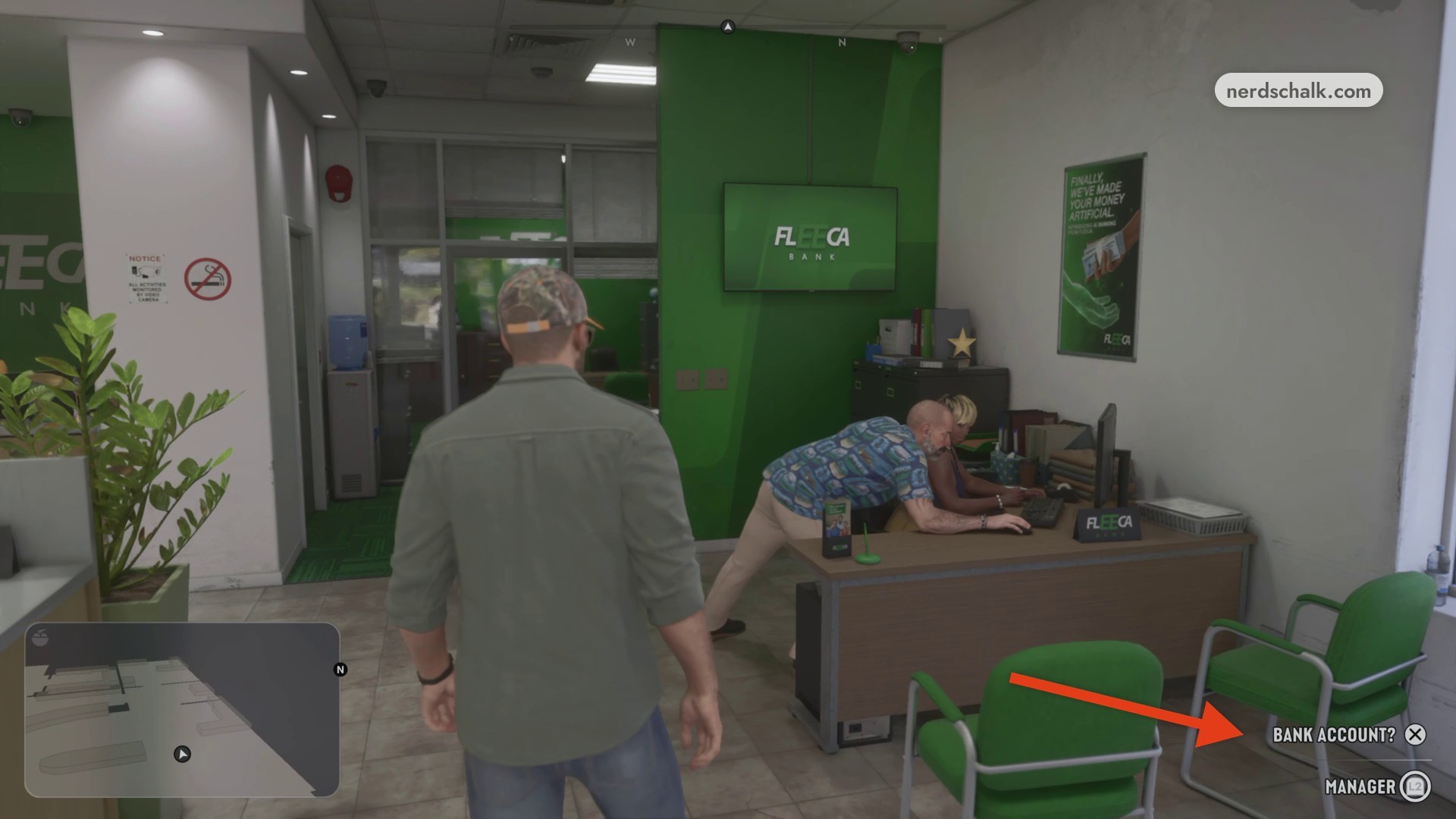
Part 2 – Complete the account discussion
Follow the manager to his office
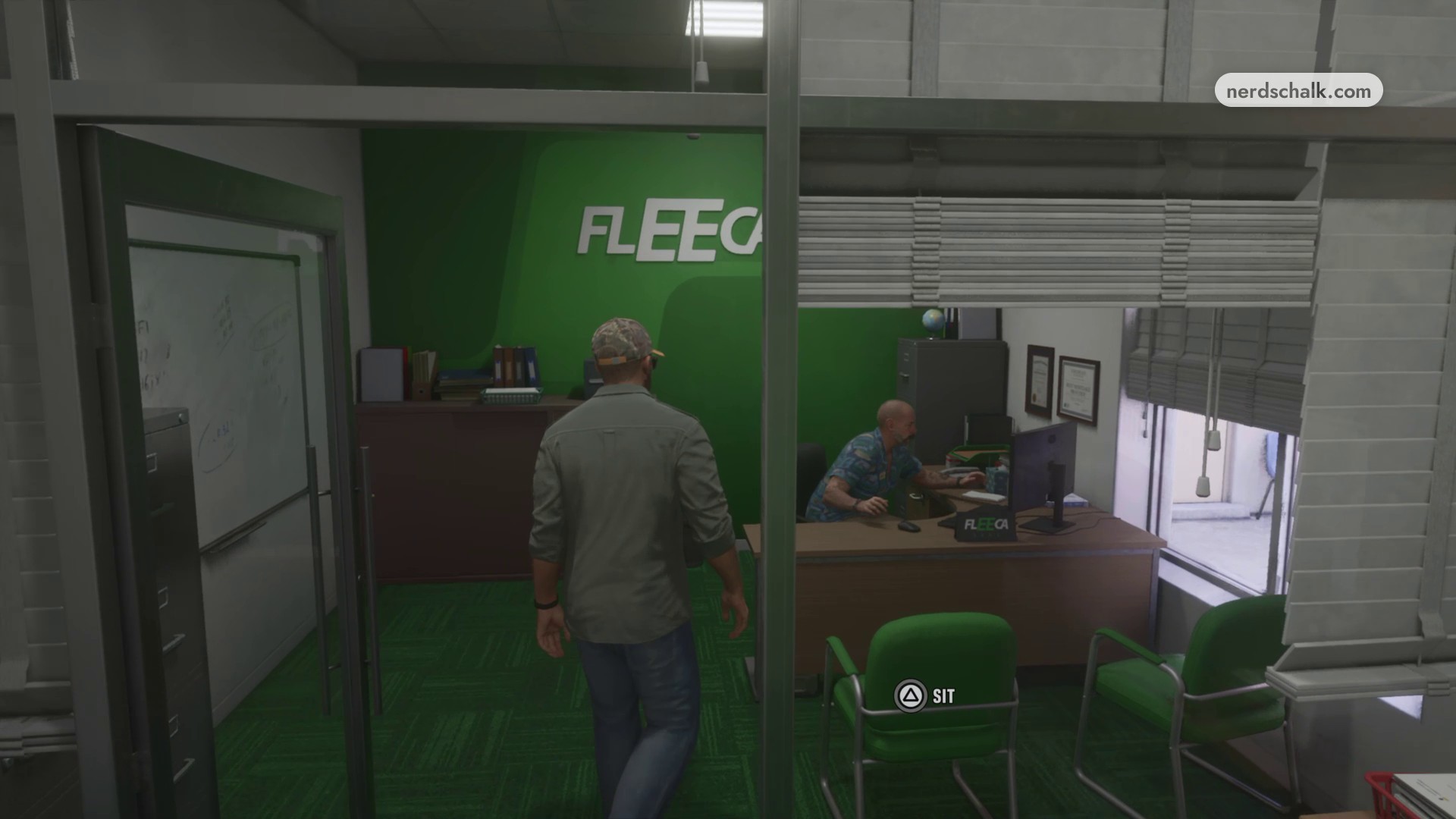
Follow the manager through the side doorway and into his private office.
Sit opposite the manager
Approach the green chair facing the manager’s desk and use SIT to begin the discussion.
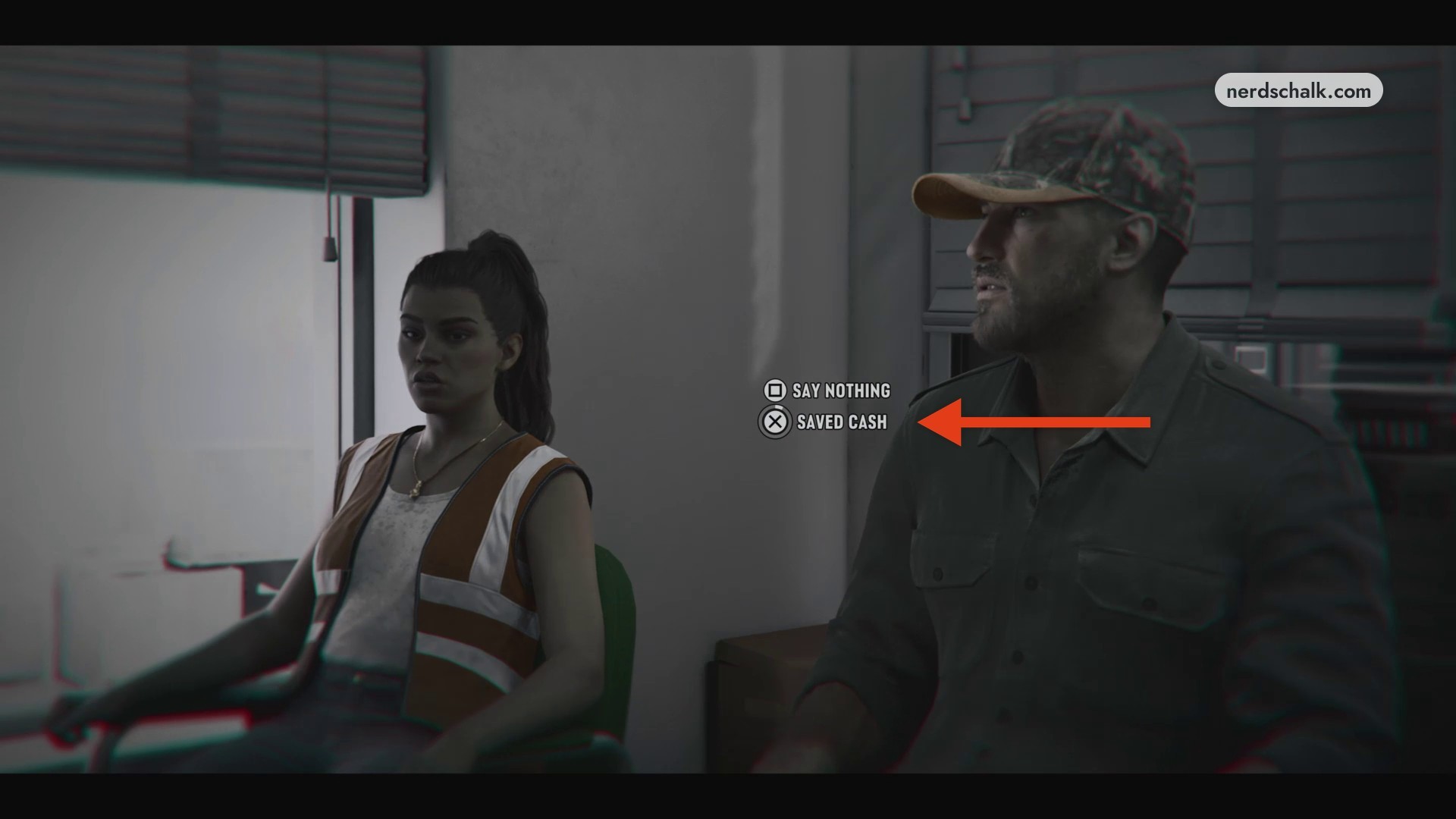
Choose Saved Cash
When the dialogue choices appear, press cross to choose SAVED CASH. The other displayed option is SAY NOTHING, mapped to square.
Part 3 – Access BuckMe and transfer money to Family Savings
Open BuckMe on your phone
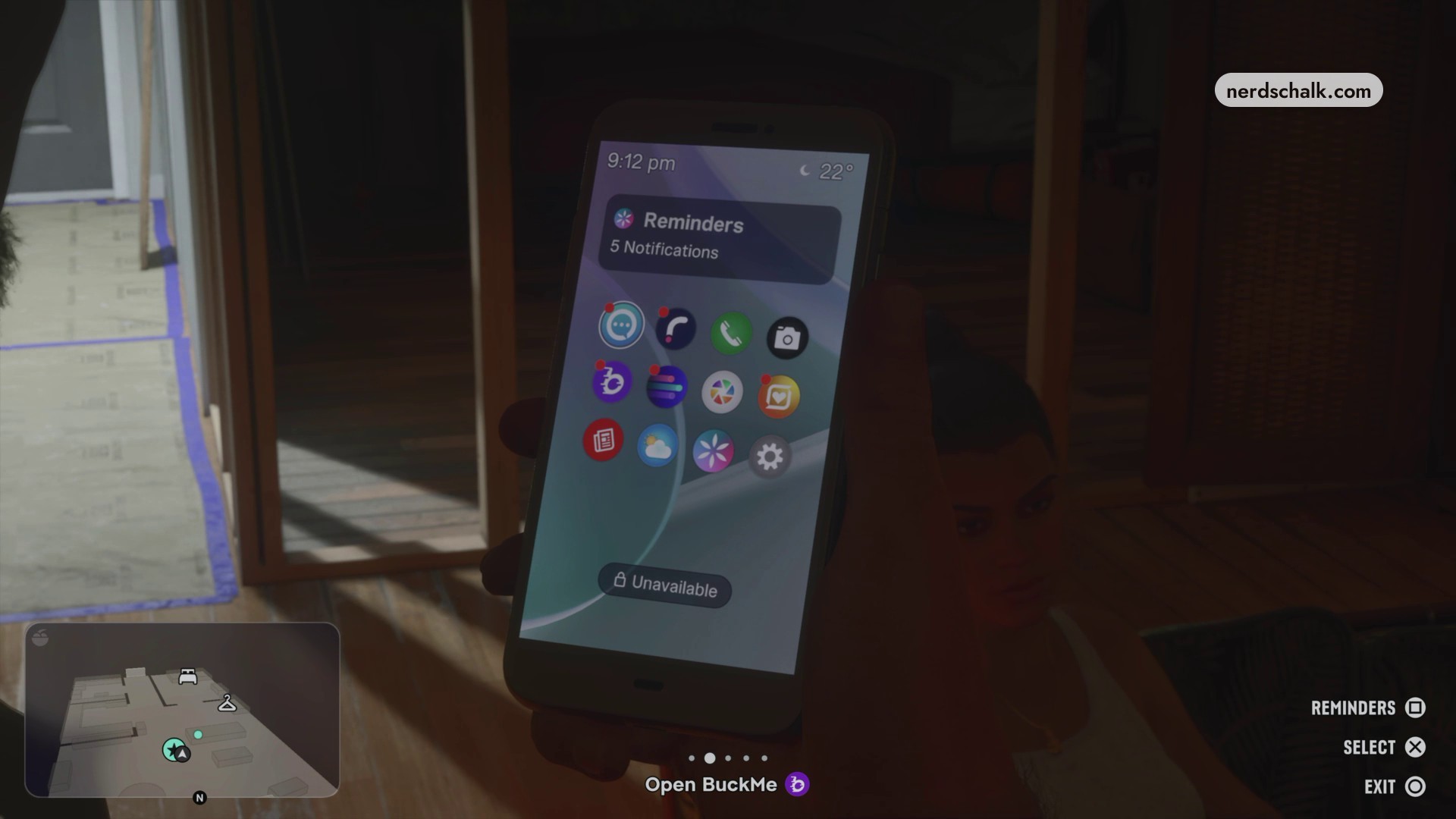
The manager arranges your BuckMe access. Open your phone and select the app’s icon; the phone displays an Open BuckMe reminder, and launching the app starts its onboarding animation.
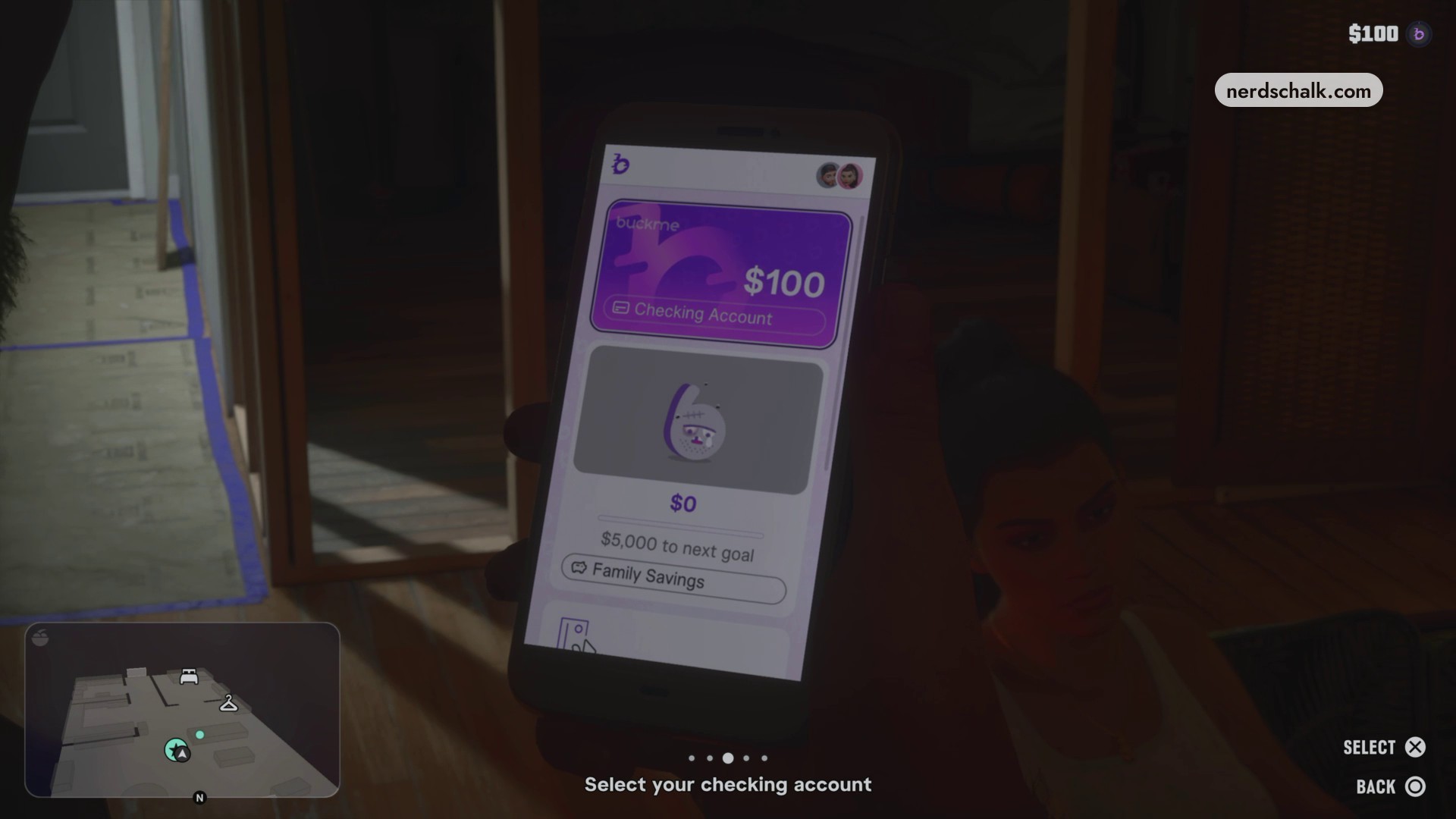
Select your checking account
On BuckMe’s main screen, highlight Checking Account and press SELECT to open it.
Choose Buck Yourself
Inside the checking account menu.
Complete the Family Savings transfer
The form displays $100 in the Amount field for the transfer into Family Savings.
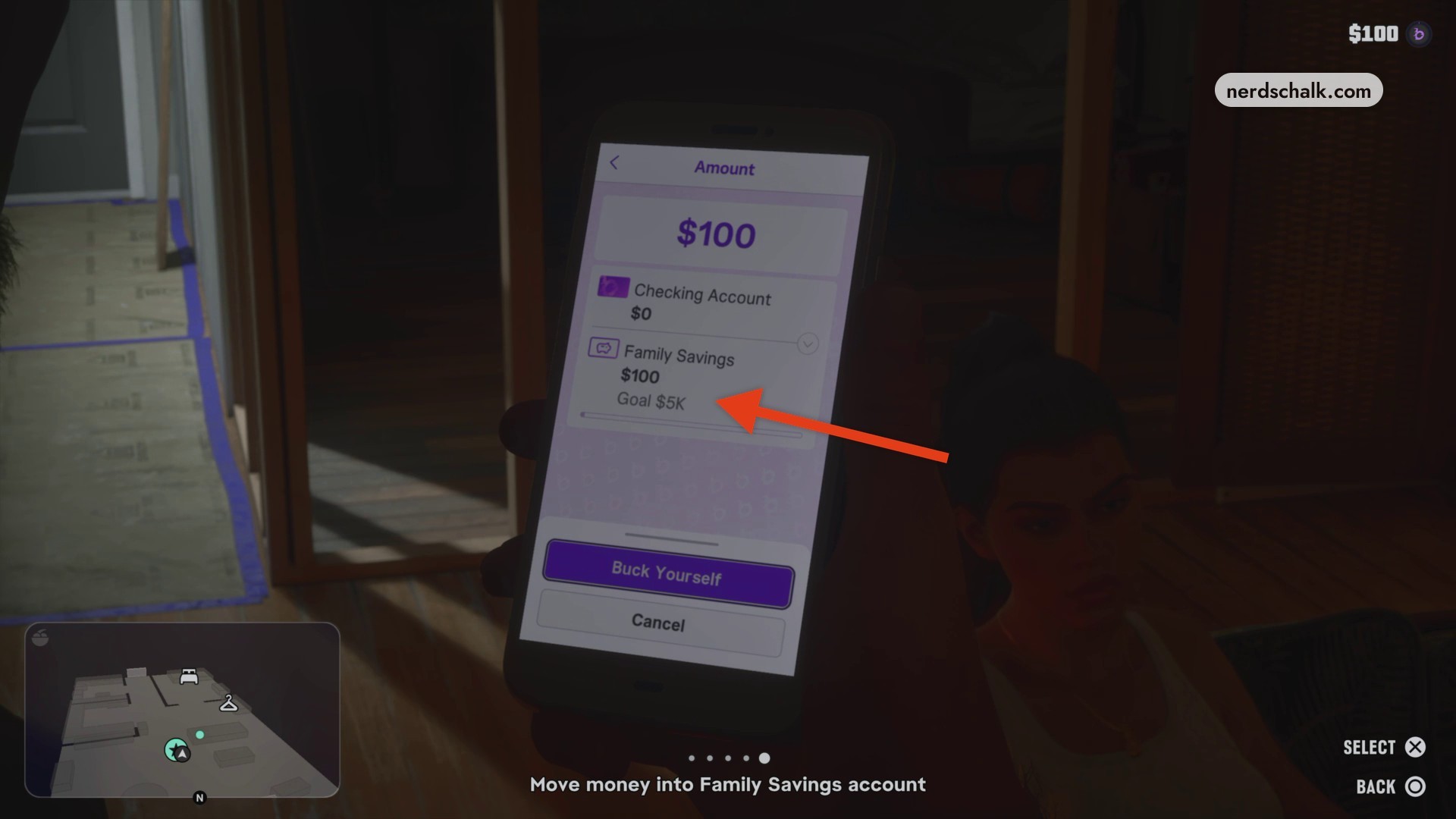
SELECT Press SELECT on that screen to move the money.
› story detailsSpoilers for the story. Open to read.
Bank discussion story details
Jason presents his identification, and the manager raises the question of a deposit.
What balances, savings goal and transfer limit does BuckMe show?
| Account detail | Displayed value |
|---|---|
| Initial Checking Account balance | $100 |
| Initial Family Savings balance | $0 |
| Family Savings goal | $5,000 |
| Checking transfer limit | $15K |
The savings target appears as $5,000 to next goal on the account screen and Goal $5K on the transfer form.
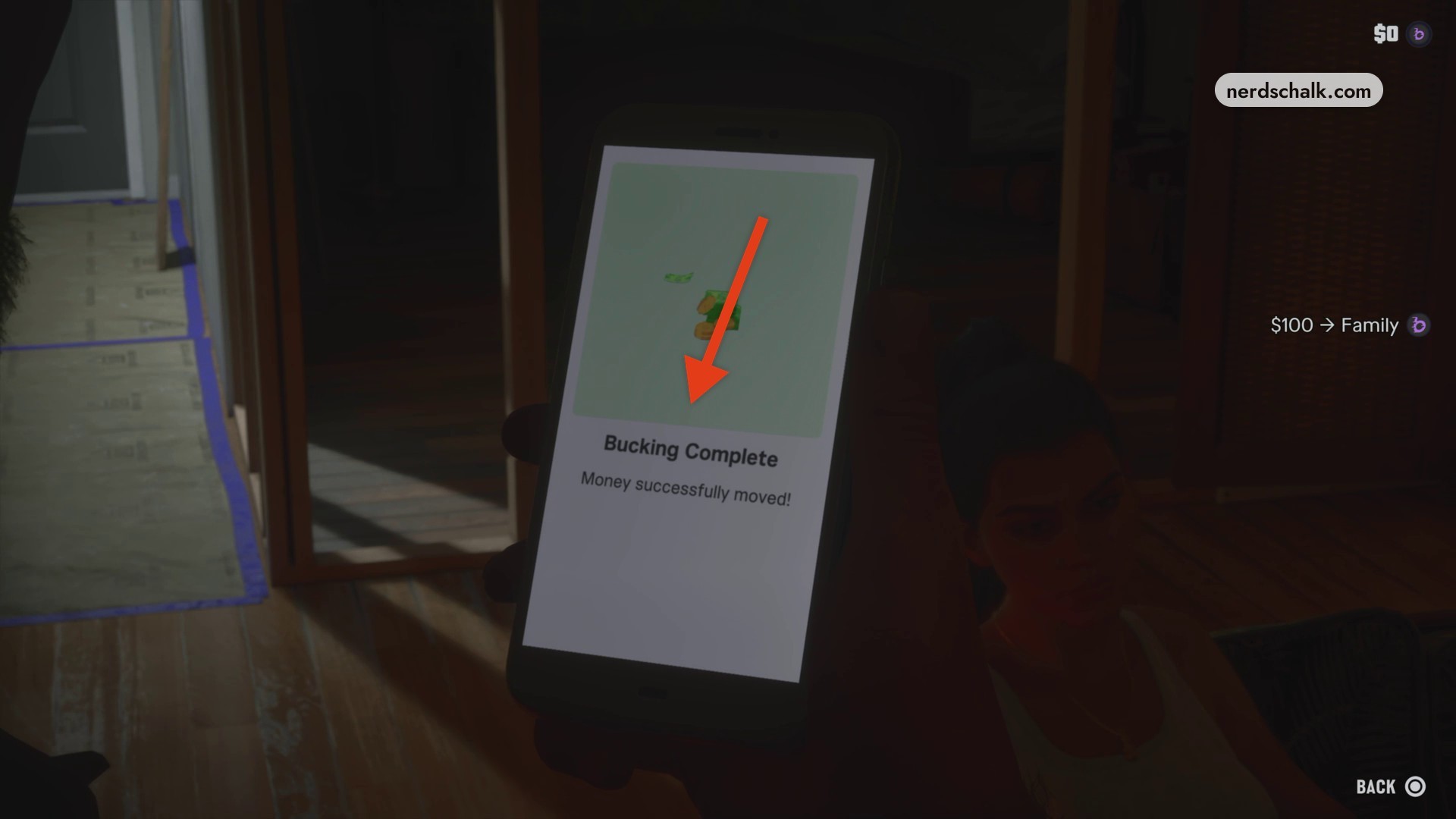
A successful move from checking into Family Savings brings up Bucking Complete and Money successfully moved! The completion screen also displays $100 → Family and a $0 value.
Related Grand Theft Auto VI guides


Leave a Reply