
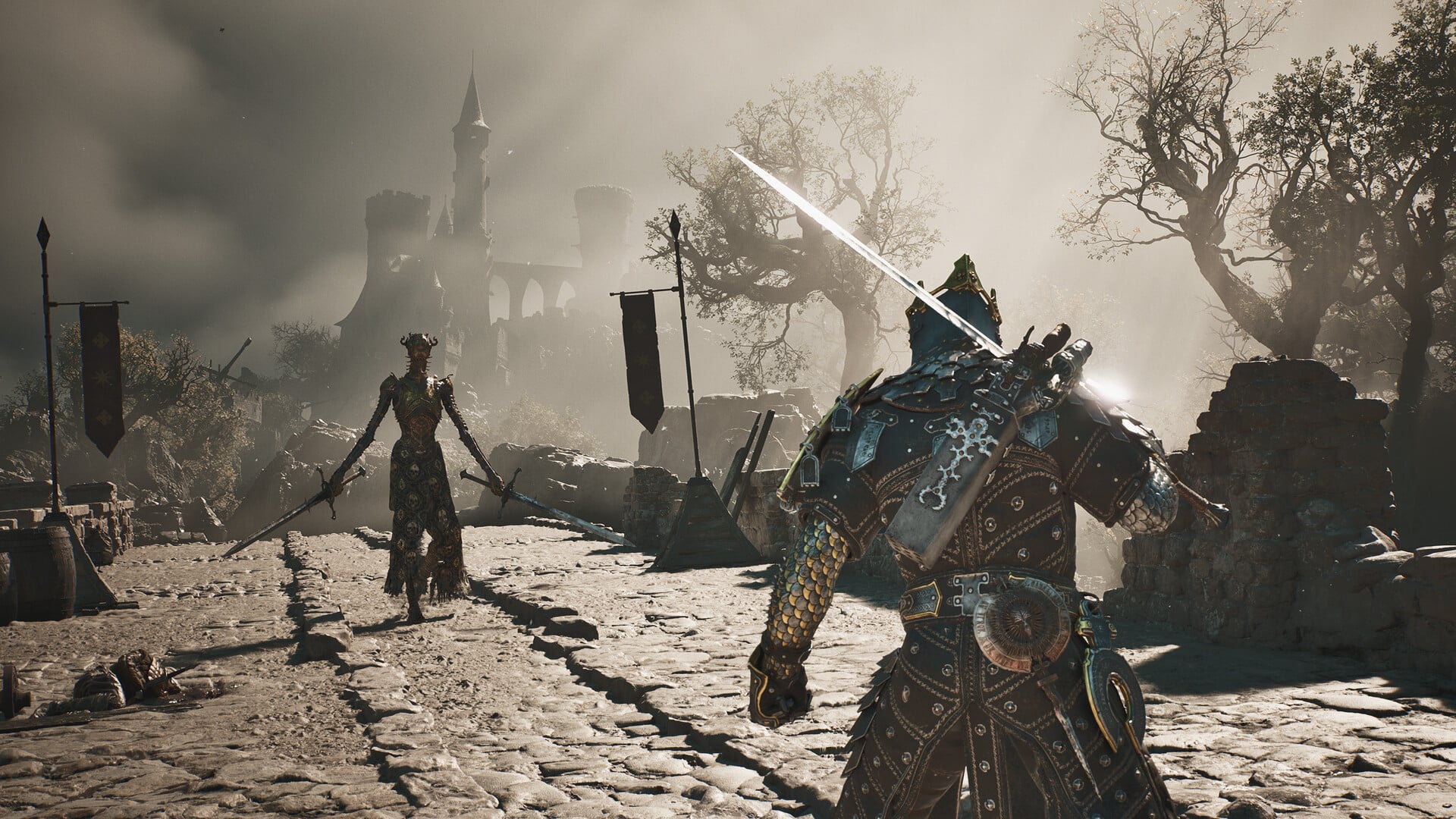
Restore the Tarforge by bringing Muradean Actuator, Obsidian Lathe, Etching Needles, and Foundry Stone to Franz, then use Install Endless Core at the forge to remove the level cap on weapon and sidearm upgrades.
The Tarforge begins with most of its functions unavailable at Marrow Keep. Recovering its missing parts gradually opens melee weapon, sidearm, Tarstone, and smelting options, while the Endless Core belongs to late-game progression.
Jump to: item comparison, the full reference, smithing materials, build priorities, smelting refunds, or frequently asked questions.
- Quick answer: which Tarforge items to prioritize
- At a glance: Tarforge items and materials
- Complete reference for every Tarforge unlock
- Upgrade materials used by the Tarforge
- How to use the Tarforge list for your build
- Smelt Equipment resets and refunds
- Franz shortcut and its consequences
- Frequently Asked Questions
- More Mortal Shell II guides
Quick answer: which Tarforge items to prioritize
The practical default order is melee weapons first, followed by sidearms, Tarstones, smelting, and finally cap removal. Move the Foundry Stone forward if you are still testing equipment and want the ability to recover an upgrade investment.
The four Franz hand-ins are function unlocks rather than ordinary smithing materials. The Endless Core is separate: it is installed through the forge interface after you obtain it.
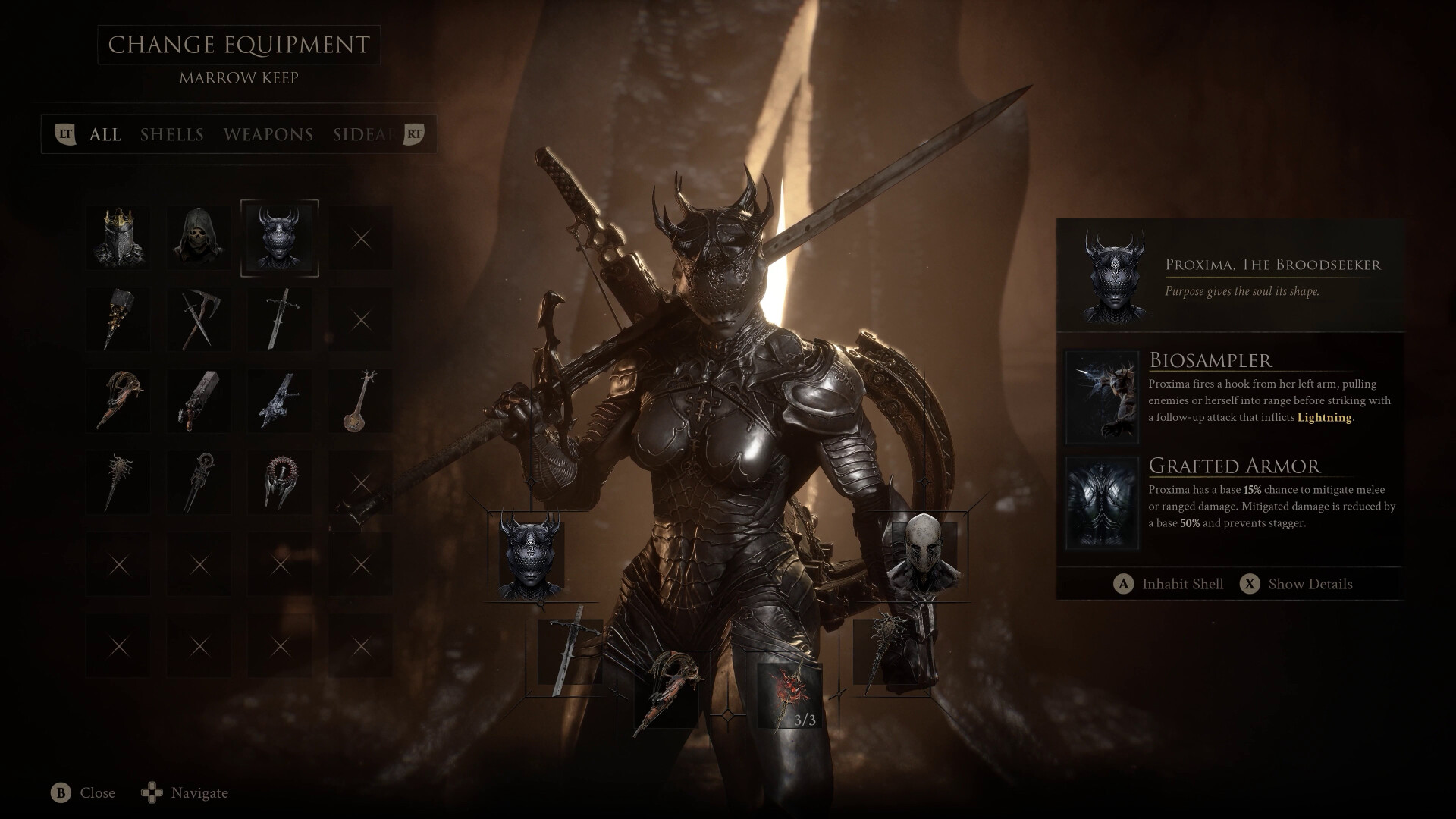
At a glance: Tarforge items and materials
| Item | Use | Where |
|---|---|---|
| Tarforge | Central equipment-upgrade station | Tarforge Chamber in Marrow Keep, beside Franz |
| Muradean Actuator | Unlocks melee weapon upgrades | Village Outskirts beacon dungeon |
| Obsidian Lathe | Unlocks sidearm upgrades | Widow-area dungeon in Fainweald |
| Etching Needles | Unlocks Tarstone upgrading and leveling | Glutted Mire, before Magdalena, Lady of the Woods |
| Foundry Stone | Unlocks Smelt Equipment | South of the Outskirts of Mammon beacon |
| Endless Core | Removes the weapon and sidearm upgrade level cap | Unfound Path, near the Hidden Nave or Hidden Knave beacon |
| Ventrium | Weapon and sidearm smithing material | Material sources vary |
| Laterite | Weapon and sidearm smithing material | Material sources vary |
| Dorsalite | Weapon and sidearm smithing material | Material sources vary |
| Thoracium | Weapon and sidearm smithing material | Material sources vary |
| Ossinite | Weapon and sidearm smithing material | Material sources vary |
Each restoration part expands the same machine, so unlocking one function does not replace another. Coins and smithing materials are then spent through the relevant equipment-upgrade options.
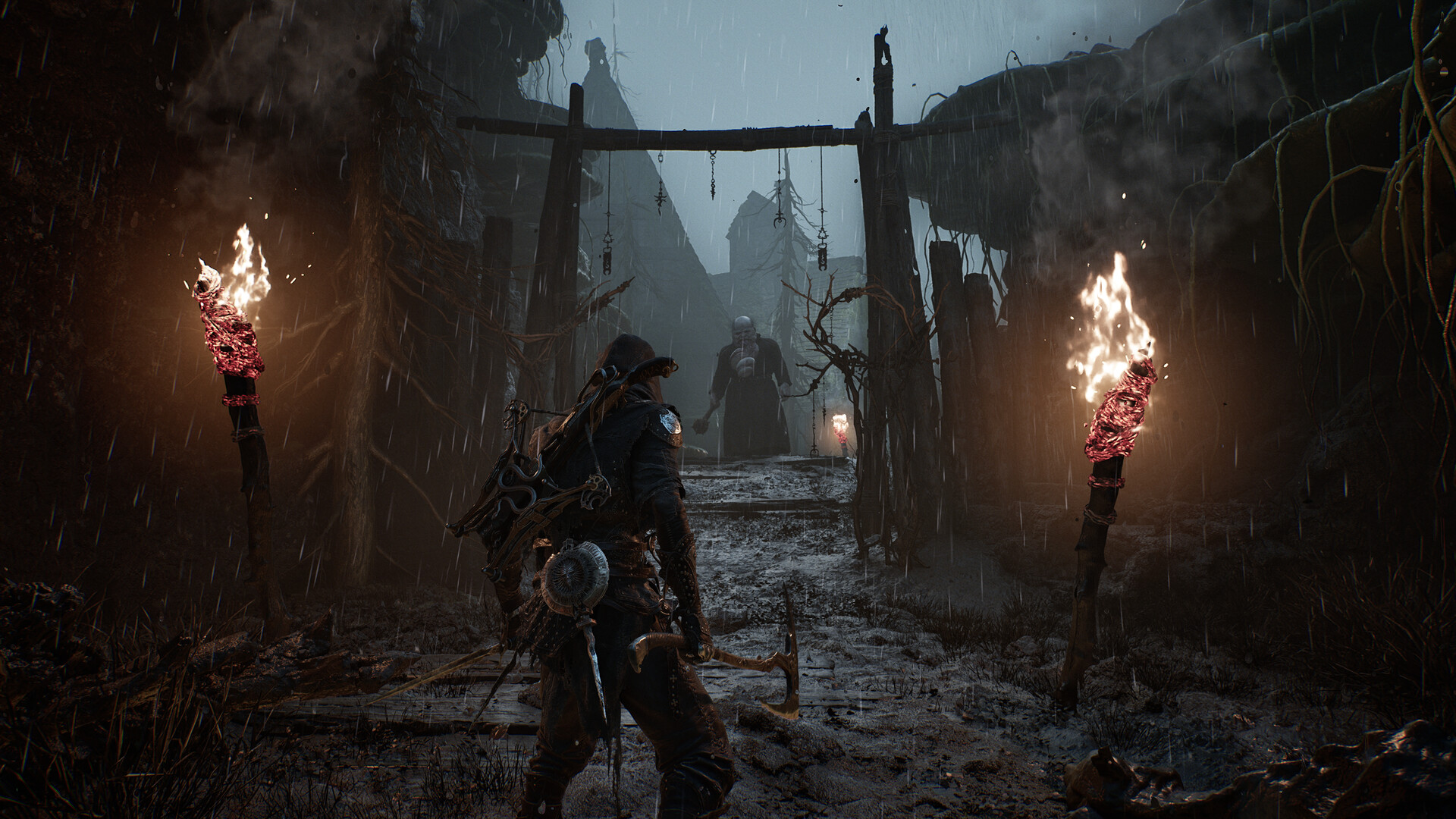
Complete reference for every Tarforge unlock
Tarforge location and interface
Franz tends the Tarforge in its chamber inside Marrow Keep, north of the Gloom Siphon. Interact with the machine and open the vertical menu labeled Upgrade Equipment; restored functions appear there as their corresponding parts are returned.
The Tarstone option is labeled Temper Tarstones. Individual Tarstones display their level as Lv.{X}, About Tarcores opens the related information entry, and Leave exits the forge interface.
If nothing is eligible for tempering, the forge displays: You don’t have any Tarstones ready to upgrade. Collect more tarstone XP by defeating enemies.
Muradean Actuator and melee weapon upgrades
Select Give Muradean Actuator when you return the part to Franz. This restores the mechanism that allows melee Weapons to be upgraded at the Tarforge.
Muradean Actuator location
The Actuator is available during the early prologue route. At the Village Outskirts beacon, choose to cleanse the beacon and enter its dungeon; the item is inside a chest in the first room. If you pass it initially, return after unlocking fast travel.
Obsidian Lathe and sidearm upgrades
Choose Give Obsidian Lathe when speaking with Franz. Installing this component opens sidearm upgrades through the Tarforge.
Obsidian Lathe location
The Lathe is inside the Fainweald dungeon reached from the Widow’s Overlook or Widow’s Rise area. The destination is variously labeled Martyr’s Tomb or Tomb of the Grand Martyr, so use the Widow-area beacon and tomb setting as your route anchors.
Etching Needles and Tarstone leveling
The Etching Needles are described as Slender needles, meticulously crafted to pierce far more than stone
, with the instruction to Bring to Franz to discover its true purpose.
Use Give Etching Needles to enable Tarstone upgrading and leveling at the forge.
Etching Needles location
Search the Glutted Mire route before the encounter with Magdalena, Lady of the Woods. The chest appears after the Tarblighted Shepherd and before Magdalena’s arena, so collect it while advancing toward the boss rather than waiting until afterward.
Foundry Stone and the smelting function
Select Give Foundry Stone when you return to Franz. The stone restores the Tarforge’s smelting capability and adds Smelt Equipment to its available functions.
Foundry Stone location
Fast travel to the Outskirts of Mammon beacon and search the blasted area directly south, near the gateway and castle walls. The Foundry Stone is inside a chest guarded by a large group of soldiers and knights, so either clear the area or time a quick chest run.
Endless Core and upgrade-cap removal
Feed the Endless Core directly to the machine by selecting Install Endless Core. This removes the level cap on weapon and sidearm upgrades, giving the item its greatest value once a developed armament reaches the normal ceiling.
Endless Core location
The Endless Core belongs to the late-game Unfound Path route, shortly before the final boss path. Look for the beacon called Hidden Nave or Hidden Knave; the two spellings refer to the same general tunnel destination.

Upgrade materials used by the Tarforge
Ventrium, Laterite, Dorsalite, Thoracium, and Ossinite form the broader smithing-material pool used by weapon and sidearm upgrade attempts. Different equipment investments draw on these resources alongside coins, so avoid assuming that one material has a single universal use.
| Material | Description |
|---|---|
| Ventrium | A calcified fragment often mistaken for the Blessed Mether’s bones. Some believe it’s a remnant of her sacred flesh. |
| Laterite | It’s said these pieces of the Blessed Mether rain down from the heavens and fall at the feet of her favorites. |
| Dorsalite | A remnant of the chitinous carapace that allowed the Blessed Mether to descend upon what would become Fainweald. |
| Thoracium | Prized for its proximity to the Blessed Mether’s womb, these calcified chunks are said to pulse with life. |
| Ossinite | A fragment of the Blessed Mether’s bones. Few pieces remain that don’t belong to Her temples. |
How to use the Tarforge list for your build
Chase the part connected to the equipment you already rely on. The early Muradean Actuator offers the fastest payoff for a melee-focused character, while a sidearm-centered build benefits more from the Fainweald detour for the Obsidian Lathe. Tarstone users can collect the Etching Needles naturally while approaching Magdalena.
Delay heavy spending while you are still changing weapons frequently. Securing the Foundry Stone first makes a poor investment reversible, whereas the Endless Core can remain a late-game objective until an armament is actually pressing against its normal level cap.
| Goal | Prioritize |
|---|---|
| Upgrade a melee weapon | Muradean Actuator from the Village Outskirts route |
| Develop a sidearm | Obsidian Lathe from the Widow-area dungeon |
| Level Tarstones | Etching Needles before Magdalena |
| Protect a major material investment | Foundry Stone before spreading upgrades across equipment |
| Move beyond the regular upgrade cap | Endless Core from the late-game Unfound Path route |
Test an armament’s moveset before spending your rarer smithing materials. A few fights with its base form can reveal whether it suits your build without tying up resources.
Smelt Equipment resets and refunds
Smelt Equipment is the Tarforge’s refund and reset feature. Select an upgraded weapon or sidearm to return it to its base level and recover the upgrade materials previously spent on it.
Use smelting when you have genuinely abandoned an equipment choice, not merely because another weapon looks interesting. The refunded materials can fund a replacement immediately, but the smelted armament loses its upgrade progression and must be developed again if you later return to it.
Franz shortcut and its consequences
Killing Franz immediately opens the four main functions: melee weapon upgrades, sidearm upgrades, Temper Tarstones, and Smelt Equipment. It bypasses the normal process of collecting and returning the four restoration parts.
This is an irreversible NPC choice, not the recommended progression route. It saves collection detours at the cost of permanently removing Franz as a living character from that save.
Frequently Asked Questions
Where do I use the Endless Core?
Install it through the machine. If you are viewing Franz’s hand-in interactions, leave that conversation, interact with the Tarforge, and select Install Endless Core from its menu.
What does the no-ready-Tarstones message mean?
It indicates an XP eligibility gate, not simply a shortage of coins. Defeating enemies earns Tarstone XP; return to Temper Tarstones once a Tarstone has accumulated enough to advance.
When is Smelt Equipment worth using?
Smelt after testing a replacement and deciding that your current upgraded weapon or sidearm no longer supports the build. Keep the existing investment intact if you are only comparing movesets or considering a temporary change.
Is killing Franz a good default shortcut?
No. Returning the missing parts provides the intended unlock route while preserving the NPC. Use the shortcut only when opening every main function immediately matters more to you than keeping Franz alive.






Leave a Reply