
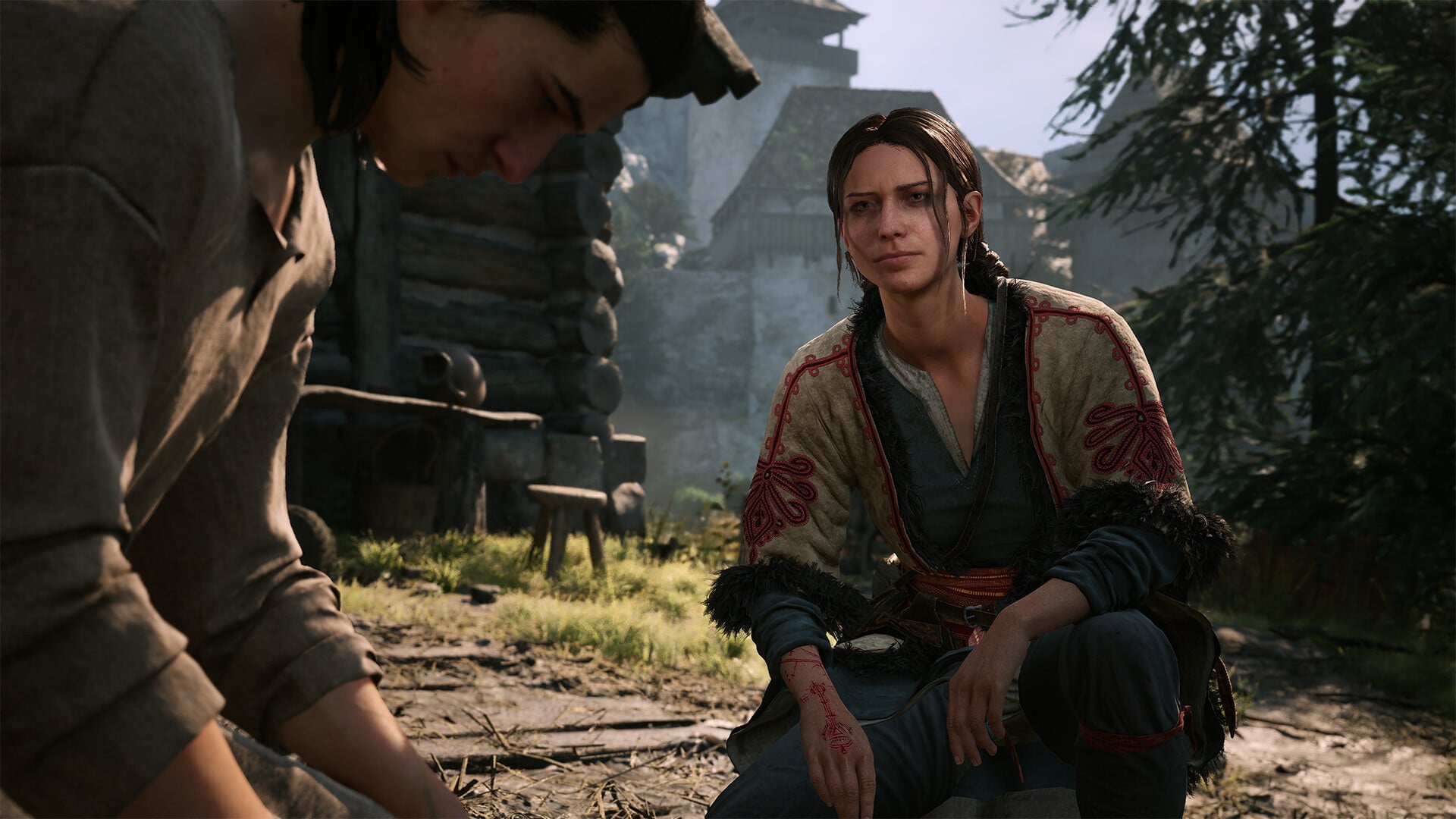
Use Full Screen for Windowed or Borderless stuttering, update your BIOS for shader-compilation crashes, and set console controller sensitivity to 0.8 for interrupted sprinting.
The launch build has several display, startup, and controller problems. Match your symptom with the relevant action below; one controller limitation still requires a game update.
The Blood of Dawnwalker launch issues and fixes
| Issue | Fix or status |
|---|---|
| Stuttering in Windowed or Borderless mode | Launch in Full Screen |
| Crash while compiling shaders | Update the system BIOS |
| Missing PS5 gamepad button mapping | Game update in development |
| Sprinting stops during direction changes | Set console controller sensitivity to 0.8; game fix in development |
These issues apply to the launch build released on September 2, 2026. Each action is symptom-specific, so identify whether the problem occurs during startup, in a particular display mode, or while using a controller.
Fix Windowed or Borderless stuttering
Select Full Screen
Launch The Blood of Dawnwalker in Full Screen instead of Windowed or Borderless mode.
Address crashes during shader compilation
If The Blood of Dawnwalker closes while compiling shaders at launch, update the system’s BIOS before attempting the compilation again. This remedy targets shader-compilation crashes rather than every possible cause of a startup crash.
Download the BIOS package for your exact prebuilt PC or motherboard model and follow its manufacturer’s firmware-update instructions. BIOS menus and installation procedures vary between systems, making the hardware-specific directions the appropriate sequence to use.
The launch build does not provide the button-mapping option for PS5 gamepads.
Key A game update addressing the missing remapping option is in development. This requires a game-side change rather than one of the available display or console-setting workarounds.
Reduce sprint interruptions when changing direction
Lower controller sensitivity
In the console settings, change controller sensitivity from 1 to 0.8.
Related The Blood of Dawnwalker guides
Frequently Asked Questions
How do you fix stuttering in Windowed or Borderless mode?
Launch the game in Full Screen. The game’s own forum lists Full Screen as the workaround for stuttering in Windowed or Borderless mode.
How do you fix crashing while compiling shaders?
Update your BIOS. The game’s own forum lists a BIOS update as the fix for crashes during shader compilation.
Can you remap buttons on a PS5 gamepad at launch?
No. The game’s own forum lists missing PS5 gamepad button mapping as a known issue, and Rebel Wolves is already working on it.
How do you fix sprinting stopping when changing directions on a gamepad?
Change your controller sensitivity from 1 to 0.8 in the console settings. The game’s own forum lists that as the workaround while Rebel Wolves works on a fix.
Is the controller movement bug limited to sprinting?
No. A player on the game’s own forum says movement input can drop after about 10 minutes with a controller, causing running to stop or turn into slow walking.




Leave a Reply