
Category
Tips
-

10 Best Super Thin Cases for Pixel 8 and Pixel 8 Pro
What to know Super thin Pixel 8 and Pixel Pro cases protect the devices without adding any unnecessary and unseemly bulk. The best of…
-

Google Pixel 8 Pro Features That Are a ‘FIRST’ for Smartphones
What to know: Pixle 8 Pro comes with AI-powered camera features like Best Take and Magic Editor. There is also Audio Magic Eraser and…
-
![How to Enable and Use Second Controller on PS5 [And Why]](https://cdn.nerdschalk.com/wp-content/uploads/2023/10/add-second-controller.png)
How to Enable and Use Second Controller on PS5 [And Why]
With the last major software update for the PlayStation 5 came a bunch of new and exciting features, like updated voice commands, Dolby Atmos…
-

What Happened to Using Siri During Phone Calls in iOS 17?
What to know ‘Siri in calls’ was part of the iOS 17 beta builds and was found under Settings > Siri & Search >…
-
iOS 17: How to Add More Photos and Videos to a Memory
What to know To add new photos and videos to a memory on Photos in iOS 17 go to Photos > For You >…
-
iOS 17: How to Set Two Different Search Engines in Safari
What to know iOS 17 lets you use two separate search engines inside Safari – one for regular browsing and another for private browsing.…
-

How to Blur Background Using Photos App in Windows 11
Blurring the background of an image was once an advanced capability available only on third-party apps. But with Microsoft’s recent introduction of a Blur…
-
iOS 17: How to Pause And Resume Audio Recording on iPhone
What to know To pause an audio message recording, tap on the Stop icon. Once you’re ready to record again, tap the Plus icon beside…
-
iOS 17: How to Adjust Siri’s Speaking Speed on your iPhone
What to know In iOS 17, you can manually tweak the speed at which Siri responds to your queries. To adjust Siri’s speaking speed,…
-

How to Undo Widgets in iOS 17 Home Screen
What to know To enable the ability to undo widgets directly from the home screen in iOS 17, go to Settings > Accessibility >…
-
Microsoft’s Content Credentials vs Google’s Double Check: What to know!
What to know Microsoft’s Content Credentials help identify the source and history of all AI images generated with Bing Image Creator, Paint, and Designer. …
-
Personal Voice Not Showing Up in iOS 17? Fix in 10 Proven Ways
What to know If Personal Voice is missing or not working on your iPhone, then the first fix we recommend is to restart your…
-
12 Ways to Fix watchOS 10 Battery Drain Issue
What to know A new update like watchOS 10 may cause some temporary issues on your Apple Watch because the device needs to adapt…
-
How to Use AI in the Paint App on Windows 11
What to know The Paint app on Windows 11 is getting a new AI-enabled Cocreator feature. To use AI in Paint, click on the…
-

How to Redact and Extract Text From Images Using Snipping Tool on Windows 11
Like many other apps, Microsoft is updating and streamlining Windows’ native screenshot app, Snipping Tool, with a few new capabilities. ‘Text Action’, a new…
-

watchOS 10 Settings to Turn Off: 8 Changes to Make in New Update for Consistent Experience
What to know You can turn off a few settings in watchOS 10 if you are feeling overwhelmed by the changes being made on…
-

5 Ways to Hide or Uninstall Copilot on Windows 11
What to know Uninstall: Method 1: In Group policy Editor, enable “Turn off Windows Copilot” under User Configuration > Administrative Templates > Windows Components…
-

12 Ways to Fix iOS 17 Face Time Gestures Not Working Issue
What to know The main reason gestures might not trigger reactions in a FaceTime call for you might be because they have not been…
-
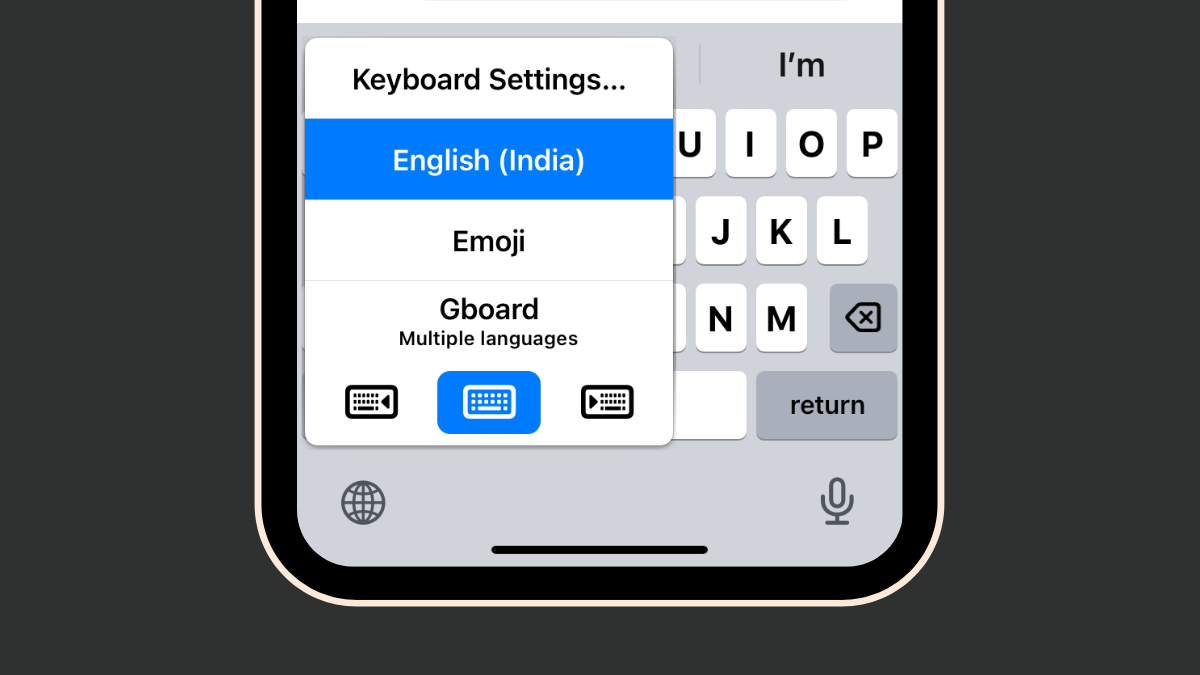
How to Fix the iOS 17 GIF Keyboard App Issues in 4 Ways
What to know The GIF Keyboard App in iOS 17 is now part of the iMessage apps and can be accessed by going to…
