
Category
Tips
-

How to Record Audio While Screen Recording With Snipping Tool on Windows 11
What to know To record audio while screen recording, launch the Snipping Tool and select Record > New. Then highlight the area that you…
-

6 Ways to Identify Currently Playing Music on iPhone
What to know You can identify songs on your iOS and iPadOS device using the Shazam Control Center module. To do so, Swipe down…
-

How to Use Google Search to Generate AI Images
What to know You can now generate AI images from Google Search itself. Enable SGE from Search Labs, type your prompt, and get four…
-
How to Transfer Styles Between Images With Photoshop Style Transfer
What to know Import an image to Photoshop, then click on Filters > Neural Filters > Style Transfer. Choose an existing ‘Preset’ or click on…
-
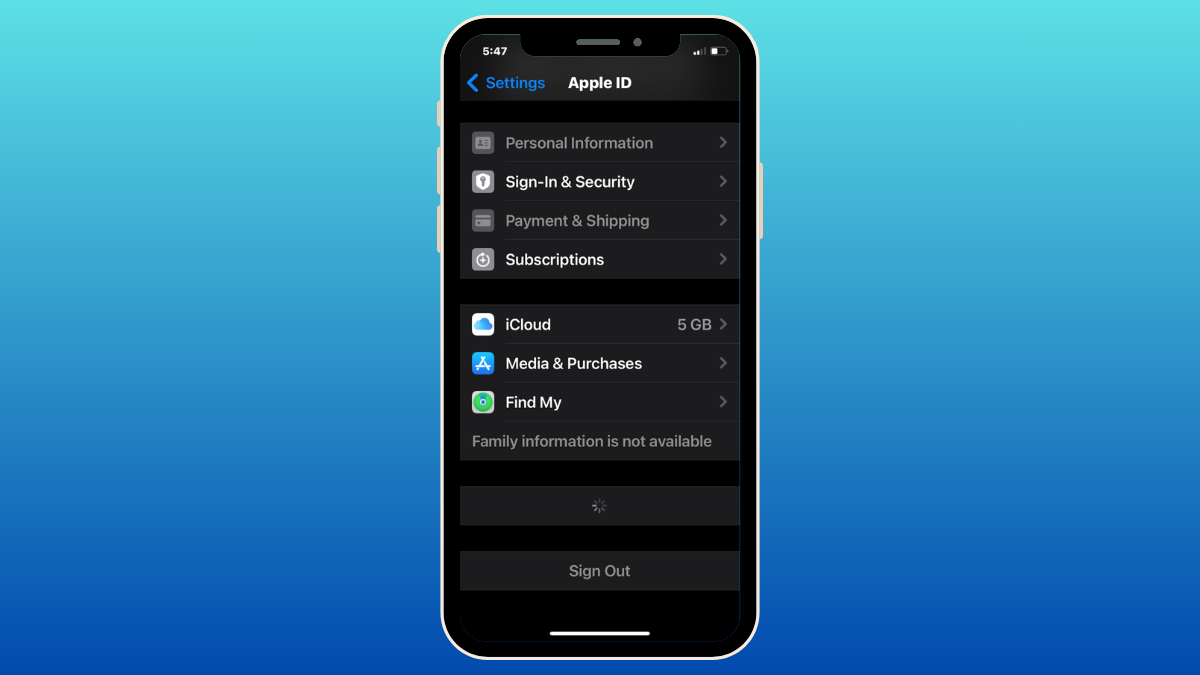
iPhone Trusted Devices List is Not Available? How to Fix
What to know Trusted devices is a list of Apple devices you own that show up inside the Apple ID screen on your iPhone.…
-

How to Do 2X or 4X Upscale on Midjourney to Increase Image Size (And Comparisons)
What to know Midjourney offers two new upscaling options – Upscale (2x) and Upscale (4x), that can increase the size of the original image…
-

How to Use Landscape Mixer in Photoshop to Transform Landscapes
What to know To transform the elements of a landscape image, open the file in Photoshop, then select Filter > Neural Filters > Landscape…
-

Best Prompts to Create AI Music With Stable Audio
What to know Stable Audio is a generative AI audio platform developed by the same company that hosts the image creation tool Stable Diffusion…
-
How to Use Generative Fill AI in Photoshop in App and Web
Adobe Photoshop is synonymous with professional image editing. Over the years, Photoshop has stayed head and shoulders above the rest by incorporating the best…
-
Stable Audio AI: What Is It and How to Use It
What to know Stable Audio is a generative AI audio platform developed by Stability AI, which also hosts the image creation tool Stable Diffusion. …
-
9 Best Leather Cases for Pixel 8 and Pixel 8 Pro
What to know Pixel 8 and Pixel 8 Pro leather cases provide top-tier protection while being elegantly sophisticated in design. Some of the best…
-
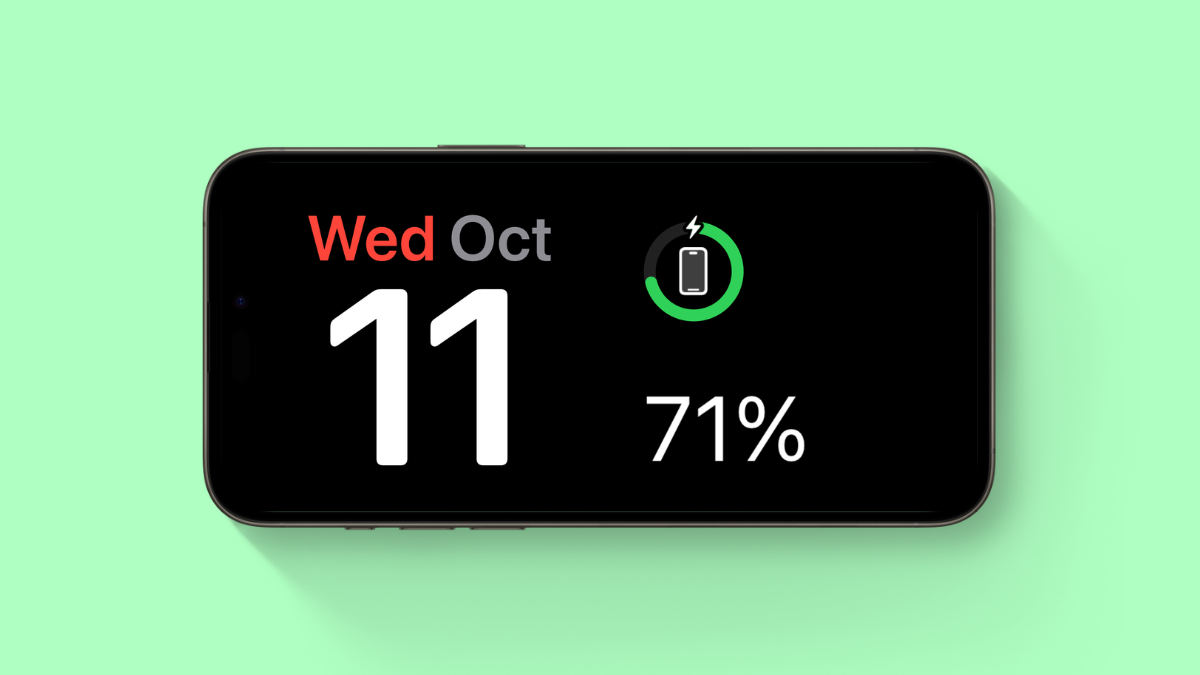
iPhone Not Charging Past 80%? How to Fix
What to know iOS comes bundled with a native feature called Optimized Battery Charging. If your iPhone isn’t charging past 80%, then it is…
-

How to Remove Instruments and Vocals Using Adobe Audition
What to know To remove vocals from a song, import the file into Adobe Audition, click on an empty channel under ‘Effects Rack’ >…
-

How to Adjust Image Weight on Ideogram and What is it?
What to know Image weight on Ideogram allows you to control the influence of the parent image when modifying it to generate new images…
-

Location Sharing Not Working in iOS 17? How To Fix
What to know Try Location and Privacy reset first: head to Settings > General > Transfer or Reset iPhone > Reset > Reset Location…
-

How to Pin Images in Ideogram and How Does It Work
What to know Ideogram lets you pin images or entire creations so that you can control what images show up when someone visits your…
-
![63 Coolest iOS 17 Features to Know [Nov 27 Update: 17.2 Features Included]](https://cdn.nerdschalk.com/wp-content/uploads/2023/10/54-tips-and-tricks-you-must-use-in-ios-171.png)
63 Coolest iOS 17 Features to Know [Nov 27 Update: 17.2 Features Included]
What to know iOS 17 is all about making your iPhone experience more personal, and it’s got some neat upgrades in various areas. Some…
-

How to Turn Off Contact Sharing in iOS 17
What to know To turn off NameDrop (contact sharing) on your iPhone, head to Settings > General > AirDrop > Turn off the toggle for…
-

Microsoft’s Big OneDrive Overhaul: New UI, Copilot Integration, and More
What to know Microsoft rolled out the 3rd generation of its OneDrive cloud storage on 3rd October, 2023. It integrates the new AI-driven Copilot…
-

iOS 17: How to Search Your Videos Using Spotlight
What to know Spotlight in iOS 17 now allows you to search your videos for specific content. You can search for objects, people, pets,…