
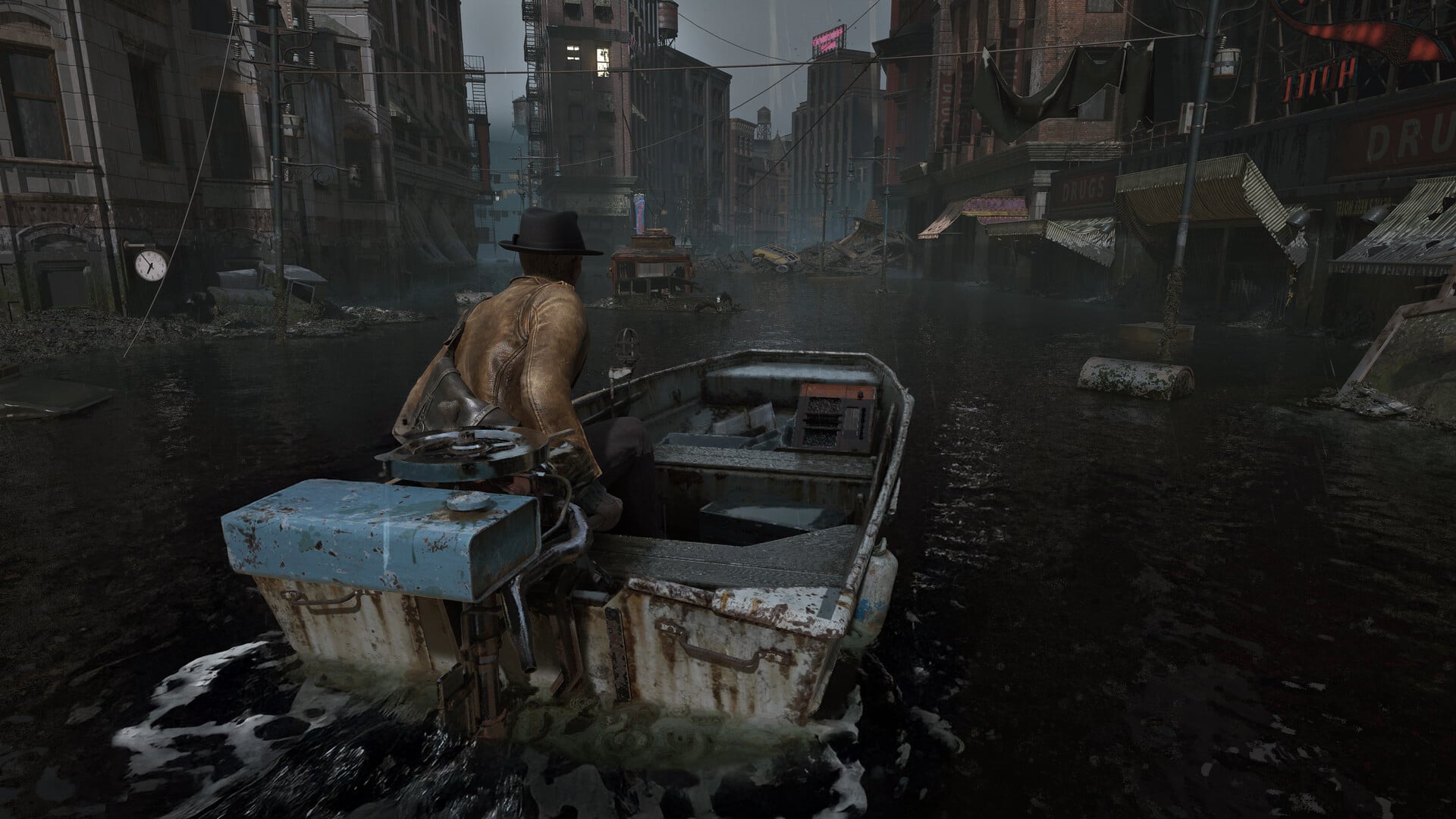
The Sinking City 2 has separate Combat and Investigation difficulty tracks: Combat uses Sweet Dreams, Restless Slumber, Hard Night, and Sleep Demon, while Investigation uses Breezy and Brainy.
The names are atmospheric rather than descriptive, but each track controls a different kind of friction. Tough survival-horror encounters can coexist with generous clue support, while lighter combat can still leave the deduction work to you.
Quick answer
Choose one Combat setting and one Investigation setting. The tracks are independent, so you do not have to accept a single preset covering both fighting and clue work.
For a first playthrough, start with Restless Slumber plus Breezy for clearer detective assistance, or pair Restless Slumber with Brainy if you prefer working through clues with fewer prompts.
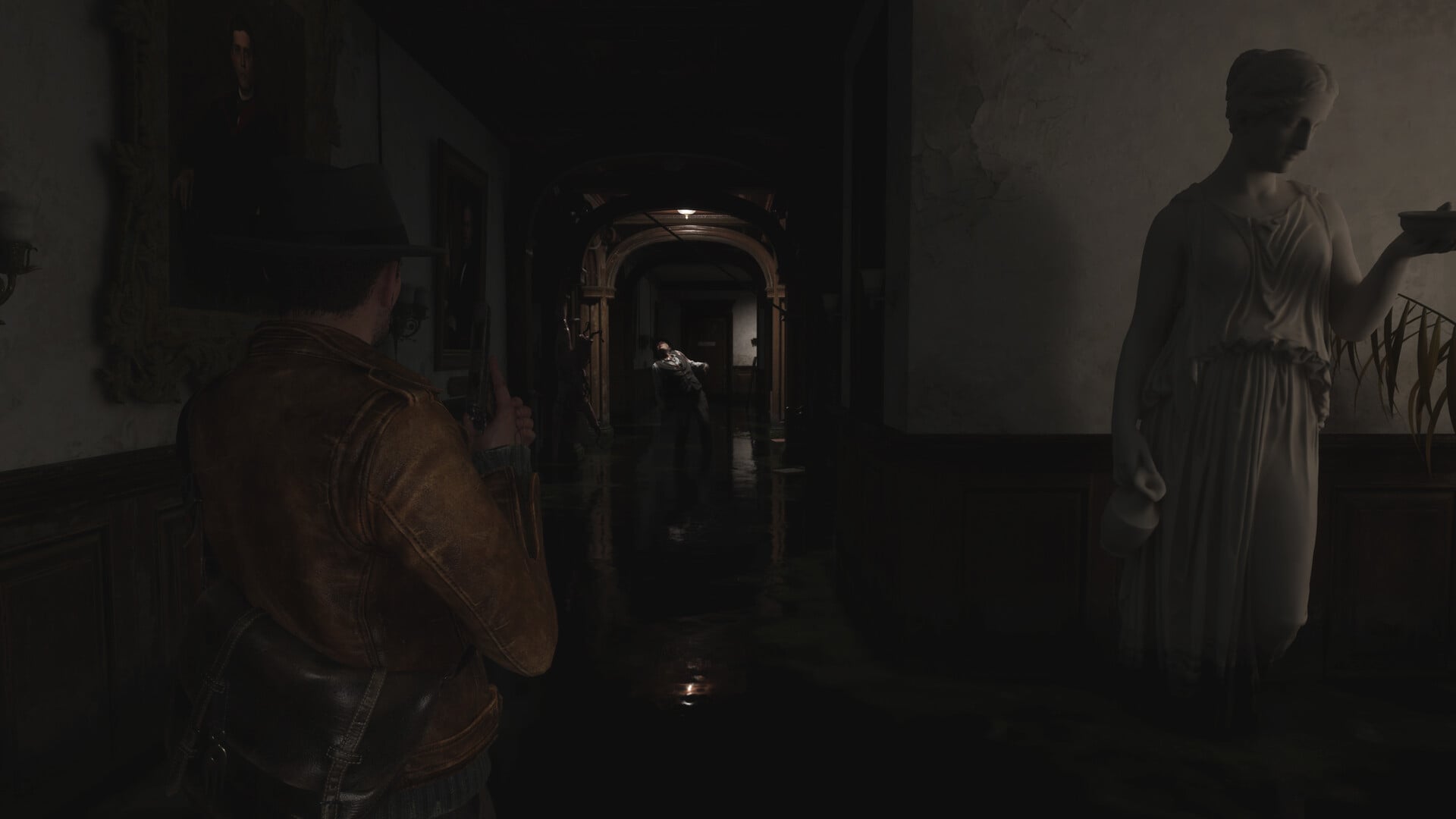
At a glance comparison
| Mode | Best for | Track |
|---|---|---|
| Combat | ||
| Sweet Dreams | Story-first play with minimal combat pressure | Combat |
| Restless Slumber | Balanced survival-horror tension | Combat |
| Hard Night | Harder fights and tighter supplies | Combat |
| Sleep Demon | Maximum combat and resource pressure | Combat |
| Investigation | ||
| Breezy | Guided clue work | Investigation |
| Brainy | Less clue assistance | Investigation |
Pair any mode from the Combat group with either Investigation mode. This lets you tune enemy and supply pressure without making detective sequences equally demanding.
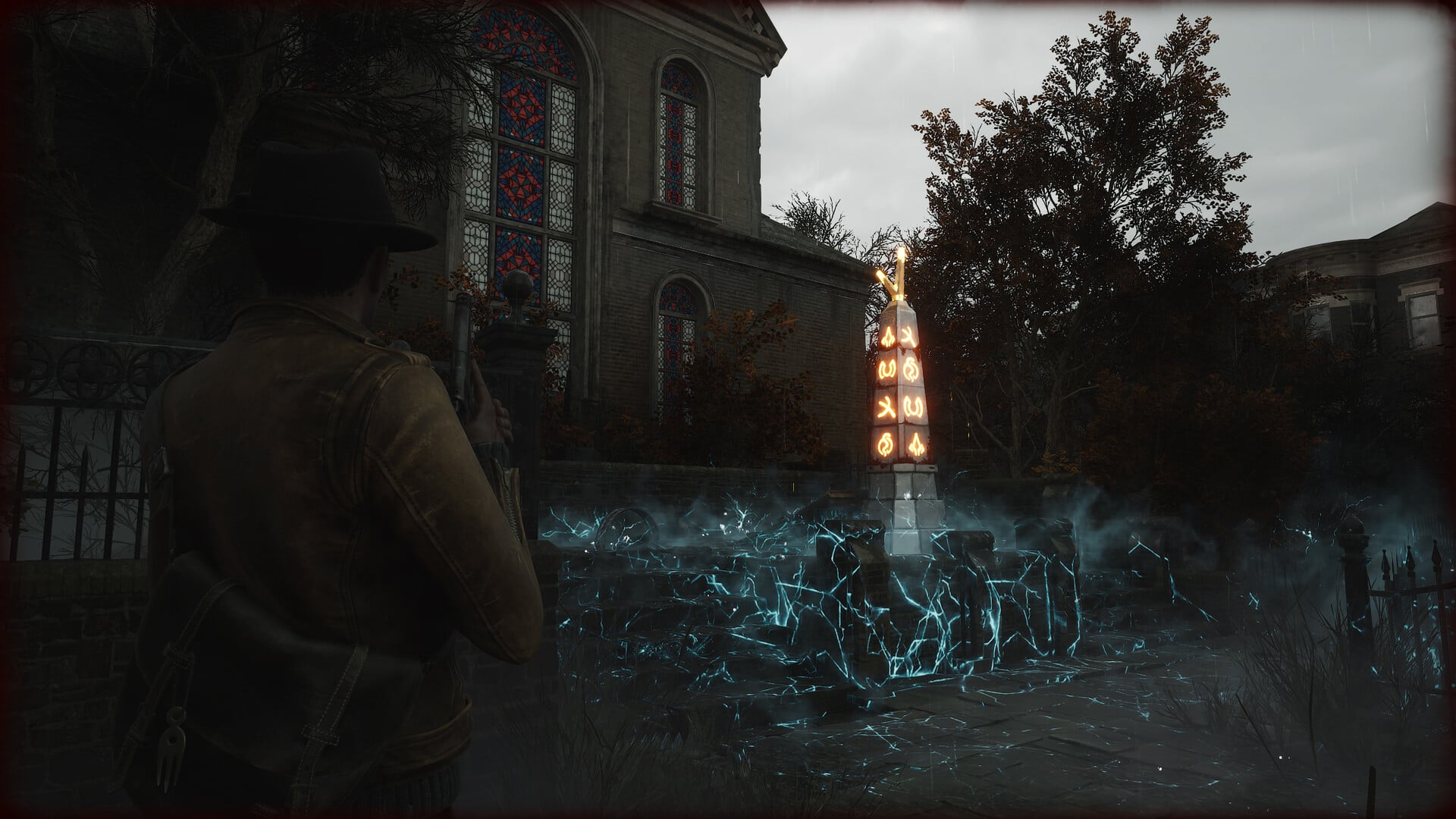
Complete reference for every difficulty entry
The difficulty interface contains both selectable modes and labels that organize the two tracks. The following reference covers every entry shown as part of that selection flow.
| Entry | What it means |
|---|---|
| Select Difficulty | The main difficulty selection screen |
| Combat Difficulty | The track controlling fights and survival pressure |
| Select Combat Difficulty | The prompt for choosing a combat mode |
| Sweet Dreams | The story-first combat mode |
| Restless Slumber | The balanced combat mode |
| Hard Night | The harder combat mode |
| Sleep Demon | The highest-pressure combat mode |
| Investigation Difficulty | The track controlling clue assistance |
| Select Investigation Difficulty | The prompt for choosing an investigation mode |
| Breezy | The guided investigation mode |
| Brainy | The less-assisted investigation mode |
Select Difficulty is the umbrella menu. Combat Difficulty and Investigation Difficulty name its two branches, while Select Combat Difficulty and Select Investigation Difficulty are the corresponding selection prompts rather than additional modes.
Combat modes in detail
Sweet Dreams
Sweet Dreams is the lowest combat preset. It reduces the chance that repeated encounters will interrupt story progress and supports players who want combat to take a secondary role.
Restless Slumber
Restless Slumber provides the baseline balance of enemy health, incoming damage, and resource availability. It keeps encounters and supply management meaningful without applying the harsher pressure of the upper settings.
Hard Night
Hard Night makes enemies tougher and resources less plentiful. On higher combat settings, plan around roughly 25% fewer resource drops; actual supply availability varies, so exploration and careful inventory use become more important.
Sleep Demon
Sleep Demon is the most punishing combat setting, combining resilient enemies with scarcer ammunition and healing supplies. It is aimed at players already comfortable surviving fights under sustained pressure.
Investigation modes in detail
Breezy
Breezy highlights important environmental information and gives matching evidence distinct symbols. It reduces the chance of overlooking a relevant clue or missing the relationship between pieces of information.
Brainy
Brainy removes important-information highlights and gives evidence icons the same appearance within investigation spaces. You must read the environment more closely and identify evidence relationships with less visual guidance.
The Investigation track is most noticeable in side activities and optional puzzles. Only a small portion of that detective work is tied directly to main-story progression, so a demanding investigation setting does not turn every objective into a clue-based roadblock.
How to use these difficulty settings
Start by deciding which kind of resistance you enjoy: demanding fights, limited clue guidance, or both. If resource-starved encounters are likely to stall you, lower Combat Difficulty without giving up the detective challenge; if clue presentation is the issue, adjust Investigation Difficulty instead.
| Playstyle | Choose |
|---|---|
| Story or accessibility-focused | Sweet Dreams + Breezy |
| First playthrough | Restless Slumber + Breezy or Brainy |
| Combat-focused challenge | Hard Night or Sleep Demon + Breezy |
| Detective challenge | Restless Slumber + Brainy |
Change only one difficulty track at a time after finishing a fight or investigation sequence. You will immediately know whether the adjustment fixed the part of the experience that felt off.
Frequently Asked Questions
Can you change difficulty after starting The Sinking City 2?
Yes. Open the settings menu during a playthrough and adjust Combat Difficulty and Investigation Difficulty independently.
Is Sweet Dreams required for Immortality and Invulnerability?
Yes. Set Combat Difficulty to Sweet Dreams, return to the Gameplay tab, and the separate Immortality and Invulnerability controls will appear in the difficulty section.
Does Brainy change puzzle solutions?
No. Brainy changes clue assistance and evidence presentation, but the underlying puzzle solutions remain the same.
Does difficulty affect achievements or completion goals?
There is no blanket rule to rely on for every achievement in the launch version, so read each achievement’s listed condition before planning a completion run. Weapon upgrades may carry into New Game Plus after Completionist, but that behavior is version-dependent.
Can difficulty behavior change after launch?
Yes. Later patches may rebalance enemies, resource availability, clue assistance, or the behavior of individual settings.






Leave a Reply