

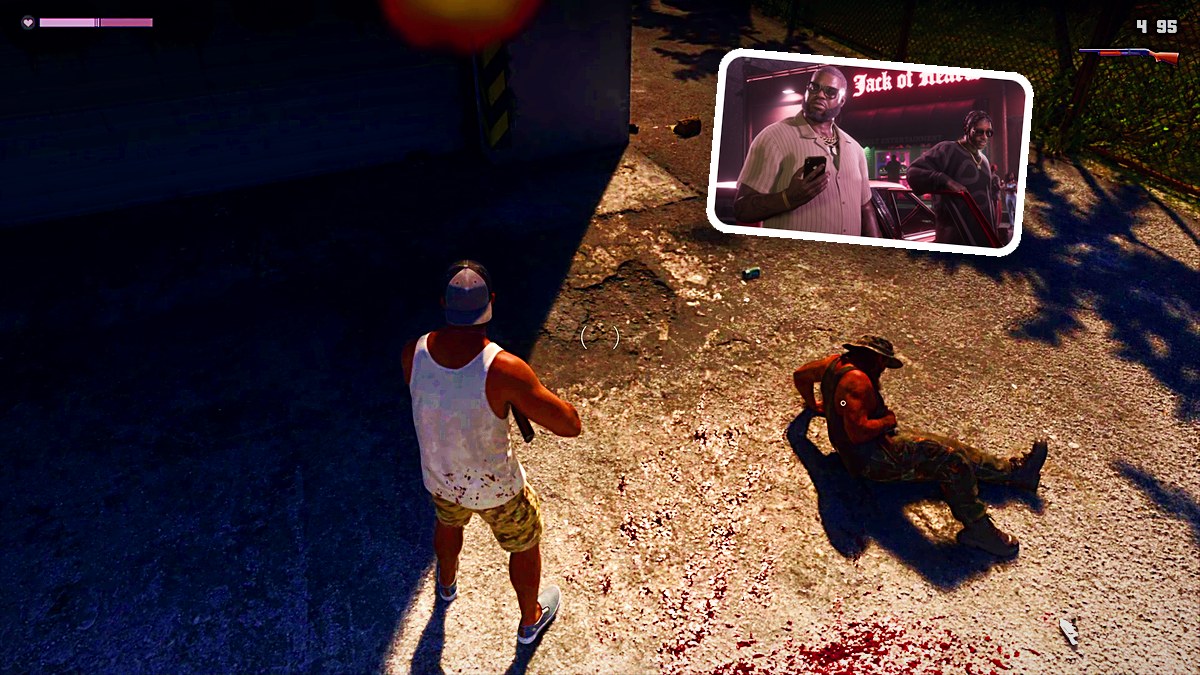
Tap L1 to draw or holster your equipped weapon, or hold it to open the weapon wheel and select a weapon or equipment category with the analog stick.
In Grand Theft Auto VI, a brief press and a held press of L1 handle different weapon actions. Platform listings include PlayStation 5 alongside Xbox Series X|S. This guide covers drawing and holstering your gun, opening the wheel, and selecting a weapon or equipment category.
How to open the weapon wheel and holster your gun in Grand Theft Auto VI
Draw or holster your weapon
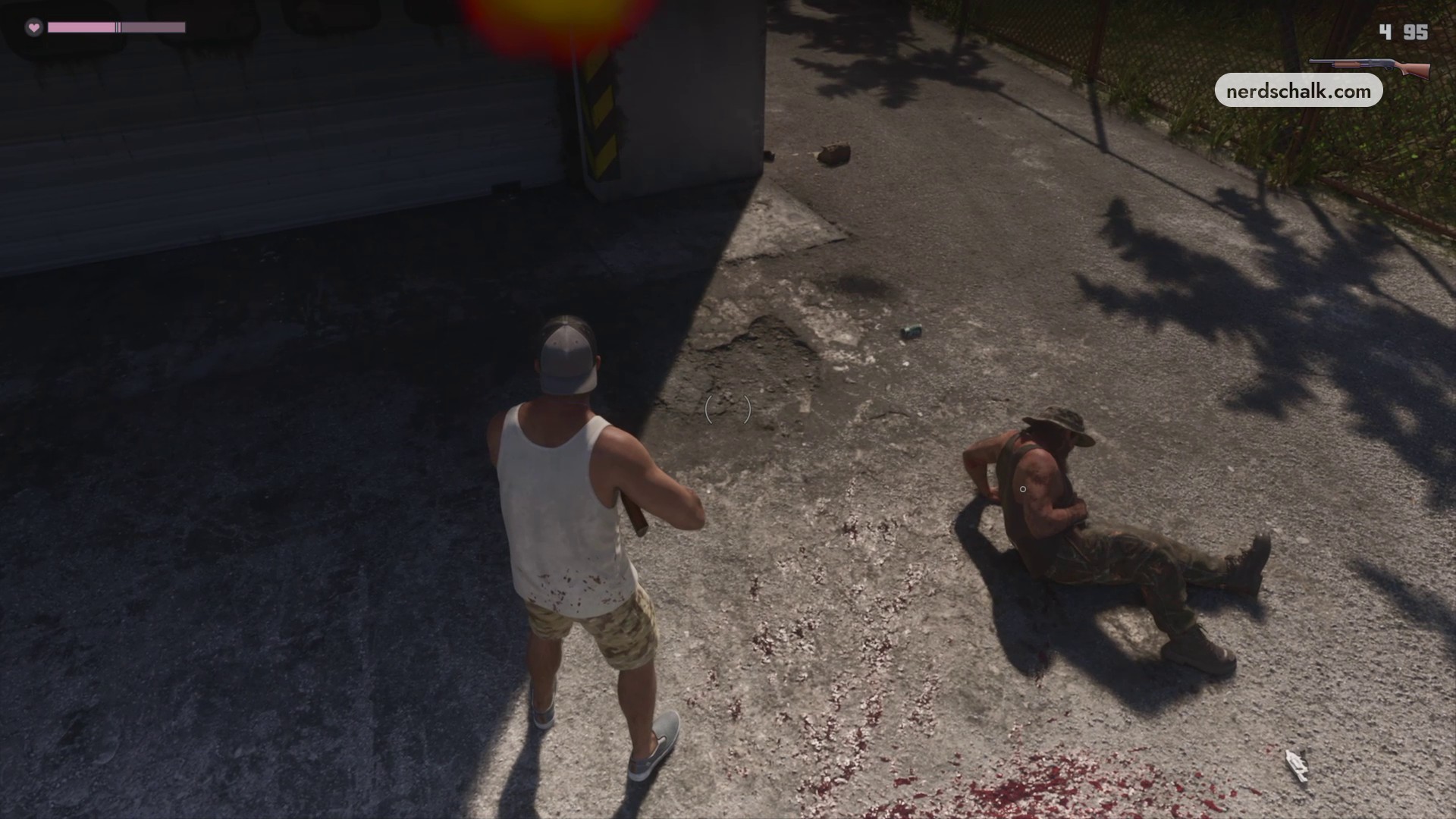
Briefly press L1 to draw your equipped weapon. If you’re holding it, a brief press immediately puts it away.
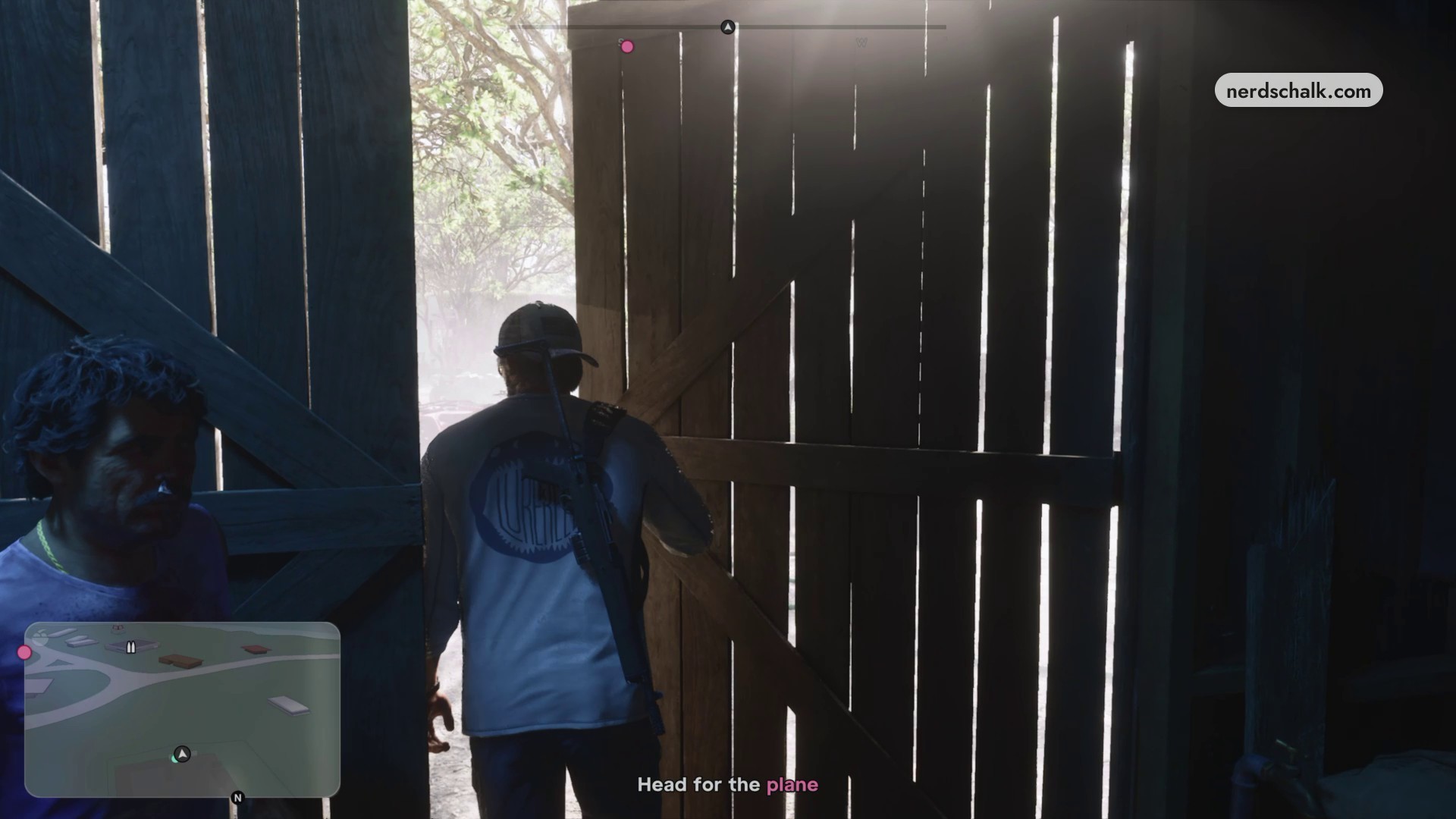
Open the weapon wheel and switch tabs
Hold L1 to open the wheel containing your available WEAPONS slots. With the wheel open, press R1 to switch between WEAPONS and ITEMS. While swimming underwater, you can open the wheel and choose a speargun.
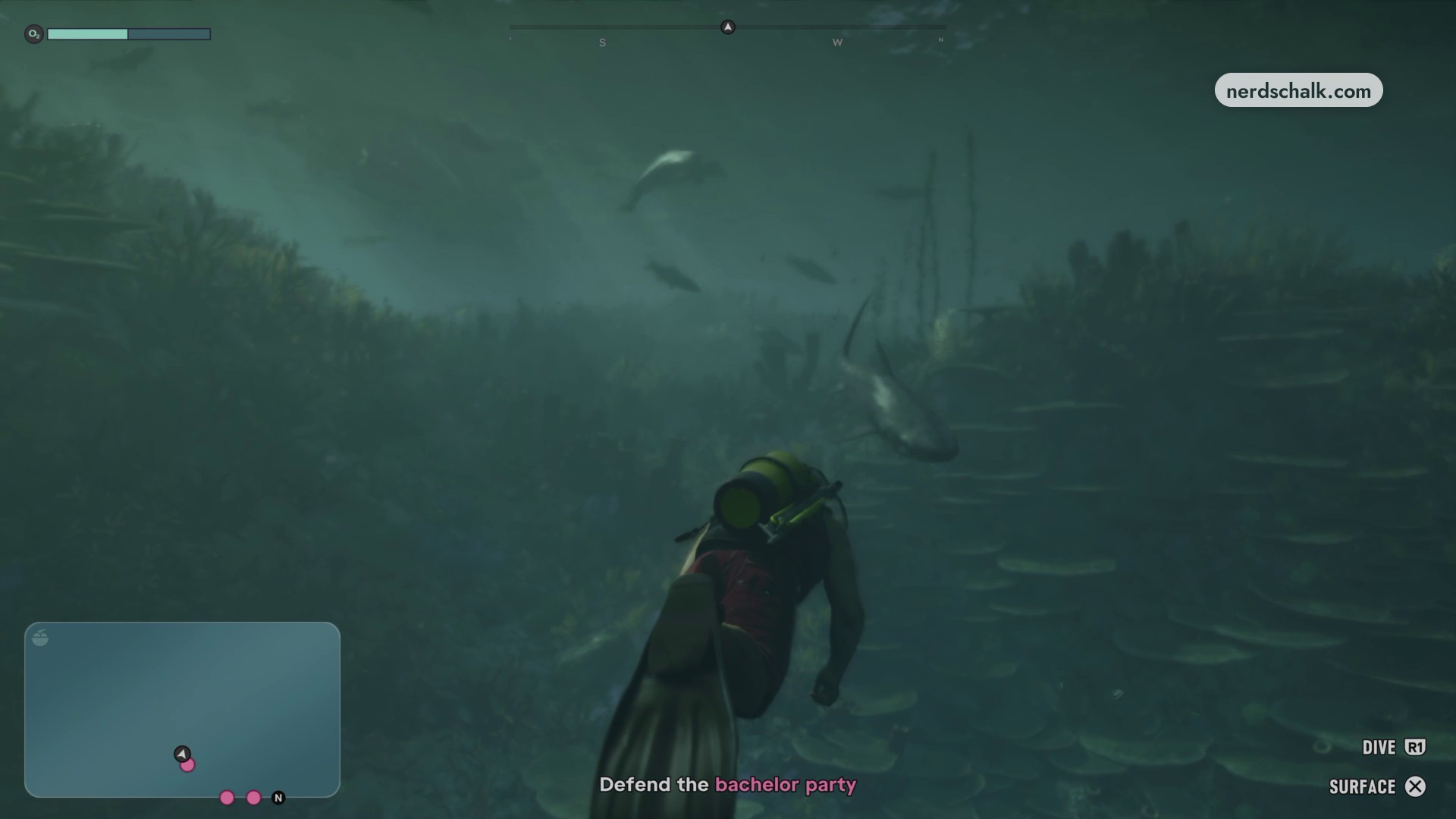
Select a weapon or equipment category
Point the analog stick toward the weapon or equipment category you want. The category you point toward is highlighted and selected. The weapon wheel displays firearm statistics, and you can highlight a pistol.
Related Grand Theft Auto VI guides
Leave a Reply